Citrix Receiver Software
The Evolution of Virtual Desktops: Understanding Citrix Receiver Software
If you've ever worked in an enterprise environment or accessed your office desktop remotely, chances are you've encountered the vital piece of technology known as the Citrix Receiver Software. This small, yet powerful, client application has historically served as the digital gateway, bridging the gap between your personal device and the powerful virtualized applications and desktops residing in the cloud or a secure data center.
But the world of virtualization moves fast, and the tools we use must evolve with it. While the name "Citrix Receiver Software" might sound nostalgic to seasoned IT professionals, its core functions and legacy are deeply embedded in the modern digital workspace. We are here to peel back the layers, understand its significance, and clarify its modern successor.
What Exactly Was Citrix Receiver Software?
At its heart, Citrix Receiver was simply the endpoint client—the application installed on your laptop, smartphone, or tablet—that allowed you to securely connect to Citrix-powered server infrastructure. Think of it as a specialized, ultra-secure browser designed specifically for accessing virtual resources.
The magic behind the connection relies on Citrix's proprietary protocols, primarily the Independent Computing Architecture (ICA) and its advanced version, HDX (High Definition Experience). These protocols handle everything from screen rendering and keyboard inputs to audio and USB device redirection, ensuring a low-latency, high-quality experience even over poor connections.
Prior to the shift toward consolidated apps, the Receiver was the essential component. Without it, the virtual desktop infrastructure (VDI) was inaccessible. It provided the necessary encryption, authentication handling, and resource mapping to deliver applications as simple as Microsoft Word or as complex as 3D CAD software directly to your screen.
For more technical context on VDI and remote protocols, you can consult Wikipedia's entry on Desktop Virtualization.
Receiver vs. Workspace App: The Name Change Saga
If you search for "Citrix Receiver Software" today, you'll inevitably be redirected to the "Citrix Workspace App." This transition is arguably the most critical piece of information for anyone seeking to deploy or utilize Citrix clients in the modern era.
Citrix didn't just change the name; they expanded the scope. The Receiver was designed to receive and display virtual apps and desktops. The Workspace App, however, aims to unify *all* resources—SaaS apps, web apps, virtual apps, virtual desktops, file access (Content Collaboration), and more—into a single, cohesive user experience.
Comparing the Client Evolution
The shift reflects a broader industry trend away from simple VDI access towards a comprehensive Digital Workspace solution. Here is a quick look at the core differences:
| Feature | Citrix Receiver Software (Legacy) | Citrix Workspace App (Modern) |
|---|---|---|
| Primary Focus | Accessing XenApp/XenDesktop (VDI). | Unified Digital Workspace Access. |
| Integrated Components | Primarily ICA/HDX protocol engine. | VDI, SaaS integration, Content Collaboration (ShareFile), Microapps. |
| User Interface | Simple app/desktop launcher. | Customizable feed, notification hub, contextual access. |
If you are setting up a new virtual environment today, you should always target the Citrix Workspace App, as the older Citrix Receiver Software reached End-of-Life (EOL) years ago for most major platforms.
Key Features and Benefits of Using Citrix Clients
Why do millions of users rely on Citrix clients, whether it was the classic Receiver or the current Workspace App? The core benefits revolve around mobility, security, and performance optimization:
1. Device and Platform Agnosticism
The same virtual desktop can be accessed identically whether you are on a Windows PC, a Mac, an iOS device, or an Android tablet. This flexibility is key to Bring Your Own Device (BYOD) policies, as the heavy lifting happens on the server, not the local device.
2. Centralized Security
Because the actual data and applications never leave the secure data center, the risk of data leakage on the endpoint is drastically reduced. The client only transmits screen updates and receives input commands, making the solution inherently more secure than traditional remote access methods.
3. Bandwidth Optimization (HDX)
The HDX protocol is designed to intelligently compress and prioritize traffic. This means high-latency activities like video conferencing or complex graphics rendering can often perform surprisingly well, even when compared to locally installed applications. This optimization is the true technical differentiator of Citrix solutions.
Installing and Configuring the Citrix Receiver Client (The Modern Way)
While the steps are straightforward, proper installation ensures a flawless connection. Remember, we are now downloading the Workspace App, which contains all the functionality of the legacy Citrix Receiver Software.
- Download the Client: Visit the official Citrix website and download the Workspace App specific to your operating system (Windows, Mac, Linux, or mobile store).
- Run the Installer: The installation is typically a straightforward click-through process. Administrators often utilize command-line parameters for advanced mass deployments, but for single users, default settings usually suffice.
- Add Account/Server URL: This is the crucial configuration step. After installation, the client will prompt you for the server address (often a StoreFront URL or Citrix Gateway address) provided by your organization's IT department.
- Authenticate: You will be redirected to your company's login page (SSO, MFA, or standard credentials). Once authenticated, your available virtual resources will populate within the client interface.
For more detailed step-by-step guidance on setting up complex mobile integrations, see our guide on [Baca Juga: Citrix Workspace Mobile Setup].
Common Troubleshooting Tips and Quick Fixes
Even the most robust software can hit snags. Here are a few experienced troubleshooting tips for issues related to the Citrix client experience:
1. Slow Performance/Stuttering
If your virtual session is choppy, the issue is often related to network congestion or client-side resource strain. Try closing unnecessary local applications. If the problem persists, your HDX session may be struggling; try ensuring your bandwidth meets the minimum requirement specified by your IT team. You can check network latency using common diagnostic tools.
2. Application Launch Failure ("Cannot connect to the server")
This is frequently a certificate or firewall issue.
- Check URLs: Ensure the StoreFront or Gateway URL entered in the Receiver/Workspace App is 100% correct.
- Clear Cache: Sometimes, corrupted local configuration files interfere. Try clearing the cache or performing a clean reinstall of the Workspace App.
- Validate Certificates: If you are connecting from outside the corporate network, ensure your system trusts the corporate security certificates.
3. Peripheral Issues (Printers, USB Drives)
If peripherals aren't detected in your virtual session, ensure that Client Drive Mapping and USB Redirection policies are enabled on the server side (IT administrator task). For users, always check the Receiver/Workspace settings on your local machine to confirm device access permissions.
For official in-depth technical resolution guides, always refer to the official Citrix Product Documentation.
Conclusion: Moving Beyond the Receiver
The Citrix Receiver Software holds an important place in the history of remote access, pioneering the way we securely deliver applications and desktops across diverse platforms. While the name has evolved into the more encompassing Citrix Workspace App, the underlying technology—the robust and efficient HDX protocol—remains the engine driving secure, high-performance virtual access.
For both administrators and end-users, understanding this evolution is key to utilizing the full power of modern digital workspaces, ensuring seamless productivity whether you are in the office or accessing critical resources halfway across the globe.
Frequently Asked Questions (FAQ) About Citrix Receiver Software
Is the Citrix Receiver Software still supported?
No. Citrix officially retired the name "Citrix Receiver Software" and moved all development and support efforts to the "Citrix Workspace App." Users should update to the latest Workspace App version for security and feature compatibility.
What is the main difference between Citrix Receiver and Citrix Workspace App?
The Receiver was primarily a launcher for virtual apps and desktops. The Workspace App integrates virtual resources with SaaS apps, web links, and file sharing (Content Collaboration) into a single, comprehensive portal, enhancing the overall user experience.
Can I use an old version of Citrix Receiver on modern Windows 11 systems?
While some legacy versions *might* technically function, it is strongly discouraged. Older versions lack critical security updates, necessary compatibility features for newer operating systems, and support for the latest HDX protocol enhancements. Immediate upgrade to the Workspace App is recommended.
What protocol does Citrix Receiver/Workspace App use to stream applications?
They use the HDX (High Definition eXperience) protocol, which is an advanced version of the legacy ICA (Independent Computing Architecture) protocol. HDX optimizes data traffic for maximum performance, security, and low latency.
Do I need a license for the Citrix Receiver Software?
No. The client software (Receiver or Workspace App) itself is free for end-users to download and install. Licensing is required for the back-end infrastructure (Citrix Virtual Apps and Desktops, Citrix Gateway) that you are connecting to, which is managed by your organization's IT department.
Citrix Receiver Software
Citrix Receiver Software Wallpapers
Collection of citrix receiver software wallpapers for your desktop and mobile devices.
Gorgeous Citrix Receiver Software Background Illustration
This gorgeous citrix receiver software photo offers a breathtaking view, making it a perfect choice for your next wallpaper.
Detailed Citrix Receiver Software Photo Nature
Explore this high-quality citrix receiver software image, perfect for enhancing your desktop or mobile wallpaper.
Detailed Citrix Receiver Software Artwork Concept
Explore this high-quality citrix receiver software image, perfect for enhancing your desktop or mobile wallpaper.
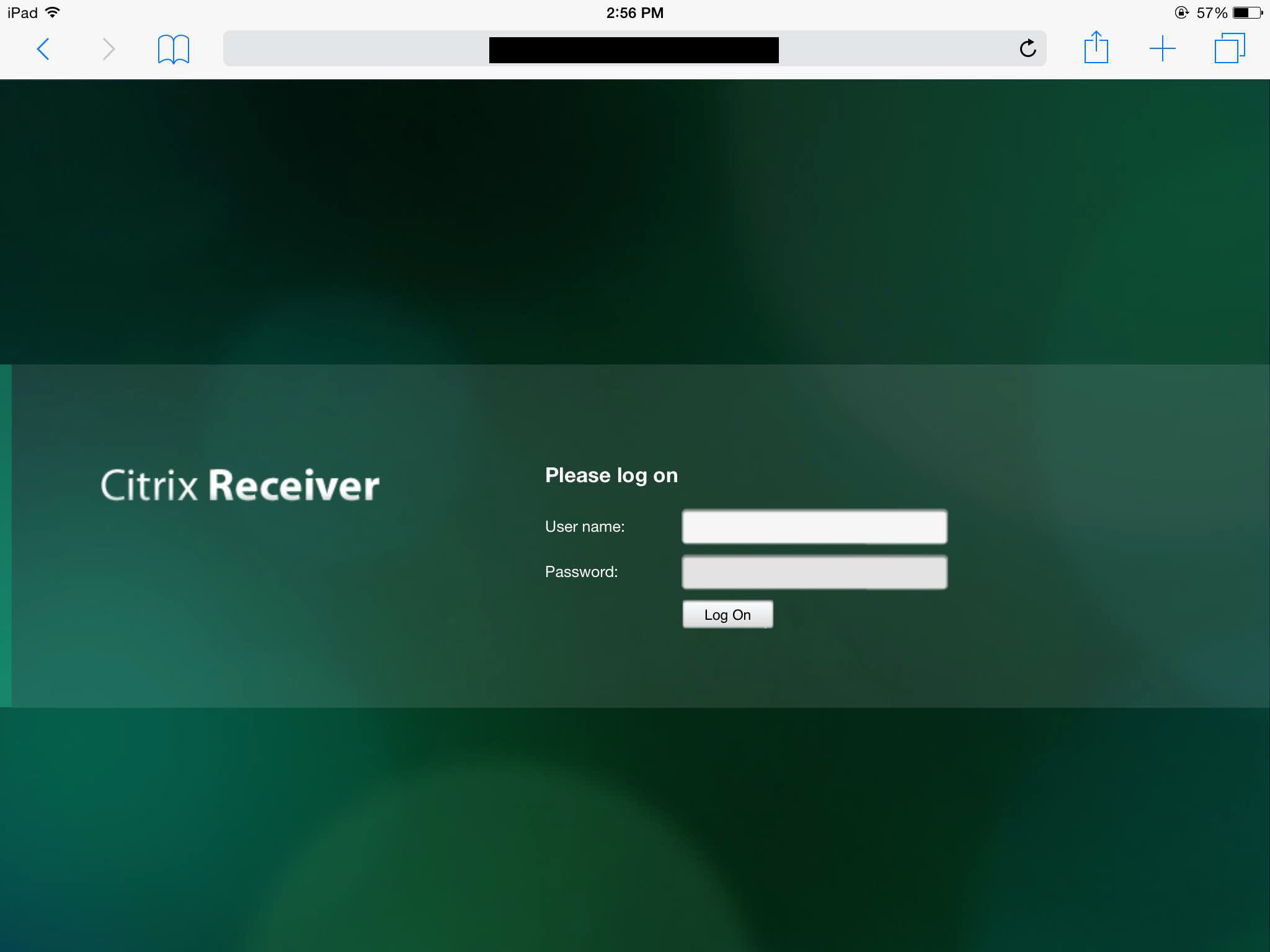
Mesmerizing Citrix Receiver Software Artwork Nature
Explore this high-quality citrix receiver software image, perfect for enhancing your desktop or mobile wallpaper.
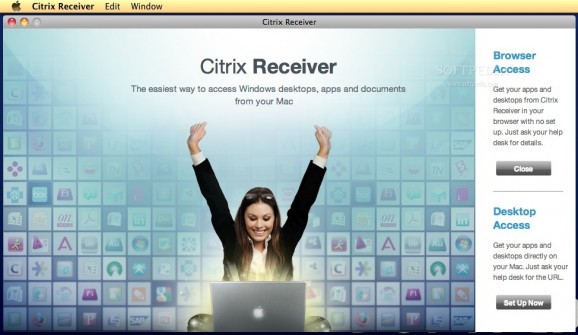
Amazing Citrix Receiver Software View in 4K
Explore this high-quality citrix receiver software image, perfect for enhancing your desktop or mobile wallpaper.

Detailed Citrix Receiver Software View Collection
Experience the crisp clarity of this stunning citrix receiver software image, available in high resolution for all your screens.

Gorgeous Citrix Receiver Software Wallpaper for Mobile
A captivating citrix receiver software scene that brings tranquility and beauty to any device.
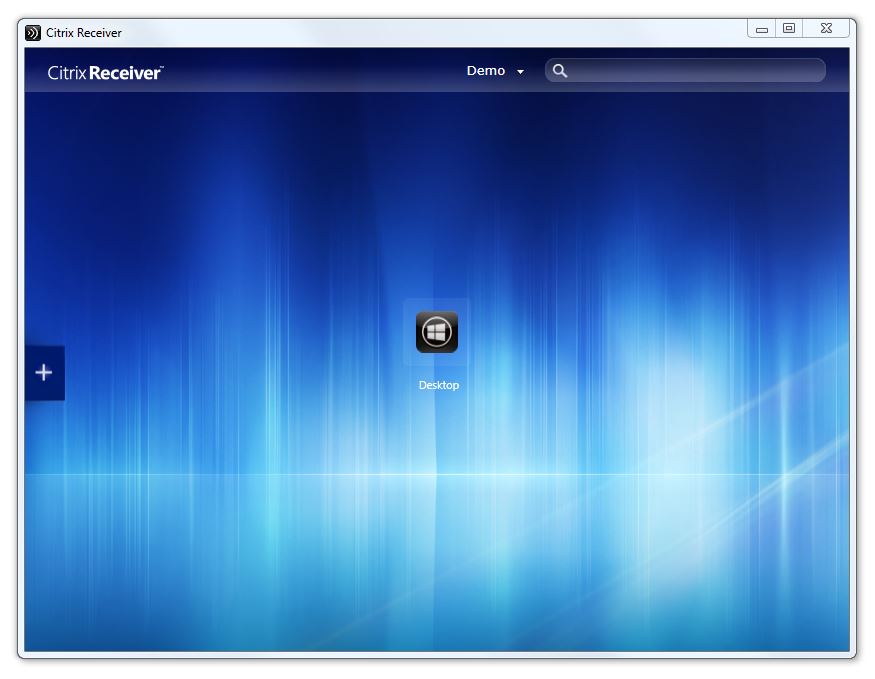
Spectacular Citrix Receiver Software Image Illustration
Immerse yourself in the stunning details of this beautiful citrix receiver software wallpaper, designed for a captivating visual experience.
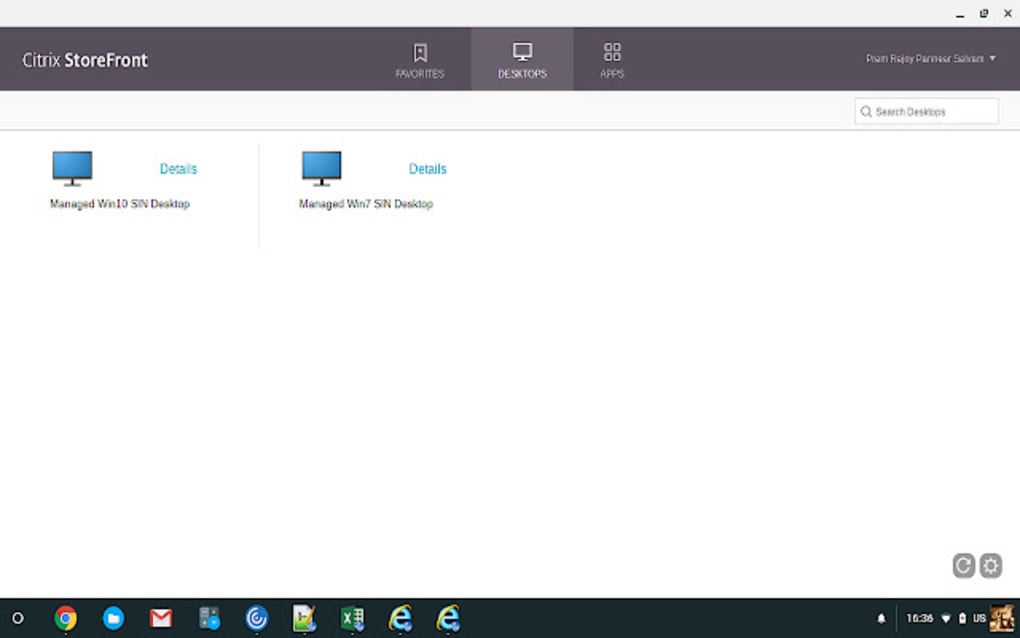
Spectacular Citrix Receiver Software View for Desktop
A captivating citrix receiver software scene that brings tranquility and beauty to any device.
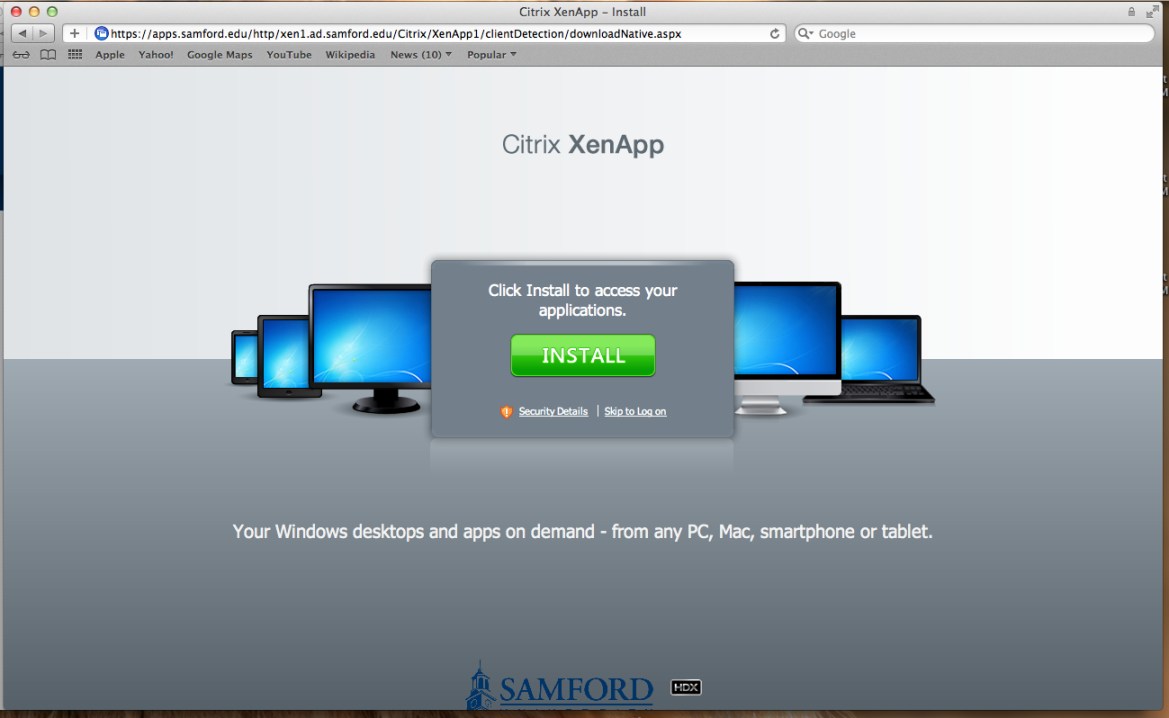
Dynamic Citrix Receiver Software Photo for Mobile
Immerse yourself in the stunning details of this beautiful citrix receiver software wallpaper, designed for a captivating visual experience.
Amazing Citrix Receiver Software Moment Digital Art
Transform your screen with this vivid citrix receiver software artwork, a true masterpiece of digital design.

Vibrant Citrix Receiver Software Landscape Concept
Transform your screen with this vivid citrix receiver software artwork, a true masterpiece of digital design.
Dynamic Citrix Receiver Software Image Nature
This gorgeous citrix receiver software photo offers a breathtaking view, making it a perfect choice for your next wallpaper.
Crisp Citrix Receiver Software Capture Concept
Immerse yourself in the stunning details of this beautiful citrix receiver software wallpaper, designed for a captivating visual experience.
Detailed Citrix Receiver Software View Nature
Explore this high-quality citrix receiver software image, perfect for enhancing your desktop or mobile wallpaper.

Detailed Citrix Receiver Software Artwork in HD
Discover an amazing citrix receiver software background image, ideal for personalizing your devices with vibrant colors and intricate designs.
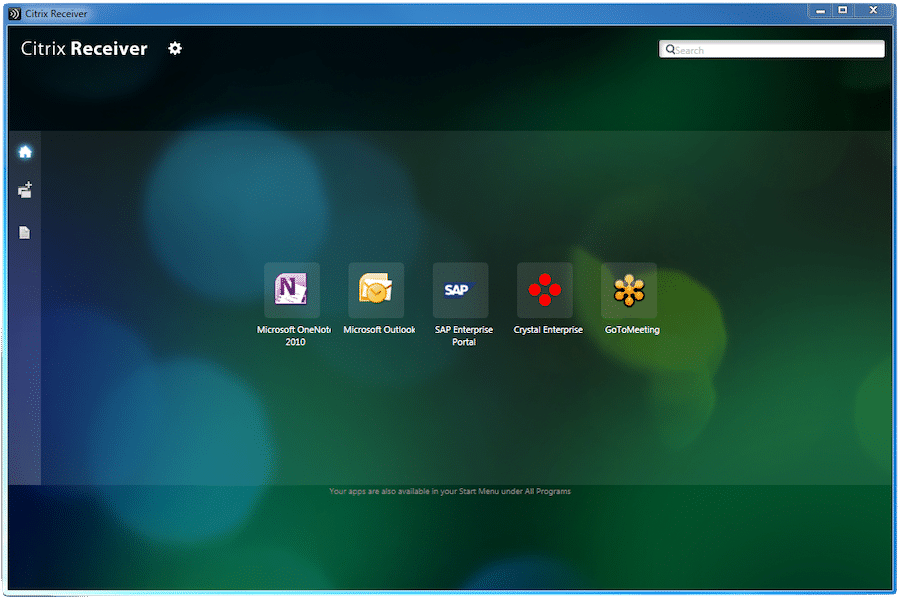
Serene Citrix Receiver Software Photo Digital Art
Experience the crisp clarity of this stunning citrix receiver software image, available in high resolution for all your screens.
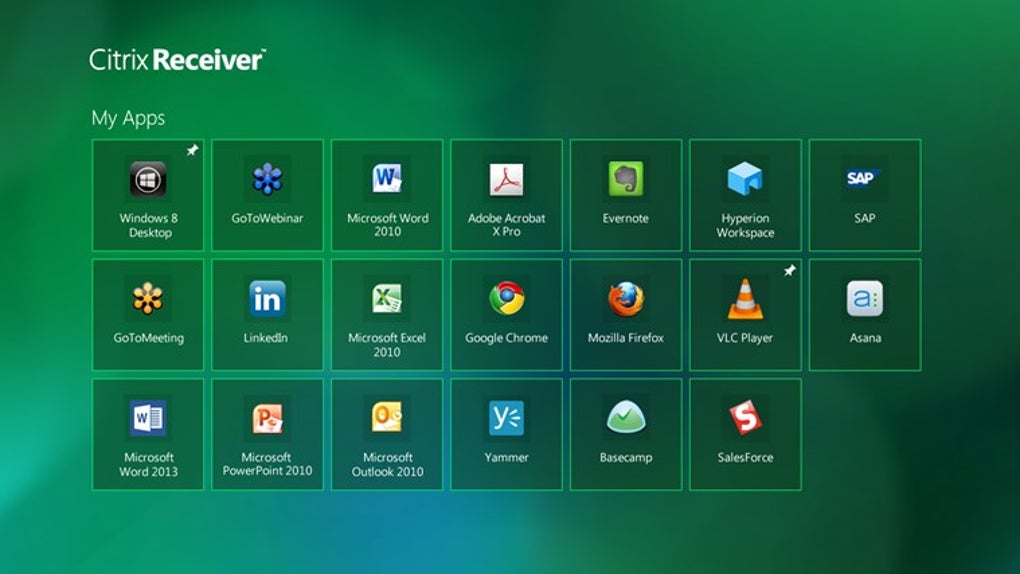
High-Quality Citrix Receiver Software View Nature
Discover an amazing citrix receiver software background image, ideal for personalizing your devices with vibrant colors and intricate designs.
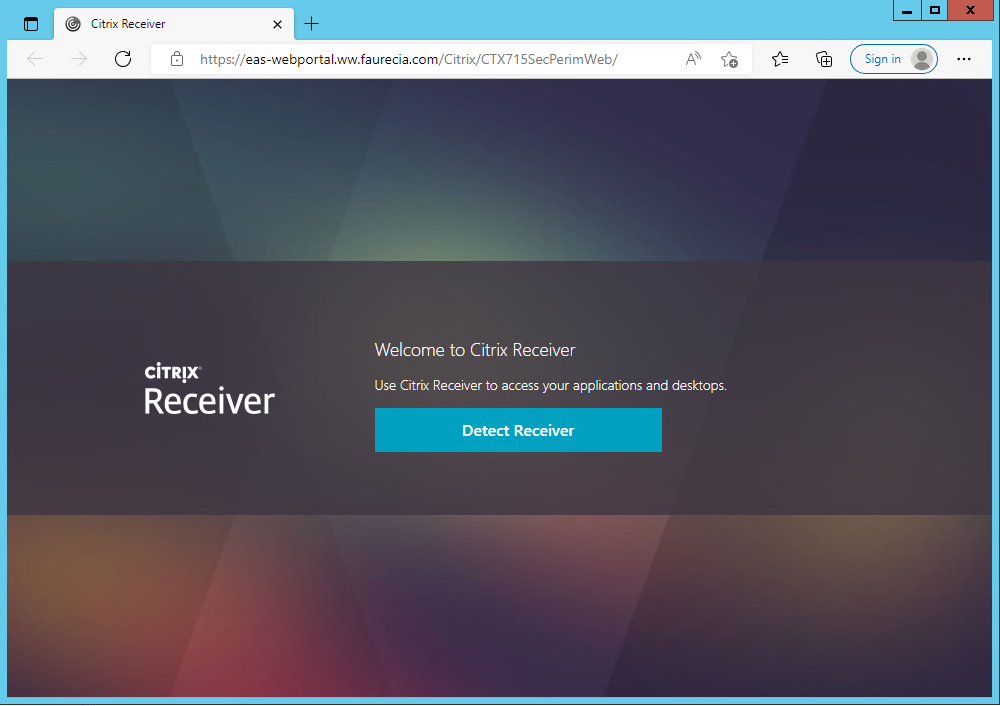
Gorgeous Citrix Receiver Software Artwork Art
Find inspiration with this unique citrix receiver software illustration, crafted to provide a fresh look for your background.

Artistic Citrix Receiver Software Wallpaper for Desktop
This gorgeous citrix receiver software photo offers a breathtaking view, making it a perfect choice for your next wallpaper.
Download these citrix receiver software wallpapers for free and use them on your desktop or mobile devices.