Clean Ram Software
Tired of Lag? The Definitive Guide to Clean Ram Software and Real PC Speed Gains
There is nothing more frustrating than sitting down to work or game, only to be met with constant stuttering, slow loading times, and the dreaded "out of memory" warning. You might be tempted to blame your old hardware, but often, the issue lies in how your operating system manages its resources. This is where the topic of Clean Ram Software comes in.
For years, these utility programs have promised instant speed boosts by "freeing up" trapped memory. But are they magic, snake oil, or a necessary tool in your optimization kit? Let's dive deep into the reality of RAM management and whether these cleaners deserve a spot on your desktop.
The Big Question: Does Clean Ram Software Actually Work?
This is the million-dollar question, and the answer, like most things in tech, is: it depends. For modern operating systems (Windows 10/11, recent macOS versions), the consensus among many experts is that dedicated RAM cleaners are often unnecessary, and sometimes, they can even be counterproductive.
Why? Because modern OSs are highly sophisticated at memory management. They are designed to keep RAM utilized, not empty. Unused RAM is wasted potential.
Understanding Modern RAM Management (The Science)
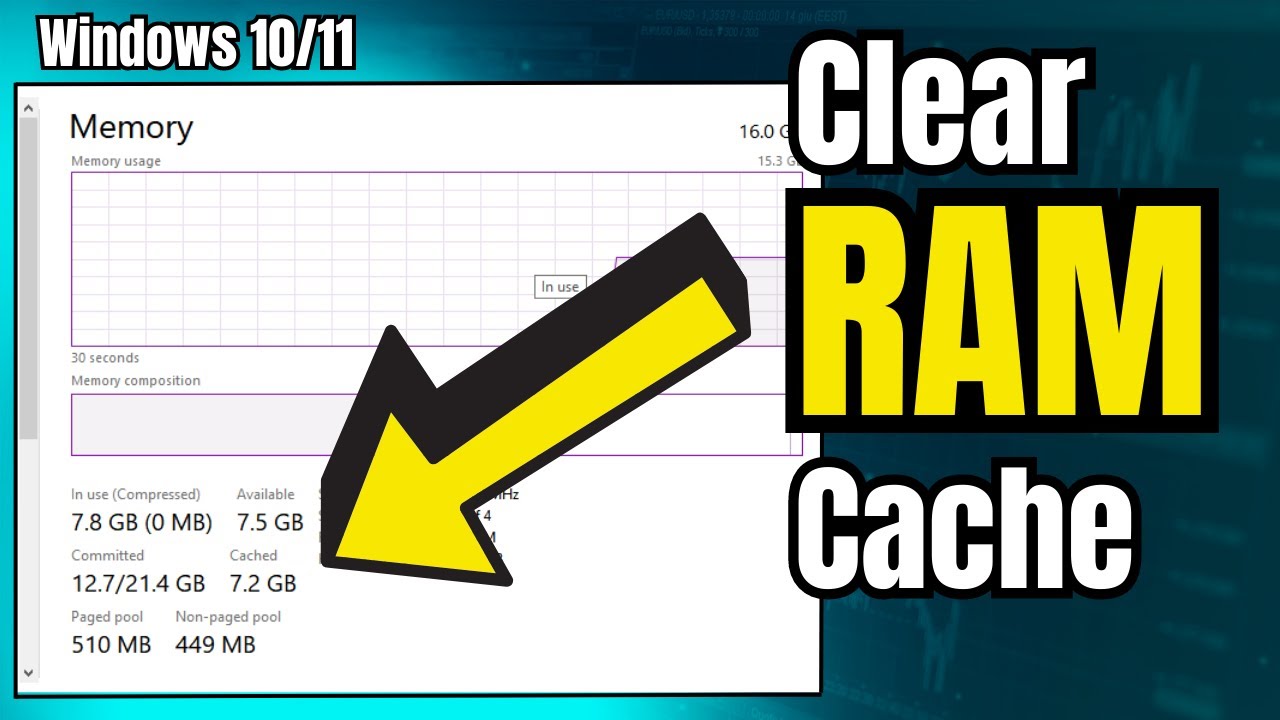
When you close an application, your operating system (OS) doesn't immediately flush all its memory usage. Instead, it places that data into a "standby" or "cached" list. If you open that application again quickly, it will launch instantaneously because the necessary data is already staged in the fast RAM, not retrieved from the slower hard drive.
A good OS will automatically discard standby memory when a new, demanding application (like a video game or editing suite) requests more resources. This is efficient allocation.
When OS Throttling Fails: The Edge Cases
However, there are legitimate scenarios where a dedicated Clean Ram Software tool can be genuinely useful:
- Identifying Memory Hogs: Some software excels at pinpointing specific applications causing abnormal usage.
- Older or Low-Spec Hardware: Systems with 4GB or less RAM might benefit from manual clearing before starting a resource-intensive task, as the OS management might not be aggressive enough.
- Memory Leaks: Poorly coded applications can continuously reserve RAM without releasing it, a phenomenon known as a memory leak. Standard OS tools often struggle to force this memory back.
For a deeper dive into how OS handles memory allocation, you can check out this authoritative resource: Wikipedia: Memory Management.
Anatomy of Effective Ram Optimization
If you decide to use a RAM cleaner, you need to understand what good optimization looks like. It's not about having 90% of your RAM empty; it's about ensuring the critical processes have immediate, unthrottled access to memory.
How 'Memory Leaks' Impact Performance
Memory leaks are the real enemy. They are the primary reason users look for Clean Ram Software. If an app starts small but slowly consumes GBs of RAM after running for hours, that's a leak.
When this happens, the OS is eventually forced to move active data from the fast RAM to the slow hard drive (known as 'Paging File' or 'Swap File'). This constant reading/writing is what causes crippling system lag.
Good RAM cleaning software attempts to force the application or process to release this stuck, reserved memory back to the system pool.
Distinguishing Between RAM Cleaners and Task Managers
The OS Task Manager (or Activity Monitor on Mac) is your first line of defense. It allows you to forcefully end processes. However, a dedicated RAM cleaner often uses system APIs to request a memory release without necessarily shutting down the entire application.
This subtle difference—releasing resources vs. terminating the process—can be highly valuable, especially when dealing with critical or unstable programs.
[Baca Juga: Optimizing Startup Programs for Faster Boot]Top 3 Clean Ram Software Picks for Power Users
If you've identified that you are suffering from memory leakage or frequently engage in highly demanding tasks (like high-res video editing or competitive gaming), these tools are highly rated and reliable.
1. Razer Cortex (Gaming Focus)
While marketed toward gamers, Razer Cortex is essentially a powerful system optimizer. Its 'Game Booster' feature temporarily suspends unnecessary background processes and reallocates CPU and RAM resources strictly to the active game, providing an immediate and noticeable performance bump.
2. Wise Memory Optimizer (Simplicity Focus)
This tool is famous for its simplicity and light footprint. It runs in the background and can be set to automatically start cleaning when available physical memory drops below a user-defined threshold (e.g., 10%). It's ideal for users who want a set-it-and-forget-it solution.
3. Mem Reduct (Advanced Control Focus)
Mem Reduct offers a high level of control over system memory cleaning, including flushing the system cache, standby list, and modified list. It's open-source and very lightweight, but requires a user who understands basic memory terminology to configure it effectively.
To ensure you are downloading legitimate software and not malware masquerading as a cleaner, always verify the developer and check user reviews on reputable tech review sites, such as PCMag.
Here is a quick comparison:
| Software Name | Primary Benefit | Target User | Footprint |
|---|---|---|---|
| Razer Cortex | Aggressive resource prioritization | Gamers & Heavy Multitaskers | Medium |
| Wise Memory Optimizer | Automation and extreme simplicity | Casual Users & Low-Spec PCs | Very Low |
| Mem Reduct | Deep system cache control | Power Users & System Administrators | Minimal |
Manual Tips for Keeping Your System Lean (The Alternatives)
Before installing any third-party Clean Ram Software, try these fundamental optimization techniques. They are often more effective because they address the root cause of the slowdown, not just the symptom.
- System Restart: The simplest and often most effective method. A fresh boot clears all memory allocations and cache files.
- Disable Startup Programs: Use your Task Manager (or System Settings) to stop unnecessary applications from loading when your PC boots.
- Check for Updates: Ensure your OS and key drivers are fully updated. Many updates include patches that fix memory leaks caused by older software versions.
- Browser Management: Web browsers (especially Chrome) are notorious RAM hogs. Use browser extensions that suspend inactive tabs or consider using a lighter browser like Edge or Firefox.
Remember that hardware upgrades are sometimes unavoidable. If you consistently use 90% or more of your available RAM, no amount of cleaning software will replace the need for more physical memory. Consult hardware guides to determine if your current RAM capacity meets modern demands.
Conclusion: Are Cleaners Worth It?
For the average user with 16GB+ of RAM and modern software, dedicated Clean Ram Software is largely optional. Your operating system handles resource allocation exceptionally well.
However, if you are a power user, gamer, running older hardware, or constantly battling specific applications known for memory leaks, a lightweight, highly-rated cleaner can provide that crucial extra breathing room needed for peak performance. Choose wisely, use it sparingly, and prioritize manual optimization first.
Frequently Asked Questions (FAQ) About RAM Cleaning
- Does cleaning RAM affect my saved files or open documents?
No. Cleaning RAM only flushes temporary data, cache files, and data in the standby list. It does not affect saved files, installed programs, or data actively being worked on in a foreground application.
- How often should I use Clean Ram Software?
If you choose to use one, only run it immediately before or during a major resource-intensive task (like launching a game or rendering a video). Constant, aggressive cleaning can actually slow down your system by forcing the OS to constantly rebuild necessary caches.
- Is it better to just buy more RAM instead of using software?
Absolutely. More physical RAM is always the superior solution to fixing a memory shortage. Cleaners address utilization issues; they do not increase capacity. If your current usage consistently hits 90%+, an upgrade is highly recommended.
***
Disclaimer: Always back up your data and create a system restore point before installing new system utility software.
Clean Ram Software
Clean Ram Software Wallpapers
Collection of clean ram software wallpapers for your desktop and mobile devices.

Vibrant Clean Ram Software Moment Digital Art
Discover an amazing clean ram software background image, ideal for personalizing your devices with vibrant colors and intricate designs.
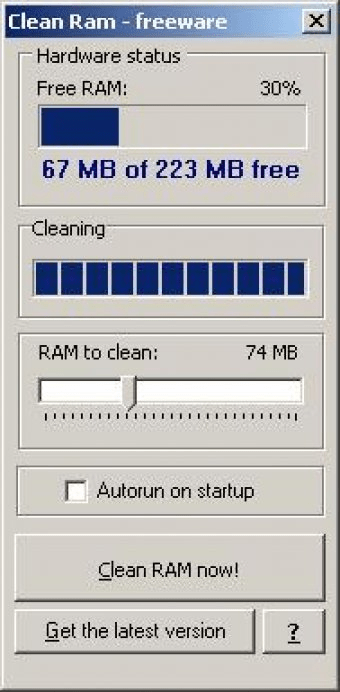
Amazing Clean Ram Software Design Art
Discover an amazing clean ram software background image, ideal for personalizing your devices with vibrant colors and intricate designs.
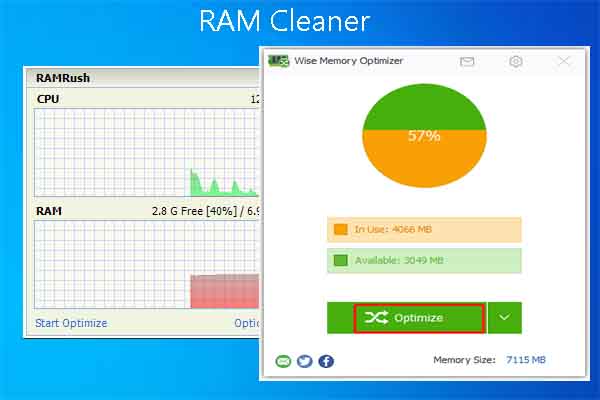
Breathtaking Clean Ram Software Abstract in HD
Discover an amazing clean ram software background image, ideal for personalizing your devices with vibrant colors and intricate designs.
Beautiful Clean Ram Software View for Desktop
Experience the crisp clarity of this stunning clean ram software image, available in high resolution for all your screens.

Gorgeous Clean Ram Software Abstract Concept
Find inspiration with this unique clean ram software illustration, crafted to provide a fresh look for your background.
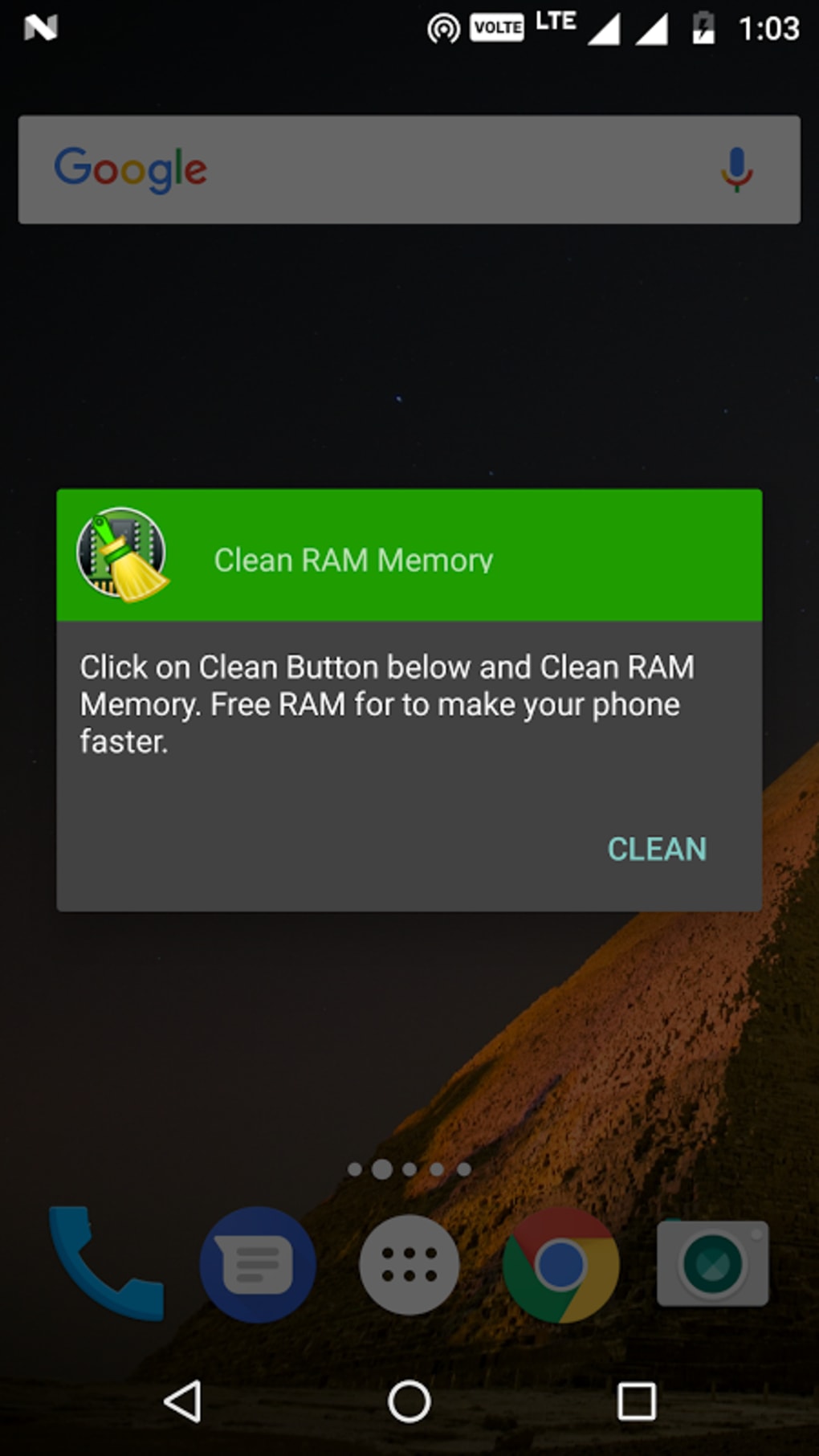
Beautiful Clean Ram Software Background in HD
Explore this high-quality clean ram software image, perfect for enhancing your desktop or mobile wallpaper.
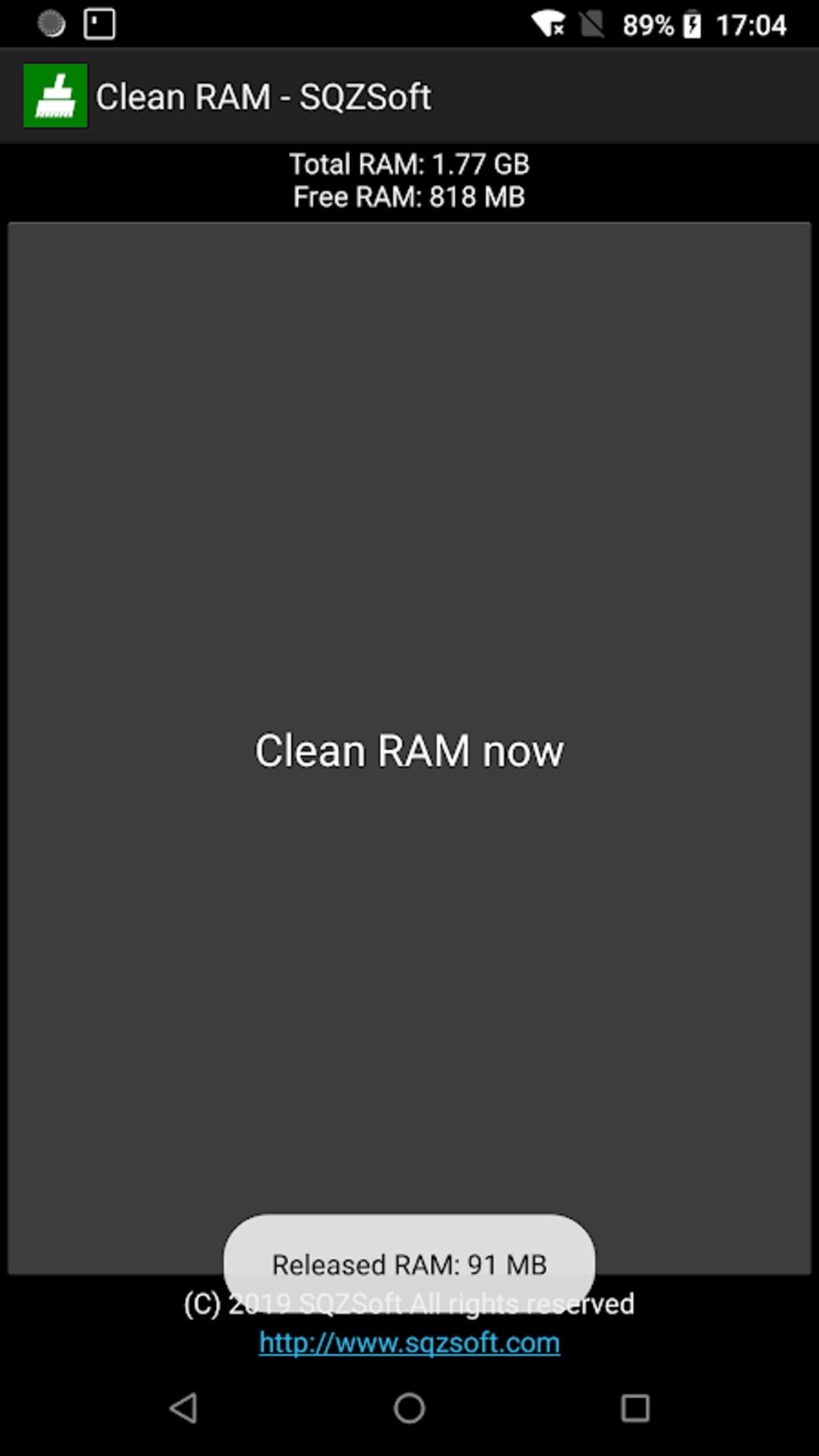
Captivating Clean Ram Software Image Photography
A captivating clean ram software scene that brings tranquility and beauty to any device.
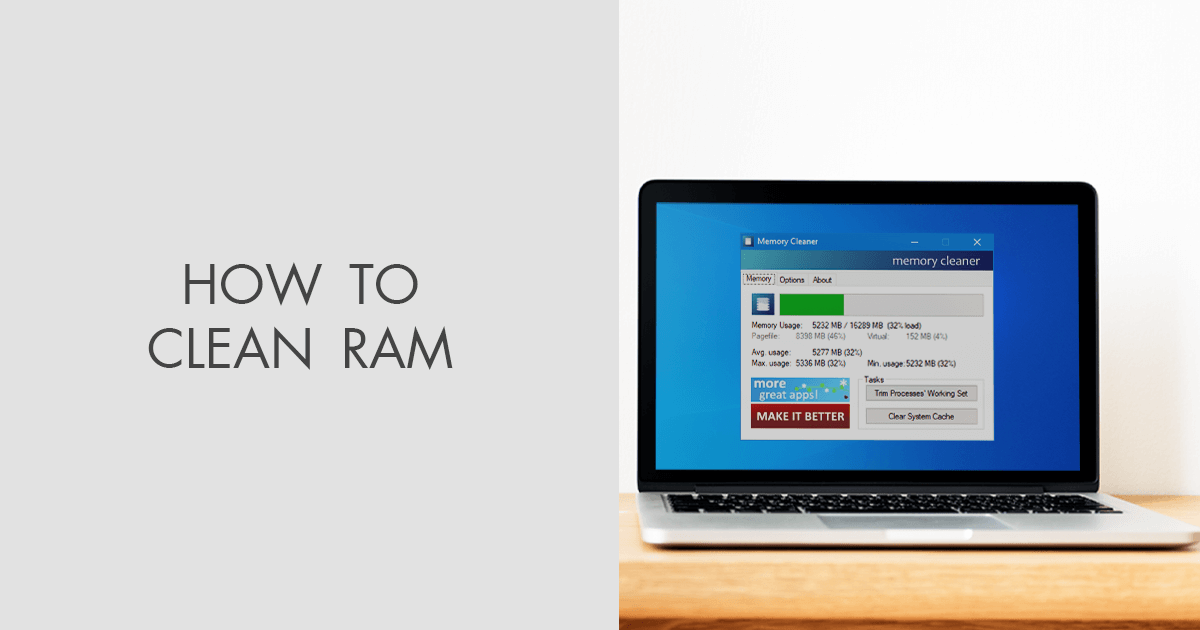
Vibrant Clean Ram Software Artwork Art
Transform your screen with this vivid clean ram software artwork, a true masterpiece of digital design.

Vibrant Clean Ram Software Wallpaper for Your Screen
Explore this high-quality clean ram software image, perfect for enhancing your desktop or mobile wallpaper.

Gorgeous Clean Ram Software Photo Art
This gorgeous clean ram software photo offers a breathtaking view, making it a perfect choice for your next wallpaper.
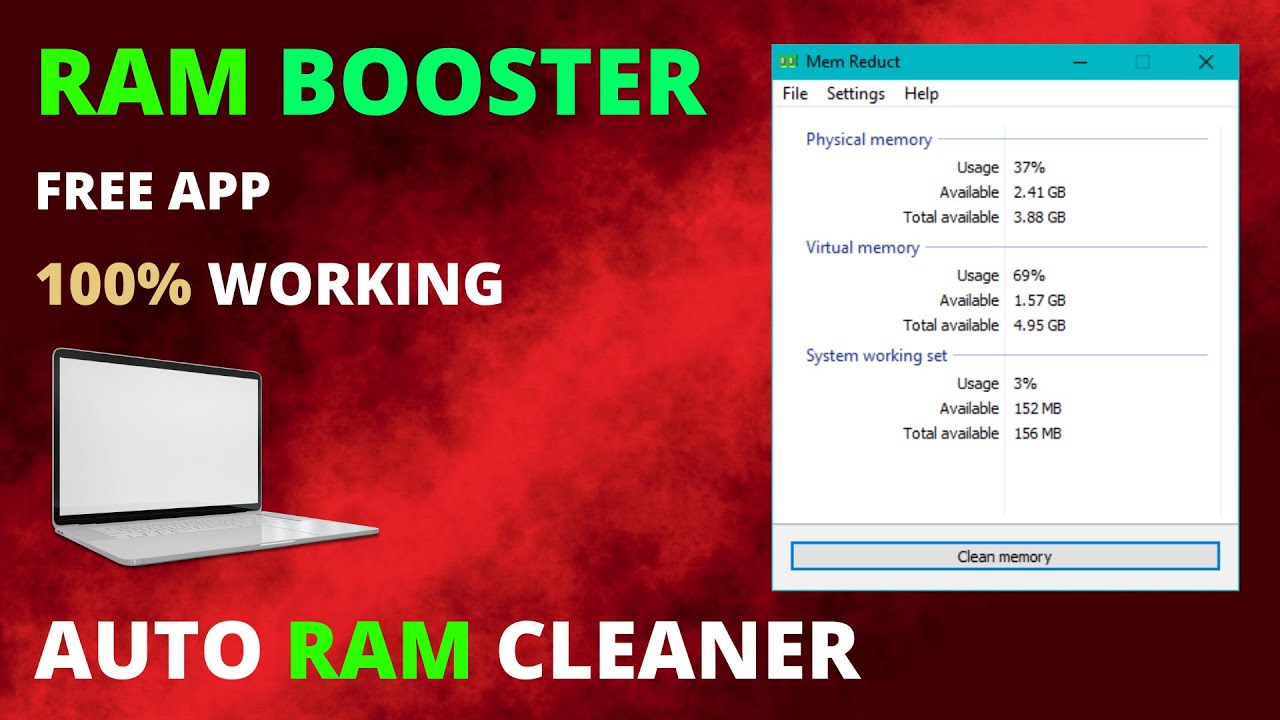
Detailed Clean Ram Software Landscape Illustration
Experience the crisp clarity of this stunning clean ram software image, available in high resolution for all your screens.
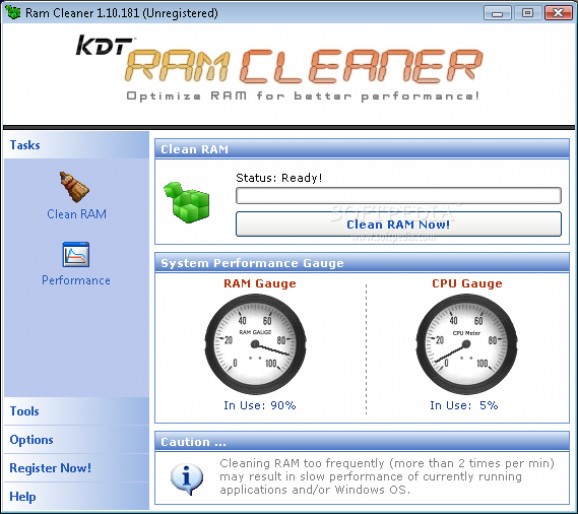
Spectacular Clean Ram Software Background in HD
This gorgeous clean ram software photo offers a breathtaking view, making it a perfect choice for your next wallpaper.
Stunning Clean Ram Software Wallpaper Illustration
This gorgeous clean ram software photo offers a breathtaking view, making it a perfect choice for your next wallpaper.

Vibrant Clean Ram Software Photo in HD
Transform your screen with this vivid clean ram software artwork, a true masterpiece of digital design.
Captivating Clean Ram Software Design Concept
Find inspiration with this unique clean ram software illustration, crafted to provide a fresh look for your background.
Serene Clean Ram Software Background Concept
Explore this high-quality clean ram software image, perfect for enhancing your desktop or mobile wallpaper.
High-Quality Clean Ram Software Landscape for Desktop
Experience the crisp clarity of this stunning clean ram software image, available in high resolution for all your screens.
Crisp Clean Ram Software Image for Mobile
Immerse yourself in the stunning details of this beautiful clean ram software wallpaper, designed for a captivating visual experience.

Gorgeous Clean Ram Software Picture Art
Immerse yourself in the stunning details of this beautiful clean ram software wallpaper, designed for a captivating visual experience.
Gorgeous Clean Ram Software Design Illustration
A captivating clean ram software scene that brings tranquility and beauty to any device.
Download these clean ram software wallpapers for free and use them on your desktop or mobile devices.