Cnc Cam Software
Stop Guessing: The Definitive Guide to Choosing the Right CNC CAM Software
Welcome to the digital heart of modern manufacturing! If you've invested in a CNC machine—be it a small hobby router or a massive industrial mill—you quickly realize that the machine itself is only half the story. The other, arguably more important half, is the brain that tells it what to do: CNC CAM Software.
Choosing the right CAM software can be daunting. The market is saturated, the terminology is complex (post-processors, toolpath optimization, volumetric removal rates!), and the price points vary wildly from free to tens of thousands of dollars. The goal of this comprehensive guide is simple: to cut through the jargon, provide actionable insights, and ensure you pick a package that maximizes your machine's potential.
What Exactly is CNC CAM Software?
CAM stands for Computer-Aided Manufacturing. In essence, CNC CAM software acts as the translator between your design file (created in CAD, or Computer-Aided Design) and the CNC machine itself. It takes a 3D model and determines the precise sequence of movements, speeds, and tools required to physically create that object.
Without CAM software, your highly precise, multi-axis machine is just a fancy paperweight. The CAM program calculates the geometry, the cutting strategy, and ultimately generates the text-based language known as G-code.
The CAD-to-G-Code Workflow
Understanding the flow is key. It's typically a four-step process:
- **CAD Model:** You design the part (e.g., in SolidWorks or Fusion 360).
- **CAM Setup:** You import the design into the CAM software, define the material, select the tools, and set the machining operations (e.g., roughing, finishing, drilling).
- **Toolpath Generation:** The software calculates the exact paths the cutting tool will follow.
- **Post-Processing:** The software translates the generic toolpaths into specific, machine-readable G-code, which is then loaded into your CNC controller. (For more details on this foundational machine language, see the Wikipedia page on G-code.)
Key Components: Post-Processors
This is where the true expertise of good CAM software shines. A post-processor is a critical component—a configuration file that tailors the generic G-code output to the specific dialect and quirks of your CNC machine's controller (e.g., Fanuc, Haas, Mach3, or LinuxCNC).
A poorly configured post-processor can lead to costly crashes, wasted material, and inaccurate parts. Advanced CAM solutions often boast an extensive library of verified post-processors, or the ability for users (or experts) to customize their own. Always check if your chosen CAM package supports your specific machine controller setup out of the box.
Why Choosing the Right Software is Crucial
The right CAM software doesn't just cut a part; it cuts it efficiently, safely, and cost-effectively. The wrong one can throttle your production speed and limit the complexity of what you can produce.
Axis Capabilities (3-Axis vs. 5-Axis)
One of the biggest differentiators in the CAM world is the number of axes it can handle.
- **3-Axis Software:** Ideal for basic milling and routing where the tool only moves along X, Y, and Z axes. Perfect for flat or moderately contoured parts. Most beginner and hobbyist software falls into this category.
- **4/5-Axis Software:** Essential for complex geometries, undercuts, or parts that require the tool to be dynamically rotated or tilted while cutting. These features demand much more powerful processing and simulation tools, significantly increasing the software's cost and complexity. If your production shop runs a 5-axis mill, you need software capable of managing simultaneous motion to avoid tool collisions.
User Interface and Learning Curve
This is often overlooked, especially by newcomers focused purely on features. If you are a hobbyist only machining a few hours a week, spending 6 months learning Mastercam might not be practical. You need an intuitive interface with excellent documentation and community support.
Packages like Autodesk Fusion 360 (which combines CAD and CAM) have gained massive popularity because they offer a relatively low barrier to entry for beginners, while still providing robust features for semi-professional use. Meanwhile, professional solutions like Siemens NX or GibbsCAM have steeper learning curves but offer unparalleled control over every minute aspect of the machining process.
If you are exploring the different types of machines these programs control, check out this guide: [Baca Juga: Choosing Your First CNC Router].
Comparing the Top Contenders
When selecting your CNC CAM Software, you must balance budget, complexity, and specific manufacturing needs. Here is a snapshot comparing three highly popular solutions across different user segments.
| Software | Primary Use Case | Cost Model | Max Axis Support |
|---|---|---|---|
| **Mastercam** | High-end Industrial Milling & Turning | Perpetual License (High initial cost) | 5-Axis Simultaneous |
| **Autodesk Fusion 360** | Integrated CAD/CAM, Prototyping, Small Business | Subscription (Free for hobbyists/startups) | 5-Axis Simultaneous (with higher subscription tiers) |
| **Vectric Aspire** | 2D/2.5D Routing, V-Carving, Woodworking/Signage | Perpetual License (Mid-range cost) | 3-Axis |
Hidden Features That Define Quality
Beyond basic toolpath generation, professional-grade CNC CAM software includes sophisticated features that save time, reduce waste, and improve part quality. These features are often what justify the higher price tags.
Simulation and Collision Detection
Running a program for the first time on a multi-thousand-dollar machine is nerve-wracking. High-quality CAM software offers comprehensive simulation that renders the machining process virtually. This allows you to spot potential tool crashes, check for clamps or fixture interference, and verify the final part geometry before the machine even powers on.
This virtual testing environment is critical for safety and efficiency, ensuring that the G-code generated adheres strictly to safe machining parameters, sometimes even checking against standard manufacturing guidelines.
Toolpath Optimization Strategies
Modern CAM focuses heavily on efficiency. Older CAM might generate zigzag paths that cause inconsistent tool loading. Newer, high-efficiency strategies (often called 'trochoidal milling' or 'adaptive clearing') ensure the tool is consistently engaged with the material, maximizing material removal rates (MRR) while minimizing tool wear.
When evaluating software, look specifically for terms like "High-Speed Machining (HSM)" or "Dynamic Motion." These features are paramount in production environments where maximizing cycle time efficiency translates directly to higher profits.
Conclusion: Making Your Final Choice
Choosing your CNC CAM software is less about finding the "best" one and more about finding the "best fit" for your specific operations. If you are running complex aerospace parts, you need the power and control of Mastercam or NX. If you are a professional sign maker or cabinet shop, Vectric might be the perfect, focused tool.
For the vast majority of small businesses and prosumers, an integrated solution like Fusion 360 offers the best blend of features, community support, and affordability. Regardless of your choice, always utilize free trials and demos to test the post-processor compatibility with your exact CNC controller setup before committing to a purchase.
Frequently Asked Questions (FAQ) About CNC CAM Software
We've compiled some common questions to help clarify the purchasing process.
- Is there truly free CNC CAM Software?
Yes. Autodesk Fusion 360 offers a free personal use license which includes full 3-axis CAM capabilities, making it the most popular entry point for serious hobbyists. Other open-source options exist but often lack the polish and professional support of commercial tools.
- What is the difference between integrated CAM and standalone CAM?
Integrated CAM (like Fusion 360 or SolidWorks CAM) means the CAD design and CAM toolpath generation happen within the same program interface. Standalone CAM (like Mastercam or GibbsCAM) requires you to design the part in a separate CAD program and import it, though professional standalone programs often offer superior dedicated toolpath control and post-processing flexibility.
- How important is the Post-Processor?
Extremely important. The post-processor dictates whether the G-code runs correctly on your specific machine. A good software vendor should provide a verified post for your controller type. Custom post-processor development can be a significant hidden cost if your machine is highly specialized or uses an obscure controller.
- How long does it take to learn CNC CAM software?
Basic 2D and 3D toolpaths can be learned in a few days to weeks. Achieving proficiency in advanced features, high-speed machining, and complex 5-axis operations often takes months of dedicated practice, especially with professional-grade software. Start simple and grow your skillset gradually.
Cnc Cam Software
Cnc Cam Software Wallpapers
Collection of cnc cam software wallpapers for your desktop and mobile devices.
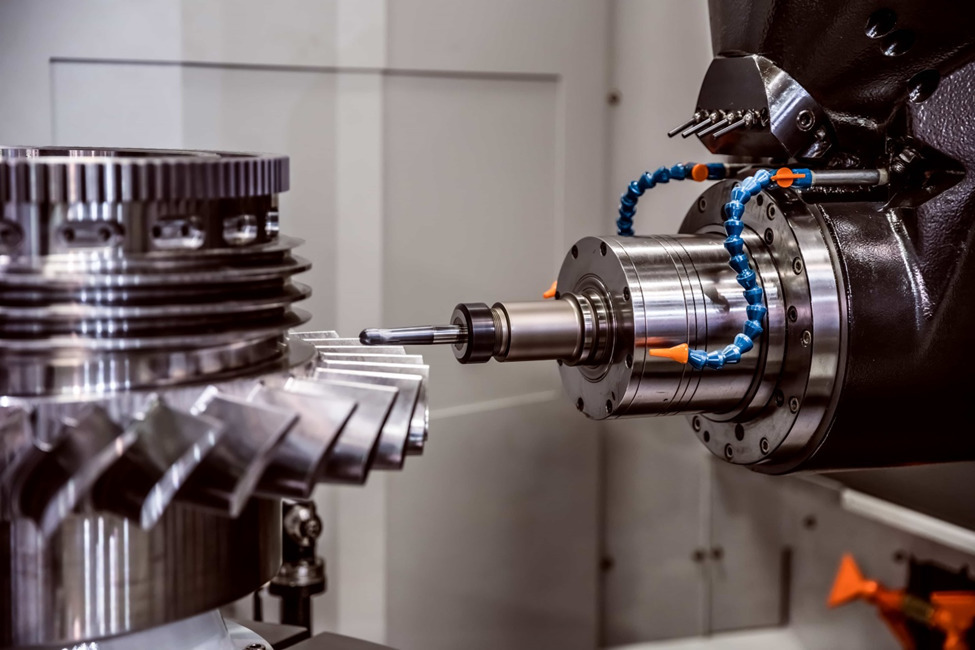
Breathtaking Cnc Cam Software Design Nature
Explore this high-quality cnc cam software image, perfect for enhancing your desktop or mobile wallpaper.

Artistic Cnc Cam Software Artwork in HD
This gorgeous cnc cam software photo offers a breathtaking view, making it a perfect choice for your next wallpaper.
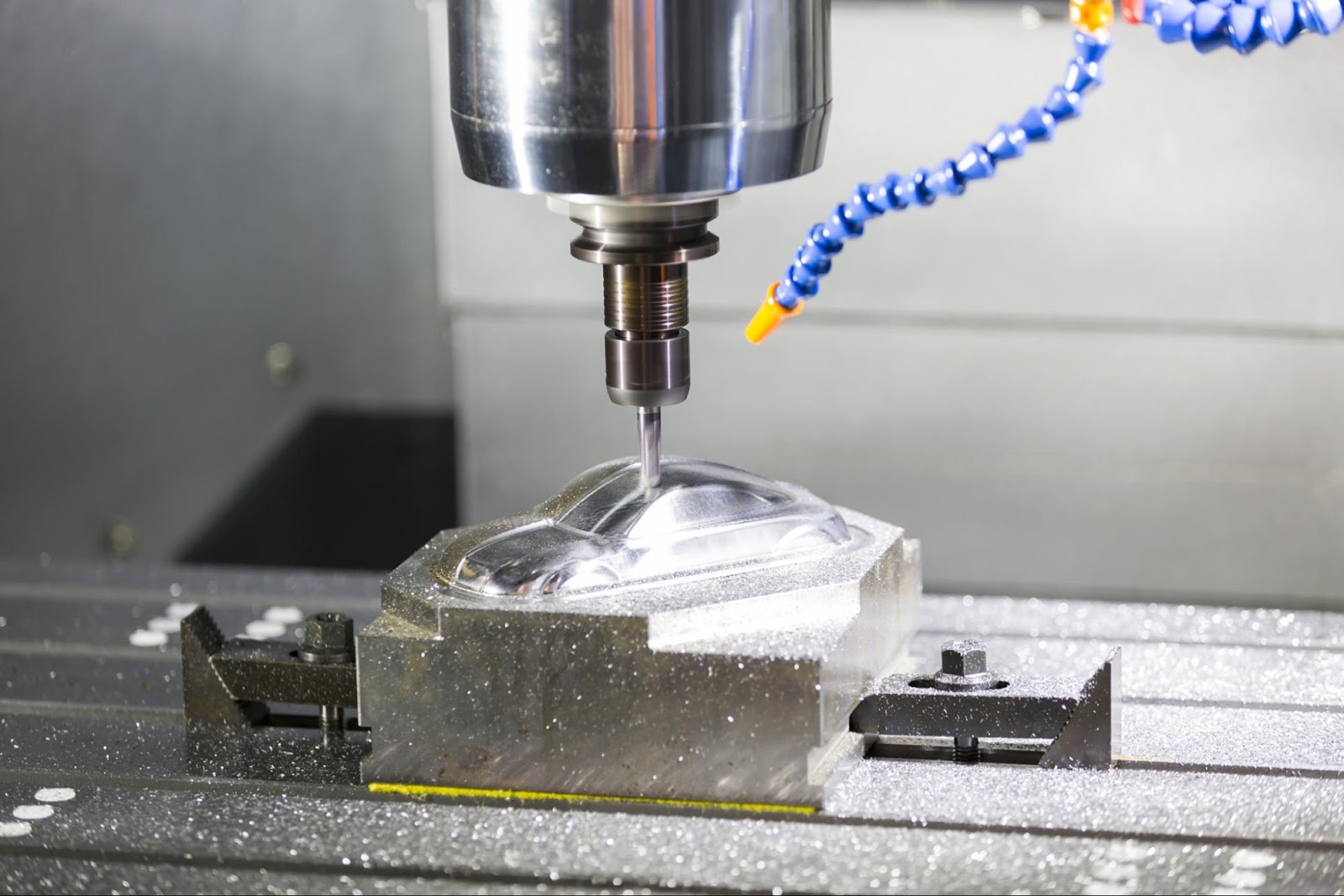
Detailed Cnc Cam Software Moment for Your Screen
Discover an amazing cnc cam software background image, ideal for personalizing your devices with vibrant colors and intricate designs.
Artistic Cnc Cam Software Landscape Concept
A captivating cnc cam software scene that brings tranquility and beauty to any device.
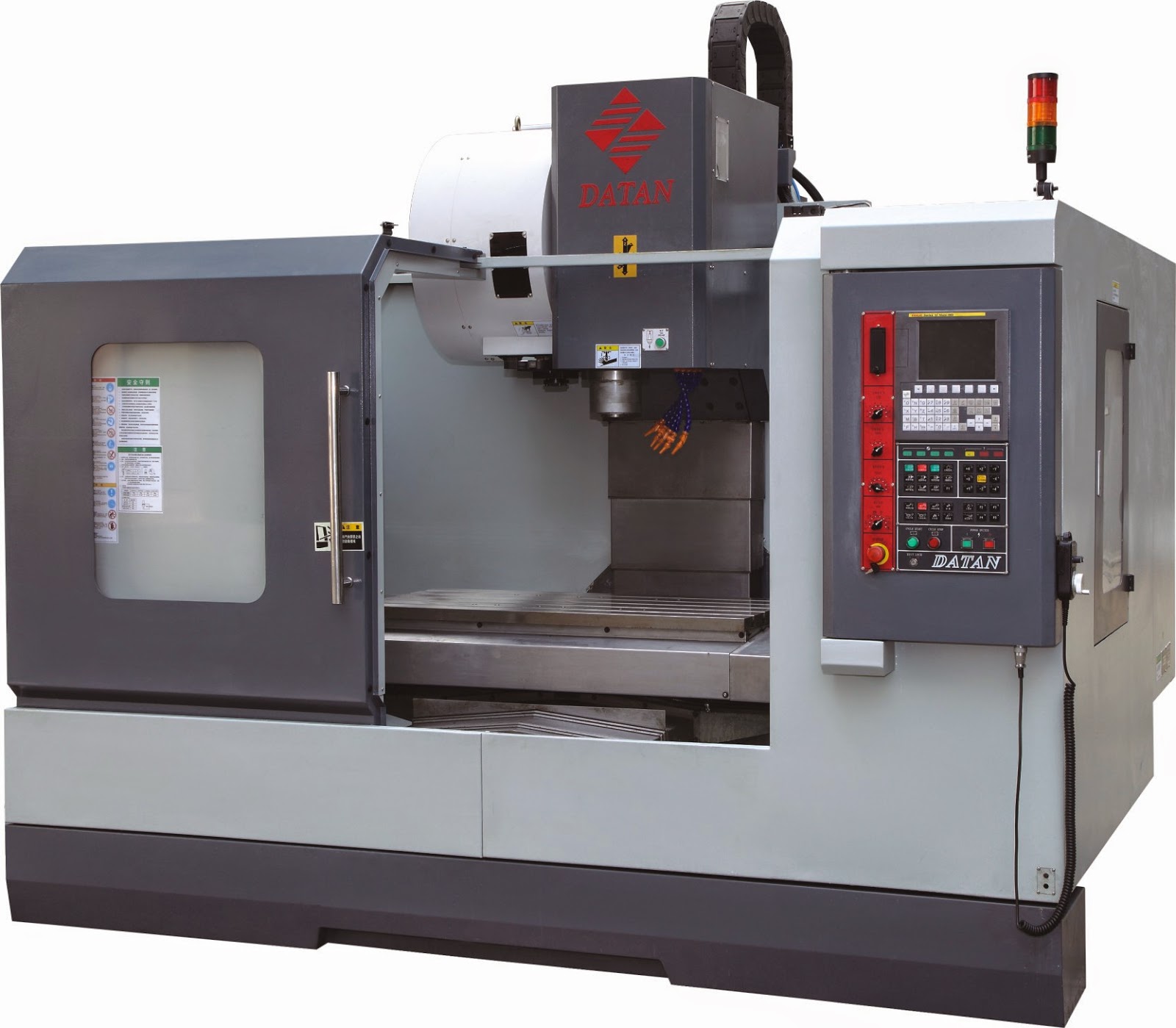
Artistic Cnc Cam Software Wallpaper Concept
A captivating cnc cam software scene that brings tranquility and beauty to any device.

Detailed Cnc Cam Software Abstract for Mobile
Discover an amazing cnc cam software background image, ideal for personalizing your devices with vibrant colors and intricate designs.

Gorgeous Cnc Cam Software Background Concept
Find inspiration with this unique cnc cam software illustration, crafted to provide a fresh look for your background.

Breathtaking Cnc Cam Software Scene for Mobile
Experience the crisp clarity of this stunning cnc cam software image, available in high resolution for all your screens.
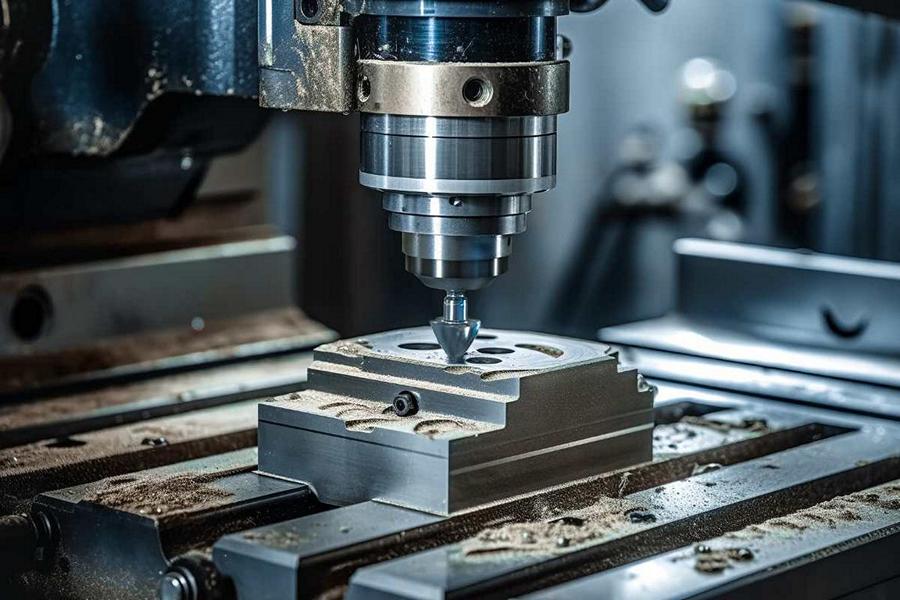
Crisp Cnc Cam Software Design for Mobile
Immerse yourself in the stunning details of this beautiful cnc cam software wallpaper, designed for a captivating visual experience.

Captivating Cnc Cam Software Image Collection
Immerse yourself in the stunning details of this beautiful cnc cam software wallpaper, designed for a captivating visual experience.
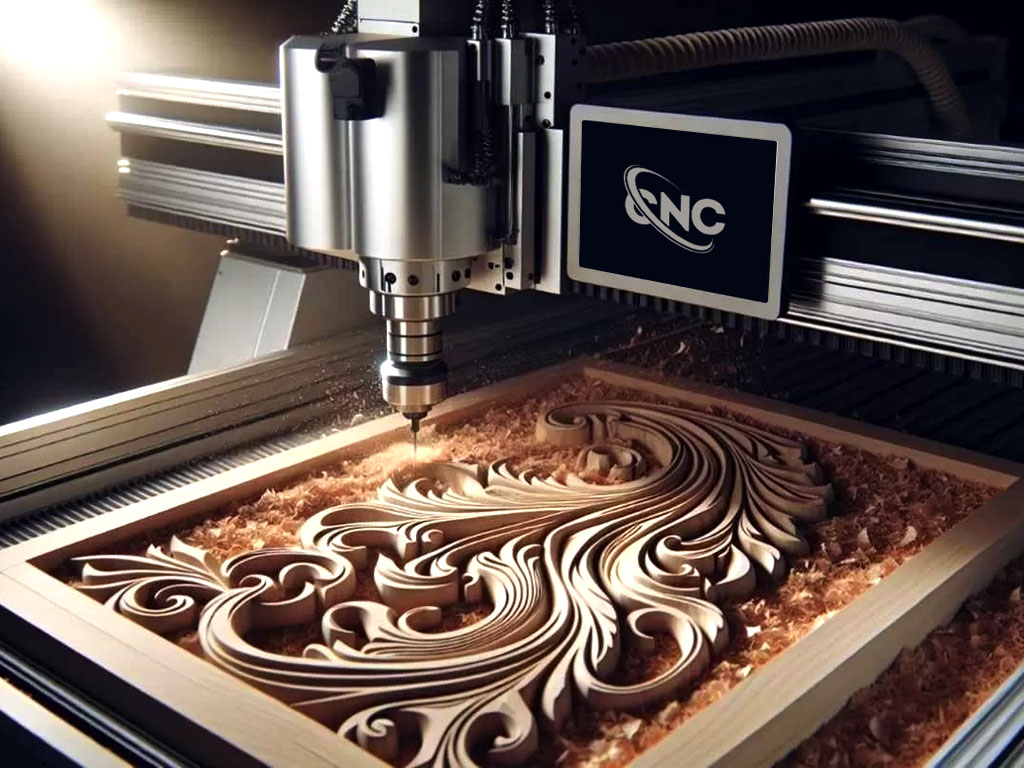
Captivating Cnc Cam Software Moment for Your Screen
This gorgeous cnc cam software photo offers a breathtaking view, making it a perfect choice for your next wallpaper.

Spectacular Cnc Cam Software Design Nature
Find inspiration with this unique cnc cam software illustration, crafted to provide a fresh look for your background.

Serene Cnc Cam Software Picture for Desktop
Discover an amazing cnc cam software background image, ideal for personalizing your devices with vibrant colors and intricate designs.

Crisp Cnc Cam Software Artwork for Your Screen
Immerse yourself in the stunning details of this beautiful cnc cam software wallpaper, designed for a captivating visual experience.

Artistic Cnc Cam Software Photo in 4K
Find inspiration with this unique cnc cam software illustration, crafted to provide a fresh look for your background.

Vibrant Cnc Cam Software Abstract in HD
Experience the crisp clarity of this stunning cnc cam software image, available in high resolution for all your screens.

Vivid Cnc Cam Software View Nature
Transform your screen with this vivid cnc cam software artwork, a true masterpiece of digital design.

Captivating Cnc Cam Software Wallpaper Digital Art
Find inspiration with this unique cnc cam software illustration, crafted to provide a fresh look for your background.
High-Quality Cnc Cam Software Scene for Mobile
Transform your screen with this vivid cnc cam software artwork, a true masterpiece of digital design.
Serene Cnc Cam Software Photo Photography
Experience the crisp clarity of this stunning cnc cam software image, available in high resolution for all your screens.
Download these cnc cam software wallpapers for free and use them on your desktop or mobile devices.