Corporate Learning Management Software
Tired of Boring Training? How Corporate Learning Management Software Elevates Your Team
Let's be honest: mandatory corporate training often feels like a chore. Employees click through slides just to pass the quiz, and the actual knowledge retention is minimal. If this sounds familiar, your organization is likely struggling to leverage its most critical asset: human capital.
The solution isn't just "more training"; it's smarter training. This is where robust Corporate Learning Management Software (LMS) steps in. It's the engine room for modern employee development, moving away from tick-box compliance and towards strategic skill building that directly impacts your bottom line.
In this comprehensive guide, we'll dive deep into what makes a great corporate LMS, why it's a necessity in the digital economy, and the key features you must prioritize during your evaluation.
What Exactly Is Corporate Learning Management Software (And Why Now)?
At its core, a Corporate Learning Management Software is an application designed to administer, document, track, report on, and deliver educational courses or training programs. Unlike academic or basic compliance platforms, the corporate version focuses heavily on professional development, internal certifications, and aligning learning activities with business outcomes.
The "why now" part is critical. The shelf life of skills is rapidly decreasing. If your team isn't consistently upskilled, you risk becoming irrelevant in a matter of years, not decades. Post-pandemic shifts also cemented the need for reliable, accessible, and asynchronous remote learning capabilities.
Shifting from Compliance to Competence
Many legacy systems were built solely to prove compliance (e.g., annual safety training or GDPR awareness). Modern LMS solutions, however, aim higher. They focus on measuring competence—the actual application of learned skills—using features like performance management integration, scenario-based simulations, and continuous feedback loops.
This shift requires the LMS to be more than just a repository; it must be a proactive tool that suggests learning pathways based on an employee's role, career goals, and identified skill gaps, often leveraging AI and machine learning to personalize the experience.
The Core Benefits: Beyond Checking the Box
Implementing a sophisticated corporate LMS isn't just an IT expenditure; it's a strategic investment that yields measurable returns across several departments.
Maximizing Engagement and Retention
Employees today view professional development as a critical benefit, not a luxury. A well-structured LMS that offers relevant, engaging content (think video, microlearning, gamification) significantly boosts employee satisfaction. Research consistently shows that companies prioritizing development have significantly lower turnover rates. A highly engaged workforce is a highly retained workforce.
Calculating the Tangible ROI
The ROI of Corporate Learning Management Software can be calculated in several ways:
- **Cost Reduction:** Dramatically cutting expenses associated with travel, physical materials, and instructor time required for traditional classroom training.
- **Speed to Competency:** Onboarding new hires faster means they become productive sooner.
- **Error Reduction:** Better training in critical areas (like sales processes or technical operations) leads to fewer costly mistakes.
Pro Tip: When presenting your budget proposal, focus on metrics like "average time to proficiency" or "reduction in external training fees," rather than just the platform cost.
For more insights on measuring learning success, see our detailed guide: [Baca Juga: Measuring Training Effectiveness with KPIs]
Key Features Your Corporate LMS Must Have
The market is flooded with options. To avoid choosing a system that quickly becomes obsolete, focus on these critical technical capabilities:
Seamless Integrations (HRIS & CRM)
A standalone LMS is nearly useless. It must talk fluently to your existing HR Information Systems (HRIS) like Workday or SAP, ensuring automatic synchronization of employee data, roles, and job titles. Furthermore, integration with Customer Relationship Management (CRM) tools, such as Salesforce, allows you to directly link training completion with sales performance metrics.
The Power of Standardization (SCORM and xAPI)
If your content doesn't work across different platforms, you lose flexibility. Ensure your chosen LMS fully supports modern learning standards:
- **SCORM (Sharable Content Object Reference Model):** The long-standing standard defining how content communicates with the LMS (e.g., tracking progress and scores).
- **xAPI (Experience API/Tin Can API):** The next generation, allowing tracking of learning experiences that occur *outside* the traditional LMS environment (e.g., watching a YouTube video, attending a webinar). This is crucial for capturing holistic employee development data. Learn more about xAPI's transformative power here.
The Role of Mobile Learning
Given that most employees check their phones countless times daily, your LMS must offer a fantastic mobile experience. This isn't just about a responsive website; it often means dedicated, intuitive mobile apps that support offline viewing and push notifications for mandatory training updates.
Choosing the Right Platform: Implementation & Scalability
Before signing a multi-year contract, assess your organization's specific needs regarding data security, maintenance control, and implementation speed. The choice between a Cloud-Based (SaaS) and On-Premise solution is usually the first major decision.
| Feature | Cloud (SaaS) LMS | On-Premise LMS |
|---|---|---|
| Deployment Speed | Fast (hours/days) | Slow (weeks/months) |
| Initial Cost | Low (Subscription Model) | High (Software License + Hardware) |
| Maintenance & Updates | Handled by vendor (Automatic) | Managed by internal IT team |
| Customization Depth | Limited to configuration options | Maximum control and modification |
| Data Security Responsibility | Shared (Mostly vendor managed) | Entirely internal (Requires high security standards) |
For most mid-to-large enterprises seeking rapid deployment and lower long-term management overhead, the SaaS model for their Corporate Learning Management Software remains the superior choice.
If you require complex, deep customization and operate in a highly regulated industry (like finance or defense) where data must stay exclusively on private servers, an On-Premise solution might be necessary, though this requires significant IT bandwidth.
The key to scalability is choosing a vendor that charges based on active users or offers tiered pricing that easily accommodates company growth, rather than forcing expensive upgrades just because you added a handful of new employees.
For context on global adoption rates and market size, you can review industry statistics regarding the e-learning market.
Conclusion: Investing in Future Success
The right Corporate Learning Management Software transcends simple administrative functions. It becomes a central nervous system for your organizational intelligence, driving cultural competence, ensuring regulatory adherence, and, most importantly, fueling continuous growth.
When approaching the market, remember the goal is not merely to digitize old training manuals, but to personalize learning, maximize engagement, and ultimately quantify the positive impact training has on organizational performance.
[Baca Juga: Top LMS Vendors: A Comparative Review]
Frequently Asked Questions (FAQ)
What is the difference between an LXP and an LMS?
An LMS (Learning Management System) is typically administrator-driven, focused on tracking mandatory courses and compliance. An LXP (Learning Experience Platform) is user-driven, acting more like a personalized content feed (like Netflix or Spotify) that curates and recommends diverse learning resources based on user behavior and preferences.
How long does it take to implement a Corporate LMS?
A cloud-based (SaaS) implementation can take as little as 4 to 8 weeks for basic setup and HRIS integration. Complex migrations, extensive custom branding, and deep custom integrations (e.g., single sign-on across multiple domains) can extend the timeline to 4 to 6 months.
Can an LMS handle non-digital (ILT) training?
Absolutely. Most modern corporate LMS systems feature ILT (Instructor-Led Training) management tools, allowing administrators to manage scheduling, location booking, resource allocation, and track attendance for physical training sessions, often bridging the gap between digital and in-person learning.
What is Gamification in the context of an LMS?
Gamification is the application of game-design elements and principles in non-game contexts. In an LMS, this means using points, badges, leaderboards, and progress bars to incentivize learners, drive competition, and increase course completion rates.
Corporate Learning Management Software
Corporate Learning Management Software Wallpapers
Collection of corporate learning management software wallpapers for your desktop and mobile devices.

Captivating Corporate Learning Management Software View in HD
Find inspiration with this unique corporate learning management software illustration, crafted to provide a fresh look for your background.

Vivid Corporate Learning Management Software Artwork in 4K
Discover an amazing corporate learning management software background image, ideal for personalizing your devices with vibrant colors and intricate designs.

Exquisite Corporate Learning Management Software Landscape Concept
This gorgeous corporate learning management software photo offers a breathtaking view, making it a perfect choice for your next wallpaper.
High-Quality Corporate Learning Management Software Scene for Mobile
Discover an amazing corporate learning management software background image, ideal for personalizing your devices with vibrant colors and intricate designs.

Amazing Corporate Learning Management Software Photo Illustration
Discover an amazing corporate learning management software background image, ideal for personalizing your devices with vibrant colors and intricate designs.
Dynamic Corporate Learning Management Software Picture Photography
This gorgeous corporate learning management software photo offers a breathtaking view, making it a perfect choice for your next wallpaper.
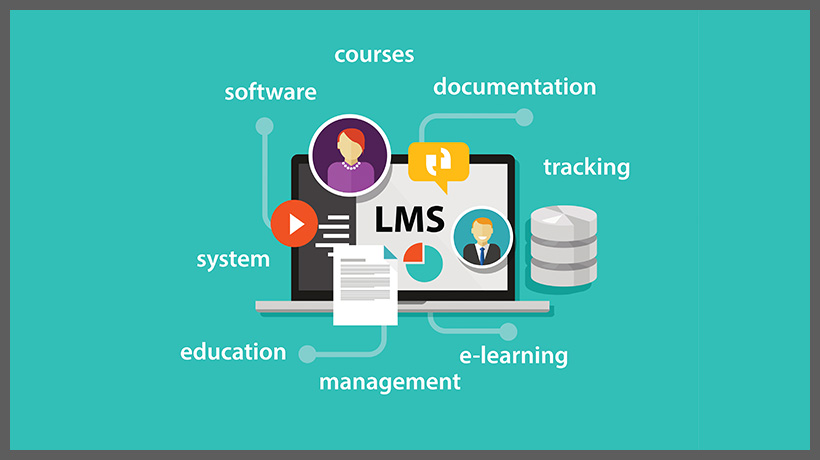
Crisp Corporate Learning Management Software Background Digital Art
This gorgeous corporate learning management software photo offers a breathtaking view, making it a perfect choice for your next wallpaper.

Vivid Corporate Learning Management Software Picture in 4K
Explore this high-quality corporate learning management software image, perfect for enhancing your desktop or mobile wallpaper.
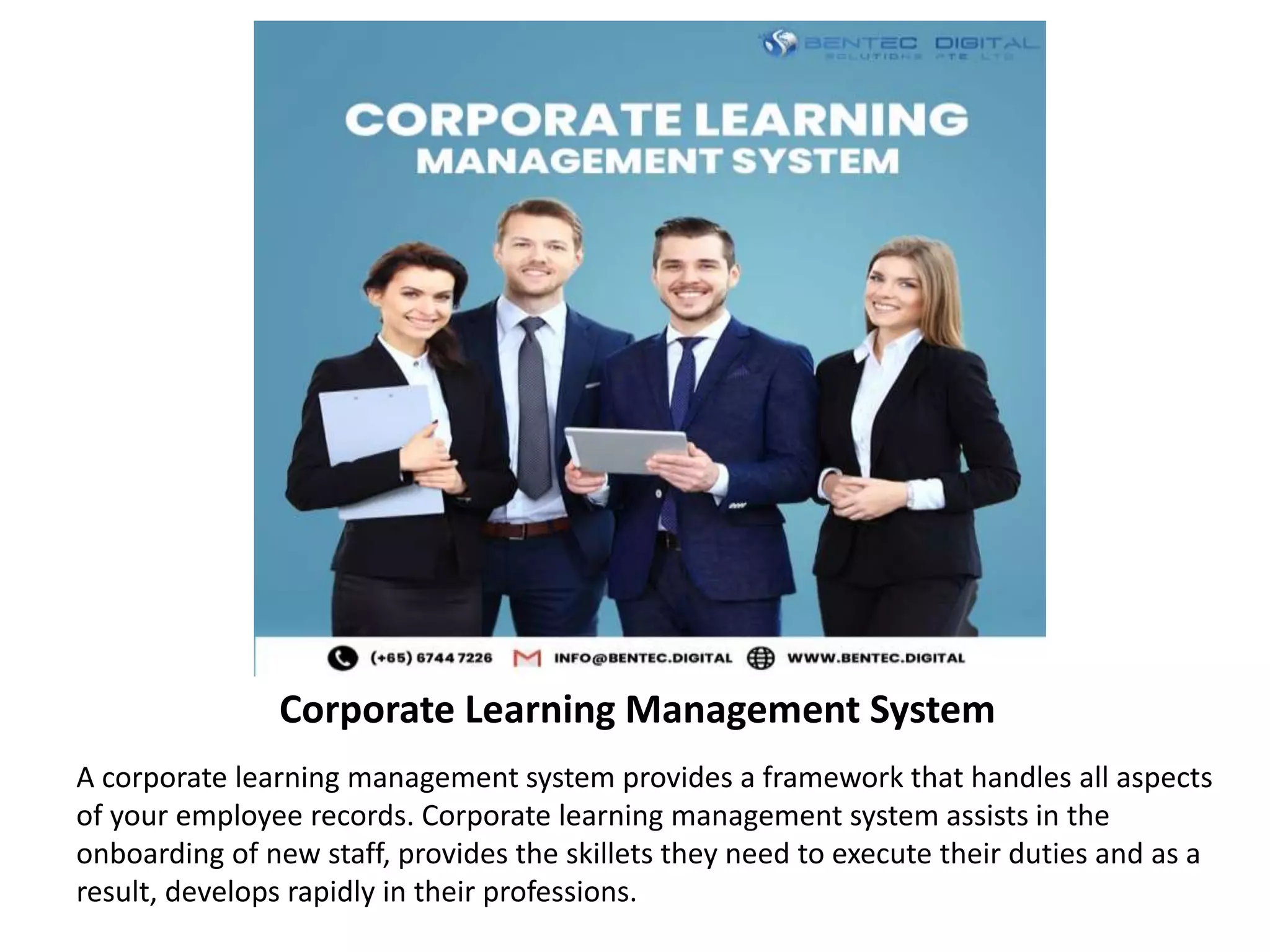
Beautiful Corporate Learning Management Software Photo Nature
Experience the crisp clarity of this stunning corporate learning management software image, available in high resolution for all your screens.

Amazing Corporate Learning Management Software Picture Art
Transform your screen with this vivid corporate learning management software artwork, a true masterpiece of digital design.

Breathtaking Corporate Learning Management Software Design Art
Experience the crisp clarity of this stunning corporate learning management software image, available in high resolution for all your screens.

Artistic Corporate Learning Management Software Landscape Photography
A captivating corporate learning management software scene that brings tranquility and beauty to any device.
Spectacular Corporate Learning Management Software Artwork for Desktop
This gorgeous corporate learning management software photo offers a breathtaking view, making it a perfect choice for your next wallpaper.

Lush Corporate Learning Management Software Photo Concept
Find inspiration with this unique corporate learning management software illustration, crafted to provide a fresh look for your background.

Beautiful Corporate Learning Management Software Picture for Your Screen
Explore this high-quality corporate learning management software image, perfect for enhancing your desktop or mobile wallpaper.
Gorgeous Corporate Learning Management Software Landscape for Your Screen
This gorgeous corporate learning management software photo offers a breathtaking view, making it a perfect choice for your next wallpaper.
Vivid Corporate Learning Management Software Design for Mobile
Experience the crisp clarity of this stunning corporate learning management software image, available in high resolution for all your screens.

Gorgeous Corporate Learning Management Software Picture Digital Art
Find inspiration with this unique corporate learning management software illustration, crafted to provide a fresh look for your background.
Detailed Corporate Learning Management Software Capture in HD
Explore this high-quality corporate learning management software image, perfe