Develop Secure Software
Stop Coding Vulnerabilities: How to Develop Secure Software with DevSecOps
The digital landscape is ruthless. Every line of code your team writes is a potential entry point for attackers. In an era where data breaches cost millions and erode user trust, "security" can no longer be an afterthought—it must be the foundation.
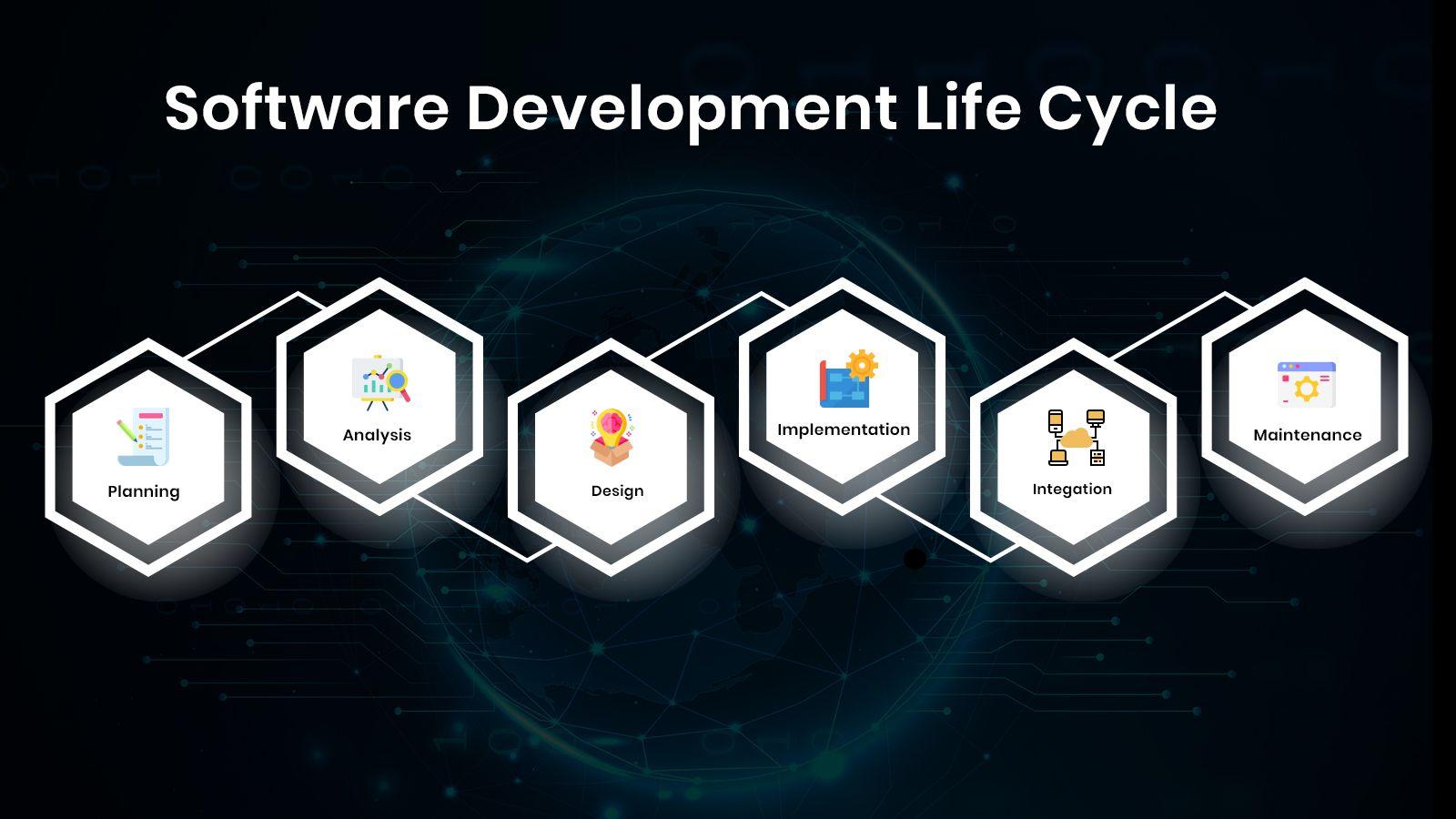
You're here because you want to move past simple bug fixes and truly develop secure software. This isn't just about using a firewall; it's about embedding security thinking into every stage of the Software Development Life Cycle (SDLC). We're going to explore the practical steps and necessary culture shifts required to achieve robust application security, focusing on the powerful DevSecOps methodology.
Ready to build code that can withstand the test of the real world? Let's dive in.
Shifting Left: Why Security Can't Wait Until Testing
Historically, security was a gateway. Developers built the features, and QA teams tested them. Then, right before launch, the security team would sweep through, often finding critical vulnerabilities that required expensive, last-minute architectural changes.
This traditional model is broken. The principle of "Shifting Left" advocates moving security concerns and activities earlier in the development pipeline—ideally, right into the design and coding phase. The earlier you find a security bug, the cheaper it is to fix.
The Cost Difference of Late Discovery
Imagine finding a critical SQL injection flaw during:
- Design Phase: A few minutes to update a specification document.
- Coding Phase: An hour or two to rewrite an API handler.
- Production Phase: Days of emergency patching, potential data loss, PR crises, and regulatory fines.
Shifting Left makes security an integrated part of the Continuous Integration/Continuous Delivery (CI/CD) pipeline, transforming development into a true DevSecOps process. Developers take immediate ownership of the security profile of their code.
The Secure SDLC Framework: A Practical Guide
To successfully develop secure software, every phase of your SDLC must incorporate explicit security checkpoints. These are not merely suggestions; they are required gates that ensure a baseline level of protection.
Design Phase: Threat Modeling and Requirements
Security starts before the first line of code. Threat Modeling is the practice of identifying potential threats and vulnerabilities to an application, often using methodologies like STRIDE (Spoofing, Tampering, Repudiation, Information disclosure, Denial of service, Elevation of privilege).
Actionable Step: Before designing database schemas or API endpoints, map out data flows and ask: "What if this user is malicious?" Define strict security requirements, such as mandatory two-factor authentication (2FA) for admin panels or specific encryption standards for data at rest.
Coding Phase: Secure Coding Standards
Developers must adhere to established secure coding practices. This requires specialized training—simply being a good developer doesn't automatically mean you are a secure developer.
Common pitfalls include weak input validation, not handling errors securely (which can leak system data), and improper handling of session management. Frameworks like the OWASP Top 10 provide excellent guidance on the most critical risks to avoid.
[Baca Juga: Secure Coding Best Practices in Java and Python]Testing Phase: Automated Security Scanning
This is where automation shines. Integrating automated testing tools directly into your CI pipeline allows you to scan every commit quickly and provide instant feedback to the developer.
Comparing Automated Testing Tools
The two primary tools in automated security testing are SAST and DAST. It is critical to use both for comprehensive coverage.
| Tool | Acronym Meaning | Where It Runs | Best Use Case |
|---|---|---|---|
| SAST | Static Application Security Testing | Source Code (Pre-Compilation) | Finding deep-seated coding flaws (e.g., buffer overflows, logic errors). |
| DAST | Dynamic Application Security Testing | Running Application (Black Box) | Identifying runtime vulnerabilities (e.g., authentication issues, configuration errors). |
Key Practices to Develop Secure Software: Tools and Techniques
While frameworks provide structure, specific technical techniques ensure resilience. These must be non-negotiable standards within your engineering department.
1. Input Validation and Output Encoding
The vast majority of web application breaches stem from insufficient input validation. Never trust user input, whether it comes from a form field, a JSON body, or an external API.
Input Validation: Ensure data conforms to expected parameters (e.g., checking if an age field truly contains a number, or if a username field only contains alphanumeric characters).
Output Encoding: When displaying user-provided data back to the browser, always encode it to prevent Cross-Site Scripting (XSS) attacks. Encoding tells the browser to treat the input as data, not as executable code.
2. Dependency Scanning (SCA)
Modern applications are rarely built from scratch. They rely heavily on third-party libraries and open-source packages. These dependencies are a major security risk, as maintaining them often falls outside your team's direct control.
Use Software Composition Analysis (SCA) tools to continuously monitor your project's dependencies against known vulnerability databases (like the National Vulnerability Database, NVD). Set policies to automatically block builds that introduce packages with critical vulnerabilities.
3. Principle of Least Privilege (PoLP)
This is a foundational concept. Every user, system, or process should be given only the minimum permissions necessary to perform its required function. For example, your web application process should never run as a root user, and its database credentials should only allow access to necessary tables—never the ability to drop the entire database.
[Baca Juga: Top 5 DevSecOps Automation Tools for Enterprises]Measuring Success: Metrics for Secure Software Development
If you can't measure it, you can't improve it. Measuring the maturity of your secure SDLC is crucial for continuous improvement and for justifying security investments to stakeholders.
- Vulnerability Density: The number of vulnerabilities per thousand lines of code (KLOC). A healthy goal is to drive this number as close to zero as possible.
- Mean Time To Remediation (MTTR): The average time it takes for your team to fix a discovered vulnerability. A short MTTR indicates an efficient DevSecOps pipeline and responsive team culture.
- Security Test Coverage: The percentage of application components covered by SAST, DAST, or manual penetration testing.
- Re-Opened Vulnerabilities: Tracking how often previously fixed bugs reappear. This often points to insufficient root cause analysis or poor regression testing.
Focusing on these metrics transforms security from a reactive burden into a measurable, optimized quality process, ensuring you truly develop secure software over time.
Conclusion: Security Is a Culture, Not a Feature
Developing secure software is not a one-time project; it is an ongoing cultural commitment. It demands that developers, testers, operations teams, and product managers share responsibility. By shifting left, integrating automated tools into your CI/CD pipeline, and consistently applying principles like least privilege and rigorous input validation, you establish a resilient development environment.
The goal isn't just to pass an audit, but to build trustworthy applications that protect user data and maintain the integrity of your business operations in the face of persistent cyber threats.
Frequently Asked Questions (FAQ)
- What is the difference between secure coding and secure design?
Secure design happens early, focusing on architecture and high-level decisions (e.g., using microservices for isolation, applying zero-trust principles). Secure coding is the implementation—the specific practices used by developers to write error-free, vulnerability-resistant code (e.g., using parameterized queries to prevent SQL injection).
- How can I integrate security into a fast-paced CI/CD pipeline without slowing down development?
The key is automation and thresholds. Use fast, automated SAST scans on every pull request, but reserve deeper, more resource-intensive DAST or penetration testing for nightly builds or staging environments. Fail the build immediately if critical vulnerabilities are found (a "security gate").
- Is using HTTPS and a firewall enough to secure my application?
No. HTTPS and firewalls protect the perimeter and the network layer. They prevent simple sniffing or unauthorized port access. However, they do nothing to prevent application-layer attacks (like SQL injection, XSS, or broken access control), which are the most common causes of data breaches. Application security must be built into the code itself.
- What is a Security Champion?
A Security Champion is usually a dedicated developer or engineer within a specific development team who acts as a liaison to the central security team. They advocate for security best practices, review code, and ensure their team stays updated on security requirements, helping distribute security knowledge across the organization.
Develop Secure Software
Develop Secure Software Wallpapers
Collection of develop secure software wallpapers for your desktop and mobile devices.
Serene Develop Secure Software Artwork Collection
Transform your screen with this vivid develop secure software artwork, a true masterpiece of digital design.

Spectacular Develop Secure Software Image Photography
Find inspiration with this unique develop secure software illustration, crafted to provide a fresh look for your background.

Captivating Develop Secure Software Design Concept
Immerse yourself in the stunning details of this beautiful develop secure software wallpaper, designed for a captivating visual experience.
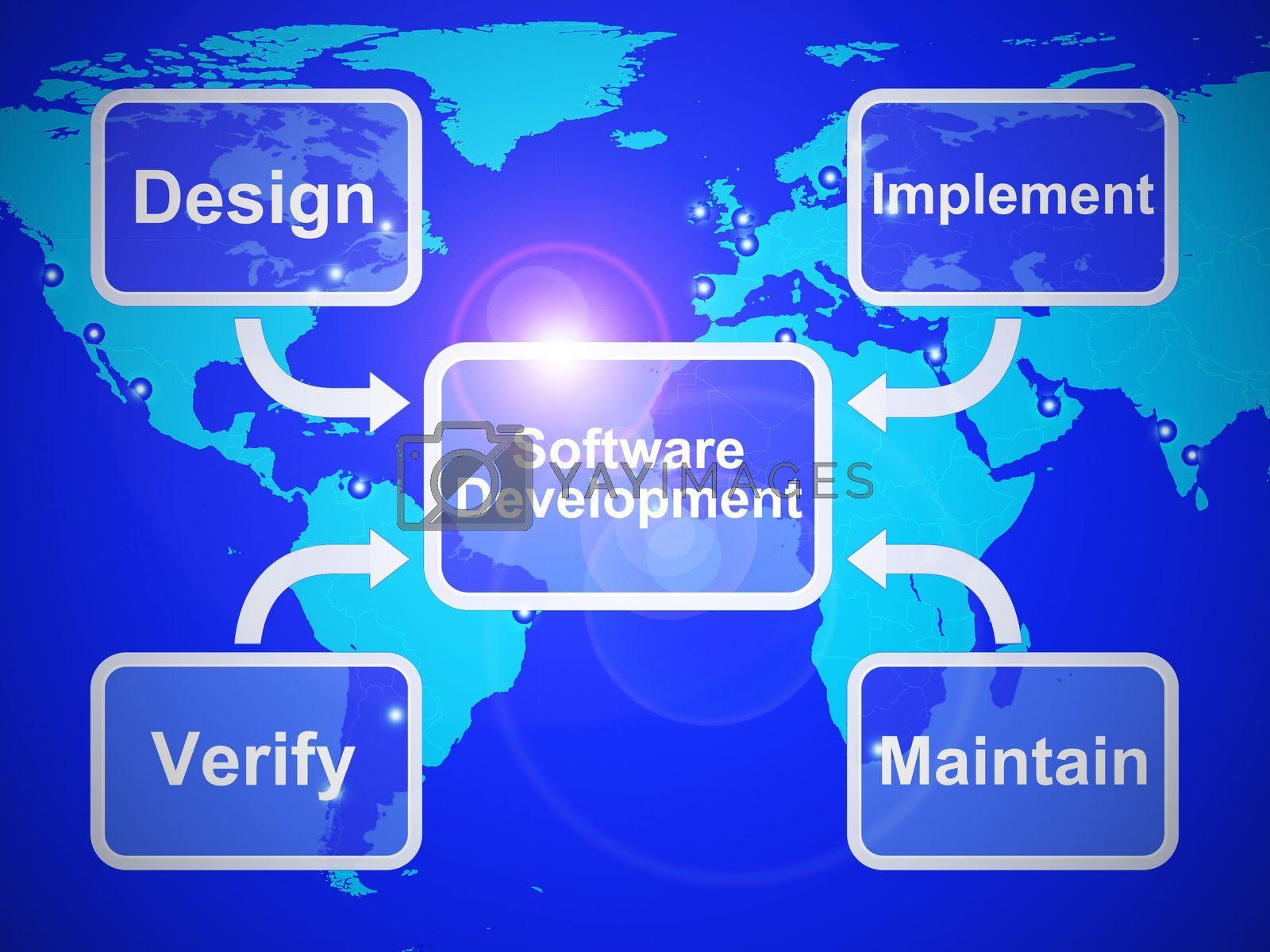
Lush Develop Secure Software Wallpaper Photography
This gorgeous develop secure software photo offers a breathtaking view, making it a perfect choice for your next wallpaper.
Spectacular Develop Secure Software View Collection
This gorgeous develop secure software photo offers a breathtaking view, making it a perfect choice for your next wallpaper.
Exquisite Develop Secure Software View Art
This gorgeous develop secure software photo offers a breathtaking view, making it a perfect choice for your next wallpaper.
Amazing Develop Secure Software Landscape Concept
Explore this high-quality develop secure software image, perfect for enhancing your desktop or mobile wallpaper.
Vivid Develop Secure Software Image for Mobile
Transform your screen with this vivid develop secure software artwork, a true masterpiece of digital design.

Breathtaking Develop Secure Software Landscape in HD
Discover an amazing develop secure software background image, ideal for personalizing your devices with vibrant colors and intricate designs.

Serene Develop Secure Software Background Nature
Explore this high-quality develop secure software image, perfect for enhancing your desktop or mobile wallpaper.

Dynamic Develop Secure Software Moment in HD
Find inspiration with this unique develop secure software illustration, crafted to provide a fresh look for your background.
Vivid Develop Secure Software Picture Nature
Discover an amazing develop secure software background image, ideal for personalizing your devices with vibrant colors and intricate designs.
Mesmerizing Develop Secure Software Image Collection
Discover an amazing develop secure software background image, ideal for personalizing your devices with vibrant colors and intricate designs.

Detailed Develop Secure Software View Photography
Discover an amazing develop secure software background image, ideal for personalizing your devices with vibrant colors and intricate designs.

Vibrant Develop Secure Software Capture Concept
Explore this high-quality develop secure software image, perfect for enhancing your desktop or mobile wallpaper.
Detailed Develop Secure Software Picture for Mobile
Experience the crisp clarity of this stunning develop secure software image, available in high resolution for all your screens.

High-Quality Develop Secure Software Moment for Desktop
Experience the crisp clarity of this stunning develop secure software image, available in high resolution for all your screens.
Mesmerizing Develop Secure Software View Collection
Transform your screen with this vivid develop secure software artwork, a true masterpiece of digital design.

Vibrant Develop Secure Software Artwork in HD
Transform your screen with this vivid develop secure software artwork, a true masterpiece of digital design.

Breathtaking Develop Secure Software Capture Digital Art
Discover an amazing develop secure software background image, ideal for personalizing your devices with vibrant colors and intricate designs.
Download these develop secure software wallpapers for free and use them on your desktop or mobile devices.