Dymo Labelwriter 450 Software
Stop the Headache: The Definitive Guide to Dymo LabelWriter 450 Software
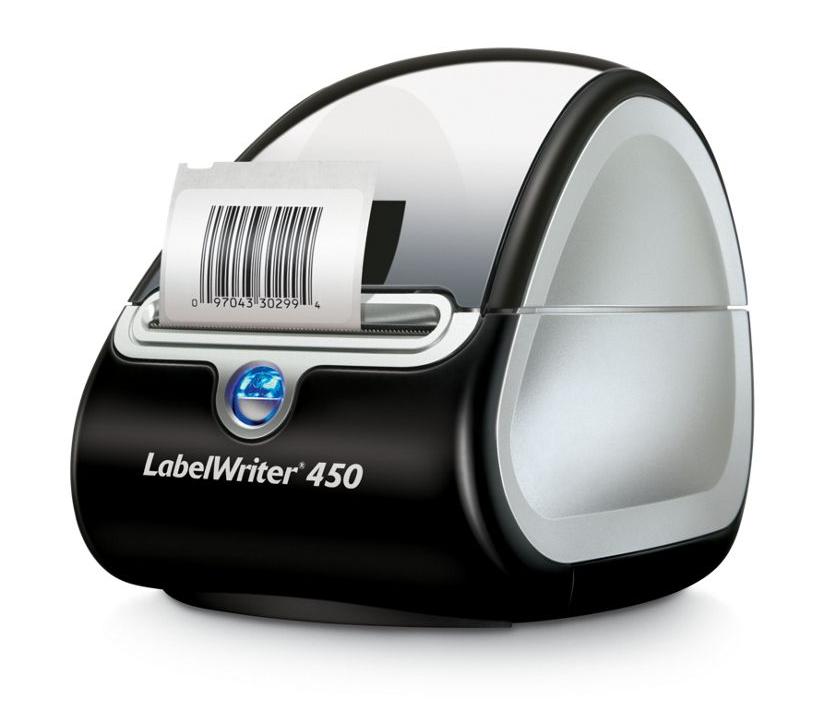
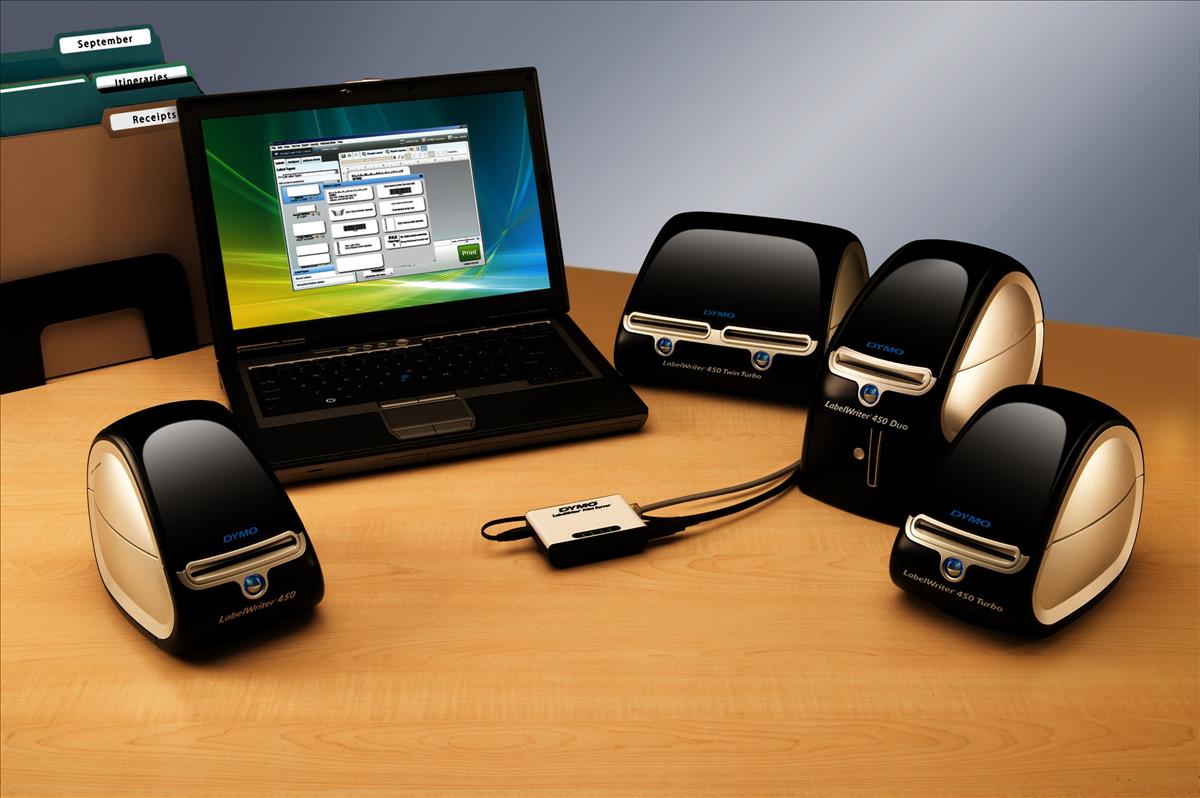
If you own the workhorse Dymo LabelWriter 450, you know its hardware is robust. However, getting the machine to cooperate with your computer—especially after an operating system (OS) update—often boils down to one critical component: the Dymo Labelwriter 450 Software. This isn't just a driver; it's the engine that powers your label creation, database integration, and batch printing.
Many users hit roadblocks when dealing with outdated versions, OS compatibility gaps, or stubborn installation processes. This guide cuts through the confusion, providing clear, actionable steps to ensure your printer and software are running smoothly, whether you are using the classic Label v8 or the newer Dymo Connect.
The Evolution of Dymo Software: Label v8 vs. Dymo Connect
Before you even click "Download," it's crucial to understand the two main generations of Dymo software relevant to your LabelWriter 450. Choosing the right one is the key to stability and avoiding common crashes.
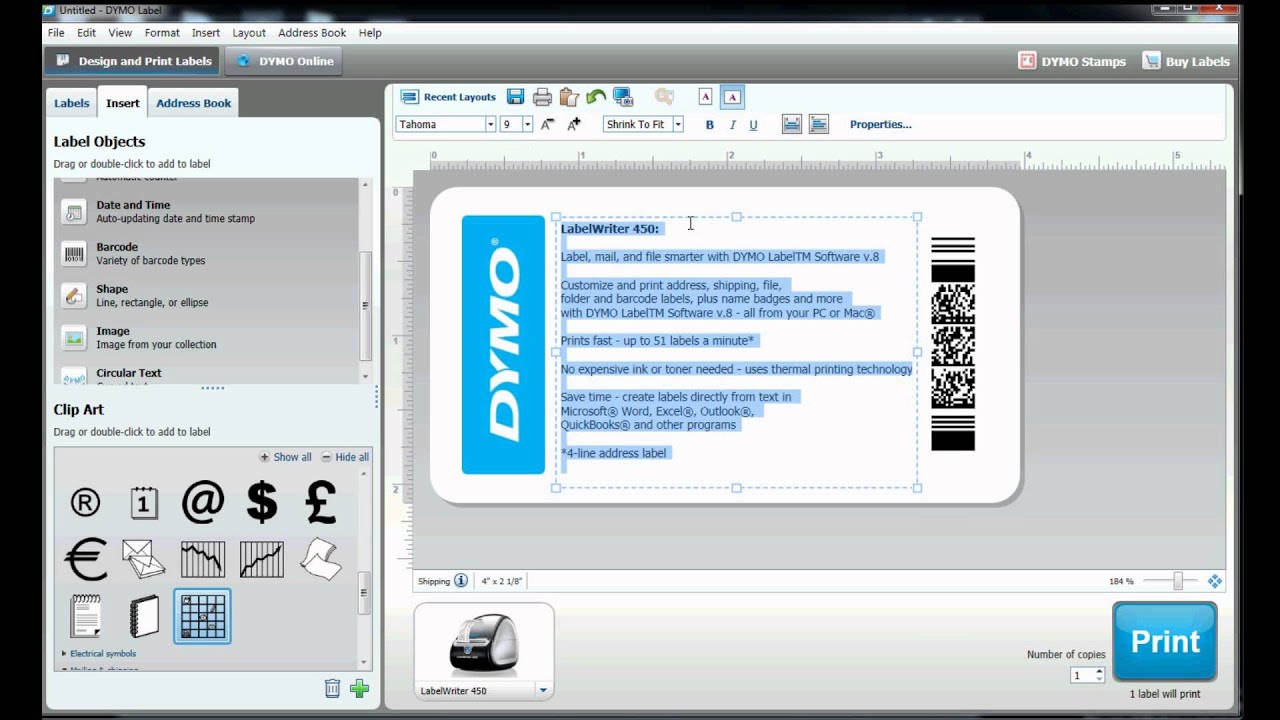
The original software for the 450 series was DYMO Label Software (DLS) version 8. It's functional, relatively lightweight, and still preferred by many long-time users for its simple interface. However, it can struggle with newer operating systems (Windows 10/11 and recent macOS versions), often requiring compatibility mode changes.
Dymo's current flagship offering is DYMO Connect. While primarily designed for newer models, Dymo Connect generally supports the LabelWriter 450 and often offers better compatibility with modern 64-bit OS environments, improved database integration, and a more streamlined user experience. If you are experiencing installation issues with DLS v8, migrating to Dymo Connect is often the best solution.
For official downloads and compatibility notes, always refer directly to the manufacturer's resource hub. Visit the Official Dymo Support Page for the latest software versions.
Step-by-Step: Downloading and Installing Dymo Labelwriter 450 Software
Installation seems simple, but there is one golden rule to prevent connection headaches: **DO NOT plug the printer in until the software tells you to.**
Verifying System Requirements
Always double-check that your OS is supported. While the LabelWriter 450 hardware is robust, older software (like DLS v8) might not run properly on the latest Apple Silicon Macs or the most recent Windows updates without specific patches. Ensure you have administrator privileges on your machine before proceeding.
The Installation Process
Follow these steps for a clean install:
- Download: Get the desired software package (DLS v8 or Dymo Connect) directly from the official Dymo website.
- Disconnect: Ensure the LabelWriter 450 is unplugged from the computer's USB port.
- Execute: Run the downloaded installer file. Follow the on-screen prompts, agreeing to the license terms.
- Reboot (Recommended): Although sometimes optional, restarting your computer after the software is installed ensures that all necessary drivers are properly registered by the operating system.
- Connect the Printer: Only after the software installation is fully complete and your computer has restarted, plug the USB cable into a direct port on your computer (avoid unpowered USB hubs during setup). The OS should recognize the device and finish the driver setup automatically.
A successful installation means the software opens without error and recognizes the connected printer model instantly. If not, proceed to troubleshooting.
Troubleshooting Common Software Issues
The vast majority of issues with the Dymo 450 are software, not hardware, related. Here are the fixes for the most common user complaints.
Connectivity and USB Detection Problems
The classic dilemma: The software is installed, but the printer is "Offline" or "Not Detected."
- Check USB Port: Try a different USB port. Older Dymo models are sometimes sensitive to USB 3.0/3.1 ports. Use a direct, powered port if possible.
- Reinstall Drivers: Sometimes, the driver needs a hard reset. Go to your computer's Device Manager (Windows) or System Information (Mac), locate the Dymo device, and uninstall/delete the driver. Then, unplug and replug the printer to force the system to reinstall the driver.
- Printer Spooler Check (Windows): Ensure the Windows Print Spooler service is running. If this service is stopped, your computer cannot communicate print jobs to the Dymo Labelwriter 450 Software.
"Label Not Found" Errors
This usually occurs when the software cannot read the specific label size or type loaded into the machine.
First, ensure your label roll is correctly inserted and the sensor can detect the label gap. Second, within the Dymo software, verify that the active label layout matches the physical label size you have loaded. Mismatching label types is the #1 cause of this error.
If you suspect a wider OS issue affecting your ports, consulting a reliable source on USB diagnostics is helpful. Review Microsoft's guide on USB troubleshooting.
Maximizing Productivity: Advanced Features
Using the Dymo Labelwriter 450 Software effectively means more than just typing text. Leverage these advanced features to save time:
The true power of the Dymo software lies in its ability to integrate external data. Both DLS v8 and Dymo Connect allow you to import data from Excel, CSV files, or even your Outlook contacts. This is essential for printing hundreds of mailing labels in one batch.
Furthermore, explore the built-in barcode and QR code functionality. Whether you are tracking inventory or generating retail tags, the software provides tools to automatically generate these complex elements, adhering to industry standards like Code 39 or UPC-A.
If you are frequently switching label sizes, consider creating and saving dedicated "Label Sets." This reduces the friction of manually setting margins and ensuring text fits the template every time you change rolls.
Dive deeper into hardware specifics: [Baca Juga: Dymo 450 Label Compatibility Guide]
Software Feature Comparison
Here is a quick comparison between the two major software packages to help you decide which is best for your workflow:
| Feature | Dymo Label Software v8 | Dymo Connect |
|---|---|---|
| Modern OS Compatibility | Fair (Requires Compatibility Mode) | Excellent (Designed for 64-bit OS) |
| Interface Simplicity | High (Classic, straightforward) | Moderate (Modern but slightly cluttered) |
| Database Integration | Basic (CSV, Excel, Access) | Advanced (Better mapping tools) |
| Cloud/Web Integration | None | Limited (Future-proofed design) |
Conclusion: Choosing the Right Software Path
The longevity of your Dymo LabelWriter 450 depends entirely on maintaining stable and compatible software. While DLS v8 holds a place in the hearts of legacy users, the shift toward Dymo Connect is inevitable for modern operating systems. If you encounter persistent bugs or connectivity issues, performing a clean uninstall of all old Dymo components and switching to the latest version of Dymo Connect will resolve 90% of your headaches.
Remember the installation golden rule—software first, printer connection second—and enjoy the seamless label printing that the Dymo 450 was designed to deliver.
Frequently Asked Questions About Dymo Labelwriter 450 Software
- Is the Dymo Labelwriter 450 Software free?
Yes, all official Dymo software (DLS v8 and Dymo Connect) required to run the LabelWriter 450 is provided as a free download from the Dymo official support website. There are no licensing fees for the basic software use.
- My labels are printing blank. Is this a software or hardware issue?
This is usually a hardware or media issue. Ensure the label roll is inserted correctly (the printing surface must face the thermal head), and that you are using genuine Dymo thermal labels, as generic labels can sometimes cause misfeed or blank output due to faulty sensors or poor thermal properties. If the issue persists, try running a diagnostic print from the software.
- Can I use Dymo Connect and Dymo Label Software v8 simultaneously?
It is strongly discouraged. Running two versions of Dymo software simultaneously often leads to driver conflicts, which can prevent Windows or macOS from correctly identifying which application should control the printer. We recommend sticking to one, preferably Dymo Connect, for optimal stability.
- Where can I find the absolute latest driver for the Dymo 450?
The drivers are bundled within the main Dymo Connect application installer package. Always download the installation file directly from the official manufacturer's website to guarantee you receive the most current, digitally signed, and compatible driver set.
Dymo Labelwriter 450 Software
Dymo Labelwriter 450 Software Wallpapers
Collection of dymo labelwriter 450 software wallpapers for your desktop and mobile devices.

Serene Dymo Labelwriter 450 Software Background for Desktop
Explore this high-quality dymo labelwriter 450 software image, perfect for enhancing your desktop or mobile wallpaper.
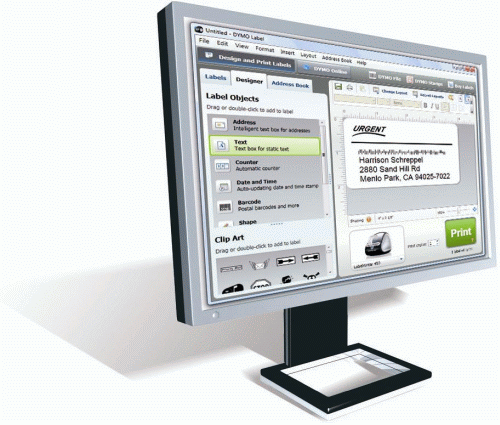
Vibrant Dymo Labelwriter 450 Software View Art
Explore this high-quality dymo labelwriter 450 software image, perfect for enhancing your desktop or mobile wallpaper.
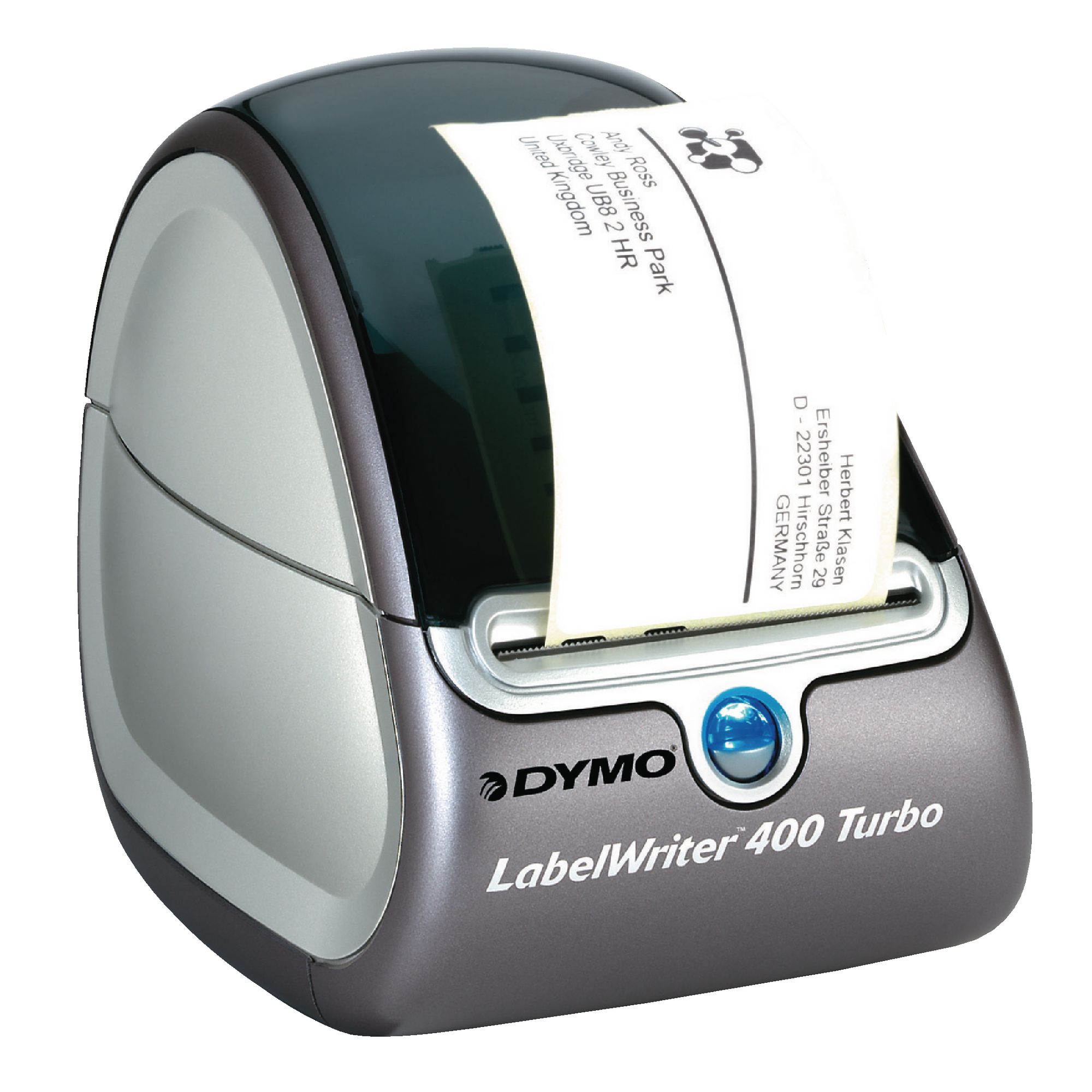
Amazing Dymo Labelwriter 450 Software Design for Desktop
Transform your screen with this vivid dymo labelwriter 450 software artwork, a true masterpiece of digital design.

Vivid Dymo Labelwriter 450 Software Picture Photography
Explore this high-quality dymo labelwriter 450 software image, perfect for enhancing your desktop or mobile wallpaper.
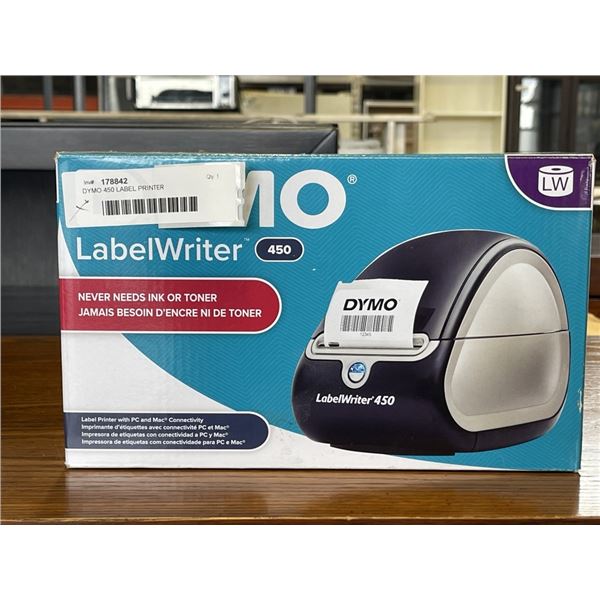
Mesmerizing Dymo Labelwriter 450 Software Picture in HD
Discover an amazing dymo labelwriter 450 software background image, ideal for personalizing your devices with vibrant colors and intricate designs.
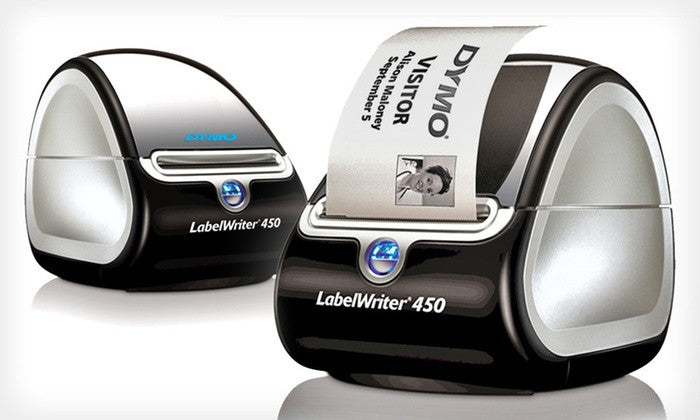
Gorgeous Dymo Labelwriter 450 Software Design for Desktop
Find inspiration with this unique dymo labelwriter 450 software illustration, crafted to provide a fresh look for your background.

Captivating Dymo Labelwriter 450 Software Artwork Concept
Immerse yourself in the stunning details of this beautiful dymo labelwriter 450 software wallpaper, designed for a captivating visual experience.

Spectacular Dymo Labelwriter 450 Software Design Collection
Find inspiration with this unique dymo labelwriter 450 software illustration, crafted to provide a fresh look for your background.
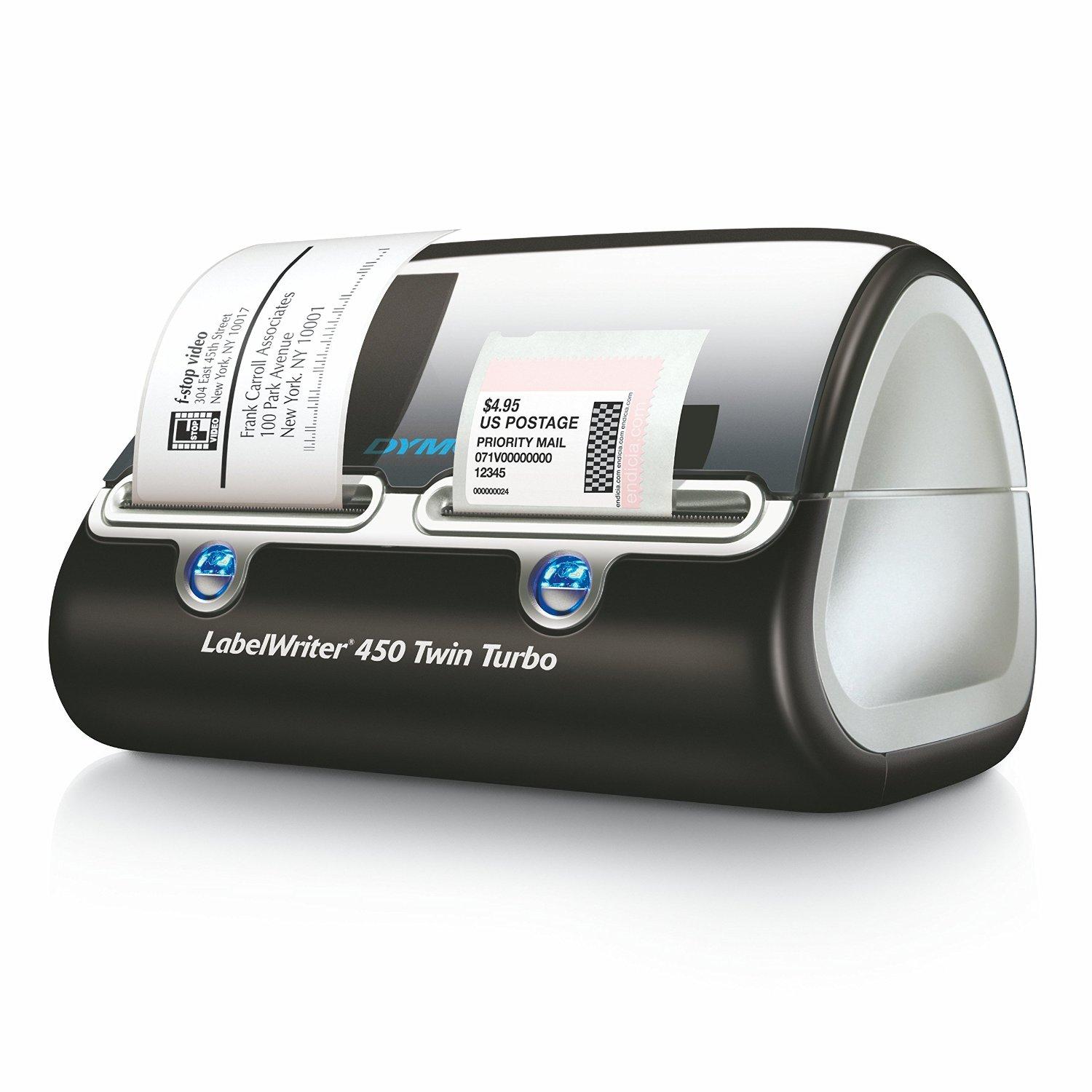
Stunning Dymo Labelwriter 450 Software Image for Your Screen
Find inspiration with this unique dymo labelwriter 450 software illustration, crafted to provide a fresh look for your background.

Dynamic Dymo Labelwriter 450 Software Picture for Your Screen
Find inspiration with this unique dymo labelwriter 450 software illustration, crafted to provide a fresh look for your background.

Breathtaking Dymo Labelwriter 450 Software View Collection
Transform your screen with this vivid dymo labelwriter 450 software artwork, a true masterpiece of digital design.
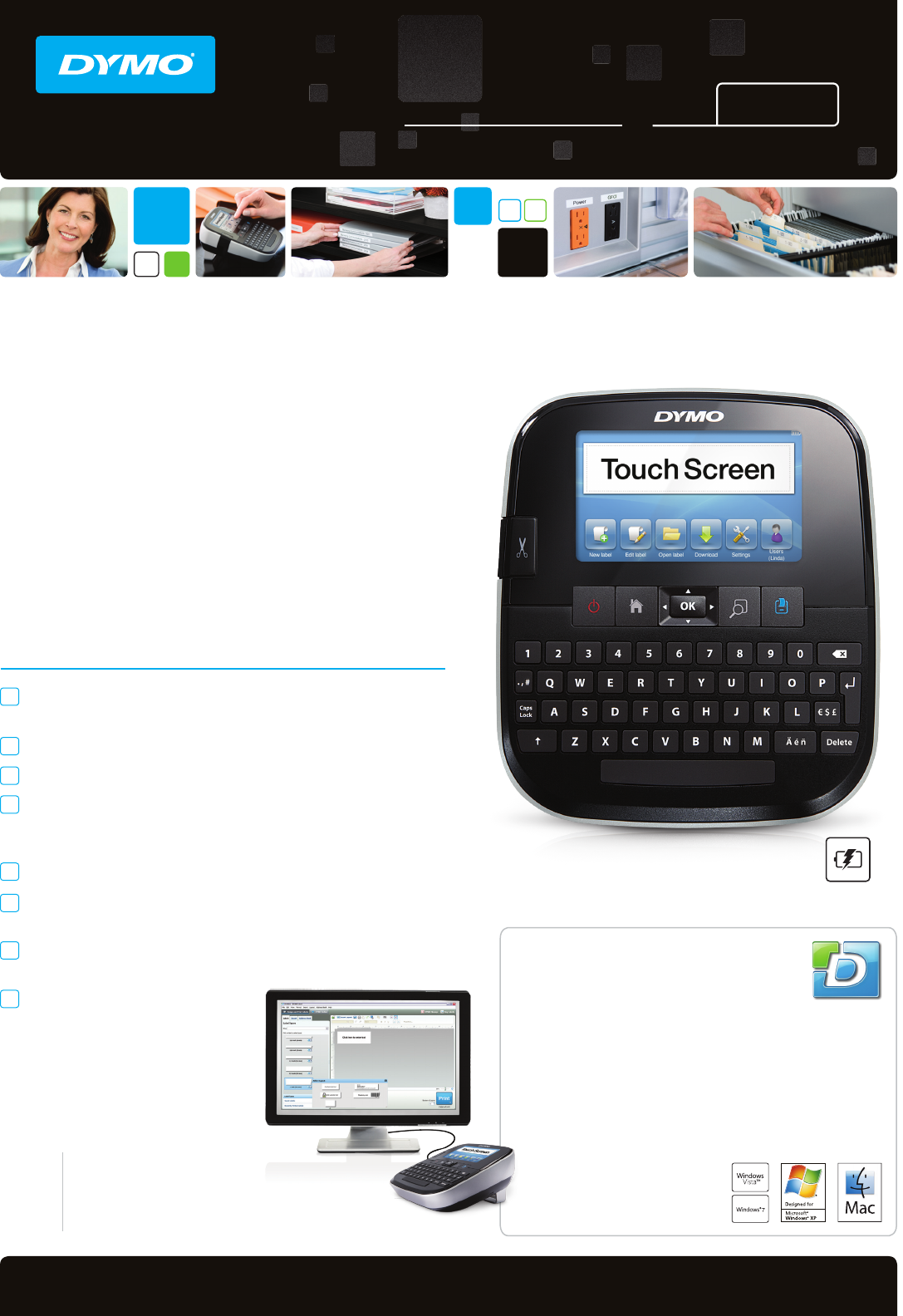
Crisp Dymo Labelwriter 450 Software Landscape for Mobile
This gorgeous dymo labelwriter 450 software photo offers a breathtaking view, making it a perfect choice for your next wallpaper.
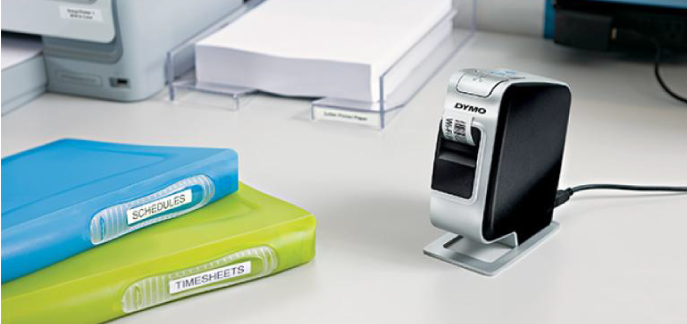
Captivating Dymo Labelwriter 450 Software Image Nature
A captivating dymo labelwriter 450 software scene that brings tranquility and beauty to any device.
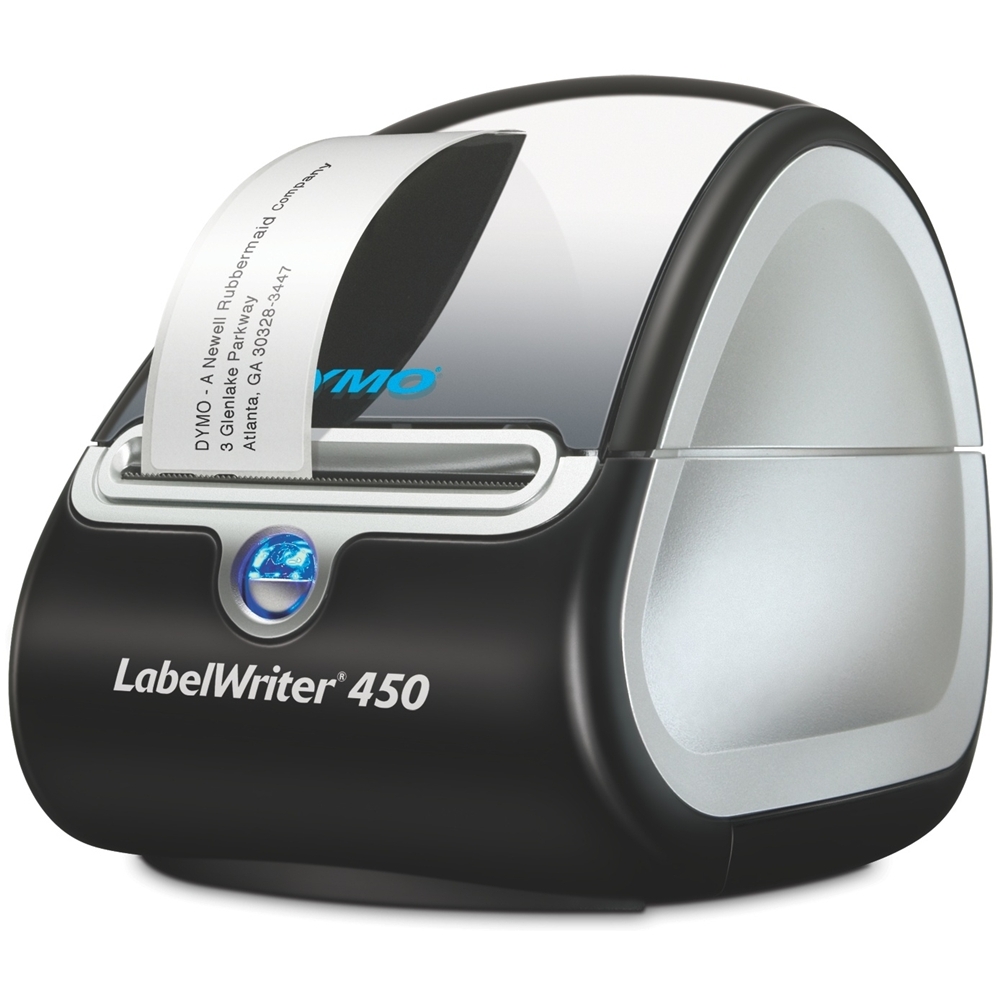
Vibrant Dymo Labelwriter 450 Software Capture in HD
Transform your screen with this vivid dymo labelwriter 450 software artwork, a true masterpiece of digital design.
Artistic Dymo Labelwriter 450 Software Design Illustration
A captivating dymo labelwriter 450 software scene that brings tranquility and beauty to any device.
High-Quality Dymo Labelwriter 450 Software Abstract Digital Art
Experience the crisp clarity of this stunning dymo labelwriter 450 software image, available in high resolution for all your screens.
Artistic Dymo Labelwriter 450 Software Abstract for Your Screen
A captivating dymo labelwriter 450 software scene that brings tranquility and beauty to any device.
Gorgeous Dymo Labelwriter 450 Software Artwork Concept
Immerse yourself in the stunning details of this beautiful dymo labelwriter 450 software wallpaper, designed for a captivating visual experience.

Detailed Dymo Labelwriter 450 Software Image Collection
Explore this high-quality dymo labelwriter 450 software image, perfect for enhancing your desktop or mobile wallpaper.
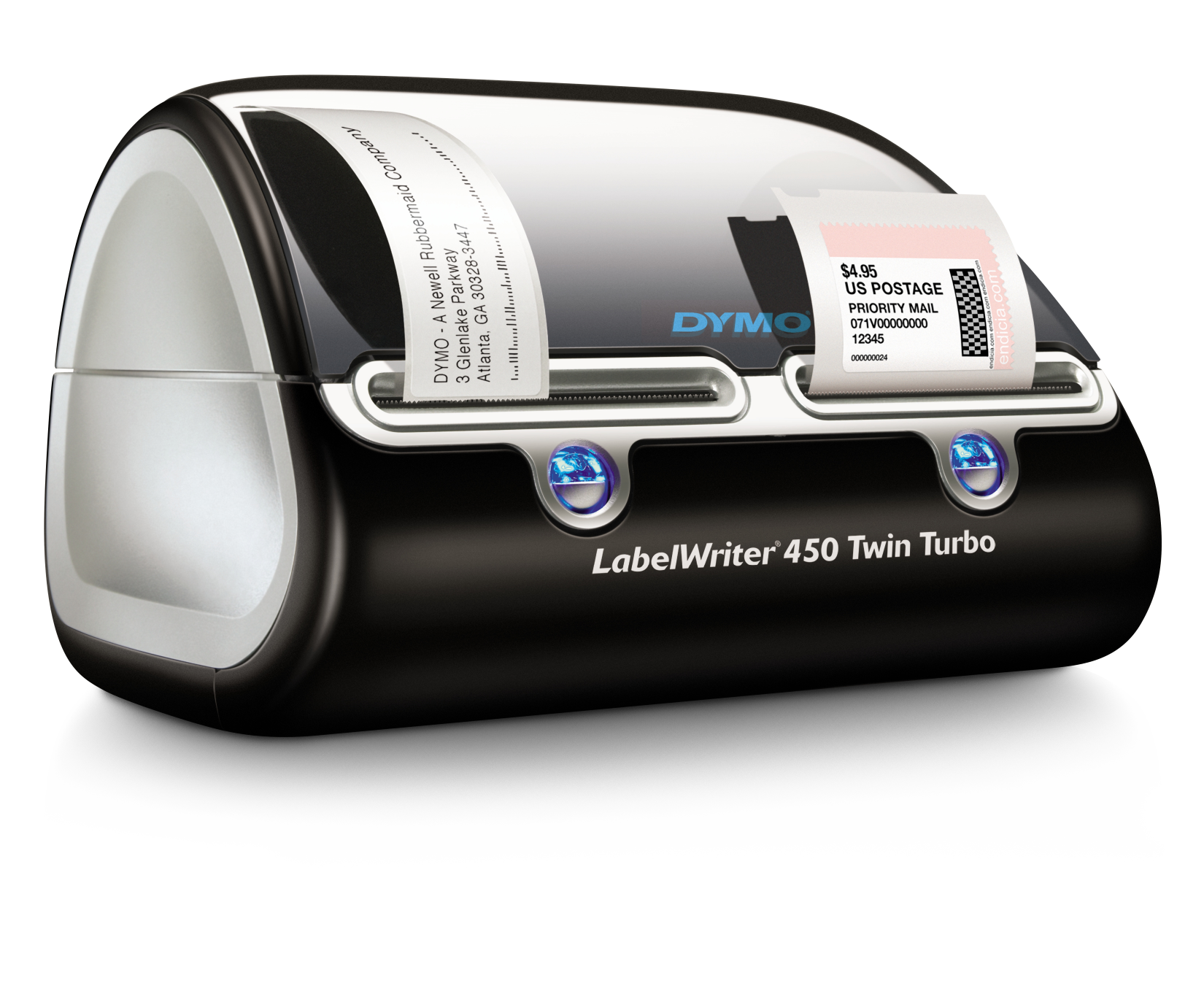
Serene Dymo Labelwriter 450 Software Scene in 4K
Explore this high-quality dymo labelwriter 450 software image, perfect for enhancing your desktop or mobile wallpaper.
Download these dymo labelwriter 450 software wallpapers for free and use them on your desktop or mobile devices.