How Do I Get A Url
How Do I Get A Url? The Ultimate Friendly Guide
Are you feeling a bit lost in the digital wilderness, wondering, "How Do I Get A Url?" You are definitely not alone! The term URL (Uniform Resource Locator) sounds technical, but it's really just the address that tells your computer exactly where to find a specific piece of information on the internet.
Whether you need to grab an address for an article you just read, or you want to register a brand new web address for your business, getting a URL is surprisingly straightforward. This guide will walk you through every scenario, making sure you leave knowing exactly how to handle and generate web addresses like a pro.
Understanding What a URL Really Is
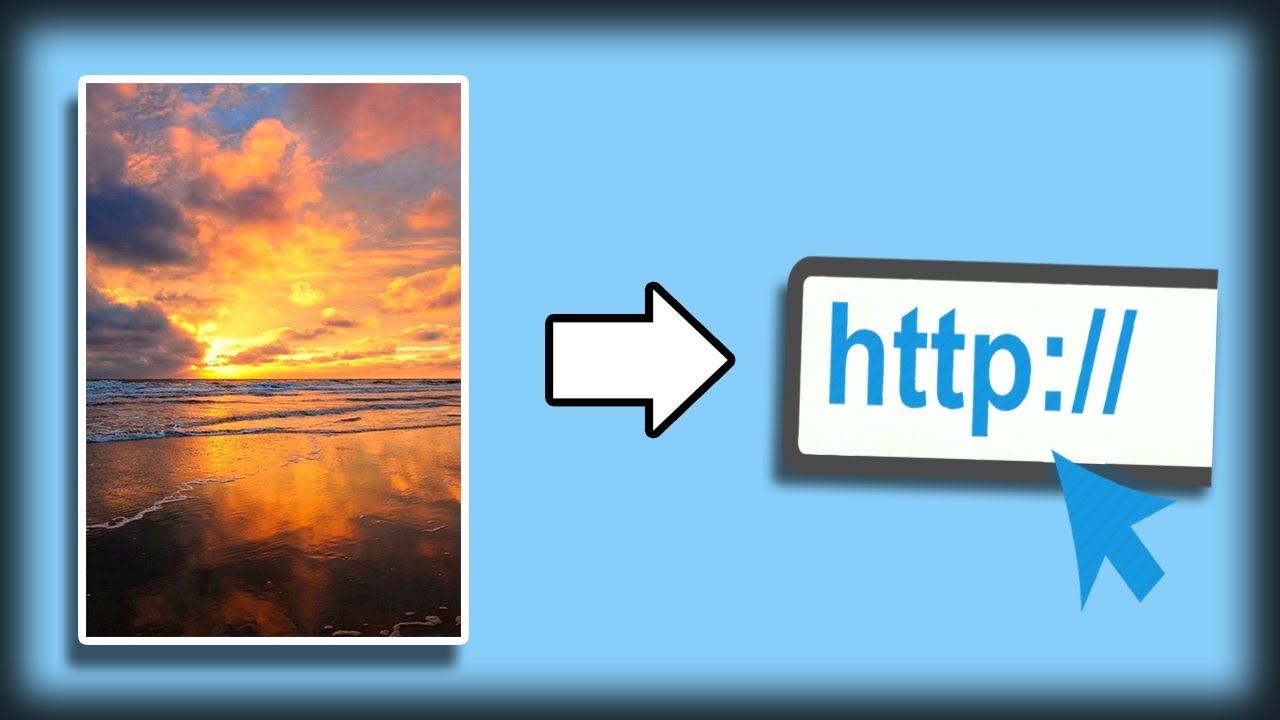
Before we dive into the "how to get" part, let's briefly understand what a URL is made of. Knowing the components helps you realize where the address starts and ends, which is crucial when you are trying to share it.
Think of a URL as a physical mailing address. It has several distinct parts that guide the browser right to the door:
- Protocol (e.g.,
https://): This is the rulebook used to transfer data. Almost every modern website uses HTTPS (Hypertext Transfer Protocol Secure). - Domain Name (e.g.,
example.com): This is the unique name of the website. - Path (e.g.,
/blog/article-name): This specifies the exact location of the document or page within that website.
When you ask "How Do I Get A Url," you are asking how to retrieve this complete, unique string of characters.
Getting a URL for an Existing Page (The Simple Way)
If the content already exists online—like a news article, a YouTube video, or a product page—getting the URL is incredibly easy. You just need to look up into your web browser.
Here is the standard procedure for how do I get a url that is already live:
- Navigate to the Page: Open the specific web page, video, or image you want the address for.
- Locate the Address Bar: This is the long bar usually found at the very top of your browser window (Chrome, Firefox, Safari, Edge).
- Highlight the URL: Click once inside the address bar. The entire address should automatically become highlighted. If not, use your mouse to drag across the full address, starting from
https://. - Copy the URL: Right-click on the highlighted text and select "Copy," or use the keyboard shortcut (Ctrl+C on PC, Cmd+C on Mac).
- Paste the URL: Now you have the URL! You can paste it into an email, a message, or a document (Ctrl+V or Cmd+V).
That's all there is to it! This method gives you the direct, canonical URL for that specific resource.
Browser Address Bar vs. Share Buttons
Sometimes websites offer "Share" buttons (like Twitter or Facebook icons). While these are convenient, the URL they generate might not always be the cleanest option.
Share buttons often add tracking parameters (called UTM codes or similar strings) to the URL. These tell the website where the traffic came from. While helpful for marketers, they make the URL look long and messy.
If you need the simplest, shortest version of the address, always copy it directly from the browser address bar. If you are sharing via email or text, the clean URL is preferable.
How Do I Get A Url for My Own Website or Content? (The Creator's Path)
If your goal is to create a new, permanent address that represents your business, blog, or project, the process involves two main steps: securing the main domain and then generating specific internal page URLs.
Step 1: Choosing and Registering a Domain Name
The domain name is the centerpiece of your website's URL. It's what people type into the browser to find your site (e.g., yourbusinessname.com).
To acquire this essential part of your URL, you need to use a domain registrar. Think of registrars like GoDaddy, Namecheap, or Google Domains. They manage the rights to use specific names on the internet.
The Domain Registration Process:
- Brainstorm Names: Choose a name that is relevant, easy to remember, and preferably short.
- Check Availability: Use the registrar's search tool to see if the name (and the desired extension, like .com, .net, or .org) is available.
- Purchase the Domain: If it's available, you pay an annual fee to register it. Once registered, you officially "own" the main part of your website's URL for that period.
- Link to Hosting: You must connect this domain to a web hosting service, which stores all your website files and makes them accessible to the public.
Once you have purchased and set up your domain, you have the root URL for your entire digital presence.
Step 2: Creating Specific URLs (Permalinks)
If you post a new article, a product description, or an 'About Us' page, you will need a specific URL for that content. These sub-addresses are often called permalinks (permanent links).
In most modern Content Management Systems (CMS) like WordPress or Shopify, the software automatically generates a permalink based on the title you give the content. For example, if your title is "My Best Tips for SEO," the system might generate the URL path: /my-best-tips-for-seo/.
You can almost always edit these generated URLs before publishing. This is a crucial step for search engine optimization (SEO).
How to Generate a Good Permalink:
- Start with a Title: Create your content's title.
- The CMS Does the Work: The CMS converts the title into a URL, replacing spaces with hyphens.
- Edit and Optimize: Go into the settings and shorten the URL path to include only the most critical keywords.
Remember, every time you create a new piece of content, you are essentially creating a new URL on the internet, which is how search engines and users can find that specific page.
Tips for SEO-Friendly URL Structures
A good URL isn't just easy to read; it also helps search engines understand your content better. If you are serious about publishing content, use these quick tips when configuring how do I get a url structure:
- Keep It Short and Sweet: Shorter URLs are easier to read, remember, and share.
- Use Keywords: Include one or two relevant keywords that describe the page content. This helps search engines rank your page.
- Use Hyphens: Always use hyphens (-) to separate words, never underscores (_). Search engines prefer hyphens.
- Avoid Dates (Unless Necessary): Unless the date is vital to the content (like a historical record), avoid including the year or month in the path, as it makes the content look outdated quickly.
- Exclude Stop Words: Remove common, unnecessary words like "a," "the," "and," and "but" to keep the URL concise.
For example, instead of /blog/2023/04/how-to-get-a-url-and-why-it-matters, aim for something like /get-url-guide.
Advanced URL Acquisition: Shortening and Customizing
Once you have your long URL, sometimes you want a shorter, custom version. This is common when sharing links on social media or in print materials where space is limited.
URL shorteners (like Bitly or TinyURL) take your long, complicated address and turn it into a short, manageable URL. While this doesn't create a new permanent address, it provides a functional alternative for sharing.
Example:
- Original URL:
https://yourwebsite.com/products/summer-sale-2024?source=affiliate - Shortened URL:
bit.ly/SummerSaleABC
These tools allow you to generate a custom ending (the "ABC" part) and provide analytics, helping you track who clicked the URL and when.
Conclusion: Wrapping Up Your URL Journey
Asking "How Do I Get A Url" can lead you down two paths. If you simply need the address for existing content, the answer is easy: copy it from your browser's address bar. This is the fastest and cleanest way to get a URL.
However, if you are looking to create a brand-new digital home, getting a URL involves registering a unique domain name and then thoughtfully structuring the permalinks for all your specific content pages. By focusing on readability, conciseness, and relevant keywords, you ensure that every URL you generate is optimized for both users and search engines.
You now have all the tools necessary to confidently navigate, share, and create URLs across the web!
Frequently Asked Questions (FAQ)
- What is the difference between a URL and a Domain Name?
- The Domain Name (e.g.,
google.com) is just the name of the website. The URL (e.g.,https://www.google.com/maps) is the complete address that specifies the protocol, the domain, and the exact path to a specific page or resource on that domain. - Why does my URL start with "https" instead of just "http"?
- The "s" stands for "secure." HTTPS means the connection between your browser and the website is encrypted, protecting data like passwords and credit card numbers. All reputable websites today use HTTPS.
- Can two websites have the exact same URL?
- No. Every complete URL on the internet must be unique. The combination of the domain name and the path guarantees a unique address for every resource.
- How long should my URL be?
- There is no strict maximum length, but for SEO and usability, shorter is better. Aim to keep the path (the part after the domain) descriptive but concise—ideally under 50 characters, focusing on core keywords.
How Do I Get A Url
How Do I Get A Url Wallpapers
Collection of how do i get a url wallpapers for your desktop and mobile devices.

Captivating How Do I Get A Url Photo Collection
A captivating how do i get a url scene that brings tranquility and beauty to any device.

Beautiful How Do I Get A Url Picture for Your Screen
Transform your screen with this vivid how do i get a url artwork, a true masterpiece of digital design.
Vibrant How Do I Get A Url Photo for Your Screen
Explore this high-quality how do i get a url image, perfect for enhancing your desktop or mobile wallpaper.

Vivid How Do I Get A Url Artwork for Desktop
Experience the crisp clarity of this stunning how do i get a url image, available in high resolution for all your screens.

Beautiful How Do I Get A Url Moment Concept
Transform your screen with this vivid how do i get a url artwork, a true masterpiece of digital design.

Dynamic How Do I Get A Url Scene Concept
Find inspiration with this unique how do i get a url illustration, crafted to provide a fresh look for your background.

Breathtaking How Do I Get A Url Image for Mobile
Transform your screen with this vivid how do i get a url artwork, a true masterpiece of digital design.
Beautiful How Do I Get A Url Abstract for Desktop
Transform your screen with this vivid how do i get a url artwork, a true masterpiece of digital design.
Crisp How Do I Get A Url Abstract for Desktop
A captivating how do i get a url scene that brings tranquility and beauty to any device.
Gorgeous How Do I Get A Url Scene Concept
Immerse yourself in the stunning details of this beautiful how do i get a url wallpaper, designed for a captivating visual experience.
Mesmerizing How Do I Get A Url Capture Digital Art
Transform your screen with this vivid how do i get a url artwork, a true masterpiece of digital design.

High-Quality How Do I Get A Url Landscape for Desktop
Experience the crisp clarity of this stunning how do i get a url image, available in high resolution for all your screens.

High-Quality How Do I Get A Url Background in HD
Experience the crisp clarity of this stunning how do i get a url image, available in high resolution for all your screens.

Stunning How Do I Get A Url Abstract in HD
A captivating how do i get a url scene that brings tranquility and beauty to any device.
Dynamic How Do I Get A Url View for Your Screen
This gorgeous how do i get a url photo offers a breathtaking view, making it a perfect choice for your next wallpaper.

Crisp How Do I Get A Url Abstract for Desktop
Immerse yourself in the stunning details of this beautiful how do i get a url wallpaper, designed for a captivating visual experience.
Captivating How Do I Get A Url Scene Digital Art
Immerse yourself in the stunning details of this beautiful how do i get a url wallpaper, designed for a captivating visual experience.

Stunning How Do I Get A Url Scene for Your Screen
This gorgeous how do i get a url photo offers a breathtaking view, making it a perfect choice for your next wallpaper.
Serene How Do I Get A Url Picture in 4K
Experience the crisp clarity of this stunning how do i get a url image, available in high resolution for all your screens.
Crisp How Do I Get A Url Scene in HD
Immerse yourself in the stunning details of this beautiful how do i get a url wallpaper, designed for a captivating visual experience.
Download these how do i get a url wallpapers for free and use them on your desktop or mobile devices.