Interior Design Software Sketchup
Tired of Flat Plans? Why Interior Design Software Sketchup Still Dominates the 3D Realm
If you are serious about visualizing spaces, chances are you've heard the name SketchUp. While the market is flooded with specialized Building Information Modeling (BIM) tools, the question remains: Can the simplicity and flexibility of Interior Design Software Sketchup really handle complex residential and commercial projects?
The short answer is a resounding "Yes." But the true power of SketchUp doesn't lie in its basic tools; it lies in its ecosystem, its massive 3D asset library, and the clever workflows designers use to leverage its speed. This article dives deep into why SketchUp is a favorite, and how you can maximize its potential for your interior design practice.
The SketchUp Advantage: Why Designers Choose This Tool
SketchUp, at its core, is intuitive. Unlike many competitors that require rigorous, engineering-focused training, SketchUp allows designers to think spatially and model freely, much like sketching on paper—but in three dimensions.
Accessibility and Learning Curve
For designers transitioning from 2D drafting or beginner tools, the learning curve of SketchUp is significantly gentler. The primary tools—Push/Pull, Follow Me, and Offset—are easy to grasp, enabling users to go from a 2D floor plan to a fully extruded 3D model in minutes, not hours.
The Power of 3D Warehouse
The 3D Warehouse is arguably SketchUp's biggest asset for interior designers. This massive, free online repository contains millions of models—from exact manufacturer-specific furniture pieces (sofas, appliances, lighting) to decorative accessories.
This resource dramatically speeds up the design process. Instead of modeling a complex chandelier from scratch, you simply download and place a ready-made component, allowing you to focus on spatial arrangement and material selection.
Flexible Output
SketchUp isn't just for pretty pictures. When paired with its 2D documentation tool, LayOut (part of SketchUp Pro), designers can generate professional-grade construction documents, elevation views, and detailed dimensioned plans necessary for contractors and clients. This seamless transition from 3D visualization to 2D documentation solidifies SketchUp's place as a complete professional solution.
Mastering the Interior Design Workflow in SketchUp
Effective interior design modeling in SketchUp requires discipline, specifically in how you manage components and layers (now called Tags). A structured workflow ensures easy revisions and faster rendering times.
1. Importing the Base Plan
Start by importing the existing 2D floor plan (usually a DWG/DXF file). Scale it accurately and lock it down. Using the "Push/Pull" tool, you immediately extrude the walls to the correct height. Always model the structural shell first before adding anything else.
2. Component Strategy and Tagging
Every element that is not a fixed wall or floor—furniture, lighting fixtures, windows, etc.—must be saved as a Component or Group. Components are better because they allow for instant, synchronized changes across multiple copies (e.g., changing the fabric on one dining chair changes all of them). Use Tags (Layers) to organize visibility (e.g., Tag: Furniture, Tag: Plumbing, Tag: Demolition).
3. Material and Texture Application
Accuracy here is key for client presentations. SketchUp allows for importing high-resolution texture maps, which is essential for showing realistic wood grain, tile patterns, or textile weaves. Ensure materials are properly scaled and aligned to the model faces. This significantly enhances the realism needed for high-quality renders later.
SketchUp vs. Dedicated BIM Software: When to Use What
While Interior Design Software Sketchup excels in visualization speed and design freedom, it is important to understand its limitations compared to true BIM platforms like Revit or ArchiCAD.
BIM (Building Information Modeling) tools focus on linking data to every model element, providing automatic schedules, quantity take-offs, and clash detection. SketchUp primarily focuses on geometry and visualization.
For a majority of residential or small-scale commercial interior remodels where the focus is on aesthetics, space planning, and quick client iteration, SketchUp is usually faster and more cost-effective. However, for large, complex commercial buildings requiring coordination with structural engineers and detailed facility management data, a BIM tool is often mandatory. (Source: Wikipedia on BIM).
| Feature Focus | SketchUp Pro | BIM Software (e.g., Revit) |
|---|---|---|
| Modeling Style | Freeform, conceptual, fast geometry | Parametric, rules-based, intelligent objects |
| Documentation | Via LayOut (manual dimensioning/tagging) | Automatic generation of schedules and sections |
| Best Used For | Visualization, concept development, presentation | Large-scale coordination, construction accuracy, data extraction |
Essential Extensions and Resources for Interior Designers
To truly elevate SketchUp from a basic modeler to a powerhouse design tool, you must embrace the Extension Warehouse. These plugins fill feature gaps and streamline repetitive tasks.
1. Rendering Engines (V-Ray or Enscape)
SketchUp's native display is great for modeling, but inadequate for photorealistic presentation. Designers must invest in a rendering extension. V-Ray offers incredible control and realism, while Enscape provides real-time rendering and virtual reality walkthroughs, which are game-changers for client approval.
2. CleanUp3 and Eneroth Tools
Models imported from 3D Warehouse or created over time can become bloated with unnecessary hidden geometry, materials, and layers. Extensions like CleanUp3 and various Eneroth tools help maintain a light, efficient model, drastically improving performance and reducing render times.
3. Custom Components and Dynamic Modeling
For custom cabinetry and millwork, learning Dynamic Components (DC) is invaluable. DCs allow a single component to be resized and configured automatically (e.g., changing the number of shelves or door styles) without redrawing. [Baca Juga: Teknik Modeling Kabinet Lanjutan di SketchUp]
Beyond the Model: Rendering and Presentation Tips
The final output determines the success of the visualization. Even the most intricate SketchUp model fails if the presentation is weak.
Setting the Scene: Camera and Lighting
Use the "Two-Point Perspective" camera setting to ensure vertical lines remain truly vertical, avoiding the awkward 'tilted' look. Lighting is the single most important element in rendering. Utilize high-quality HDRI skies for natural ambient light and carefully place artificial lights (pendants, recessed spots) with accurate IES profiles to simulate real-world illumination physics.
Post-Processing Polish
Professional renders are almost never a direct output from the rendering engine. Use image editing software (like Photoshop or Affinity Photo) for post-processing. This includes minor color correction, contrast boosting, adjusting lens flare, and adding 'render elements' like depth of field or bloom to truly make the image pop and look less digital. (Source: Architectural Digest Style Guides).
Conclusion
The continuous relevance of Interior Design Software Sketchup stems from its perfect balance of simplicity and powerful professional application, particularly when augmented by key extensions and the 3D Warehouse. It empowers designers to rapidly iterate on concepts, present stunning photorealistic visualizations, and deliver essential 2D documentation through LayOut. For those focused on the art and speed of interior visualization, SketchUp remains the accessible champion.
Frequently Asked Questions (FAQ)
Is SketchUp Free suitable for professional interior design?
No. While the free web version is excellent for hobbyists or basic conceptualizing, professional interior design requires SketchUp Pro. Pro includes LayOut for 2D documentation, the ability to import/export CAD files (DWG/DXF), and access to necessary rendering extensions.
What kind of computer specs do I need to run SketchUp smoothly?
SketchUp itself is fairly light, but running rendering extensions like V-Ray or Enscape demands powerful hardware. Minimum requirements typically include a dedicated graphics card (NVIDIA or AMD, 4GB+ VRAM), 16GB RAM, and a fast multi-core processor.
Is LayOut necessary for interior design documentation?
Absolutely. LayOut translates your 3D SketchUp model into professional 2D presentation sheets, including title blocks, dimensions, notes, section cuts, and scale views, which are critical for contractor and client communication.
Can I integrate my SketchUp models with BIM software?
Yes. SketchUp Pro can export models in formats (like IFC or DWG) that BIM software can read, allowing for collaboration. However, the data richness (the 'I' in BIM) will be limited compared to models native to the BIM platform.
Interior Design Software Sketchup
Interior Design Software Sketchup Wallpapers
Collection of interior design software sketchup wallpapers for your desktop and mobile devices.
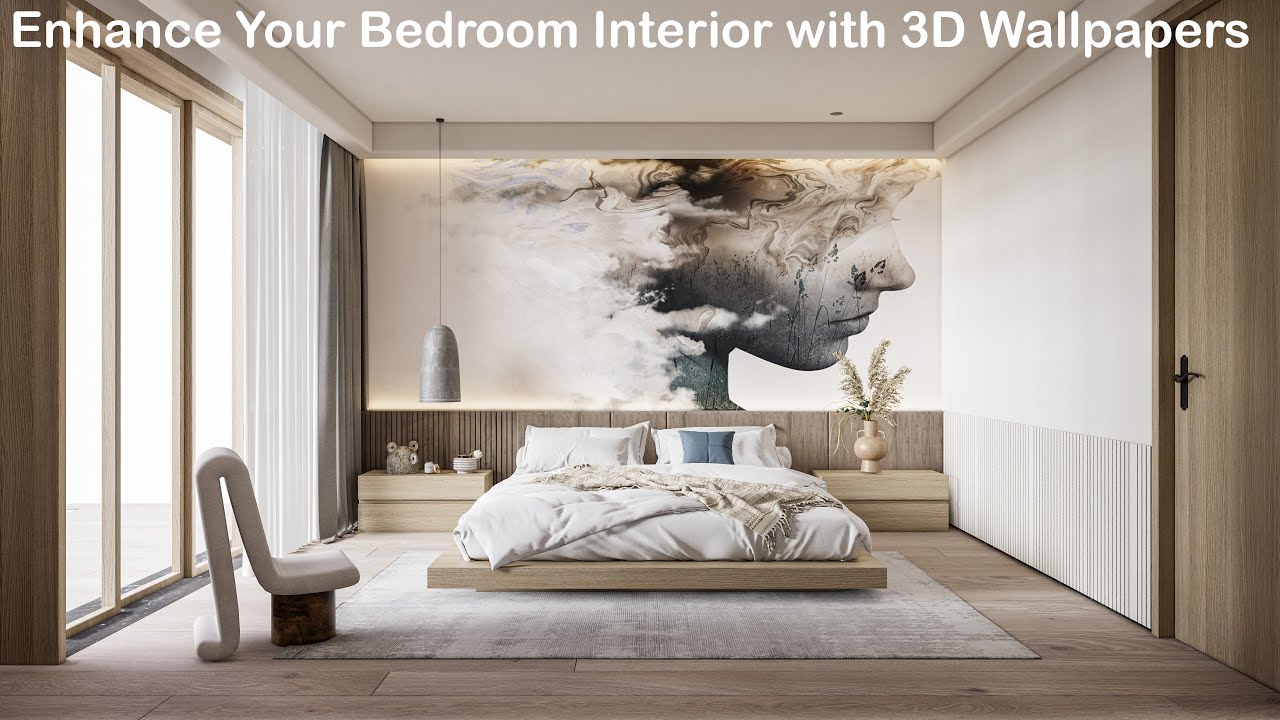
Dynamic Interior Design Software Sketchup Wallpaper Collection
This gorgeous interior design software sketchup photo offers a breathtaking view, making it a perfect choice for your next wallpaper.

Stunning Interior Design Software Sketchup Background in HD
Find inspiration with this unique interior design software sketchup illustration, crafted to provide a fresh look for your background.

Crisp Interior Design Software Sketchup Scene Photography
Immerse yourself in the stunning details of this beautiful interior design software sketchup wallpaper, designed for a captivating visual experience.
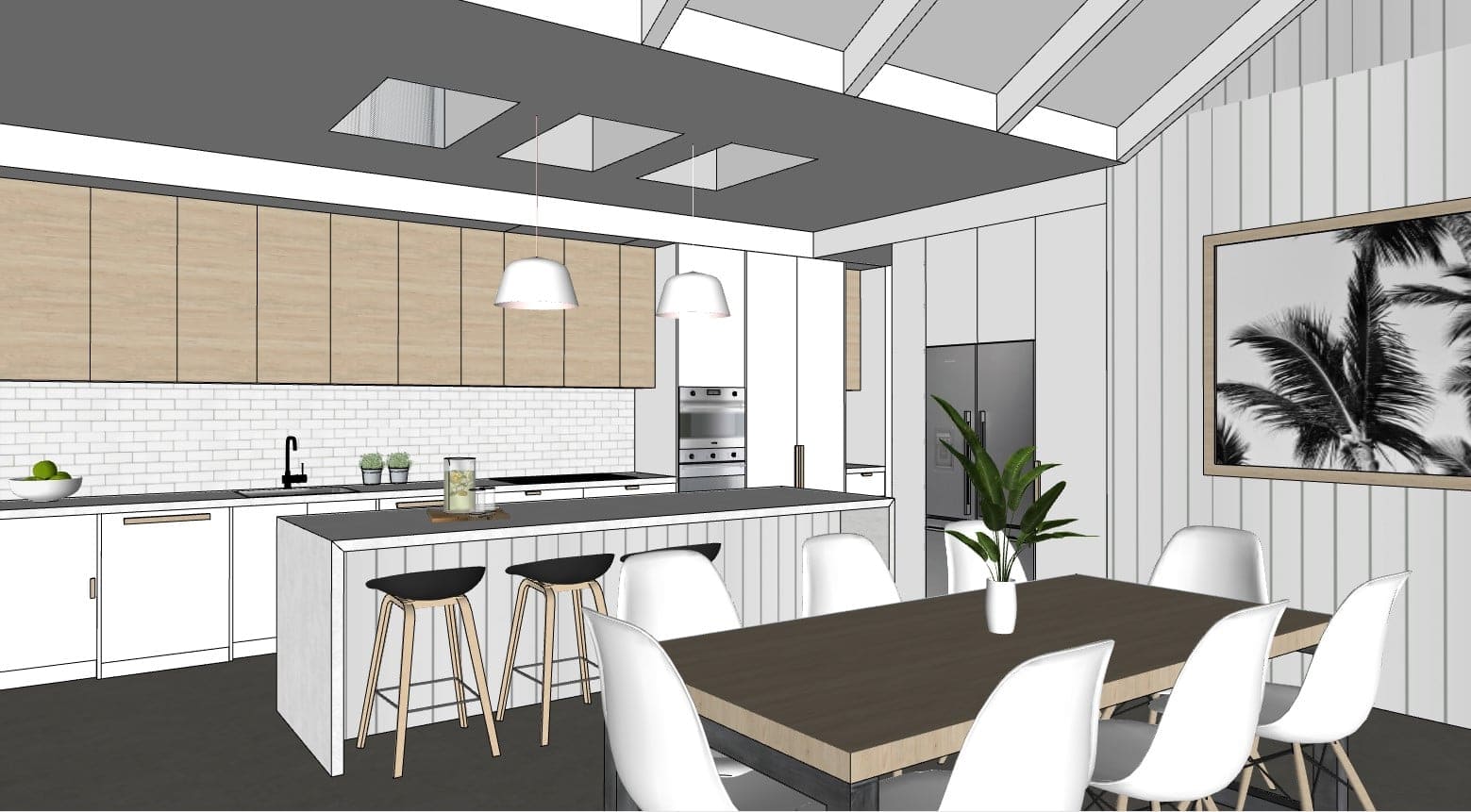
Breathtaking Interior Design Software Sketchup Photo for Desktop
Discover an amazing interior design software sketchup background image, ideal for personalizing your devices with vibrant colors and intricate designs.
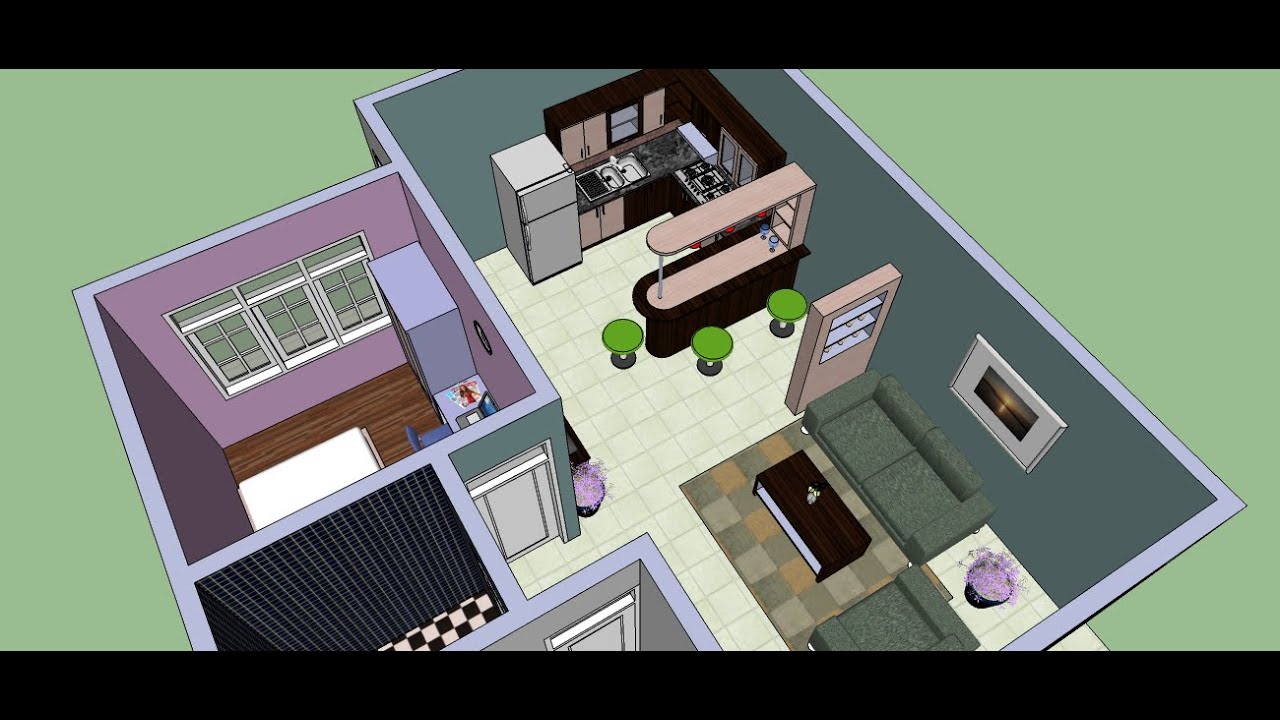
Dynamic Interior Design Software Sketchup Abstract Concept
Immerse yourself in the stunning details of this beautiful interior design software sketchup wallpaper, designed for a captivating visual experience.

Breathtaking Interior Design Software Sketchup Artwork Digital Art
Transform your screen with this vivid interior design software sketchup artwork, a true masterpiece of digital design.

Beautiful Interior Design Software Sketchup Photo Illustration
Discover an amazing interior design software sketchup background image, ideal for personalizing your devices with vibrant colors and intricate designs.

Vibrant Interior Design Software Sketchup Background Art
Experience the crisp clarity of this stunning interior design software sketchup image, available in high resolution for all your screens.
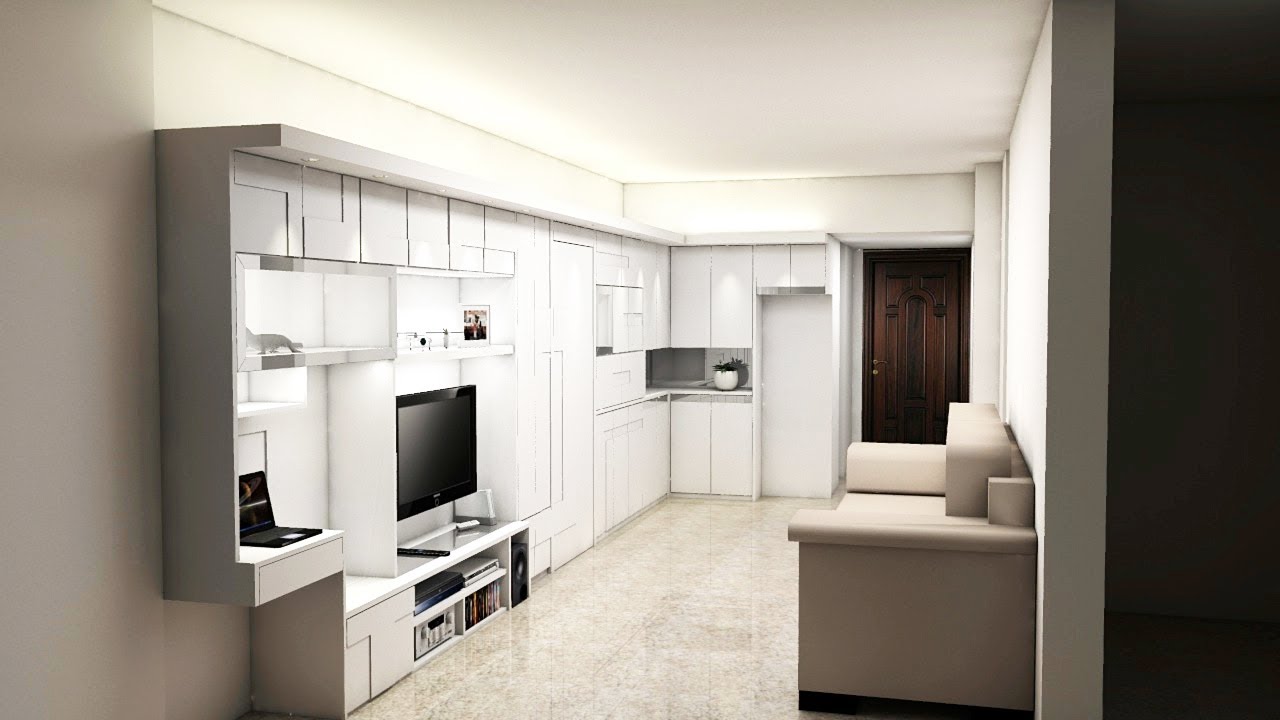
Breathtaking Interior Design Software Sketchup Artwork for Desktop
Experience the crisp clarity of this stunning interior design software sketchup image, available in high resolution for all your screens.

Amazing Interior Design Software Sketchup Moment for Your Screen
Discover an amazing interior design software sketchup background image, ideal for personalizing your devices with vibrant colors and intricate designs.
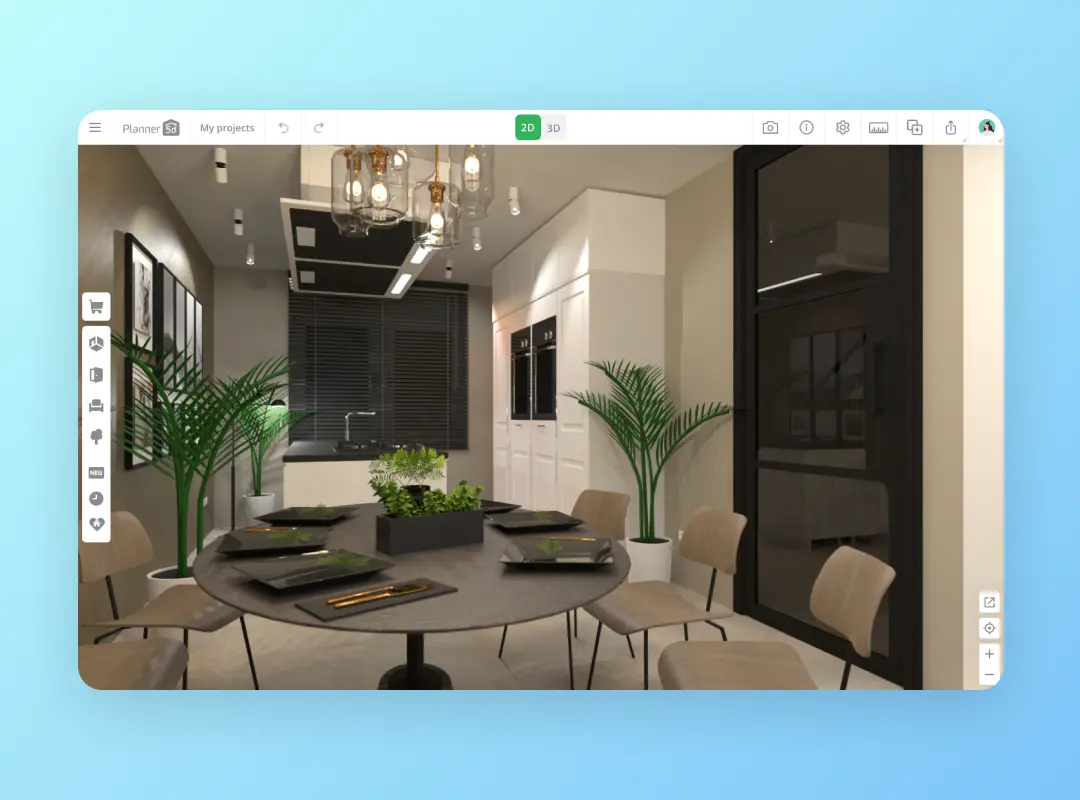
Artistic Interior Design Software Sketchup Landscape Collection
Immerse yourself in the stunning details of this beautiful interior design software sketchup wallpaper, designed for a captivating visual experience.

Detailed Interior Design Software Sketchup Photo Concept
Discover an amazing interior design software sketchup background image, ideal for personalizing your devices with vibrant colors and intricate designs.

Gorgeous Interior Design Software Sketchup Capture Photography
This gorgeous interior design software sketchup photo offers a breathtaking view, making it a perfect choice for your next wallpaper.

Serene Interior Design Software Sketchup Picture Concept
Transform your screen with this vivid interior design software sketchup artwork, a true masterpiece of digital design.
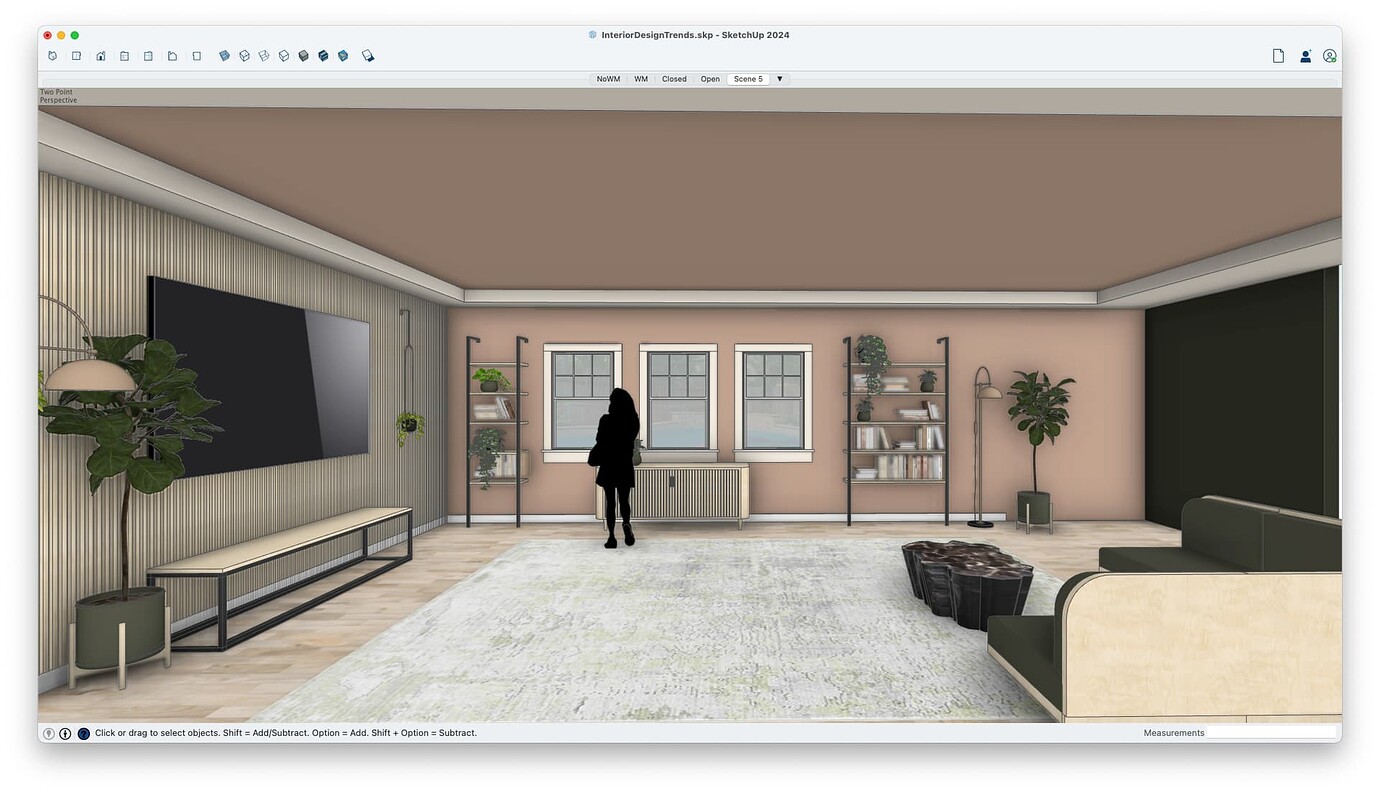
Spectacular Interior Design Software Sketchup Background Collection
Immerse yourself in the stunning details of this beautiful interior design software sketchup wallpaper, designed for a captivating visual experience.

Vibrant Interior Design Software Sketchup Capture Concept
Explore this high-quality interior design software sketchup image, perfect for enhancing your desktop or mobile wallpaper.

Lush Interior Design Software Sketchup Capture for Your Screen
This gorgeous interior design software sketchup photo offers a breathtaking view, making it a perfect choice for your next wallpaper.
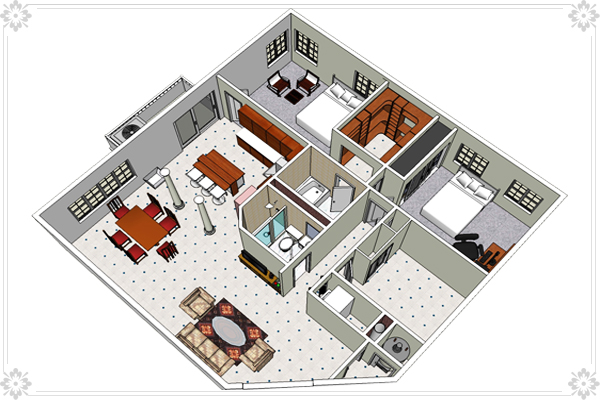
Mesmerizing Interior Design Software Sketchup Wallpaper in 4K
Discover an amazing interior design software sketchup background image, ideal for personalizing your devices with vibrant colors and intricate designs.

Breathtaking Interior Design Software Sketchup View Nature
Explore this high-quality interior design software sketchup image, perfect for enhancing your desktop or mobile wallpaper.

Detailed Interior Design Software Sketchup Picture Illustration
Experience the crisp clarity of this stunning interior design software sketchup image, available in high resolution for all your screens.
Download these interior design software sketchup wallpapers for free and use them on your desktop or mobile devices.