Jira Helpdesk Software
Tired of Disconnected Teams? Why Jira Helpdesk Software is the Ultimate Integration Engine
When you hear "help desk," you probably picture a simple ticketing system. But if your organization is running on the Atlassian stack—using Jira Software for development or Confluence for documentation—you need something that talks the same language.
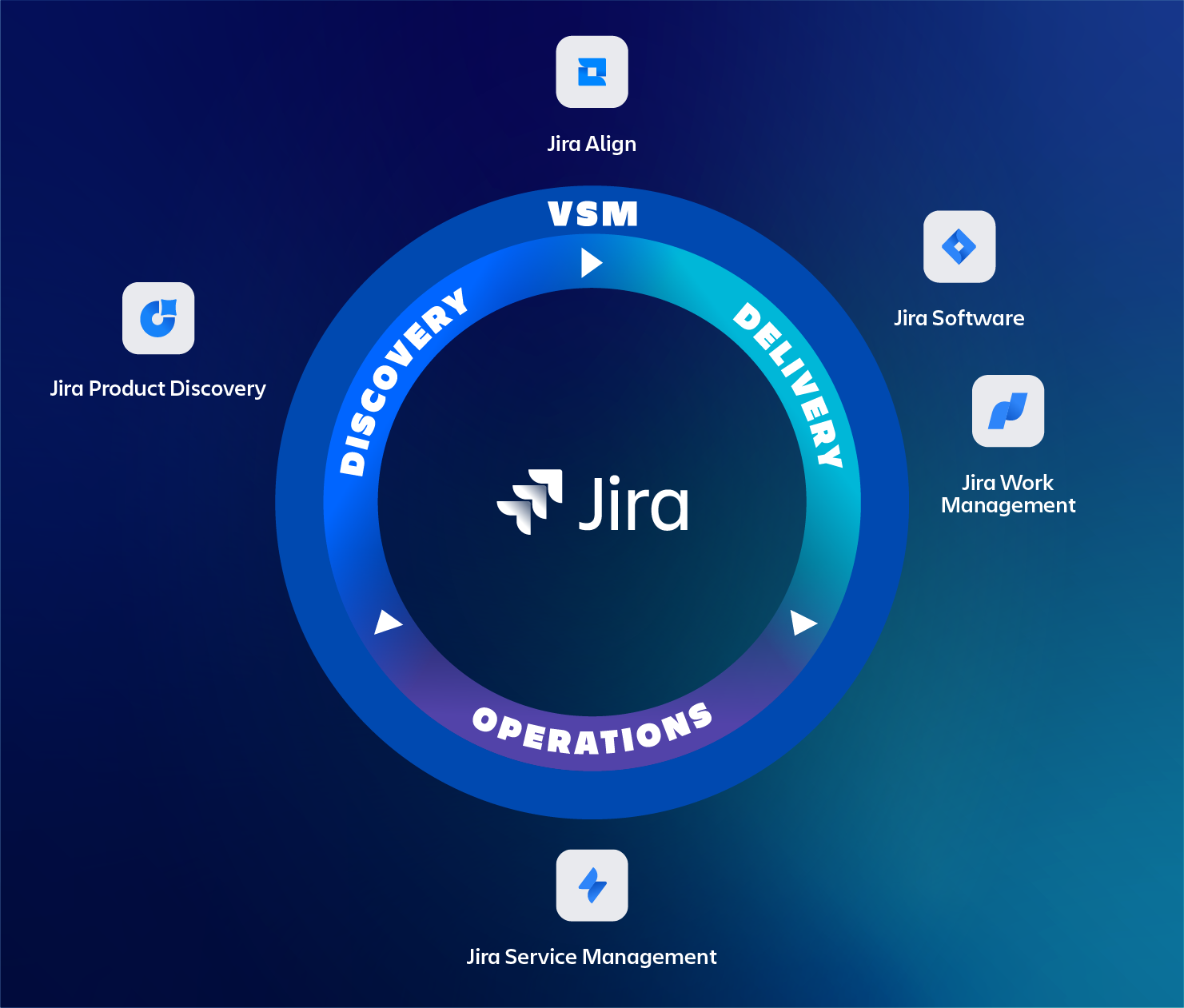
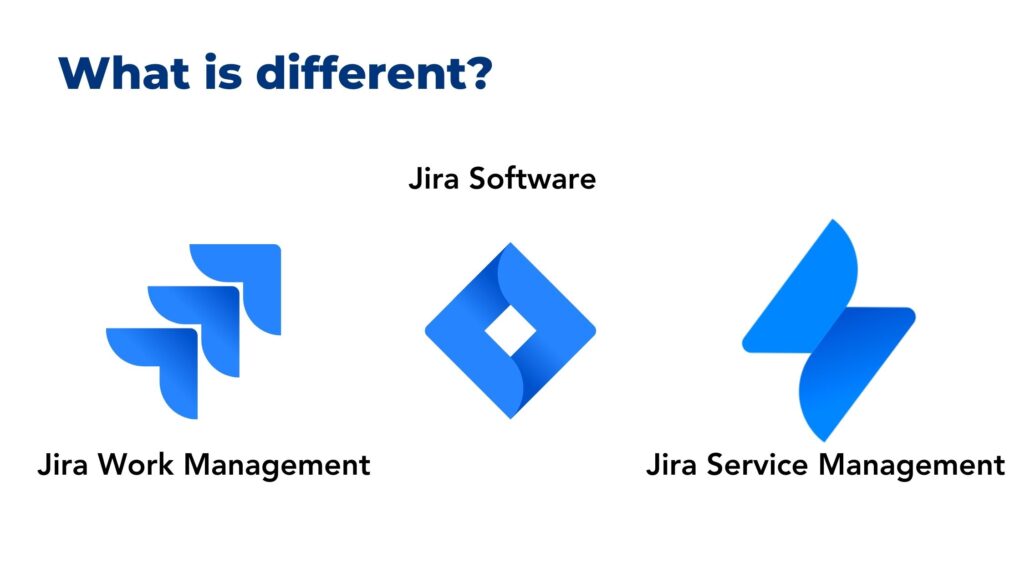
This is where Jira Helpdesk Software steps in. Officially branded as Jira Service Management (JSM), it's far more than just a place for users to submit requests; it's a robust IT Service Management (ITSM) platform designed to unify development, operations, and support teams. The goal? To smash down the silos that slow your business down.
If you are exploring how to implement an enterprise-grade helpdesk solution without creating further complexity, stick around. We'll dive deep into JSM's features, integration power, and how to get your team onboarded effectively.
What Exactly Is Jira Helpdesk Software? Understanding JSM
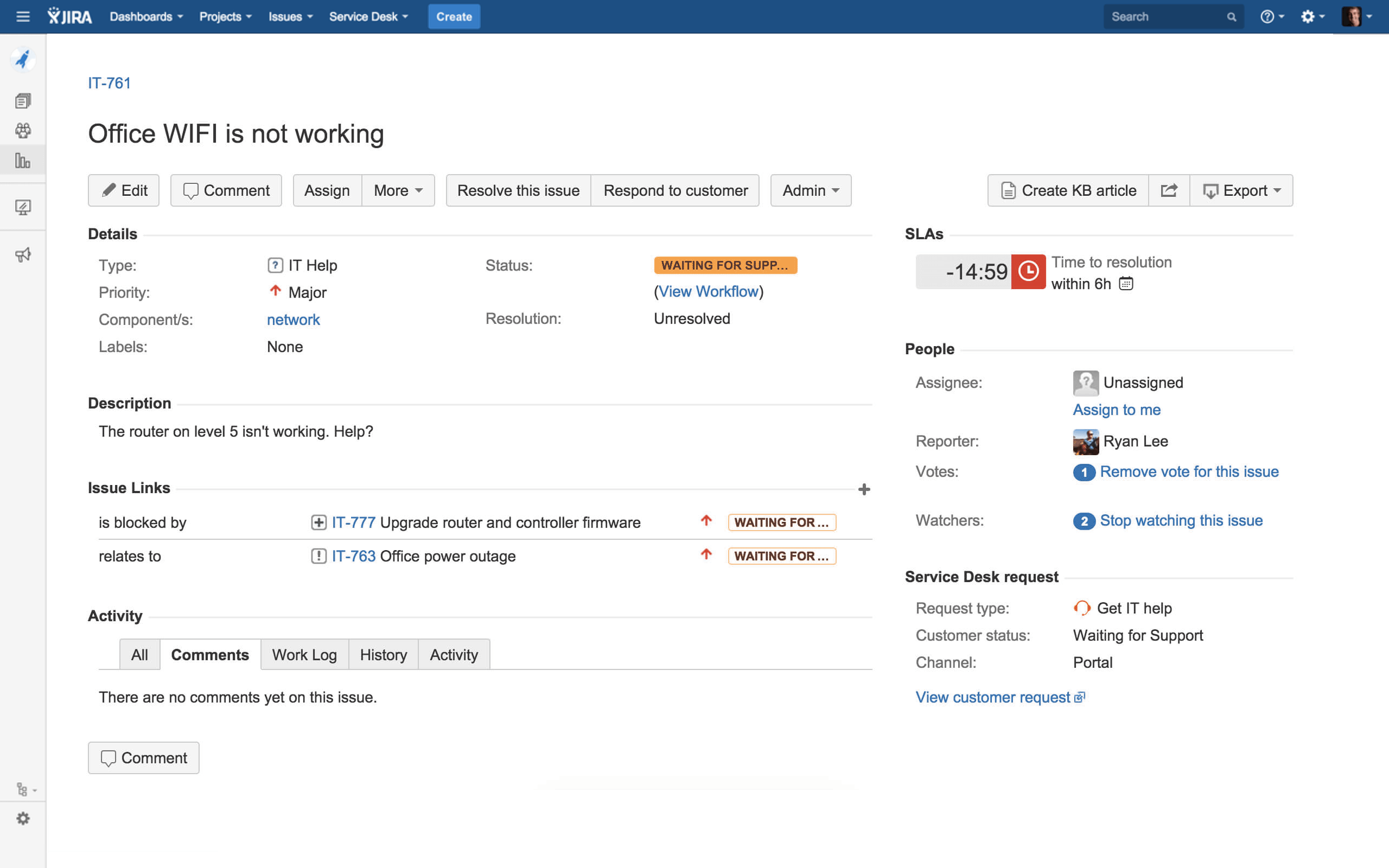
At its core, Jira Service Management (JSM) is Atlassian's answer to modern ITSM needs. Unlike legacy tools that often operate in isolation, JSM is built on the flexible Jira platform, allowing support tickets (service requests, incidents, problems) to flow seamlessly into development backlogs (bugs, features).
Think of it as the central hub for your entire organization's requests—not just IT. JSM provides a beautifully intuitive customer portal while giving agents powerful queue management, SLA tracking, and automation tools.
The Critical Difference: ITSM Meets Agile
Traditional helpdesk tools often fail because they treat IT operations and software development as two separate planets. Jira Helpdesk Software bridges this gap. When a critical incident occurs, the support ticket in JSM can instantly spawn a linked bug in Jira Software. This ensures:
- Full traceability from incident report to code fix.
- Faster resolution times (Mean Time to Resolution - MTTR).
- A single source of truth for all stakeholders.
This tight integration is the primary reason why companies embracing DevOps methodologies often choose JSM. For a deeper understanding of ITSM frameworks, you can refer to authoritative sources like Wikipedia's entry on IT Service Management.
Beyond Ticketing: The Core Features of Jira Service Management (JSM)
While basic versions of JSM handle standard request management expertly, the advanced tiers unlock powerful features essential for large organizations aiming for compliance and high efficiency.
Incident and Problem Management
JSM excels during crises. It allows you to:
- Automatically route high-priority incidents to on-call teams (via integration with Opsgenie).
- Use built-in communication tools to update affected customers.
- Link multiple related incidents to a single underlying 'Problem' to prevent recurrence.
This structured approach moves your team from reactive chaos to proactive problem-solving.
Knowledge Management Integration (Confluence)
The best help desk is the one customers rarely need to contact. JSM seamlessly integrates with Confluence (Atlassian's knowledge base tool). When a customer types a query into the JSM portal, relevant self-service articles pop up immediately, dramatically reducing inbound ticket volume.
This is crucial for maximizing agent productivity and improving the overall customer experience (CX).
Automation and SLAs
The flexibility of the Jira automation engine truly shines here. You can set up complex rules without writing a single line of code:
- Automatically assign tickets based on request type or custom fields.
- Escalate tickets that are approaching their Service Level Agreement (SLA) breach time.
- Send automated feedback requests 24 hours after resolution.
These automations ensure compliance and consistency across all support processes.
[Baca Juga: Jira Automation Best Practices for Support Teams]
The Power of Integration: Jira for ITSM and DevOps
The real value proposition of Jira Helpdesk Software is its position within the broader Atlassian ecosystem. This ecosystem is designed specifically for organizations practicing Continuous Integration and Continuous Delivery (CI/CD).
Change Management Simplified
In traditional ITSM, change management can be bureaucratic and slow. JSM speeds this up dramatically. Using JSM, development teams can link code repositories (Bitbucket/GitHub), deployment pipelines (Bamboo/Jenkins), and service requests directly to the change ticket.
This allows the Change Advisory Board (CAB) to see the full context, including deployment status and risk assessment, directly within the Jira issue before approving the change.
Comparing Jira Helpdesk Metrics
To demonstrate the effectiveness of JSM, it's vital to track key performance indicators (KPIs). JSM provides powerful reporting tools out-of-the-box. Here is a comparison of typical versus optimized helpdesk metrics achievable using JSM automation and integration:
| Metric | Typical Helpdesk (Manual) | Optimized JSM Implementation |
|---|---|---|
| First Response Time (FRT) | 1 - 4 hours | Under 15 minutes (via Automation) |
| Mean Time to Resolution (MTTR) | 48 - 72 hours | Under 24 hours (due to Dev integration) |
| Self-Service Ratio | 20% | 40% - 60% (via Confluence K-Base) |
Understanding these metrics is crucial for continuous improvement. You can explore official Atlassian documentation for detailed configuration guides on reporting here.
Implementation Road Map: Getting Started Successfully
Moving to a new helpdesk platform can seem daunting. A common mistake is trying to replicate old, inefficient processes in the new system. Instead, focus on adopting JSM best practices.
Phase 1: Define Your Service Offerings
Do not simply create one request type called "General Request." Clearly define what services you offer (e.g., IT Hardware Support, HR Onboarding, Software Bug Report). Use request types to categorize and route issues immediately.
Phase 2: Establish SLAs and Queues
Define clear Service Level Agreements for each request type (e.g., Priority 1 incidents must be acknowledged within 5 minutes). Configure your agent queues so that tickets are automatically prioritized and assigned based on these SLAs.
Phase 3: Integrate Your Knowledge Base
Before launching the portal, populate your Confluence knowledge base with common troubleshooting guides and FAQs. Link these articles directly to the relevant request forms in JSM.
Phase 4: Roll Out and Iterate
Start with a pilot group (internal teams first). Gather feedback rigorously. Jira's customizability allows you to iterate quickly on workflows, forms, and automations based on real user behavior. Remember, JSM is an Agile tool; use it in an Agile way!
For best practices on ITIL standards within a tool like Jira, consulting resources from organizations like AXELOS (ITIL official site) can be highly beneficial.
[Baca Juga: Ultimate Guide to Seamless Jira and Confluence Integration]
Conclusion: The Future of Support is Integrated
Choosing Jira Helpdesk Software means investing in a platform that truly understands the demands of modern, fast-moving technology teams. It eliminates friction between development, operations, and support, ensuring that problems are solved faster and requests are managed more transparently.
JSM transforms the help desk from a cost center into a powerful engine for organizational improvement. By leveraging its integration capabilities, you are not just logging tickets—you are building better products and providing superior service.
Frequently Asked Questions (FAQ) about Jira Service Management
- Is Jira Service Management (JSM) only for IT teams?
No. While JSM originated in ITSM, its flexibility means it is widely used for enterprise service management (ESM) across departments like HR, Legal, and Facilities. Any team that manages internal or external requests can benefit.
- How does JSM handle external customer support versus internal employee support?
JSM allows you to create separate service desks (projects). You can have one desk configured for external customers (using public portals) and another desk for internal employees (often integrated with SSO/Active Directory for quick access).
- What is the cost model for Jira Helpdesk Software?
JSM operates on a per-agent subscription model. Crucially, end-users (customers or employees submitting requests) are free. You only pay for the agents who need access to the queues and reporting features to actively resolve tickets.
- Can JSM integrate with non-Atlassian tools?
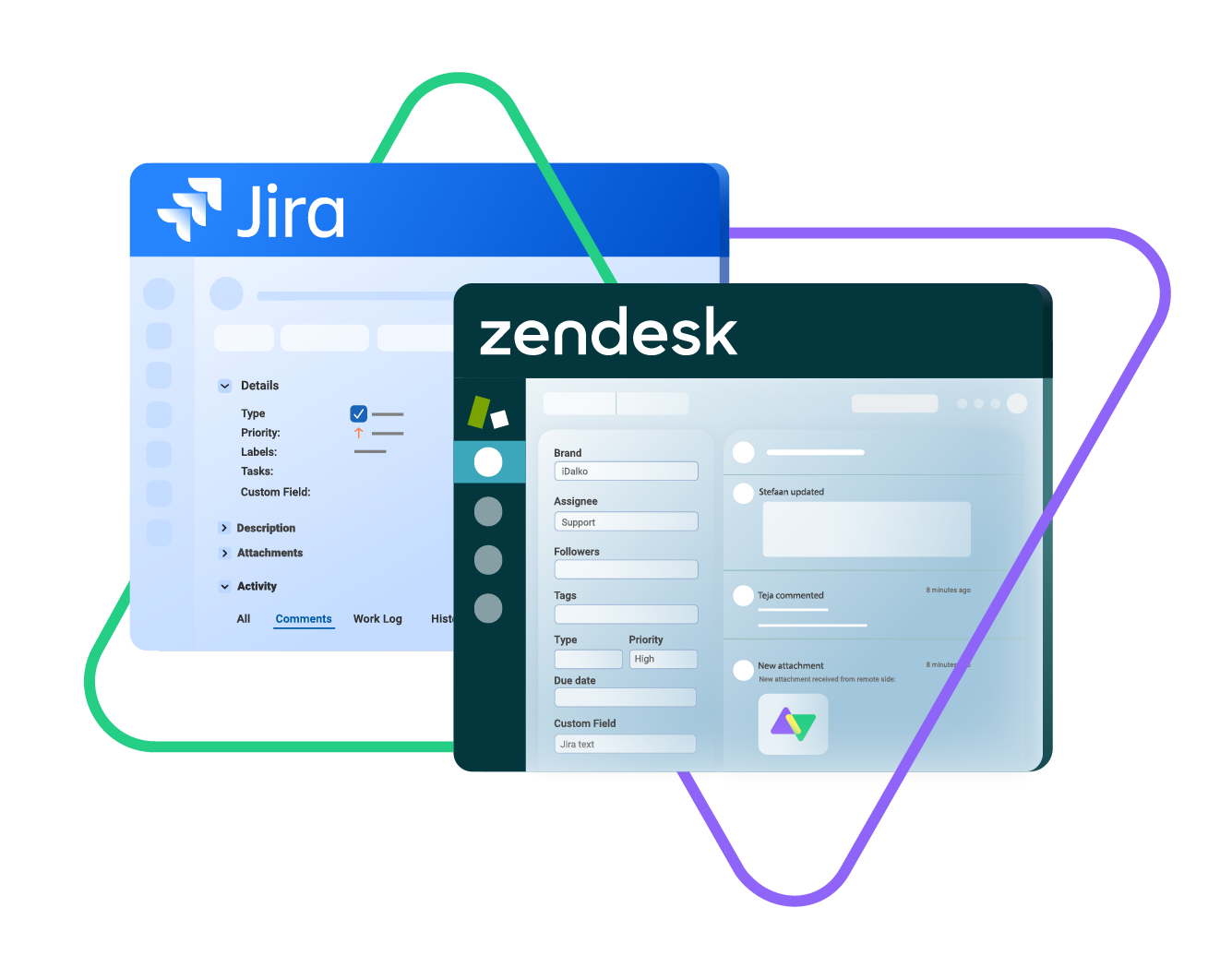
Absolutely. JSM has extensive API capabilities and a massive marketplace of add-ons that facilitate integration with popular communication tools (Slack, Microsoft Teams), monitoring tools (Datadog, Splunk), and CRM systems (Salesforce).
Jira Helpdesk Software
Jira Helpdesk Software Wallpapers
Collection of jira helpdesk software wallpapers for your desktop and mobile devices.
.png "Mesmerizing Jira Helpdesk Software Background Nature")
Mesmerizing Jira Helpdesk Software Background Nature
Transform your screen with this vivid jira helpdesk software artwork, a true masterpiece of digital design.

High-Quality Jira Helpdesk Software Scene Concept
Explore this high-quality jira helpdesk software image, perfect for enhancing your desktop or mobile wallpaper.

Amazing Jira Helpdesk Software Photo Nature
Experience the crisp clarity of this stunning jira helpdesk software image, available in high resolution for all your screens.
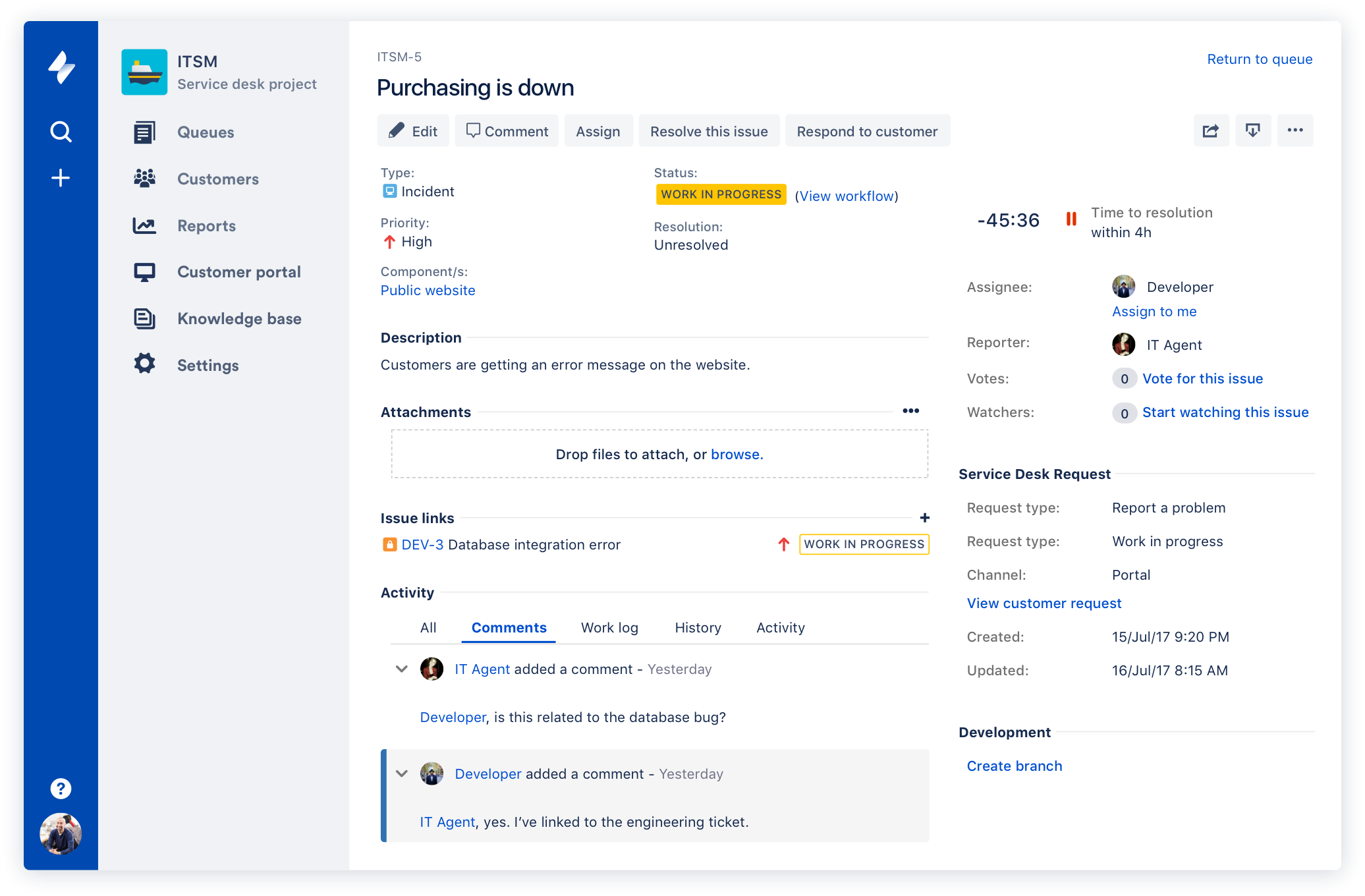
Gorgeous Jira Helpdesk Software Design for Mobile
This gorgeous jira helpdesk software photo offers a breathtaking view, making it a perfect choice for your next wallpaper.
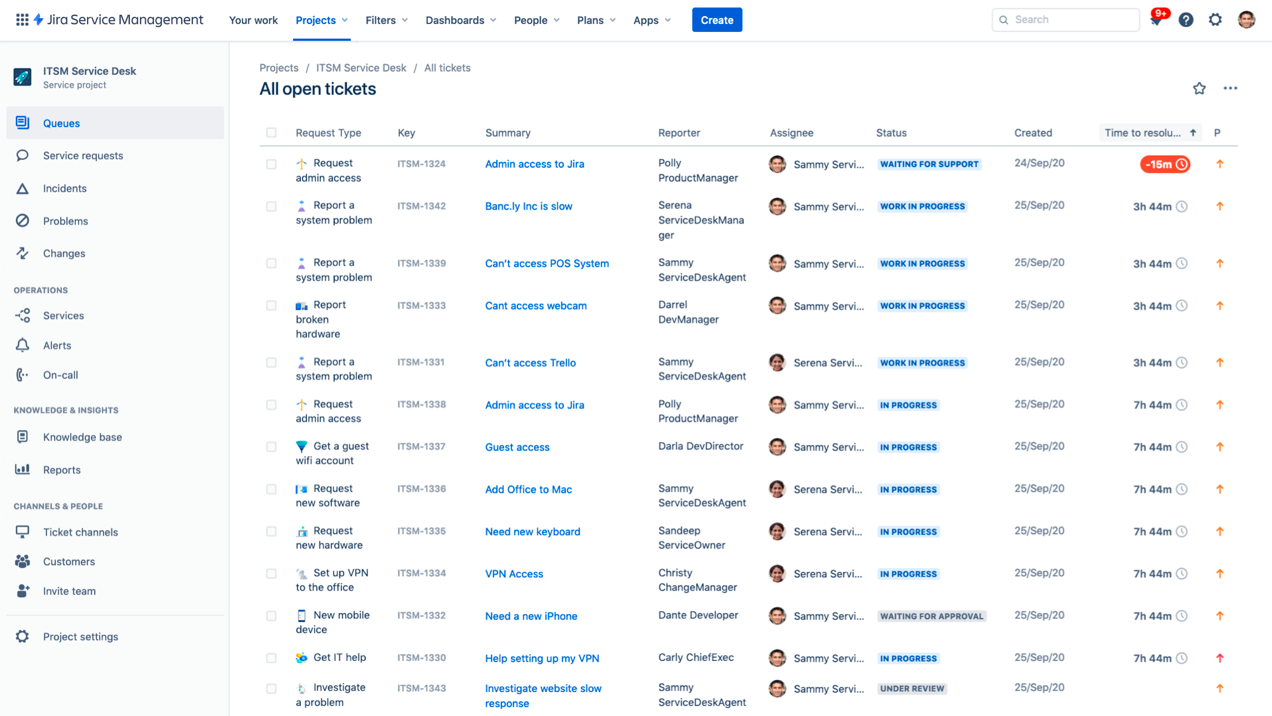
Vivid Jira Helpdesk Software Capture Nature
Transform your screen with this vivid jira helpdesk software artwork, a true masterpiece of digital design.

Breathtaking Jira Helpdesk Software Abstract Collection
Transform your screen with this vivid jira helpdesk software artwork, a true masterpiece of digital design.

Captivating Jira Helpdesk Software Artwork Concept
This gorgeous jira helpdesk software photo offers a breathtaking view, making it a perfect choice for your next wallpaper.
Artistic Jira Helpdesk Software Design Collection
This gorgeous jira helpdesk software photo offers a breathtaking view, making it a perfect choice for your next wallpaper.

Serene Jira Helpdesk Software Image in 4K
Explore this high-quality jira helpdesk software image, perfect for enhancing your desktop or mobile wallpaper.

Dynamic Jira Helpdesk Software Background for Your Screen
This gorgeous jira helpdesk software photo offers a breathtaking view, making it a perfect choice for your next wallpaper.

Detailed Jira Helpdesk Software Image Collection
Experience the crisp clarity of this stunning jira helpdesk software image, available in high resolution for all your screens.
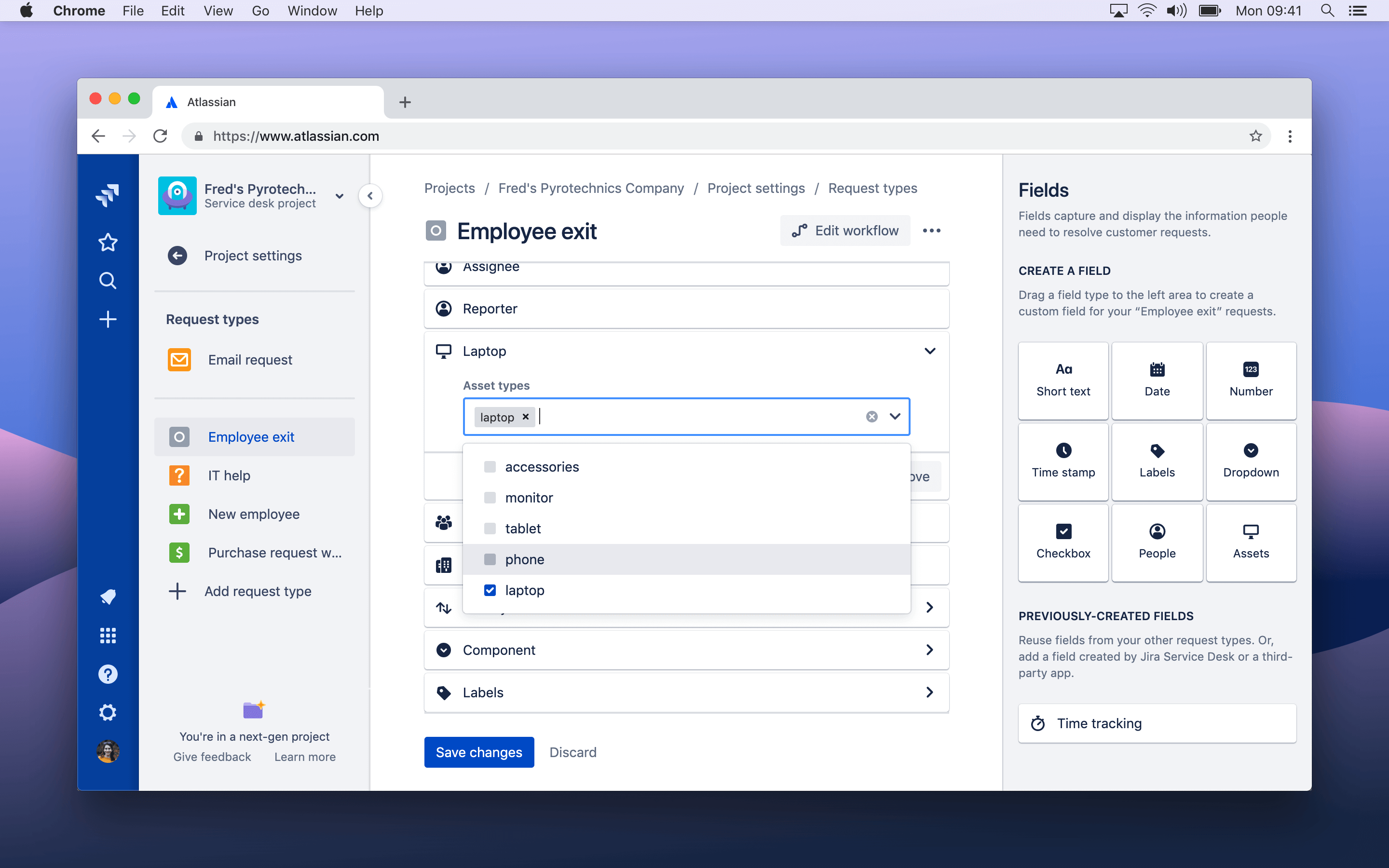
Vivid Jira Helpdesk Software Background Art
Discover an amazing jira helpdesk software background image, ideal for personalizing your devices with vibrant colors and intricate designs.

Serene Jira Helpdesk Software View in HD
Explore this high-quality jira helpdesk software image, perfect for enhancing your desktop or mobile wallpaper.

Artistic Jira Helpdesk Software Image in 4K
This gorgeous jira helpdesk software photo offers a breathtaking view, making it a perfect choice for your next wallpaper.
Artistic Jira Helpdesk Software Image Illustration
Immerse yourself in the stunning details of this beautiful jira helpdesk software wallpaper, designed for a captivating visual experience.
Detailed Jira Helpdesk Software Moment Collection
Experience the crisp clarity of this stunning jira helpdesk software image, available in high resolution for all your screens.
Artistic Jira Helpdesk Software Scene Collection
Find inspiration with this unique jira helpdesk software illustration, crafted to provide a fresh look for your background.
Breathtaking Jira Helpdesk Software Background for Your Screen
Experience the crisp clarity of this stunning jira helpdesk software image, available in high resolution for all your screens.
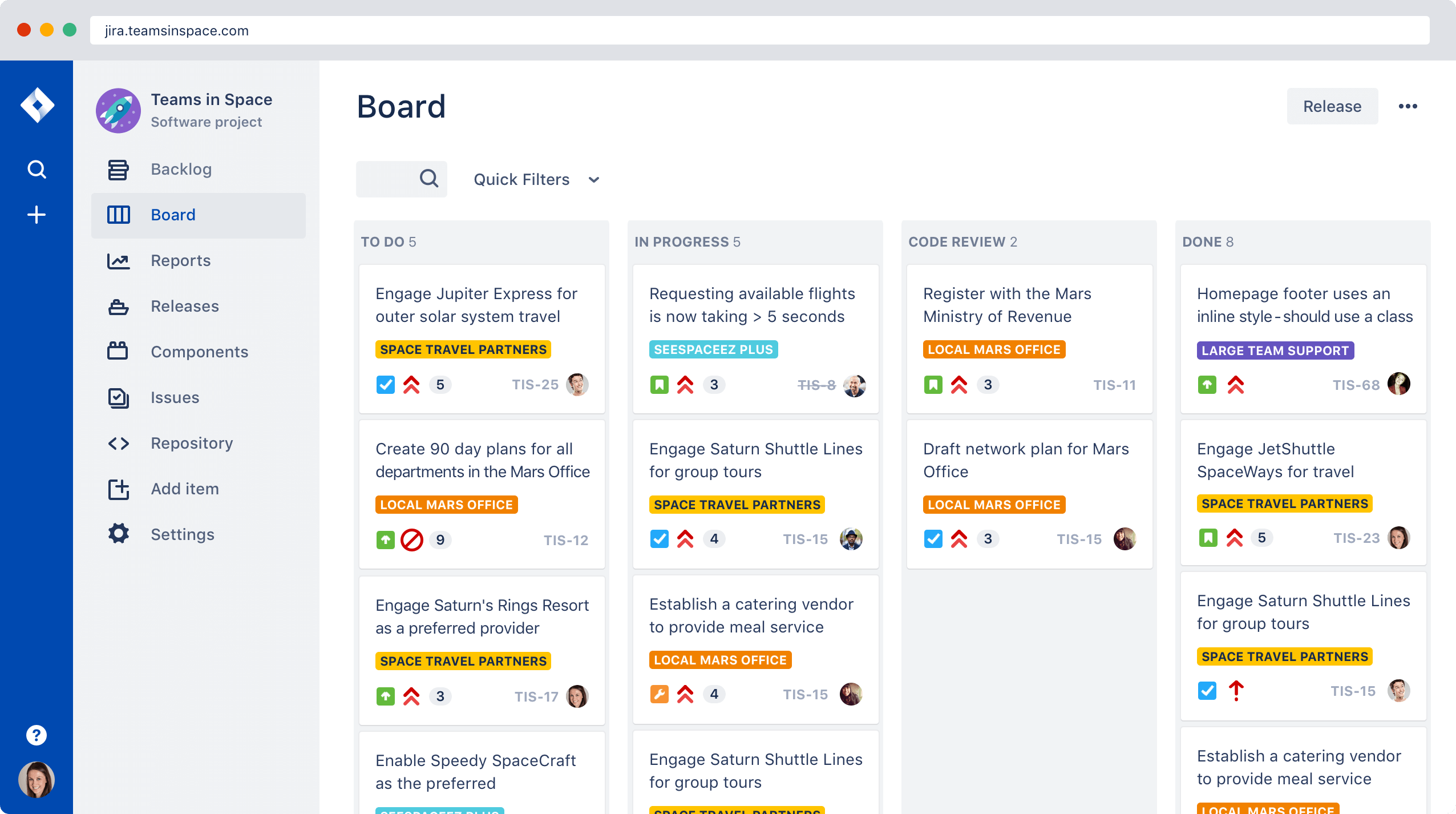
Breathtaking Jira Helpdesk Software Wallpaper for Desktop
Discover an amazing jira helpdesk software background image, ideal for personalizing your devices with vibrant colors and intricate designs.
Vivid Jira Helpdesk Software Landscape Digital Art
Explore this high-quality jira helpdesk software image, perfect for enhancing your desktop or mobile wallpaper.
Download these jira helpdesk software wallpapers for free and use them on your desktop or mobile devices.
0 Response to "Jira Helpdesk Software"
Post a Comment