Jira Software Download
Stop Guessing: The Definitive Guide to Jira Software Download (Cloud & On-Premise)
Welcome! If you're here, you're likely standing at a digital crossroads, ready to harness the power of the world's leading project management tool. You're ready for the Jira Software Download. But here's the kicker: Jira isn't a simple "install and forget" program anymore. With modern deployment models, the process of getting started depends entirely on your team's size, technical capability, and long-term goals.
Choosing the right path—Cloud or Self-Managed—is crucial for avoiding headaches later. This isn't just a guide on clicking "download"; it's your compass for choosing the correct enterprise solution that fits your specific workflow. Let's dive in.
Understanding Your Options Before You Download Jira Software
Before you commit to any file, you must understand the two primary ways Atlassian distributes its software today. This choice determines whether you download an installation file or simply sign up for a web service.
The Modern Standard: Jira Cloud
For most new users and small-to-medium teams, Jira Cloud is the default, hassle-free option. Instead of downloading a large application, you are simply subscribing to a service hosted entirely by Atlassian.
- Zero Download Required: You only need a web browser and an internet connection.
- Automatic Updates: Atlassian manages all patches, upgrades, and maintenance.
- Scalability: Perfect for teams ranging from 1 to 5,000+ users.
This model is highly recommended if you prioritize speed, minimal IT overhead, and fast setup. It's ideal for teams just dipping their toes into agile methodologies or those who don't have specialized IT administrators.
The Power User's Choice: Jira Data Center (Self-Managed)
If you require absolute control over your environment, data residency, performance tuning, and specific integration points, the Jira Data Center deployment is the way to go. This requires a physical Jira Software Download of the installer file.
Data Center is designed for large enterprises with critical compliance requirements or those needing a high-availability clustered environment. Unlike the older Server edition (which Atlassian is phasing out), Data Center ensures continuity and performance under heavy load.
We need to understand the architectural differences here, which is why choosing the right licensing tier is critical. You might want to read Atlassian's official documentation on Data Center licensing to grasp the full scope.
[Baca Juga: Detail Perbandingan Jira Cloud vs Data Center]
Step-by-Step: How to Initiate the Jira Software Download Process
Let's map out the process based on your chosen path. Remember, whether it's a signup or a full installation, the goal remains the same: getting a working instance of Jira.
Downloading Jira Cloud (The Quick Route)
There is no traditional file download here. The process involves creating an instance:
- Visit the Atlassian Free Trial Page: Navigate to the main Atlassian website and find the "Try it Free" button.
- Select "Jira Software": You will be prompted to choose the product. Ensure you select the appropriate one (Core, Software, or Service Management).
- Choose Your Domain: Select a custom URL (e.g., yourcompany.atlassian.net). This is where your Jira instance will live.
- Signup and Setup: Complete the registration form. Within minutes, your Cloud instance is provisioned and ready to use.
Pro Tip: All Cloud plans offer a Free tier for up to 10 users. This is an excellent way to start without needing any payment details upfront.
Downloading the Data Center Installer
If you're opting for the self-managed route, this is where the physical Jira Software Download occurs. You need specific operating systems (Linux, Windows) and a database ready:
- Check Prerequisites: Ensure your server meets the technical specifications (see next section).
- Access the Atlassian Download Center: Locate the dedicated Data Center download hub.
- Select Version and OS: Choose the latest stable release and the correct installer (e.g., Windows Installer or Linux Archive).
- Initiate Download: The installer file (often several hundred MBs) will download.
- Installation and Configuration: Once downloaded, run the installer and follow the prompts, linking it to your pre-configured database (PostgreSQL or MySQL are common choices).
Cloud vs. Data Center: A Crucial Comparison
To help solidify your choice before committing to the full Jira Software Download (or signup), consult this quick comparison of key factors:
| Feature | Jira Cloud | Jira Data Center |
|---|---|---|
| Hosting | Managed by Atlassian | Managed by Your Team (Self-Hosted) |
| Initial Setup Time | Minutes | Hours to Days (Requires Database setup) |
| Customization & Plugins | Standard Apps (Limited Deep Access) | Full Control (Deep Configuration) |
| Cost Structure | Subscription Per User (Monthly/Annual) | Annual License Fee (Tiered by User Count) |
Key System Requirements and Prerequisites
If you chose Cloud, you can skip this section! But if you are heading down the Data Center path, ignoring system requirements is the number one cause of installation failure and long-term performance issues.
Minimum Specs for Data Center Deployment
Jira is a resource-intensive application, especially when running concurrent users and complex JQL searches. You cannot simply install it on a desktop machine and expect enterprise performance.
- OS Support: Officially supported on major Linux distributions (Ubuntu, RHEL) and Windows Server.
- Database: Requires an external, robust database (PostgreSQL 12+, MySQL 8.0+, Oracle, MS SQL Server). This separation is crucial for scalability.
- Memory (RAM): Atlassian recommends a minimum of 8 GB of heap space for small teams, scaling rapidly to 16 GB+ for larger installations.
- Java Environment: Requires the correct version of the Java Development Kit (JDK) to run the application server (usually the official vendor-supported JDK).
Ensuring your infrastructure is robust will make the actual download and installation a smooth, predictable process. When setting up Data Center, understanding the underlying principles of system resilience in Agile environments is highly beneficial.
Licensing and User Tiers Explained
Jira offers several user tiers. When you download Data Center, your license key dictates the maximum number of concurrent users. Be honest about your team size, as exceeding the licensed tier violates terms and can halt updates.
In the Cloud, pricing is far more granular (Standard, Premium, Enterprise), often adding features like advanced road-mapping and sandbox environments as you climb the tiers. Always check the official pricing page to match features with your budget before clicking the final download or subscription button.
Why Choose Jira? The Value Proposition
With so many competing tools (Trello, Asana, Monday), why does the effort associated with a heavy-duty Jira Software Download still pay off?
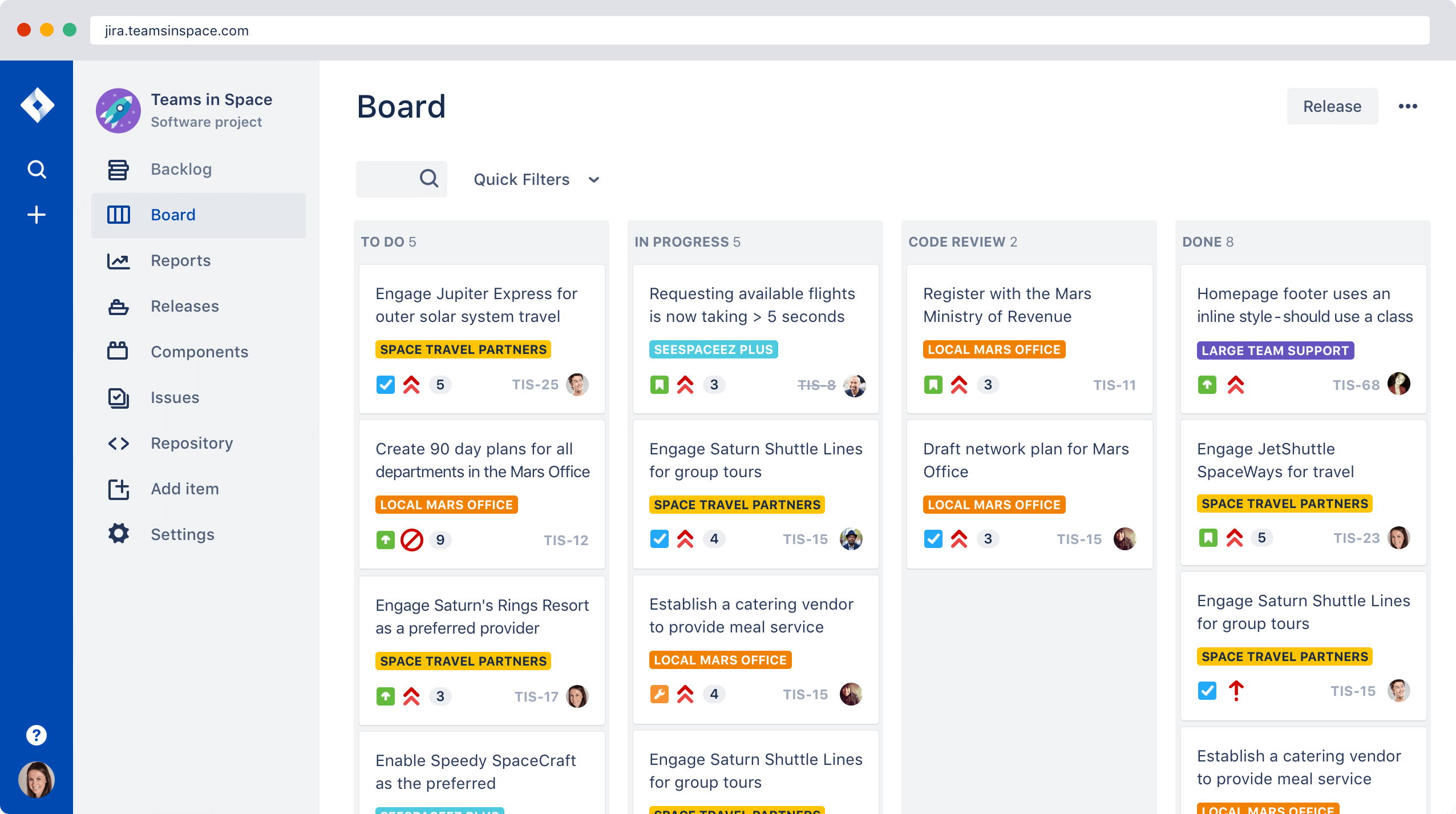
Jira is more than a simple task tracker; it's an ecosystem. Its power lies in its adaptability and integration capabilities. Whether you are running pure Scrum, Kanban, or a blend of both, Jira provides the tools—sprint planning, backlog grooming, burndown charts—to support enterprise-level agile execution.
Furthermore, its deep integration with companion tools like Confluence (documentation), Bitbucket (code management), and thousands of Marketplace apps means Jira rarely exists in a vacuum. It becomes the central nervous system for development, product, and often, business teams across the organization. [Baca Juga: Memaksimalkan Integrasi Jira dan Confluence]
The time invested in the initial download and setup is quickly recouped through superior visibility, compliance, and process optimization.
Conclusion: Getting Started Today
The journey to adopting Jira starts not with the download button, but with an informed decision about your deployment model. If speed and simplicity are paramount, choose Cloud. If control and customization are non-negotiable, opt for the Data Center Jira Software Download.
Regardless of your path, you are choosing a robust, industry-standard tool backed by decades of refinement. Choose wisely, prepare your environment, and get ready to transform the way your team manages projects.
Frequently Asked Questions (FAQ)
- Is there a completely free version of Jira Software available?
Yes. Jira Cloud offers a Free plan for up to 10 users. This includes core features like Scrum and Kanban boards. No credit card is required to get started with the Cloud Free tier.
- Can I migrate my data from Jira Cloud to Data Center later, or vice versa?
Yes, Atlassian provides specific migration paths, although the process can be complex, especially moving from Data Center to Cloud (Cloud Migration Assistant). It requires careful planning and testing, usually performed by an experienced Jira Administrator.
- Do I need to download Java or a database separately for the Data Center download?
The official Jira installer often includes the necessary Java Runtime Environment (JRE) bundle. However, you MUST configure and have an external database (like PostgreSQL or MySQL) running and accessible before you run the main Jira installation process.
- What is the difference between Jira Software and Jira Core?
Jira Software is specifically designed for development and agile teams, including features like backlogs, sprints, and release hubs. Jira Core is a simpler task and project management tool designed for non-technical business teams (HR, Marketing) who need basic tracking capabilities.
Jira Software Download
Jira Software Download Wallpapers
Collection of jira software download wallpapers for your desktop and mobile devices.

Vibrant Jira Software Download Capture Digital Art
Experience the crisp clarity of this stunning jira software download image, available in high resolution for all your screens.
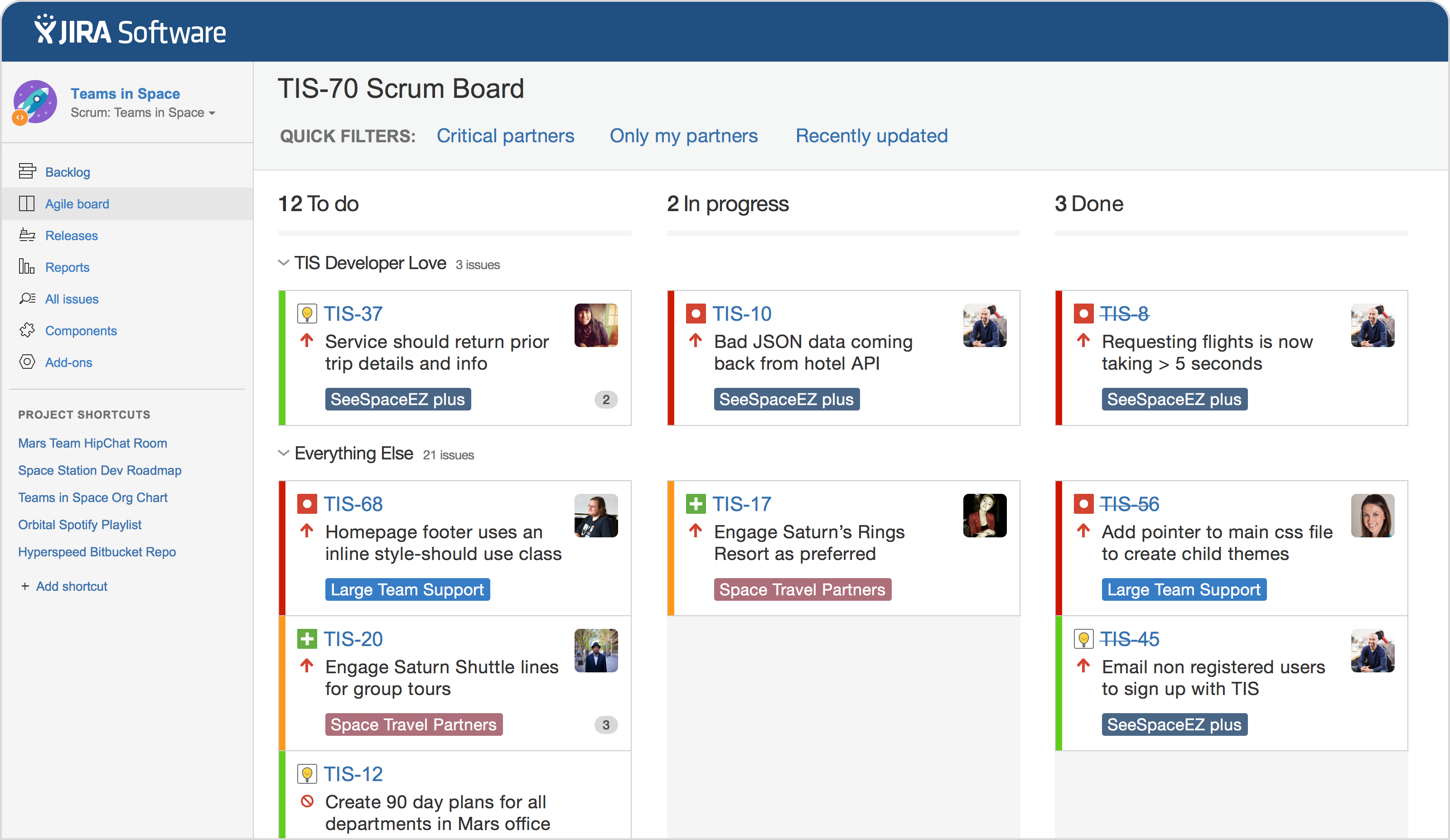
Vivid Jira Software Download Image Nature
Explore this high-quality jira software download image, perfect for enhancing your desktop or mobile wallpaper.
Detailed Jira Software Download Wallpaper in HD
Discover an amazing jira software download background image, ideal for personalizing your devices with vibrant colors and intricate designs.
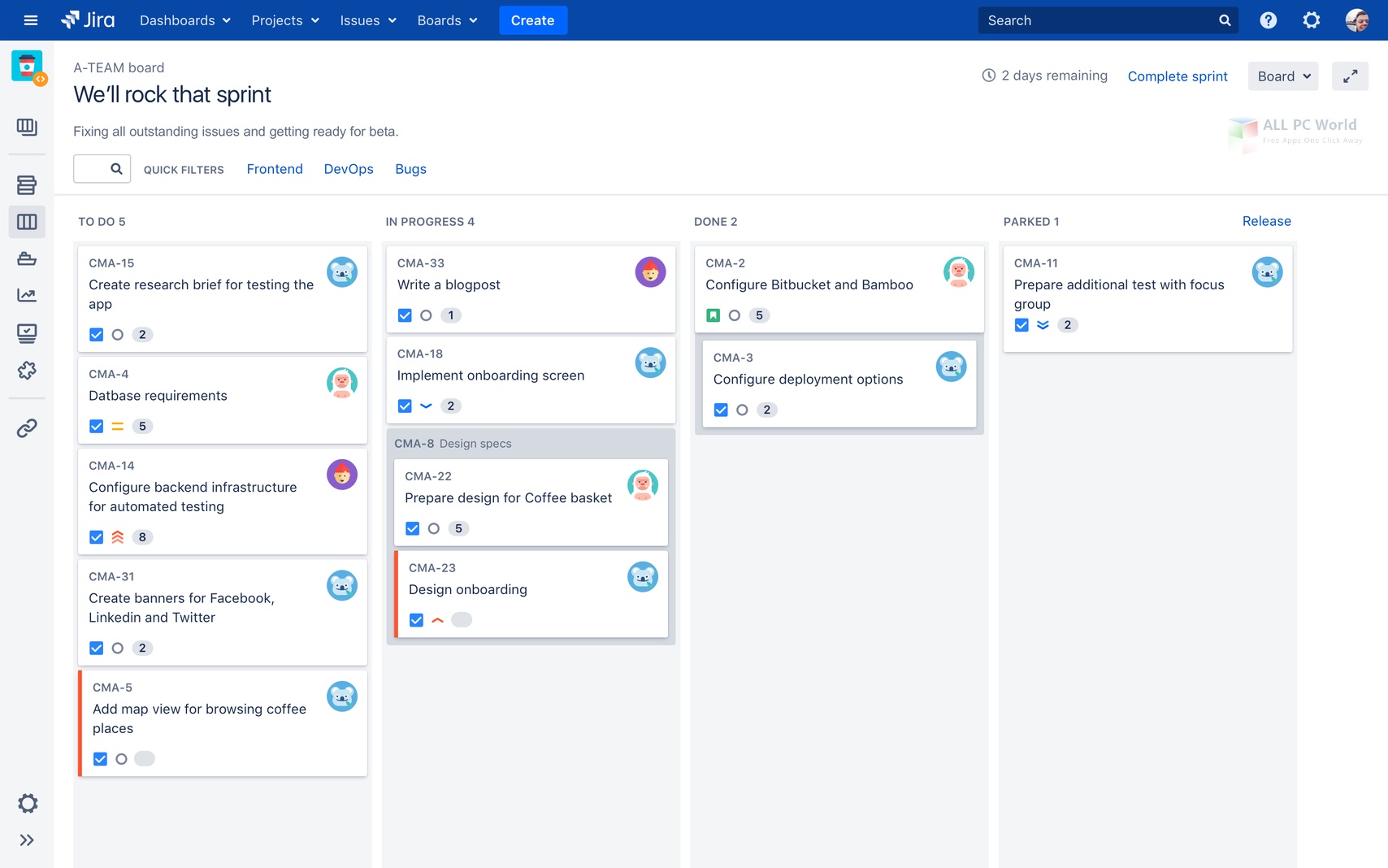
Crisp Jira Software Download Design Art
A captivating jira software download scene that brings tranquility and beauty to any device.

Breathtaking Jira Software Download Design Photography
Transform your screen with this vivid jira software download artwork, a true masterpiece of digital design.

Detailed Jira Software Download Capture Illustration
Experience the crisp clarity of this stunning jira software download image, available in high resolution for all your screens.

Crisp Jira Software Download Picture in 4K
This gorgeous jira software download photo offers a breathtaking view, making it a perfect choice for your next wallpaper.

Mesmerizing Jira Software Download Wallpaper for Mobile
Experience the crisp clarity of this stunning jira software download image, available in high resolution for all your screens.

Exquisite Jira Software Download Design Illustration
Immerse yourself in the stunning details of this beautiful jira software download wallpaper, designed for a captivating visual experience.
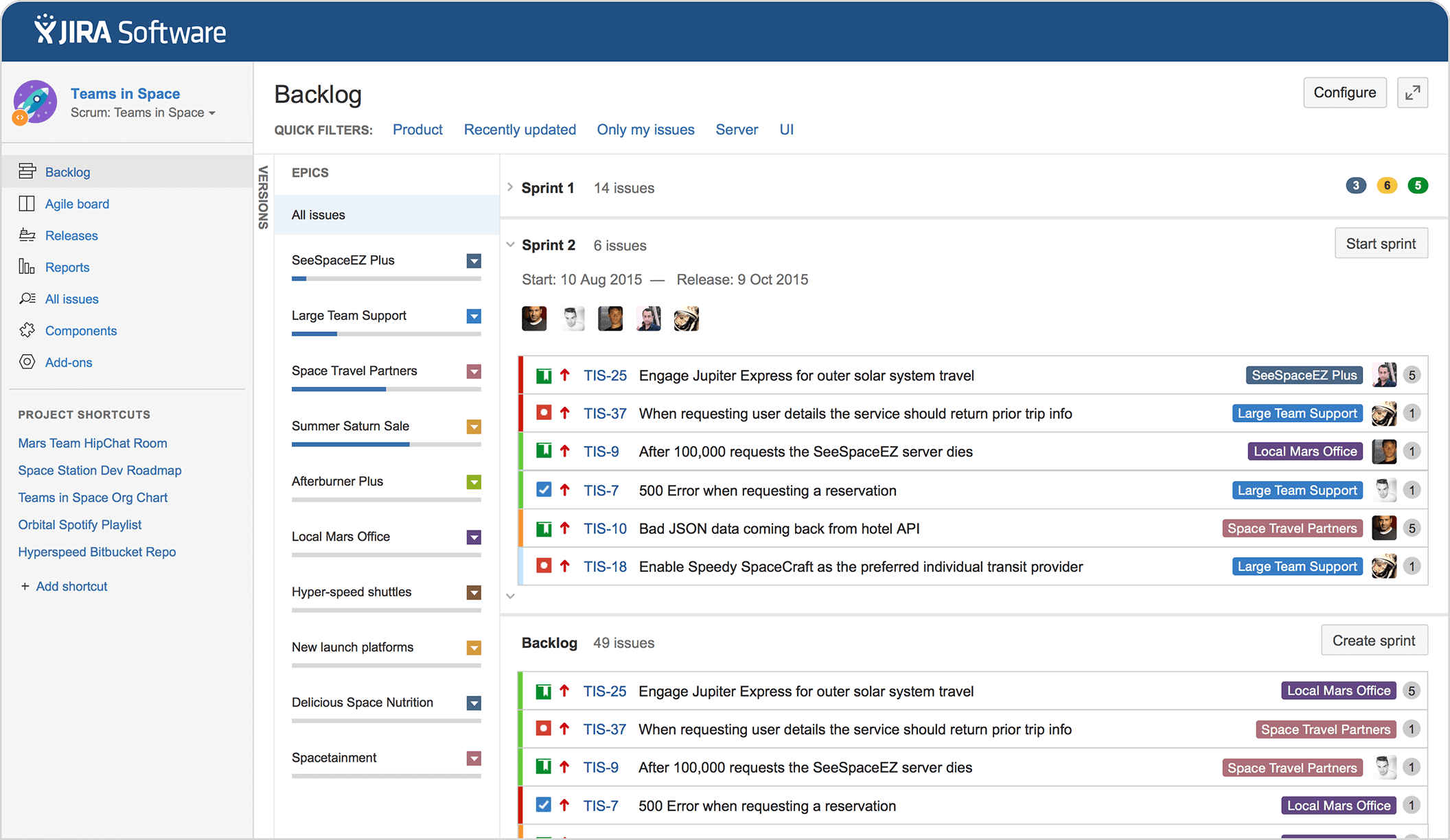
Gorgeous Jira Software Download Artwork in 4K
Find inspiration with this unique jira software download illustration, crafted to provide a fresh look for your background.
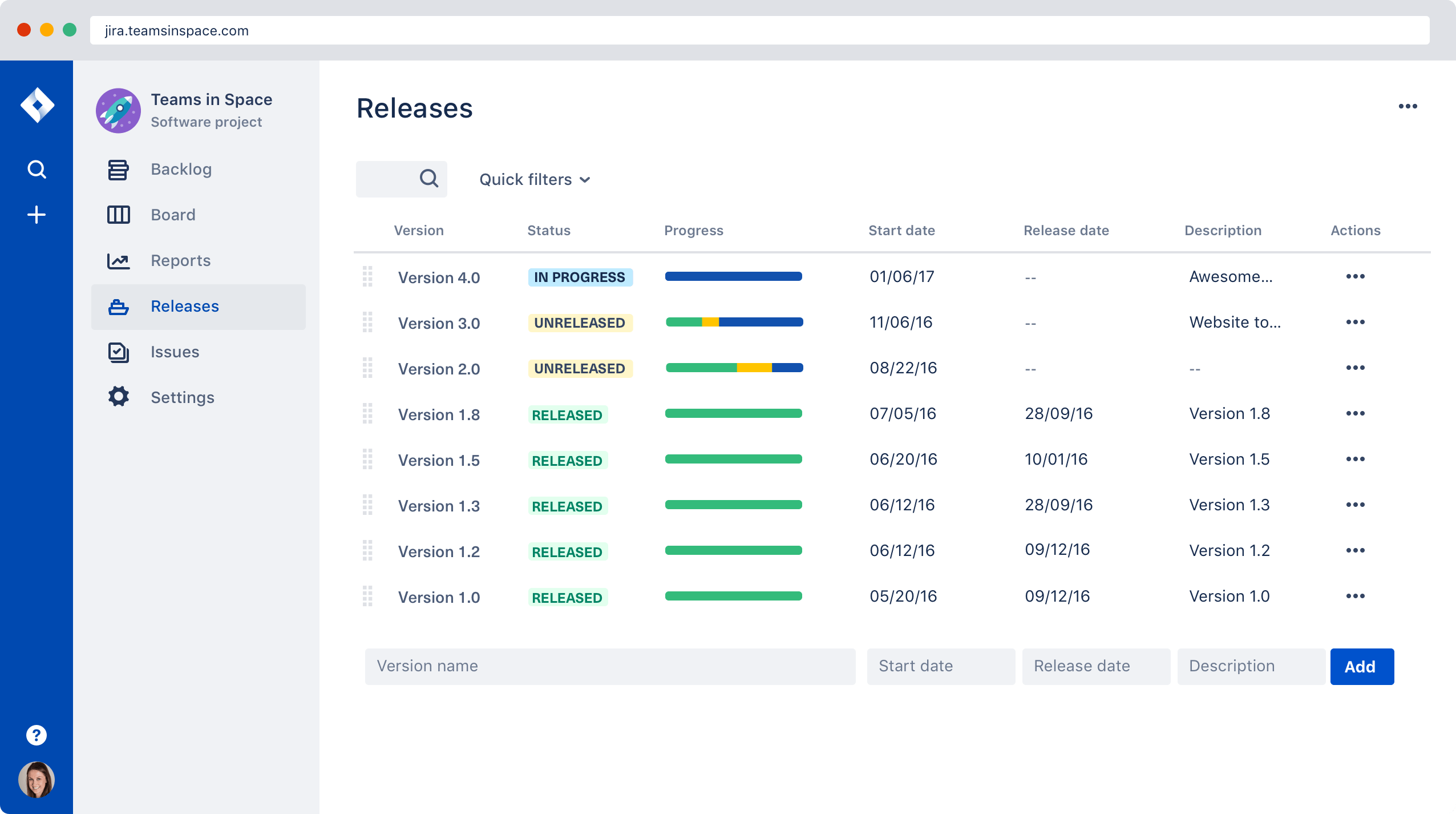
Gorgeous Jira Software Download Capture for Mobile
A captivating jira software download scene that brings tranquility and beauty to any device.
High-Quality Jira Software Download Photo for Mobile
Discover an amazing jira software download background image, ideal for personalizing your devices with vibrant colors and intricate designs.
Detailed Jira Software Download Wallpaper in 4K
Explore this high-quality jira software download image, perfect for enhancing your desktop or mobile wallpaper.
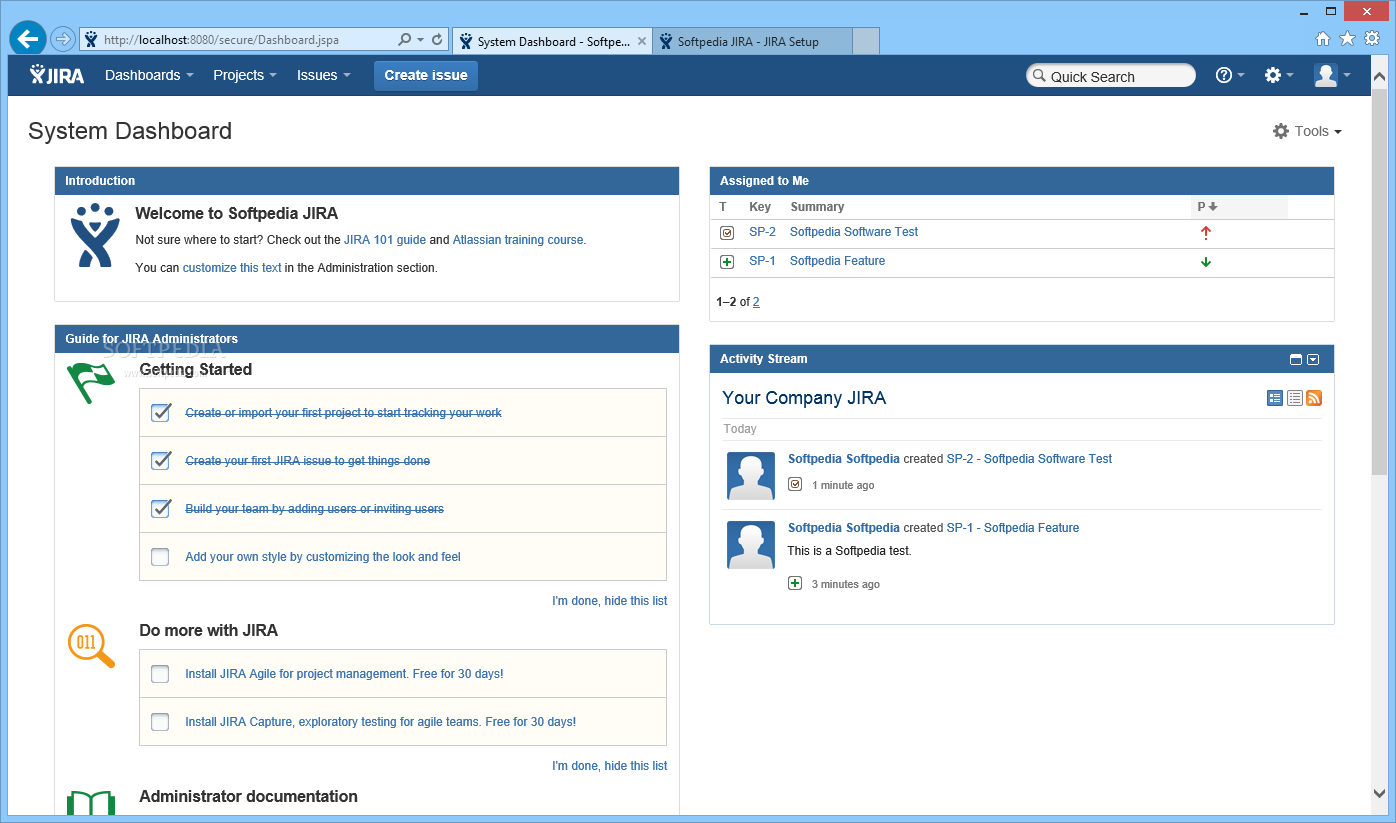
Breathtaking Jira Software Download Picture Photography
Transform your screen with this vivid jira software download artwork, a true masterpiece of digital design.
Exquisite Jira Software Download Artwork Collection
Immerse yourself in the stunning details of this beautiful jira software download wallpaper, designed for a captivating visual experience.
Dynamic Jira Software Download Background for Your Screen
This gorgeous jira software download photo offers a breathtaking view, making it a perfect choice for your next wallpaper.
Gorgeous Jira Software Download Image in HD
Find inspiration with this unique jira software download illustration, crafted to provide a fresh look for your background.

Stunning Jira Software Download Moment Photography
Immerse yourself in the stunning details of this beautiful jira software download wallpaper, designed for a captivating visual experience.
Stunning Jira Software Download Abstract Photography
Find inspiration with this unique jira software download illustration, crafted to provide a fresh look for your background.

Crisp Jira Software Download Landscape Digital Art
A captivating jira software download scene that brings tranquility and beauty to any device.
Download these jira software do