Jira Software Review
Struggling with Project Chaos? A Comprehensive Jira Software Review for Modern Teams
Welcome! If your team is growing, and spreadsheets are no longer cutting it for tracking work, you've inevitably heard the name: Jira. It's the undisputed heavyweight champion in the world of Agile project management and issue tracking.
But here's the reality: Jira is powerful, perhaps too powerful. It often gets a bad rap for being overly complex or having a steep learning curve. The goal of this in-depth Jira Software Review is to cut through the noise, examine its core features, analyze its pricing structure, and ultimately help you decide if this sophisticated tool is the perfect fit—or overkill—for your organization.
Let's dive in and see if this industry standard truly lives up to the hype.
What Exactly is Jira Software, and Who Uses It?
Jira Software, developed by Atlassian, is not just a glorified to-do list. It is a robust platform designed specifically to support teams practicing Agile methodologies like Scrum and Kanban. Its primary function is to capture, organize, prioritize, and resolve issues, or "tickets," across various stages of a project life cycle.
Originally, Jira was built for software developers to track bugs and manage development sprints. Today, its usage has expanded dramatically. You'll find Jira in:
- Software Development: Managing sprints, backlogs, and releases.
- IT Service Management (ITSM): Handling service requests and incident management (often paired with Jira Service Management).
- Marketing & HR: Tracking campaigns, onboarding processes, and cross-functional tasks.
The crucial takeaway here is context: Jira is a toolkit. Just as a hammer is useless without a carpenter, Jira requires a clear, defined process (usually Agile) to be effective. For a deeper understanding of its history and core concept, you can check out the Wikipedia on Jira Software.
Deep Dive into Key Features: The Powerhouse Functionality
What makes Jira so dominant? Its feature set is built around providing structure and visibility to complex workflows. This is where Jira truly shines, especially for large-scale operations.
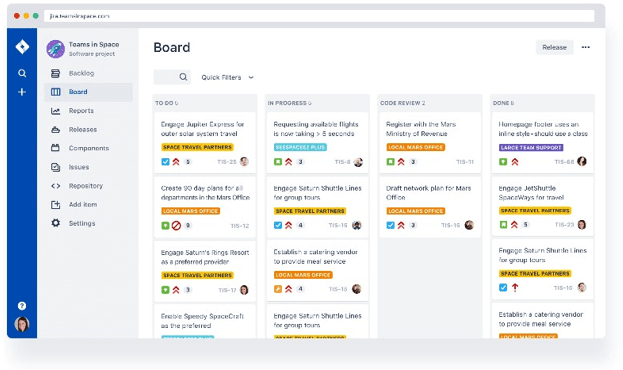
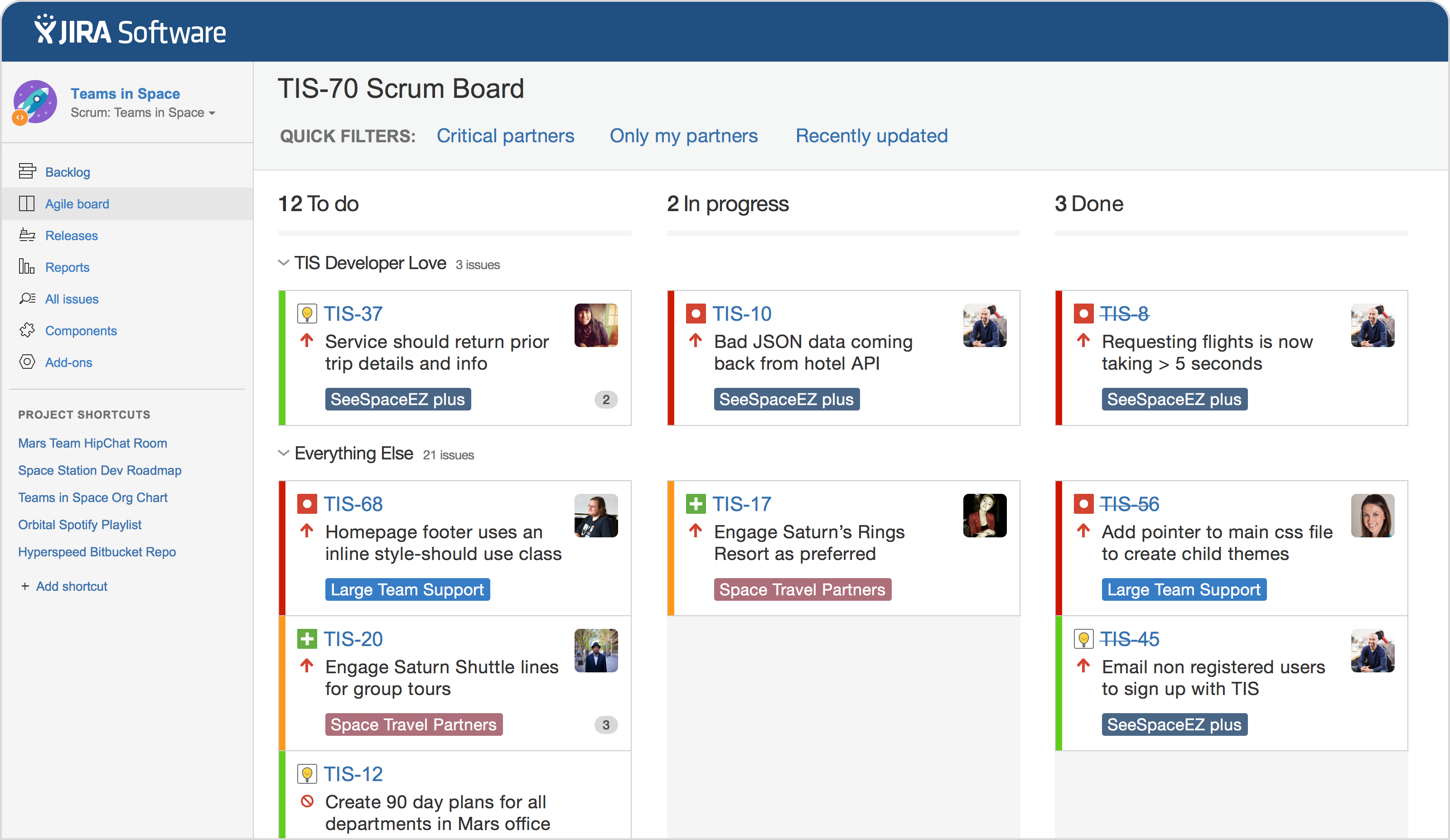
Boards (Scrum, Kanban, and Custom Workflows)
The core of Jira is its board functionality. Users can visualize their work in distinct formats:
- Scrum Boards: Perfect for time-boxed iterations (sprints), allowing teams to manage backlogs, estimate story points, and track burndown charts.
- Kanban Boards: Excellent for continuous flow work, focusing on limiting work in progress (WIP) and measuring lead time.
The ability to heavily customize these workflows—defining exactly what happens when a ticket moves from "In Progress" to "Review"—is a major selling point.
Reporting and Analytics
Jira provides rich, built-in reporting tools that directly track Agile metrics. We're talking Burndown Charts, Velocity Charts, and Cumulative Flow Diagrams. These aren't just pretty graphs; they are essential tools for Scrum Masters and Product Owners to measure team output and predict future performance accurately.
Integrations (The Atlassian Ecosystem)
Jira's power multiplies when connected to other tools, especially within the Atlassian family (Confluence for documentation, Bitbucket for code repository). This seamless ecosystem allows developers to see code commits linked directly to the task they are working on—a huge boost to traceability and accountability.
If you're still deciding between methodologies, it's worth reviewing the differences. [Baca Juga: Scrum vs Kanban Methodologies]
Jira Pricing Tiers: Understanding the Investment
Jira employs a per-user subscription model, which scales depending on the size of your team and the required features. While they offer a generous free tier, the true features needed by enterprise teams live in the higher tiers.
Here is a simplified overview of the most common tiers (pricing models often change, so this is illustrative):
| Tier | Ideal Users | Key Limitation/Feature |
|---|---|---|
| Free | Teams up to 10 users | 3 Projects, Basic reporting, 2GB Storage. |
| Standard | Small to Mid-sized businesses (SMB) | Increased storage (250GB), Advanced user roles, Anonymous access. |
| Premium | Large enterprises, high-velocity teams | Unlimited storage, advanced roadmapping, 99.9% uptime SLA. |
| Enterprise | Global companies with strict compliance | Centralized user management, mandatory data residency controls. |
If you anticipate rapid growth or need guaranteed service level agreements (SLAs), the Premium tier is almost mandatory. However, the Free tier is perfect for startups or proof-of-concept projects.
The Honest Pros and Cons of Using Jira
Every senior project manager knows the secret truth: the best tool is the one your team actually uses. Jira has substantial advantages, but its drawbacks are often the reason teams abandon it. Transparency is key when reviewing enterprise software.
The Good: Unbeatable Customization and Scalability
Jira's flexibility is unmatched. You can create unique issue types, define specific screen layouts for different teams, and automate processes using JQL (Jira Query Language) or built-in automation rules. For organizations scaling from 50 to 5,000 users, Jira handles the volume and complexity without breaking a sweat. It's truly built for scale.
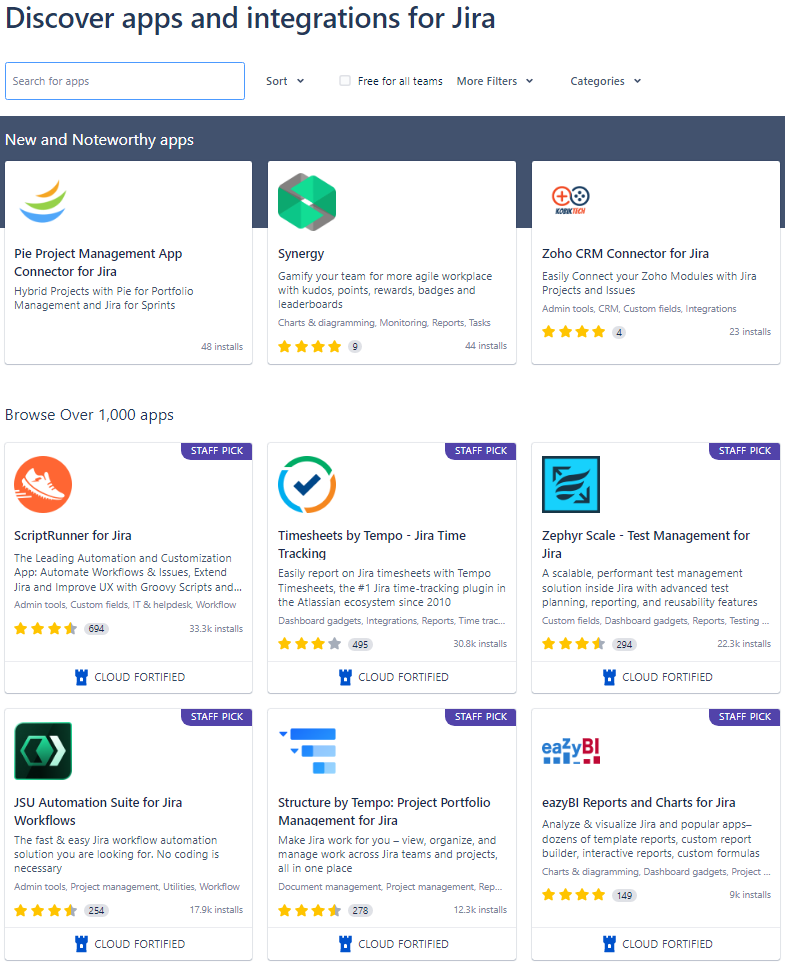
Furthermore, its Marketplace offers thousands of powerful add-ons that integrate seamlessly, extending its functionality into areas like time logging or test case management.
The Catch: Steep Learning Curve and Complexity Tax
This is where the user experience sometimes falls apart. Setting up Jira correctly—defining schemes, permissions, and workflows—requires a dedicated Jira Administrator or a Project Management Office (PMO) with specific expertise. It's easy to over-engineer your instance, leading to administrative overhead and user frustration.
For small, non-technical teams just needing a simple task tracker, Jira can feel like driving a dump truck to buy a gallon of milk. This complexity tax is real and must be factored into implementation costs.
We see this complexity mentioned frequently in industry analysis of project management tools, such as the reports shared by Forbes Advisor's view on Project Management Software.
Verdict: Is Jira Software the Right Fit for Your Organization?
After this extensive Jira Software Review, who should click the "Sign Up" button, and who should look elsewhere?
You should choose Jira if:
- You run complex, multi-team software development projects following explicit Agile methodologies (Scrum/Kanban).
- Traceability and robust reporting (burn-downs, velocity) are mandatory for stakeholders.
- Your organization requires strict security, compliance, or data residency controls (requiring the Enterprise tier). You can reference resources like CISA guidelines on secure software development for industry standards.
- You need deep integration with version control systems (Git, Bitbucket, GitHub).
You should consider alternatives if:
- Your team is small (under 10 users) and needs minimal features (a Trello board might suffice).
- You prefer simplicity over customization (tools like Asana or ClickUp might offer faster onboarding).
- Your team is not technically inclined and cannot dedicate an administrator to manage the instance.
Final Thoughts
Jira Software remains the gold standard for managing technical projects and scaling Agile frameworks. While it demands an investment—both financially and in administrative time—the payoff is unparalleled structure, visibility, and control over complex operations. When implemented correctly, Jira eliminates project chaos; when implemented poorly, it can become chaos itself. Start with the free tier, understand your workflow deeply, and scale wisely.
Frequently Asked Questions (FAQ) about Jira Software
Is Jira only for software teams?
No. While Jira excels in software development, the platform is now widely used by marketing, HR, legal, and financial teams to manage non-technical projects using customized workflows. Any team needing detailed tracking and reporting can utilize it.
How long does it take to learn Jira effectively?
Basic user functions (creating, moving, and commenting on tickets) can be learned in minutes. However, becoming proficient in advanced functions (writing complex JQL queries, configuring schemes, and optimizing boards) can take several months or require formal training.
What is the difference between Jira Software and Jira Service Management?
Jira Software is designed for internal project development (planning and building products). Jira Service Management (JSM) is designed for external customer support or internal IT help desks, focusing on request management, SLAs, and queues.
Can I integrate Jira with Microsoft Teams or Slack?
Yes. Jira offers robust official integrations with major communication tools like Microsoft Teams and Slack, allowing for notifications, quick issue creation, and status updates directly from chat interfaces.
Jira Software Review
Jira Software Review Wallpapers
Collection of jira software review wallpapers for your desktop and mobile devices.

Stunning Jira Software Review Background Illustration
Immerse yourself in the stunning details of this beautiful jira software review wallpaper, designed for a captivating visual experience.

Exquisite Jira Software Review Capture in 4K
This gorgeous jira software review photo offers a breathtaking view, making it a perfect choice for your next wallpaper.
High-Quality Jira Software Review Abstract in 4K
Discover an amazing jira software review background image, ideal for personalizing your devices with vibrant colors and intricate designs.
Vivid Jira Software Review Wallpaper for Your Screen
Transform your screen with this vivid jira software review artwork, a true masterpiece of digital design.
Vivid Jira Software Review Image Nature
Explore this high-quality jira software review image, perfect for enhancing your desktop or mobile wallpaper.
Dynamic Jira Software Review Background for Your Screen
This gorgeous jira software review photo offers a breathtaking view, making it a perfect choice for your next wallpaper.
Captivating Jira Software Review Moment Photography
A captivating jira software review scene that brings tranquility and beauty to any device.
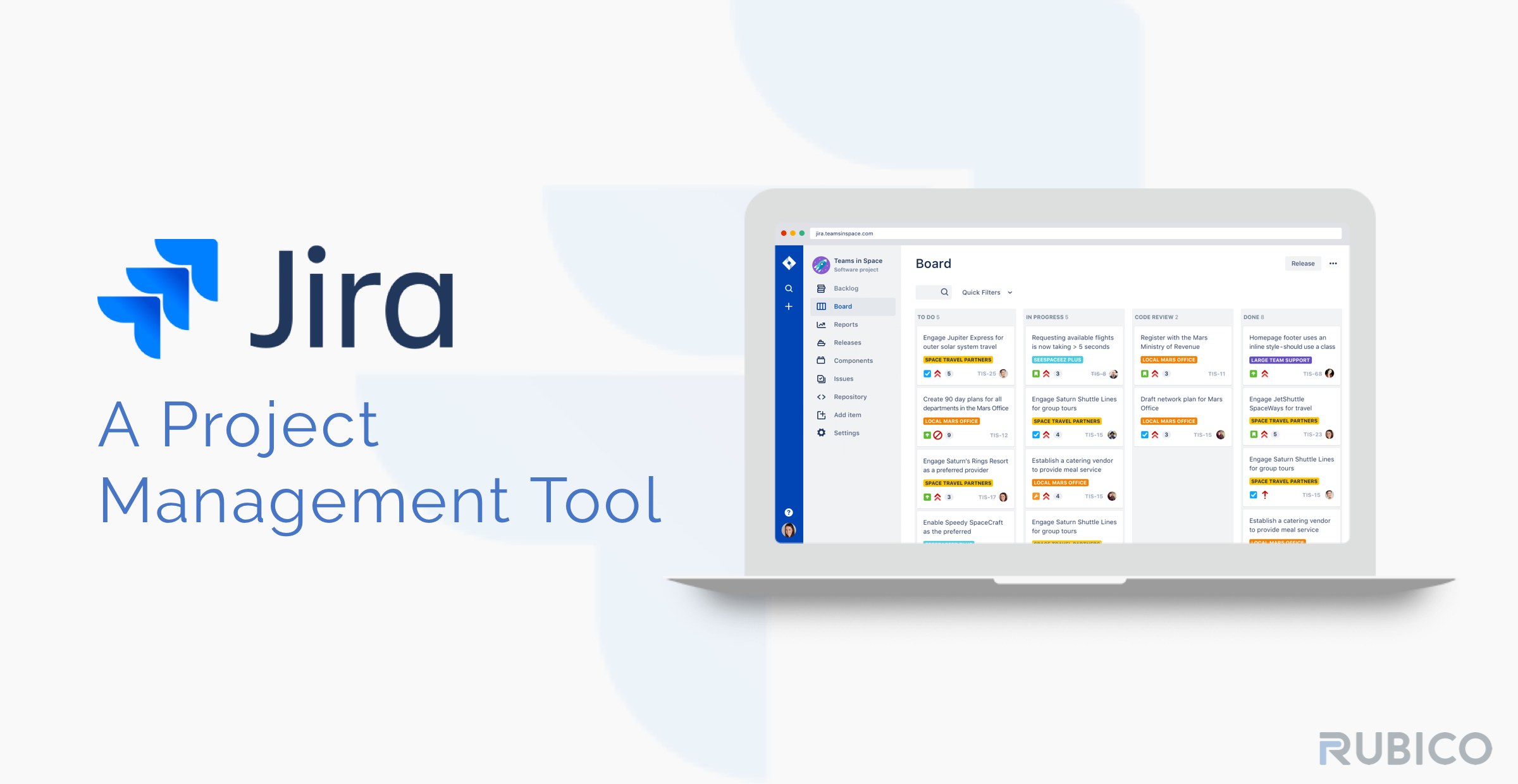
Serene Jira Software Review Scene in HD
Discover an amazing jira software review background image, ideal for personalizing your devices with vibrant colors and intricate designs.

Dynamic Jira Software Review Picture in HD
Immerse yourself in the stunning details of this beautiful jira software review wallpaper, designed for a captivating visual experience.

Vibrant Jira Software Review Wallpaper for Mobile
Discover an amazing jira software review background image, ideal for personalizing your devices with vibrant colors and intricate designs.

Dynamic Jira Software Review Image for Mobile
Find inspiration with this unique jira software review illustration, crafted to provide a fresh look for your background.
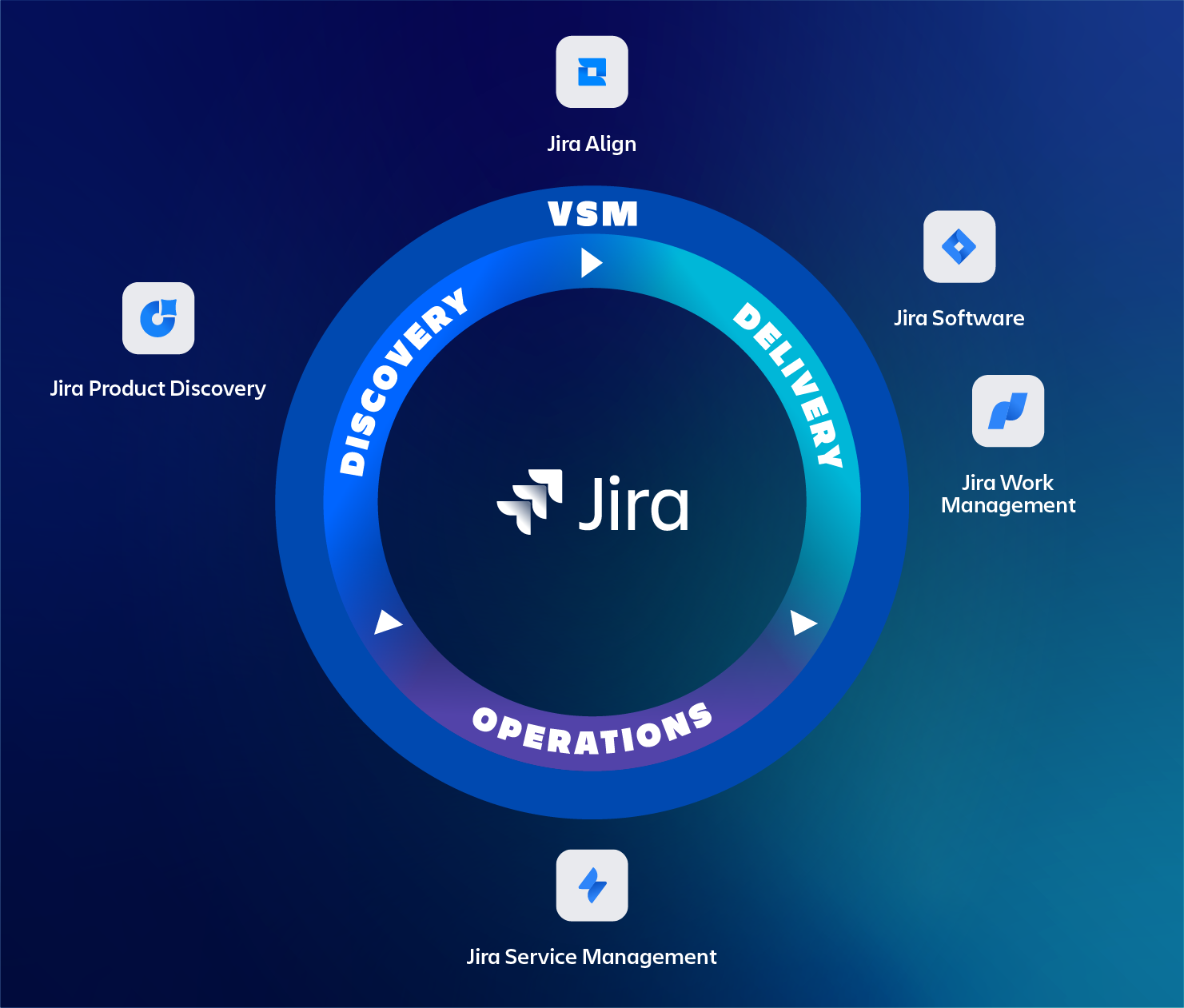
Artistic Jira Software Review Image Illustration
Immerse yourself in the stunning details of this beautiful jira software review wallpaper, designed for a captivating visual experience.
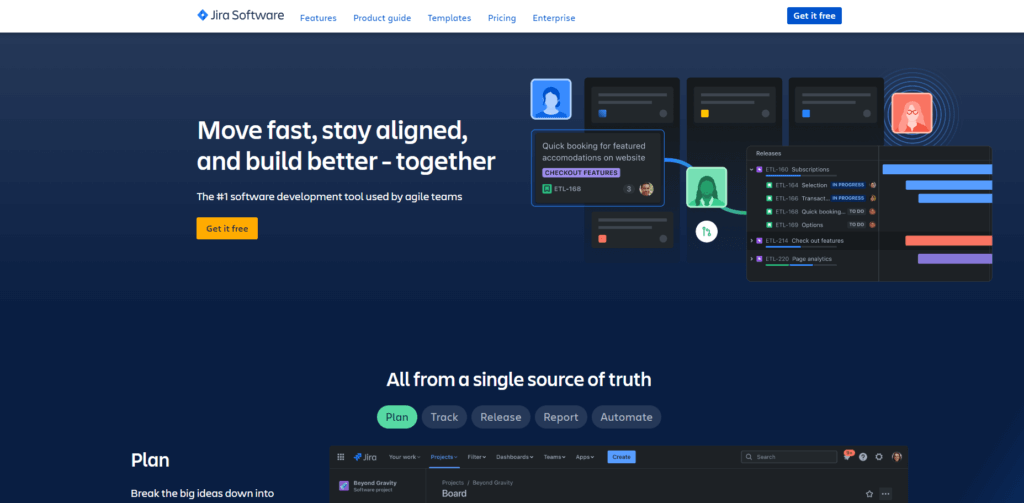
Breathtaking Jira Software Review Image for Mobile
Explore this high-quality jira software review image, perfect for enhancing your desktop or mobile wallpaper.

Vibrant Jira Software Review Artwork Digital Art
Experience the crisp clarity of this stunning jira software review image, available in high resolution for all your screens.

Amazing Jira Software Review Artwork in 4K
Explore this high-quality jira software review image, perfect for enhancing your desktop or mobile wallpaper.

Mesmerizing Jira Software Review Photo Nature
Explore this high-quality jira software review image, perfect for enhancing your desktop or mobile wallpaper.
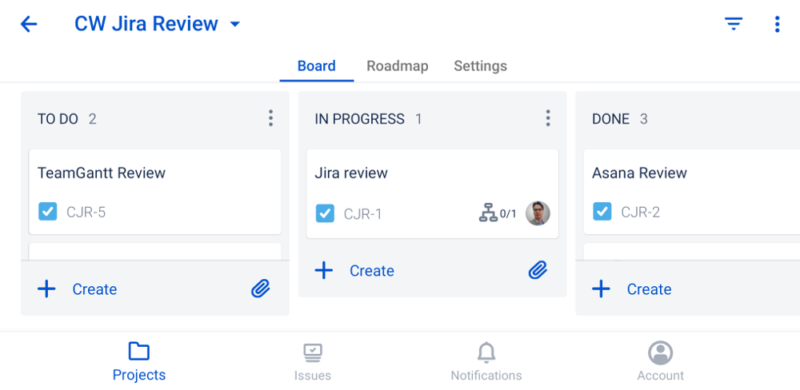
Vibrant Jira Software Review Moment for Mobile
Discover an amazing jira software review background image, ideal for personalizing your devices with vibrant colors and intricate designs.
Captivating Jira Software Review Moment Collection
Immerse yourself in the stunning details of this beautiful jira software review wallpaper, designed for a captivating visual experience.
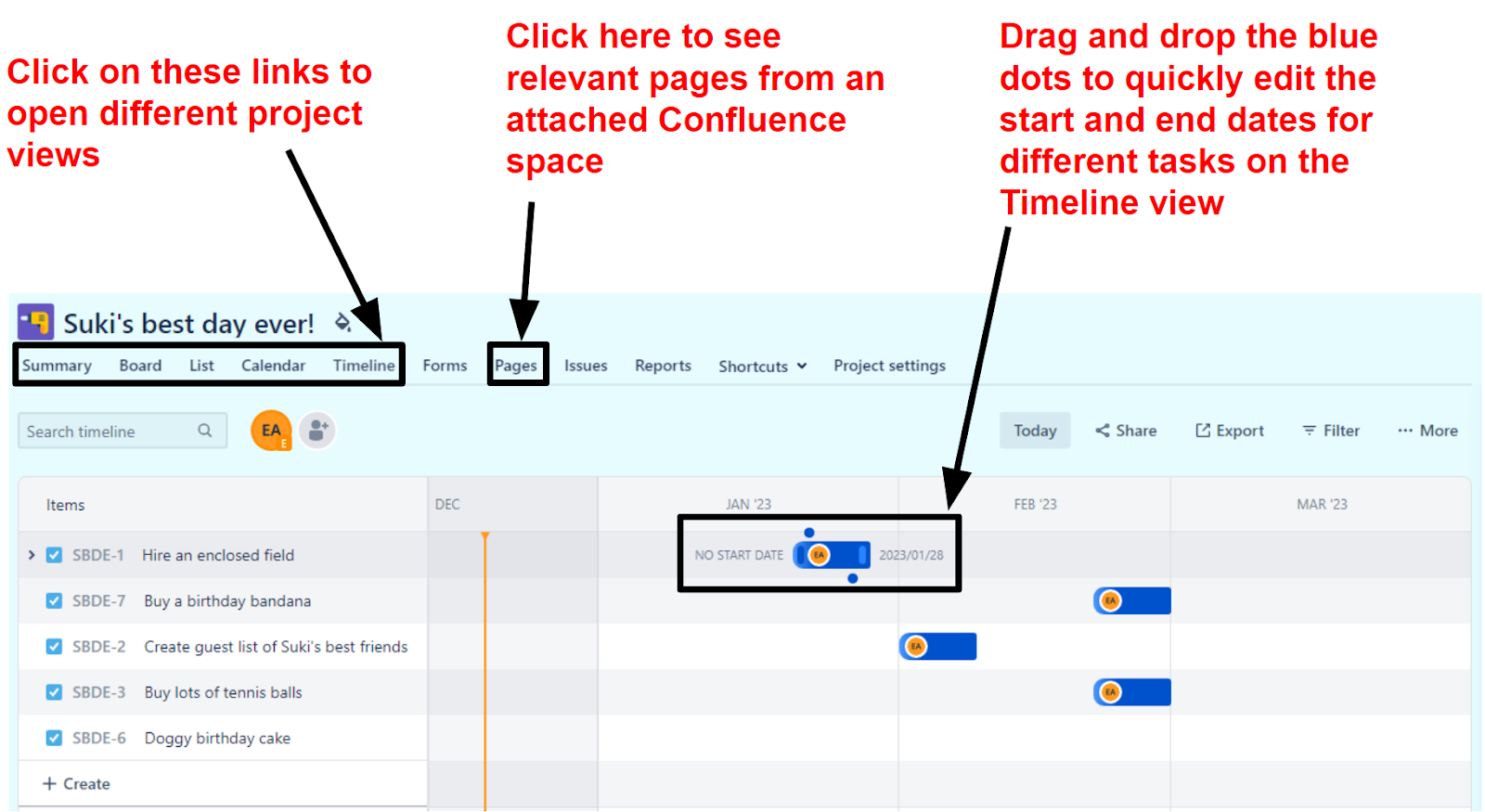
Captivating Jira Software Review Picture for Desktop
Find inspiration with this unique jira software review illustration, crafted to provide a fresh look for your background.
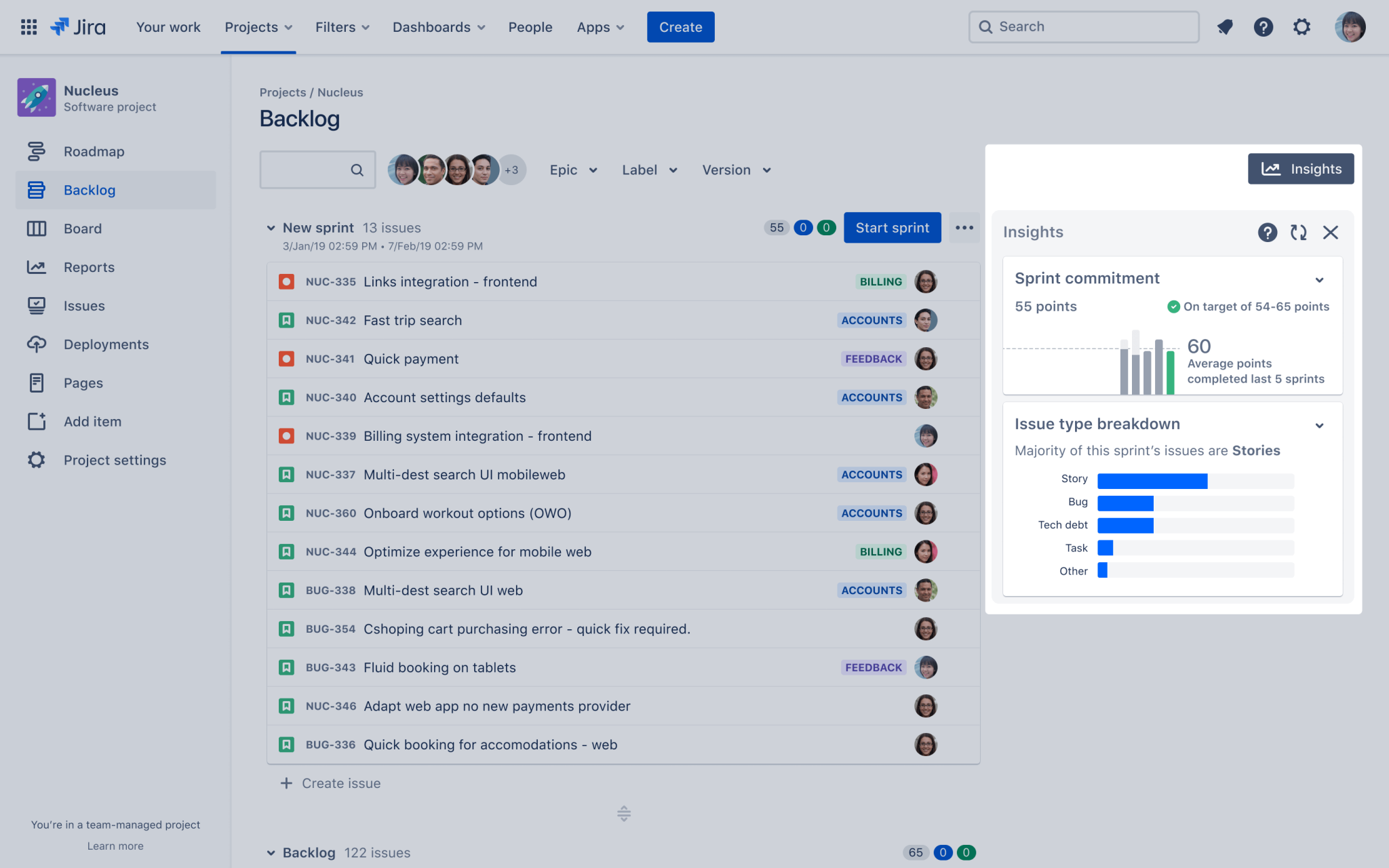
Spectacular Jira Software Review Background for Your Screen
A captivating jira software review scene that brings tranquility and beauty to any device.
Download these jira software review wallpapers for free and use them on your desktop or mobile devices.