Jira Software Testing Tool
Stop Juggling Spreadsheets: Why the Jira Software Testing Tool is Your Ultimate QA Command Center
If you work in Quality Assurance (QA) or software development, you know the pain of disconnected tools. You might track requirements in one system, manage test cases in Excel, and log defects in yet another platform. This chaos often leads to missed bugs and wasted cycles.
But what if one platform could handle it all? That's where the Jira Software Testing Tool comes in. While many developers see Jira primarily as an Agile project management platform, its real power lies in its adaptability, making it the bedrock for modern, efficient QA workflows.
In this comprehensive guide, we'll dive deep into how testers, QA managers, and developers can harness Jira's ecosystem to create a traceable, transparent, and robust testing process that scales with any project.
Beyond Bug Tracking: How Jira Acts as a Centralized Test Management Hub
Historically, dedicated Test Management Systems (TMS) were essential. However, integrating a TMS seamlessly with the developer's primary workflow tool (Jira) often proved cumbersome. Today, Jira has evolved from a simple issue tracker into a powerful management ecosystem that integrates natively with critical testing components.
This centralization means less context switching and a single source of truth for the entire development lifecycle, from feature request to final deployment.
Test Case Management (TCM) Integration
Jira itself does not natively house detailed step-by-step test cases. Instead, it serves as the host for specialized marketplace apps (like Zephyr, Xray, or TestRail integration) that live directly inside the Jira environment. These apps transform Jira issues into comprehensive test entities.
By using these tools, QA teams can:
- Create and organize hierarchical test cycles.
- Execute test cases directly from within the Jira issue.
- Link test results back to the original requirements or user stories.
This integration ensures that everyone, including product owners and business stakeholders, can quickly view the testing status of any given feature without leaving the main dashboard.
Requirements Traceability Matrix (RTM)
One of the most valuable aspects of using the Jira Software Testing Tool ecosystem is the seamless creation of traceability. Traceability means confirming that every requirement (User Story or Epic) is covered by one or more test cases, and that every test failure is linked back to a specific bug.
Jira's linking functionality allows you to:
- Link a "Test Case" (managed by an app) to a "User Story."
- Link a "Bug" to the failed "Test Case."
- Link the "Bug" to the fix (a "Sub-Task" or "Development Commit").
This full cycle of traceability is crucial for compliance and high-quality software delivery. To understand the fundamental concept of traceability in software development, you can review its definition on Wikipedia.
[Baca Juga: Top 5 Jira Plugins for Effective Test Management]
Essential Jira Components for the Testing Workflow
While testing requires test cases, the most frequent interaction testers have with Jira involves reporting issues. Knowing the difference between the core issue types and customizing the workflow are critical for clean data and efficient handoffs.
Issue Types: Bugs vs. Defects vs. Stories
While terminology can vary between organizations, a common best practice in Jira is to define clear boundaries for issue types:
- Bug: An item reported during execution (often tied to a Test Case failure), usually assigned a high priority.
- Defect: Sometimes used interchangeably with "Bug," but some teams use "Defect" to refer to an issue found later in the cycle or in production.
- Story/Requirement: The core feature being tested. Bugs should always be linked back to the originating Story.
- Epic: A large body of work that encompasses multiple Stories.
Clarity in issue typing allows for better reporting. If your team mixes up Stories and Bugs, your velocity reports will be skewed, making accurate project forecasting difficult.
Workflow Customization and Status Transitions
The strength of the Jira Software Testing Tool framework is its highly customizable workflow. Testers need workflows that clearly communicate the state of an issue (e.g., bug) to developers and managers.
A typical testing workflow for a Bug might look like this:
Open ➡️ In Progress (Developer) ➡️ Ready for Testing (QA) ➡️ Failed (QA finds regression) ➡️ Reopened ➡️ Passed (QA verifies fix) ➡️ Closed.
The "Ready for Testing" and "Failed" statuses are crucial touchpoints that provide full transparency on the fix verification process. Ensure your team clearly defines the "Definition of Done" for each status transition to prevent ambiguity.
Practical Implementation: Setting Up Your First QA Project in Jira
Setting up Jira effectively minimizes administrative overhead later on. Don't simply use the default project template; customize it to suit testing needs.
Choosing the Right Schema
When starting, decide whether to use a separate QA Project or integrate QA issues directly into the Development Project. While a separate QA Project (e.g., 'QAT') provides dedicated metrics, using a shared project simplifies the linking and traceability process, which is generally preferred in Agile teams.
Regardless of the project type, ensure you have a dedicated "Bug" issue type with its own workflow tailored for QA verification.
Utilizing Custom Fields for Test Data
Default Jira fields are often insufficient for detailed testing records. Custom fields are essential for capturing precise test data:
- Affected Version: The specific release where the bug was found.
- Environment: Browser, OS, device, or server configuration used during testing (e.g., Chrome v120, iOS 17).
- Severity/Priority: While often confused, Severity (impact on the system) and Priority (urgency to fix) should be clearly defined drop-downs.
This structured data collection simplifies reporting and triage meetings, ensuring that developers get all necessary information instantly to replicate the issue.
The Competitive Edge: Integrating Jira with Automation Tools
Modern testing requires automation. The true value proposition of the Jira Software Testing Tool framework is its ability to integrate with continuous integration/continuous delivery (CI/CD) pipelines and automation frameworks like Selenium or Cypress.
Through plugins and webhooks, Jira can automatically:
- Create a "Defect" issue if an automated regression suite fails.
- Update a User Story's status to "Testing Complete" if all linked automated tests pass.
- Link code commits directly to the Bug issue they are designed to fix, ensuring accountability.
This level of integration accelerates feedback loops and moves the team closer to a true DevOps environment. For authoritative technical guidance on integration standards, referring to established software engineering practices is recommended, such as those published by the Atlassian documentation center.
Below is a quick comparison of using Jira (with plugins) versus a standalone, dedicated Test Management System:
| Feature | Jira (with Plugins) | Dedicated TMS (e.g., TestRail) |
|---|---|---|
| Context Switching | Minimal (Single platform) | High (Requires integration setup) |
| Requirements Traceability | Native and automatic | Requires careful mapping/synchronization |
| Cost Structure | Subscription + Plugin fees | Separate tool subscription fee |
| Customization for QA | Excellent (Via Marketplace) | Usually highly specialized out-of-the-box |
[Baca Juga: Best Practices for Implementing QA in a DevOps Environment]
Conclusion: The Indispensable Role of Jira in Modern QA
The days of isolating the QA team in a separate silo are long gone. The modern testing landscape demands transparency, speed, and tight integration with development efforts. The Jira Software Testing Tool framework, supported by its powerful ecosystem of add-ons and native integration capabilities, serves as the definitive platform for achieving these goals.
By treating Jira not just as a bug tracker, but as a comprehensive Test Management Hub—complete with rigorous traceability and customized QA workflows—teams can significantly reduce bottlenecks, improve data integrity, and ultimately, deliver higher-quality software faster.
Frequently Asked Questions (FAQ)
- Is Jira a dedicated Test Management System (TMS)?
No, Jira is fundamentally an issue and project management tool. However, it functions as a highly effective TMS when augmented with popular marketplace apps like Zephyr Scale, Xray, or TestRail plugins, which embed test case creation and execution directly into the Jira interface.
- What is the difference between a "Bug" and a "Defect" in Jira?
The terms are often used interchangeably. However, in strict QA processes, a "Bug" is an issue found during the standard testing phase, while a "Defect" might refer to an issue found in production or a deviation from requirements defined earlier in the project lifecycle. Consistency in defining these terms is key within your Jira instance.
- How do I ensure requirements are fully tested using Jira?
You ensure coverage through traceability. Use the linking feature to connect every User Story or requirement issue to the relevant Test Case issues (managed by your chosen plugin). Reports generated by these plugins can then show you which requirements lack associated tests or failed their tests.
- Does Jira integrate well with automated testing frameworks?
Yes, absolutely. Jira integrates extremely well with most modern automation tools (e.g., Jenkins, GitHub Actions, Selenium, Cypress) using APIs and webhooks. This allows automated test runs to automatically update Jira issues, creating defects upon failure and closing tests upon success, thereby automating reporting.
Jira Software Testing Tool
Jira Software Testing Tool Wallpapers
Collection of jira software testing tool wallpapers for your desktop and mobile devices.

Exquisite Jira Software Testing Tool Background Collection
This gorgeous jira software testing tool photo offers a breathtaking view, making it a perfect choice for your next wallpaper.
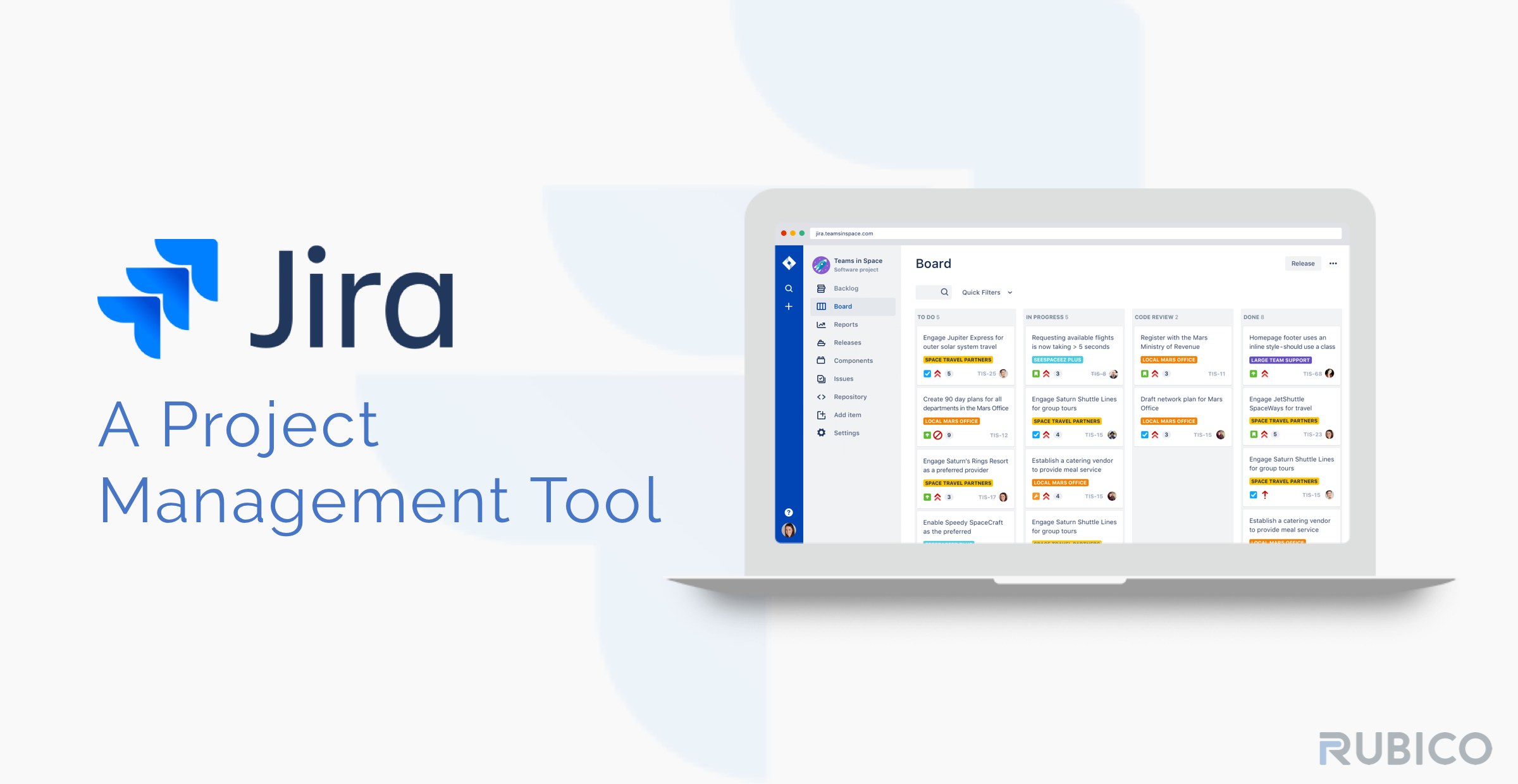
Serene Jira Software Testing Tool Scene in HD
Discover an amazing jira software testing tool background image, ideal for personalizing your devices with vibrant colors and intricate designs.
Detailed Jira Software Testing Tool Wallpaper in 4K
Explore this high-quality jira software testing tool image, perfect for enhancing your desktop or mobile wallpaper.
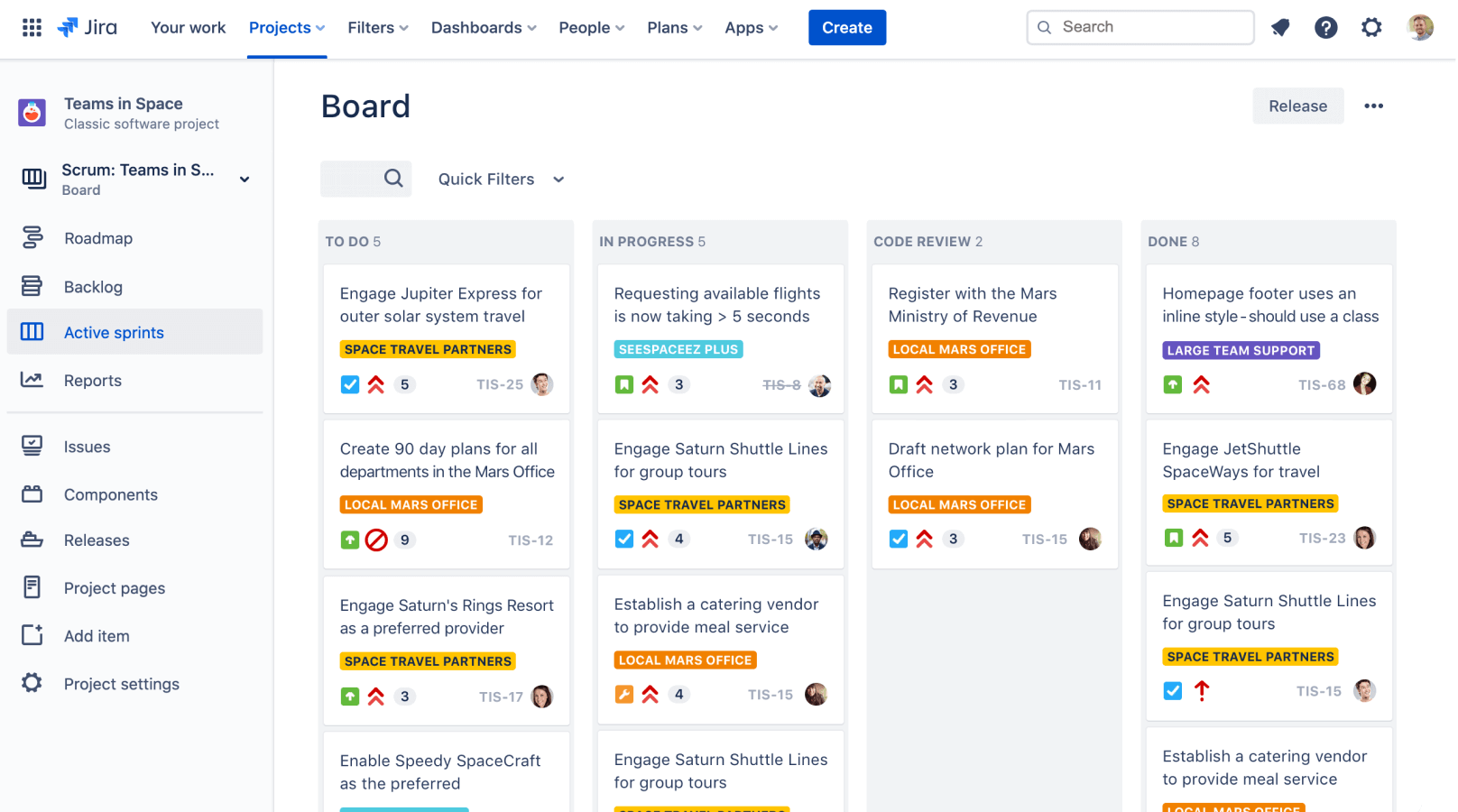
Gorgeous Jira Software Testing Tool Design Digital Art
A captivating jira software testing tool scene that brings tranquility and beauty to any device.

Detailed Jira Software Testing Tool Wallpaper in HD
Discover an amazing jira software testing tool background image, ideal for personalizing your devices with vibrant colors and intricate designs.

Breathtaking Jira Software Testing Tool Background Collection
Explore this high-quality jira software testing tool image, perfect for enhancing your desktop or mobile wallpaper.

Stunning Jira Software Testing Tool Design Concept
A captivating jira software testing tool scene that brings tranquility and beauty to any device.

Mesmerizing Jira Software Testing Tool Design for Your Screen
Explore this high-quality jira software testing tool image, perfect for enhancing your desktop or mobile wallpaper.
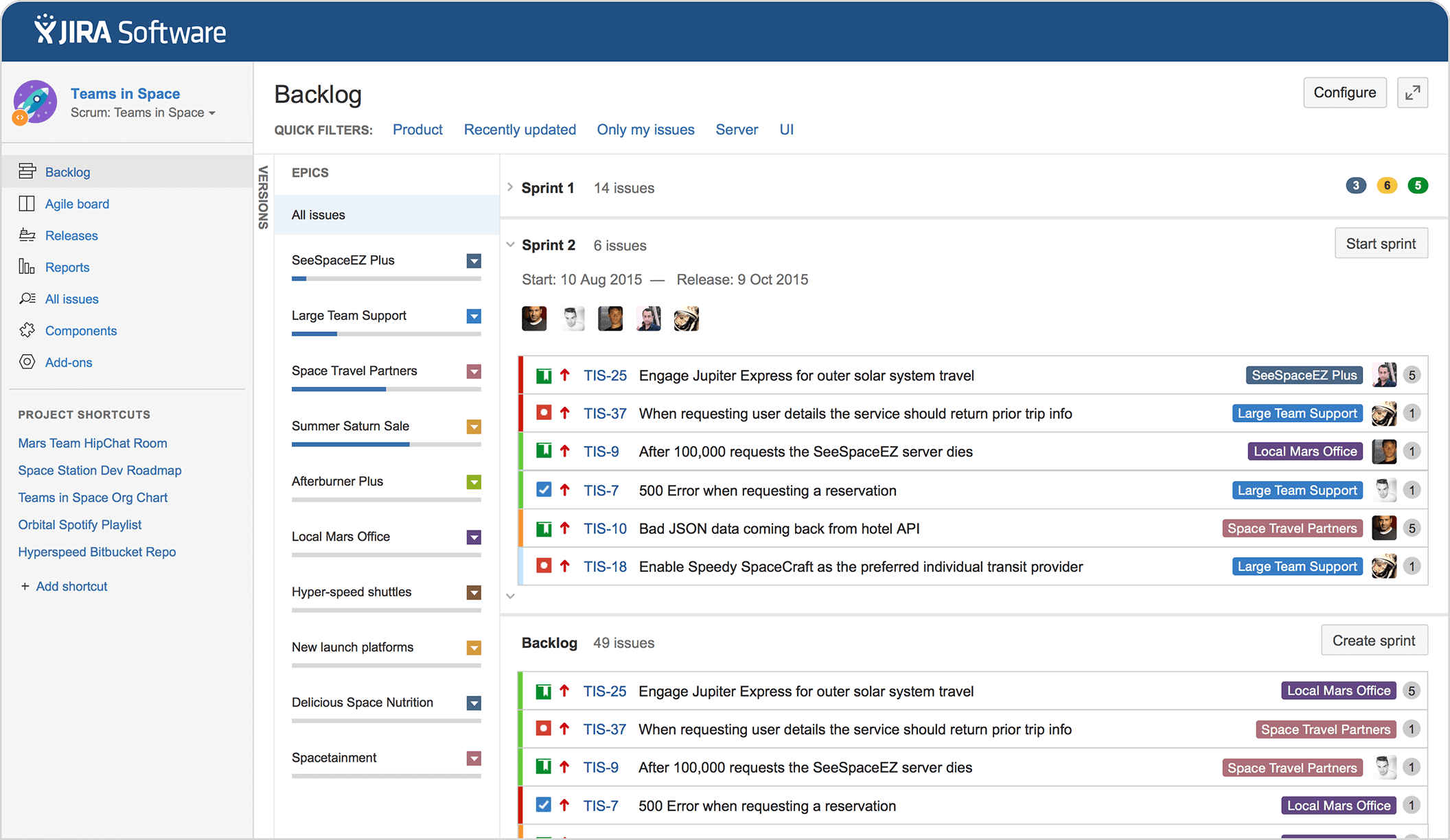
Gorgeous Jira Software Testing Tool Artwork in 4K
Find inspiration with this unique jira software testing tool illustration, crafted to provide a fresh look for your background.

Breathtaking Jira Software Testing Tool Design Collection
Transform your screen with this vivid jira software testing tool artwork, a true masterpiece of digital design.
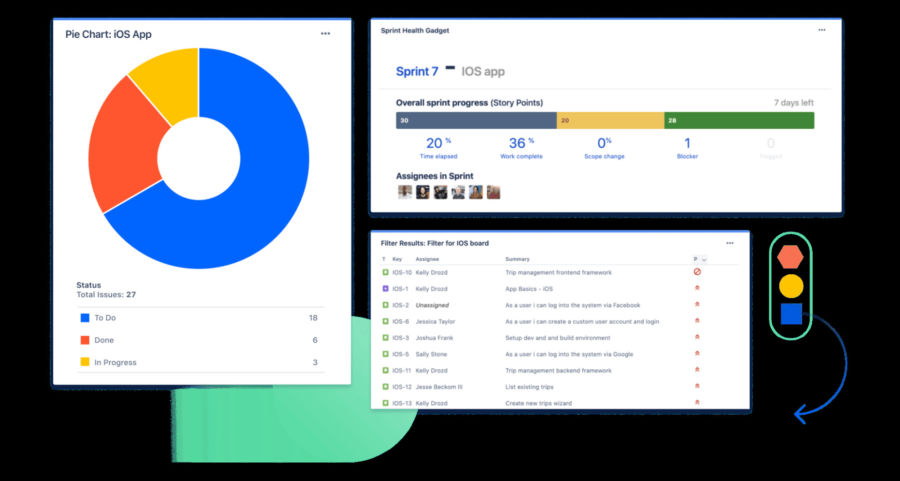
High-Quality Jira Software Testing Tool Artwork Collection
Discover an amazing jira software testing tool background image, ideal for personalizing your devices with vibrant colors and intricate designs.
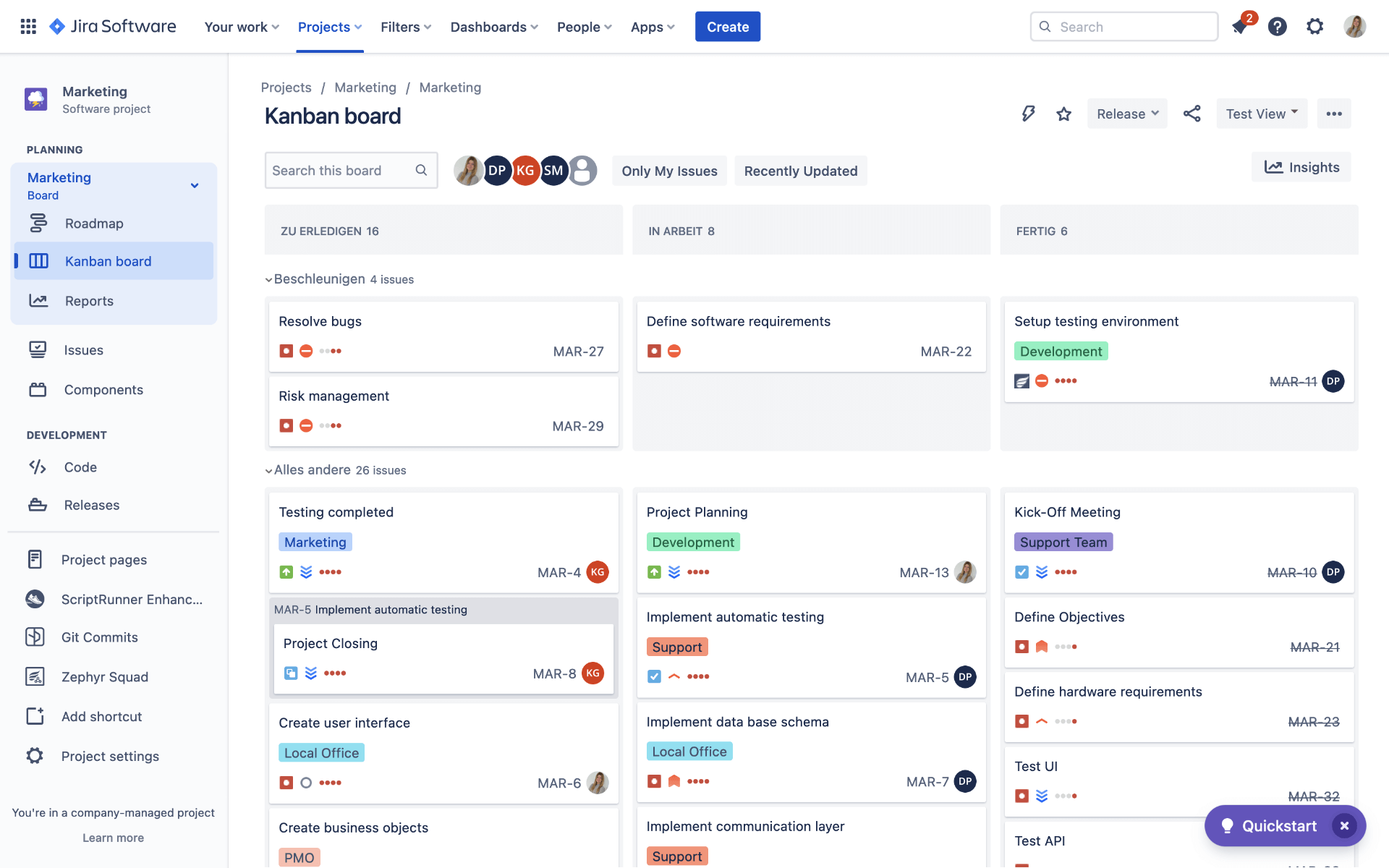
Vivid Jira Software Testing Tool Picture Nature
Transform your screen with this vivid jira software testing tool artwork, a true masterpiece of digital design.
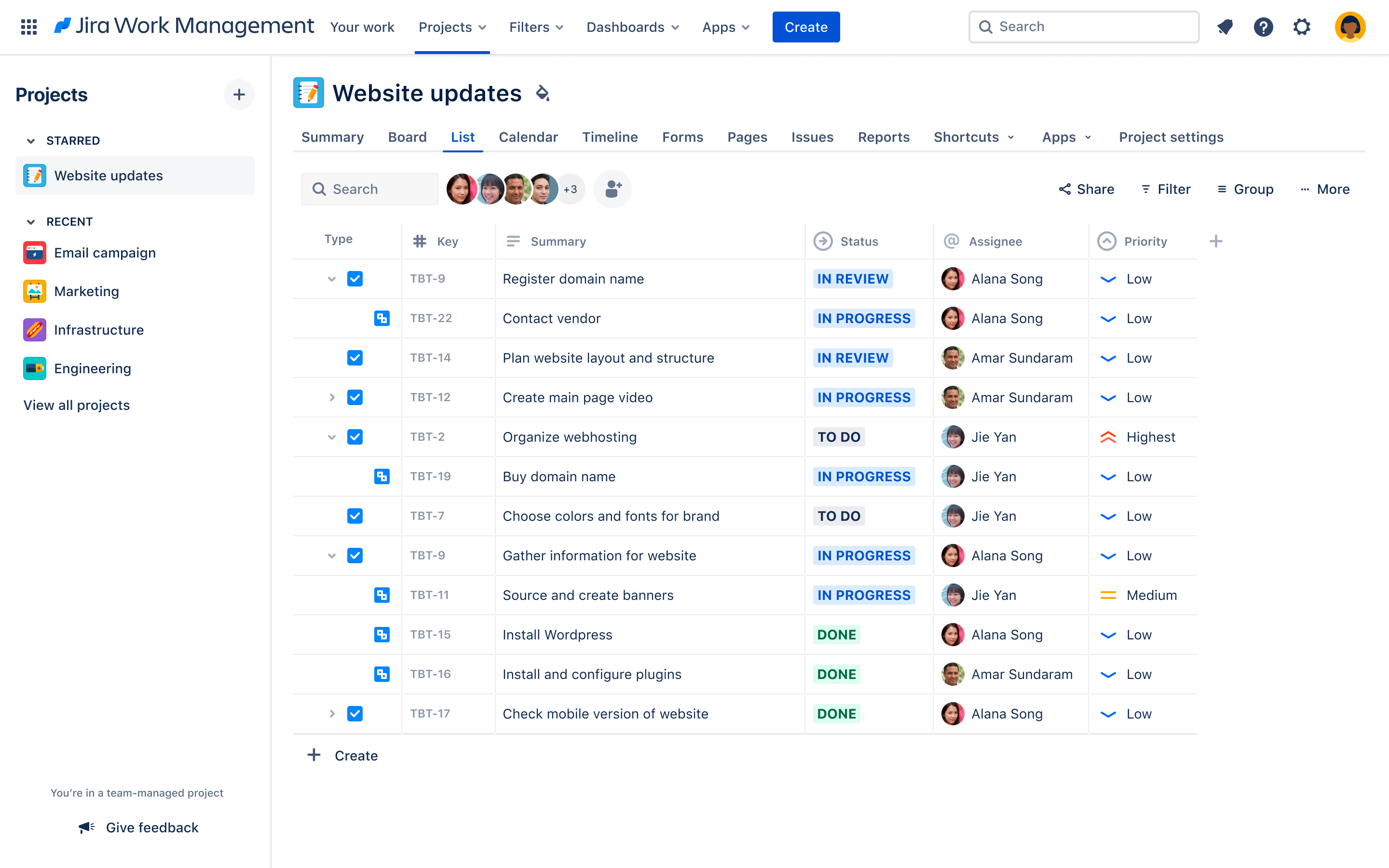
Breathtaking Jira Software Testing Tool Landscape in HD
Discover an amazing jira software testing tool background image, ideal for personalizing your devices with vibrant colors and intricate designs.

Detailed Jira Software Testing Tool Artwork Art
Transform your screen with this vivid jira software testing tool artwork, a true masterpiece of digital design.

Detailed Jira Software Testing Tool Design Digital Art
Experience the crisp clarity of this stunning jira software testing tool image, available in high resolution for all your screens.

Beautiful Jira Software Testing Tool Background in HD
Explore this high-quality jira software testing tool image, perfect for enhancing your desktop or mobile wallpaper.
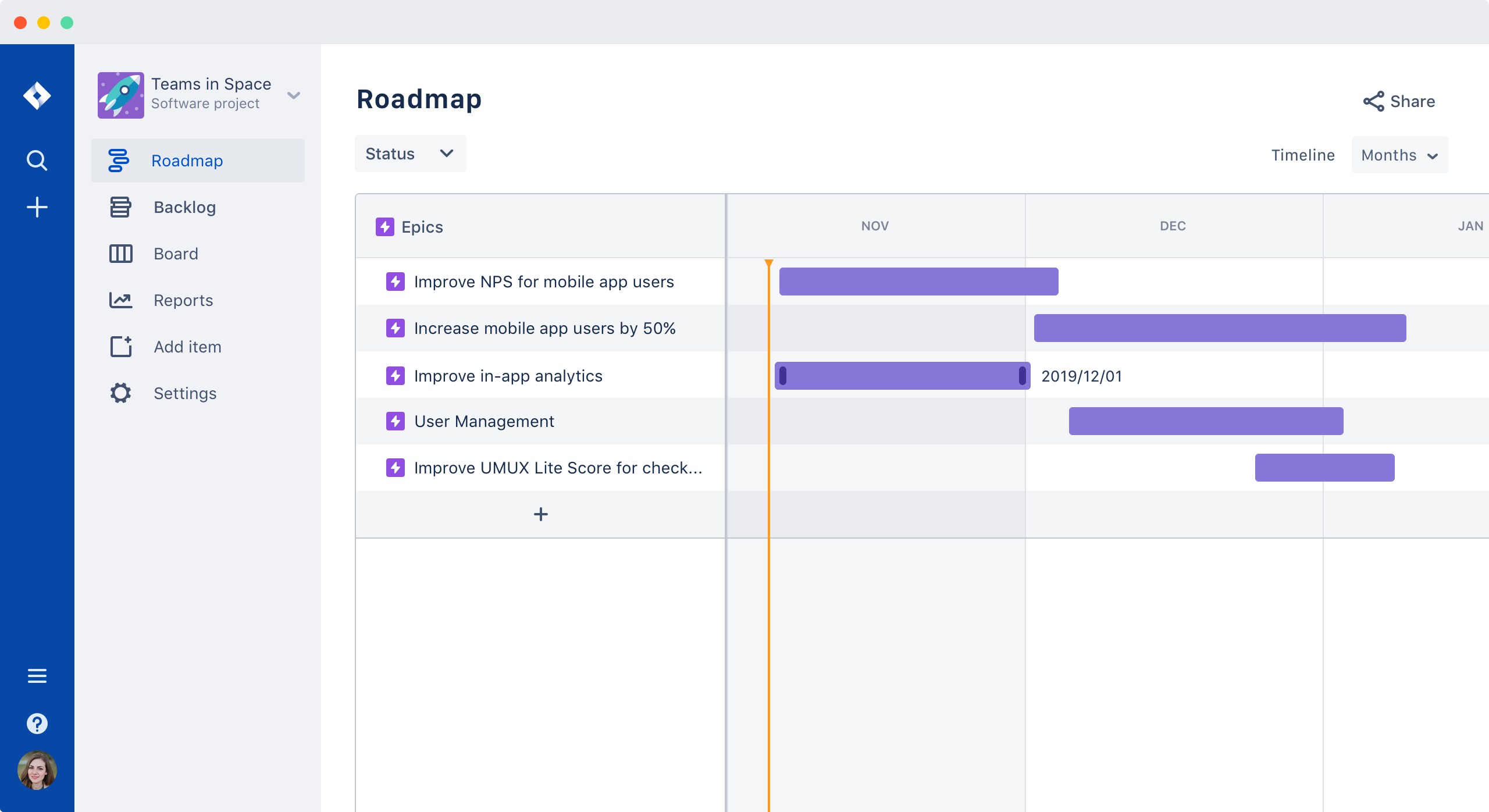
Detailed Jira Software Testing Tool Photo for Mobile
Discover an amazing jira software testing tool background image, ideal for personalizing your devices with vibrant colors and intricate designs.

High-Quality Jira Software Testing Tool Artwork Digital Art
Discover an amazing jira software testing tool background image, ideal for personalizing your devices with vibrant colors and intricate designs.
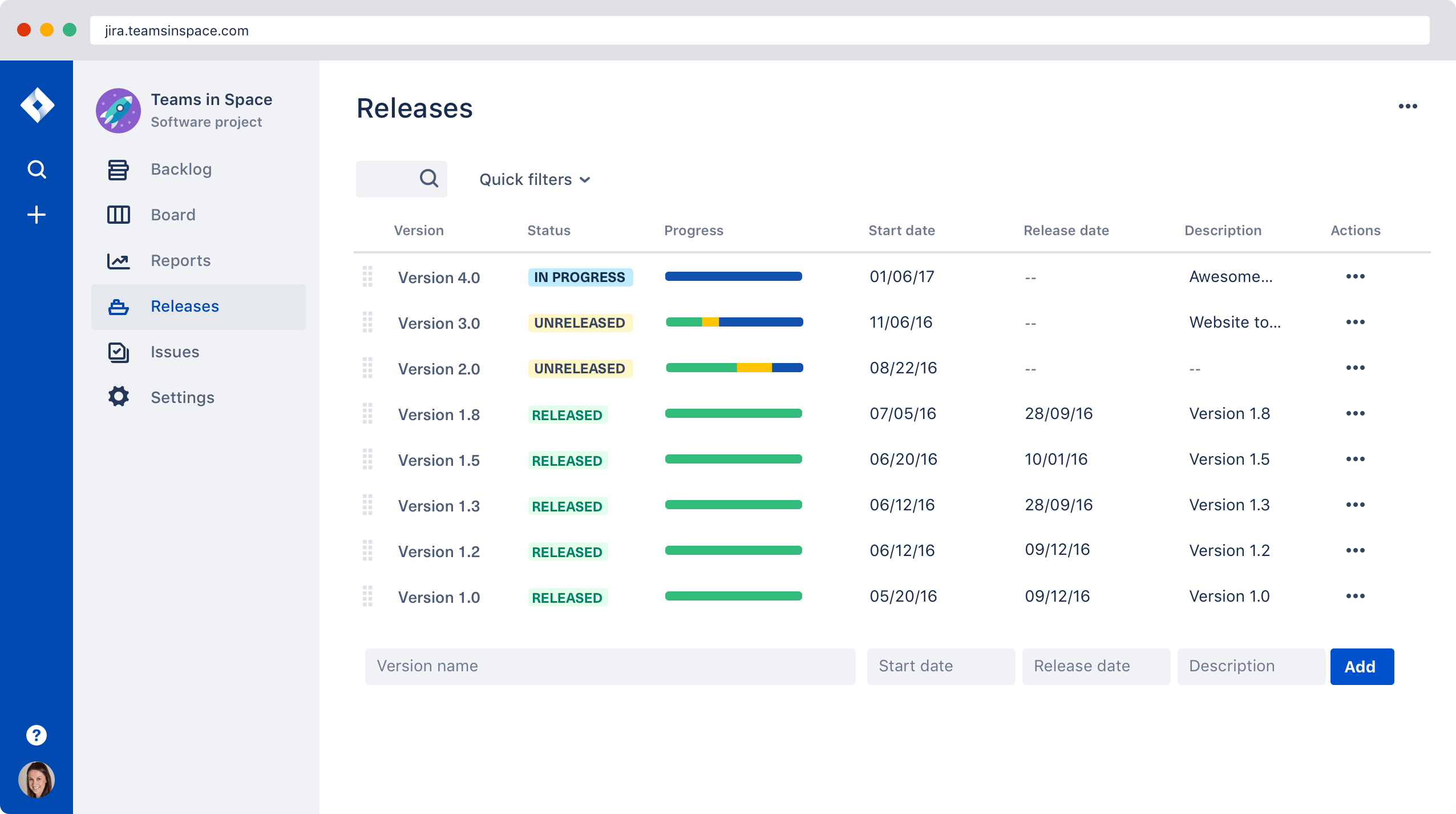
Crisp Jira Software Testing Tool Image Nature
This gorgeous jira software testing tool photo offers a breathtaking view, making it a perfect choice for your next wallpaper.

Lush Jira Software Testing Tool Background Concept
This gorgeous jira software testing tool photo offers a breathtaking view, making it a perfect choice for your next wallpaper.
Download these jira software testing tool wallpapers for free and use them on your desktop or mobile devices.