Joist Software
Tired of Paperwork? How Joist Software Transforms Contractor Management
If you're a busy contractor, you know the drill: juggling dusty paper invoices, handwriting estimates in your truck, and chasing down checks that are weeks late. It's chaotic, unprofessional, and frankly, a massive time drain. This is the exact problem that Joist Software set out to solve.
Joist isn't just another business app; it's a dedicated mobile solution designed by and for home service professionals. It aims to cut the administrative fat so you can spend less time behind a desk and more time on the job site. But does it truly deliver on the promise of simplification? Let's dive deep into the features, pricing, and overall user experience.
What Exactly is Joist Software and Who Needs It?
At its core, Joist Software is an all-in-one mobile platform that helps small to medium-sized contracting businesses manage their customer interactions, from the initial bid to the final payment. It was specifically built with mobility in mind, meaning its functionality excels on smartphones and tablets, which is crucial for tradespeople constantly moving between locations.
The primary users of Joist are general contractors, electricians, plumbers, landscapers, painters, and remodelers—anyone who needs fast, professional documentation to transact business efficiently. It's particularly beneficial for owner-operators and small teams who don't have dedicated office staff.
Using digital tools like Joist is no longer a luxury; it's a necessity for appearing professional and ensuring fast cash flow. According to the Small Business Administration (SBA), utilizing technology to streamline operations is a key differentiator for growth and sustainability in the trades.
Core Features: The Triple Threat
The success of Joist Software hinges on its three main pillars of functionality: fast estimating, professional invoicing, and simple payment processing. These features work together seamlessly to speed up your sales cycle.
Lightning-Fast Estimating on the Job Site
One of the biggest selling points is the ability to generate detailed estimates instantly. You can build a comprehensive catalog of materials and services right within the app. This means when you're standing in a customer's kitchen, you can tap, tap, tap, and present a professional estimate before you even leave the driveway.
Customers can sign the estimate digitally right on your device. This instant approval reduces the "thinking time" window, drastically improving your closing rates. If you need more strategies on streamlining your bidding process, check out our guide: [Baca Juga: Best Practices for Contractor Estimates].
Professional Invoicing and Follow-Up
Converting an approved estimate into an invoice should take mere seconds, and with Joist, it does. The software ensures your invoices look polished, complete with your logo, business details, and a clear breakdown of costs. This level of professionalism builds trust with the client.
Furthermore, Joist handles the annoying task of follow-up. It allows you to track which invoices have been viewed, which are overdue, and send polite reminders, taking the confrontation out of cash collection.
Seamless Digital Payment Processing
The biggest bottleneck for contractors is often waiting for checks to clear. Joist integrates multiple payment gateways, allowing clients to pay instantly via credit card or bank transfer right from the invoice email. This greatly speeds up your accounts receivable.
However, it's crucial to understand the associated transaction fees, which are standard for digital payment processors. While the convenience is priceless, be sure to factor these processing costs into your overall pricing structure.
Pricing Tiers: Finding the Right Fit
Joist operates on a freemium model, offering a robust free tier alongside paid subscription options (Joist Pro). Understanding which tier suits your operational size is key to maximizing ROI without overspending.
Joist Free vs. Joist Pro: What's the Real Difference?
The free version is highly functional, especially for the solo contractor just starting out or handling a small volume of jobs. It includes unlimited estimates and invoices. However, scaling businesses will quickly find the limitations of the free tier compelling them to upgrade.
The paid Pro version unlocks features essential for long-term growth, primarily focused on team management, deeper customization, and advanced reporting. Below is a simplified comparison:
| Feature | Joist Free | Joist Pro (Paid) |
|---|---|---|
| Estimates & Invoices | Unlimited | Unlimited |
| Team Management (Multiple Users) | No | Yes (Manage employees/subs) |
| Custom Branding & PDF Export | Basic Templates | Advanced customization & watermarks removed |
| Advanced Reporting (Profit/Loss) | Basic Summary | Detailed financial tracking |
| Sync Capability | Mobile Only | Mobile and Desktop Sync |
UX and Mobility: Is Joist Truly Mobile-First?
In the world of construction technology, the user experience (UX) on a small screen is paramount. Contractors often don't have the luxury of sitting at a laptop.
Joist excels here. The interface is clean, uses large, tappable icons, and the navigation is extremely intuitive—even for those who might consider themselves less tech-savvy. The learning curve is minimal. Most users report being able to create their first estimate within 15 minutes of downloading the app.
However, users transitioning from more complex Customer Relationship Management (CRM) tools might find the customer management features a little light. Joist prioritizes speed over comprehensive data management. If deep customer segmentation is a priority, you may need to integrate it with other tools. [Baca Juga: Top CRM Tools for Contractors].
Real-World Impact: Joist vs. Traditional Methods
The shift from paper to a dedicated tool like Joist brings measurable benefits:
- Reduced Errors: Digital calculations eliminate common human errors found in handwritten estimates.
- Faster Payouts: Offering instant payment options significantly shortens the time between job completion and receiving funds. Digital payments are also generally safer and traceable. Read more about payment security guidelines from the Federal Trade Commission (FTC).
- Improved Branding: Professional, branded estimates and invoices leave a better impression on clients compared to generic forms.
The most compelling real-world evidence is the time savings. Contractors using Joist often report saving 5 to 10 hours per week previously spent on purely administrative tasks. This time can be reinvested into taking on more jobs or enjoying a better work-life balance.
Conclusion: Is Joist Software Worth the Investment?
For the vast majority of small to mid-sized contractors and tradespeople focused primarily on estimation, invoicing, and accelerating payment collection, Joist Software is an exceptional tool. Its commitment to a mobile-first user experience makes it highly practical for the field.
If you are struggling with messy paperwork, inconsistent branding, and slow cash flow, Joist offers a powerful, low-barrier entry solution. Start with the free version, master its core features, and then consider upgrading to Joist Pro once team management and deeper reporting become necessities for your growing operation.
Frequently Asked Questions (FAQ) About Joist
- Q: Does Joist integrate with QuickBooks or other accounting software?
A: Yes, Joist is often used alongside QuickBooks or Xero. Joist handles the field operations (estimates/invoices), and you can typically export data or use direct integrations (available in the Pro version) to sync financial information with your primary accounting software for tax purposes.
- Q: Are the payment fees high compared to competitors?
A: Joist's payment processing fees are competitive and generally align with industry standards for mobile payment solutions (typically 2.9% + $0.30 per transaction for card payments). The specific rate depends on the type of payment (card vs. ACH/bank transfer).
- Q: Can I use Joist if I don't have an internet connection on the job site?
A: Yes! A major benefit of Joist is its offline capability. You can create, edit, and save estimates and invoices without a connection. The app will automatically sync all changes to the cloud once you reconnect to the internet.
- Q: Can clients pay a partial deposit through Joist?
A: Absolutely. Joist allows you to clearly mark required deposits or partial payments on the invoice. Clients can pay that specific amount digitally, and the software tracks the remaining balance due.
Joist Software
Joist Software Wallpapers
Collection of joist software wallpapers for your desktop and mobile devices.
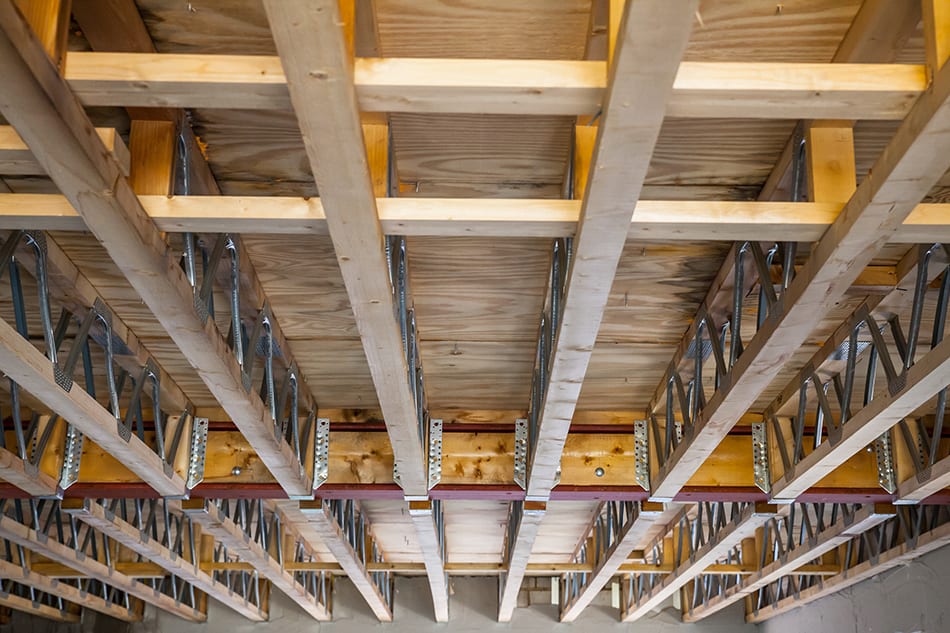
Serene Joist Software View in HD
Explore this high-quality joist software image, perfect for enhancing your desktop or mobile wallpaper.

Breathtaking Joist Software Capture for Your Screen
Transform your screen with this vivid joist software artwork, a true masterpiece of digital design.

Spectacular Joist Software Moment Photography
Find inspiration with this unique joist software illustration, crafted to provide a fresh look for your background.

Amazing Joist Software Landscape Art
Transform your screen with this vivid joist software artwork, a true masterpiece of digital design.

Detailed Joist Software Artwork in HD
Explore this high-quality joist software image, perfect for enhancing your desktop or mobile wallpaper.

Vivid Joist Software Capture for Mobile
Transform your screen with this vivid joist software artwork, a true masterpiece of digital design.
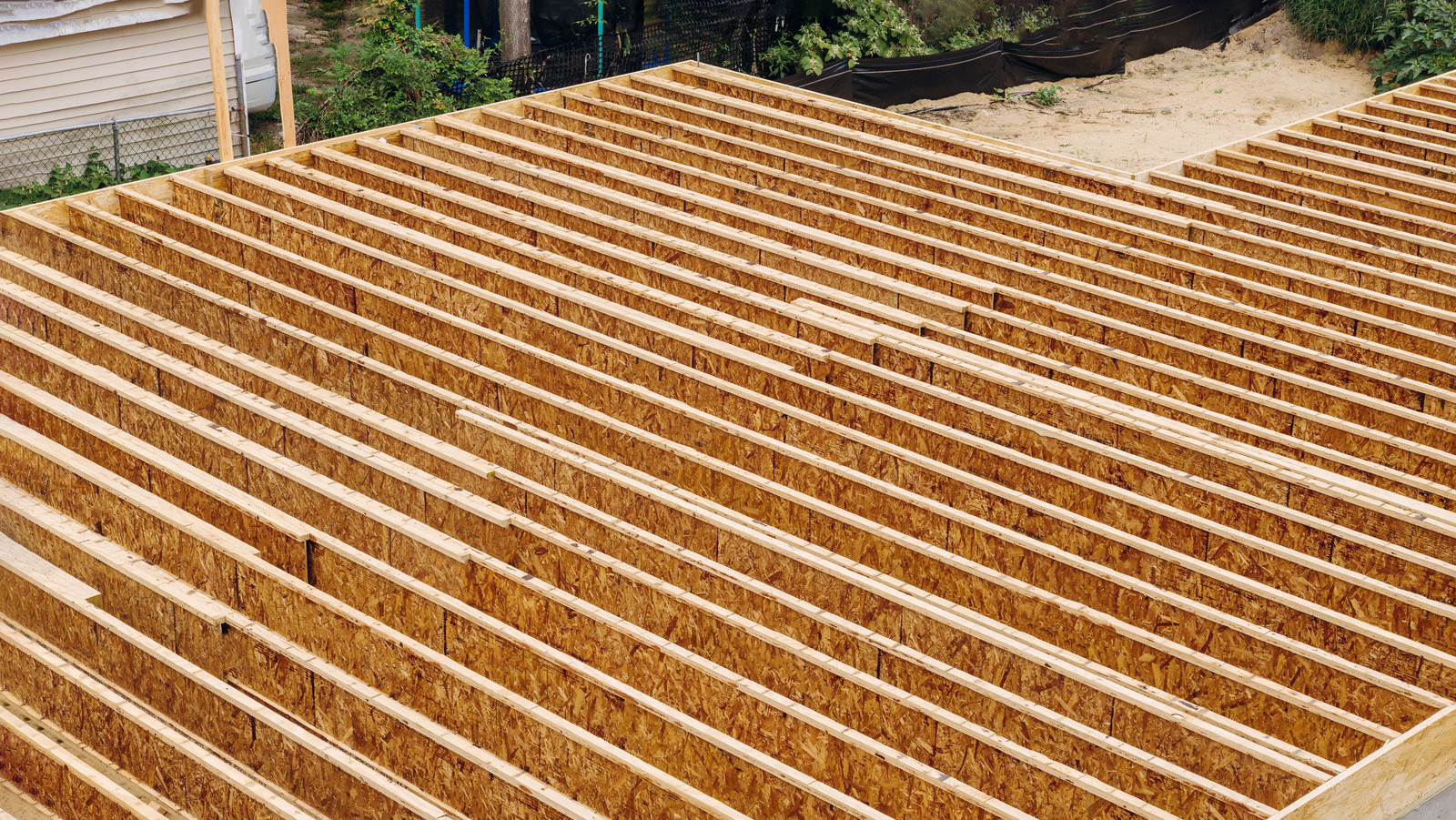
Serene Joist Software Wallpaper for Mobile
Experience the crisp clarity of this stunning joist software image, available in high resolution for all your screens.

Amazing Joist Software Photo Digital Art
Experience the crisp clarity of this stunning joist software image, available in high resolution for all your screens.

Dynamic Joist Software Picture for Your Screen
Immerse yourself in the stunning details of this beautiful joist software wallpaper, designed for a captivating visual experience.

Captivating Joist Software Picture for Desktop
This gorgeous joist software photo offers a breathtaking view, making it a perfect choice for your next wallpaper.

Detailed Joist Software Moment Art
Discover an amazing joist software background image, ideal for personalizing your devices with vibrant colors and intricate designs.
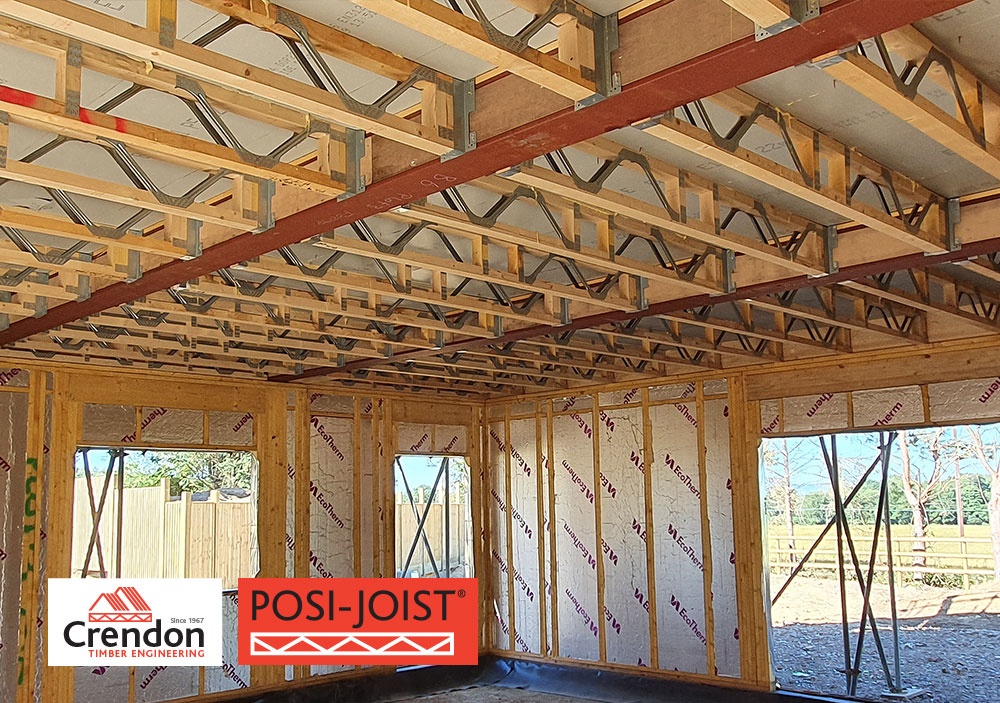
Gorgeous Joist Software Landscape for Desktop
Immerse yourself in the stunning details of this beautiful joist software wallpaper, designed for a captivating visual experience.
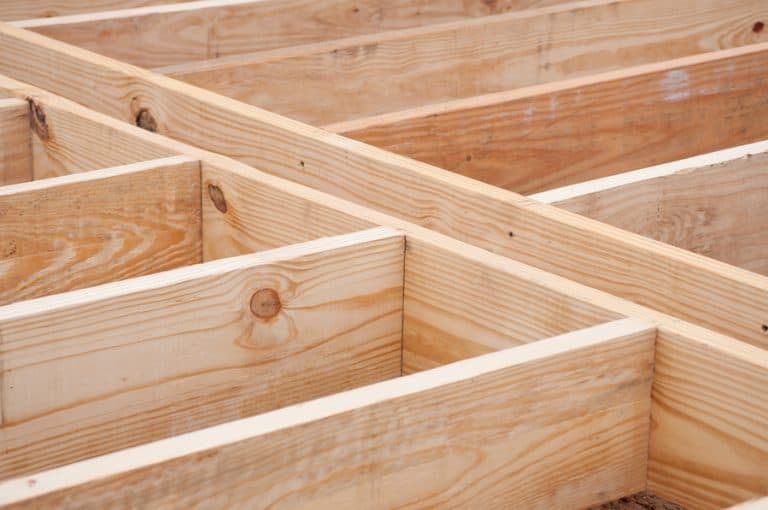
Detailed Joist Software Scene Collection
Explore this high-quality joist software image, perfect for enhancing your desktop or mobile wallpaper.
Serene Joist Software Landscape Photography
Discover an amazing joist software background image, ideal for personalizing your devices with vibrant colors and intricate designs.

Spectacular Joist Software Landscape for Desktop
A captivating joist software scene that brings tranquility and beauty to any device.

Serene Joist Software Picture Collection
Explore this high-quality joist software image, perfect for enhancing your desktop or mobile wallpaper.

Serene Joist Software Picture Digital Art
Explore this high-quality joist software image, perfect for enhancing your desktop or mobile wallpaper.
Mesmerizing Joist Software Background Nature
Transform your screen with this vivid joist software artwork, a true masterpiece of digital design.

Lush Joist Software Picture in 4K
A captivating joist software scene that brings tranquility and beauty to any device.

Detailed Joist Software Capture Concept
Discover an amazing joist software background image, ideal for personalizing your devices with vibrant colors and intricate designs.
Download these joist software wallpapers for free and use them on your desktop or mobile devices.