Krita Software
Tired of Expensive Art Software? Why Krita Software is Your Free Professional Solution
If you've spent any time in the digital art world, you know the pain point: amazing software often comes with an astronomical subscription fee. Adobe, Corel, even some niche tools—they drain your wallet before you even draw your first line.
But what if we told you there was a powerful, feature-rich alternative specifically designed for professional digital painting that costs absolutely nothing? Enter **Krita Software**.
Krita isn't just a free tool; it's a testament to open-source excellence. This article will dive deep into why Krita has become the darling of concept artists, illustrators, and comic book creators, and how its commitment to E-E-A-T principles (Expertise, Experience, Authoritativeness, and Trust) makes it a truly viable professional option.
Introduction: Why Krita Changed the Digital Art Game
Launched officially in 2005, Krita was born from the KDE community and initially focused on being a general image manipulation tool. However, its development direction quickly pivoted toward one specialized area: digital painting and raster graphics.
This narrow focus is Krita's secret weapon. Unlike generalist programs that try to do everything (editing, layout, 3D), Krita pours all its development resources into perfecting the drawing experience. It's built by artists, for artists.
What Makes Krita Different? The Open-Source Philosophy
The biggest factor separating Krita from its competitors is its status as free and open-source software (FOSS). This isn't a 'freemium' model; it's genuinely free under the GNU General Public License.
This open philosophy doesn't just benefit your bank account; it drives the development. The code is transparent, the bug reporting is community-driven, and new features are often prioritized based on actual artists' needs, not shareholder demands. You can read more about the core principles of FOSS here: GNU Philosophy on Free Software.
Furthermore, Krita is backed by the Krita Foundation, a non-profit organization that manages development and funding through grants and donations. This structure ensures the software remains focused on art, not profit maximization. Krita Development Fund.
Diving Deep into Krita's Professional Feature Set
If you judge Krita solely by its price tag, you might assume its features are basic. You would be wrong. Krita provides industry-standard tools and several specialized functions that rival (or even surpass) its paid counterparts.
Brush Engine Mastery
The crown jewel of **Krita Software** is its brush engine. It is incredibly customizable and optimized for pressure sensitivity. Krita supports over nine different brush engines, including:
- **Pixel Engine:** Standard pixel brushes.
- **Color Smudge Engine:** Fantastic for achieving realistic oil and acrylic blending effects.
- **Dyna Engine:** Allows for highly expressive, dynamic lines based on speed and tilt.
- **Particle Engine:** Perfect for creating complex effects like fire, smoke, or splatter quickly.
This variety means you don't just "paint"; you can simulate real-world media with a degree of fidelity rarely seen in other digital tools.
Animation Capabilities
While Krita is primarily a painting program, its integrated 2D animation toolkit has made it a favorite for frame-by-frame animators, especially those needing to produce high-quality line art and coloring.
Understanding the Animation Workflow
The animation workflow utilizes a user-friendly timeline, onion skinning (seeing previous and next frames), and supports audio import. This makes it an ideal, lightweight solution for creating short loops, GIFs, and preliminary storyboarding.
It's important to note that Krita focuses on *drawing* frames, not complex rigging or 3D interpolation. If your style is hand-drawn, Krita is exceptionally well-equipped to handle it efficiently.
Krita vs. The Giants: Pricing, Performance, and Philosophy
To truly understand the value of Krita, a quick comparison against the market leaders is essential. Here is how **Krita Software** stacks up against two titans in the digital art space:
| Feature | Krita | Adobe Photoshop | Clip Studio Paint (CSP) |
|---|---|---|---|
| Cost Structure | Free (Open Source) | Subscription Required | One-time Purchase / Subscription |
| Primary Focus | Digital Painting & Illustration | Photo Editing & General Raster | Manga, Comics, Illustration |
| Native Animation | Yes (Frame-by-Frame) | Basic/Limited | Yes (Advanced) |
| Brush Customization | Extremely High | Moderate to High | High (Optimized for Manga) |
The takeaway is clear: while Photoshop dominates general photo manipulation, and CSP excels in comics, Krita offers a focused, robust, and completely free package for high-end digital painting that doesn't compromise on professional tools.
Getting Started: System Requirements and Best Practices
One of Krita's strengths is its relatively low barrier to entry regarding hardware. It is cross-platform, available on Windows, macOS, and Linux, and even has a decent Android port.
However, because digital painting is heavily dependent on RAM and CPU speed (especially when working on massive canvases or complex animations), we recommend the following minimum setup for a smooth experience:
- **RAM:** Minimum 8GB (16GB recommended for heavy work).
- **CPU:** Dual-core or better, preferably i5 equivalent or higher.
- **Input Device:** A dedicated drawing tablet is mandatory for utilizing Krita's pressure-sensitive brushes effectively.
If you are looking for the right gear to start your digital art journey, check out our guide on essential hardware: [Baca Juga: Best Drawing Tablets for Beginners]
Best Practice: Workspace Optimization
The first thing new users should do is customize the workspace. Krita allows extensive dock customization. Move your tool options, layer dock, and brush presets to maximize the canvas area. Remember, a clean workspace equals a focused mind.
Also, familiarize yourself with the default keyboard shortcuts. The 'D' key for switching brush colors and 'Ctrl+Z' for undo are standard, but learning shortcuts for switching blend modes or brush sizes will drastically improve your workflow speed.
Conclusion: Is Krita Software the Right Choice for You?
For professional artists, students on a budget, and hobbyists alike, **Krita Software** represents a rare sweet spot: zero cost paired with genuine professional-grade tools. Its focused development on digital painting, combined with the power of its brush engine and robust animation features, makes it a formidable contender against software that costs hundreds per year.
If your primary need is drawing, illustrating, conceptualizing, or painting—and you value ownership, transparency, and a vibrant community—Krita is not just a substitute for the paid giants; it is an expert tool built specifically for your craft. Download it, experiment with the advanced brush settings, and you might find that the best things in the digital art world truly are free.
Frequently Asked Questions (FAQ) About Krita
Is Krita completely free for commercial use?
Yes. Krita is released under the GNU Public License (GPL). This means you can use Krita to create artwork, sell that artwork, and even modify and redistribute the software itself (under the same license) without paying any fees.
What file formats does Krita support?
Krita fully supports standard formats like JPEG, PNG, TIFF, and GIF. Crucially for professional workflow, it also has excellent support for PSD (Photoshop document) files, allowing easy file exchange with clients or collaborators who use Adobe products.
Is Krita difficult to learn for a beginner?
Like any powerful software, Krita has a learning curve. However, because it specializes in painting, the core interface is arguably less cluttered than all-in-one programs like Photoshop. Many artists find the transition easy, especially if they focus on mastering the brush selection and layer organization first.
Is Krita the best choice for photo editing?
No. While Krita can open and save image files, its focus is on creation, not manipulation. For intensive photo editing, retouching, and non-destructive adjustments, dedicated tools like GIMP (another FOSS option) or Adobe Photoshop are more suitable.
Krita Software
Krita Software Wallpapers
Collection of krita software wallpapers for your desktop and mobile devices.

Exquisite Krita Software Capture Photography
Find inspiration with this unique krita software illustration, crafted to provide a fresh look for your background.
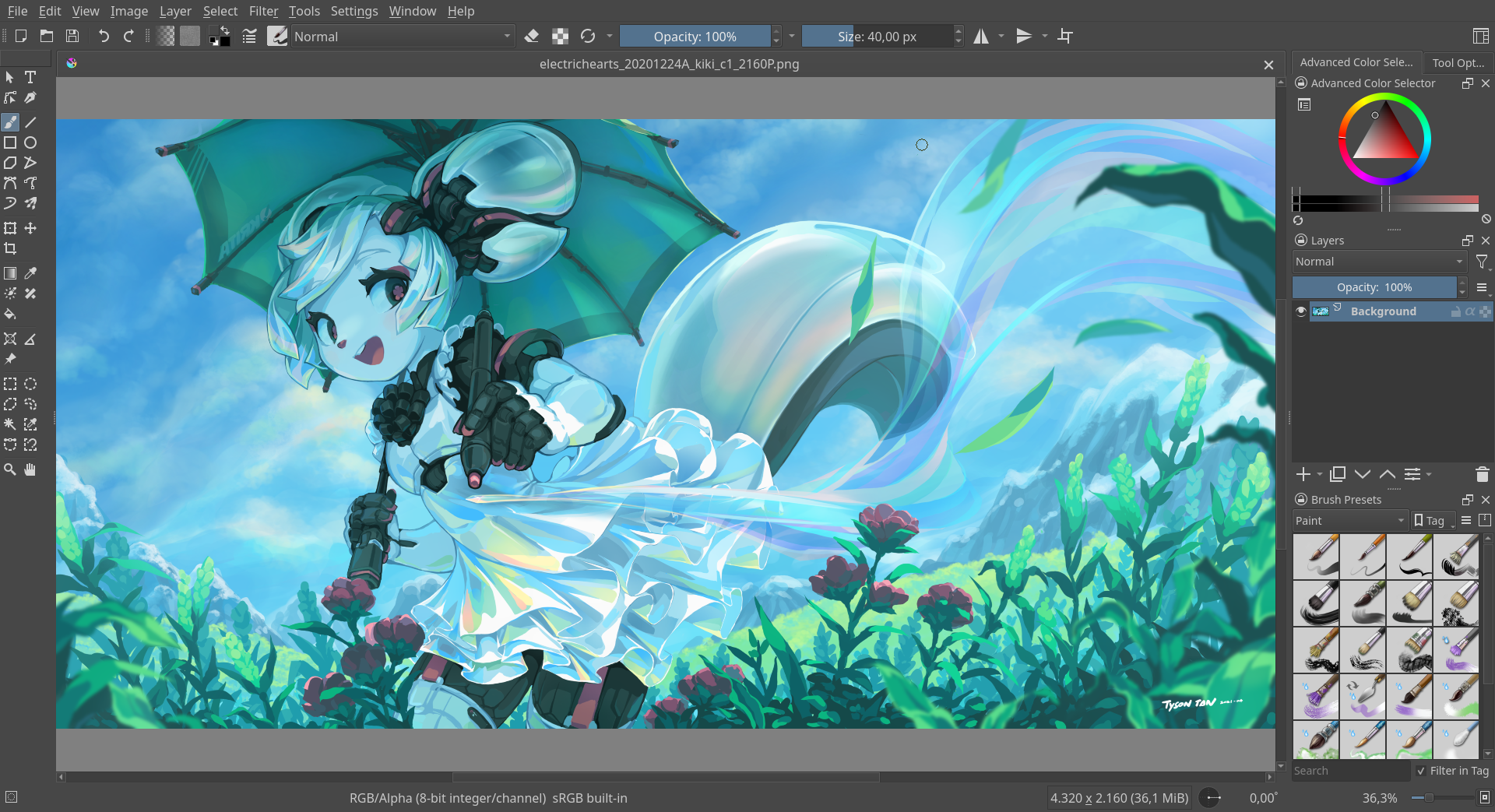
Crisp Krita Software Photo for Mobile
Find inspiration with this unique krita software illustration, crafted to provide a fresh look for your background.

Stunning Krita Software Scene Collection
This gorgeous krita software photo offers a breathtaking view, making it a perfect choice for your next wallpaper.

Beautiful Krita Software View for Mobile
Discover an amazing krita software background image, ideal for personalizing your devices with vibrant colors and intricate designs.
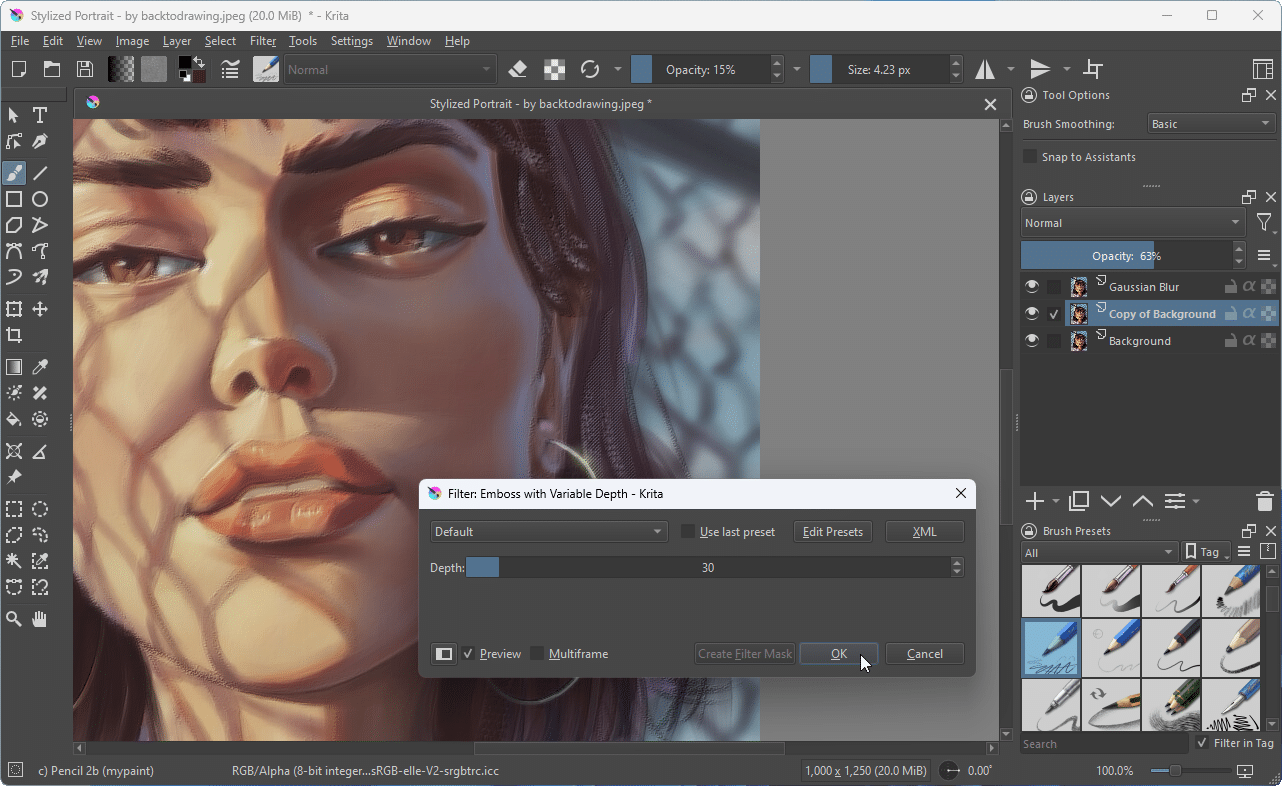
Spectacular Krita Software Background Collection
This gorgeous krita software photo offers a breathtaking view, making it a perfect choice for your next wallpaper.

Mesmerizing Krita Software Wallpaper for Desktop
Experience the crisp clarity of this stunning krita software image, available in high resolution for all your screens.
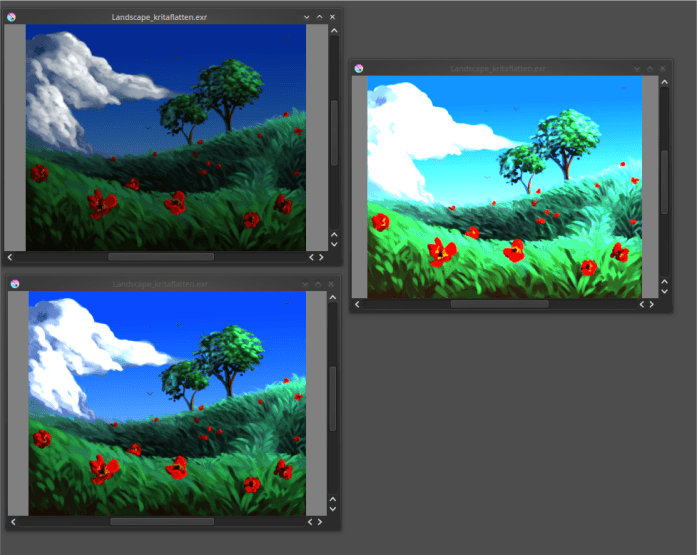
Captivating Krita Software Image for Desktop
This gorgeous krita software photo offers a breathtaking view, making it a perfect choice for your next wallpaper.
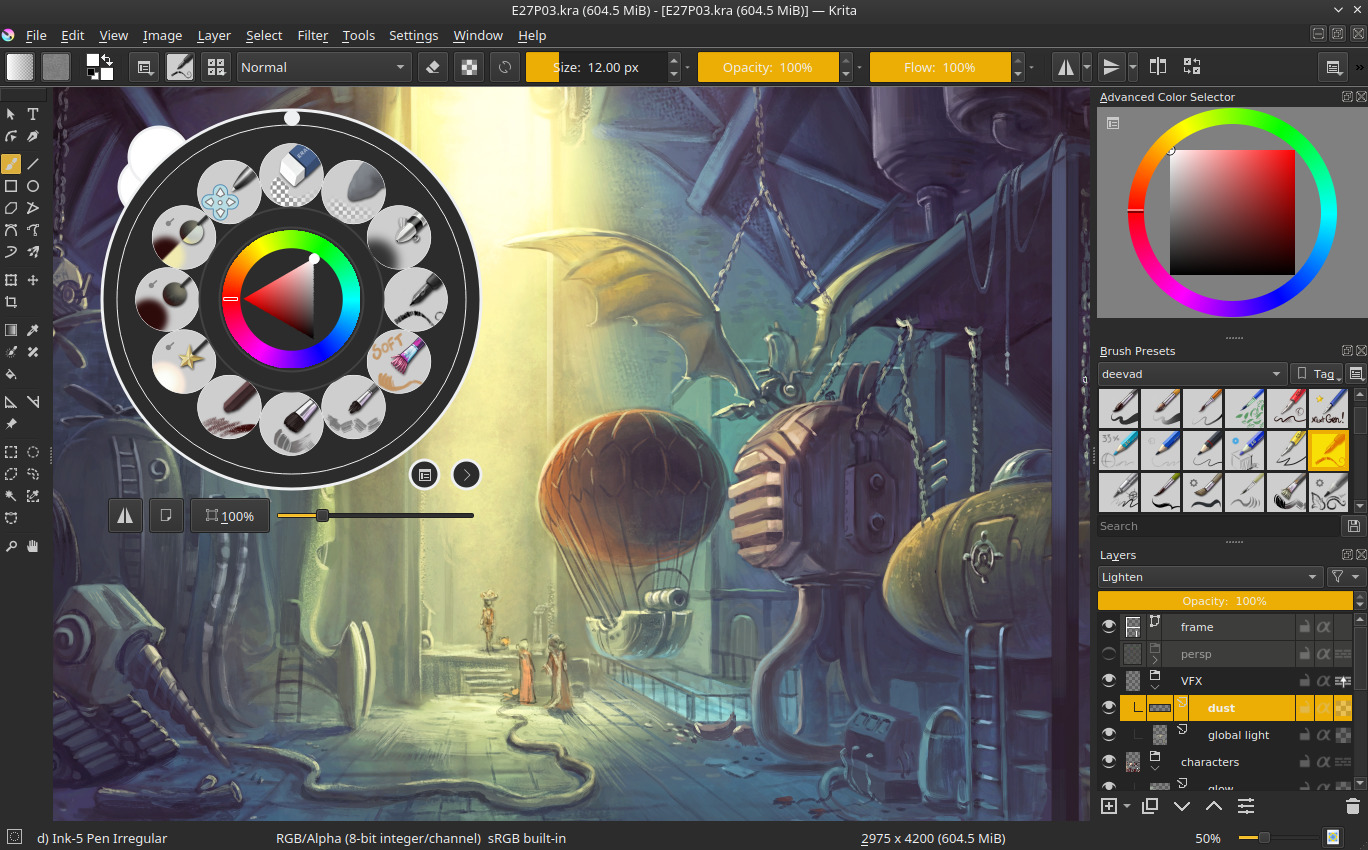
Mesmerizing Krita Software Abstract Collection
Transform your screen with this vivid krita software artwork, a true masterpiece of digital design.
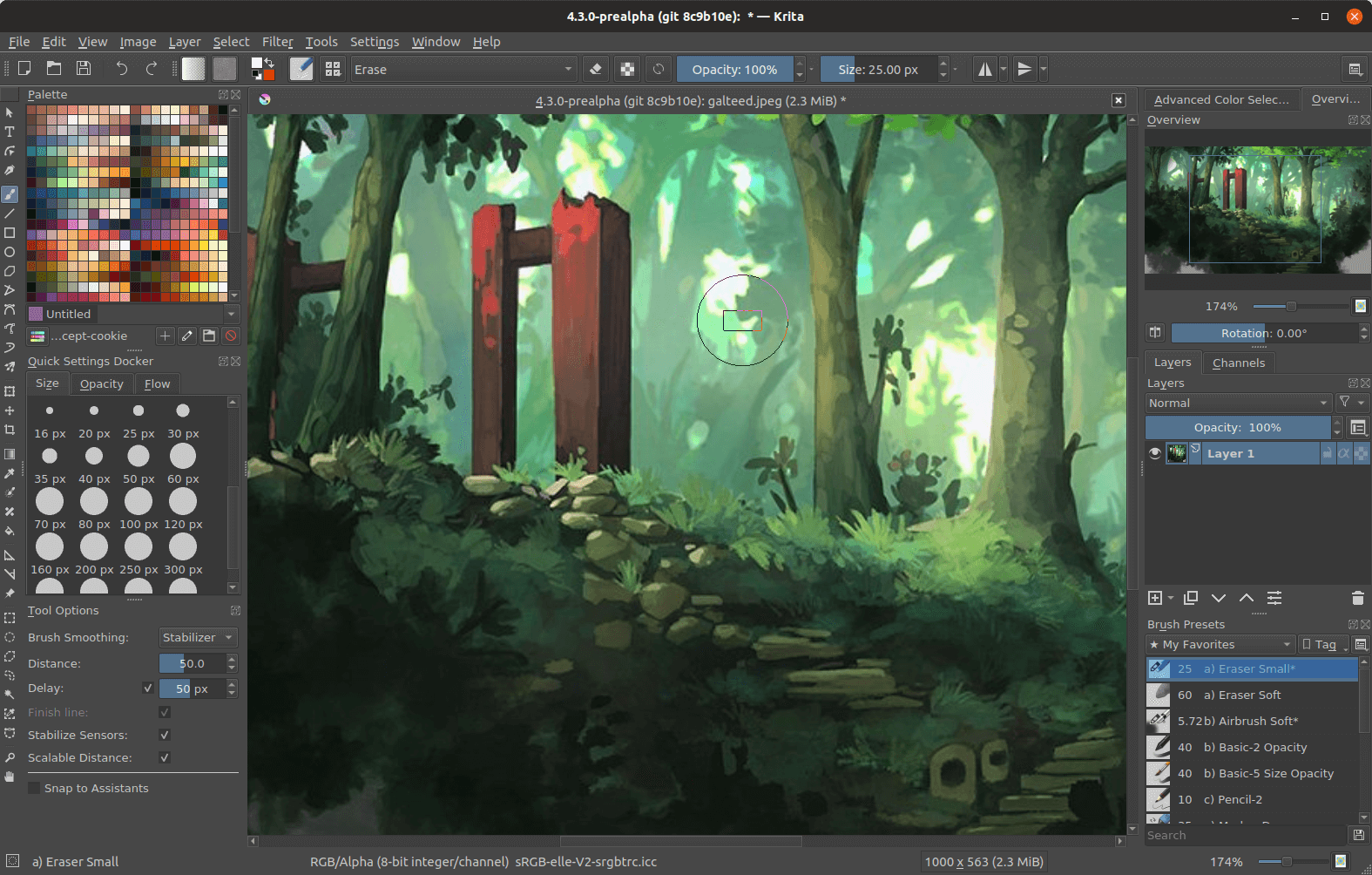
Beautiful Krita Software Capture for Desktop
Explore this high-quality krita software image, perfect for enhancing your desktop or mobile wallpaper.
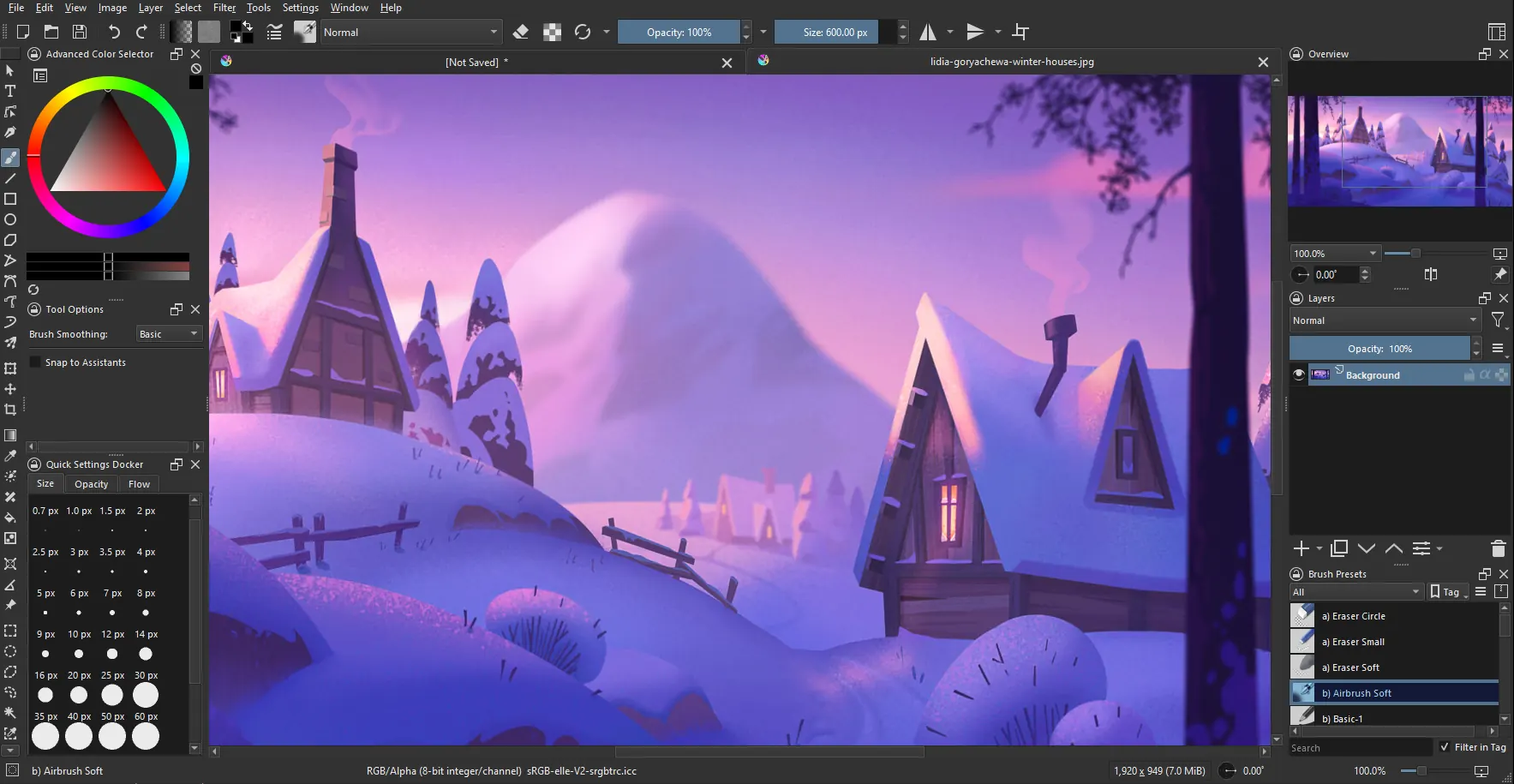
Vivid Krita Software Scene Collection
Transform your screen with this vivid krita software artwork, a true masterpiece of digital design.
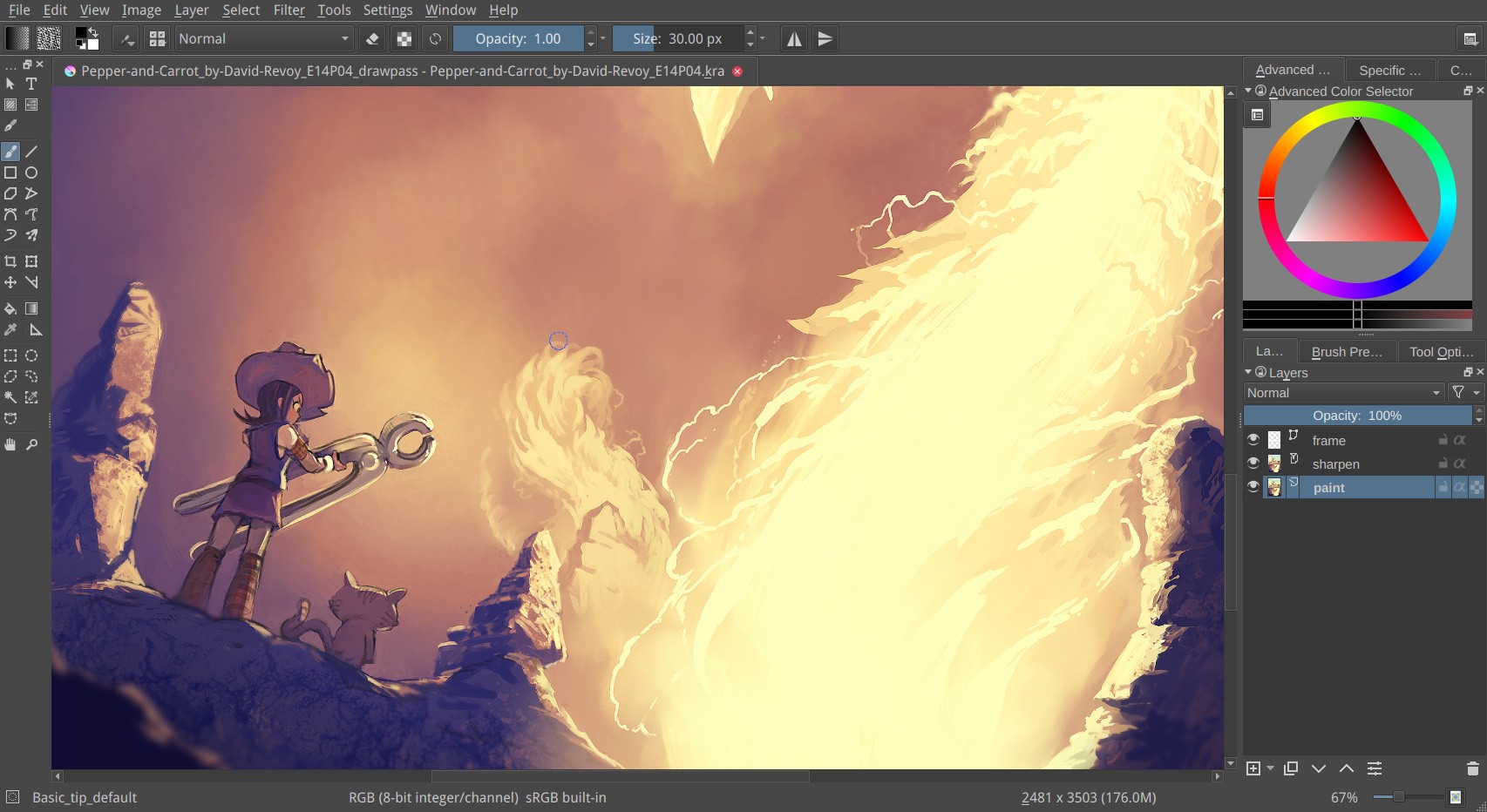
Detailed Krita Software View in HD
Explore this high-quality krita software image, perfect for enhancing your desktop or mobile wallpaper.
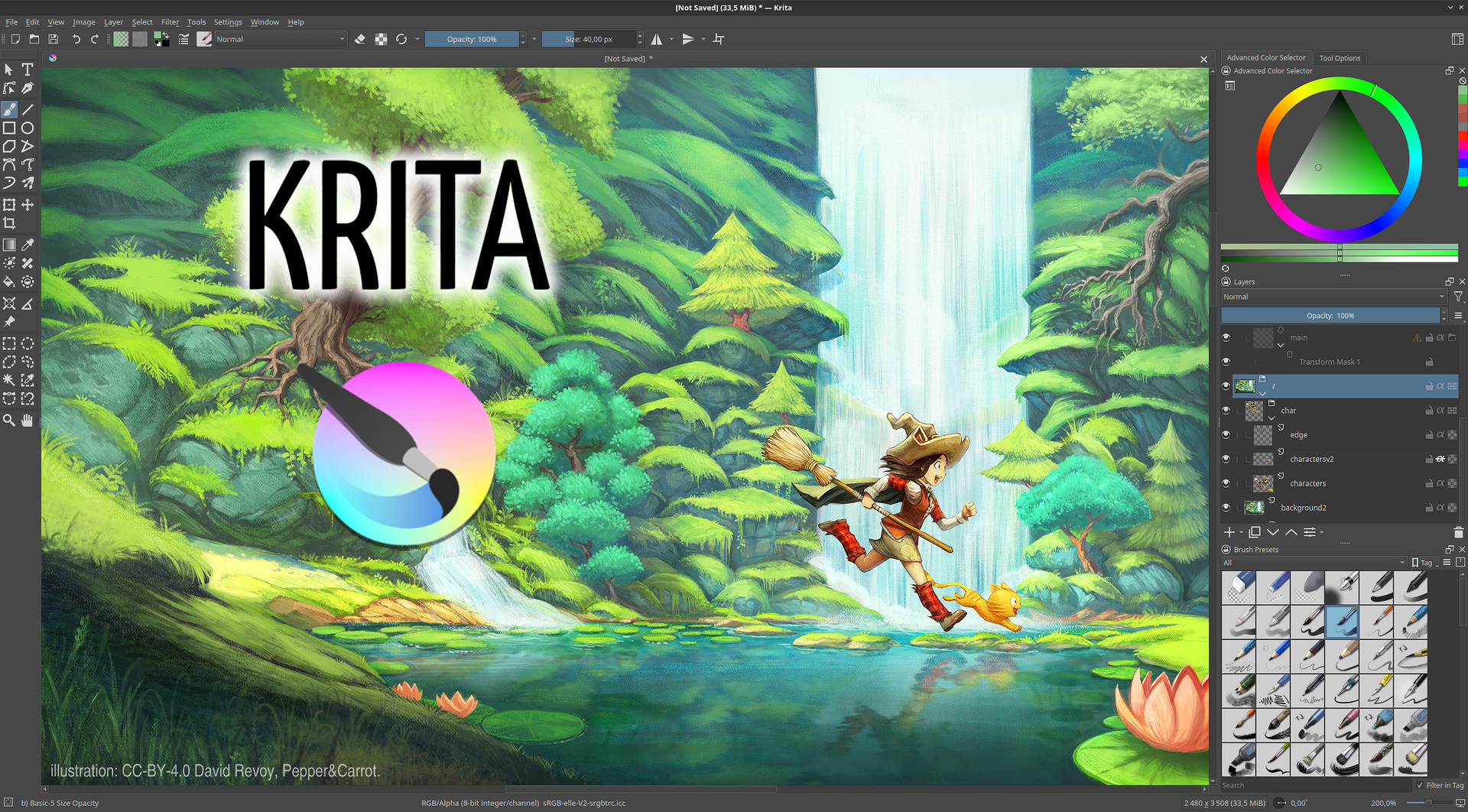
Serene Krita Software Capture for Your Screen
Discover an amazing krita software background image, ideal for personalizing your devices with vibrant colors and intricate designs.

Vibrant Krita Software Photo in HD
Explore this high-quality krita software image, perfect for enhancing your desktop or mobile wallpaper.
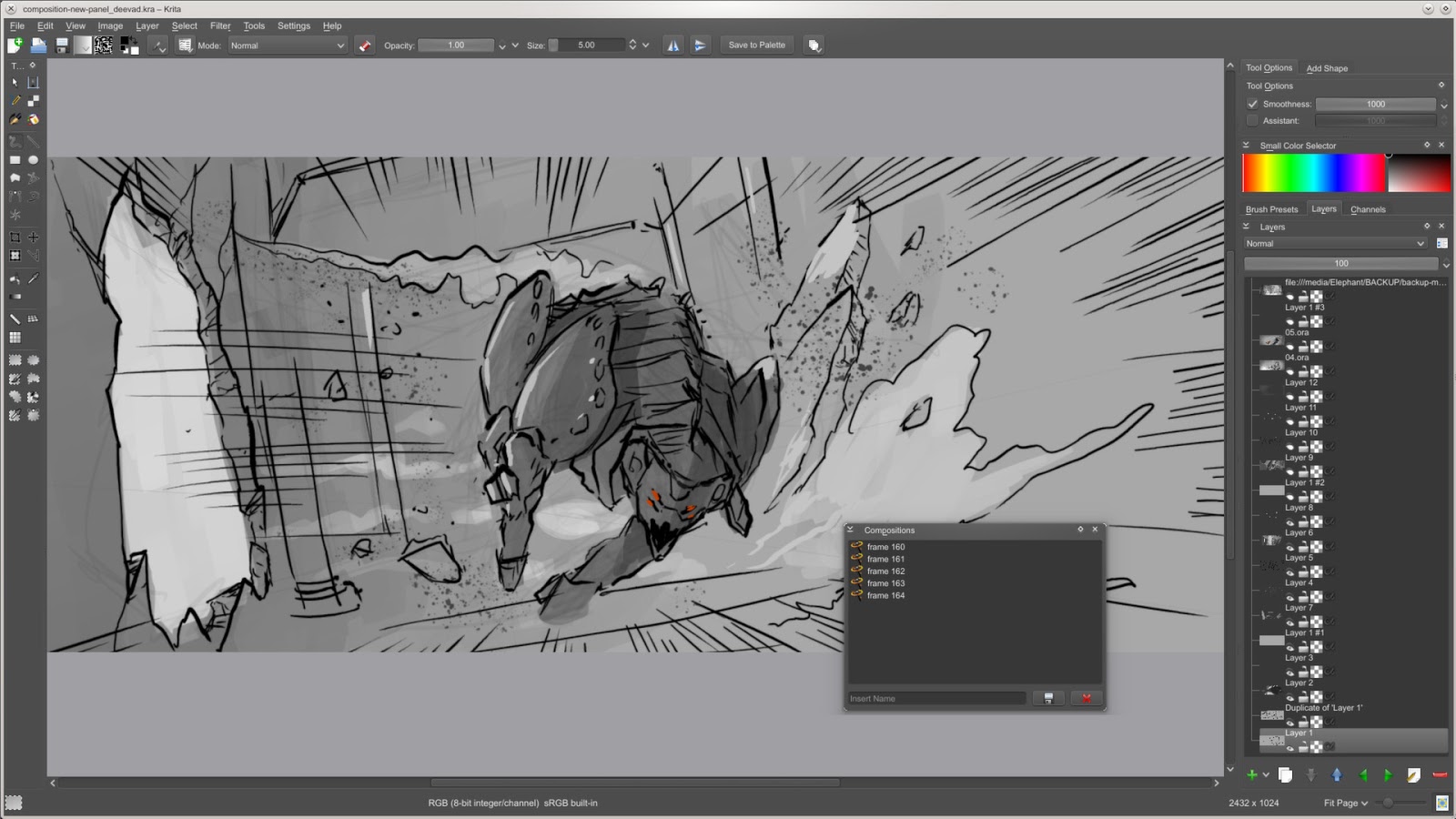
Gorgeous Krita Software Design for Mobile
This gorgeous krita software photo offers a breathtaking view, making it a perfect choice for your next wallpaper.

Stunning Krita Software Artwork Concept
Find inspiration with this unique krita software illustration, crafted to provide a fresh look for your background.

Stunning Krita Software Photo Illustration
Find inspiration with this unique krita software illustration, crafted to provide a fresh look for your background.
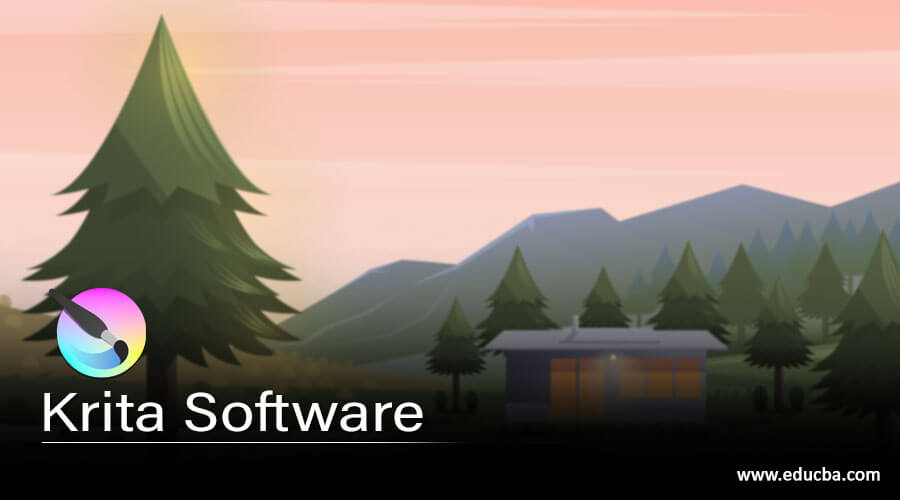
Spectacular Krita Software View Art
This gorgeous krita software photo offers a breathtaking view, making it a perfect choice for your next wallpaper.
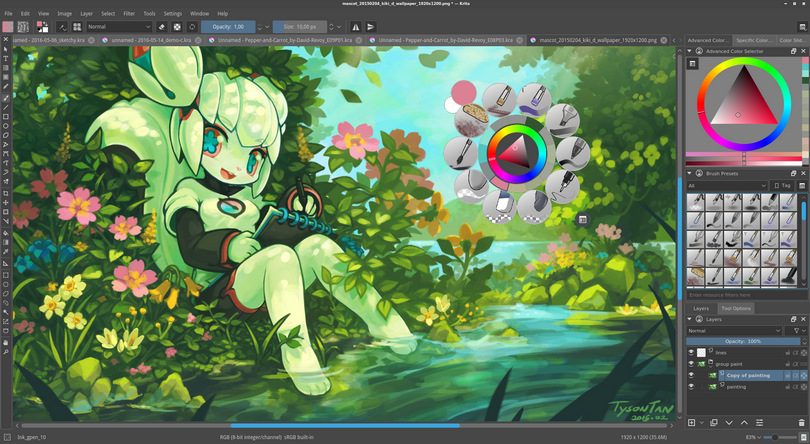
Spectacular Krita Software Moment in HD
A captivating krita software scene that brings tranquility and beauty to any device.
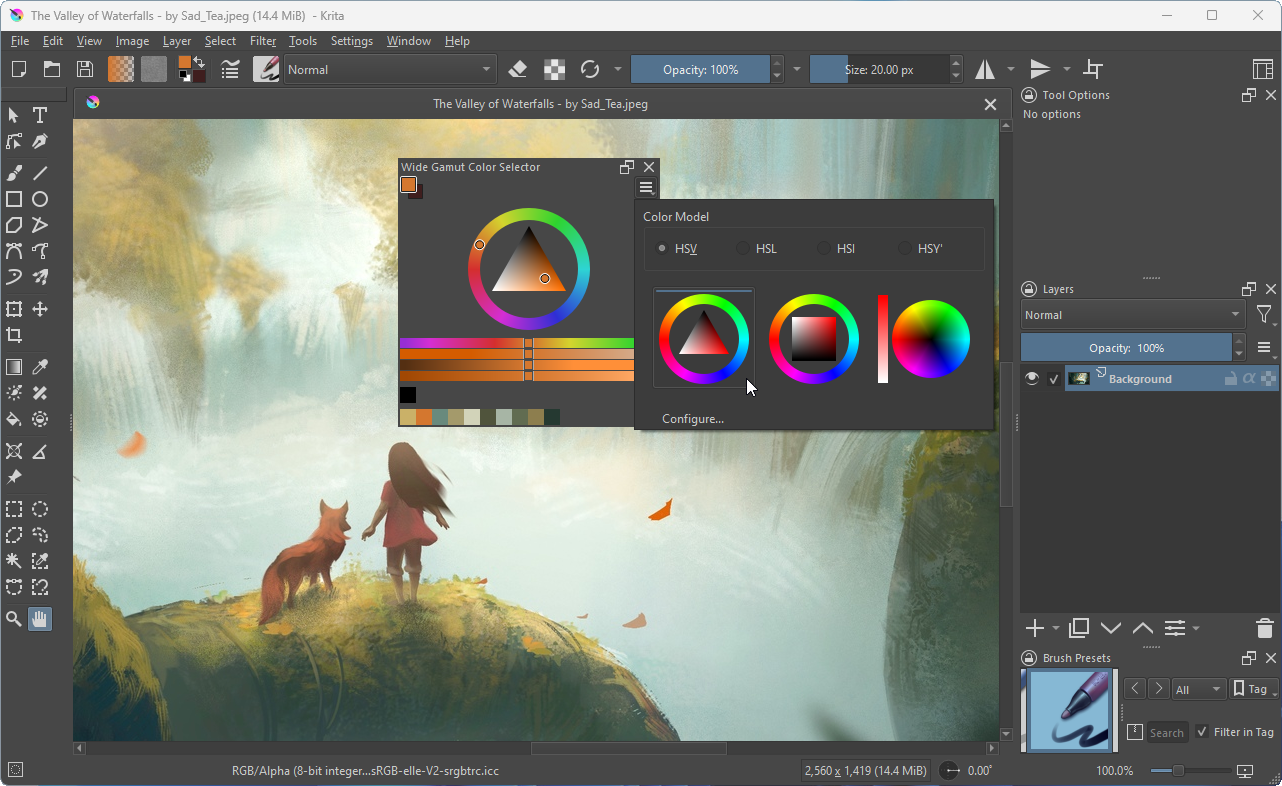
Gorgeous Krita Software Image Nature
Immerse yourself in the stunning details of this beautiful krita software wallpaper, designed for a captivating visual experience.
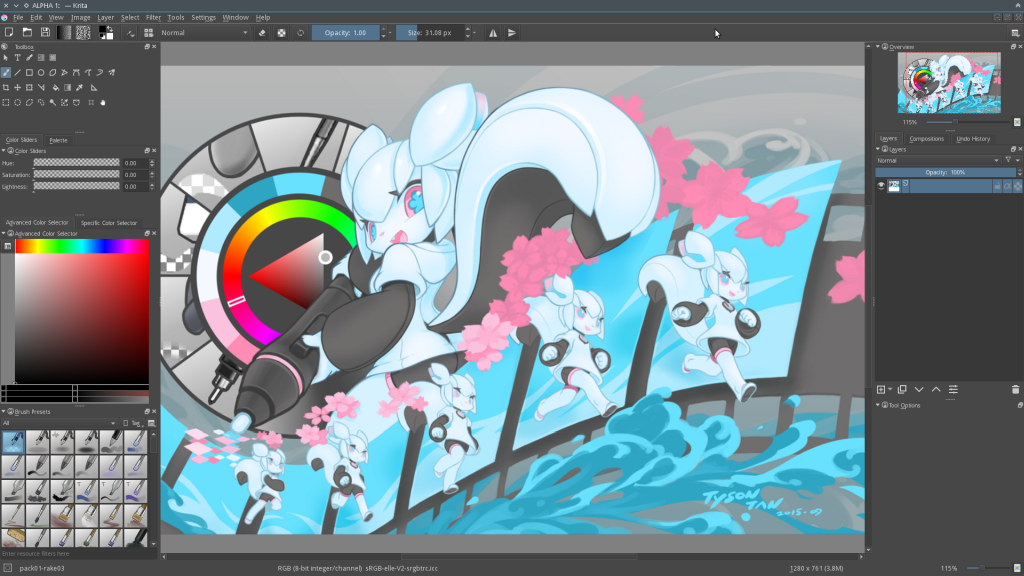
Amazing Krita Software Wallpaper Concept
Explore this high-quality krita software image, perfect for enhancing your desktop or mobile wallpaper.
Download these krita software wallpapers for free and use them on your desktop or mobile devices.