Mac Antivirus Software Built In
Do You Really Need External Protection? Analyzing the Mac Antivirus Software Built In
There's a persistent myth in the tech world: Macs don't get viruses. While it's true that macOS is fundamentally more secure than many competing operating systems due to its Unix foundation and strict sandboxing, the landscape is changing. Malware targeting Macs is on the rise.
So, where does that leave the average user? If you're asking about **Mac Antivirus Software Built In**, you're asking the right question. Does Apple provide adequate defense right out of the box? The short, nuanced answer is: yes, but only up to a point.
We're going to dive deep into Apple's proprietary security stack—the silent guardians working behind the scenes—and determine exactly when you might need to call in reinforcements.
[Baca Juga: Understanding the Latest macOS Security Update Patches]
The Core Question: Is Mac Antivirus Software Built In?
Technically, no traditional "Antivirus" software, in the sense of a massive, constantly scanning program like Norton or McAfee, is built into macOS. Instead, Apple has engineered a layered security approach designed to prevent malware from even executing.
This approach relies on a trio of core features: Gatekeeper, XProtect, and System Integrity Protection (SIP). These tools work together to manage application installation, check file signatures, and protect core system files.
Gatekeeper: The Strict Bouncer for Applications
Gatekeeper is perhaps the most visible built-in defense. When you download an app, Gatekeeper checks two crucial things before allowing it to run:
- Did the app come from the Mac App Store?
- If not, is the developer recognized and signed by Apple?
If an app isn't signed, your Mac will warn you, making it difficult (though not impossible) to open. This feature successfully blocks most amateur and widespread malicious software attempting to bypass official channels.
XProtect: Signature-Based Defense
XProtect is the closest thing Macs have to a traditional antivirus scanner. It is a signature-based tool that silently scans downloaded files (including Mail attachments and Safari downloads) against a database of known malware definitions.
This definition list is maintained and updated automatically by Apple, usually whenever a major macOS security update is pushed. Crucially, XProtect uses a mechanism known as "Yara signatures" to detect malware patterns, even if the file is disguised. You can read more about how Apple manages its security responses on its official support pages. Apple Platform Security Documentation.
Sandbox and SIP: The Deep Defenses
The security layer goes even deeper with sandboxing and System Integrity Protection (SIP).
Sandboxing ensures that applications are confined to their specific area. If a malicious app manages to run, it cannot access your core files, your contacts, or other apps without explicit user permission. This severely limits the damage malware can inflict.
System Integrity Protection (SIP), introduced in El Capitan, locks down sensitive system folders and files, preventing even the root user (or malware masquerading as root) from modifying core operating system components. This is a massive defensive barrier against rootkits and persistent threats.
Built-in Defenses vs. Traditional AV: The Key Differences
While Apple's built-in tools are formidable and provide a strong baseline security posture, they operate under a different philosophy than dedicated third-party antivirus software. The main difference lies in scope and depth.
Built-in security is primarily designed for prevention (stopping the execution of known threats) and containment (SIP/Sandboxing). External AV focuses on proactive detection, remediation, and extended features like web filtering or firewall management.
Here is a comparison of typical features:
| Feature | macOS Built-in Security (XProtect, Gatekeeper) | Traditional Third-Party AV |
|---|---|---|
| Signature Scanning (Known Malware) | Yes (XProtect) | Yes, usually more frequent updates |
| Real-Time File Monitoring | Limited (Only on execution/download) | Yes (Constant background scanning) |
| Web/Browser Filtering | No (Relies on Safari's native fraud warnings) | Yes (Blocks malicious URLs) |
| Phishing Protection | Limited | Strong, cross-browser protection |
| Cross-Platform Threat Detection (Windows/Linux) | No | Yes (Can detect files meant to infect other OSs) |
When Built-in Security Might Fall Short
The biggest threat to a modern Mac user is not necessarily a "virus" but rather user behavior and highly targeted threats that bypass signature-based detection. This is where the limitations of the **Mac Antivirus Software Built In** become apparent.
Zero-Day Threats and Advanced Malware
XProtect is effective against *known* malware. However, it relies entirely on Apple pushing a definition update. A zero-day exploit—a vulnerability unknown to the developer—will not be in XProtect's database.
Advanced third-party AV often uses heuristic and behavioral analysis to spot suspicious activity, even from completely new files. This behavioral monitoring can sometimes catch zero-day attacks before Apple has had time to patch the underlying security flaw. Learn more about Zero-Day Exploits.
Adware and PUA (Potentially Unwanted Applications)
One of the most common complaints among Mac users today is not crippling viruses, but annoying, persistent adware and potentially unwanted applications (PUA).
These apps often sneak onto your system bundled with legitimate-looking installers (a practice known as 'malvertising'). They are technically not viruses, so XProtect doesn't flag them. They cause frustration by hijacking your browser, changing search settings, and displaying excessive ads.
Dedicated AV tools are typically much better equipped to identify, quarantine, and fully remove these stubborn PUA and malicious browser extensions than Apple's native tools.
[Baca Juga: How to Identify Advanced Phishing Tactics on macOS]
The Final Verdict: Should You Install Third-Party AV?
For 90% of casual Mac users who stick to the App Store, browse responsibly, and keep their operating system updated, Apple's built-in defenses (Gatekeeper, XProtect, SIP) provide excellent basic protection. You probably don't need external AV just for virus scanning.
However, if any of the following describe you, adding a reputable third-party security suite is strongly recommended to fill the gaps in the **Mac Antivirus Software Built In**:
- You work in sensitive industries: Finance, healthcare, government, or academic research where data leakage is catastrophic.
- You frequently install software from outside the App Store: Especially if you rely on cracked or torrented software, which is a major distribution vector for Mac malware.
- You need identity theft or phishing protection: External suites offer better web monitoring and anti-phishing safeguards.
- You live in a mixed OS environment: If you regularly share files or external drives with Windows PCs, an external scanner can detect and quarantine PC-specific malware before you accidentally pass it along.
The key takeaway is this: Built-in defenses protect the system; third-party AV protects the user, extending beyond pure malware to cover adware, phishing, and user error.
Remember to always choose a verified and highly-rated vendor, as poorly optimized AV can actually slow down your Mac and introduce its own vulnerabilities. For deeper security insights, check out resources like the National Institute of Standards and Technology (NIST) guidelines. NIST Cybersecurity Resources.
Frequently Asked Questions (FAQ)
- Does running two antivirus programs slow down my Mac?
Yes, absolutely. Running two independent, real-time scanning programs (especially two third-party ones) is highly discouraged. They often compete for system resources and can interfere with each other's processes, leading to crashes and significant performance degradation.
- How often is XProtect updated by Apple?
XProtect definition updates are usually bundled with major macOS security patches, which are released periodically (often monthly or bi-monthly) when Apple identifies new threats or zero-day vulnerabilities. These updates happen silently in the background.
- Is the built-in firewall in macOS sufficient?
The macOS firewall is an excellent tool for controlling incoming connections, meaning it can stop unauthorized access attempts. However, it is primarily a network access filter. It does not replace AV, which focuses on scanning files and application behavior.
***
By understanding the roles of Gatekeeper, XProtect, and SIP, you are now equipped to make an informed decision about your Mac's security posture. Stay vigilant, keep your software updated, and browse smart!
***
Mac Antivirus Software Built In
Mac Antivirus Software Built In Wallpapers
Collection of mac antivirus software built in wallpapers for your desktop and mobile devices.
Dynamic Mac Antivirus Software Built In Photo Photography
Find inspiration with this unique mac antivirus software built in illustration, crafted to provide a fresh look for your background.

Gorgeous Mac Antivirus Software Built In Landscape Concept
Find inspiration with this unique mac antivirus software built in illustration, crafted to provide a fresh look for your background.

Dynamic Mac Antivirus Software Built In Picture for Your Screen
Find inspiration with this unique mac antivirus software built in illustration, crafted to provide a fresh look for your background.
:max_bytes(150000):strip_icc()/Bitdefender-59f3a3be03f40200105c3cc3.jpg "Beautiful Mac Antivirus Software Built In Picture in HD")
Beautiful Mac Antivirus Software Built In Picture in HD
Transform your screen with this vivid mac antivirus software built in artwork, a true masterpiece of digital design.

Beautiful Mac Antivirus Software Built In Moment for Your Screen
Discover an amazing mac antivirus software built in background image, ideal for personalizing your devices with vibrant colors and intricate designs.
Breathtaking Mac Antivirus Software Built In Scene for Mobile
Experience the crisp clarity of this stunning mac antivirus software built in image, available in high resolution for all your screens.

High-Quality Mac Antivirus Software Built In Photo in 4K
Experience the crisp clarity of this stunning mac antivirus software built in image, available in high resolution for all your screens.
Detailed Mac Antivirus Software Built In View Collection
Explore this high-quality mac antivirus software built in image, perfect for enhancing your desktop or mobile wallpaper.

High-Quality Mac Antivirus Software Built In View Collection
Experience the crisp clarity of this stunning mac antivirus software built in image, available in high resolution for all your screens.
Artistic Mac Antivirus Software Built In Image Digital Art
This gorgeous mac antivirus software built in photo offers a breathtaking view, making it a perfect choice for your next wallpaper.

Spectacular Mac Antivirus Software Built In Abstract Photography
A captivating mac antivirus software built in scene that brings tranquility and beauty to any device.

Mesmerizing Mac Antivirus Software Built In Scene Concept
Experience the crisp clarity of this stunning mac antivirus software built in image, available in high resolution for all your screens.
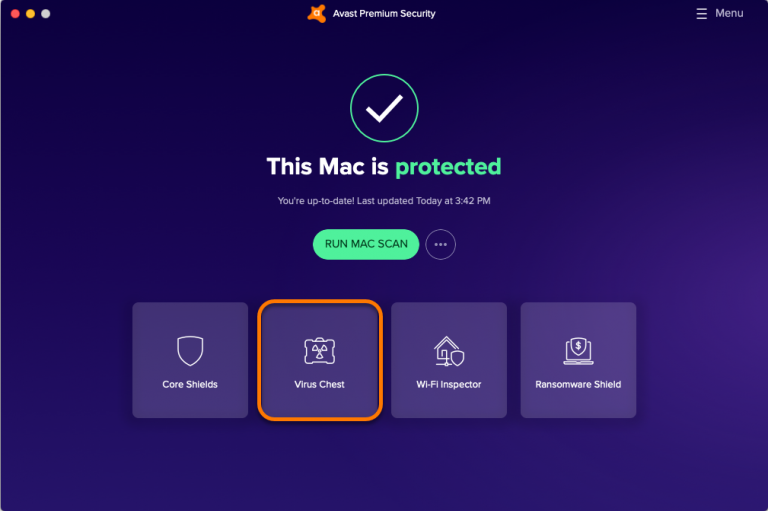
Beautiful Mac Antivirus Software Built In Image for Your Screen
Transform your screen with this vivid mac antivirus software built in artwork, a true masterpiece of digital design.

Mesmerizing Mac Antivirus Software Built In Landscape in HD
Discover an amazing mac antivirus software built in background image, ideal for personalizing your devices with vibrant colors and intricate designs.
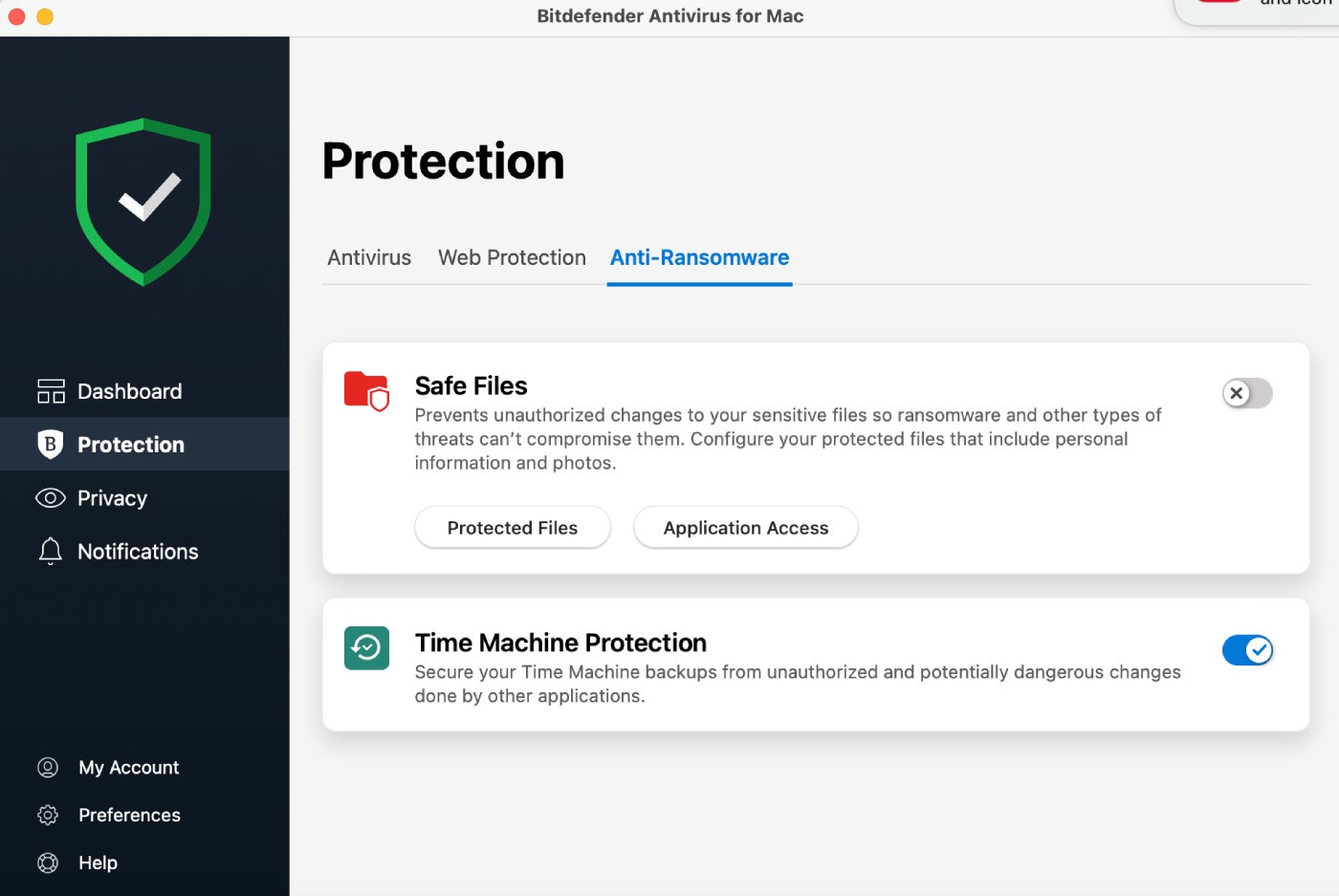
Lush Mac Antivirus Software Built In Capture in HD
Immerse yourself in the stunning details of this beautiful mac antivirus software built in wallpaper, designed for a captivating visual experience.
Spectacular Mac Antivirus Software Built In Moment for Mobile
Find inspiration with this unique mac antivirus software built in illustration, crafted to provide a fresh look for your background.
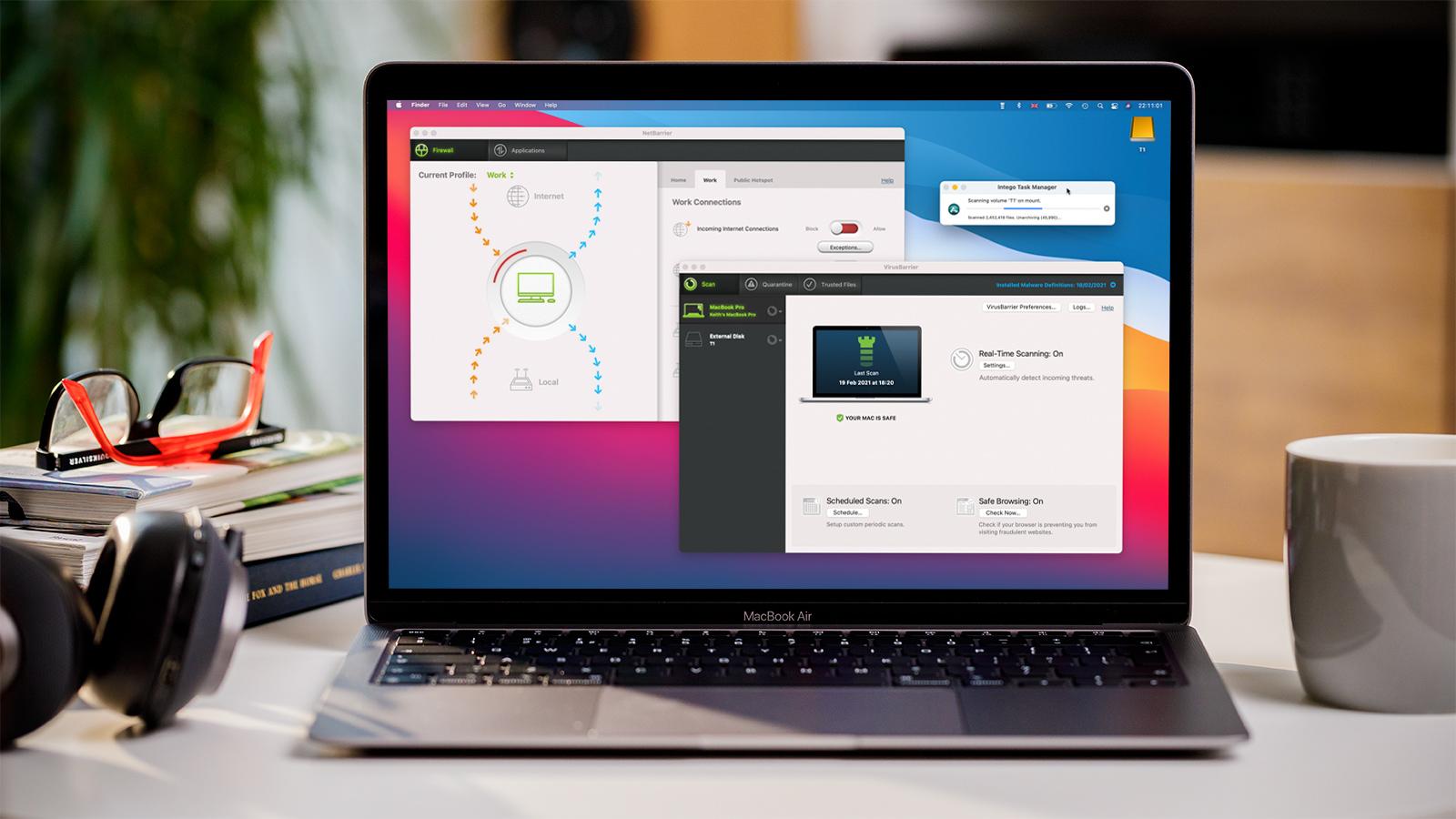
Gorgeous Mac Antivirus Software Built In Picture in 4K
Immerse yourself in the stunning details of this beautiful mac antivirus software built in wallpaper, designed for a captivating visual experience.

Lush Mac Antivirus Software Built In View Collection
Immerse yourself in the stunning details of this beautiful mac antivirus software built in wallpaper, designed for a captivating visual experience.

Captivating Mac Antivirus Software Built In Capture Concept
This gorgeous mac antivirus software built in photo offers a breathtaking view, making it a perfect choice for your next wallpaper.

Detailed Mac Antivirus Software Built In View in 4K
Explore this high-quality mac antivirus software built in image, perfect for enhancing your desktop or mobile wallpaper.
Download these mac antivirus software built in wallpapers for free and use them on your desktop or mobile devices.