Mac Os Server Software
Mac OS Server Software: How to Run Pro Services Without the Dedicated App
If you're searching for dedicated Mac OS Server Software today, you're likely stepping into a bit of technological history. For decades, Apple provided a powerful, unified application called "macOS Server" (and previously, OS X Server) that made managing networks, centralized authentication, and advanced services incredibly simple on a Mac.
However, Apple gradually deprecated and ultimately retired most of the powerful features of that dedicated Server app, scattering the remaining core functions into the standard macOS client operating system. This shift often leaves IT managers and small business owners scratching their heads: How do I run professional server services on a Mac now?
Don't worry. While the dedicated app is mostly a memory, the ability to turn a Mac into a robust, secure, and reliable server remains strong. This guide dives deep into the legacy, the modern reality, and the powerful third-party tools that fill the void left by the original Mac OS Server Software.
The Legacy: Understanding the Original Mac OS Server App
Before macOS Server became an affordable App Store download, it was a robust enterprise solution. The dedicated Server app was a centralized management interface for critical services like Profile Manager (MDM), Open Directory (LDAP), Mail, Web Hosting, and VPN configuration.
It was revolutionary because it democratized server administration, making complex network setups accessible to non-experts through a friendly, graphical interface. This was particularly popular in design studios, educational institutions, and small businesses that were already invested in the Apple ecosystem.
A Brief History of Xserve and OS X Server
The golden age of Apple servers was arguably centered around the Xserve—Apple's rack-mounted server hardware—which ran OS X Server. This combination offered true enterprise-grade performance. Over time, Apple streamlined its focus. They discontinued the Xserve hardware in 2011 and slowly began dismantling the comprehensive features within the software itself, pushing core network functions back into the main operating system to simplify distribution and maintenance.
By 2022, Apple removed the macOS Server application entirely from the App Store, cementing the end of the centralized Mac OS Server Software management solution.
To learn more about the complete history of Apple's server products, see this Wikipedia entry on Mac OS X Server.
Modern Server Management on macOS: The Built-in Tools
If you have a Mac Mini or Mac Studio running a modern OS (Ventura, Sonoma, etc.), you still have powerful server capabilities baked into the core system. You just need to know where to find and activate them. These features are critical for creative studios and development teams.
File Sharing (SMB/AFP)
The most basic and essential server function—sharing files across the network—is handled directly through the Sharing pane in System Settings. macOS supports SMB (Server Message Block), the industry standard, ensuring seamless compatibility with Windows and Linux machines. While AFP (Apple Filing Protocol) is still available, SMB is the recommended protocol for modern networking.
Pro Tip: Ensure your Mac remains plugged in and configure Power Nap settings to prevent the disk from sleeping, which would interrupt file service availability.
Caching Server & Content Delivery
One of the most valuable remaining server features is Content Caching. This service significantly speeds up app and software updates (including iOS, macOS, and iPadOS updates) for all devices on your local network. Instead of every device downloading gigabytes from Apple's servers, the Caching Server downloads it once and serves it locally.
This feature is now managed under System Settings > General > Sharing. Activating it is instantaneous and highly beneficial for networks with 5 or more Apple devices. Apple's official documentation offers full details on setting up this content delivery service.
For deeper management of network infrastructure, you might be interested in [Baca Juga: Advanced Mac Network Configuration].
The Best Third-Party Mac OS Server Software Alternatives
When you require services that the standard macOS sharing tools cannot provide—like dedicated web hosting, robust virtualization, or centralized database management—you must turn to third-party Mac OS Server Software solutions or utilize the powerful Unix underpinnings of macOS.
Here are the most common strategies used by professionals today:
1. Virtualization Platforms (Parallels, VMWare Fusion)
For serious development, the best solution is often running dedicated server operating systems (like Ubuntu Server, Windows Server, or even older macOS Server versions) inside a virtual machine (VM). This provides isolation, robust backup capabilities, and access to dedicated server toolkits.
2. Containerization (Docker)
Docker has revolutionized server deployments. Running containerized services on macOS allows you to host web servers (Apache, Nginx), databases (PostgreSQL, MySQL), and specialized applications without cluttering your host operating system. This is the preferred method for modern software development environments.
3. Dedicated Applications for Specific Services
Instead of one unified server app, modern Mac servers use specialized apps:
- Media Server: Plex or Jellyfin.
- Web Development: MAMP Pro (for local PHP/MySQL stacks).
- VPN: Dedicated commercial VPN software or configuring native IPsec using command-line tools.
The table below summarizes common server needs and their modern macOS solution:
| Server Function (Legacy) | Modern macOS Solution | Complexity Level |
|---|---|---|
| File & Print Sharing | System Settings > Sharing (Native) | Low |
| Profile Manager (MDM) | Third-party MDM solutions (e.g., Jamf Pro) | High (Requires Dedicated Service) |
| Web Hosting (Apache/Nginx) | Docker Containers or MAMP Pro | Medium |
| Open Directory (LDAP/Authentication) | Moving to Microsoft Azure or Okta (Cloud Solutions) | High (Deprecated on Mac) |
Setting Up Essential Services: A Quick Guide
While the graphical interface of the old Mac OS Server Software is gone, accessing the underlying Unix environment (Darwin) gives you unparalleled control. Most power users now rely on Terminal commands for robust server setups.
For example, if you want to run a DNS service (Domain Name System), you bypass System Settings and use the built-in bind or unbound tools accessible via the command line. This requires knowledge of configuration files and system daemons, a shift from the user-friendly approach Apple initially promoted.
However, for services like SFTP/SSH access, the setup is still relatively simple:
- Go to System Settings > General > Sharing.
- Enable "Remote Login."
- Use your network router settings to forward external traffic on port 22 to your Mac's local IP address (ensure you use a static IP!).
This allows secure, remote access to your Mac's file system and command line, effectively turning your desktop machine into a minimal but highly accessible server.
For those managing a large volume of files and requiring high availability, migrating to a dedicated NAS (Network Attached Storage) solution like Synology or QNAP is often recommended, as they offer similar feature sets to the old Server app, but on dedicated, optimized hardware. Authoritative tech reviews often compare these dedicated solutions.
Conclusion
The journey of Mac OS Server Software has been one of evolution and decentralization. The dedicated application may be retired, but the underlying macOS platform remains an incredibly powerful, Unix-based foundation for running robust professional services. Modern server management on the Mac demands a hybrid approach: leveraging native sharing for basic needs, utilizing specialized third-party software for complex roles (like MDM or media), and mastering virtualization or containerization for true enterprise scalability. The Mac Server lives on—just in pieces.
Frequently Asked Questions (FAQ)
- Is Mac OS Server Software still available for purchase?
No. Apple officially discontinued and removed the macOS Server app from the App Store in 2022. While some users keep old installers, Apple no longer supports or updates the software.
- What is the best alternative to Profile Manager (the MDM feature of the old Server app)?
For Mobile Device Management (MDM), you must migrate to third-party professional solutions like Jamf Pro, Mosyle, or Microsoft Intune, which offer industry-standard device configuration and security management.
- Can I use an old Mac Mini as a dedicated server today?
Absolutely. A Mac Mini (especially Apple Silicon models) is an excellent, power-efficient, and quiet server platform. It excels at file sharing, content caching, running virtual machines (VMs), and acting as a container host (Docker).
- Is it complicated to set up web hosting on a modern Mac?
Setting up a simple static web server is easy using built-in Python or Apache commands in Terminal. However, setting up a full dynamic stack (like PHP/MySQL) is now best handled through easy-to-use dedicated applications like MAMP or managed via Docker containers to simplify dependency management.
Mac Os Server Software
Mac Os Server Software Wallpapers
Collection of mac os server software wallpapers for your desktop and mobile devices.
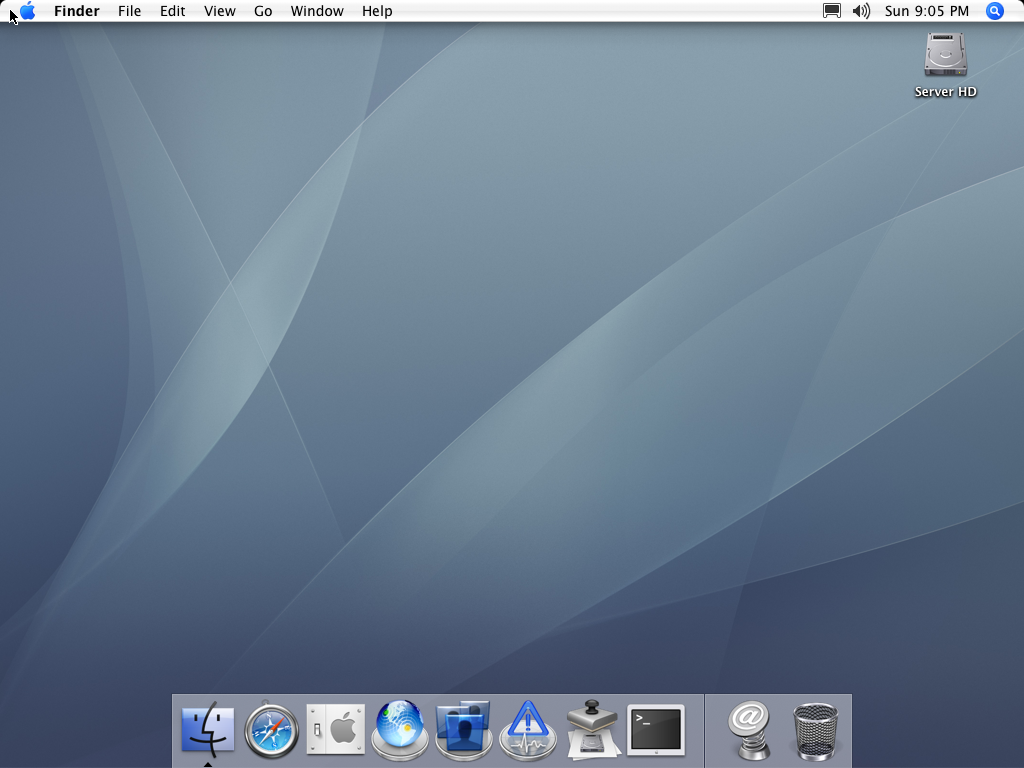
Lush Mac Os Server Software Artwork Photography
This gorgeous mac os server software photo offers a breathtaking view, making it a perfect choice for your next wallpaper.
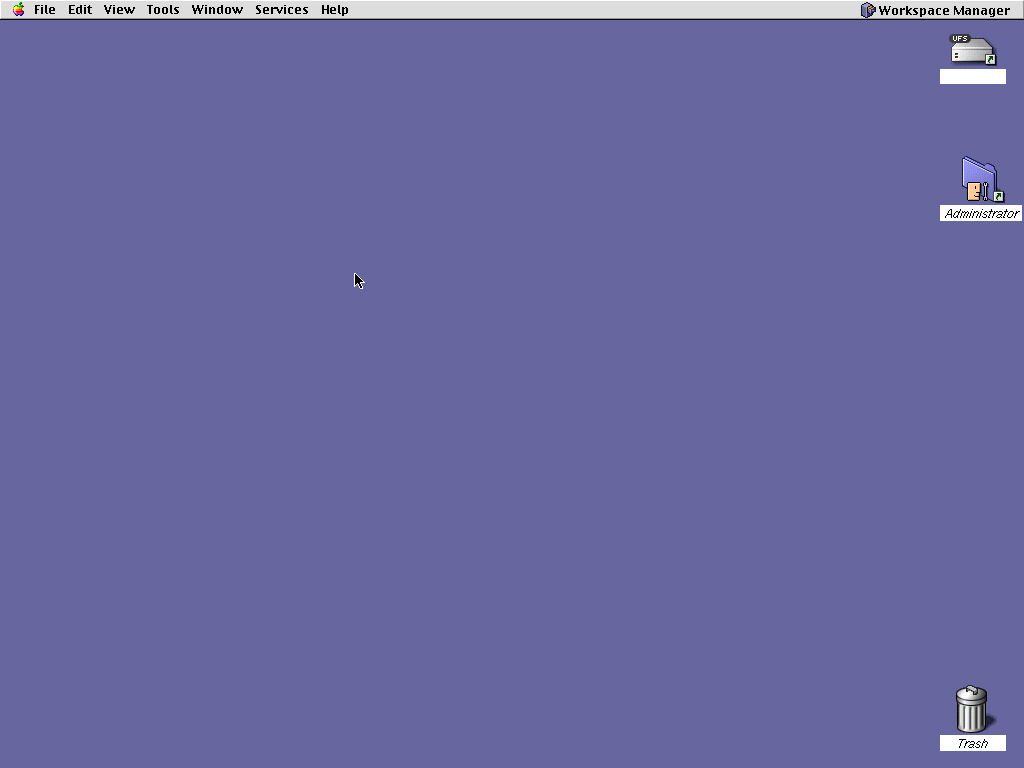
Exquisite Mac Os Server Software Capture Digital Art
Immerse yourself in the stunning details of this beautiful mac os server software wallpaper, designed for a captivating visual experience.

Detailed Mac Os Server Software Abstract Art
Transform your screen with this vivid mac os server software artwork, a true masterpiece of digital design.
Amazing Mac Os Server Software Background Art
Discover an amazing mac os server software background image, ideal for personalizing your devices with vibrant colors and intricate designs.

Vibrant Mac Os Server Software Moment for Mobile
Discover an amazing mac os server software background image, ideal for personalizing your devices with vibrant colors and intricate designs.
Captivating Mac Os Server Software Picture for Mobile
A captivating mac os server software scene that brings tranquility and beauty to any device.

Dynamic Mac Os Server Software View Photography
Immerse yourself in the stunning details of this beautiful mac os server software wallpaper, designed for a captivating visual experience.
Exquisite Mac Os Server Software Scene in 4K
Find inspiration with this unique mac os server software illustration, crafted to provide a fresh look for your background.

Spectacular Mac Os Server Software Picture in 4K
Immerse yourself in the stunning details of this beautiful mac os server software wallpaper, designed for a captivating visual experience.

Spectacular Mac Os Server Software Design Photography
A captivating mac os server software scene that brings tranquility and beauty to any device.

Mesmerizing Mac Os Server Software Image in 4K
Transform your screen with this vivid mac os server software artwork, a true masterpiece of digital design.

Gorgeous Mac Os Server Software Capture in HD
Immerse yourself in the stunning details of this beautiful mac os server software wallpaper, designed for a captivating visual experience.

Captivating Mac Os Server Software Photo in 4K
A captivating mac os server software scene that brings tranquility and beauty to any device.

Lush Mac Os Server Software Background in 4K
A captivating mac os server software scene that brings tranquility and beauty to any device.

Vivid Mac Os Server Software Picture for Mobile
Experience the crisp clarity of this stunning mac os server software image, available in high resolution for all your screens.
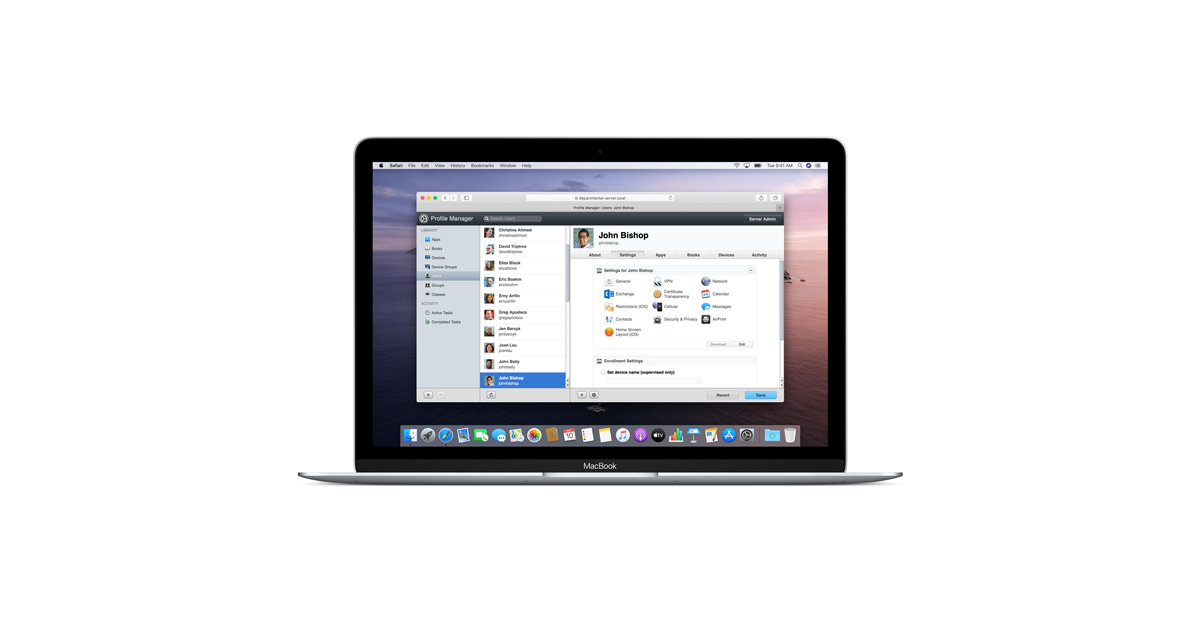
High-Quality Mac Os Server Software Image Illustration
Explore this high-quality mac os server software image, perfect for enhancing your desktop or mobile wallpaper.
Serene Mac Os Server Software Background for Desktop
Transform your screen with this vivid mac os server software artwork, a true masterpiece of digital design.

Beautiful Mac Os Server Software Design Digital Art
Experience the crisp clarity of this stunning mac os server software image, available in high resolution for all your screens.

Captivating Mac Os Server Software Background Digital Art
A captivating mac os server software scene that brings tranquility and beauty to any device.
Serene Mac Os Server Software Moment Art
Discover an amazing mac os server software background image, ideal for personalizing your devices with vibrant colors and intricate designs.
Download these mac os server software wallpapers for free and use them on your desktop or mobile devices.