Mac Software Writing
Why Your Mac Writing Workflow Isn't Working (And the Software That Fixes It)
The journey of translating complex ideas into readable text shouldn't be a battle against distractions, slow interfaces, or clunky file management. If you spend more time wrestling with formatting than actually writing, your current setup is sabotaging your productivity.
For serious authors, journalists, and content creators, mastering the art of **Mac Software Writing** requires more than just opening Pages or TextEdit. It demands a specialized stack of applications designed for speed, focus, and structural integrity. This guide cuts through the noise to show you exactly how to build a world-class writing environment on macOS, ensuring your process is as smooth as the final product.
The Evolving Landscape of Mac Software Writing
The days when Microsoft Word dominated every professional desktop are thankfully behind us. Modern Mac users demand lightweight, distraction-free environments that prioritize plain text, export flexibility, and robust organization. This shift has democratized the tools available, allowing writers to select niche applications tailored exactly to their content type—be it technical documentation, novel drafts, or blog posts.
The current trend leans heavily toward Markdown, a lightweight markup language that allows writers to focus on structure without ever lifting their hands from the keyboard. This technical simplicity, combined with macOS's powerful native functionalities, creates an unbeatable ecosystem for creative production.
To understand the foundation of modern digital writing, we must acknowledge the importance of standardized digital formats, such as the widely accepted open standard for portable document format (PDF) which is crucial for final distribution. Read more about the history of digital documentation on Wikipedia: Portable Document Format.
Essential Tools for Every Mac Software Writer
Choosing the right software is the single most important decision you will make. Forget bundled applications; serious **Mac Software Writing** requires investment in tools that handle complexity without introducing clutter.
1. Distraction-Free Editors (The Focused Draft)
For the initial drafting phase, minimizing cognitive load is key. Apps like iA Writer and Byword strip away everything but the text, often featuring a "Focus Mode" that highlights only the current sentence or paragraph. This simplicity encourages velocity and keeps the internal editor silenced until the first draft is complete. These are perfect for short-form content, articles, and quick memo creation.
2. Project Management & Long-Form Structure (The Novel/Thesis)
When dealing with projects spanning hundreds of pages, such as novels, academic papers, or comprehensive manuals, structure becomes the challenge. Tools like Scrivener and Ulysses excel here. They are not just text editors; they are virtual corkboards and filing cabinets combined.
- Scrivener: Ideal for complex structural work, allowing users to break chapters into individual scenes, track metadata (character arcs, research), and compile everything seamlessly.
- Ulysses: Favored by journalists and bloggers for its clean Markdown focus and superior publishing integration (directly to Medium, WordPress, etc.).
3. Research and Knowledge Management (The Brain)
Writing rarely happens in a vacuum. Efficient research aggregation is vital. Applications like DevonThink and the increasingly popular Obsidian (which uses a local vault of Markdown files and visual "graph view" links) turn your research notes into an interconnected knowledge base, transforming your Mac into a second brain.
If you are struggling to manage your research library, consider reading our guide on organizing complex digital resources. [Baca Juga: Best Note Taking Apps for Mac]
Optimizing Your Mac Software Writing Workflow
The software is only as good as the process built around it. A truly optimized Mac workflow focuses on minimal mouse usage, consistent backups, and seamless file portability.
Mastering Markdown for Speed
If you haven't adopted Markdown yet, now is the time. Since most high-end Mac writing software supports it, Markdown allows you to apply formatting (headings, italics, lists) using simple keyboard characters, significantly reducing formatting time. This efficiency is critical for maintaining flow, especially during deep work sessions.
Keyboard Shortcuts Are Non-Negotiable
Macs are renowned for their powerful system-level shortcuts. Professional writers should memorize shortcuts for switching applications (Cmd + Tab), hiding distractions (Cmd + H), and utilizing macOS dictation (Fn + Fn) for quickly capturing ideas without typing.
The Triple Backup Rule
Data loss is an existential threat to writers. Implement the 3-2-1 backup strategy: at least three copies of your data, stored on two different media types, with one copy offsite (iCloud, Dropbox). Furthermore, leverage macOS's native Time Machine for robust, continuous local backups.
For more detailed information on digital archival strategies, explore research published on long-term data preservation standards. External Link: Nature Scientific Data Archival.
Beyond the Keyboard: Utilizing AI and Automation on macOS
Modern **Mac Software Writing** includes powerful assistance tools. AI is no longer just for generating content; it is primarily used for refinement, editing, and efficiency gains.
Tools like Grammarly and ProWritingAid integrate seamlessly across most Mac applications, providing real-time feedback on tone, clarity, and grammatical errors that native spellcheckers often miss. This integrated review process ensures that the technical quality of the writing meets professional standards before it even leaves the drafting environment.
Leveraging macOS Shortcuts App
The Shortcuts app (formerly Automator) is a hidden gem for writers. You can automate repetitive tasks, such as: creating a daily writing log, converting a Markdown file to PDF and emailing it, or setting up a Focus mode that automatically launches your preferred writing app and silences notifications. This level of customization is what sets the Mac workflow apart.
The integration of advanced language models into writing workflows presents both opportunities and ethical challenges, which are continuously being debated across creative industries. External Link: Journal of Creative Writing Studies on AI.
Comparison: Feature-Rich vs. Minimalist Writing Suites
To help you decide which tool best fits your needs, here is a quick comparison focusing on key features relevant to professional Mac users.
| Feature Set | Scrivener | Ulysses | iA Writer |
|---|---|---|---|
| Target User | Novelists, Academics | Bloggers, Journalists | Focus Writers, Minimalists |
| Underlying Format | Proprietary Project Files | Markdown (Text-Based) | Markdown (Text-Based) |
| Cloud Sync | Dropbox / iCloud (Manual) | iCloud (Native Integration) | iCloud / Dropbox |
| Cost Model | One-time Purchase | Subscription | One-time Purchase |
Conclusion: The Best Software is the One You Use
The definitive answer to finding the best **Mac Software Writing** application is highly personalized. Productivity isn't just about features; it's about reducing friction. Whether you choose the complex structure of Scrivener for your next novel or the clean interface of iA Writer for daily articles, the goal remains the same: create a workflow that gets out of your way.
Test out free trials, dedicate time to learning the core shortcuts of your chosen tool, and ruthlessly eliminate anything on your desktop that pulls your attention away from the cursor blinking on the screen. True expertise on a Mac comes not from having the most powerful apps, but from mastering the few essential tools that elevate your craft.
[Baca Juga: Advanced Markdown Tips for Writers]
Frequently Asked Questions (FAQ)
Is Microsoft Word still necessary for professional writing on a Mac?
While Word remains the industry standard for collaboration and submission in certain academic and corporate environments due to its robust change tracking, it is rarely the optimal tool for drafting. Many professionals draft in a Markdown app, and only export or compile the final document into a Word (.docx) file when required by a publisher.
What is the most secure way to store my Mac writing projects?
The most secure method is a combination of macOS's native encryption (FileVault) and the 3-2-1 backup strategy. Storing files in a cloud service that offers version history (like Dropbox or iCloud Drive) provides protection against accidental deletion or ransomware, ensuring you can always roll back to an earlier version.
Should I use a subscription-based writing app or a one-time purchase?
This depends on your need for continuous updates and cross-platform syncing. Subscription apps (like Ulysses) tend to have more frequent feature updates and superior, reliable iCloud syncing across iPhone/iPad. One-time purchase apps (like Scrivener) are better for budget-conscious users who value ownership over constant updates.
What is the difference between writing software and a note-taking app?
Writing software is generally designed for sustained output and compilation (like chapters or reports), offering advanced export controls and structural tools (outlining, targets). Note-taking apps (like Apple Notes or Evernote) focus on quick capture, tagging, and short, unstructured information retrieval, though modern apps like Obsidian are blurring this line.
Mac Software Writing
Mac Software Writing Wallpapers
Collection of mac software writing wallpapers for your desktop and mobile devices.
Detailed Mac Software Writing Wallpaper for Desktop
Discover an amazing mac software writing background image, ideal for personalizing your devices with vibrant colors and intricate designs.
Spectacular Mac Software Writing Moment Illustration
Immerse yourself in the stunning details of this beautiful mac software writing wallpaper, designed for a captivating visual experience.
Crisp Mac Software Writing Capture for Desktop
Immerse yourself in the stunning details of this beautiful mac software writing wallpaper, designed for a captivating visual experience.

Exquisite Mac Software Writing Image Collection
Immerse yourself in the stunning details of this beautiful mac software writing wallpaper, designed for a captivating visual experience.

Vivid Mac Software Writing Artwork in HD
Experience the crisp clarity of this stunning mac software writing image, available in high resolution for all your screens.
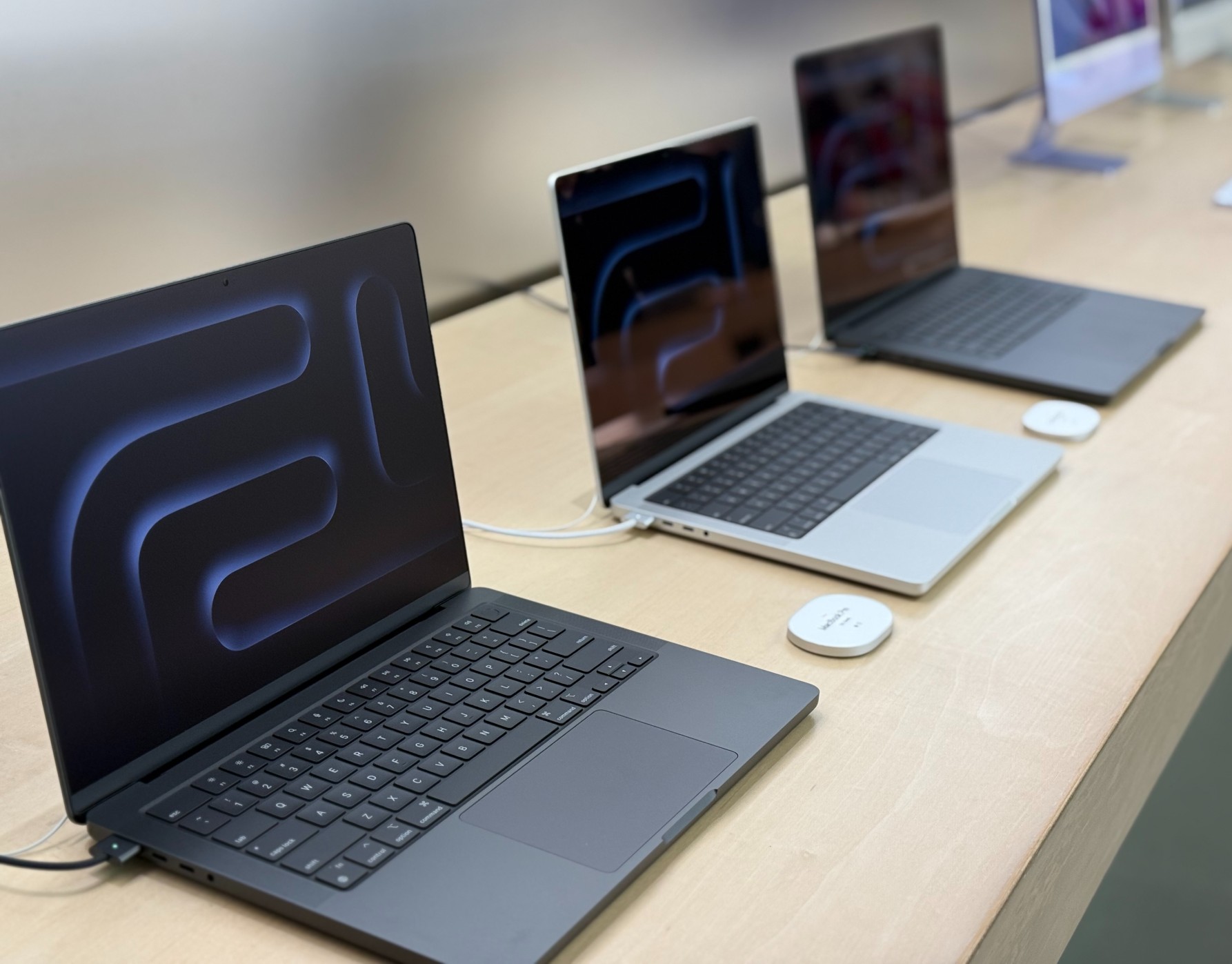
Serene Mac Software Writing Background in 4K
Experience the crisp clarity of this stunning mac software writing image, available in high resolution for all your screens.
Mesmerizing Mac Software Writing Artwork for Mobile
Transform your screen with this vivid mac software writing artwork, a true masterpiece of digital design.
Vibrant Mac Software Writing View in HD
Experience the crisp clarity of this stunning mac software writing image, available in high resolution for all your screens.

Exquisite Mac Software Writing Background Photography
Find inspiration with this unique mac software writing illustration, crafted to provide a fresh look for your background.

Vibrant Mac Software Writing Moment Collection
Experience the crisp clarity of this stunning mac software writing image, available in high resolution for all your screens.
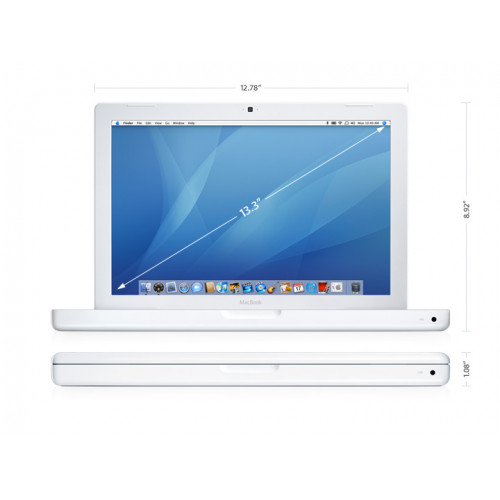
Amazing Mac Software Writing Wallpaper Photography
Experience the crisp clarity of this stunning mac software writing image, available in high resolution for all your screens.

Detailed Mac Software Writing Landscape Art
Transform your screen with this vivid mac software writing artwork, a true masterpiece of digital design.

Vivid Mac Software Writing Capture Concept
Experience the crisp clarity of this stunning mac software writing image, available in high resolution for all your screens.

Artistic Mac Software Writing Design Photography
Immerse yourself in the stunning details of this beautiful mac software writing wallpaper, designed for a captivating visual experience.

Spectacular Mac Software Writing Image Nature
This gorgeous mac software writing photo offers a breathtaking view, making it a perfect choice for your next wallpaper.

Amazing Mac Software Writing View Nature
Transform your screen with this vivid mac software writing artwork, a true masterpiece of digital design.

Breathtaking Mac Software Writing Photo in 4K
Discover an amazing mac software writing background image, ideal for personalizing your devices with vibrant colors and intricate designs.

Stunning Mac Software Writing Moment Illustration
Find inspiration with this unique mac software writing illustration, crafted to provide a fresh look for your background.
High-Quality Mac Software Writing Artwork for Your Screen
Explore this high-quality mac software writing image, perfect for enhancing your desktop or mobile wallpaper.
Lush Mac Software Writing Photo Art
This gorgeous mac software writing photo offers a breathtaking view, making it a perfect choice for your next wallpaper.
Download these mac software writing wallpapers for free and use them on your desktop or mobile devices.