Mac Virtualization Software
The Best Mac Virtualization Software: Run Windows & Linux Seamlessly
If you're a Mac user, chances are you love the reliability and user experience of macOS. However, there are always those frustrating moments when you hit a wall: a piece of proprietary Windows-only software, a specific Linux development environment, or the need to test cross-platform compatibility. This is where Mac Virtualization Software steps in as your digital superhero.
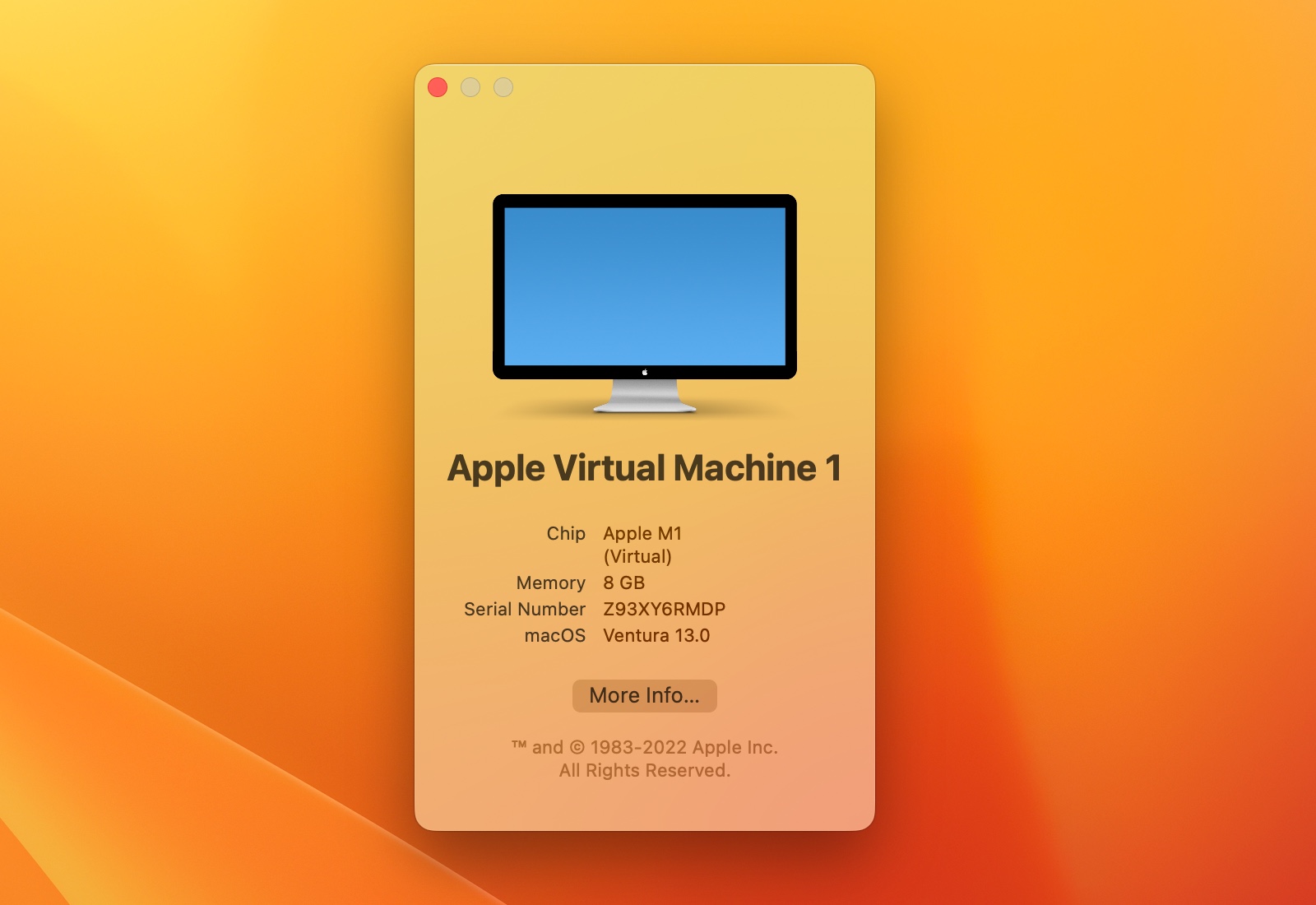
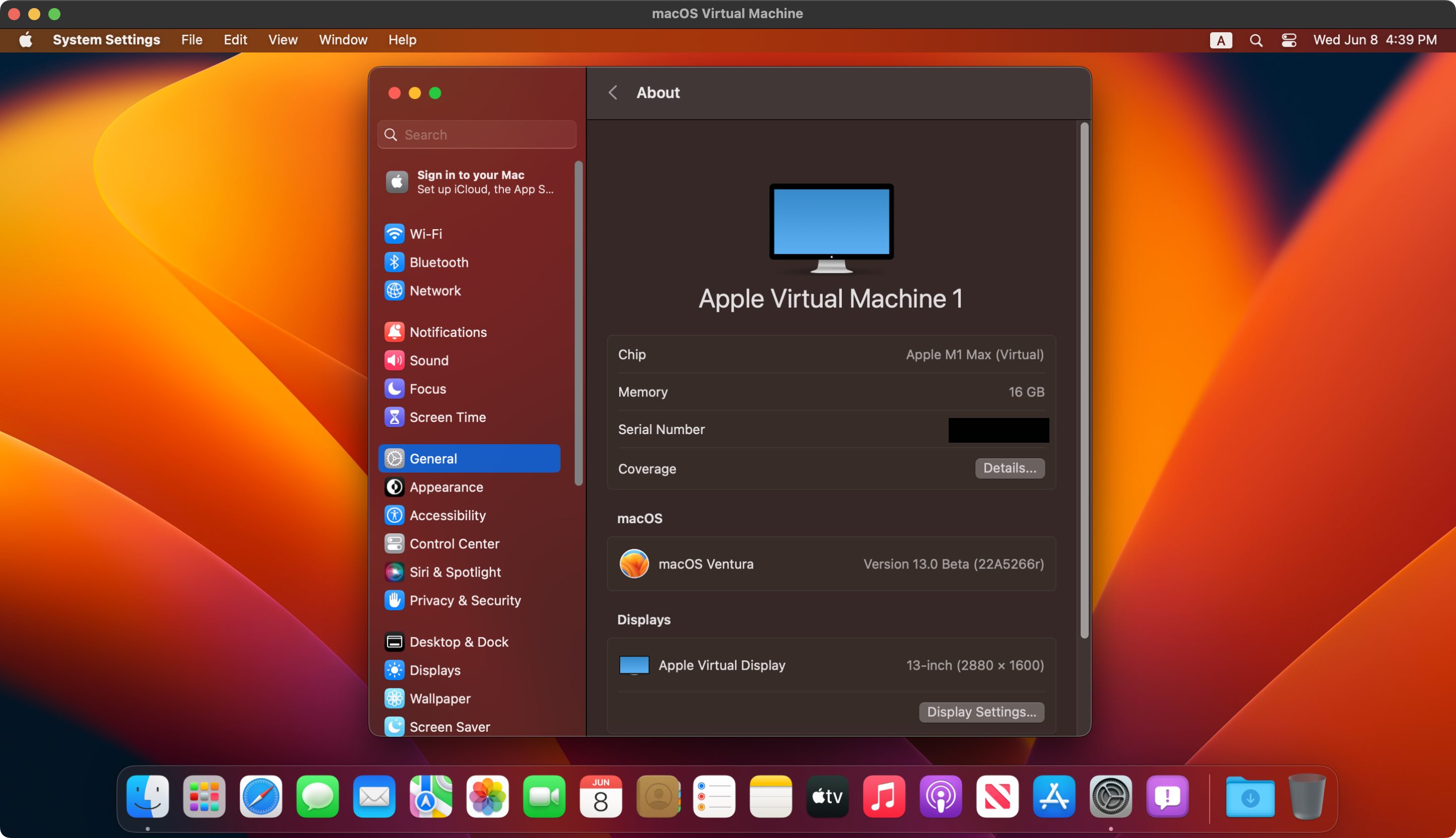
Virtualization allows you to run an entire, completely separate operating system (known as a "Guest OS") inside a window on your primary macOS environment ("Host OS"). It's much cleaner and often faster than dual-booting. But with the massive shift to Apple Silicon (M1, M2, M3 chips), choosing the right software is more complex than ever. We're here to break down the options and help you choose the ultimate hypervisor for your needs.
Understanding Virtualization: Why Mac Users Need a Hypervisor
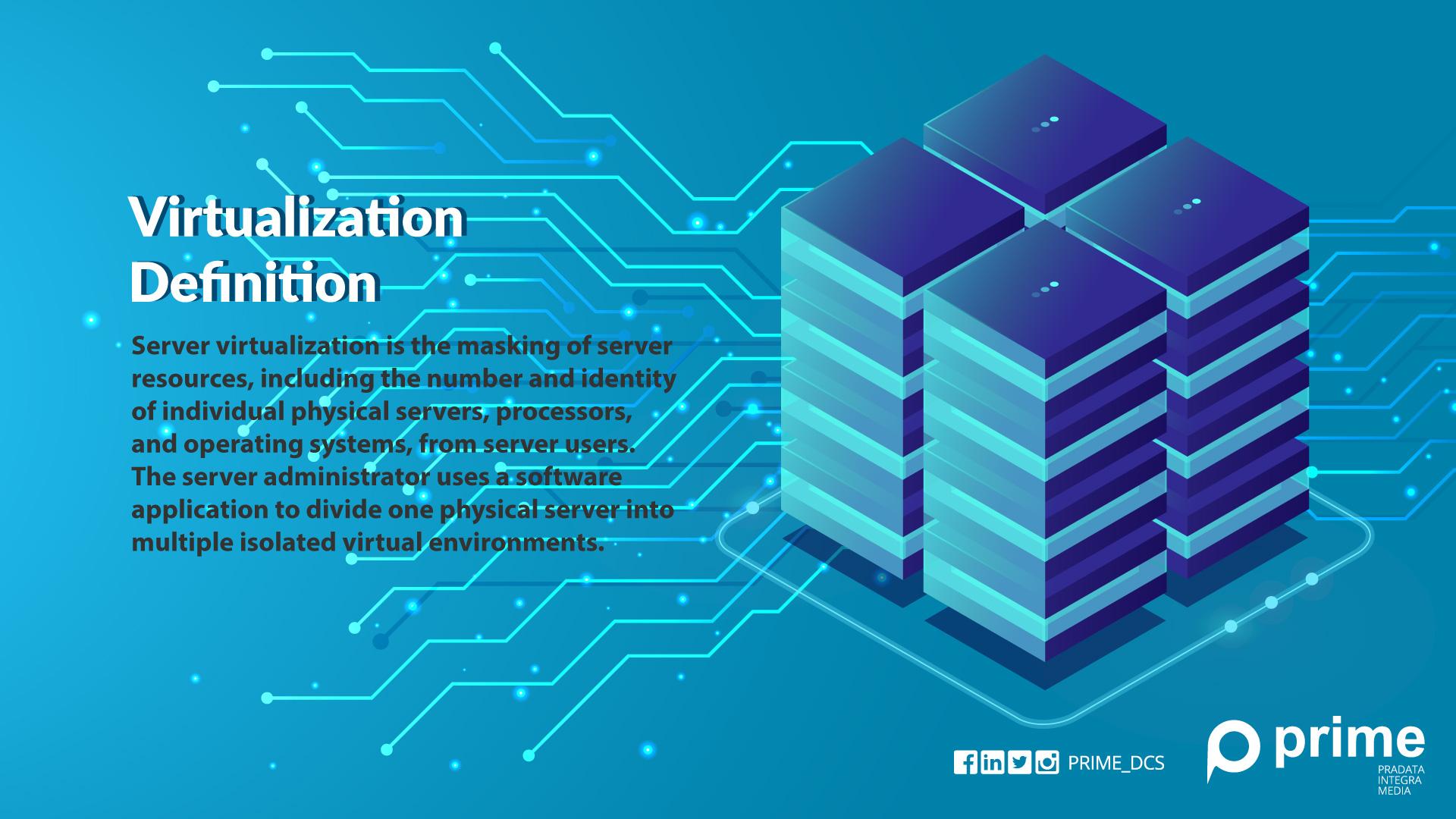
A hypervisor, or virtualization manager, is the core component of any Mac Virtualization Software. It acts as an intermediary layer, partitioning your Mac's resources (CPU cores, RAM, storage) and allocating them safely to the guest OS.
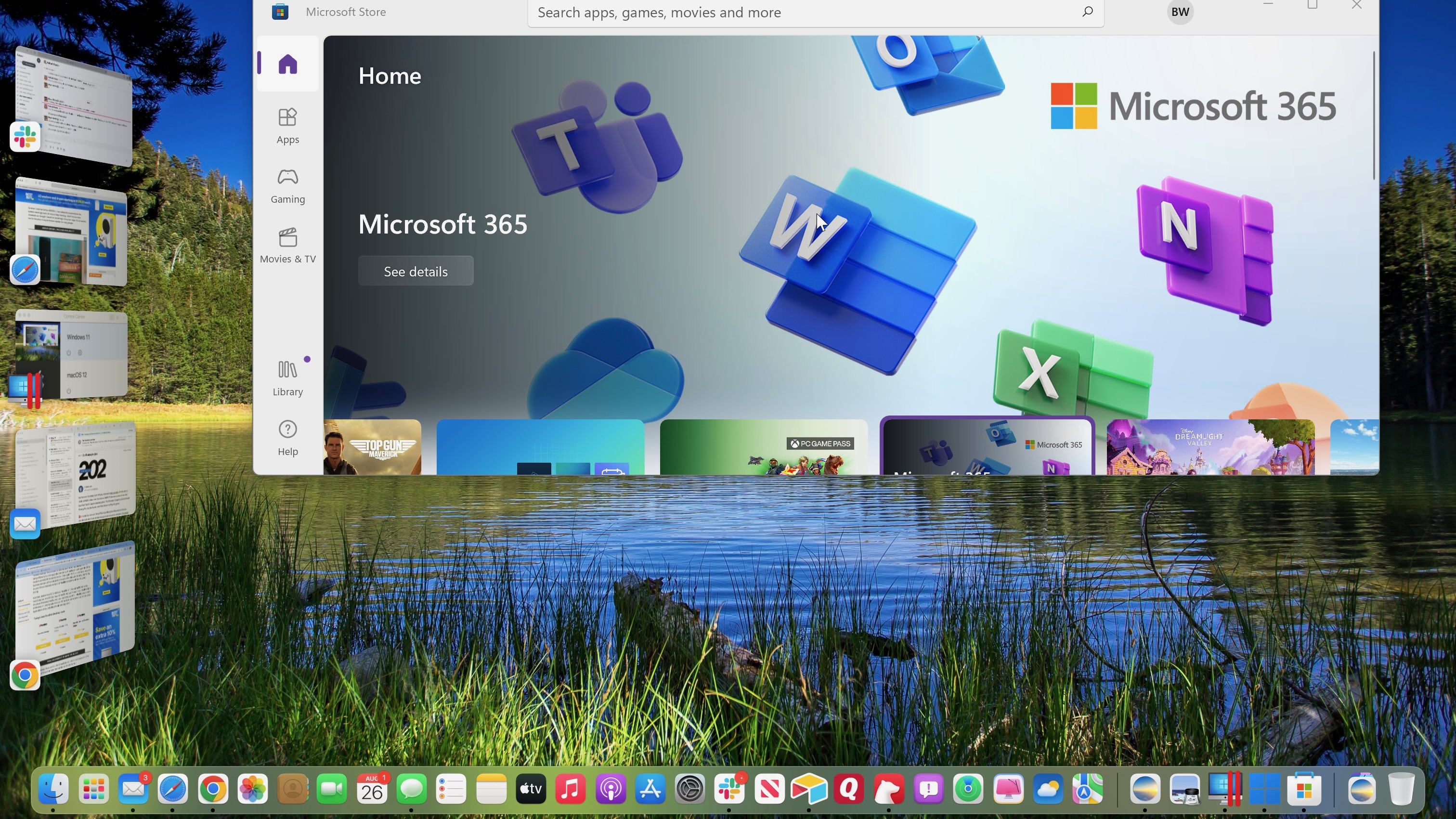
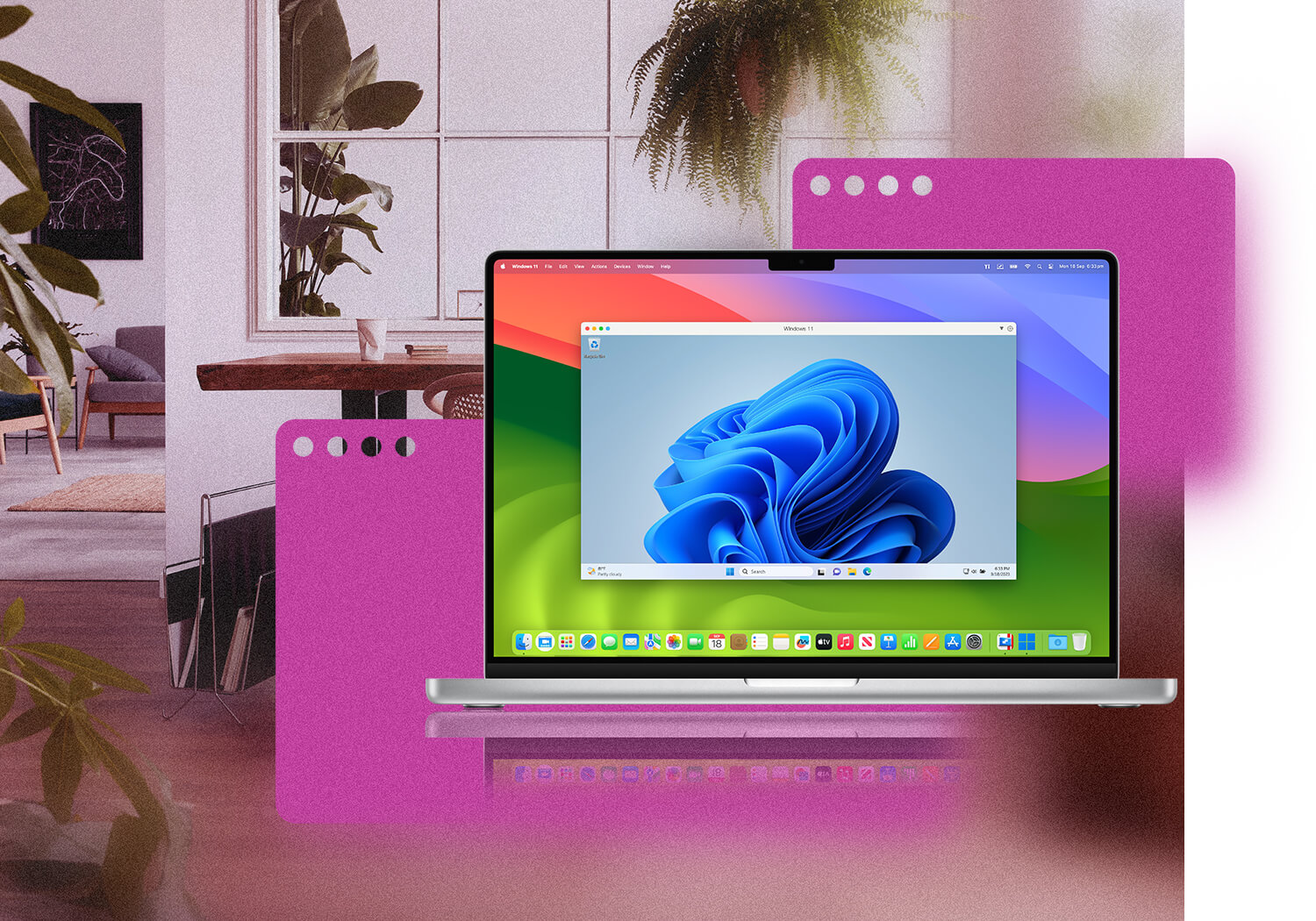
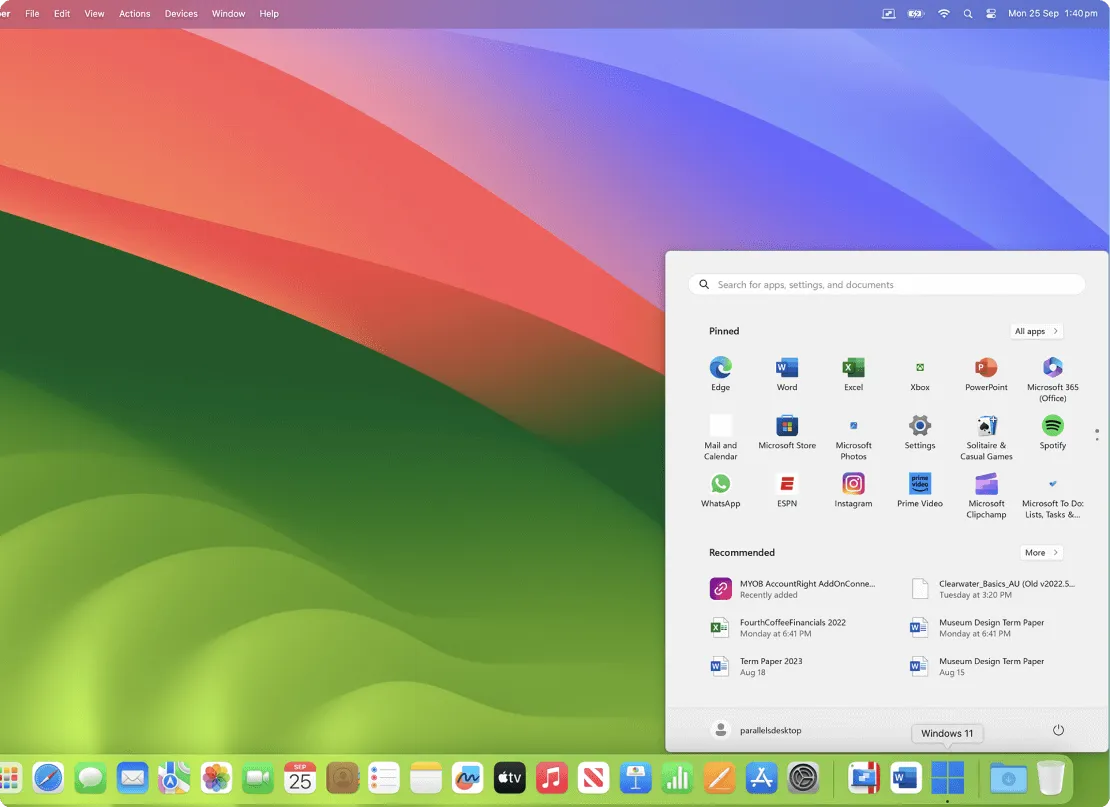
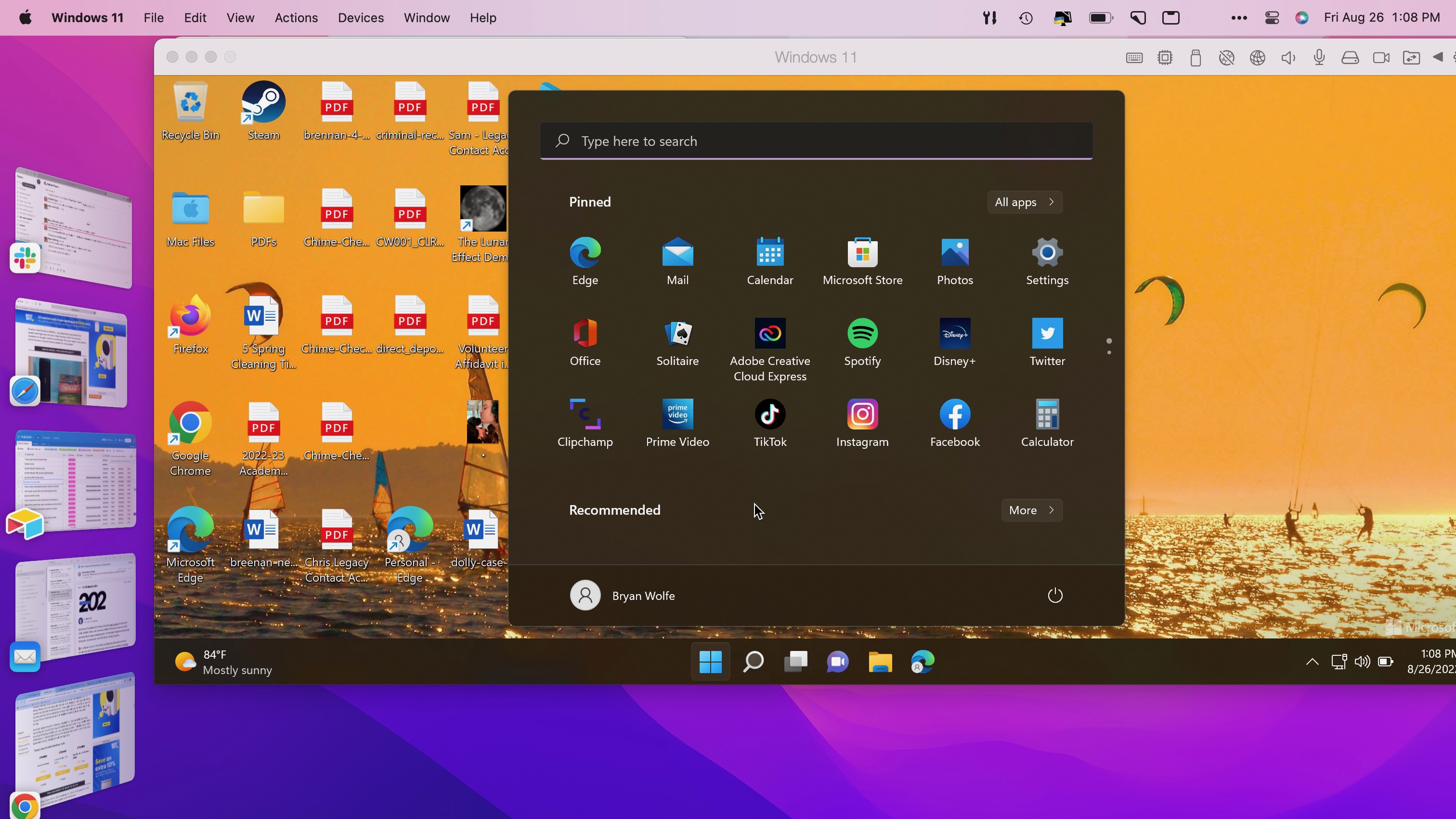
The beauty of this system is seamless integration. You can share files, copy-paste text between operating systems, and even drag-and-drop applications from the Windows environment right onto your macOS dock, making the guest OS feel native.
The Apple Silicon (M-Series) Architecture Challenge
The transition from Intel x86 processors to Apple Silicon ARM architecture fundamentally changed the virtualization game. Previously, running Windows (which is x86) on an Intel Mac (also x86) was straightforward. The architectures matched.
Now, to run a typical x86 version of Windows on an ARM-based Mac (M1/M2/M3), the virtualization software must perform complex translation. The most successful modern virtualization tools leverage Apple's native APIs (like the Virtualization Framework) to handle this efficiently, though they often require the specific ARM version of the Guest OS (e.g., Windows 11 ARM).
If you are interested in how modern Macs handle compatibility, you can read more about Apple's architecture shift and their built-in compatibility layers. The shift to ARM is a major industry change (Wikipedia).
Top Mac Virtualization Software Tools Compared
When selecting the ideal Mac virtualization software, your primary consideration should be performance and your budget. Here are the leading contenders in the market.
Parallels Desktop: The Performance King
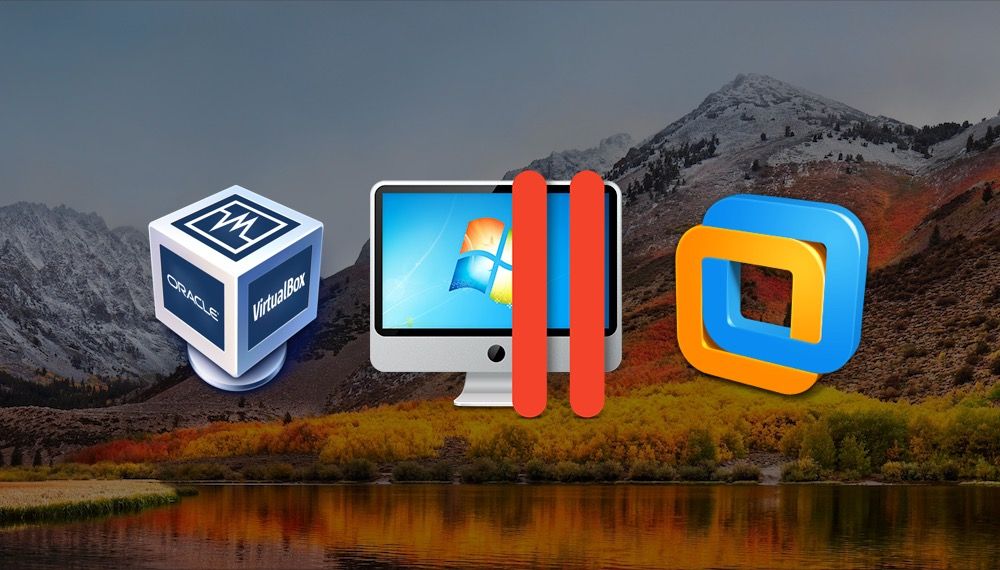
Parallels is widely considered the gold standard for performance and user experience on Mac. It excels at integrating Windows and macOS so smoothly that many users forget they are running two operating systems simultaneously.
Parallels was the first to fully optimize for Apple Silicon, offering near-native speed for Windows 11 ARM. Its Coherence mode, which hides the Windows desktop and allows you to run Windows apps directly alongside Mac apps, is a significant productivity booster.
VMware Fusion: The Enterprise Choice
VMware Fusion has long been the favorite among IT professionals, developers, and large enterprises due to its robust networking capabilities, extensive configuration options, and integration with the larger VMware ecosystem (ESXi, vSphere).
While historically slightly behind Parallels in raw consumer performance metrics, Fusion offers unmatched stability and feature richness for power users who need deep control over their virtual environments. They now offer a free Personal Use license, making it highly attractive.
Oracle VirtualBox & UTM: The Free Powerhouses
Oracle VM VirtualBox remains the leading free, open-source hypervisor. Its primary appeal is the zero cost. However, its performance, especially on Apple Silicon, can be significantly slower than commercial options, and setup often requires more technical knowledge.
For Apple Silicon users seeking a free option, UTM (which uses the QEMU framework) has gained immense popularity. UTM specializes in leveraging the native Apple Virtualization Framework, providing better performance for Linux and macOS guests, and offering superb emulation for non-native architectures. [Baca Juga: Comprehensive Guide to UTM Virtualization on macOS].
| Software | Best For | Apple Silicon Support | Cost |
|---|---|---|---|
| Parallels Desktop | Performance, Gaming, Seamless Integration | Excellent (Top Tier) | Paid Subscription / Perpetual License |
| VMware Fusion | Enterprise, Development, Advanced Networking | Very Good | Free (Personal Use) / Paid (Pro) |
| Oracle VirtualBox | Basic Needs, Budget-Conscious Users | Fair (Requires workarounds) | Free |
| UTM | Open Source, Niche OS Emulation, Linux on Apple Silicon | Excellent (Uses native APIs) | Free |
Key Factors When Choosing Your Virtual Machine
Before you commit to downloading or purchasing Mac Virtualization Software, ask yourself these three critical questions to ensure a good fit.
Performance vs. Cost
Are you running graphically demanding applications (like CAD software or older PC games) or just basic utilities (like Microsoft Access)?
If performance is paramount and you rely on the virtual machine daily for high-demand tasks, Parallels or VMware Fusion Pro are worth the investment. If you only need occasional access to basic Windows features or are primarily using Linux, the free options (VirtualBox or UTM) might suffice.
macOS Compatibility (Intel vs. Apple Silicon)
If you have an older Intel Mac, your choices are wide open, and both free and paid hypervisors perform reliably when running Intel versions of Windows. However, if you are on an M-series Mac, compatibility shifts.
For Apple Silicon, you are generally restricted to running Windows 11 ARM. While impressive, this version is not officially licensed by Microsoft for retail sale to the public (it's usually obtained through the Windows Insider program or bundled by the hypervisor provider). Always verify that the virtualization software fully supports the Windows version you need. Apple's Virtualization Framework documentation provides deep technical insights.
Resource Allocation
Remember that a virtual machine consumes physical resources. You need enough RAM and CPU cores dedicated to the guest OS without starving the host macOS.
For comfortable usage, most professionals recommend allocating at least 8GB of RAM to the VM, meaning your Mac should ideally have 16GB or more. If you run multiple virtual machines simultaneously, you might want to look into machines optimized for heavy workloads. [Baca Juga: M3 Pro MacBook Performance Review for Virtualization]
Conclusion: Choosing Your Virtualization Path
Choosing the best Mac virtualization software comes down to balancing performance needs against cost. For the average user seeking the fastest, most seamless Windows experience on Apple Silicon, Parallels Desktop remains the market leader.
For developers, IT admins, and those seeking advanced configuration at a minimal personal cost, VMware Fusion is a strong, stable competitor. And for the budget-minded or those experimenting with niche operating systems, UTM offers fantastic flexibility for free. Whichever you choose, modern Mac virtualization allows you to break free from OS limitations without ever leaving the comfort of macOS.
Frequently Asked Questions (FAQ) about Mac Virtualization
Is Virtualization Legal?
Yes, virtualization itself is entirely legal. However, the licensing of the Guest Operating System (like Windows) must comply with that OS's End User License Agreement (EULA). Running the ARM version of Windows 11 on a Mac is generally accepted through specific virtualization software partnerships, but always ensure your Windows license key is valid for the virtual environment.
What is the difference between Virtualization and Emulation?
Virtualization (like Parallels) runs an OS designed for the same processor architecture as the host (or one that can use native APIs for translation). Emulation (like classic QEMU) simulates the entire hardware environment. Emulation is much slower but allows you to run OSes for drastically different architectures (e.g., old PowerPC OSes). Modern Mac Virtualization Software (especially on Apple Silicon) is often a mix of virtualization and hardware-accelerated translation.
Can I play games inside a Virtual Machine on Mac?
Yes, but performance varies wildly. Parallels is optimized for DirectX and Metal integration and offers the best gaming performance, often relying on GPU passthrough features. However, don't expect the same performance as running the game natively on a Windows PC due to the resource overhead of the hypervisor.
Do I need an internet connection to use my VM?
Once the initial setup and OS installation are complete, you do not need a constant internet connection to run the virtual machine. However, the guest OS will require internet access for updates, browsing, and connecting to network services, just like a physical machine.
Mac Virtualization Software
Mac Virtualization Software Wallpapers
Collection of mac virtualization software wallpapers for your desktop and mobile devices.

Serene Mac Virtualization Software Scene Digital Art
Experience the crisp clarity of this stunning mac virtualization software image, available in high resolution for all your screens.
Serene Mac Virtualization Software Picture in HD
Discover an amazing mac virtualization software background image, ideal for personalizing your devices with vibrant colors and intricate designs.
High-Quality Mac Virtualization Software Moment Photography
Explore this high-quality mac virtualization software image, perfect for enhancing your desktop or mobile wallpaper.

Artistic Mac Virtualization Software View Illustration
Find inspiration with this unique mac virtualization software illustration, crafted to provide a fresh look for your background.

Mesmerizing Mac Virtualization Software Wallpaper for Your Screen
Experience the crisp clarity of this stunning mac virtualization software image, available in high resolution for all your screens.
High-Quality Mac Virtualization Software Picture for Your Screen
Discover an amazing mac virtualization software background image, ideal for personalizing your devices with vibrant colors and intricate designs.

Amazing Mac Virtualization Software Moment Photography
Discover an amazing mac virtualization software background image, ideal for personalizing your devices with vibrant colors and intricate designs.
Gorgeous Mac Virtualization Software Scene for Your Screen
This gorgeous mac virtualization software photo offers a breathtaking view, making it a perfect choice for your next wallpaper.
Captivating Mac Virtualization Software Background Collection
Find inspiration with this unique mac virtualization software illustration, crafted to provide a fresh look for your background.
Beautiful Mac Virtualization Software Landscape Digital Art
Discover an amazing mac virtualization software background image, ideal for personalizing your devices with vibrant colors and intricate designs.

Spectacular Mac Virtualization Software Design Digital Art
Find inspiration with this unique mac virtualization software illustration, crafted to provide a fresh look for your background.
Lush Mac Virtualization Software Photo Illustration
This gorgeous mac virtualization software photo offers a breathtaking view, making it a perfect choice for your next wallpaper.

Mesmerizing Mac Virtualization Software Image Collection
Explore this high-quality mac virtualization software image, perfect for enhancing your desktop or mobile wallpaper.

Dynamic Mac Virtualization Software Artwork Concept
Find inspiration with this unique mac virtualization software illustration, crafted to provide a fresh look for your background.
Detailed Mac Virtualization Software Capture for Desktop
Discover an amazing mac virtualization software background image, ideal for personalizing your devices with vibrant colors and intricate designs.
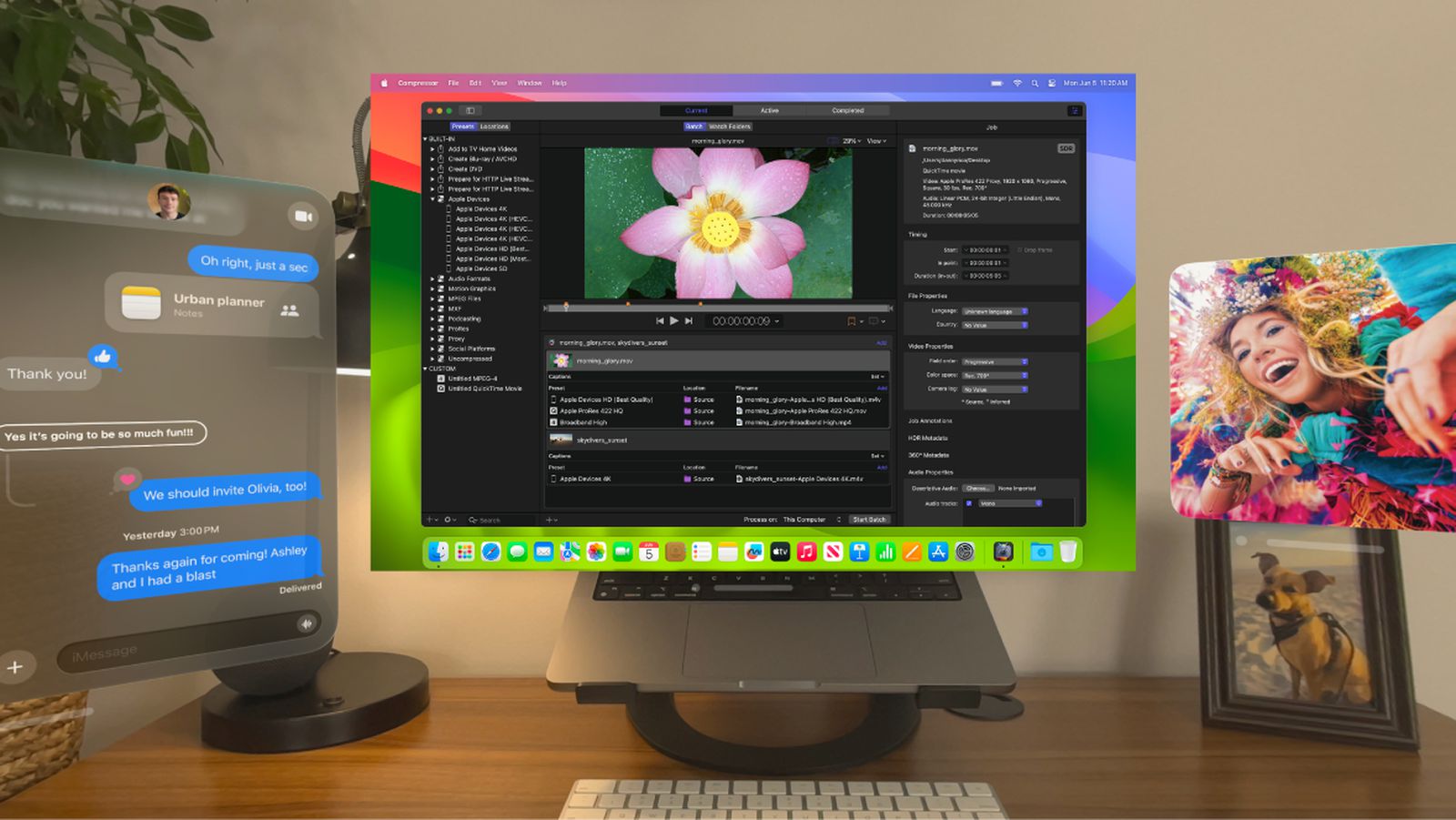
Spectacular Mac Virtualization Software Abstract in 4K
Find inspiration with this unique mac virtualization software illustration, crafted to provide a fresh look for your background.
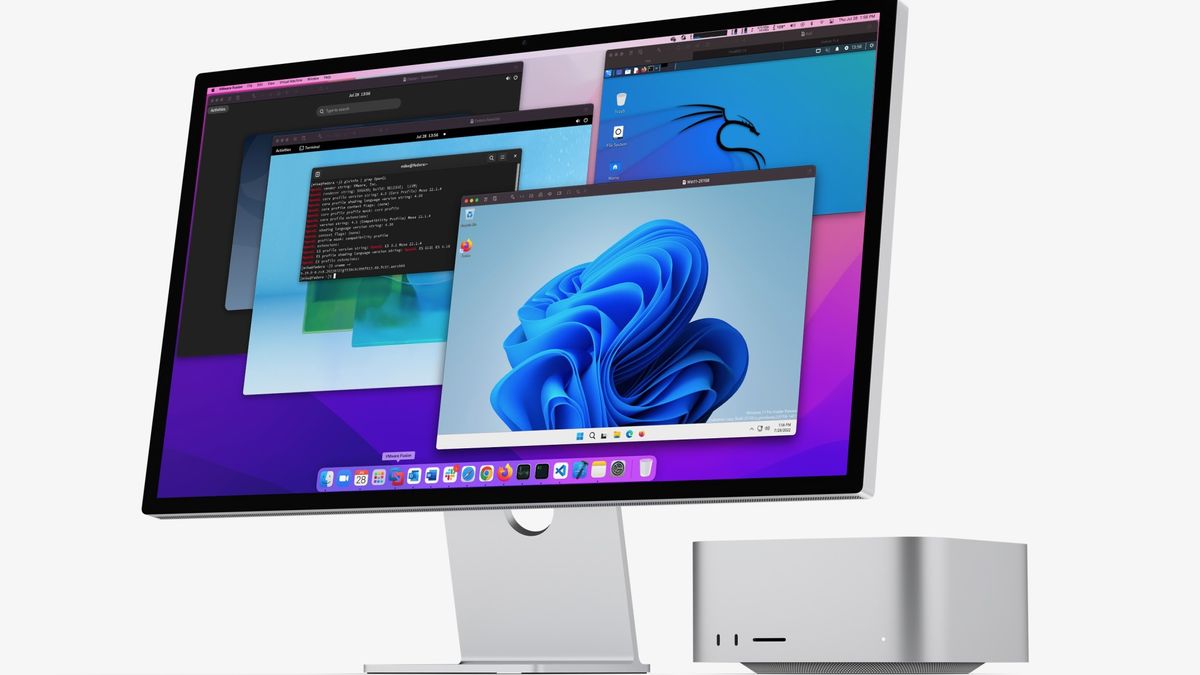
Vibrant Mac Virtualization Software Artwork for Mobile
Discover an amazing mac virtualization software background image, ideal for personalizing your devices with vibrant colors and intricate designs.

Spectacular Mac Virtualization Software Design Photography
A captivating mac virtualization software scene that brings tranquility and beauty to any device.
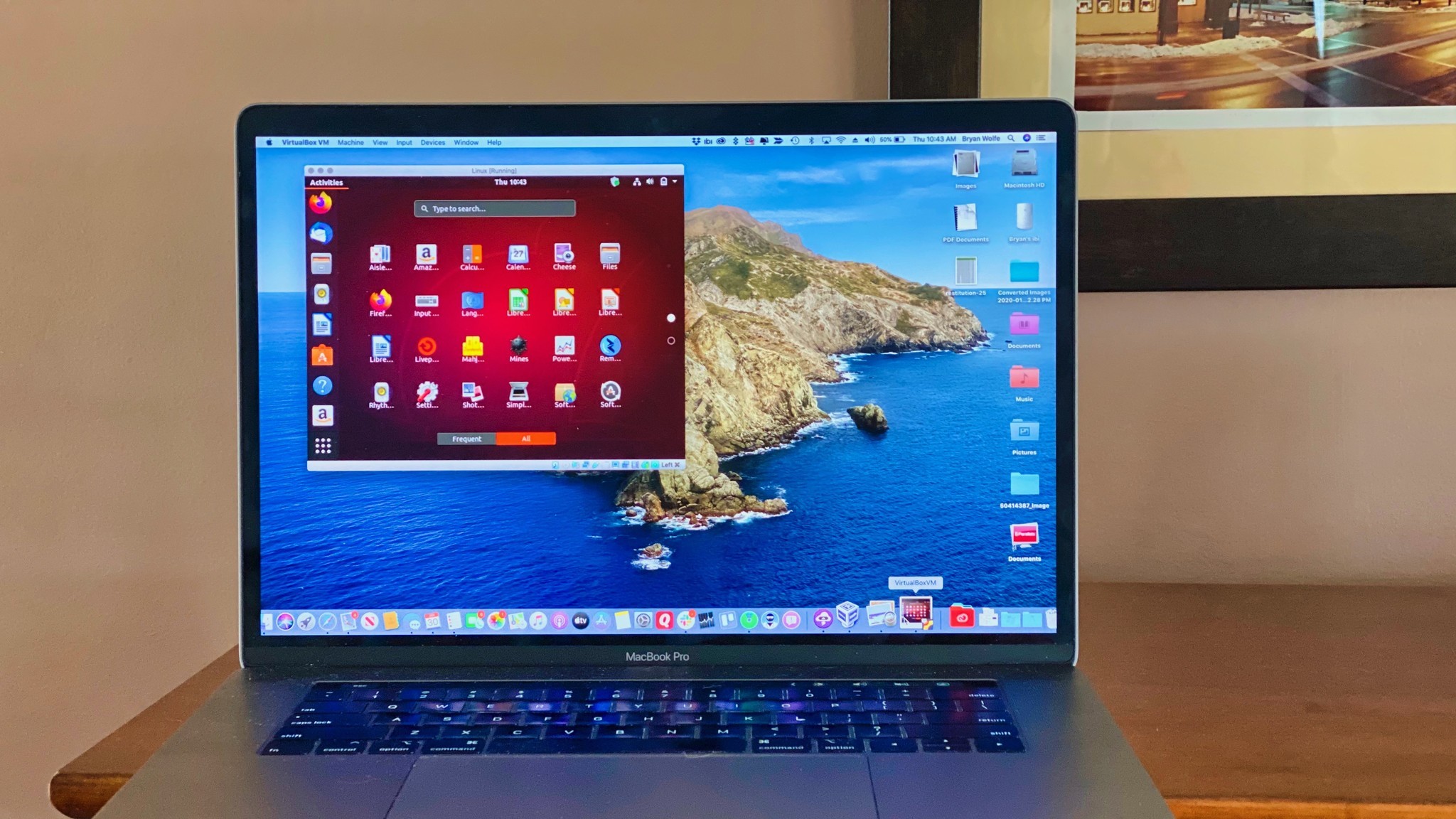
Beautiful Mac Virtualization Software Wallpaper for Mobile
Discover an amazing mac virtualization software background image, ideal for personalizing your devices with vibrant colors and intricate designs.

Dynamic Mac Virtualization Software Moment Photography
Immerse yourself in the stunning details of this beautiful mac virtualization software wallpaper, designed for a captivating visual experience.
Download these mac virtualization software wallpapers for free and use them on your desktop or mobile devices.