Macos Virtualization Software
Taming the Silicon Beast: The Best MacOS Virtualization Software for M-Series Performance
If you're using a modern Mac (meaning anything with an M1, M2, or M3 chip), you know the power is immense. But running non-native operating systems—like that crucial Windows app or a specialized Linux distro—isn't as straightforward as it used to be on Intel machines. Welcome to the world of Macos Virtualization Software.
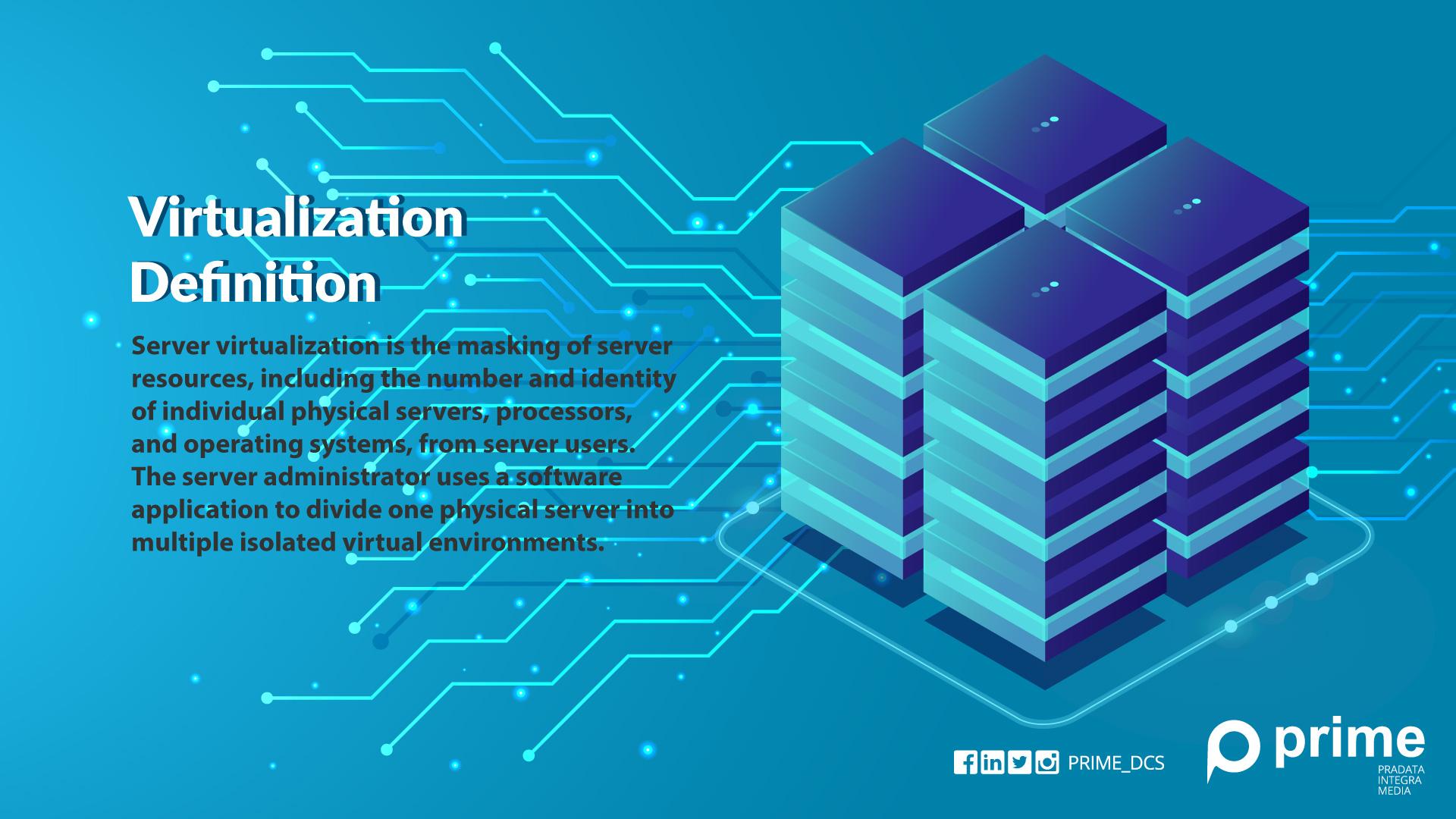
Virtualization isn't just a technical term; it's the bridge that lets your Mac run a full operating system inside a window, completely separate from macOS. It's essential for developers, IT professionals, gamers, and anyone who occasionally needs to dip their toes outside the Apple ecosystem.
This deep dive cuts through the jargon. We're going to explore the top contenders, focusing specifically on how they handle the challenges and opportunities presented by Apple Silicon (ARM architecture). Get ready to pick the perfect virtual companion for your machine.
Understanding Virtualization on macOS Today: The ARM Factor
Before M-series Macs arrived, virtualization was mostly about hardware emulation—your Intel Mac pretending to be another Intel PC. Simple, fast, and reliable.
Today, things are different. Apple Silicon runs on ARM architecture. This means if you want to run Windows 11, you must use the Windows on ARM version. You cannot simply install the standard (x86) Windows installer directly.
The virtualization software we discuss here uses the native virtualization framework provided by Apple (Apple Hypervisor Framework) to ensure near-native performance. This is why performance is often shockingly fast, provided the guest OS supports ARM.
The Architecture Challenge (x86 vs. ARM)
If you need to run legacy x86 (Intel) operating systems on an M-series Mac, the virtualization software must perform complex CPU translation. While tools like UTM excel at this, be warned: performance takes a significant hit compared to running native ARM guest OSes (like ARM Windows or ARM Linux).
This architectural shift is the biggest differentiator when choosing your Macos Virtualization Software. If your workflow relies heavily on running older Intel OSes, you need specialized tools, or perhaps you should consider keeping an older Intel Mac for that specific task.
The Titans: Premium MacOS Virtualization Software
In the professional arena, two names dominate the landscape, both offering polished interfaces, excellent integration, and premium support.
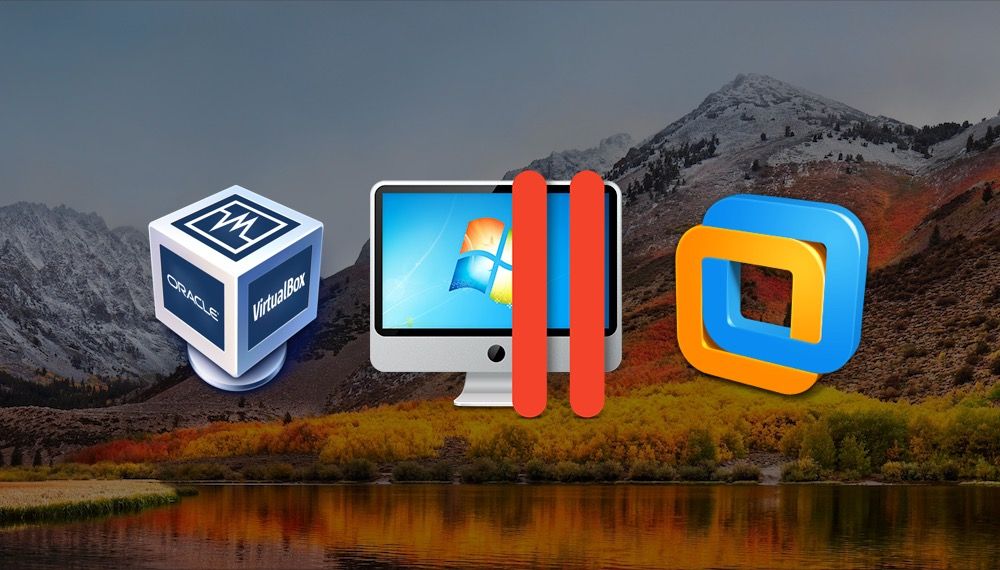
Parallels Desktop: The Speed King
Parallels is, for most users, the gold standard when it comes to running Windows on macOS. They were the first to fully support Apple Silicon, and their integration is seamless.
The key feature here is Coherence Mode, which allows you to run Windows apps as if they were native macOS applications, completely hiding the Windows desktop. If your main goal is high-performance Windows access—especially for gaming or productivity apps like the full Microsoft Office suite—Parallels is usually the fastest, most streamlined choice.
Pros: Unmatched speed on M-series chips, excellent Windows/Mac integration, easy setup.
Cons: Subscription model, higher cost.
VMware Fusion: The Enterprise Workhorse
VMware has long been the choice for enterprise developers and IT departments due to its deep integration with VMware's wider ecosystem (vSphere, etc.). While it may not always beat Parallels in raw benchmark speed for consumer use, Fusion offers stability and features crucial for complex networking and deployment.
Crucially, VMware Fusion offers a "Personal Use" license that is completely free for home users, making it a fantastic high-quality option if you are running Linux or need Windows but don't want to commit to Parallels' annual fee.
Pros: Robust networking features, free personal use license, deep enterprise integration.
Cons: Historically slower to adapt M-series specific features compared to Parallels.
[Baca Juga: Head-to-Head: Parallels vs VMware Fusion for M1 Macs]
The Open-Source Frontier: Free Alternatives
Not everyone needs a glossy, paid solution. For developers, hobbyists, or those who prioritize free and open-source software, there are powerful alternatives available.
UTM (QEMU-based): The Versatile Emulator
UTM (built on top of the mighty QEMU open-source emulator) is incredibly flexible. It can virtualize almost any operating system you can imagine, including older versions of Windows, niche BSDs, and even older Mac OS X versions.
For M-series Macs, UTM uses Apple's Hypervisor for native ARM guests (offering great performance) but can also emulate x86 guests. If you need true versatility and don't mind a slightly steeper learning curve than Parallels, UTM is a powerhouse.
Pros: Completely free, incredible OS compatibility, excellent for learning.
Cons: Requires more manual setup, x86 emulation is very slow (as expected). To understand QEMU's role in computing history, check out its Wikipedia page.
Docker and Containerization
We can't talk about virtualization without mentioning containers. While not traditional virtualization (they share the host OS kernel), Docker is the go-to tool for modern development. If your goal is simply running Linux server environments, databases, or microservices, Docker provides the lightest, fastest way to do so.
Modern Docker Desktop fully supports Apple Silicon, making it an essential tool for almost every developer using a Mac.
Comparison Table: Key Features and Pricing
Here is a quick breakdown to help you compare the core features of the main Macos Virtualization Software options:
| Feature | Parallels Desktop | VMware Fusion | UTM (QEMU) |
|---|---|---|---|
| M-Series (ARM) Performance | Excellent (Optimized) | Very Good | Excellent (Native QEMU) |
| Cost Structure | Subscription/Perpetual | Free (Personal Use) / Paid (Pro) | Completely Free |
| Seamless Integration (Coherence) | Yes (Best in Class) | Yes (Unity Mode) | No |
| x86 Emulation Capability | Yes (Integrated) | No/Limited | Yes (Highly Versatile) |
Choosing Your Path: Which Software is Right for You?
The best Macos Virtualization Software isn't the fastest; it's the one that fits your specific needs and budget. Here's a simple guideline:
1. The Everyday User/Gamer (Windows Required)
Recommendation: Parallels Desktop.
If you prioritize ease of use, drag-and-drop functionality, and the highest possible speed for Windows 11 on ARM (including gaming), Parallels is the clear winner. The setup process is virtually automatic.
2. The Professional Developer/IT Pro (Linux Focus)
Recommendation: VMware Fusion (Personal Free) or Docker.
If your primary need is running multiple stable Linux environments or integrating with corporate infrastructure, Fusion offers the necessary stability and features without the consumer-focused frills. For pure server environments, Docker wins hands down.
[Baca Juga: Optimizing Linux performance on Apple Silicon]
3. The Budget-Conscious Hobbyist/Researcher (Versatility)
Recommendation: UTM.
If your goal is to tinker, learn, or run esoteric operating systems—and you have zero budget—UTM provides immense power, provided you are willing to get your hands dirty with configuration files and terminal commands.
Conclusion: The Future is Fast
The shift to Apple Silicon initially posed major problems for virtualization, but modern Macos Virtualization Software has not only caught up but exceeded previous performance standards. Whether you pay for the polish of Parallels or leverage the freedom of UTM, running other operating systems on your Mac is now easier and faster than ever.
Remember to always check compatibility, especially if you rely on specific hardware drivers or very old, legacy software, as the ARM transition remains the single most important hurdle.
Frequently Asked Questions (FAQ)
Do I need a license for Windows to run it virtually on my Mac?
Yes, absolutely. Even if you are running the ARM version of Windows 11 (which is necessary for M-series Macs), you still require a valid Windows license key. The virtualization software provides the platform, but Microsoft provides the OS.
Can I run macOS in a virtual machine (VM)?
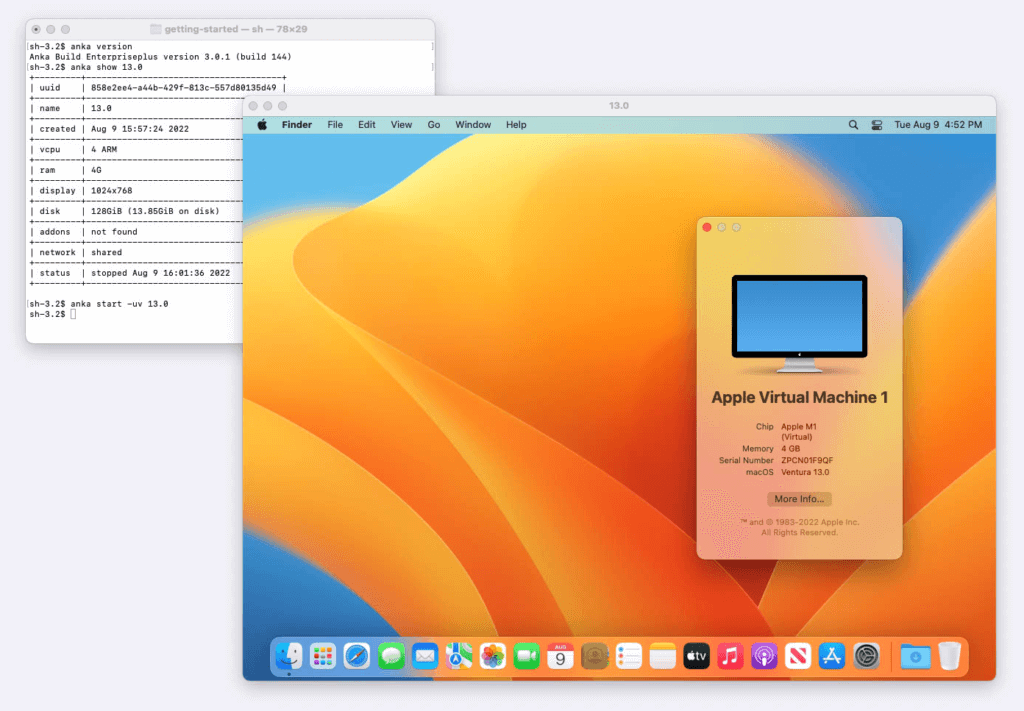
Yes, this is known as "nested virtualization" or running a "Guest macOS." Apple's licensing generally allows macOS guests to run on macOS hosts. This is a common practice for developers testing new macOS betas in a safe, isolated environment. Parallels and VMware Fusion handle this easily.
Is virtualization better than Boot Camp on Apple Silicon Macs?
Boot Camp (partitioning your drive to dual-boot Windows natively) is no longer available on Apple Silicon Macs. Virtualization is now the only way to run Windows on M-series machines. Fortunately, virtualization performance is so good today that the need for Boot Camp has largely diminished.
What is the biggest performance bottleneck?
The biggest bottleneck isn't the virtualization software itself, but the lack of native ARM versions for older guest operating systems. If the OS isn't ARM native, the software must emulate the CPU architecture, which significantly slows down performance. Always prioritize ARM OS images if available.
— End of Article —
Macos Virtualization Software
Macos Virtualization Software Wallpapers
Collection of macos virtualization software wallpapers for your desktop and mobile devices.

Breathtaking Macos Virtualization Software Picture Illustration
Explore this high-quality macos virtualization software image, perfect for enhancing your desktop or mobile wallpaper.

Vivid Macos Virtualization Software Scene Digital Art
Transform your screen with this vivid macos virtualization software artwork, a true masterpiece of digital design.
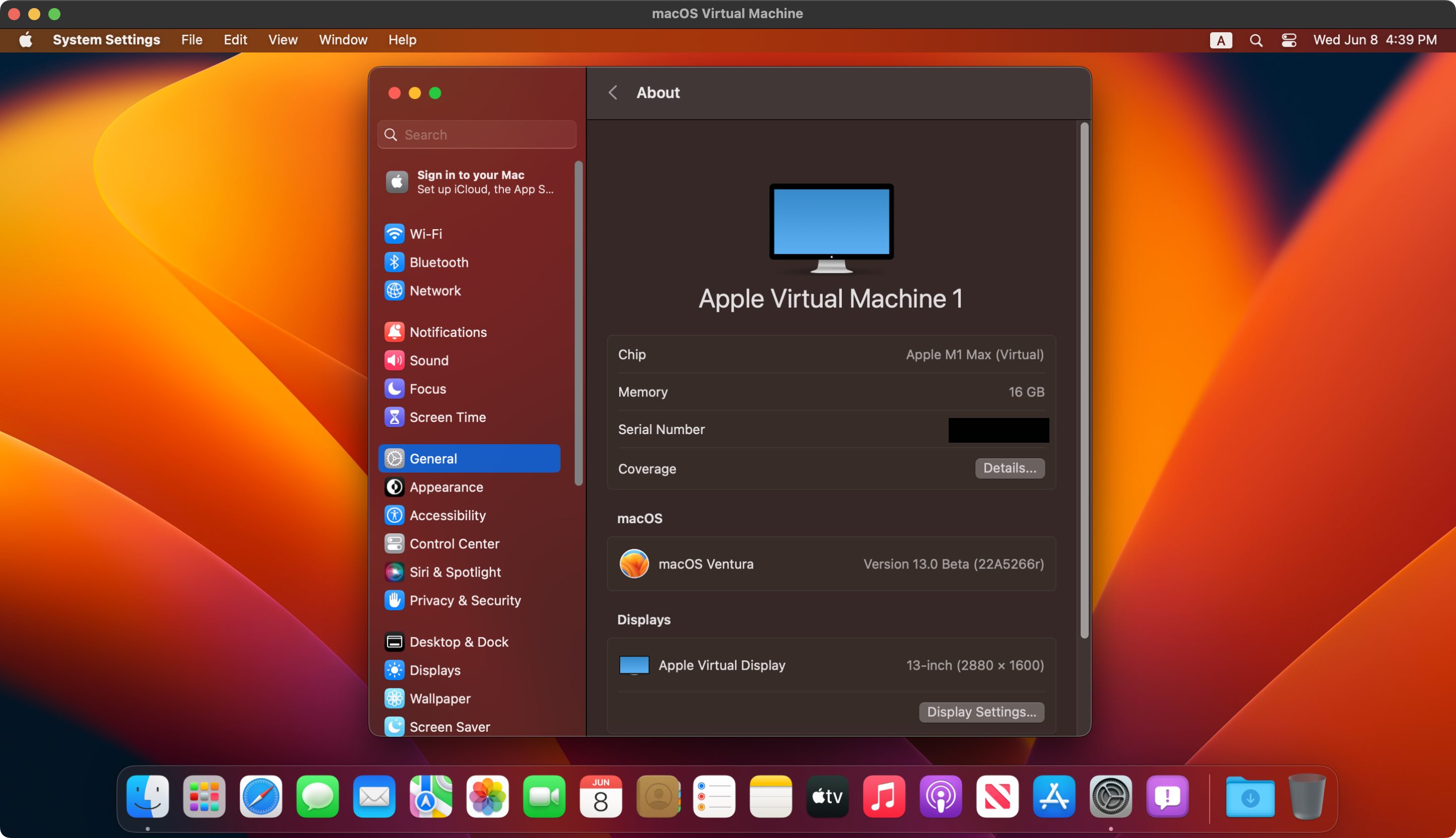
Lush Macos Virtualization Software Photo Illustration
This gorgeous macos virtualization software photo offers a breathtaking view, making it a perfect choice for your next wallpaper.
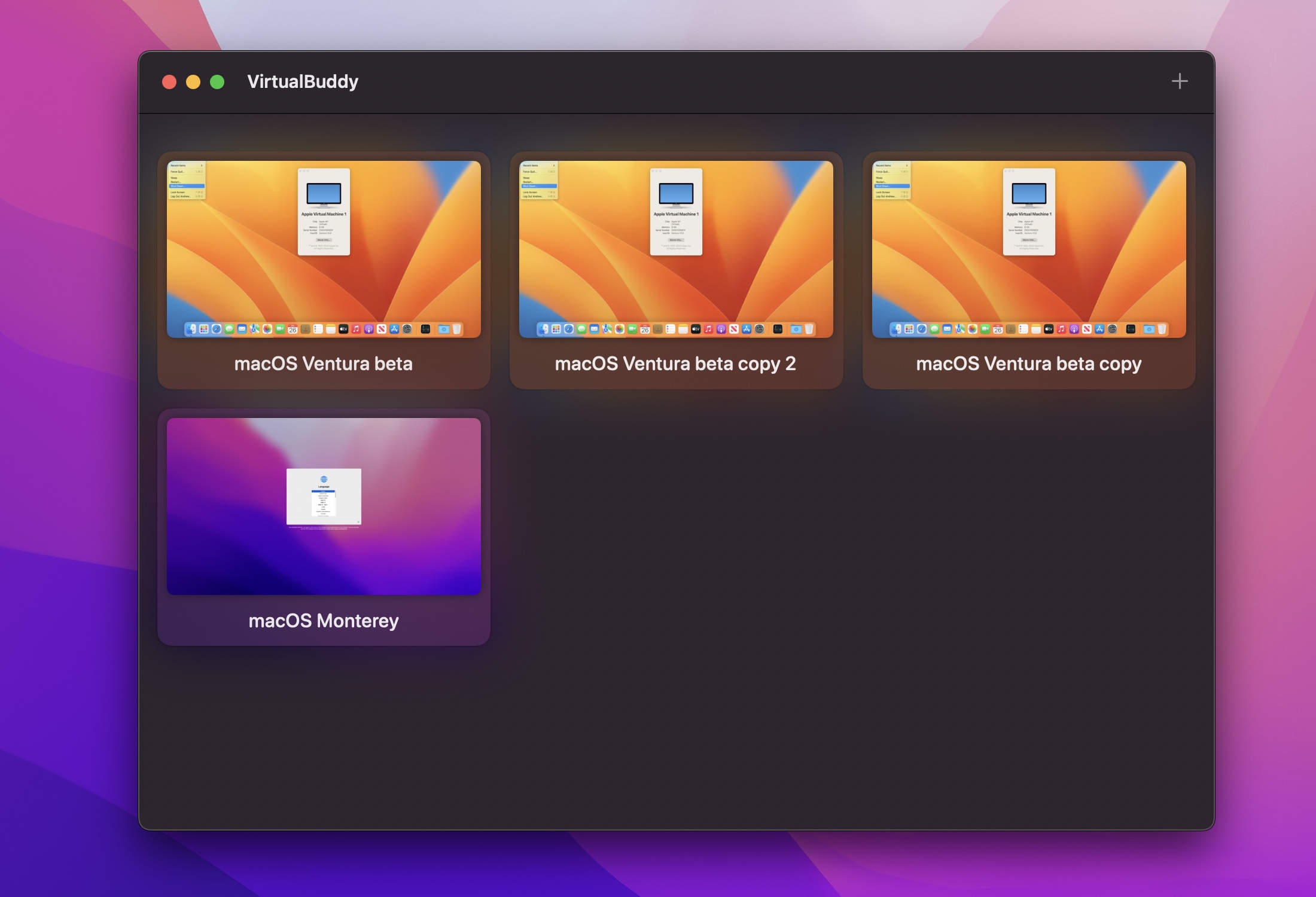
Mesmerizing Macos Virtualization Software Scene Collection
Transform your screen with this vivid macos virtualization software artwork, a true masterpiece of digital design.
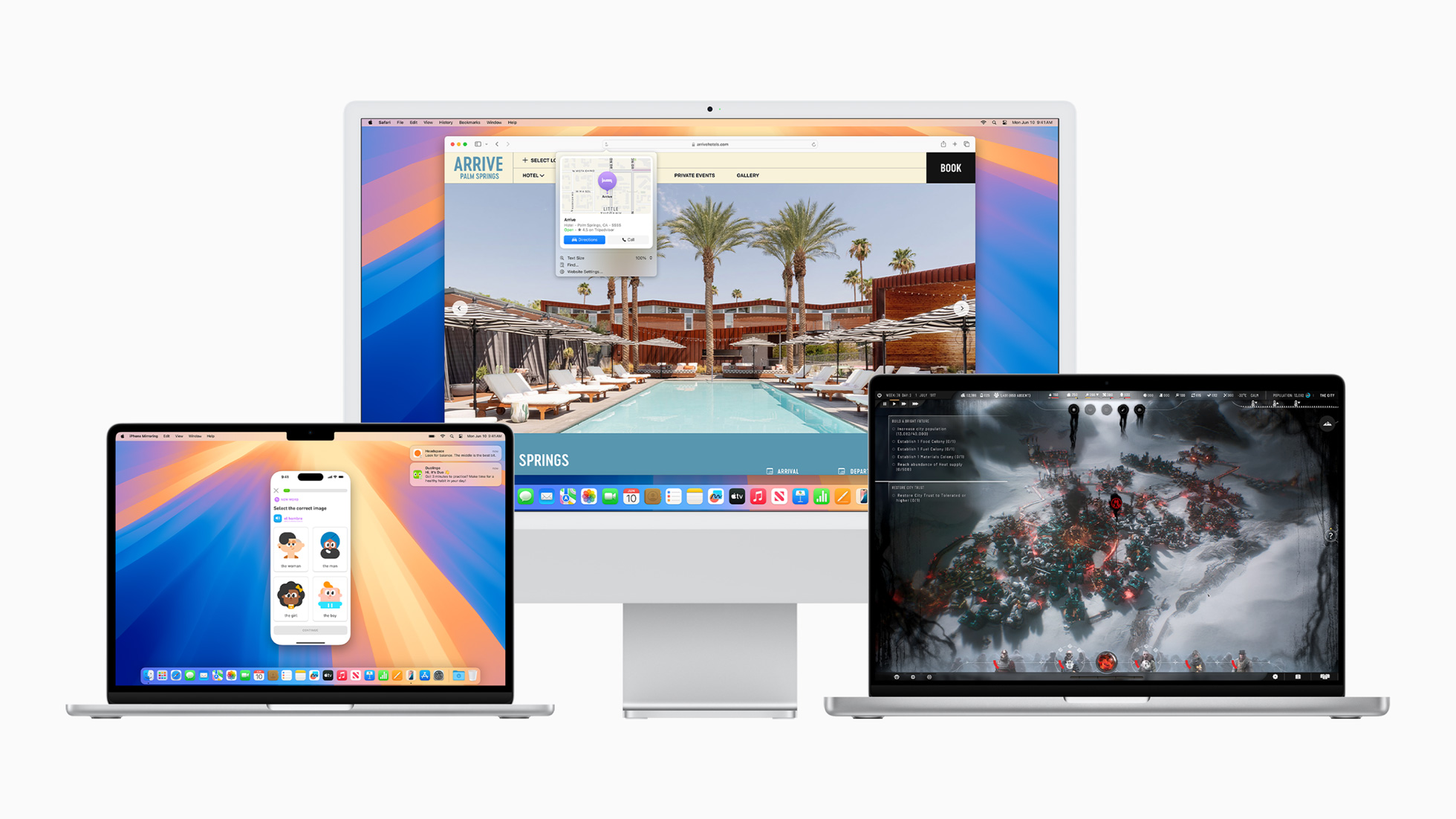
High-Quality Macos Virtualization Software View Art
Experience the crisp clarity of this stunning macos virtualization software image, available in high resolution for all your screens.
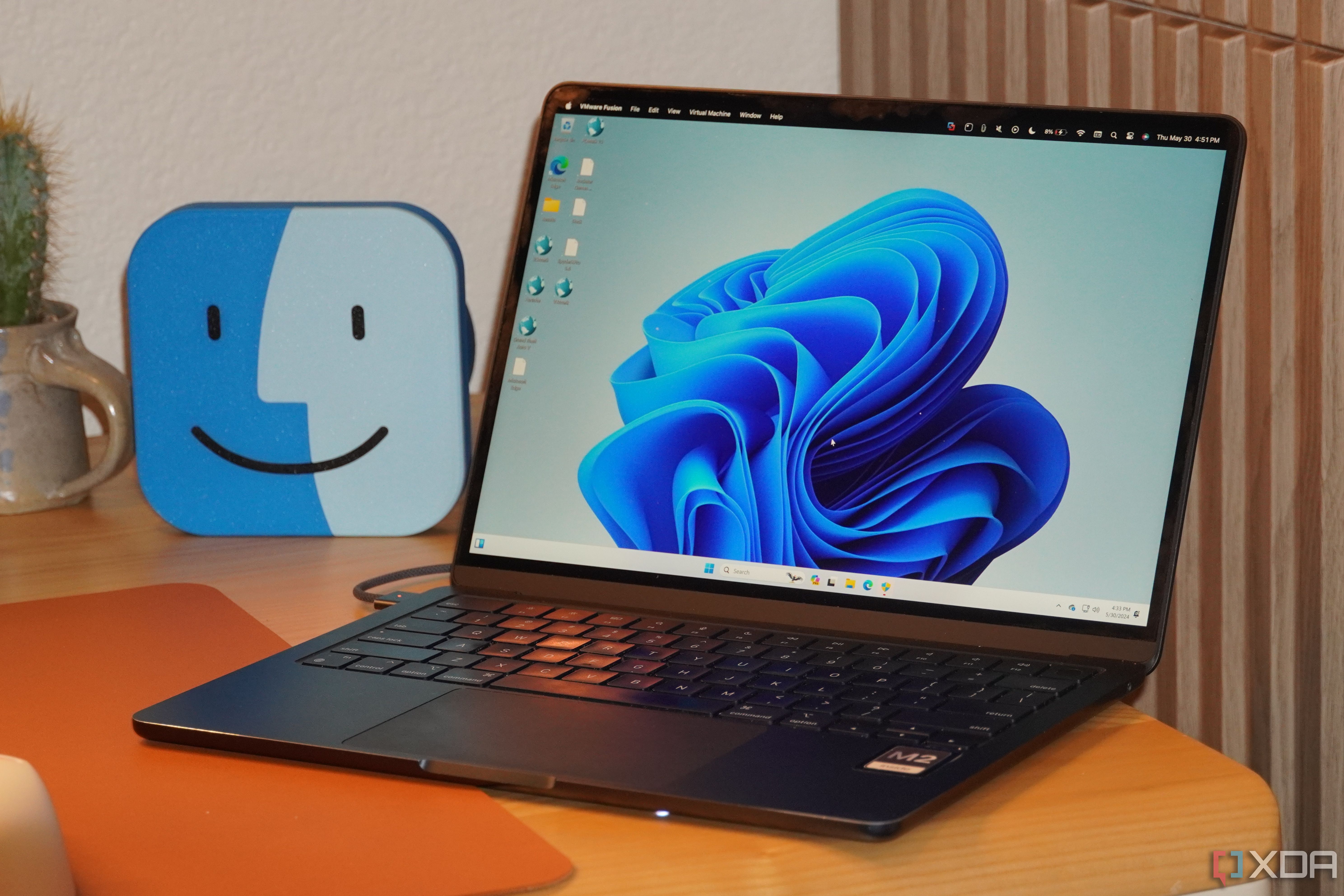
Spectacular Macos Virtualization Software Image in 4K
Immerse yourself in the stunning details of this beautiful macos virtualization software wallpaper, designed for a captivating visual experience.
Serene Macos Virtualization Software Picture in HD
Discover an amazing macos virtualization software background image, ideal for personalizing your devices with vibrant colors and intricate designs.
High-Quality Macos Virtualization Software Moment Photography
Explore this high-quality macos virtualization software image, perfect for enhancing your desktop or mobile wallpaper.

Mesmerizing Macos Virtualization Software Image Collection
Explore this high-quality macos virtualization software image, perfect for enhancing your desktop or mobile wallpaper.

Stunning Macos Virtualization Software Wallpaper for Your Screen
Find inspiration with this unique macos virtualization software illustration, crafted to provide a fresh look for your background.
Dynamic Macos Virtualization Software Artwork in 4K
This gorgeous macos virtualization software photo offers a breathtaking view, making it a perfect choice for your next wallpaper.
Beautiful Macos Virtualization Software Design Illustration
Transform your screen with this vivid macos virtualization software artwork, a true masterpiece of digital design.
Gorgeous Macos Virtualization Software Artwork for Your Screen
A captivating macos virtualization software scene that brings tranquility and beauty to any device.

Vibrant Macos Virtualization Software Background Concept
Explore this high-quality macos virtualization software image, perfect for enhancing your desktop or mobile wallpaper.

Gorgeous Macos Virtualization Software Picture in 4K
Immerse yourself in the stunning details of this beautiful macos virtualization software wallpaper, designed for a captivating visual experience.
Gorgeous Macos Virtualization Software Landscape Art
Find inspiration with this unique macos virtualization software illustration, crafted to provide a fresh look for your background.
High-Quality Macos Virtualization Software Scene for Your Screen
Discover an amazing macos virtualization software background image, ideal for personalizing your devices with vibrant colors and intricate designs.

High-Quality Macos Virtualization Software Picture Concept
Transform your screen with this vivid macos virtualization software artwork, a true masterpiece of digital design.

Captivating Macos Virtualization Software Scene Digital Art
A captivating macos virtualization software scene that brings tranquility and beauty to any device.

Spectacular Macos Virtualization Software Design Photography
A captivating macos virtualization software scene that brings tranquility and beauty to any device.
Download these macos virtualization software wallpapers for free and use them on your desktop or mobile devices.