Mail Archive Software
Stop Drowning in Emails: Why Your Business Needs Modern Mail Archive Software
If you're running a modern business, chances are your company's most critical asset—and biggest headache—lives inside your email server. We're talking about massive volumes of data, crucial communications, and potentially career-saving evidence. Handling this avalanche of information is impossible without the right tools.
That's where professional Mail Archive Software steps in. It's not just about backup; it's about governance, compliance, and giving your IT team their weekends back. We're diving deep into why this technology is non-negotiable in today's regulatory landscape and what you need to look for when choosing a solution.
Grab a coffee, because managing email doesn't have to be a nightmare. Let's explore how a robust archiving system transforms chaos into clarity.
What Exactly is Mail Archive Software?
In simple terms, mail archive software is a specialized system designed to capture, index, and store every email entering or leaving an organization's mail server in a secure, tamper-proof repository. This repository is separate from your live email server (like Exchange or Google Workspace).
The key differentiator between archiving and simple backup is retention and indexing. Backup saves everything temporarily for disaster recovery. Archiving saves everything permanently (or for a defined retention period) in a format that is easily searchable and auditable.
The Archiving Process: A Quick Flow
When an email is sent or received, the archiving software copies the message (including attachments and metadata) before it hits the user's mailbox or the server storage limit. This process ensures data integrity and prevents users from deleting critical evidence.
- Capture: Emails are journaled in real-time.
- Index: Every piece of text, header, and attachment is indexed for lightning-fast searches.
- Compress & Deduplicate: Duplicate emails are identified and removed, drastically reducing storage costs.
- Retention: Policies are applied to ensure data is kept for the mandatory duration and then defensibly destroyed.
The Unbeatable Benefits: Why Archiving Isn't Optional Anymore
We often think of archiving as an IT function, but its impact is felt most strongly in Legal, HR, and Finance. A good mail archive solution provides strategic business protection.
Simplifying Regulatory Compliance
Compliance is the number one driver for adopting robust Mail Archive Software. Regulations like GDPR, HIPAA, and the various financial compliance rules (e.g., FINRA, SEC) mandate strict retention policies and the ability to produce records on demand.
Without an archive, demonstrating compliance is nearly impossible. Archivists ensure WORM (Write Once, Read Many) integrity, meaning once an email is archived, it cannot be altered. This satisfies audit requirements instantly.
For US-based organizations, understanding federal record-keeping standards is crucial for avoiding massive fines. You can review the specifics on electronic records management from the National Archives and Records Administration (NARA).
Turbocharging E-Discovery Processes
Imagine a lawsuit requires you to produce emails from a specific employee about a specific project over a five-year period. In a non-archived environment, this means manually searching servers, backups, and potentially PST files—a process that takes weeks and costs thousands.
With dedicated archiving software, the process is reduced to minutes. E-discovery features like granular search filters, legal hold placement, and export tools make responding to litigation requests painless and cost-effective.
Improving Server Performance and User Experience
When your active mail server storage fills up, performance tanks. Archiving moves old, large emails off the live server and into the secure repository, instantly freeing up primary storage space and speeding up daily email operations for everyone.
It also gives users peace of mind. They can search their entire history effortlessly, without needing to delete old messages just to manage their mailbox size.
If you're interested in the security aspects of the data transfer process, check out this related article: [Baca Juga: Advanced Data Encryption Techniques]
Key Features to Look For in Top Mail Archive Solutions
Not all mail archive software is created equal. To achieve true compliance and efficiency, ensure the platform offers these crucial features:
1. Granular Search Capability: The ability to search by specific dates, sender/recipient, attachment type, email body content, and even metadata. Speed is essential here.
2. Tamper-Proof Storage (Immutable Archiving): This is the backbone of compliance. The archived data must be stored in a way that prevents deletion or modification by anyone—including system administrators.
3. Legal Hold Management: The ability to instantly place a 'hold' on specific individuals' data. This overrides all normal retention policies, ensuring the data cannot be destroyed until the legal matter is resolved.
4. Role-Based Access Control (RBAC): Only specific, audited personnel (e.g., the Compliance Officer or designated legal counsel) should have access to the archive data and search functions.
5. Export and Production Tools: The software should allow secure, standardized export of selected archived data in formats acceptable in legal proceedings (often PST or EML). Legal holds and eDiscovery standards rely heavily on this functionality.
Choosing the Right Deployment: On-Premise vs. Cloud
When selecting your mail archive software, one of the biggest decisions you'll face is where the data will physically reside. This choice impacts cost, control, and scalability.
The On-Premise Approach
On-premise solutions are installed and managed entirely within your company's infrastructure. You maintain full control over the hardware, security layers, and data sovereignty. This is often preferred by heavily regulated industries (like banking) that have mandates requiring data to never leave their physical control.
The downside? High initial capital expenditure (CAPEX) and ongoing maintenance costs for hardware and specialized IT staff.
The Cloud (SaaS) Approach
Cloud-based archiving (Software as a Service) is the dominant trend today. The vendor handles the infrastructure, scaling, and maintenance. You pay a predictable subscription fee (OPEX).
Cloud archives offer unparalleled scalability and global access, making them ideal for growing businesses or those with distributed workforces. However, you must meticulously vet the vendor's security protocols and compliance certifications.
Comparison Table: Deployment Models
| Feature | On-Premise | Cloud (SaaS) |
|---|---|---|
| Initial Cost | High (CAPEX) | Low (Subscription) |
| Scalability | Limited, Requires upgrades | Infinite, On-demand |
| Control & Sovereignty | Total control | Dependent on vendor's location |
| Maintenance | Managed by internal IT | Managed by vendor |
For companies handling enormous daily volumes of communication, a hybrid model often offers the best of both worlds, keeping recent data on-premise for rapid access and moving older data to a secure, cost-effective cloud archive.
Understanding the costs associated with data storage is critical. Read more about long-term data retention models here: [Baca Juga: Optimizing Long-Term Data Storage Costs]
Conclusion: The Investment That Pays for Itself
Implementing sophisticated Mail Archive Software is more than just a box to check for IT; it is a fundamental investment in corporate risk mitigation and operational efficiency. By ensuring immutable records, simplifying complex e-discovery processes, and maintaining regulatory standing, these systems protect your business from potentially catastrophic financial and legal damage.
When selecting your solution, prioritize integrity (WORM), search speed, and proper legal hold features. Choose wisely, and you'll find that managing your massive email history finally becomes simple, secure, and smart.
Frequently Asked Questions (FAQ) About Email Archiving
- Is email archiving the same as email backup?
No. Backup is designed for immediate recovery after a hardware failure or disaster. Archiving is designed for long-term data retention, regulatory compliance, legal hold management, and quick e-discovery searches. An archive keeps a historical, tamper-proof record; a backup focuses on operational continuity.
- How long must I keep archived emails?
The duration depends heavily on your industry and jurisdiction. Financial services often require 5–7 years, while healthcare must comply with HIPAA, and public companies must meet Sarbanes-Oxley requirements. Always consult your legal counsel to define specific retention policies before configuring your archive.
- Can Mail Archive Software help recover accidentally deleted emails?
Yes, absolutely. Since the archiving process captures emails as soon as they hit the server, even if a user immediately deletes a message from their inbox, a copy remains secured in the archive, available for recovery by an administrator.
- How does archiving impact data security?
A good mail archiving solution enhances security by isolating historical data from the live server. The archived data is typically encrypted both in transit and at rest, and accessed only through strict, audited protocols, minimizing exposure compared to storing old emails in individual user folders or obsolete PST files.
Mail Archive Software
Mail Archive Software Wallpapers
Collection of mail archive software wallpapers for your desktop and mobile devices.
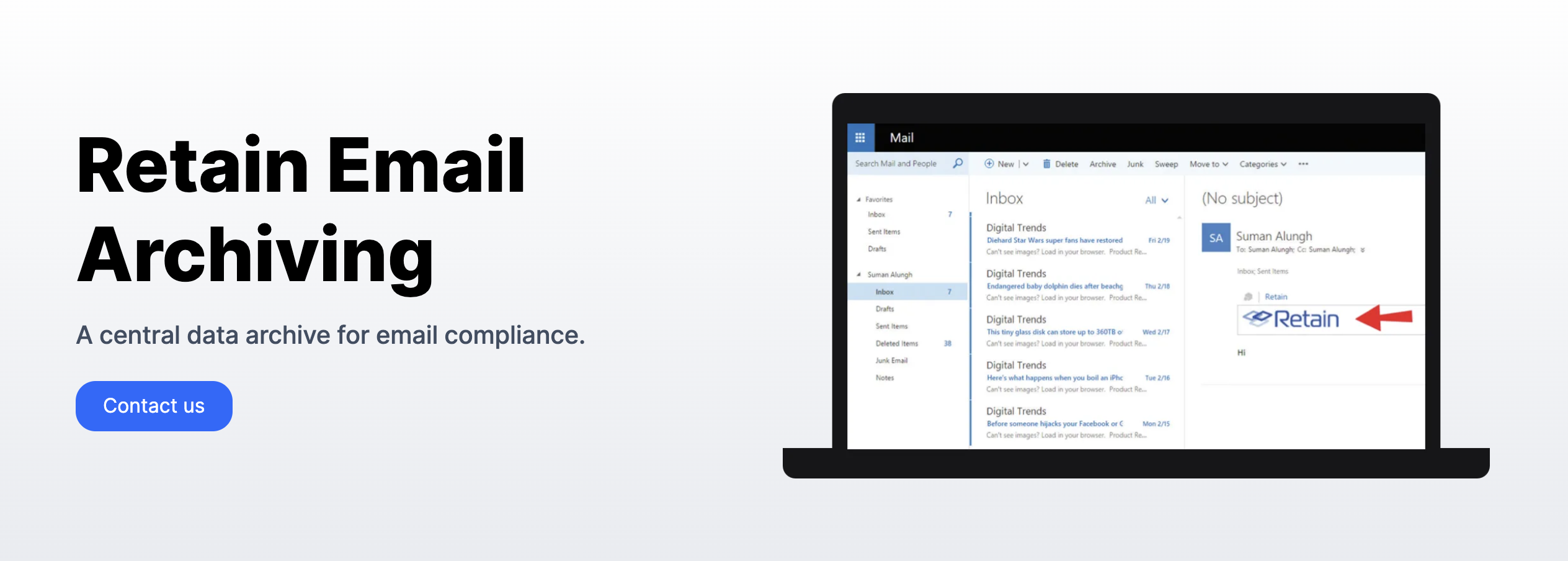
Vibrant Mail Archive Software Landscape for Mobile
Discover an amazing mail archive software background image, ideal for personalizing your devices with vibrant colors and intricate designs.
Amazing Mail Archive Software Capture Digital Art
Explore this high-quality mail archive software image, perfect for enhancing your desktop or mobile wallpaper.
Lush Mail Archive Software View for Your Screen
A captivating mail archive software scene that brings tranquility and beauty to any device.
Spectacular Mail Archive Software Abstract for Your Screen
Immerse yourself in the stunning details of this beautiful mail archive software wallpaper, designed for a captivating visual experience.

Spectacular Mail Archive Software Photo Nature
Find inspiration with this unique mail archive software illustration, crafted to provide a fresh look for your background.
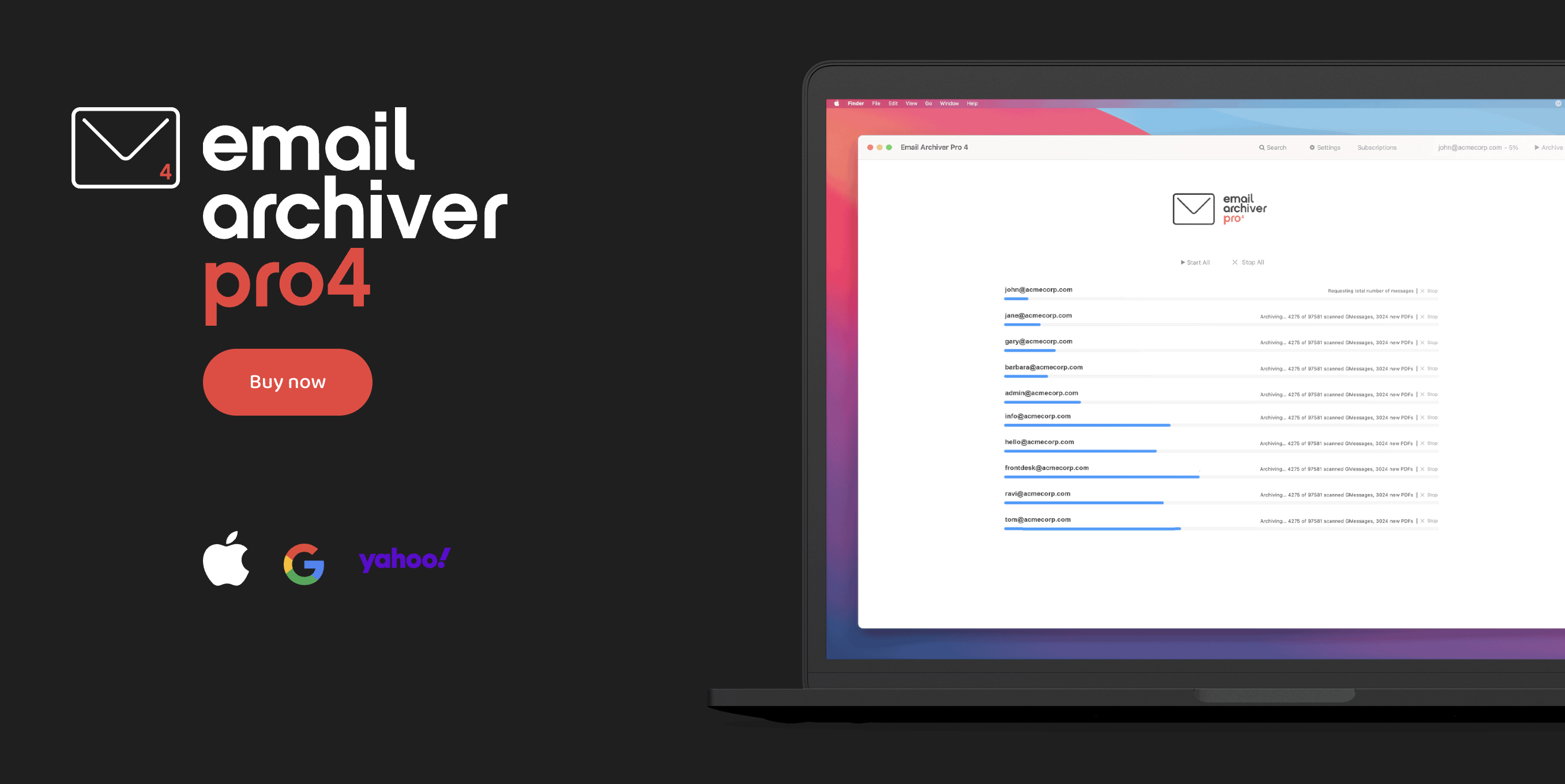
Serene Mail Archive Software Landscape Collection
Explore this high-quality mail archive software image, perfect for enhancing your desktop or mobile wallpaper.

Gorgeous Mail Archive Software Moment Art
Find inspiration with this unique mail archive software illustration, crafted to provide a fresh look for your background.
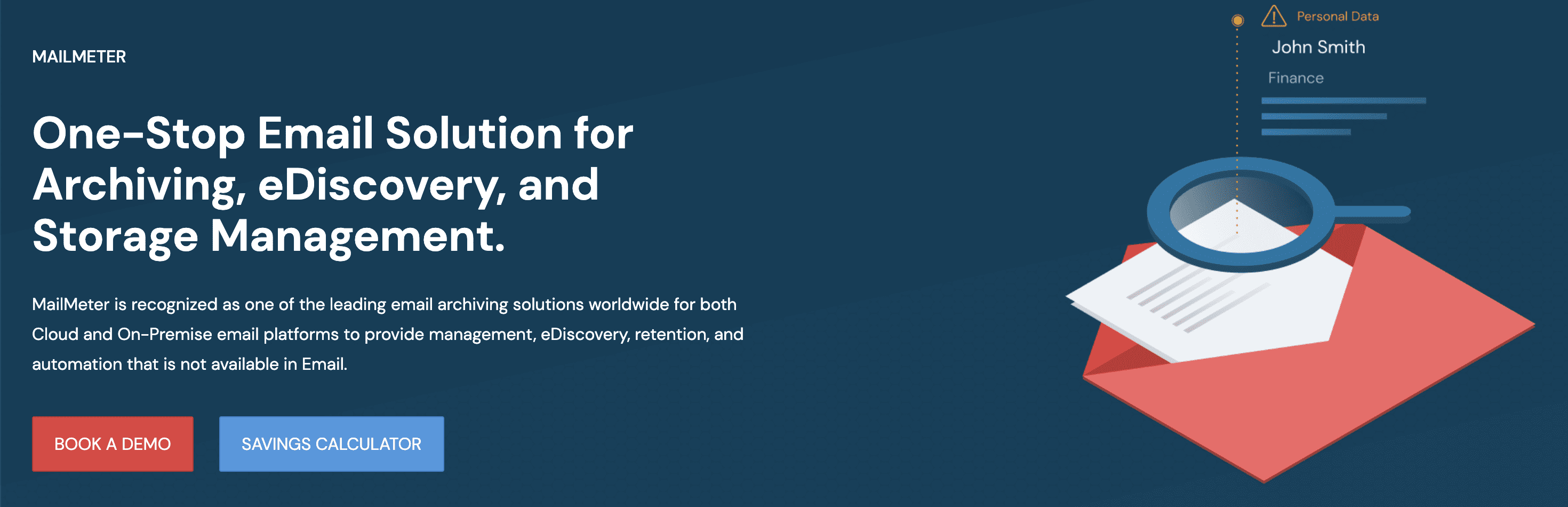
Lush Mail Archive Software Background Concept
Find inspiration with this unique mail archive software illustration, crafted to provide a fresh look for your background.
Vivid Mail Archive Software Photo for Desktop
Discover an amazing mail archive software background image, ideal for personalizing your devices with vibrant colors and intricate designs.
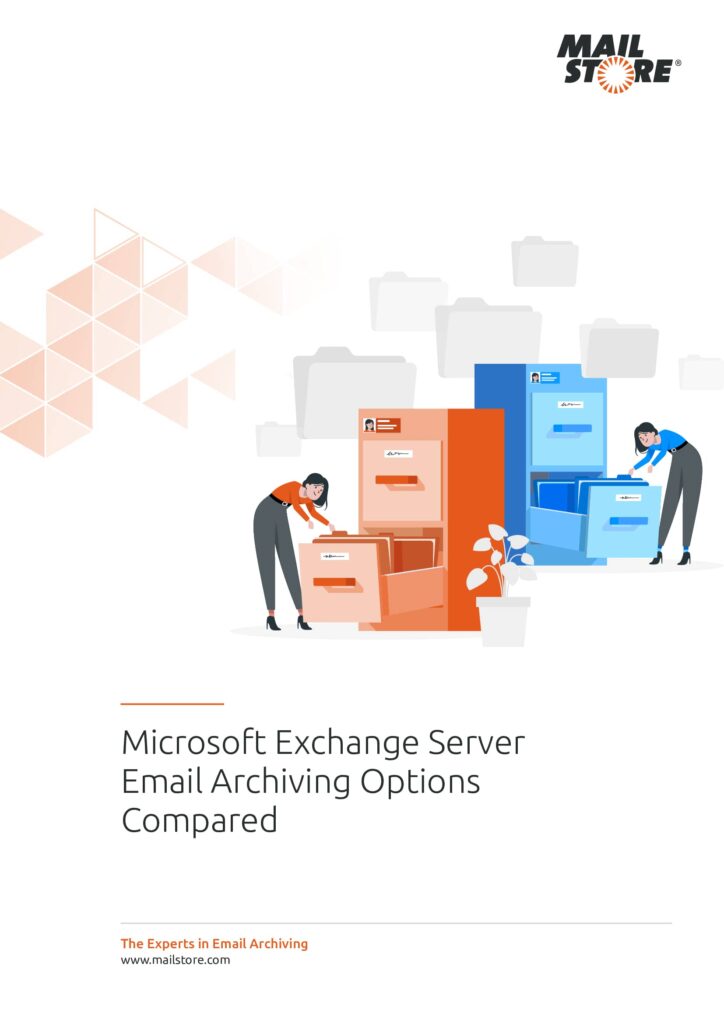
Spectacular Mail Archive Software Artwork for Desktop
A captivating mail archive software scene that brings tranquility and beauty to any device.
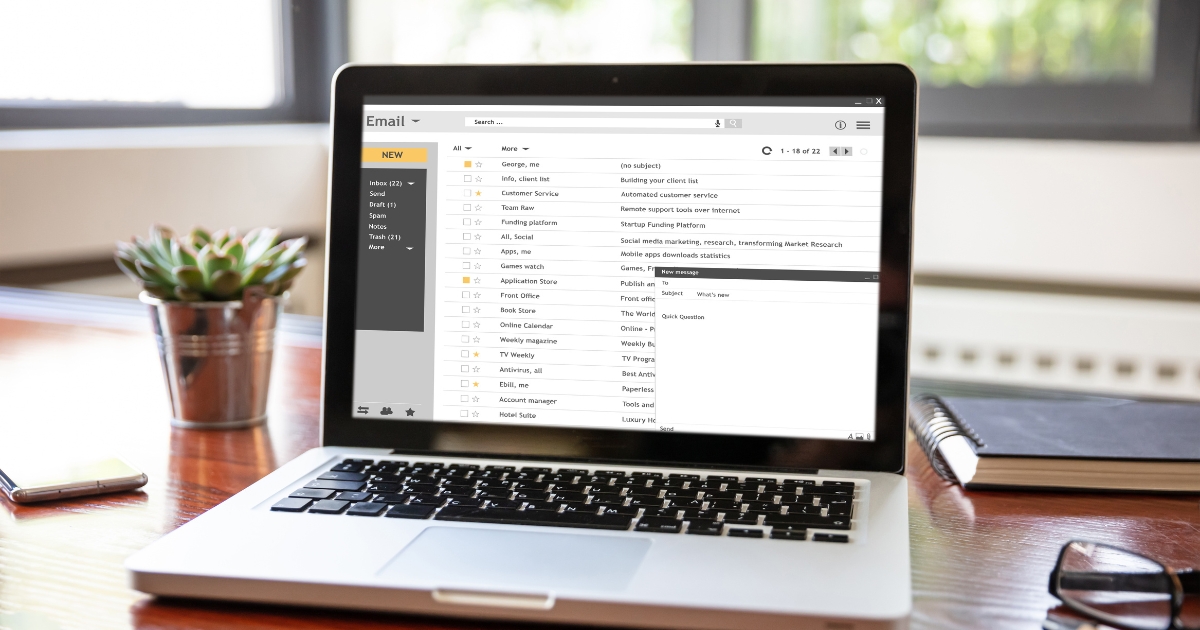
Exquisite Mail Archive Software Image for Mobile
A captivating mail archive software scene that brings tranquility and beauty to any device.
Artistic Mail Archive Software Background Collection
Find inspiration with this unique mail archive software illustration, crafted to provide a fresh look for your background.
Breathtaking Mail Archive Software Photo Illustration
Experience the crisp clarity of this stunning mail archive software image, available in high resolution for all your screens.
Artistic Mail Archive Software Capture Nature
This gorgeous mail archive software photo offers a breathtaking view, making it a perfect choice for your next wallpaper.
Beautiful Mail Archive Software View Concept
Transform your screen with this vivid mail archive software artwork, a true masterpiece of digital design.

Crisp Mail Archive Software Capture Digital Art
This gorgeous mail archive software photo offers a breathtaking view, making it a perfect choice for your next wallpaper.

Breathtaking Mail Archive Software Artwork Collection
Discover an amazing mail archive software background image, ideal for personalizing your devices with vibrant colors and intricate designs.

Amazing Mail Archive Software Landscape for Your Screen
Discover an amazing mail archive software background image, ideal for personalizing your devices with vibrant colors and intricate designs.
Beautiful Mail Archive Software Picture Illustration
Transform your screen with this vivid mail archive software artwork, a true masterpiece of digital design.

Dynamic Mail Archive Software Background for Mobile
This gorgeous mail archive software photo offers a breathtaking view, making it a perfect choice for your next wallpaper.
Download these mail archive software wallpapers for free and use them on your desktop or mobile devices.