Pdq Software Deploy
Stop Manual Installs: Mastering PDQ Software Deploy for Rapid IT Automation
If you manage a fleet of Windows machines, you know the pain of manual software installation. Clicking through installation wizards one by one is not just tedious; it's a massive drain on productivity.
This is where PDQ Software Deploy steps in. Often hailed as the IT administrator's secret weapon, PDQ Deploy allows you to push packages, patches, and scripts to thousands of computers simultaneously, effortlessly, and reliably.
This deep-dive guide is designed by a seasoned expert to move you beyond basic usage. We will explore advanced strategies, best practices, and the E-E-A-T-compliant framework necessary to truly master scalable deployment in your environment.
Understanding the PDQ Deploy Ecosystem
Before executing your first deployment, it's vital to understand the relationship between the key components that make PDQ Deploy so effective. It's more than just an installer; it's a complete distribution framework.
Deploy vs. Inventory: A Necessary Partnership
While we focus on PDQ Software Deploy, its effectiveness hinges on its partner: PDQ Inventory. Inventory is the intelligence layer, providing up-to-the-second details about your target machines (OS version, installed software, available disk space).
Deployment succeeds when it targets machines that meet specific criteria. Using Inventory's dynamic collections ensures that you only push, say, the 64-bit version of Chrome to machines that truly need it, minimizing errors and network traffic.
The Anatomy of a Deployment Package
A "Package" is the core unit of deployment. It's not just the software installer (.exe or .msi); it's a sequence of actions (Steps) bundled together. A typical package might include:
- A verification step (Is the file already installed?).
- A file copy step (Pushing the installer to the target machine).
- An installation step (Executing the installer with silent parameters).
- A cleanup step (Deleting the temporary installation file).
Mastering the use of silent installation switches (e.g., /S or /quiet) is non-negotiable for successful automation. Always test these switches outside of PDQ first.
The 5-Step Blueprint for a Successful PDQ Software Deploy
Automating deployment requires structure. Follow this blueprint to ensure high success rates and easy troubleshooting.
Step 1: Preparation and Prerequisites
Ensure that all target machines have the necessary firewall exceptions (PDQ uses ports 135, 445, and dynamic ports for RPC) and that the deployment user has local administrative rights on the targets. Without these foundations, every deployment will fail silently.
Furthermore, standardizing your source files is critical. Store your installation files on a highly available network share that the PDQ service account can access.
Step 2: Creating the Perfect Package
Utilize the "Install Step" for standard MSI files, as PDQ inherently knows how to handle them silently. For EXE files, you must manually enter the silent parameters. This is where most novices stumble.
Pro Tip: Always set a reasonable Success Code list (e.g., 0, 1641, 3010). Codes 1641 and 3010 indicate success but require a reboot, which is crucial context for the end-user.
Step 3: Defining the Target List
Avoid manually typing computer names. Instead, leverage PDQ Inventory's Dynamic Collections. A dynamic collection automatically updates its membership based on criteria (e.g., "All devices running Windows 10, not yet installed with Firefox 120").
This automation guarantees that your deployment only hits the machines needing the update, saving bandwidth and administrative time.
Step 4: Execution and Scheduling
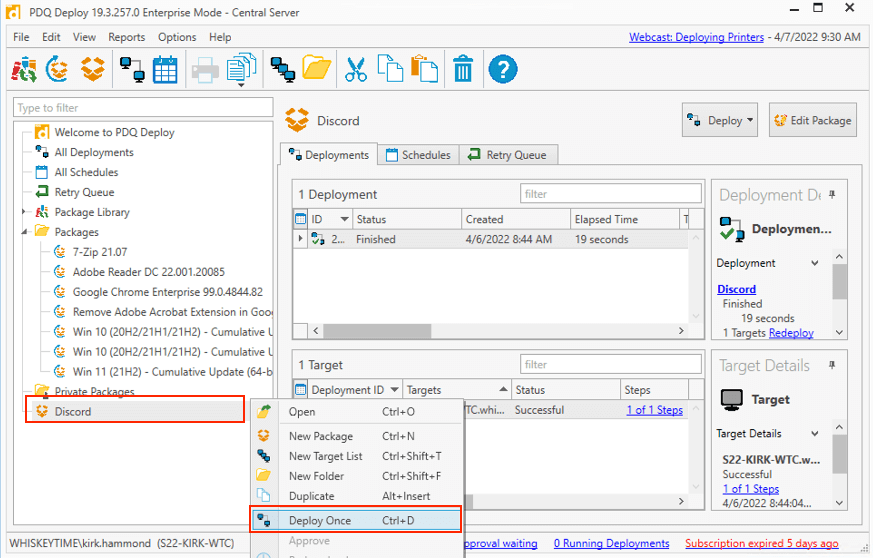
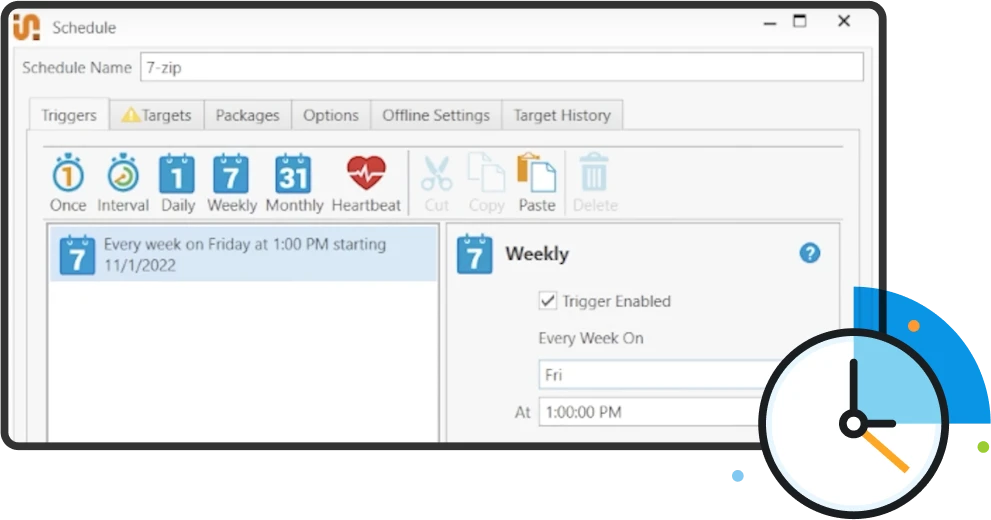
When executing the PDQ Software Deploy, you have choices: immediate deployment, or scheduling. For critical updates, scheduled deployments outside of business hours minimize user disruption.
PDQ allows throttling bandwidth per target machine. This is crucial for environments with limited WAN connectivity. Don't choke your network by pushing a 500MB file to 200 machines simultaneously without throttling.
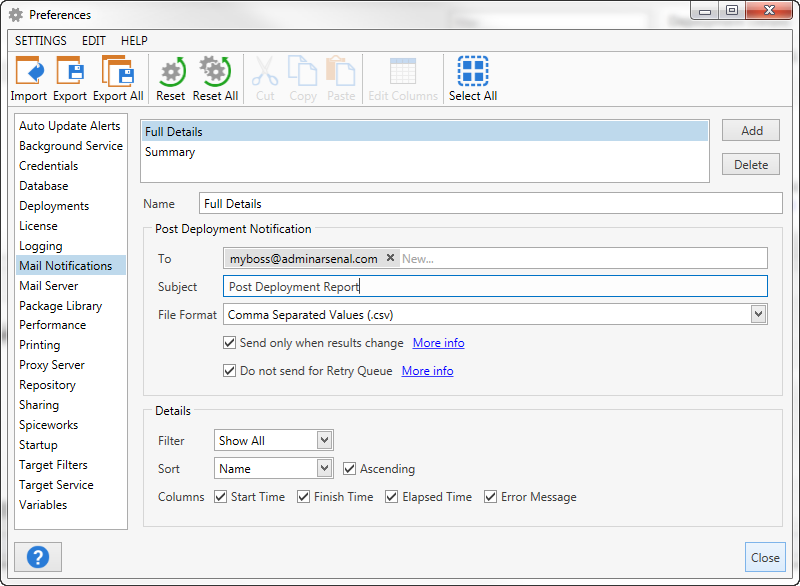
Step 5: Post-Deployment Verification
The job isn't done just because PDQ says "Success." True verification involves checking the results log and, ideally, running a second Inventory scan to confirm the new software version is recorded on the target machine.
Use the deployment summary statistics to identify patterns in failures (e.g., always failing on laptops, or always failing with code 5).
[Baca Juga: Deep Dive into Common PDQ Deployment Error Codes]
Advanced PDQ Software Deploy Strategies and Best Practices
For large, mature environments, moving beyond simple package pushes into conditional logic and trigger-based deployment is essential for maintaining efficiency and security.
Dealing with Deployment Failures (Error Codes)
When a deployment fails, PDQ provides an error code. The most common codes relate to permissions (Access Denied – Error 5) or the package execution itself (Error 1603 – General MSI Failure).
The fix is usually to verify the credentials used by the PDQ service account and ensure the path to the installation file is accessible. For specific MSI errors, consult Microsoft's official documentation on installer error codes. Error Codes in MSI Documentation (External Link).
Using Conditions and Steps
PDQ Deploy allows you to use condition steps to control flow. For instance, you might include a step that only executes if the target OS is Windows 11, or if a specific file does not already exist on the machine. This granular control prevents unnecessary operations.
You can also use PowerShell steps within your deployment package for complex configuration tasks that the standard installer cannot handle, such as modifying registry keys or configuring local user profiles. PowerShell Gallery (External Link) provides a wealth of ready-to-use scripts.
Deployment Triggers Comparison
Choosing the right trigger ensures your systems are always up-to-date with minimal manual oversight.
| Trigger Type | Description | Best Use Case |
|---|---|---|
| Scheduled | Runs at a specific time (e.g., 3 AM every Sunday). | Monthly Patch Tuesday updates; major application upgrades. |
| Heartbeat (Pro) | Triggers deployment immediately when a computer comes online. | Laptops that are rarely connected to the network; critical security patches. |
| Linked Inventory Collection | Deploys when a computer enters a specific dynamic collection. | Ensuring compliance; installing required tools on newly provisioned machines. |
[Baca Juga: Leveraging PDQ Inventory Dynamic Collections for Zero-Trust]
Scaling Your Deployment: The Power of Auto-Downloading
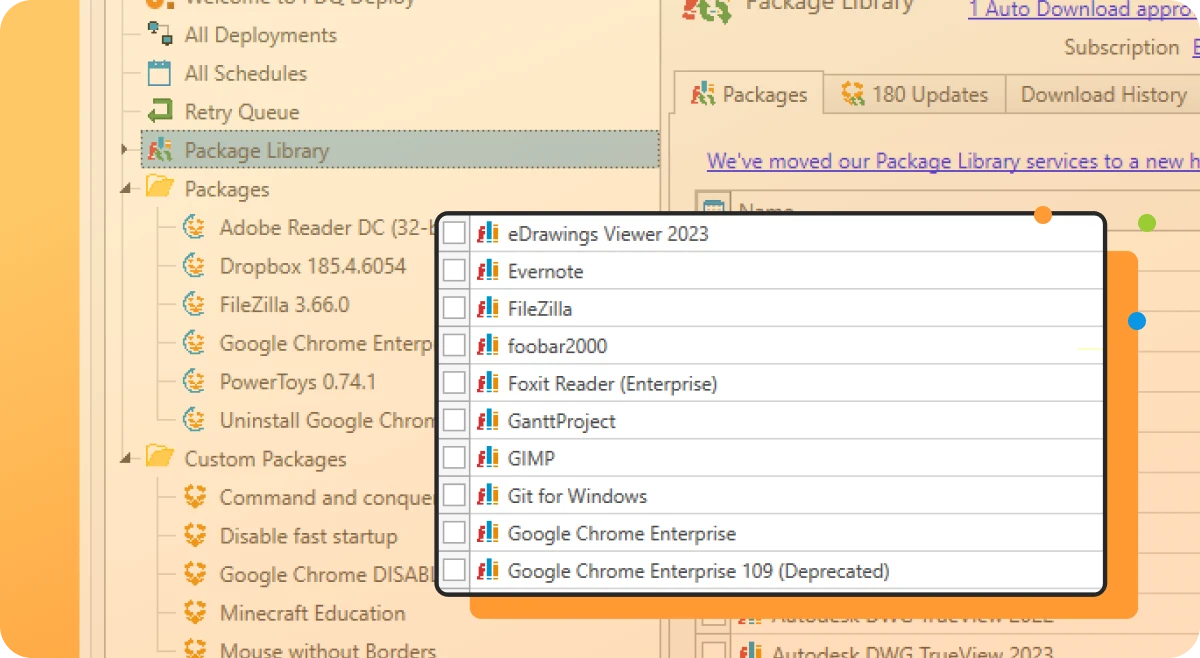
The true power of PDQ Deploy, especially in its Pro/Enterprise versions, lies in its Package Library. This library is maintained by PDQ staff and provides pre-built, tested packages for hundreds of common applications (Chrome, Zoom, Adobe Reader, etc.).
Using the auto-download feature links your local package to the official library, ensuring that your organization is deploying the very latest version, often within hours of release.
This feature dramatically reduces the security risk associated with manually sourcing and packaging updates. Always prioritize using verified vendor packages when dealing with security vulnerabilities. CISA Best Practices on Vulnerability Management (External Link).
By delegating the maintenance of these common packages to PDQ, your team can focus on complex, bespoke applications and internal scripts.
Conclusion
Mastering PDQ Software Deploy transforms IT maintenance from a reactive, laborious process into a proactive, automated workflow. By focusing on robust package creation, smart use of Inventory collections, and leveraging advanced triggers like Heartbeat, you minimize system downtime and enhance security across your entire organization.
The journey from manual installations to fully automated deployment takes discipline and attention to detail—especially around silent parameters and error code handling—but the payoff in saved hours and operational reliability is immense.
Frequently Asked Questions (FAQ)
- What is the primary difference between PDQ Deploy Free and Enterprise?
The Free version handles basic deployment tasks (pushing packages). The Enterprise version unlocks critical automation features like the Package Library, scheduling, Heartbeat triggers, concurrent deployments, and multi-administrator access.
- Can PDQ Deploy install software on machines outside the corporate network?
PDQ Deploy is designed for internal network management (LAN/WAN) using standard Windows protocols. To deploy software to external endpoints, you typically need a VPN connection, or you must integrate PDQ with a third-party remote access solution.
- What are the most common reasons a PDQ deployment fails?
The vast majority of failures stem from three areas: 1) Incorrect silent parameters for the installer, 2) Insufficient administrative rights for the deployment user on the target machine, or 3) Firewall blocking the necessary communication ports (especially RPC).
- How do I handle application dependencies in PDQ Deploy?
Use "Nested Packages." You can build a primary package that calls other, smaller prerequisite packages (like .NET Framework or Visual C++ Redistributables) in sequence before installing the main application.
Pdq Software Deploy
Pdq Software Deploy Wallpapers
Collection of pdq software deploy wallpapers for your desktop and mobile devices.
High-Quality Pdq Software Deploy Landscape for Desktop
Transform your screen with this vivid pdq software deploy artwork, a true masterpiece of digital design.

Dynamic Pdq Software Deploy Abstract in HD
A captivating pdq software deploy scene that brings tranquility and beauty to any device.
Dynamic Pdq Software Deploy Landscape Illustration
Immerse yourself in the stunning details of this beautiful pdq software deploy wallpaper, designed for a captivating visual experience.
Crisp Pdq Software Deploy Photo Nature
A captivating pdq software deploy scene that brings tranquility and beauty to any device.
Detailed Pdq Software Deploy Landscape in HD
Transform your screen with this vivid pdq software deploy artwork, a true masterpiece of digital design.
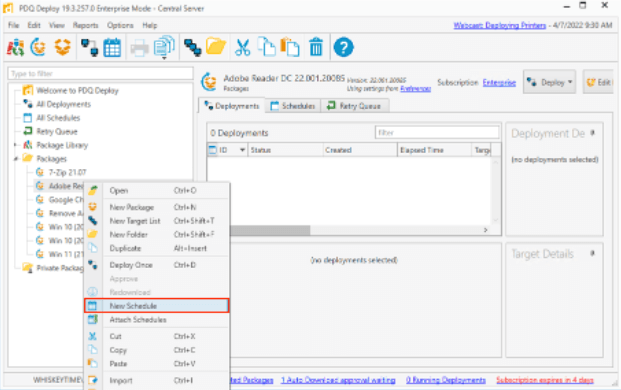
Captivating Pdq Software Deploy Artwork in HD
Immerse yourself in the stunning details of this beautiful pdq software deploy wallpaper, designed for a captivating visual experience.
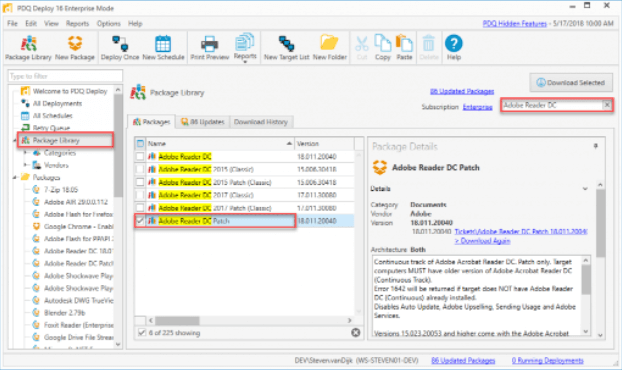
Amazing Pdq Software Deploy Design for Your Screen
Discover an amazing pdq software deploy background image, ideal for personalizing your devices with vibrant colors and intricate designs.

Serene Pdq Software Deploy Moment in 4K
Explore this high-quality pdq software deploy image, perfect for enhancing your desktop or mobile wallpaper.

Gorgeous Pdq Software Deploy Abstract in 4K
A captivating pdq software deploy scene that brings tranquility and beauty to any device.
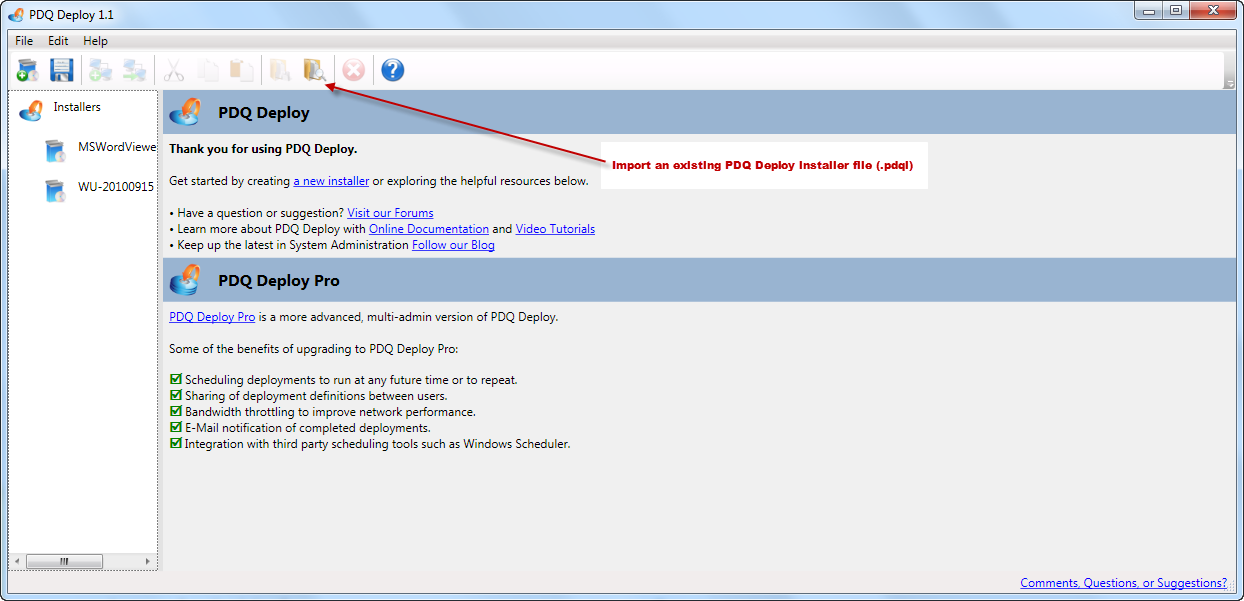
Serene Pdq Software Deploy Artwork in HD
Explore this high-quality pdq software deploy image, perfect for enhancing your desktop or mobile wallpaper.
Mesmerizing Pdq Software Deploy Scene Collection
Transform your screen with this vivid pdq software deploy artwork, a true masterpiece of digital design.
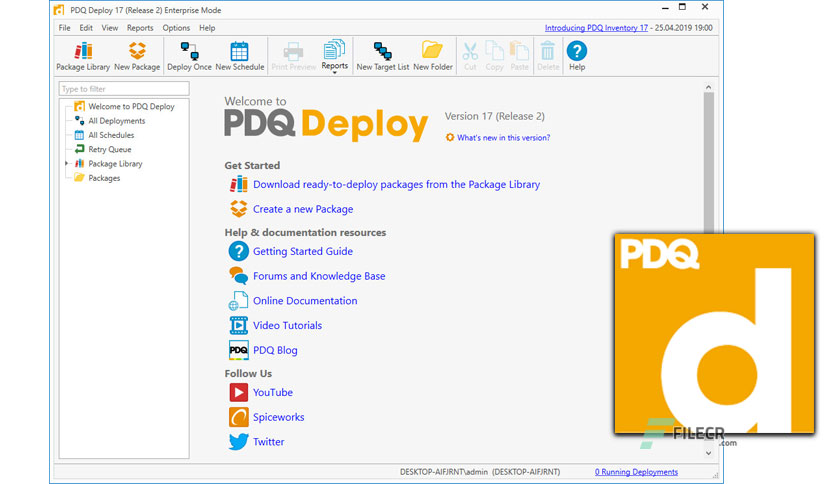
Captivating Pdq Software Deploy Wallpaper Art
This gorgeous pdq software deploy photo offers a breathtaking view, making it a perfect choice for your next wallpaper.
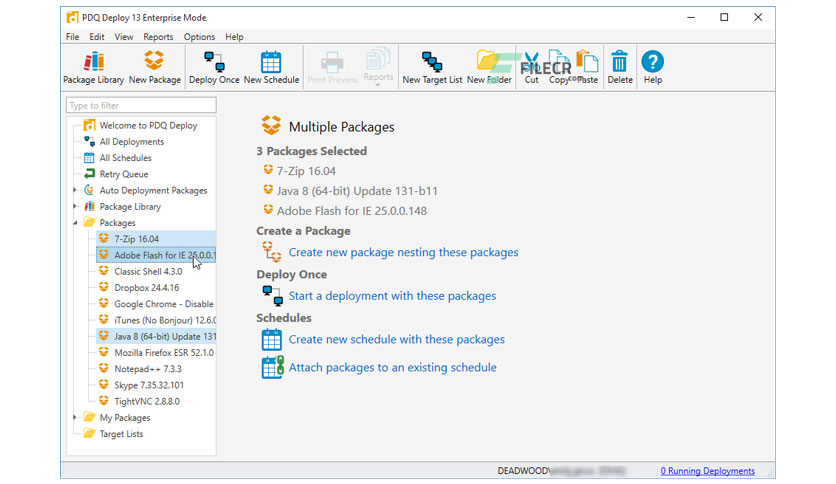
Exquisite Pdq Software Deploy Landscape Collection
Find inspiration with this unique pdq software deploy illustration, crafted to provide a fresh look for your background.
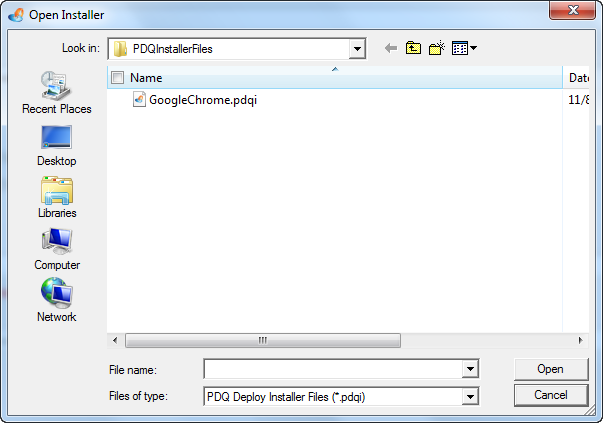
Mesmerizing Pdq Software Deploy Background Nature
Explore this high-quality pdq software deploy image, perfect for enhancing your desktop or mobile wallpaper.
Stunning Pdq Software Deploy View for Mobile
This gorgeous pdq software deploy photo offers a breathtaking view, making it a perfect choice for your next wallpaper.
Lush Pdq Software Deploy Photo for Your Screen
This gorgeous pdq software deploy photo offers a breathtaking view, making it a perfect choice for your next wallpaper.
Crisp Pdq Software Deploy Image for Desktop
Immerse yourself in the stunning details of this beautiful pdq software deploy wallpaper, designed for a captivating visual experience.
Mesmerizing Pdq Software Deploy Scene for Desktop
Experience the crisp clarity of this stunning pdq software deploy image, available in high resolution for all your screens.
Lush Pdq Software Deploy Picture for Desktop
This gorgeous pdq software deploy photo offers a breathtaking view, making it a perfect choice for your next wallpaper.
Detailed Pdq Software Deploy Capture Photography
Experience the crisp clarity of this stunning pdq software deploy image, available in high resolution for all your screens.
Download these pdq software deploy wallpapers for free and use them on your desktop or mobile devices.