Teachers can now record audio, video, and screencasts directly in Google Classroom
Teachers Can Now Record Audio, Video, and Screencasts Directly in Google Classroom
The world of educational technology is moving at lightning speed, and today, Google dropped a bombshell that will fundamentally change how teachers deliver content and engage with students. After years of relying on patchwork solutions, educators rejoice: Teachers can now record audio, video, and screencasts directly within the Google Classroom interface. This is not just an update; it's a monumental shift towards seamless, integrated digital pedagogy.
For too long, the process has been clunky. Think about Sarah, a high school history teacher. To create a 5-minute introductory video for her Renaissance module, she had to use OBS or Loom, save the file, upload it to Drive or YouTube, grab the share link, and finally paste it into a Classroom announcement. This friction meant valuable instructional time was wasted on technical overhead. That era of juggling applications is officially over.
This native integration solves one of the biggest headaches in hybrid and remote learning: workflow efficiency. By embedding recording tools directly into the creation flow—whether you are making an Assignment, a Question, or a simple Announcement—Google has eliminated the "tool switching tax."
The Game-Changer: What This Update Means for Educational Technology
This new feature suite is more than a convenience; it is a major enhancement to accessibility and personalized learning. The ability to instantly record rich media breaks down barriers for students who benefit more from auditory instruction or visual cues than pure text. This level of asynchronous instruction suddenly became significantly easier and faster to deploy.
Educators understand that tone matters, especially when delivering complex instructions or sensitive feedback. Text comments, while useful, often fall flat or risk misinterpretation. Now, teachers can click a button, record a personalized 30-second video explaining a difficult math concept, or provide heartfelt audio praise for a student's creative writing assignment. This immediate, human element fosters much stronger student-teacher relationships, even across a digital divide.
Furthermore, this update signals a commitment by Google to centralize the digital learning environment. Instead of promoting an ecosystem where teachers must integrate dozens of external tools, they are ensuring that the core functionalities required for modern blended learning models are present right where the learning happens: within Google Classroom itself. This streamlined approach minimizes technical support issues and maximizes instructional time.
Key impacts of this native integration include:
- Reduced Friction: No more downloading, uploading, or link managing. Recording and sharing are instantaneous.
- Increased Accessibility: Teachers can quickly offer differentiated content using multi-modal instructions (audio, visual, text).
- Enhanced Presence: Video and audio allow teachers to maintain a strong physical and vocal presence, crucial for remote student engagement.
- Time Savings: Less time managing software means more time focusing on instructional design and student support.
Deep Dive: How the New Recording Tools Actually Work
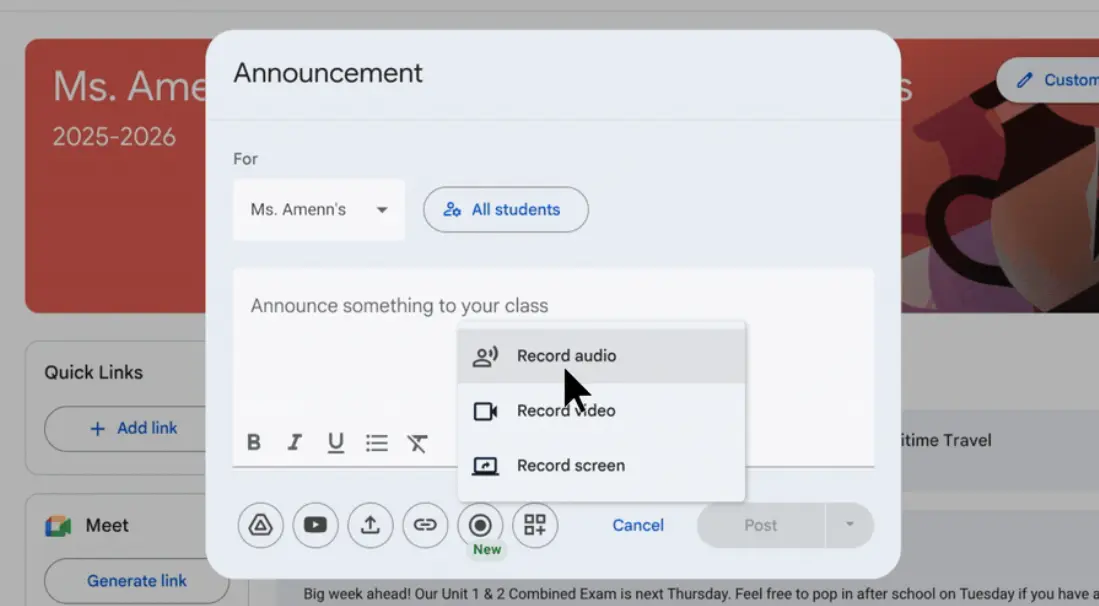
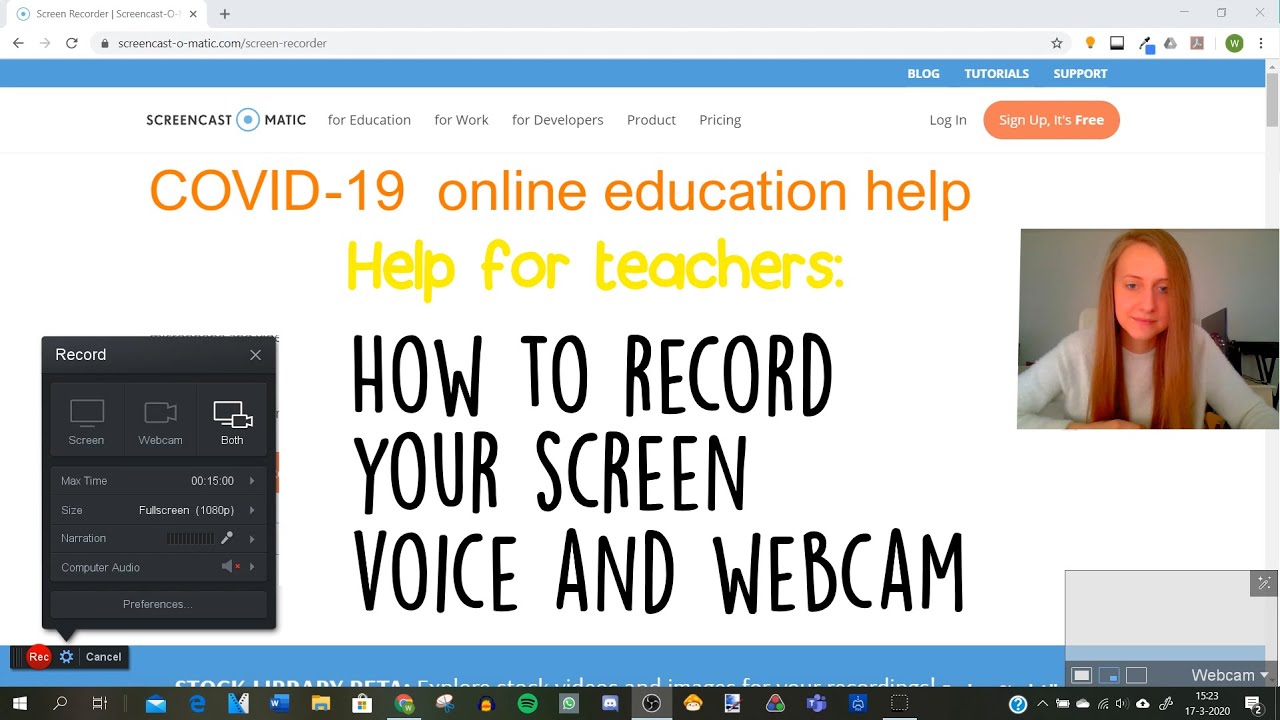
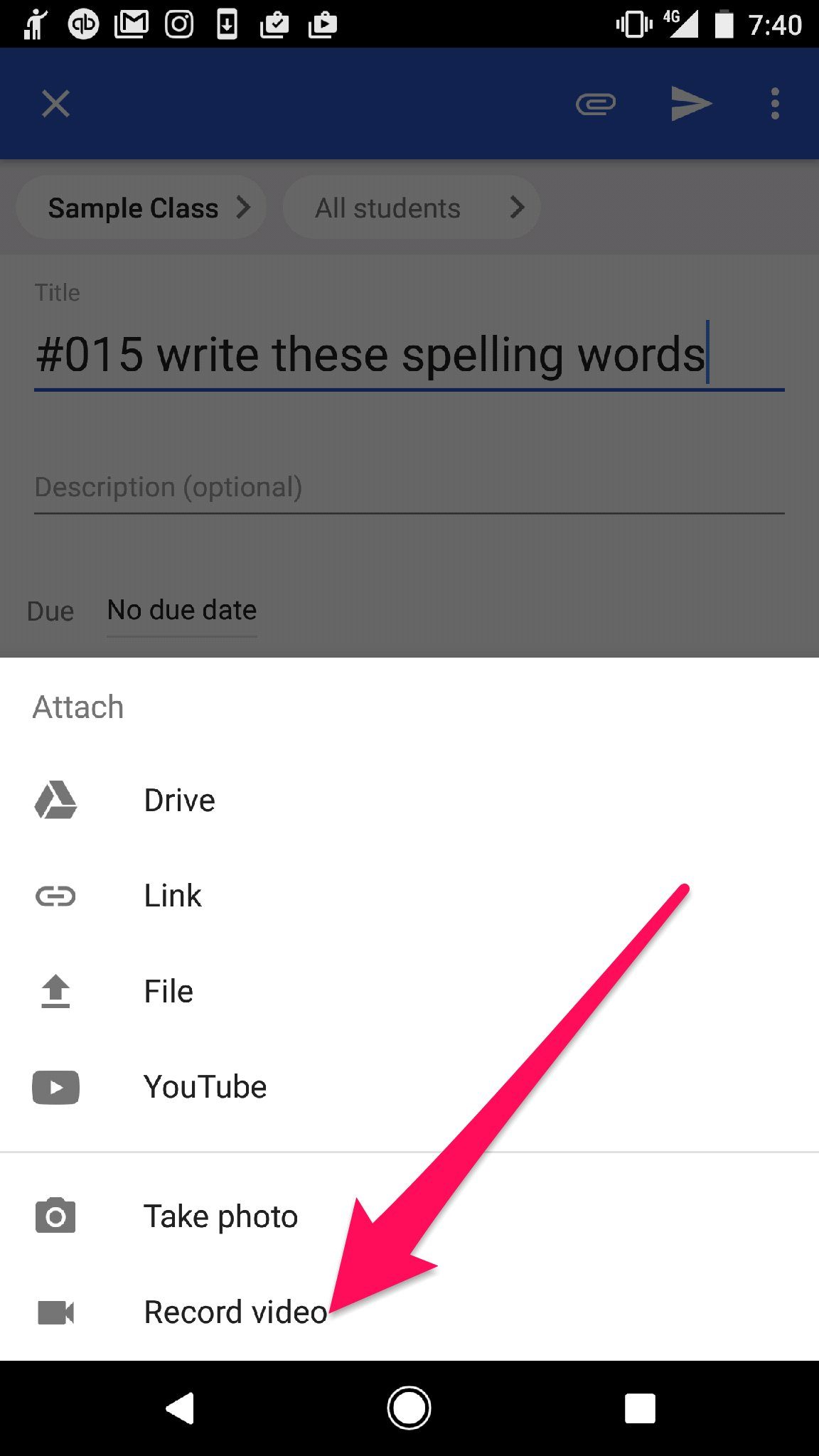
The functionality is built directly into the rich text editor across Google Classroom. When composing a new assignment, announcement, or material post, users will now see a dedicated media recording icon alongside options for Drive links and YouTube links. Clicking this icon opens a streamlined, in-browser recording studio, leveraging the teacher's device camera and microphone.
The feature set is surprisingly robust for a native integration, offering flexibility depending on the teaching scenario. Teachers are not locked into one format; they can choose the best medium for the message they need to convey. This flexibility is critical for effective differentiation.
Three Core Recording Modalities:
1. Audio Recording (Voice Notes): Ideal for quick verbal feedback, pronunciation guides in language classes, or brief daily check-ins. Teachers can record unlimited short clips, providing clear, nuanced guidance without the commitment of video. This is particularly effective for supporting emerging readers or English Language Learners (ELLs).
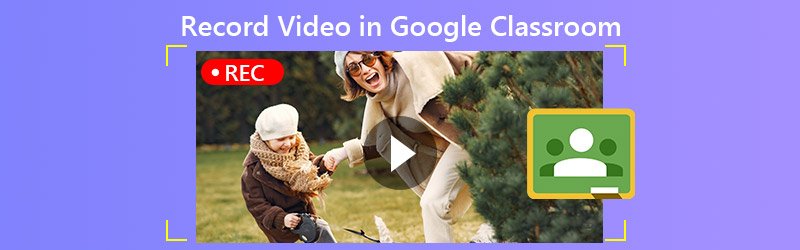
2. Video Recording (Webcam): Perfect for welcoming students, delivering brief lessons, or setting the emotional tone for a complex task. The focus is squarely on the teacher, providing that personal connection that often gets lost in text-based learning environments. These videos are automatically processed and attached directly to the post.
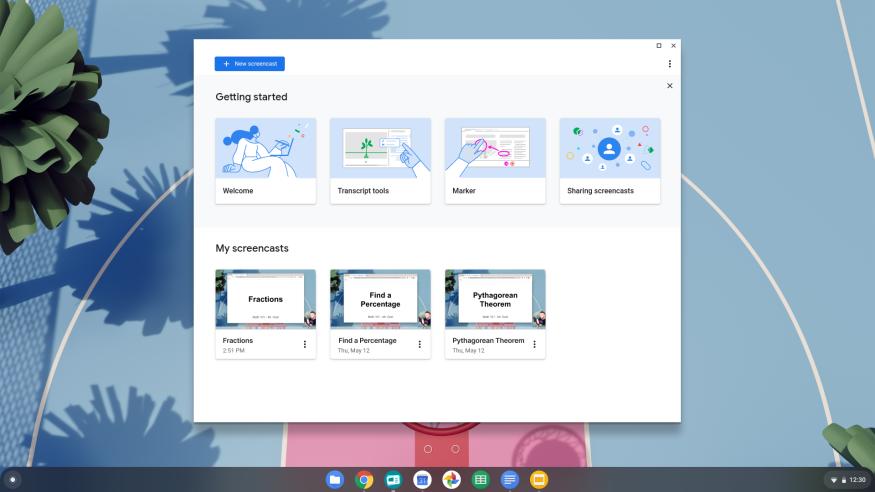
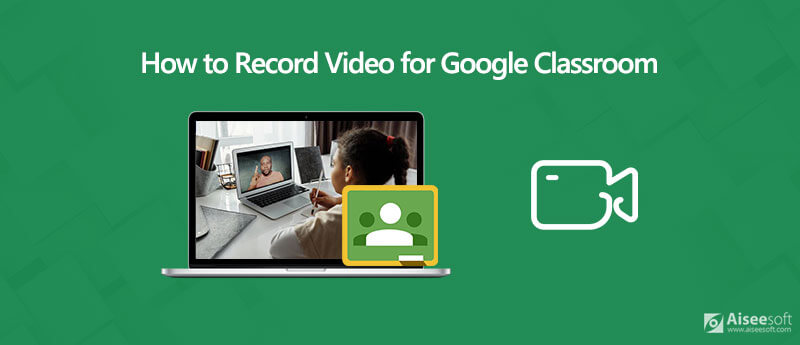
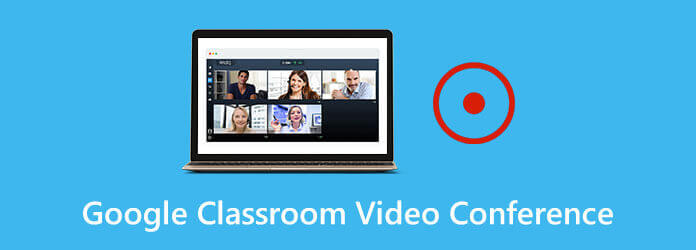
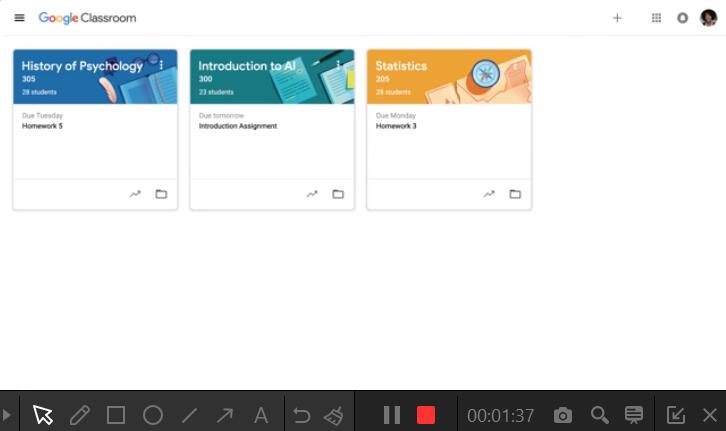
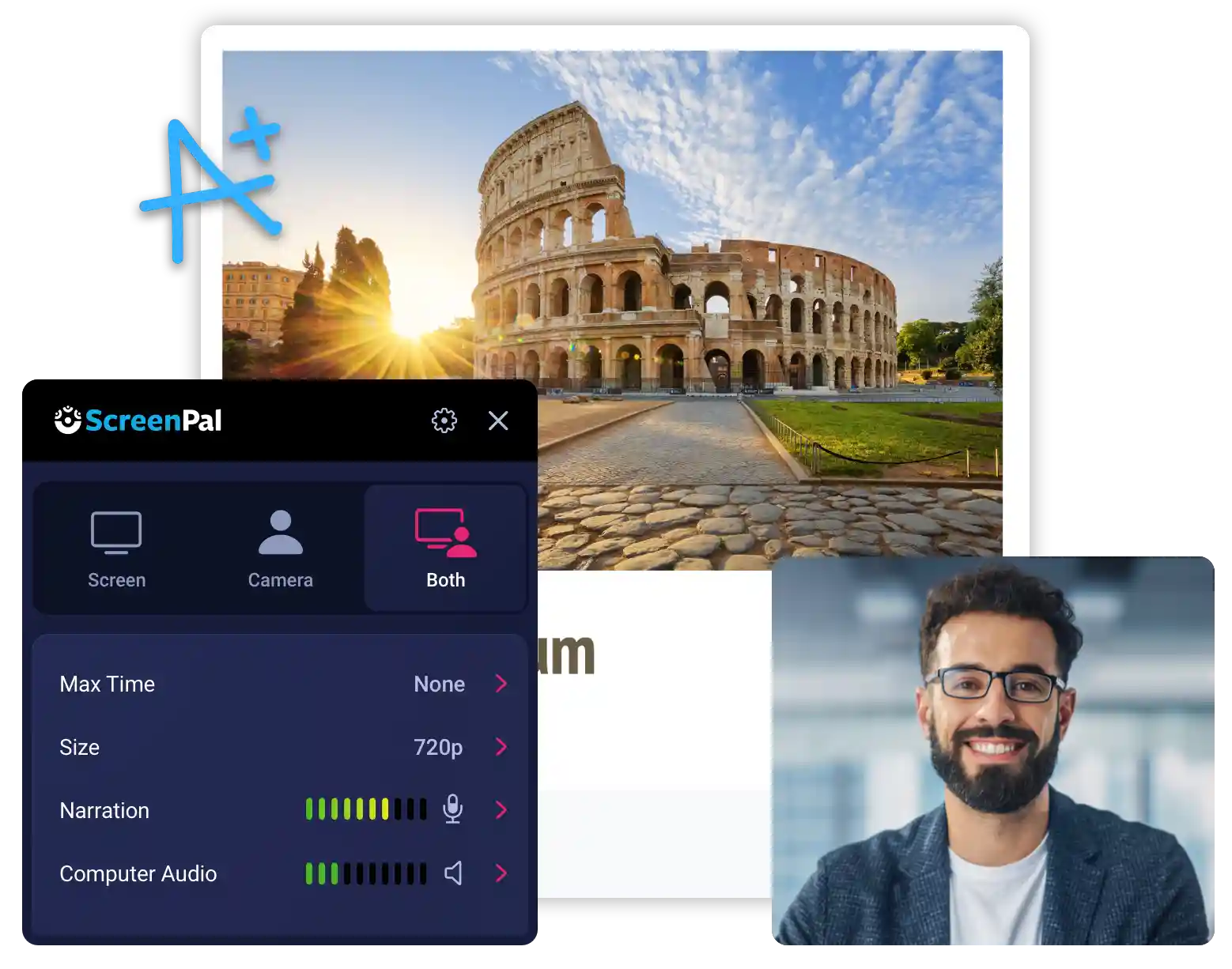
3. Screencasting (Screen Recording): This is arguably the most powerful addition. Teachers can now record their desktop or a specific browser tab while providing voice commentary. This is essential for demonstrating software usage, walking students through complex documents, modeling problem-solving steps, or annotating a presentation in real-time. The ability to model digital workflows is now effortless.
The technical implementation ensures seamless storage. All recordings are automatically saved to the teacher's Google Drive, managing file organization and ensuring compliance with school data policies. The immediate embedding into the Classroom post ensures that students don't need to navigate away from the primary learning platform, drastically reducing distraction.
Maximizing Engagement: Creative Ways to Use the New Features
A tool is only as good as the instructional practices built around it. To truly leverage this update, educators must move beyond simple announcements and explore creative applications that drive deep learning and higher-order thinking skills. This is where the power of personalized learning truly shines through.
Using these new capabilities, teachers can pivot quickly to adopt advanced digital pedagogy techniques:
- Flipped Classroom Reinvention: Record short, digestible screencasts explaining core concepts (the "lecture" component) and assign them as "Materials." Class time can then be dedicated entirely to active problem-solving, discussion, and collaborative work, adhering strictly to blended learning principles.
- Differentiated Instruction via Audio: Create three versions of the same reading comprehension instructions: a standard text version, a video version for visual learners, and an audio-only version for students with reading accommodations or those who prefer auditory learning. Attach all three to the single assignment post.
- Modeling Digital Citizenship: Use the screencasting feature to walk students through how to safely navigate a research database or correctly cite sources, modeling ethical digital behavior step-by-step.
- Personalized Feedback Loops: Instead of typing generic comments, record individualized audio or video snippets directly on a student's submission (where applicable), offering detailed critiques on their arguments or mathematical procedures. This increases the depth and retention of the feedback provided.
- Pre-Correction and Common Misconception Videos: Before students attempt a difficult quiz, record a quick 2-minute video addressing the top three mistakes students made on the previous practice assignment. This anticipatory teaching strategy preempts common errors and raises immediate student performance.
This integration removes the technological hurdles that previously discouraged teachers from experimenting with rich media. It lowers the barrier to entry for creating high-quality, engaging content, enabling even technology-hesitant educators to adopt cutting-edge strategies for student engagement.
The educational landscape is demanding tools that are intuitive, powerful, and integrated. By introducing native audio, video, and screencasting capabilities, Google has answered the call of millions of teachers worldwide, solidifying Google Classroom's position as a leading hub for 21st-century learning. Start experimenting today—your students will thank you for the clarity and connection the rich media brings.
This trending update promises to be the start of a new, highly visual and auditory era for remote and blended learning environments. The days of struggling with external apps are fading fast, replaced by a smooth, efficient teaching experience designed to put instructional excellence first.
Teachers can now record audio, video, and screencasts directly in Google Classroom
Teachers can now record audio, video, and screencasts directly in Google Classroom Wallpapers
Collection of teachers can now record audio, video, and screencasts directly in google classroom wallpapers for your desktop and mobile devices.
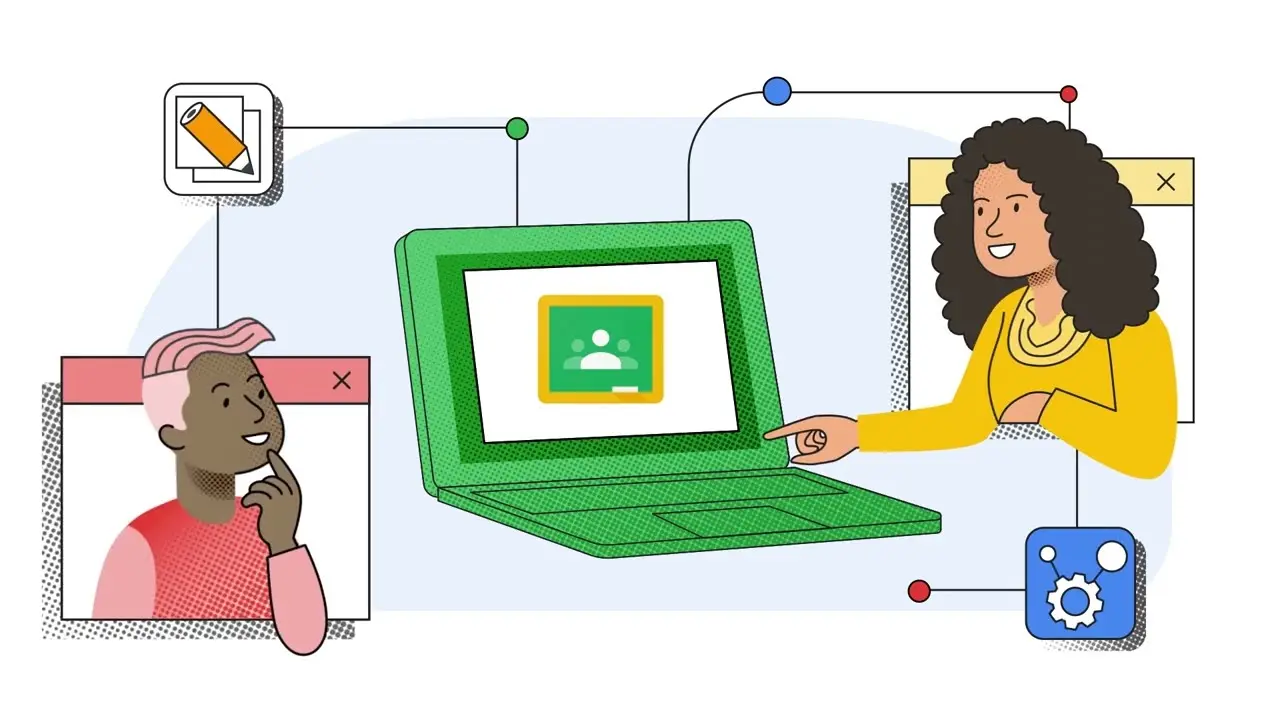
Exquisite Teachers Can Now Record Audio, Video, And Screencasts Directly In Google Classroom Background for Desktop
A captivating teachers can now record audio, video, and screencasts directly in google classroom scene that brings tranquility and beauty to any device.
Spectacular Teachers Can Now Record Audio, Video, And Screencasts Directly In Google Classroom Background Nature
Find inspiration with this unique teachers can now record audio, video, and screencasts directly in google classroom illustration, crafted to provide a fresh look for your background.
Breathtaking Teachers Can Now Record Audio, Video, And Screencasts Directly In Google Classroom Abstract Digital Art
Discover an amazing teachers can now record audio, video, and screencasts directly in google classroom background image, ideal for personalizing your devices with vibrant colors and intricate designs.

Vivid Teachers Can Now Record Audio, Video, And Screencasts Directly In Google Classroom Artwork Digital Art
Discover an amazing teachers can now record audio, video, and screencasts directly in google classroom background image, ideal for personalizing your devices with vibrant colors and intricate designs.

High-Quality Teachers Can Now Record Audio, Video, And Screencasts Directly In Google Classroom Moment Illustration
Explore this high-quality teachers can now record audio, video, and screencasts directly in google classroom image, perfect for enhancing your desktop or mobile wallpaper.
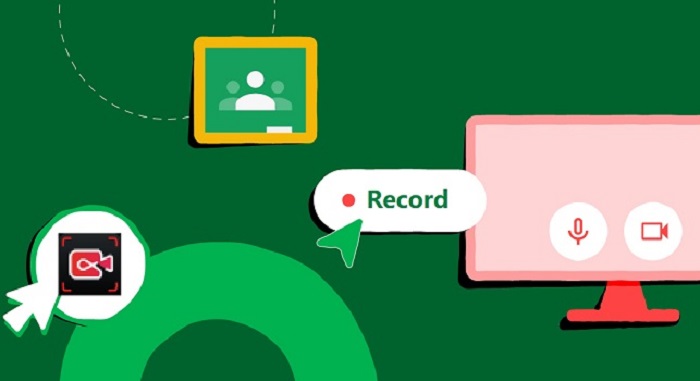
Detailed Teachers Can Now Record Audio, Video, And Screencasts Directly In Google Classroom Picture Digital Art
Explore this high-quality teachers can now record audio, video, and screencasts directly in google classroom image, perfect for enhancing your desktop or mobile wallpaper.

Exquisite Teachers Can Now Record Audio, Video, And Screencasts Directly In Google Classroom Scene for Mobile
A captivating teachers can now record audio, video, and screencasts directly in google classroom scene that brings tranquility and beauty to any device.
Breathtaking Teachers Can Now Record Audio, Video, And Screencasts Directly In Google Classroom View for Mobile
Experience the crisp clarity of this stunning teachers can now record audio, video, and screencasts directly in google classroom image, available in high resolution for all your screens.
Gorgeous Teachers Can Now Record Audio, Video, And Screencasts Directly In Google Classroom Moment for Desktop
Immerse yourself in the stunning details of this beautiful teachers can now record audio, video, and screencasts directly in google classroom wallpaper, designed for a captivating visual experience.

Amazing Teachers Can Now Record Audio, Video, And Screencasts Directly In Google Classroom Scene Nature
Transform your screen with this vivid teachers can now record audio, video, and screencasts directly in google classroom artwork, a true masterpiece of digital design.

Crisp Teachers Can Now Record Audio, Video, And Screencasts Directly In Google Classroom Photo for Mobile
This gorgeous teachers can now record audio, video, and screencasts directly in google classroom photo offers a breathtaking view, making it a perfect choice for your next wallpaper.

Gorgeous Teachers Can Now Record Audio, Video, And Screencasts Directly In Google Classroom Artwork for Mobile
This gorgeous teachers can now record audio, video, and screencasts directly in google classroom photo offers a breathtaking view, making it a perfect choice for your next wallpaper.
Artistic Teachers Can Now Record Audio, Video, And Screencasts Directly In Google Classroom Background Illustration
Immerse yourself in the stunning details of this beautiful teachers can now record audio, video, and screencasts directly in google classroom wallpaper, designed for a captivating visual experience.

Breathtaking Teachers Can Now Record Audio, Video, And Screencasts Directly In Google Classroom Picture Digital Art
Discover an amazing teachers can now record audio, video, and screencasts directly in google classroom background image, ideal for personalizing your devices with vibrant colors and intricate designs.
Amazing Teachers Can Now Record Audio, Video, And Screencasts Directly In Google Classroom Capture Nature
Explore this high-quality teachers can now record audio, video, and screencasts directly in google classroom image, perfect for enhancing your desktop or mobile wallpaper.
Artistic Teachers Can Now Record Audio, Video, And Screencasts Directly In Google Classroom Picture Photography
Find inspiration with this unique teachers can now record audio, video, and screencasts directly in google classroom illustration, crafted to provide a fresh look for your background.
Artistic Teachers Can Now Record Audio, Video, And Screencasts Directly In Google Classroom Artwork Art
A captivating teachers can now record audio, video, and screencasts directly in google classroom scene that brings tranquility and beauty to any device.
Amazing Teachers Can Now Record Audio, Video, And Screencasts Directly In Google Classroom Artwork Digital Art
Explore this high-quality teachers can now record audio, video, and screencasts directly in google classroom image, perfect for enhancing your desktop or mobile wallpaper.

Serene Teachers Can Now Record Audio, Video, And Screencasts Directly In Google Classroom Image Collection
Explore this high-quality teachers can now record audio, video, and screencasts directly in google classroom image, perfect for enhancing your desktop or mobile wallpaper.
High-Quality Teachers Can Now Record Audio, Video, And Screencasts Directly In Google Classroom Photo Collection
Experience the crisp clarity of this stunning teachers can now record audio, video, and screencasts directly in google classroom image, available in high resolution for all your screens.
Download these teachers can now record audio, video, and screencasts directly in google classroom wallpapers for free and use them on your desktop or mobile devices.