Windows Drivers Software
Is Your PC Crashing? The Definitive Guide to Managing Windows Drivers Software
Let's face it: dealing with Windows can sometimes feel like a high-stakes game of whack-a-mole. Everything seems fine, then BAM! A sudden crash, a peripheral stops working, or your game stutters like crazy. Nine times out of ten, the silent culprit lurking in the shadows is faulty, outdated, or corrupt drivers.
Drivers are the unsung heroes of your operating system. They are the essential translators allowing the Windows operating system to communicate with your hardware (GPU, keyboard, sound card, etc.). And just like any translator, if they get confused, the conversation—and your entire computing experience—breaks down.
We're diving deep into the world of **Windows Drivers Software**. We'll show you why trusting the official methods is often best, when third-party software might actually help, and the exact steps you need to keep your machine running smoothly and reliably.
What Exactly Are Drivers and Why Do They Matter So Much?
Think of a driver as a tiny, highly specialized piece of code provided by the hardware manufacturer (like NVIDIA, Dell, or Realtek). Windows speaks its own language (API calls), and your physical hardware speaks the language of electricity and registers. The driver bridges this gap.
When you click "print," Windows tells the driver, "I need to print this document." The driver then translates that high-level command into the low-level, specific instructions that your printer hardware understands. Without that perfect translation, the printer sits there, confused.
The Crucial Role of the Kernel and Stability
Drivers operate in one of the most protected areas of your computer: the Windows Kernel. Because they run with maximum privilege, a bad driver isn't just an inconvenience; it can destabilize the entire system.
This is why driver updates are so critical. They don't just add new features; they often patch security vulnerabilities and fix memory leaks that could lead to the infamous Blue Screen of Death (BSOD).
For more technical context on how operating systems manage hardware interactions, you can check out this authoritative source on the topic: Wikipedia: Device Driver.
Identifying the Signs of a Sick Driver
A driver doesn't usually post a sign saying, "I'm broken!" Instead, it manifests in frustrating user experience problems. Recognizing these symptoms quickly is the first step toward recovery.
Common Performance and Error Codes
- Peripheral Malfunction: Your mouse lags, your keyboard randomly disconnects, or your webcam shows a black screen.
- Performance Degradation: Sudden drops in frame rates in games (often GPU driver related), or extremely slow boot times.
- Audio Issues: Crackling sounds, no sound output, or volume control failures.
- The BSOD: Windows 10/11 is quite good at identifying which specific driver crashed the system. Look for the error code, like
DRIVER_IRQL_NOT_LESS_OR_EQUAL, which often points directly to a driver conflict.
If you suspect a driver is failing, the immediate course of action is almost always to roll it back or update it manually. Using specialized third-party **Windows Drivers Software** often bypasses critical hardware compatibility checks, potentially making the issue worse.
The Official Way: Managing Drivers Without Extra Windows Drivers Software
The vast majority of your driver management needs can, and should, be handled by tools already built into Windows. These tools are tested and verified by Microsoft for stability.
Device Manager Mastery
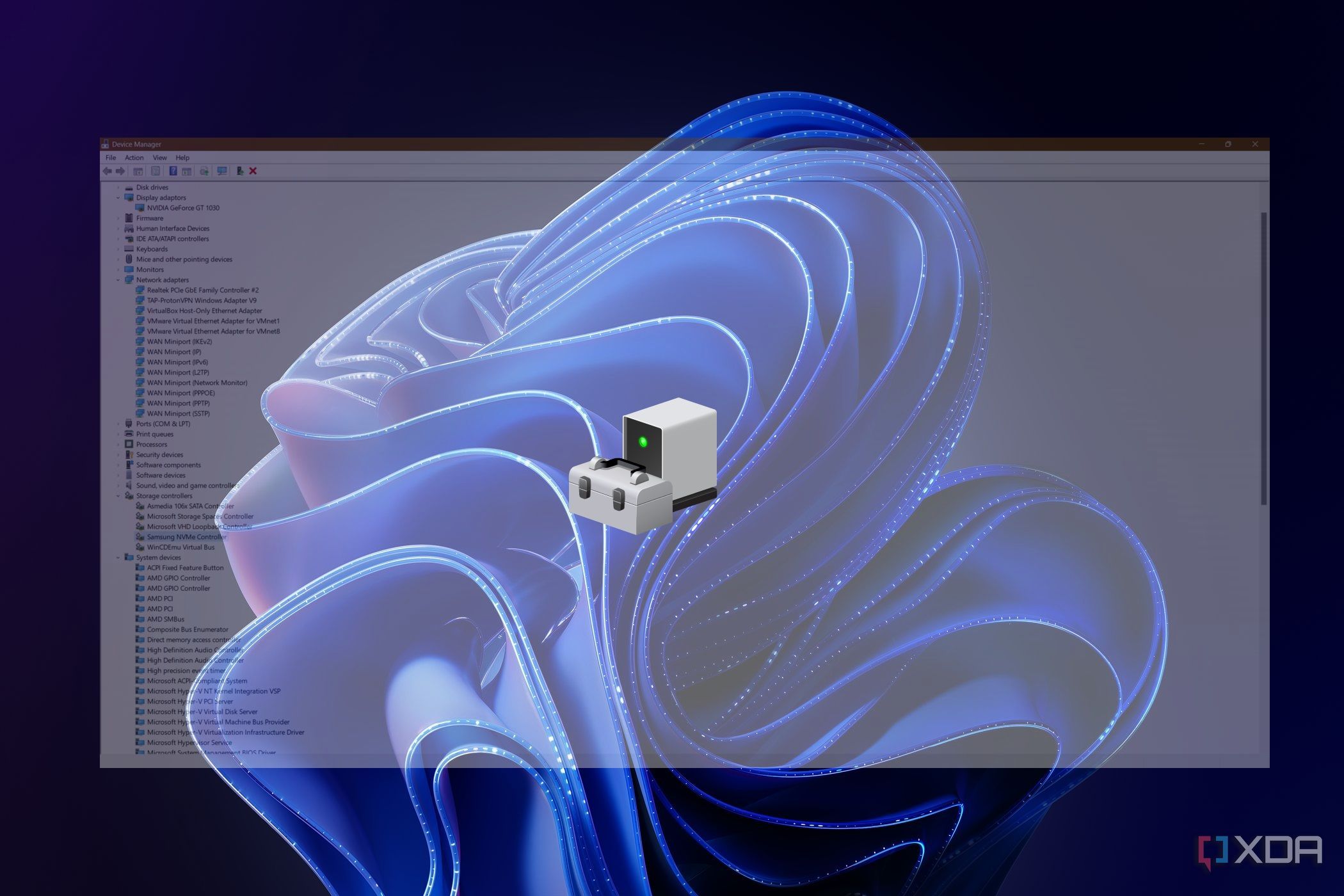
The Device Manager (found by searching "Device Manager" in the Start Menu) is your central hub for drivers. Here's what you can do:
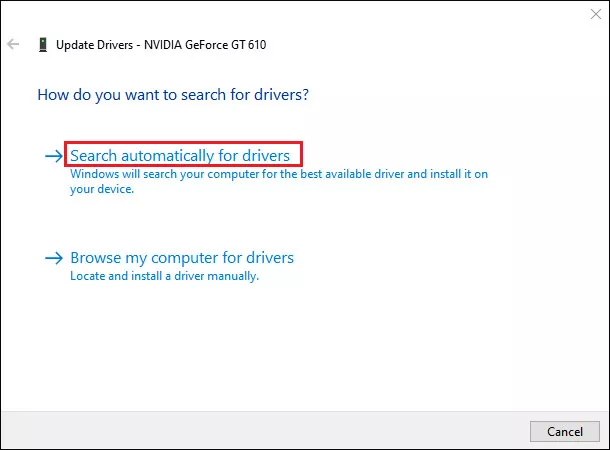
- Update Driver: Right-click the device and select "Update driver." Always try "Search automatically for updated driver software" first.
- Roll Back Driver: If an update caused instability, go to Properties > Driver tab, and select "Roll Back Driver." This is a lifesaver.
- Uninstall Device: Use this option carefully. If you uninstall a device, Windows will usually attempt to reinstall the default driver upon reboot.
Windows Update and Optional Updates
In modern versions of Windows, critical drivers (especially for Intel, AMD, and basic peripherals) are pushed directly through Windows Update. Make sure you check the "Optional Updates" section within your Windows Update settings. Many crucial drivers hide there, waiting to be installed.
It is important to remember that drivers deployed through Windows Update have gone through Microsoft's thorough testing and signing process, giving them a high degree of trust and reliability.
[Baca Juga: Troubleshooting Common Windows BSOD Errors]
Third-Party Windows Drivers Software: Are They Necessary?
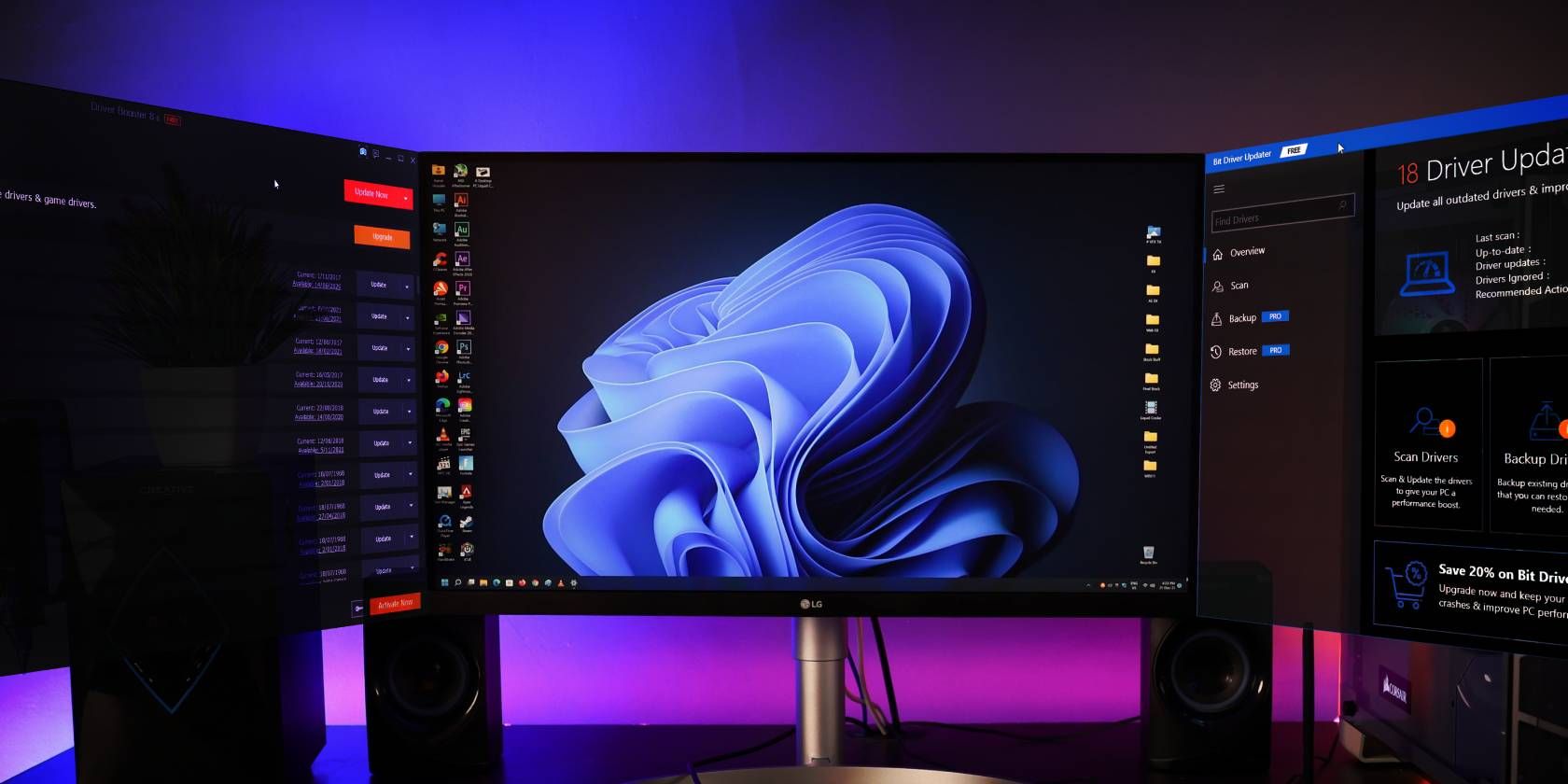
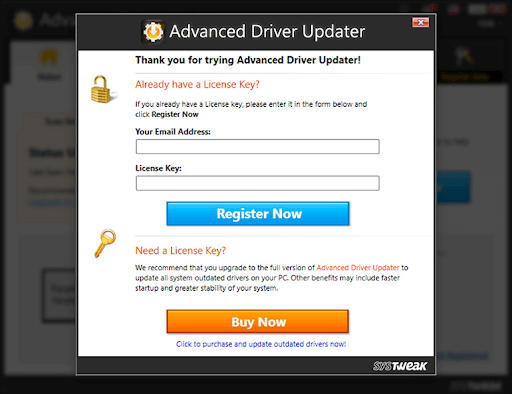
The market is flooded with automated **Windows Drivers Software** solutions (Driver Easy, Driver Booster, Snappy Driver Installer, etc.). Their appeal is automation—scan and fix with one click. But they come with significant caveats.
The Risks of Automation
In the past, automated tools often installed generic drivers, bundled adware (bloatware), or installed the wrong driver versions that didn't match the specific manufacturer's hardware ID. While the reputable paid solutions are generally safer now, they still rely on databases that might not be as thoroughly vetted as Microsoft's own catalog.
The biggest risk? They often update drivers that don't need updating. If something is working fine, updating the driver introduces unnecessary risk of instability, especially for specialized peripherals.
When Automation Might Be Useful
If you are dealing with very old, niche, or discontinued hardware whose manufacturer website no longer exists, a robust third-party scanner might successfully locate an obscure but functioning driver that Windows Update missed. They can also be useful for system builders or IT professionals needing to quickly install basic drivers on a newly built PC before full Windows updates have run.
Here is a quick comparison of the two main approaches:
| Feature | Manual (Device Manager / Windows Update) | Automated (Third-Party Software) |
|---|---|---|
| Stability & Vetting | Highest (Microsoft Verified) | Variable (Relies on vendor database) |
| Installation Speed | Slower (Requires user input/manufacturer search) | Fastest (One-click) |
| Risk of Bloatware | Zero | Moderate to High (Especially free versions) |
| Cost | Free | Often Paid Subscription |
If you choose to use third-party software, ensure you create a system restore point before installing any new drivers. This safety net will save you considerable headache if the new driver causes conflicts.
Best Practices for Driver Health and Longevity
Maintaining driver health is not a one-time fix; it's an ongoing maintenance routine. Here are three golden rules:
- Source Drivers Directly: For high-priority components (GPU, Motherboard Chipset), always download the latest drivers directly from the manufacturer's official website (e.g., AMD, NVIDIA, or your laptop brand's support site).
- Practice Restraint: Do not update drivers unless you are trying to solve a specific problem, gain a performance boost (like a new game patch requiring a GPU driver update), or fix a security issue. If it ain't broke, don't fix it.
- Keep System Updated: Ensure Windows Update is running regularly, as this handles most foundational driver components automatically and securely.
Keeping an eye on official manufacturer support bulletins can also save you time. For example, if you use a high-end GPU, regularly checking the manufacturer's patch notes ensures you benefit from the latest performance improvements or critical fixes.
You can find technical guidance on proper driver signing and validation processes directly from the source: Microsoft Driver Signing Documentation.
[Baca Juga: Advanced PC Maintenance Tips for Power Users]
Conclusion
Managing your **Windows Drivers Software** correctly is fundamental to a stable and efficient PC. While the allure of one-click automation is strong, our recommendation remains steadfast: rely primarily on Microsoft's built-in tools (Device Manager, Windows Update) and the direct manufacturer websites for critical component updates.
By understanding what drivers do and practicing cautious maintenance, you minimize the risk of crashes, maximize performance, and regain control over your operating system. Now go forth and enjoy a smoother, less stressful computing experience!
Frequently Asked Questions (FAQ)
- Do I need to update my drivers monthly?
No. While Windows handles essential security updates regularly, updating every single driver monthly is usually unnecessary and potentially risky. Focus on graphics, chipset, and audio drivers only when required for performance or stability.
- What is the difference between an OEM driver and a generic driver?
An OEM (Original Equipment Manufacturer) driver is specifically customized by a brand (like Dell or HP) to work perfectly with their specific hardware configuration, even if the core component (like the Wi-Fi chip) is made by a third party. Generic drivers are baseline versions directly from the component manufacturer and may lack customization features or power management optimizations unique to your laptop model.
- How do I fix a driver that won't uninstall?
If the standard uninstall fails, you may need to boot into Safe Mode to remove the driver without conflict. For stubborn display drivers, tools like DDU (Display Driver Uninstaller) are highly recommended, as they clean up residual registry entries that standard uninstallers leave behind.
- Are free driver update tools safe?
Generally, exercise extreme caution. Many "free" tools come bundled with unwanted software, or they prioritize maximizing driver counts over stability, leading to system issues. If you must use a third-party tool, research reputable, paid options, and verify their driver sources.
Windows Drivers Software
Windows Drivers Software Wallpapers
Collection of windows drivers software wallpapers for your desktop and mobile devices.
Dynamic Windows Drivers Software View in HD
A captivating windows drivers software scene that brings tranquility and beauty to any device.
Gorgeous Windows Drivers Software Background Digital Art
Find inspiration with this unique windows drivers software illustration, crafted to provide a fresh look for your background.
Captivating Windows Drivers Software Wallpaper in HD
This gorgeous windows drivers software photo offers a breathtaking view, making it a perfect choice for your next wallpaper.
Vivid Windows Drivers Software Abstract Photography
Transform your screen with this vivid windows drivers software artwork, a true masterpiece of digital design.
Beautiful Windows Drivers Software View for Mobile
Explore this high-quality windows drivers software image, perfect for enhancing your desktop or mobile wallpaper.

Vivid Windows Drivers Software Capture for Mobile
Explore this high-quality windows drivers software image, perfect for enhancing your desktop or mobile wallpaper.

Detailed Windows Drivers Software Picture Digital Art
Transform your screen with this vivid windows drivers software artwork, a true masterpiece of digital design.

Artistic Windows Drivers Software Background Photography
Immerse yourself in the stunning details of this beautiful windows drivers software wallpaper, designed for a captivating visual experience.

Vibrant Windows Drivers Software Abstract Concept
Transform your screen with this vivid windows drivers software artwork, a true masterpiece of digital design.

Serene Windows Drivers Software View in 4K
Explore this high-quality windows drivers software image, perfect for enhancing your desktop or mobile wallpaper.
Detailed Windows Drivers Software Image Collection
Transform your screen with this vivid windows drivers software artwork, a true masterpiece of digital design.

Vibrant Windows Drivers Software Wallpaper Digital Art
Discover an amazing windows drivers software background image, ideal for personalizing your devices with vibrant colors and intricate designs.
Gorgeous Windows Drivers Software Artwork for Mobile
A captivating windows drivers software scene that brings tranquility and beauty to any device.

High-Quality Windows Drivers Software Background Collection
Discover an amazing windows drivers software background image, ideal for personalizing your devices with vibrant colors and intricate designs.
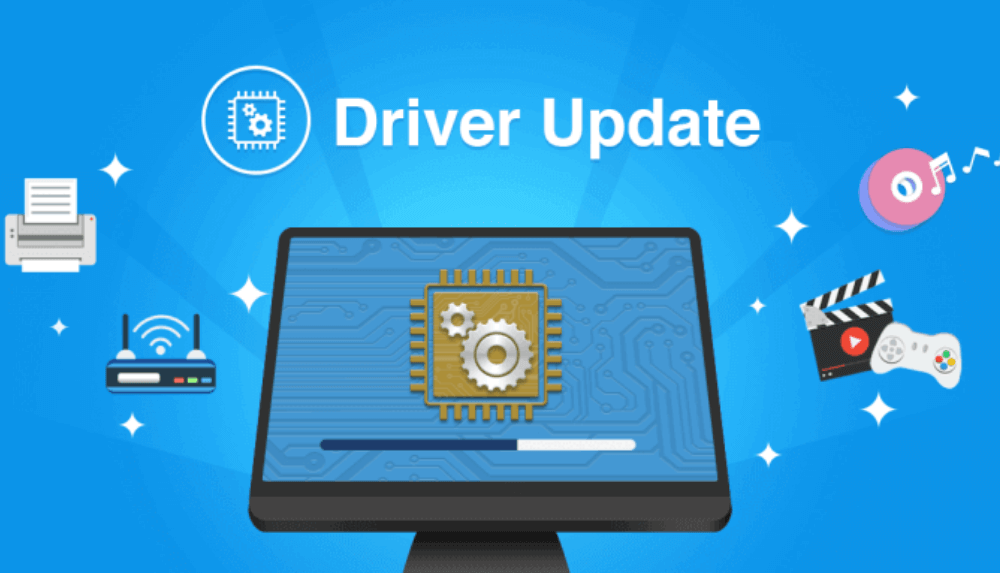
Exquisite Windows Drivers Software Wallpaper Illustration
Immerse yourself in the stunning details of this beautiful windows drivers software wallpaper, designed for a captivating visual experience.
Vibrant Windows Drivers Software Moment Nature
Discover an amazing windows drivers software background image, ideal for personalizing your devices with vibrant colors and intricate designs.
Vivid Windows Drivers Software Moment Digital Art
Transform your screen with this vivid windows drivers software artwork, a true masterpiece of digital design.
Captivating Windows Drivers Software Image Art
Find inspiration with this unique windows drivers software illustration, crafted to provide a fresh look for your background.

Serene Windows Drivers Software Design in HD
Explore this high-quality windows drivers software image, perfect for enhancing your desktop or mobile wallpaper.

Mesmerizing Windows Drivers Software Image for Mobile
Transform your screen with this vivid windows drivers software artwork, a true masterpiece of digital design.
Downl