Free Remote Pc Software
Stop Paying Subscriptions: The Best Free Remote PC Software That Actually Works
The need to access a computer remotely is no longer a luxury—it's a modern necessity. Whether you're a traveling professional needing a file from your home office, or simply a tech-savvy family member trying to fix Mom's PC from across the state, remote access is crucial.
The good news? You don't always need to shell out hundreds of dollars for enterprise-grade solutions. A wealth of powerful, highly effective Free Remote Pc Software exists, offering features that rival their paid counterparts, provided you know where to look and what the limitations are.
This comprehensive guide dives deep into the zero-cost landscape, analyzing performance, security, and the real-world utility of the top contenders, ensuring you choose the perfect tool for your needs without opening your wallet.
Understanding the Free Remote Access Ecosystem and Its Limitations
When searching for "free" software, it's vital to understand the business model. Most commercial remote desktop applications operate on a "freemium" model. The free tier is usually reserved strictly for non-commercial, personal, or educational use.
If the software detects repeated connections, high usage, or corporate network activity, you might be flagged as a commercial user and locked out. This is the primary limitation you must respect when using zero-cost solutions.
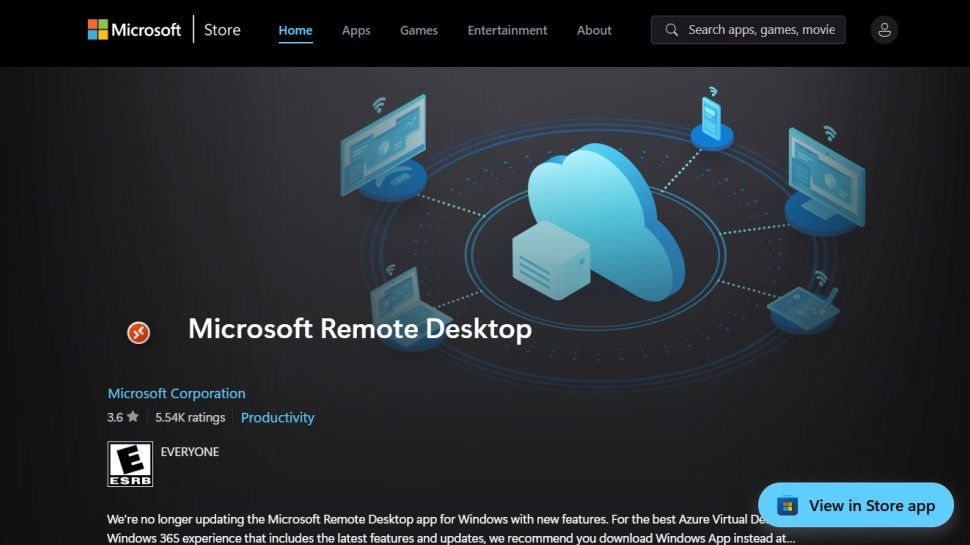
For those focused on pure speed and performance over a local network, don't forget the built-in protocols. Windows users can utilize Remote Desktop Protocol (RDP), which is powerful but often requires network configuration. RDP is the backbone of many enterprise connections.
The best Free Remote Pc Software, however, bypasses complex firewall setups by using specialized servers to broker the connection, making them instantly accessible anywhere in the world.
The Titans of Zero-Cost Remote PC Software
While dozens of tools exist, three players dominate the personal and non-commercial remote access space due to their reliability, low latency, and ease of use.
AnyDesk: The Speed Champion for Quick Tasks
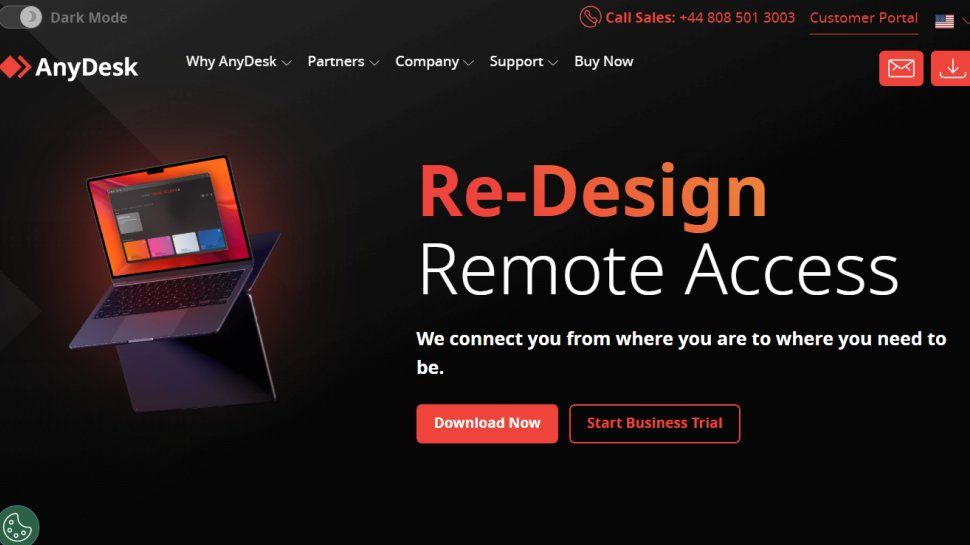
AnyDesk has gained immense popularity for its proprietary codec, DeskRT, which dramatically reduces screen latency, even over slower connections. For users who prioritize responsiveness—making the remote desktop feel almost local—AnyDesk is hard to beat.
The free license for AnyDesk is robust for personal use, allowing unattended access (setting a password to connect without manual confirmation on the host machine) and file transfer capabilities. Its interface is clean, minimal, and generally intuitive, making setup a breeze.
Chrome Remote Desktop (CRD): Simplicity and Integration
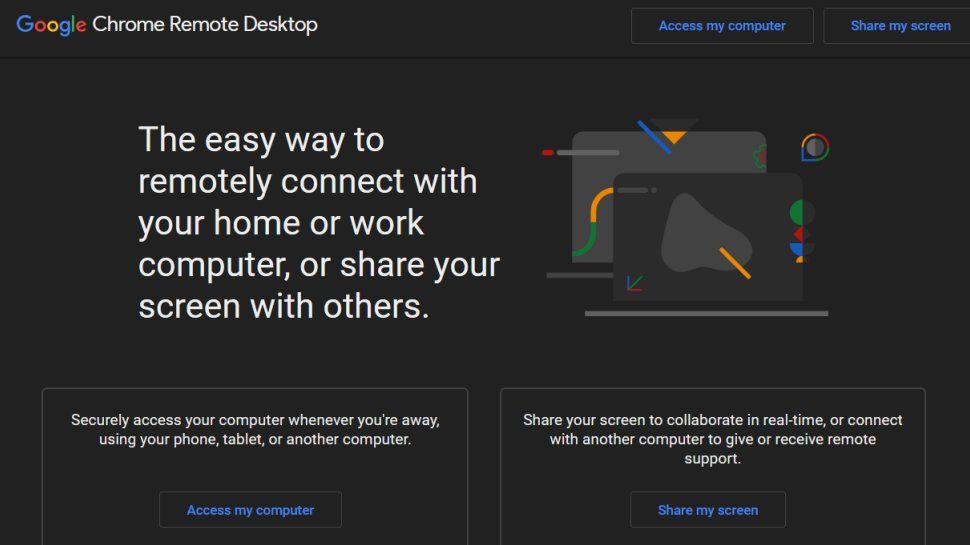
If installation complexity is your worst nightmare, Chrome Remote Desktop is the answer. As an extension or application accessible directly through your Google account, CRD requires minimal configuration and relies on the security of the Chrome ecosystem.
While it may lack some of the advanced features of dedicated clients (like complex session logging or high-end performance settings), CRD offers unbeatable cross-platform accessibility and reliability. It's the perfect tool for basic file retrieval and quick troubleshooting among friends and family.
TeamViewer: The Industry Standard (With Free Tier Caveats)
TeamViewer is arguably the most recognizable name in remote access. Its professional features are extensive, offering multi-session support, meeting tools, and robust security.
However, users seeking the free version must proceed with caution. TeamViewer is hyper-aggressive in flagging users for potential commercial use. If you connect to more than two or three different IDs frequently, or maintain long sessions, expect to receive a "Commercial Use Suspected" warning, which can limit session time to mere minutes.
It remains excellent for extremely occasional use or when connecting between two known personal devices, but for heavy, regular usage, the other two options offer more consistent freedom.
[Baca Juga: Memahami Perbedaan Keamanan Antara VPN dan Remote Desktop]
Security, Latency, and the True Cost of "Free"
When dealing with Free Remote Pc Software, security should never be compromised. Thankfully, the market leaders understand this. All reputable options use high-standard encryption to protect the data stream.
Encryption and Authentication
Look for tools that utilize AES 256-bit encryption. This is the industry gold standard and provides bank-level security for your connection. Furthermore, ensure the tool supports Two-Factor Authentication (2FA) for unattended access. If your connection password is leaked, 2FA provides a crucial secondary defense layer.
The risk isn't usually in the connection itself, but in the endpoint security. Always keep both the host and client software updated to patch vulnerabilities. The National Institute of Standards and Technology (NIST) strongly advises regular software updates as a fundamental security measure.
Latency: The User Experience Killer
Latency is the delay between your action (like a mouse click) and seeing that action reflected on the remote screen. While high bandwidth helps, the software's coding and proprietary compression protocols are what truly matter.
AnyDesk generally excels here due to its focus on speed. However, if your home internet upload speed is slow (under 5 Mbps), even the fastest software will struggle, leading to choppy frame rates and frustrating delays.
Feature Comparison: Choosing the Right Free Remote PC Software
To help you decide which tool provides the best feature set for your personal use case, here is a concise comparison of the top free contenders:
| Software | Free Tier Use | Encryption Standard | Setup Difficulty | Best For |
|---|---|---|---|---|
| AnyDesk | Strictly Personal | AES 256-bit | Easy (Install or portable) | Low latency performance, regular users. |
| Chrome Remote Desktop | Any Non-Commercial | Industry Standard (Google TLS) | Very Easy (Browser-based) | Simplicity, quick one-off connections. |
| TeamViewer | Strictly Personal (Heavy restrictions) | AES 256-bit | Moderate (Full client install) | Occasional, feature-rich troubleshooting. |
[Baca Juga: Panduan Lengkap Persyaratan Software untuk Pekerjaan Jarak Jauh]
Conclusion: The Smart Approach to Free Remote PC Software
The best Free Remote Pc Software is the one that meets your specific needs without triggering the commercial use detection. For most personal users needing a fast, reliable, and primary remote solution, AnyDesk provides the best balance of features, speed, and minimal usage restrictions.
For quick, hassle-free access across different operating systems without installing a separate client, Chrome Remote Desktop is the undeniable champion of simplicity. By understanding the limitations of the freemium model and prioritizing security features like 2FA, you can enjoy powerful remote access capabilities completely free of charge.
Remember: If your usage escalates to enterprise levels, or if you need advanced features like simultaneous multi-session support or centralized management, it's time to invest in a paid license. As many business advisors note, the cost of quality collaboration and IT tools is often worth the investment for professional environments.
Frequently Asked Questions (FAQ) About Free Remote PC Software
- Is Free Remote Pc Software safe to use?
Yes, provided you choose reputable software (like those listed above) that utilizes AES 256-bit encryption. The safety depends heavily on your own security practices, such as using strong passwords and enabling 2FA.
- Can I use these free tools to transfer files?
Most major free tools, including AnyDesk and TeamViewer (in its free tier), offer built-in file transfer functionalities, allowing you to easily move documents between the host and client computers.
- Do I need a fast internet connection for remote access?
Yes, remote access is highly dependent on both upload speed (on the host PC) and download speed (on the client PC). A minimum stable upload speed of 3-5 Mbps is recommended for a reasonably smooth, low-latency experience.
- What is "unattended access" and is it included in the free versions?
Unattended access means you can connect to the host PC without someone physically accepting the connection request on that machine. You set a fixed password beforehand. Both AnyDesk and Chrome Remote Desktop offer this functionality in their free personal versions.
Free Remote Pc Software
Free Remote Pc Software Wallpapers
Collection of free remote pc software wallpapers for your desktop and mobile devices.
High-Quality Free Remote Pc Software Image in 4K
Discover an amazing free remote pc software background image, ideal for personalizing your devices with vibrant colors and intricate designs.
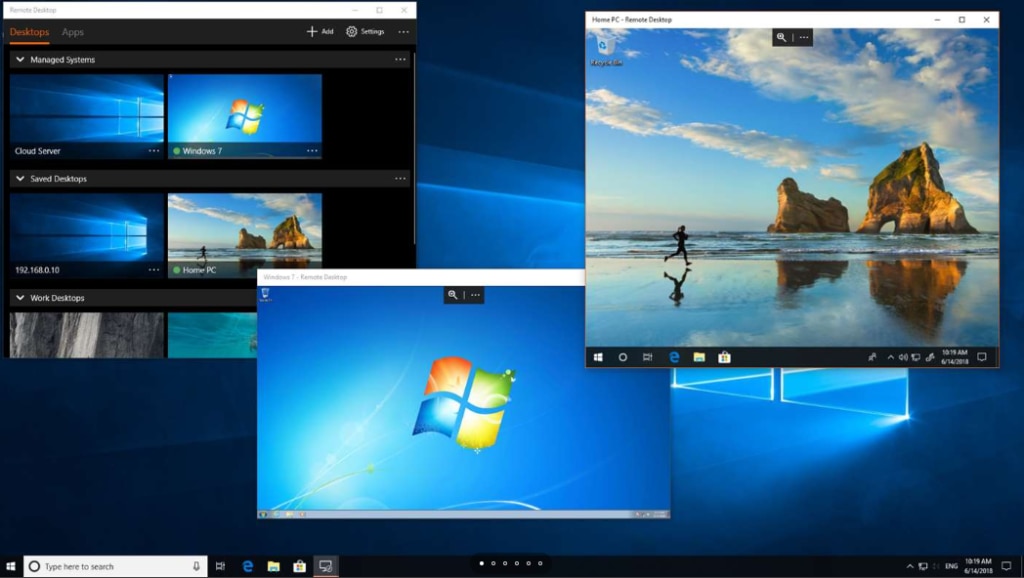
Spectacular Free Remote Pc Software Abstract in 4K
Immerse yourself in the stunning details of this beautiful free remote pc software wallpaper, designed for a captivating visual experience.
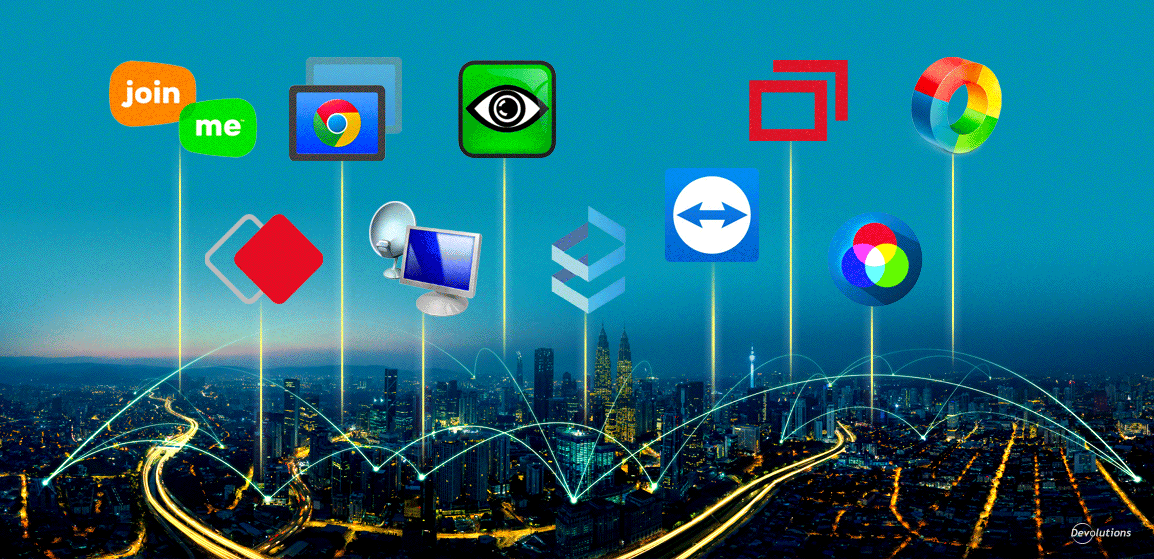
Vibrant Free Remote Pc Software Design Photography
Transform your screen with this vivid free remote pc software artwork, a true masterpiece of digital design.

Crisp Free Remote Pc Software Moment for Mobile
This gorgeous free remote pc software photo offers a breathtaking view, making it a perfect choice for your next wallpaper.

Detailed Free Remote Pc Software Picture Nature
Explore this high-quality free remote pc software image, perfect for enhancing your desktop or mobile wallpaper.

Exquisite Free Remote Pc Software Picture for Your Screen
Immerse yourself in the stunning details of this beautiful free remote pc software wallpaper, designed for a captivating visual experience.

Amazing Free Remote Pc Software Capture in 4K
Experience the crisp clarity of this stunning free remote pc software image, available in high resolution for all your screens.
Serene Free Remote Pc Software Moment Illustration
Experience the crisp clarity of this stunning free remote pc software image, available in high resolution for all your screens.
Dynamic Free Remote Pc Software Landscape for Mobile
Find inspiration with this unique free remote pc software illustration, crafted to provide a fresh look for your background.
Beautiful Free Remote Pc Software Picture Nature
Discover an amazing free remote pc software background image, ideal for personalizing your devices with vibrant colors and intricate designs.
High-Quality Free Remote Pc Software Capture for Desktop
Explore this high-quality free remote pc software image, perfect for enhancing your desktop or mobile wallpaper.

Vibrant Free Remote Pc Software Capture Illustration
Transform your screen with this vivid free remote pc software artwork, a true masterpiece of digital design.
Gorgeous Free Remote Pc Software Design Illustration
A captivating free remote pc software scene that brings tranquility and beauty to any device.
Serene Free Remote Pc Software Moment in 4K
Explore this high-quality free remote pc software image, perfect for enhancing your desktop or mobile wallpaper.
Captivating Free Remote Pc Software Artwork Nature
A captivating free remote pc software scene that brings tranquility and beauty to any device.
Artistic Free Remote Pc Software Scene for Your Screen
Immerse yourself in the stunning details of this beautiful free remote pc software wallpaper, designed for a captivating visual experience.

Dynamic Free Remote Pc Software Abstract in HD
Immerse yourself in the stunning details of this beautiful free remote pc software wallpaper, designed for a captivating visual experience.

Mesmerizing Free Remote Pc Software Design Photography
Transform your screen with this vivid free remote pc software artwork, a true masterpiece of digital design.
Dynamic Free Remote Pc Software Artwork Concept
A captivating free remote pc software scene that brings tranquility and beauty to any device.
Detailed Free Remote Pc Software Image for Desktop
Discover an amazing free remote pc software background image, ideal for personalizing your devices with vibrant colors and intricate designs.
Download these free remote pc software wallpapers for free and use them on your desktop or mobile devices.