Geospatial Software
Stop Guessing: How Cutting-Edge Geospatial Software Maps the Future of Data Analysis
Welcome to the era where location is king. If you've ever wondered how city planners decide where to put a new park, how logistics companies optimize delivery routes, or how climate scientists track deforestation, the answer lies in powerful Geospatial Software. This isn't just about dots on a map; it's about turning complex location data into actionable intelligence.
In this guide, we will unpack what this technology truly is, why it's dominating nearly every industry, and how you can choose the right tools to gain a competitive edge. Think of this as your friendly, non-technical deep dive into the software that is literally reshaping the world.
What Exactly is Geospatial Software?
At its core, geospatial software (often referred to simply as GIS or Geographic Information Systems) is any program designed to capture, store, manipulate, analyze, manage, and present all types of geographical data. Basically, if the data has a latitude and longitude associated with it, this software can handle it.
We often deal with two types of location data: spatial data (the shape, size, and location) and attribute data (the non-spatial information tied to that location, like population density or average income). Geospatial software merges these two datasets seamlessly.
The Core Components of a Geospatial Stack
To function, any robust geospatial software package relies on a few key pillars:
- Data Acquisition: Gathering data from sources like GPS devices, satellite imagery, aerial photography, and LiDAR scans.
- Database Management: Storing massive volumes of spatial data efficiently, often using specialized databases like PostGIS.
- Analysis Tools: Functions that allow users to query data, calculate proximity, overlay layers, and perform spatial statistics.
- Visualization: The output—dynamic, interactive maps, 3D models, and charts that tell the data story.
Understanding these components is crucial because the quality and accessibility of your data sources often dictate the quality of your insights. The earliest forms of GIS software revolutionized mapping by moving away from static paper charts.
Why Geospatial Technology is No Longer Optional
In today's interconnected world, almost everything leaves a locational footprint. Ignoring spatial context means missing half the story. Geospatial software provides the critical "where" and "why there," making it essential for complex decision-making across public and private sectors.
From optimizing resource allocation to predicting market behavior, spatial analysis adds a layer of depth that traditional business intelligence (BI) tools simply cannot match. It's the difference between knowing sales are low and knowing sales are low specifically because the competitor opened a new store two blocks away.
Key Industry Applications Shaping Our World
The versatility of modern geospatial software is staggering. Here are a few high-impact examples:
- Urban Planning & Smart Cities: Analyzing traffic flow, identifying optimal locations for public services, and monitoring infrastructure wear and tear. This is essential for modern, sustainable growth.
- Precision Agriculture: Using satellite imagery ([Baca Juga: Satellite Imagery Analysis]) and drone data to monitor crop health, soil composition, and target specific areas for irrigation or fertilization, minimizing waste.
- Disaster Response: Quickly mapping affected areas post-calamity (floods, earthquakes) to coordinate rescue efforts, assess damage severity, and manage resource distribution efficiently.
- Environmental Monitoring: Tracking climate change indicators, monitoring pollution dispersion, and assessing conservation efforts. Government agencies rely heavily on these tools for regulatory compliance and long-term planning.
Decoding the Types: GIS, Remote Sensing, and Beyond
When people talk about Geospatial Software, they are often referring to specific categories of tools designed for particular tasks.
Geographic Information Systems (GIS)
GIS software (like ArcGIS or QGIS) is the workhorse. It focuses on the creation, management, analysis, and visualization of spatial data layers. If you are building a map of service areas or calculating optimal routes, you are using GIS.
Remote Sensing (RS) Software
Remote Sensing tools (often integrating with GIS) specialize in processing images captured from satellites or aircraft. They handle complex tasks like atmospheric correction, spectral analysis, and object detection. Think of tools used to analyze crop NDVI (Normalized Difference Vegetation Index).
Geospatial Databases and Web Mapping Tools
These newer categories include powerful spatial database extensions (PostGIS, Oracle Spatial) and platforms designed specifically for online deployment (Mapbox, Leaflet), allowing seamless data sharing and web application development.
Proprietary vs. Open-Source Options: A Quick Comparison
When starting out with geospatial software, one of the first decisions is whether to invest in proprietary software (licensed) or utilize powerful open-source alternatives. Here is a brief look:
| Feature | Proprietary (e.g., ArcGIS Pro) | Open-Source (e.g., QGIS) |
|---|---|---|
| Cost | High licensing fees; subscription required. | Free to use and distribute. |
| Support & Documentation | Official, dedicated vendor support and extensive training materials. | Community-driven forums; third-party consulting. |
| Tool Integration | Often built-in with seamless integration across the vendor's ecosystem. | Relies on plugins and external libraries (GDAL, SAGA). |
| Ideal For | Large enterprises, government bodies needing guaranteed support. | Academia, small businesses, budget-conscious users, customization specialists. |
Choosing Your Geospatial Software Stack
The best geospatial software isn't necessarily the most expensive; it's the one that fits your specific project needs and skill level. Before committing, define your requirements clearly. Are you focused purely on advanced remote sensing analysis, or do you need a tool primarily for public-facing web mapping?
Essential Features to Look For
As you evaluate vendors or open-source solutions, ensure the platform excels in these areas:
1. Interoperability: Can the software easily import and export common spatial data formats (Shapefiles, GeoJSON, KML)? Good software acts as a translator, not a gatekeeper.
2. Scalability: Can the system handle petabytes of data as your operations grow? Cloud-native solutions (like Google Earth Engine or specialized APIs) are often necessary for big data processing.
3. Customization and Extensibility: Does it support scripting languages like Python (specifically the GeoPandas or ArcPy libraries)? The ability to write custom tools is paramount for advanced analysis.
4. Visualization Capabilities: Modern applications require dynamic, real-time [Baca Juga: Interactive Data Visualization] and 3D rendering capabilities. Static maps are a thing of the past.
The investment in the right geospatial software and the necessary training is an investment in strategic advantage. Spatial thinking is quickly becoming a core competency for data scientists and business leaders alike.
The sophistication of spatial analysis continues to grow. We are moving toward integrating AI and machine learning (GeoAI) directly into these tools, allowing for automated feature extraction and predictive modeling with incredible accuracy. Official government data portals are also constantly improving their data accessibility, making the entry barrier lower than ever.
Conclusion: The Map to Strategic Success
Geospatial software is far more than digital cartography. It is a powerful analytical engine that converts location data into competitive strategies, efficient resource management, and deeper environmental understanding. Whether you choose the robust environment of a proprietary system or the flexibility of an open-source stack, mastering spatial analysis is the key to unlocking hidden patterns and future-proofing your decisions. Start mapping your future today—the insights are waiting.
Frequently Asked Questions (FAQ)
- What is the main difference between GIS and Remote Sensing software?
GIS software focuses on managing, analyzing, and visualizing established spatial datasets (points, lines, polygons). Remote Sensing software is specifically designed to process and extract information from raw sensor data, primarily satellite or aerial images.
- Is Geospatial Software difficult to learn?
The fundamentals are accessible, especially with user-friendly platforms like QGIS. However, advanced spatial statistics, complex scripting (Python/R), and large-scale data management require specialized training and significant practice. Many entry-level jobs require proficiency in at least one major platform.
- Can I use geospatial data for business intelligence (BI)?
Absolutely. Geospatial analysis is critical for BI, especially in areas like site selection (finding the best location for a new store), market segmentation (identifying demographic clusters), and supply chain optimization (finding the most efficient routes and minimizing risk).
- What is GeoJSON?
GeoJSON is a lightweight, open standard format for encoding geographical data structures using JSON (JavaScript Object Notation). It is the preferred format for web-based geospatial applications due to its simplicity and compatibility with modern web technologies.
Geospatial Software
Geospatial Software Wallpapers
Collection of geospatial software wallpapers for your desktop and mobile devices.

Vibrant Geospatial Software Scene Illustration
Explore this high-quality geospatial software image, perfect for enhancing your desktop or mobile wallpaper.
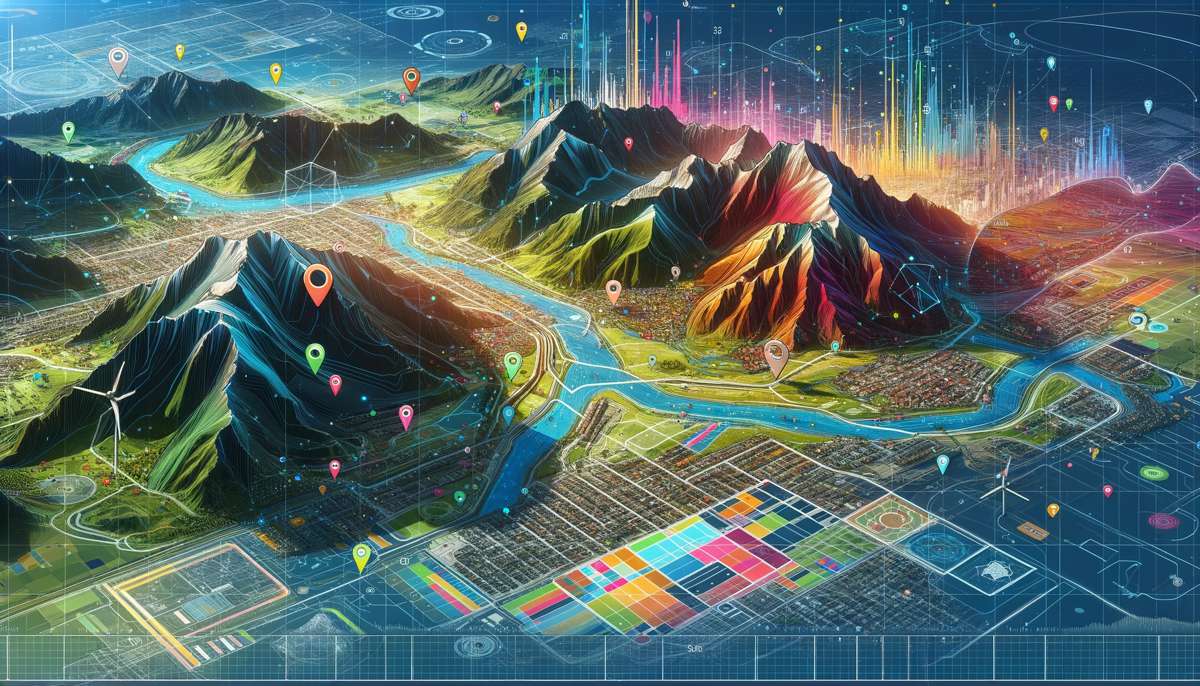
Vivid Geospatial Software Picture Digital Art
Explore this high-quality geospatial software image, perfect for enhancing your desktop or mobile wallpaper.

Vibrant Geospatial Software Abstract Nature
Experience the crisp clarity of this stunning geospatial software image, available in high resolution for all your screens.
Dynamic Geospatial Software Image in 4K
This gorgeous geospatial software photo offers a breathtaking view, making it a perfect choice for your next wallpaper.
Exquisite Geospatial Software Moment for Mobile
Find inspiration with this unique geospatial software illustration, crafted to provide a fresh look for your background.

Serene Geospatial Software Abstract in 4K
Experience the crisp clarity of this stunning geospatial software image, available in high resolution for all your screens.
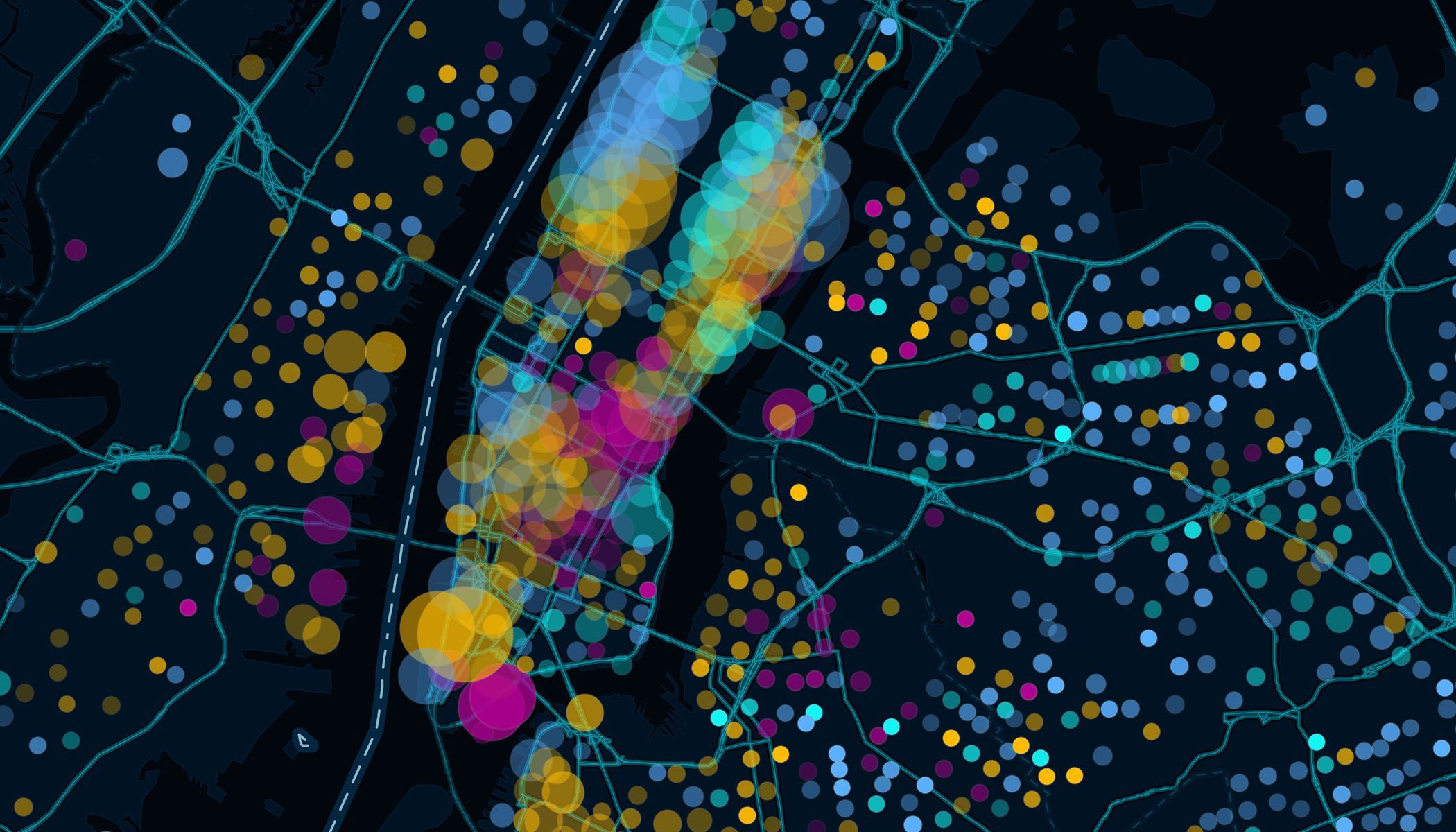
Stunning Geospatial Software Picture for Desktop
A captivating geospatial software scene that brings tranquility and beauty to any device.
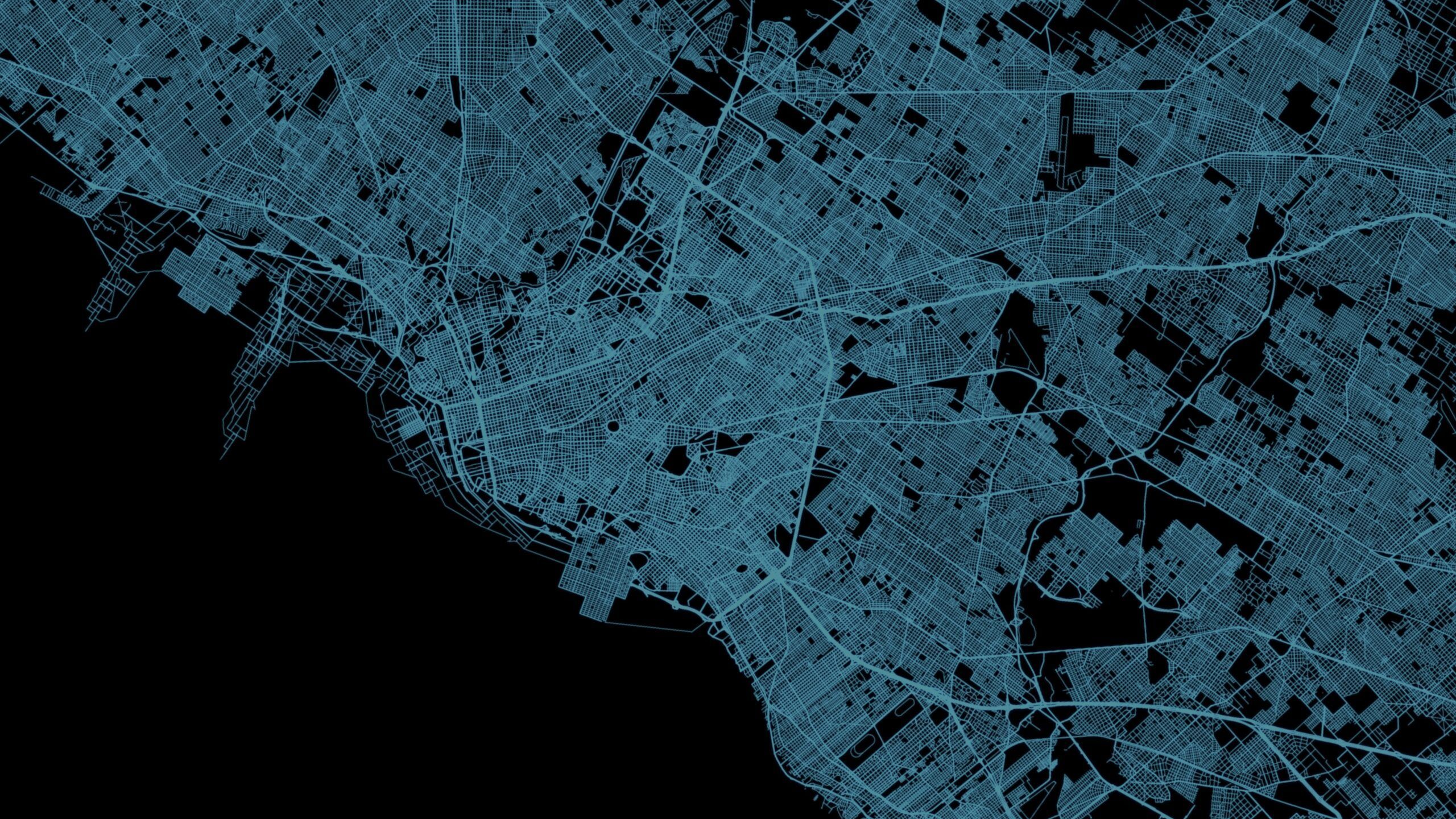
Breathtaking Geospatial Software Abstract Collection
Discover an amazing geospatial software background image, ideal for personalizing your devices with vibrant colors and intricate designs.
Lush Geospatial Software Wallpaper Collection
Find inspiration with this unique geospatial software illustration, crafted to provide a fresh look for your background.
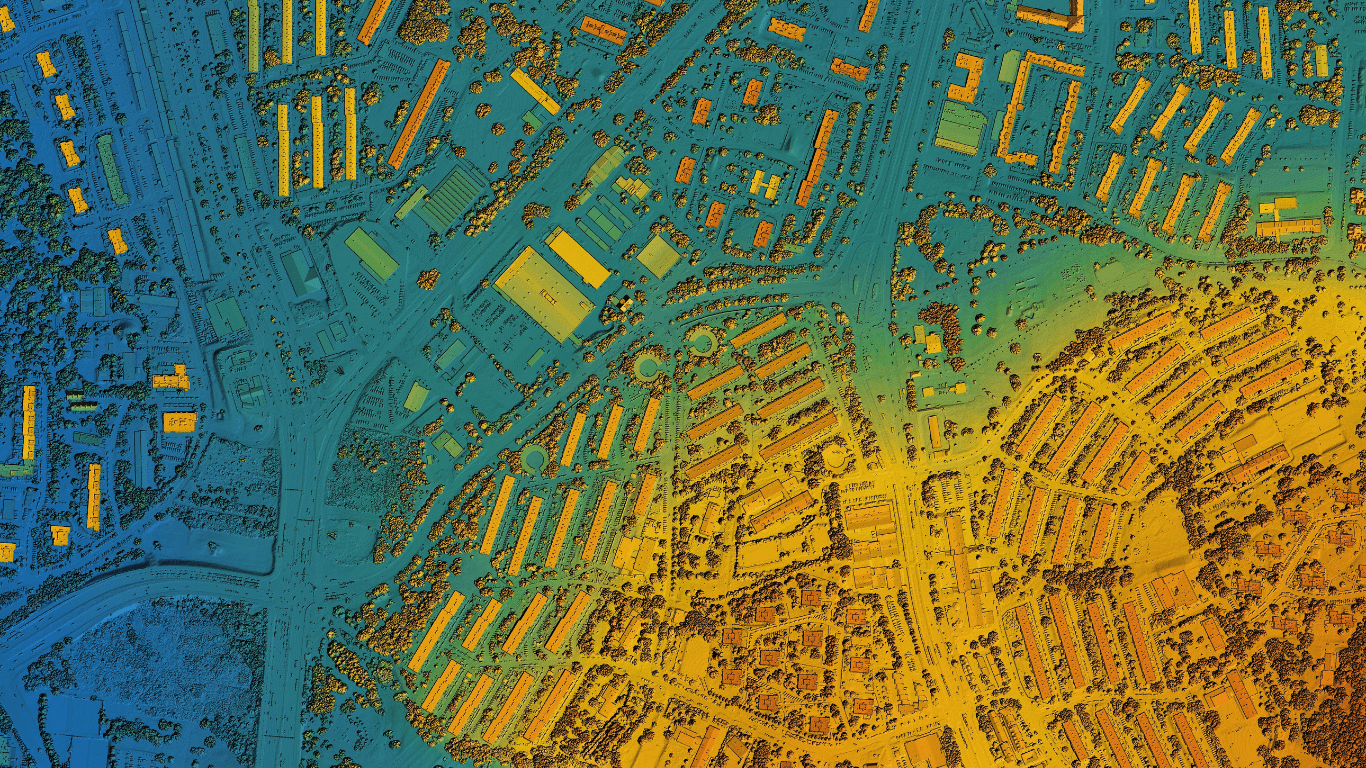
Amazing Geospatial Software View Nature
Experience the crisp clarity of this stunning geospatial software image, available in high resolution for all your screens.
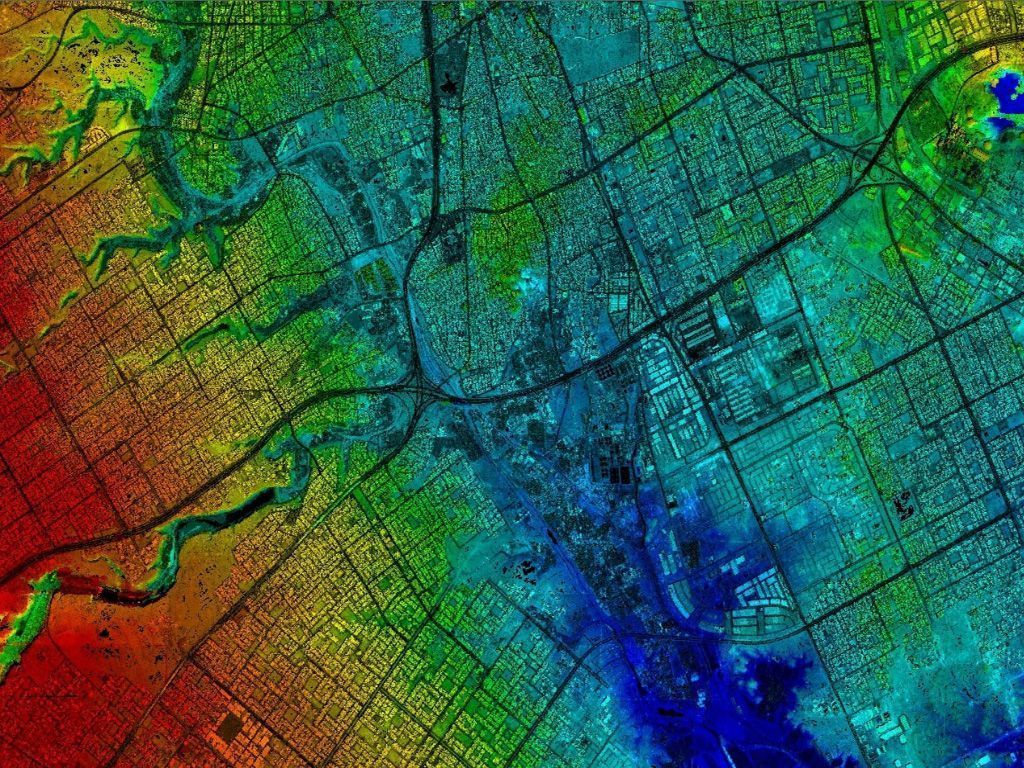
Captivating Geospatial Software Capture Art
Find inspiration with this unique geospatial software illustration, crafted to provide a fresh look for your background.

High-Quality Geospatial Software View Illustration
Transform your screen with this vivid geospatial software artwork, a true masterpiece of digital design.
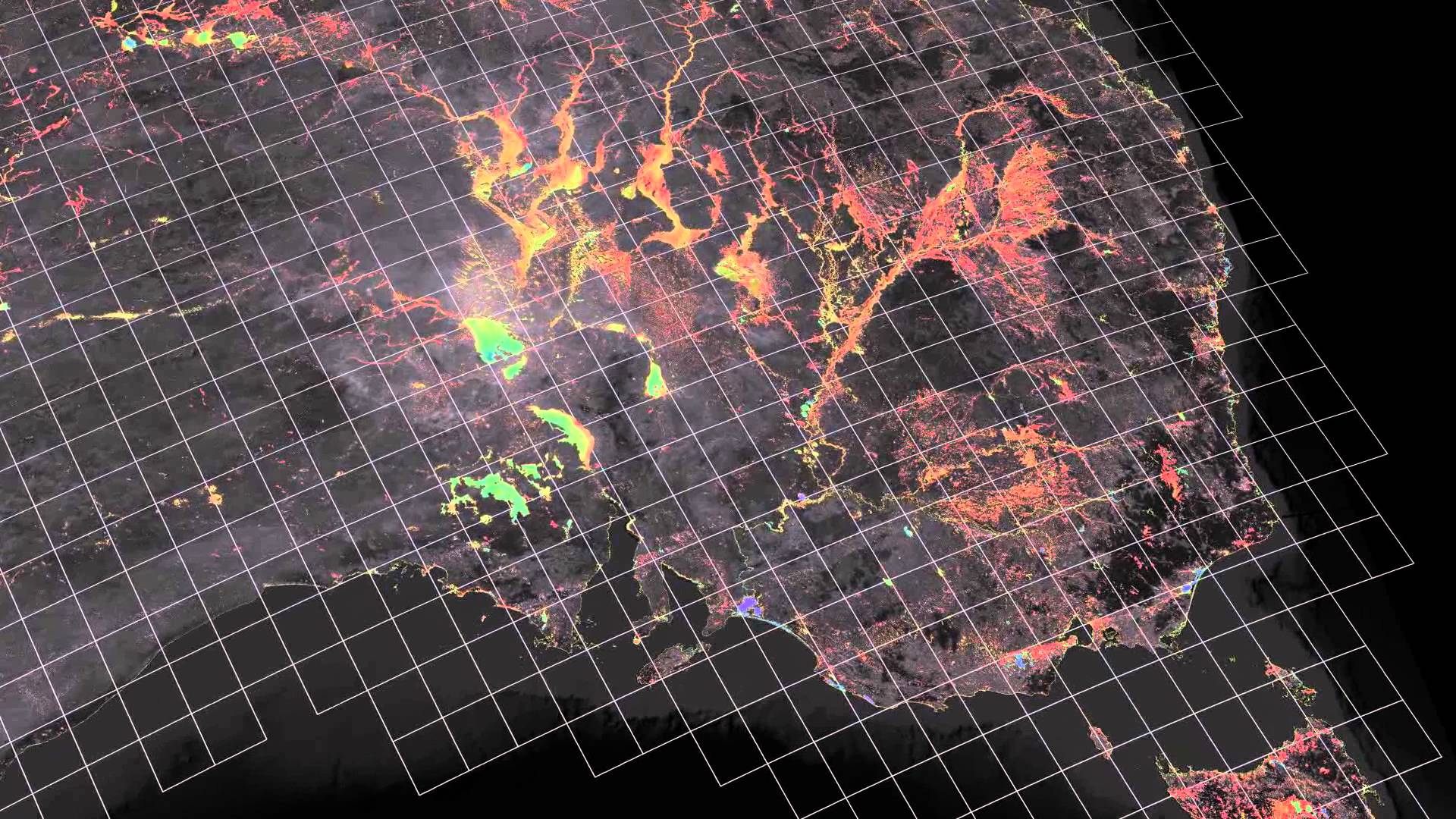
Spectacular Geospatial Software Design in 4K
Immerse yourself in the stunning details of this beautiful geospatial software wallpaper, designed for a captivating visual experience.

Gorgeous Geospatial Software Image Concept
This gorgeous geospatial software photo offers a breathtaking view, making it a perfect choice for your next wallpaper.

Spectacular Geospatial Software View for Mobile
Immerse yourself in the stunning details of this beautiful geospatial software wallpaper, designed for a captivating visual experience.
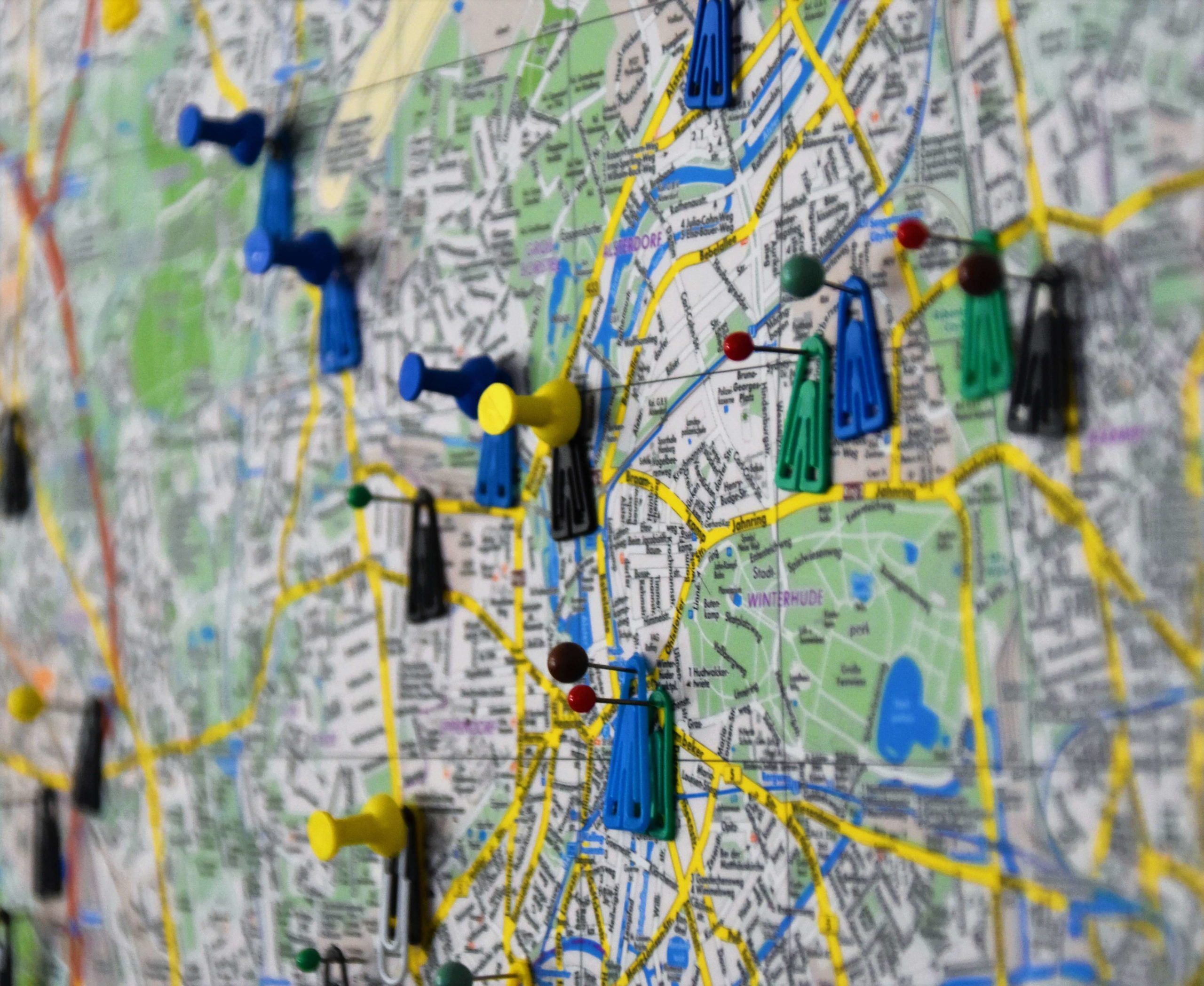
High-Quality Geospatial Software Background in HD
Explore this high-quality geospatial software image, perfect for enhancing your desktop or mobile wallpaper.
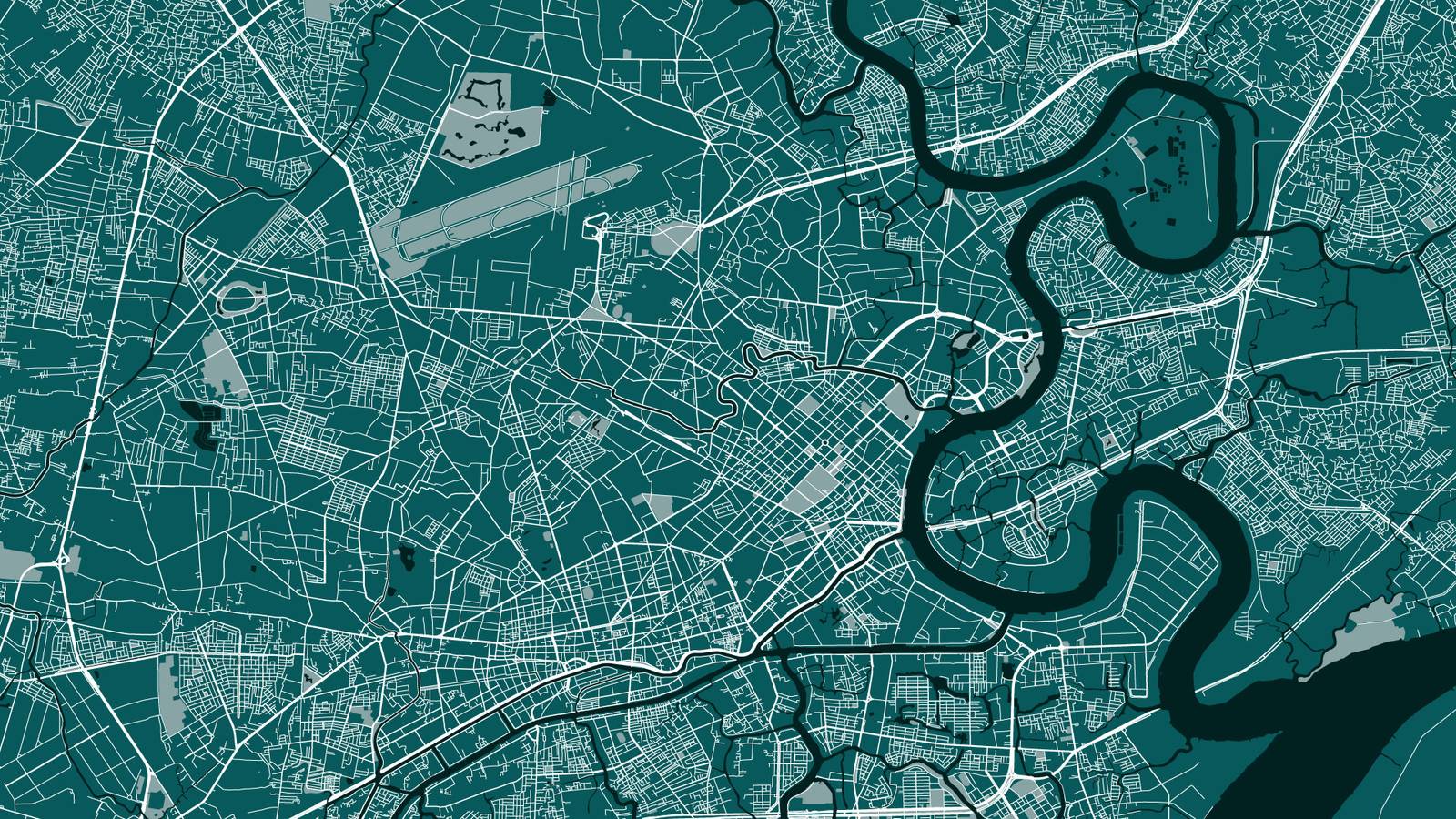
Vibrant Geospatial Software Picture Photography
Discover an amazing geospatial software background image, ideal for personalizing your devices with vibrant colors and intricate designs.
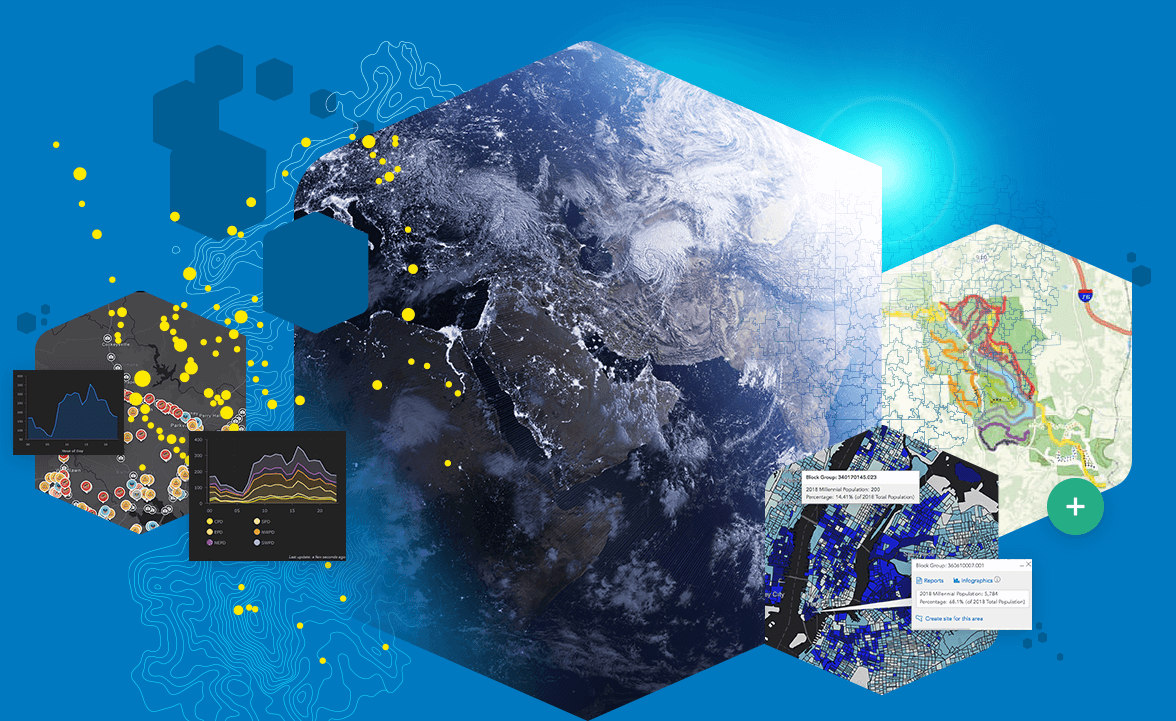
Lush Geospatial Software Capture Digital Art
A captivating geospatial software scene that brings tranquility and beauty to any device.
Breathtaking Geospatial Software Picture Collection
Transform your screen with this vivid geospatial software artwork, a true masterpiece of digital design.
Vibrant Geospatial Software Photo Illustration
Transform your screen with this vivid geospatial software artwork, a true masterpiece of digital design.
Download these geospatial software wallpapers for free and use them on your desktop or mobile devices.