Get Tables Mysql
Get Tables Mysql: Your Ultimate Guide to Retrieving Database Structure
Hey there! If you've ever worked with MySQL, you know that keeping track of all your tables can sometimes feel like navigating a maze. Whether you are debugging an application, performing a database migration, or just trying to understand an inherited system, knowing how to efficiently Get Tables Mysql information is absolutely crucial.
This guide is here to simplify that process. We'll walk through the easiest methods, from quick command-line queries to more advanced methods using schema metadata. Ready to master your database structure? Let's dive in!
The Command Line Approach: Quick and Dirty Table Listing
For many developers, the MySQL command-line client is the fastest way to interact with a database. It's direct, reliable, and requires no fancy graphical interface. Learning these commands is fundamental if you want to quickly Get Tables Mysql details.
Before you run any commands, make sure you are logged into your MySQL server and have the necessary permissions to view the schemas you are interested in.
Using the SHOW TABLES Statement
The simplest and most common method to list all tables within the currently selected database is the SHOW TABLES statement. This command is fast and gives you exactly what the name suggests: a list of table names.
It's important to remember that SHOW TABLES only works on the database you are currently using. If you haven't selected a database, the command will fail or return an empty result set.
Here is how you execute it:
SHOW TABLES;
If you want to filter this list—maybe you only want tables starting with "user"—you can add a LIKE clause. This is a neat trick to narrow down your search when a database has hundreds of tables.
SHOW TABLES LIKE 'user%';
Changing Databases with USE
What if you logged in but forgot to specify the database? Or perhaps you need to check tables across several different databases? That's where the USE command comes into play. This command switches your active context to a different schema.
Once you use the USE command, subsequent SHOW TABLES commands will target that new database.
USE my_application_db;
SHOW TABLES;
Transitioning between databases is super easy using this method. This makes bulk checking much less tedious, helping you to efficiently Get Tables Mysql names across your server.
Getting Detailed Table Information: Beyond Just Names
Knowing the names of your tables is only the first step. Often, you need richer metadata. You might need to know when a table was created, its storage engine (InnoDB vs. MyISAM), or who owns it. For this kind of deep dive, we need to look beyond simple commands and start querying MySQL's internal metadata system.
Querying the information_schema Database
The information_schema is a virtual database that stores crucial information about all the objects managed by the MySQL server. Think of it as the ultimate database manual for your server. To reliably Get Tables Mysql information, especially detailed metadata, querying this schema is the professional way to go.
The most important table within this schema for our purpose is TABLES. This table contains a row for every single table on your entire MySQL instance.
SELECT *
FROM information_schema.TABLES;
Running the query above without filtering will return an overwhelming amount of data, including system tables. So, let's learn how to filter it down effectively.
Filtering Tables by Schema Name
To restrict the results to a specific database (schema), you must use the TABLE_SCHEMA column in your WHERE clause. This ensures you only see the tables relevant to your project, which is much cleaner.
SELECT
TABLE_NAME,
TABLE_ROWS,
ENGINE,
CREATE_TIME
FROM
information_schema.TABLES
WHERE
TABLE_SCHEMA = 'your_database_name';
This query provides excellent insight. You can see not only the table names but also the storage engine used (e.g., InnoDB), the estimated row count, and the exact creation timestamp. It's perfect for reporting and analysis.
Here are some of the fantastic details you can retrieve from the information_schema.TABLES view:
TABLE_NAME: The actual name of the table.TABLE_SCHEMA: The database the table belongs to.ENGINE: The storage engine (e.g., InnoDB, MyISAM).TABLE_ROWS: An estimated count of rows in the table.DATA_LENGTH: The size of the table data in bytes.CREATE_TIME: The timestamp when the table was first created.
The Old Reliable: DESCRIBE and EXPLAIN
If you've identified a table name and now want to know its specific column structure, data types, and whether it allows NULL values, you use the DESCRIBE command (or its synonym, DESC). This is essential for writing correct SQL statements.
While DESCRIBE doesn't help you Get Tables Mysql names initially, it's the vital next step after you find the name.
DESCRIBE users;
-- Or shorter:
DESC users;
Another related command, SHOW CREATE TABLE, provides the full SQL definition used to create the table, which is invaluable for backups or replication setup.
Tooling Up: Using GUI Clients to Get Tables Mysql
Not everyone enjoys typing SQL commands constantly. If you prefer a visual approach, Graphical User Interface (GUI) clients make the task of retrieving table information trivial. These tools handle the necessary queries behind the scenes and present the data in an easily navigable format.
With a GUI, you simply click on the database in the sidebar, and all the tables instantly appear. Clicking on a table usually reveals its structure (columns, indexes, foreign keys) in a separate tab.
Popular GUI tools that make it incredibly easy to Get Tables Mysql listings include:
- MySQL Workbench: The official tool from Oracle, offering comprehensive visual database design and management capabilities.
- DBeaver: A universal database tool that supports MySQL, PostgreSQL, SQLite, and many others. It's highly feature-rich and popular.
- phpMyAdmin: Ideal for web hosting environments, allowing administration via a web browser.
- SQL Developer (JetBrains): Excellent for developers who already use other JetBrains products (like IntelliJ or PyCharm).
Using these tools is generally recommended for beginners or for complex tasks like visual editing and generating complex reports. However, understanding the underlying SQL commands (like SHOW TABLES and information_schema queries) is still essential for scripting and automation.
Conclusion
Whether you're a command-line warrior or a GUI enthusiast, knowing how to efficiently Get Tables Mysql information is a fundamental skill. We've covered three main avenues: the fast and simple SHOW TABLES command, the detailed and powerful metadata querying via information_schema.TABLES, and the visual ease of using dedicated GUI clients.
For quick checks, stick with USE db_name; SHOW TABLES;. If you need creation timestamps, storage engines, or sizes for reporting, utilize the information_schema. Master these techniques, and you'll always have a clear view of your database structure!
Frequently Asked Questions (FAQ) About Getting MySQL Tables
- What is the fastest way to get a list of tables?
- The fastest method is to use the
USE database_name;command followed bySHOW TABLES;. This is executed quickly by the MySQL server and returns only the table names. - Why is my
SHOW TABLEScommand returning an empty list? - This usually happens because you either haven't selected a database (forgot the
USEcommand) or the currently selected database genuinely contains no user-defined tables. Check your current database context usingSELECT DATABASE();. - Can I get column data types and constraints using the
information_schema? - Yes! While
information_schema.TABLESprovides table-level metadata, you need to queryinformation_schema.COLUMNSto retrieve detailed information about column names, data types, lengths, and constraints for a specific table. - Do I need special permissions to query
information_schema? - Generally, any user can query
information_schema, but they will only see information about the tables and schemas they have access to. If you are logged in as a standard user, you won't see data for databases you are unauthorized to view. - How do I get tables in MySQL using a programming language (like Python or PHP)?
- You execute the exact same SQL queries (e.g.,
SHOW TABLESorSELECT TABLE_NAME FROM information_schema.TABLES WHERE...) using the database connector library specific to your language. The results are returned as an array or result set object in your code.
Get Tables Mysql
Get Tables Mysql Wallpapers
Collection of get tables mysql wallpapers for your desktop and mobile devices.

High-Quality Get Tables Mysql Scene Art
Experience the crisp clarity of this stunning get tables mysql image, available in high resolution for all your screens.

Vibrant Get Tables Mysql Scene for Mobile
Explore this high-quality get tables mysql image, perfect for enhancing your desktop or mobile wallpaper.

Vibrant Get Tables Mysql Wallpaper Concept
Explore this high-quality get tables mysql image, perfect for enhancing your desktop or mobile wallpaper.

Spectacular Get Tables Mysql Abstract Art
This gorgeous get tables mysql photo offers a breathtaking view, making it a perfect choice for your next wallpaper.
Stunning Get Tables Mysql Scene Photography
This gorgeous get tables mysql photo offers a breathtaking view, making it a perfect choice for your next wallpaper.

Lush Get Tables Mysql Background Digital Art
Find inspiration with this unique get tables mysql illustration, crafted to provide a fresh look for your background.

Crisp Get Tables Mysql Image Digital Art
This gorgeous get tables mysql photo offers a breathtaking view, making it a perfect choice for your next wallpaper.

Dynamic Get Tables Mysql Wallpaper in HD
Find inspiration with this unique get tables mysql illustration, crafted to provide a fresh look for your background.

Vibrant Get Tables Mysql Image Concept
Transform your screen with this vivid get tables mysql artwork, a true masterpiece of digital design.

High-Quality Get Tables Mysql Picture in HD
Transform your screen with this vivid get tables mysql artwork, a true masterpiece of digital design.
Detailed Get Tables Mysql View Digital Art
Transform your screen with this vivid get tables mysql artwork, a true masterpiece of digital design.

Captivating Get Tables Mysql Moment Art
Find inspiration with this unique get tables mysql illustration, crafted to provide a fresh look for your background.
Detailed Get Tables Mysql Image Art
Transform your screen with this vivid get tables mysql artwork, a true masterpiece of digital design.

Mesmerizing Get Tables Mysql Picture Photography
Explore this high-quality get tables mysql image, perfect for enhancing your desktop or mobile wallpaper.

Vibrant Get Tables Mysql Design Photography
Explore this high-quality get tables mysql image, perfect for enhancing your desktop or mobile wallpaper.

Lush Get Tables Mysql Artwork Concept
Immerse yourself in the stunning details of this beautiful get tables mysql wallpaper, designed for a captivating visual experience.

Dynamic Get Tables Mysql Image for Your Screen
Find inspiration with this unique get tables mysql illustration, crafted to provide a fresh look for your background.
Mesmerizing Get Tables Mysql Scene Art
Discover an amazing get tables mysql background image, ideal for personalizing your devices with vibrant colors and intricate designs.
Crisp Get Tables Mysql Design Photography
Immerse yourself in the stunning details of this beautiful get tables mysql wallpaper, designed for a captivating visual experience.
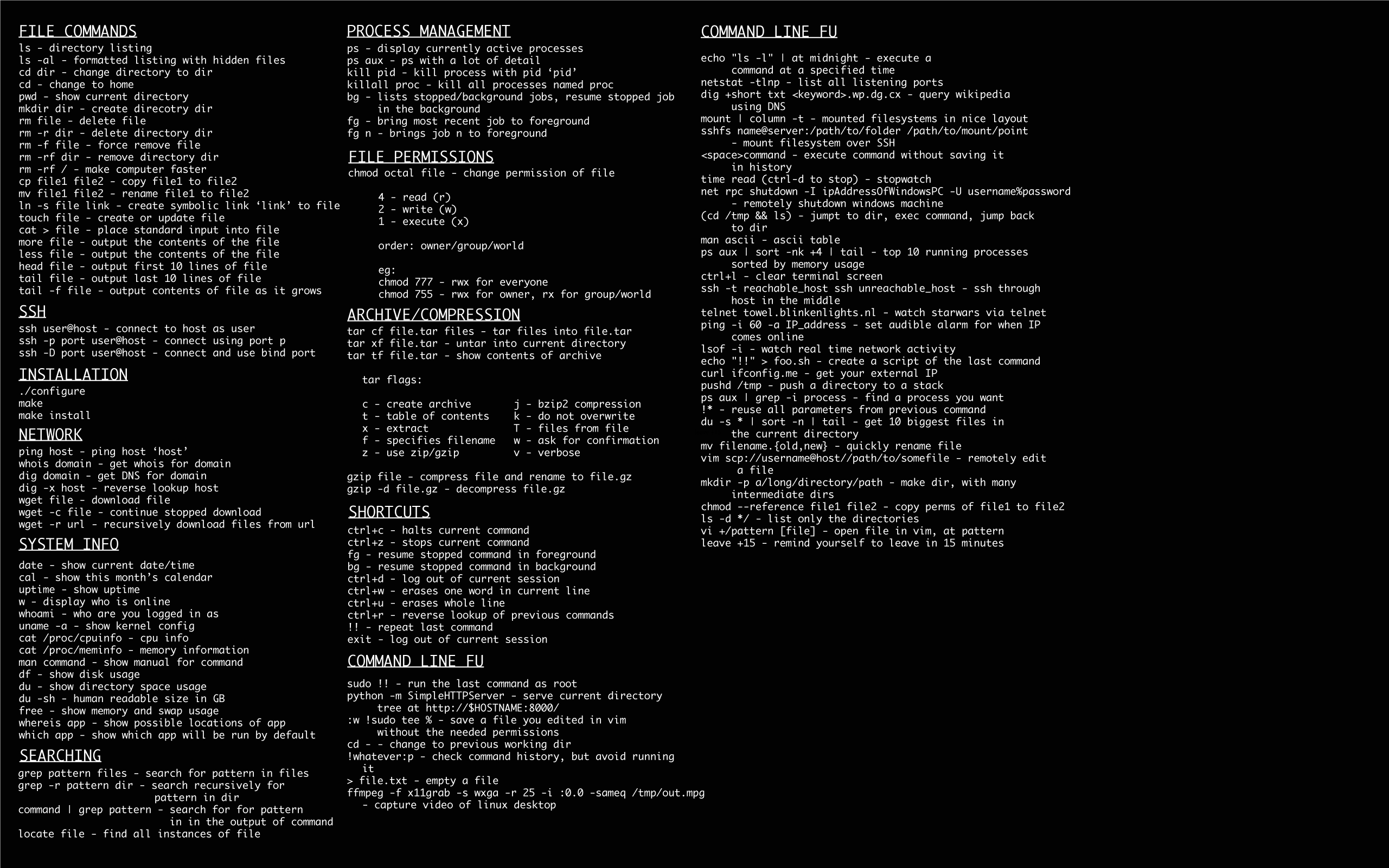
Crisp Get Tables Mysql Moment in HD
Immerse yourself in the stunning details of this beautiful get tables mysql wallpaper, designed for a captivating visual experience.
Download these get tables mysql wallpapers for free and use them on your desktop or mobile devices.