Gimp Graphic Software
Tired of Subscription Fees? Unleash Your Creativity with GIMP Graphic Software
In the world of digital art and photo manipulation, the name Adobe often dominates the conversation. But what if you need professional-grade tools without the burden of monthly subscription fees? Enter GIMP Graphic Software (GNU Image Manipulation Program)—the open-source powerhouse that has leveled the playing field for artists, designers, and photographers worldwide.
This isn't just a "free alternative." GIMP is a robust, actively developed application capable of handling complex tasks from detailed photo retouching to intricate graphic design. If you're serious about digital imaging but committed to open-source principles or a zero-budget strategy, this deep dive is for you.
What Exactly is GIMP Graphic Software? The Open-Source Powerhouse
GIMP was first released in 1996 and has since evolved into one of the most respected pieces of free software available today. It is distributed under the GNU General Public License (GPL), meaning users have the freedom to run, study, share, and modify the software.
This open-source philosophy is its greatest strength. A massive, dedicated global community continually contributes to its development, ensuring new features are constantly integrated and bugs are quickly addressed.
Unlike proprietary software tied to specific operating systems, GIMP is truly cross-platform, running seamlessly on Linux, macOS, and Windows environments. Its core goal remains providing sophisticated image editing capabilities accessible to everyone.
To understand the depth of its development, it helps to look at its origins and license structure. For more background on the principles driving free software development, check out the Wikipedia entry on Open Source Software.
Unpacking GIMP's Core Features: Power Without the Price Tag
When people ask if GIMP can handle professional work, the answer is a resounding yes. It provides nearly all the fundamental tools you expect from a premium editor, often with highly sophisticated execution.
Professional Editing Tools and Non-Destructive Workflow (Mostly)
GIMP supports full layer management, complex masking, blending modes, advanced selection tools, and path creation. Its processing power is significantly enhanced by the integration of GEGL (Generic Graphics Library), which allows for high bit-depth color and non-destructive editing on specific filters and operations.
However, it is important to note a key distinction: GIMP is still primarily a raster editor, meaning its default workflow is not fully non-destructive in the way tools like Affinity Photo or Photoshop's Smart Objects function 100% of the time. Nonetheless, careful use of layers and masks allows for highly flexible manipulation.
For photographers, features like its powerful curve adjustment tools, healing brush, and clone stamp are indispensable. [Baca Juga: Advanced Photo Retouching Techniques]
Customization and Community Ecosystem
GIMP shines in its flexibility. Users can radically customize the interface, moving docks and toolboxes to fit their specific workflow. Moreover, GIMP supports popular scripting languages like Python and Scheme, allowing power users to write custom tools, filters, and batch processing scripts.
This level of extensibility ensures that if a feature you need isn't built-in, chances are the community has created a plugin for it, or you can build it yourself.
GIMP vs. The Titans: A Candid Comparison
The eternal question is: How does GIMP stack up against industry leaders like Adobe Photoshop or Affinity Photo? The answer usually comes down to three factors: Interface, Feature Parity, and Licensing.
Interface and User Experience (UX)
Historically, GIMP had a reputation for a cluttered, multi-window interface, which was a significant deterrent for new users migrating from monolithic interfaces. Fortunately, modern versions have introduced a highly functional single-window mode, drastically improving the UX and making it feel much closer to its competitors.
However, users accustomed to specific proprietary UI conventions (like streamlined vector capabilities or deeply integrated cloud services) might still face a slight learning curve adapting to GIMP's terminology and layout.
Performance and Resource Management
Thanks to ongoing optimization, GIMP handles large files efficiently, particularly when leveraging its GEGL pipeline. While it may not always match the raw speed of proprietary software optimized for the latest GPUs, its resource footprint is generally lighter, making it a fantastic choice for older hardware or non-power user machines.
| Feature | GIMP Graphic Software | Adobe Photoshop (Proprietary Example) |
|---|---|---|
| Cost & Licensing | Free (GPL License) | Subscription Required (Commercial) |
| Non-Destructive Editing | Partial (via GEGL and layers/masks) | Full (Smart Objects, Adjustment Layers) |
| Vector Capabilities | Limited (Path tools only) | Integrated and Robust |
| Community & Support | Extremely large, forum-based support | Official technical support and large paid tutorial ecosystem |
Ultimately, GIMP is the superior choice for users prioritizing freedom, low resource consumption, and the ability to customize the source code. For 90% of photo editing and graphic design tasks, it is perfectly adequate.
Essential Tips for New GIMP Users
Transitioning to GIMP can be smooth if you follow a few practical steps. Don't try to learn everything at once; focus on integrating the software into your existing workflow.
Getting Started with Installation and Setup
Always download GIMP directly from the official source to ensure you get the latest, most secure build. The installation process is straightforward across all platforms. You can find the latest stable release and detailed instructions on the Official GIMP Website.
Once installed, the first thing most users do is switch to the single-window mode (Windows > Single-Window Mode). This immediately makes the workspace feel more familiar and manageable.
Must-Have Plugins and Scripts
Leveraging the community ecosystem is crucial. Look into plugins that enhance functionality you use often. For instance, if you frequently deal with RAW photo files, installing the UFRaw plugin (or ensuring your GIMP version supports external RAW converters like Darktable) is highly recommended.
Additionally, exploring customization options like importing Photoshop-compatible brush sets (.abr files) can significantly expand your creative toolkit right away. [Baca Juga: Best GIMP Plugins for 2024]
Focus on mastering keyboard shortcuts. Like any complex creative software, efficiency in GIMP comes from keeping your hands off the mouse.
Conclusion: Is GIMP Graphic Software Right for You?
GIMP Graphic Software stands as a towering achievement in the open-source community. It provides unparalleled freedom, incredible depth of features, and sufficient power for the vast majority of graphic design and photo editing tasks. While proprietary software might offer slightly smoother UX or specialized tools for specific niche industries (like high-end prepress), GIMP is the definitive choice for professionals and hobbyists who demand control, transparency, and freedom from ongoing costs.
If you have been hesitant due to old criticisms about its interface or feature set, it's time to revisit GIMP. The latest versions are powerful, polished, and ready to take on your biggest creative challenges.
Frequently Asked Questions (FAQ)
- Is GIMP truly free for commercial use?
Yes. GIMP is distributed under the GNU GPL license, which grants you the freedom to use the software for any purpose, including commercial projects, without paying licensing fees or royalties.
- Can GIMP open and save PSD (Photoshop) files?
GIMP can open and import most PSD files, retaining layers, basic adjustment layers, and masks. However, complex features specific to Photoshop (like Smart Objects or advanced layer effects) may not translate perfectly when saving back to the PSD format.
- How steep is the learning curve compared to Photoshop?
For users new to graphic editing, the learning curves are comparable. For users migrating from Photoshop, there will be an adjustment period regarding shortcut keys and tool placement, but the core concepts (layers, selections, masks) remain identical.
- Does GIMP support CMYK color mode for printing?
GIMP is primarily an RGB editor. While it handles color management well, native CMYK editing is not fully implemented in the core application. Users often rely on external plugins (like Separate+) or use other specialized software for final CMYK conversion required for professional offset printing.
© 2024 [Your Company Name]. All rights reserved.
Gimp Graphic Software
Gimp Graphic Software Wallpapers
Collection of gimp graphic software wallpapers for your desktop and mobile devices.
Stunning Gimp Graphic Software Picture Concept
Immerse yourself in the stunning details of this beautiful gimp graphic software wallpaper, designed for a captivating visual experience.
Lush Gimp Graphic Software Landscape Nature
Find inspiration with this unique gimp graphic software illustration, crafted to provide a fresh look for your background.
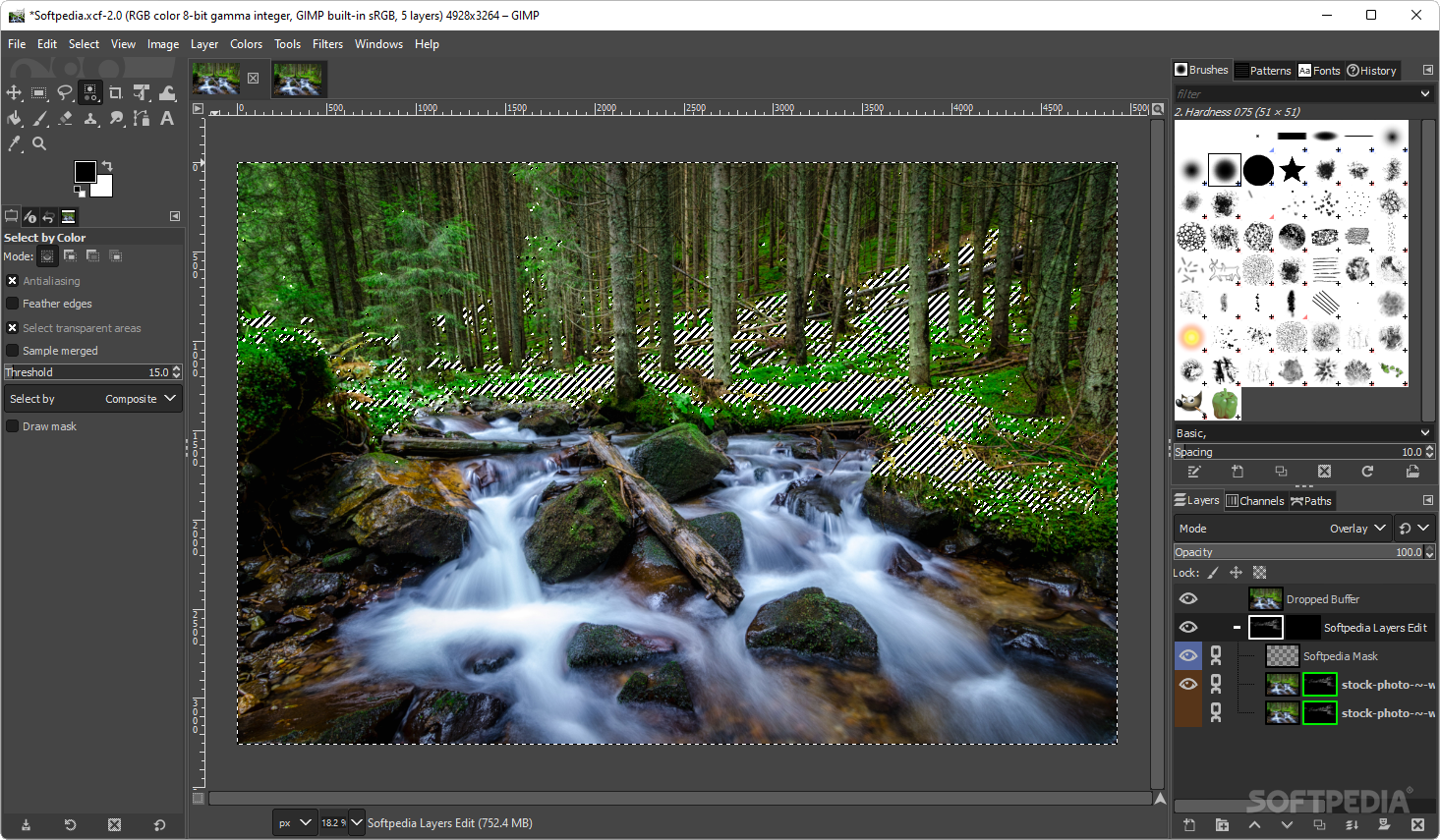
Vibrant Gimp Graphic Software Capture Concept
Transform your screen with this vivid gimp graphic software artwork, a true masterpiece of digital design.

Vivid Gimp Graphic Software Background in HD
Experience the crisp clarity of this stunning gimp graphic software image, available in high resolution for all your screens.

Beautiful Gimp Graphic Software Scene in HD
Explore this high-quality gimp graphic software image, perfect for enhancing your desktop or mobile wallpaper.
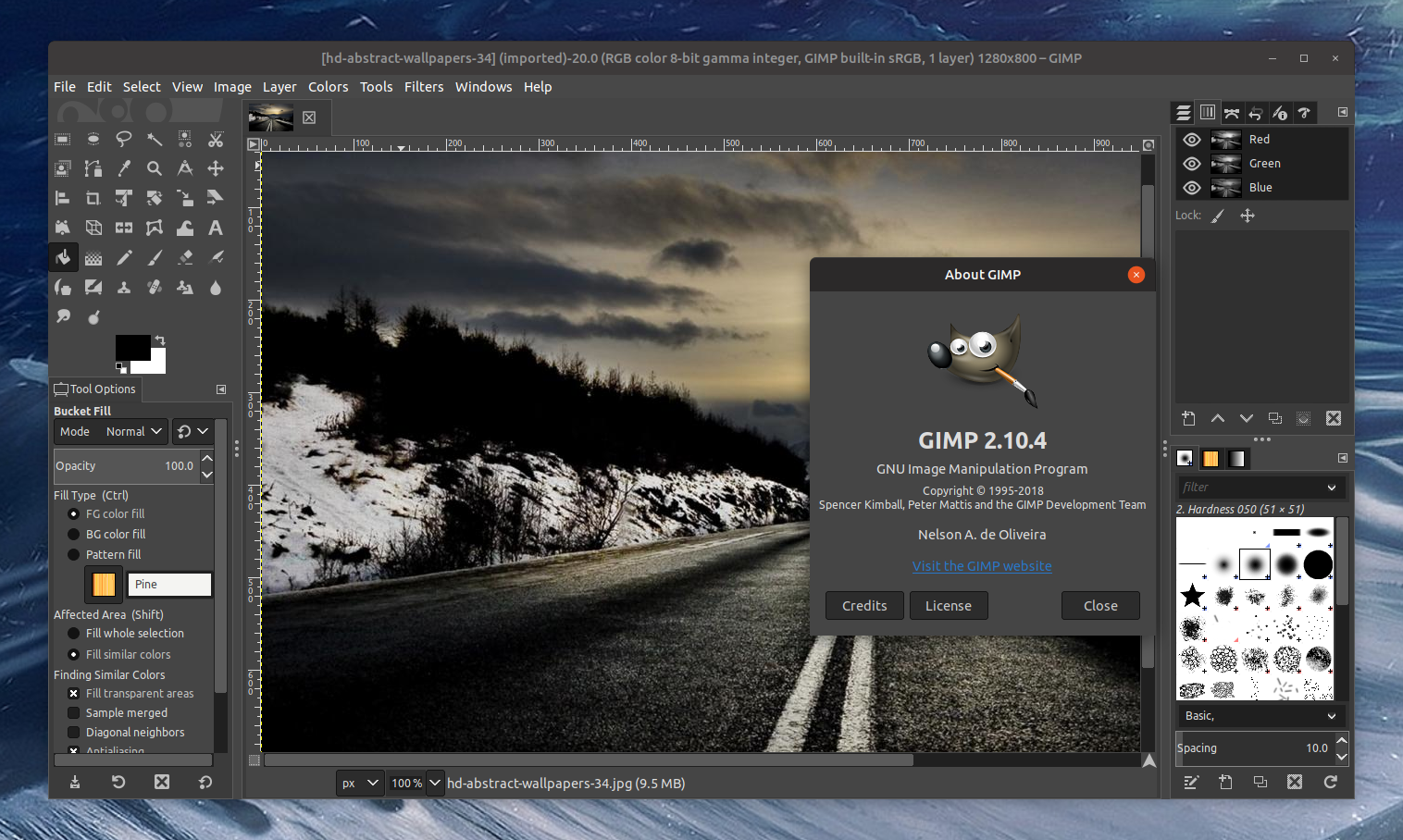
Spectacular Gimp Graphic Software Background for Desktop
This gorgeous gimp graphic software photo offers a breathtaking view, making it a perfect choice for your next wallpaper.
Vibrant Gimp Graphic Software View Concept
Explore this high-quality gimp graphic software image, perfect for enhancing your desktop or mobile wallpaper.

Serene Gimp Graphic Software Photo Photography
Discover an amazing gimp graphic software background image, ideal for personalizing your devices with vibrant colors and intricate designs.
Lush Gimp Graphic Software Wallpaper for Desktop
This gorgeous gimp graphic software photo offers a breathtaking view, making it a perfect choice for your next wallpaper.
Vibrant Gimp Graphic Software Abstract Photography
Discover an amazing gimp graphic software background image, ideal for personalizing your devices with vibrant colors and intricate designs.

Gorgeous Gimp Graphic Software Artwork in 4K
A captivating gimp graphic software scene that brings tranquility and beauty to any device.
High-Quality Gimp Graphic Software Design Nature
Experience the crisp clarity of this stunning gimp graphic software image, available in high resolution for all your screens.
Artistic Gimp Graphic Software View Nature
Immerse yourself in the stunning details of this beautiful gimp graphic software wallpaper, designed for a captivating visual experience.
Captivating Gimp Graphic Software Wallpaper for Your Screen
A captivating gimp graphic software scene that brings tranquility and beauty to any device.

Breathtaking Gimp Graphic Software Moment in 4K
Explore this high-quality gimp graphic software image, perfect for enhancing your desktop or mobile wallpaper.
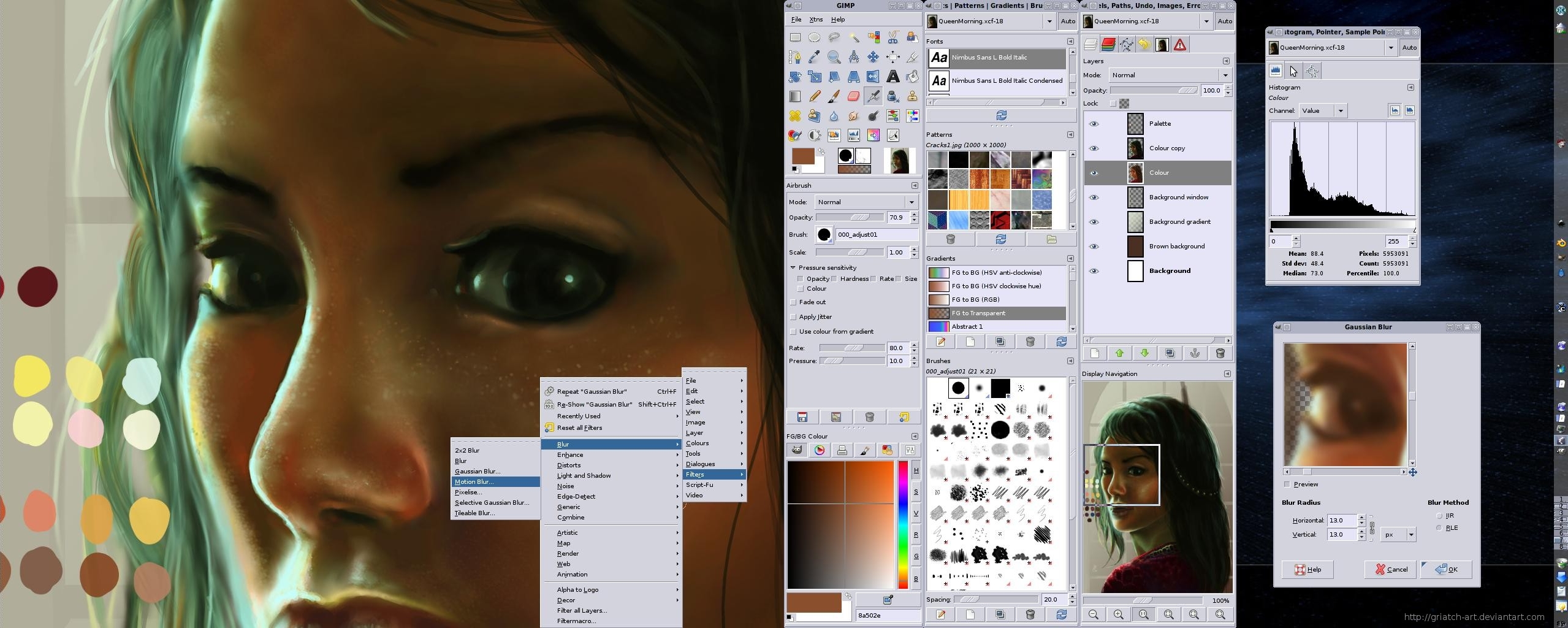
Crisp Gimp Graphic Software View in HD
Immerse yourself in the stunning details of this beautiful gimp graphic software wallpaper, designed for a captivating visual experience.
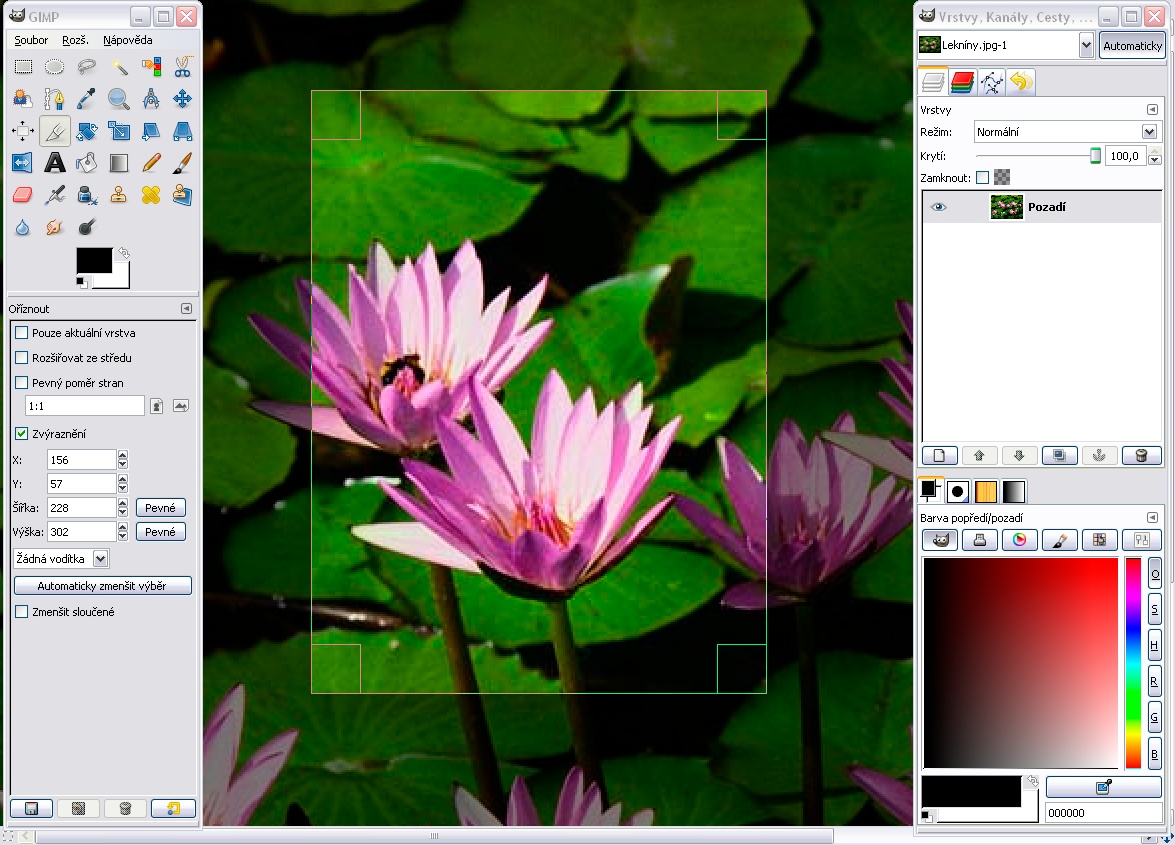
Dynamic Gimp Graphic Software Moment in HD
Immerse yourself in the stunning details of this beautiful gimp graphic software wallpaper, designed for a captivating visual experience.
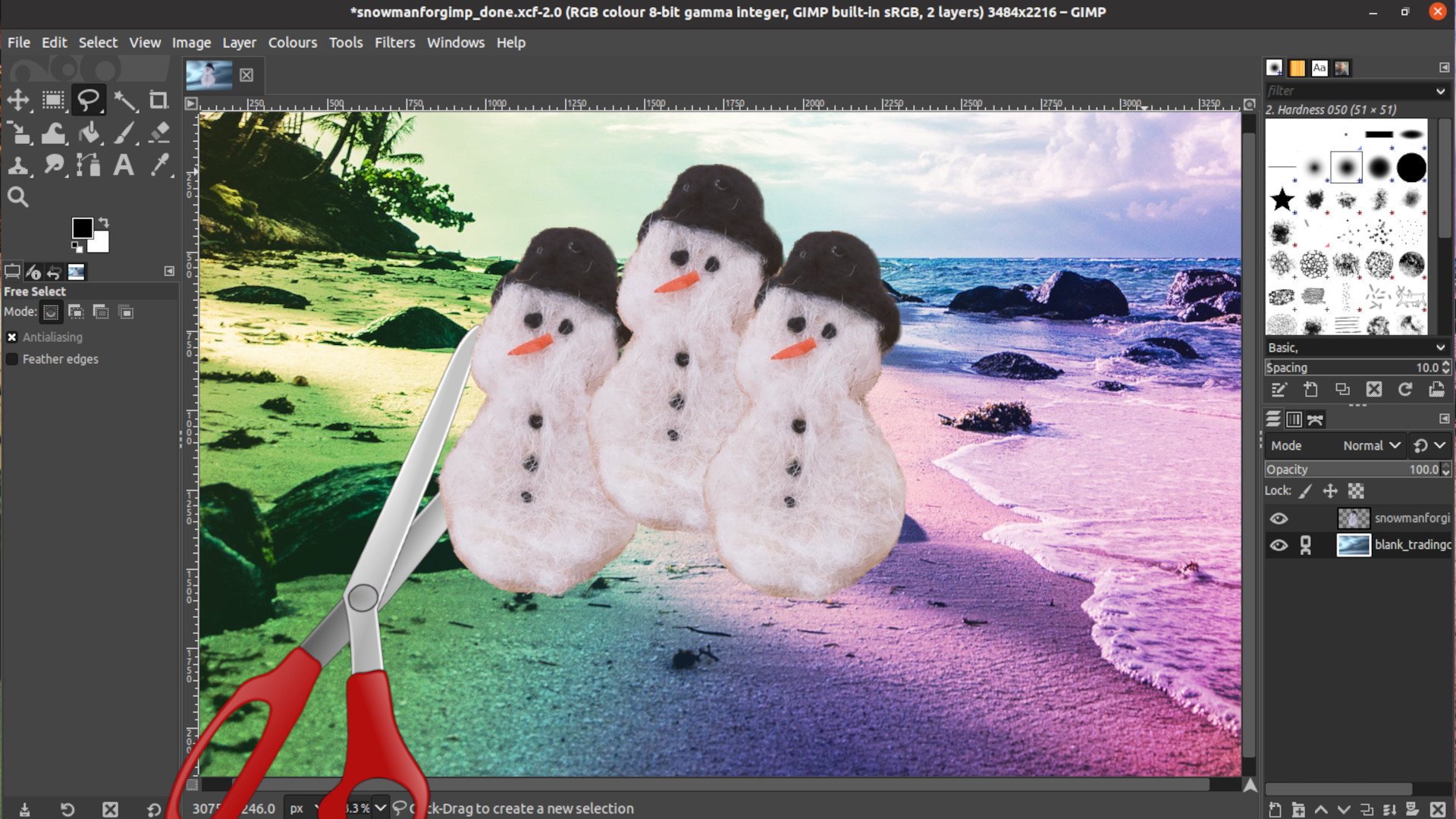
Crisp Gimp Graphic Software Image in 4K
This gorgeous gimp graphic software photo offers a breathtaking view, making it a perfect choice for your next wallpaper.
Exquisite Gimp Graphic Software Background for Desktop
This gorgeous gimp graphic software photo offers a breathtaking view, making it a perfect choice for your next wallpaper.
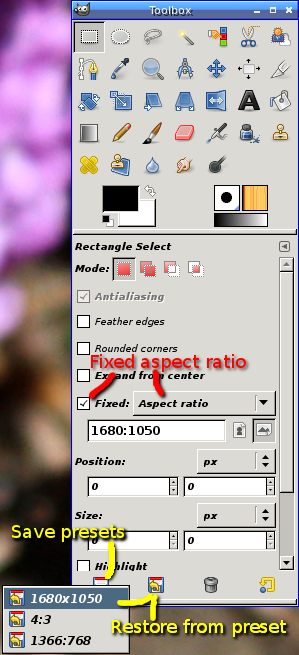
Vivid Gimp Graphic Software Scene Digital Art
Discover an amazing gimp graphic software background image, ideal for personalizing your devices with vibrant colors and intricate designs.
Download these gimp graphic software wallpapers for free and use them on your desktop or mobile devices.