Google Analytics Software
Why Your Business Needs Google Analytics Software (and How to Master GA4 Today)
If you run an online business or manage a website, you are constantly making decisions. But are those decisions based on gut feeling, or are they rooted in hard data? This is where powerful tools like the Google Analytics software step in. It's not just a tracking tool; it is the vital nervous system for your digital presence.
For years, marketers relied on Universal Analytics (UA). However, Google has officially retired UA, forcing a massive migration to its newest iteration: Google Analytics 4 (GA4). If you haven't fully embraced GA4 yet, or if you're struggling to translate its new event-based language, this guide is for you.
Let's dive deep into understanding, setting up, and mastering the features of GA4 to ensure your data is driving real, measurable business growth.
Understanding the Core: What is Google Analytics Software?
At its heart, Google Analytics is a free web analytics service that reports on traffic, behavior, conversions, and revenue across your websites and apps. It answers fundamental questions like: Who is visiting my site? Where do they come from? And what actions are they taking before leaving?
The primary function of the Google Analytics software is to collect raw user interaction data, process it into meaningful metrics, and present it through custom dashboards and reports that inform your marketing, content, and product strategy.
The Big Shift: From UA to GA4
The biggest roadblock many users face is understanding the shift from Universal Analytics (UA) to GA4. UA focused heavily on "Sessions" and "Pageviews." GA4, however, operates on a completely different framework built for the modern, multi-platform user journey.
GA4 is designed with a "future-proof" approach, using machine learning to fill in gaps created by privacy regulations (like cookie consent) and allowing for better cross-device tracking. It truly unifies web and app data.
Event-Based Tracking Explained
In GA4, everything is an event—from a simple page load to a video play or a purchase. This shift gives marketers unprecedented flexibility and precision. Instead of relying on rigid, pre-defined metrics, you decide exactly which interactions matter most for your specific goals.
The system automatically captures certain "Enhanced Measurement" events (like scrolls, file downloads, and site search), saving valuable setup time.
Setting Up GA4: A Step-by-Step Guide for Beginners
The setup process for the Google Analytics software, especially GA4, requires precision. If you skip steps now, your data integrity will suffer later. Let's make sure the foundation is solid.
First, create your GA4 Property and establish your "Data Stream" (connecting your website or app). The most common method involves placing the Google Tag directly on your site or, more efficiently, using Google Tag Manager (GTM).
Essential Initial Configurations
After installing the basic code, several configurations are mandatory for accurate reporting:
- Internal Traffic Filtering: Filter out all data generated by your own company's employees or development team. This prevents skewed data.
- Data Retention Settings: GA4 defaults to 2 months. For better historical analysis, you should change this to 14 months.
- Linking Google Ads: Connecting your Google Ads account allows you to import conversions and track ad campaign performance directly within GA4 reports.
Understanding these initial steps is crucial for reliable data. [Baca Juga: How to Implement Google Tag Manager]
Key Features and Metrics You Must Track in GA4
While UA gave us "Bounce Rate," GA4 introduced more granular, user-centric metrics. These new metrics help you understand the quality of engagement, not just the quantity of visits.
Analyzing User Journey and Engagement
The most important reports in GA4 revolve around user engagement and the full lifecycle journey. Instead of Bounce Rate, we focus on:
- Engagement Rate: The percentage of sessions that were 'engaged' (lasted longer than 10 seconds, had a conversion event, or had 2+ screen views). A high engagement rate indicates successful content.
- Engaged Sessions per User: Measures how frequently a user returns and interacts positively.
- Lifetime Value (LTV): Crucial for e-commerce, this report estimates the total revenue a user will generate over a set period.
If your website exists to generate leads, you must define and track custom conversion events—the specific button clicks, form submissions, or download completions that signify success.
| GA4 Metric | Definition & Purpose | UA Equivalent |
|---|---|---|
| Users | Total number of distinct users who initiated an engaged session. | Active Users / Total Users |
| Engagement Rate | Percentage of engaged sessions. The inverse of Bounce Rate (conceptually). | N/A (Derived from Bounce Rate) |
| Data Streams | Sources of data (Web, iOS, Android) consolidated into one property. | Separate Properties Required |
| Conversions | Any event marked as a key business outcome (e.g., Purchase, Lead Form). | Goals |
Beyond the Basics: Advanced Capabilities and Integrations
For Senior SEO Content Writers and data analysts, the real power of the Google Analytics software lies in its advanced features, particularly the Exploration reports.
Explorations replace the custom reports feature in UA and offer a flexible canvas for deep-dive analysis. You can build custom Funnels, create Path Analysis reports (to see the actual sequence of pages users visit), and segment users based on highly specific criteria.
GA4 also offers powerful predictive metrics, such as "Purchase probability" and "Churn probability," powered by Google's machine learning algorithms. These insights help you target users who are likely to convert or, conversely, re-engage users who are likely to stop visiting. Google Support provides detailed documentation on these predictive models.
Furthermore, GA4 integrates directly with Google's data warehouse solution, BigQuery. This means you can export raw, unprocessed data for limitless custom analysis using SQL. While this requires technical expertise, it is essential for enterprise-level data processing and merging GA data with offline information (like CRM sales data).
For those interested in the security standards governing data tools like this, understanding data privacy protocols is key. The NIST framework offers guidance on robust data handling.
Common Mistakes When Using Google Analytics Software
Data is only as good as its input. Even the best analytical software can be misleading if setup incorrectly. Avoid these common pitfalls:
- Ignoring the Data Thresholds: GA4 sometimes hides data in detailed reports if the user count is too low to protect user anonymity, leading analysts to think data is missing.
- Not Configuring Conversions: Simply relying on "Enhanced Measurement" events is insufficient. You must explicitly mark key events (like lead generation) as "Conversions" to properly evaluate campaign ROI.
- Misunderstanding UTM Tagging: Poorly implemented UTM tags (used to track campaigns from external sources) lead to messy "Other" or "Direct" traffic reports. Consistency is key here.
- Forgetting About Data Filters: Failing to exclude bot traffic or internal IP addresses can significantly inflate user counts, making your actual engagement rate look artificially low.
Understanding these limitations ensures you are interpreting the data provided by the Google Analytics software correctly, leading to genuinely reliable insights. Learn more about the history and methodology of web analytics on Wikipedia.
Conclusion: The Future is Data-Driven with GA4
The transition to Google Analytics 4 marks a necessary evolution in digital tracking, prioritizing user privacy and cross-platform journey mapping. The Google Analytics software, specifically GA4, provides the necessary tools for businesses to move beyond simple vanity metrics and truly understand user behavior.
By mastering event-based tracking, leveraging the power of Explorations, and maintaining rigorous data quality standards, you can confidently turn complex data into strategic action, ensuring your digital efforts are always pointing toward profitable growth.
Frequently Asked Questions About Google Analytics Software
- Is Google Analytics 4 (GA4) still free to use?
Yes, the standard version of GA4 remains free. However, Google does offer a paid enterprise version, GA360, which provides higher data limits, advanced features, and a service level agreement (SLA).
- What is the biggest difference between a "Session" in UA and GA4?
In UA, a session was time-based (ending after 30 minutes of inactivity or at midnight). In GA4, a session is an event—it starts with the
session_startevent and can last longer or shorter depending on user activity and if they navigate between the website and app. - Do I need to keep my Universal Analytics property if I have GA4?
No. UA properties have stopped processing new data. While you can keep the old property to access historical data, all new tracking and reporting must be done exclusively in GA4.
- How do I track conversions if I don't use "Goals" anymore?
In GA4, you define a conversion by identifying any collected event (either standard or custom) and toggling it "on" in the Events list. This marks that event as a key business outcome.
Google Analytics Software
Google Analytics Software Wallpapers
Collection of google analytics software wallpapers for your desktop and mobile devices.

High-Quality Google Analytics Software Abstract for Your Screen
Explore this high-quality google analytics software image, perfect for enhancing your desktop or mobile wallpaper.
High-Quality Google Analytics Software Photo for Mobile
Explore this high-quality google analytics software image, perfect for enhancing your desktop or mobile wallpaper.

Stunning Google Analytics Software Scene Photography
This gorgeous google analytics software photo offers a breathtaking view, making it a perfect choice for your next wallpaper.
Dynamic Google Analytics Software Capture for Your Screen
Find inspiration with this unique google analytics software illustration, crafted to provide a fresh look for your background.
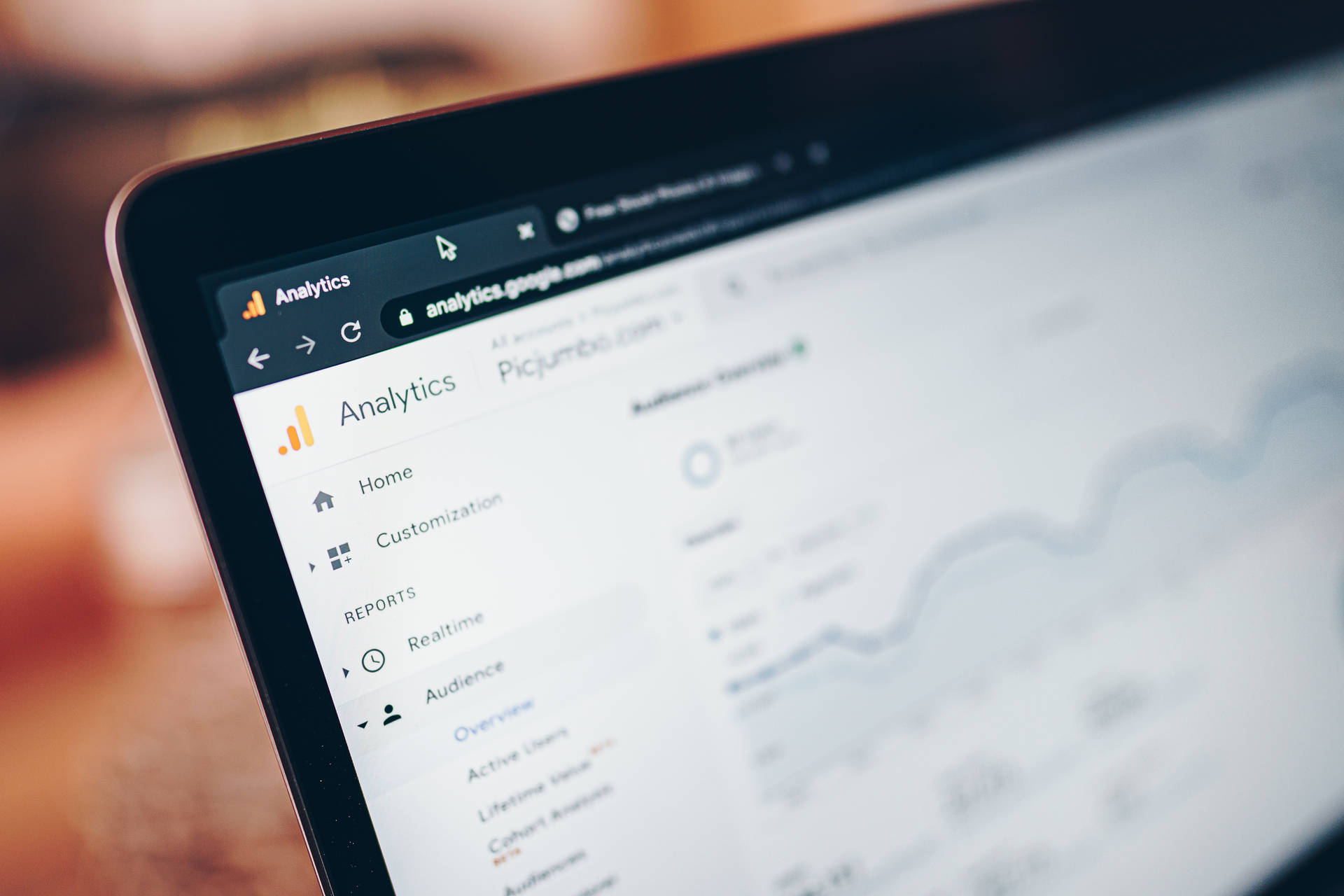
Amazing Google Analytics Software Landscape Photography
Discover an amazing google analytics software background image, ideal for personalizing your devices with vibrant colors and intricate designs.
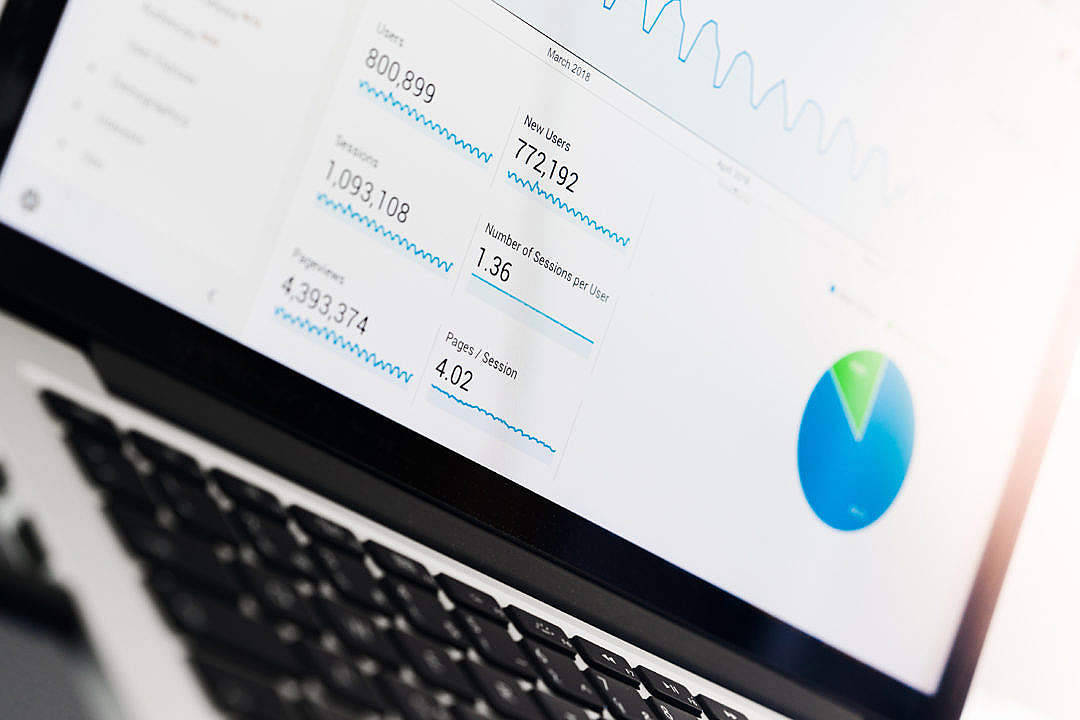
Mesmerizing Google Analytics Software View in HD
Experience the crisp clarity of this stunning google analytics software image, available in high resolution for all your screens.

Stunning Google Analytics Software Scene for Mobile
This gorgeous google analytics software photo offers a breathtaking view, making it a perfect choice for your next wallpaper.
Captivating Google Analytics Software Capture Art
Immerse yourself in the stunning details of this beautiful google analytics software wallpaper, designed for a captivating visual experience.
Vibrant Google Analytics Software Capture Illustration
Discover an amazing google analytics software background image, ideal for personalizing your devices with vibrant colors and intricate designs.

Breathtaking Google Analytics Software Design for Desktop
Experience the crisp clarity of this stunning google analytics software image, available in high resolution for all your screens.
Lush Google Analytics Software Wallpaper Digital Art
Immerse yourself in the stunning details of this beautiful google analytics software wallpaper, designed for a captivating visual experience.
Beautiful Google Analytics Software Photo Photography
Discover an amazing google analytics software background image, ideal for personalizing your devices with vibrant colors and intricate designs.
Lush Google Analytics Software Capture Collection
Immerse yourself in the stunning details of this beautiful google analytics software wallpaper, designed for a captivating visual experience.

Dynamic Google Analytics Software Wallpaper for Your Screen
This gorgeous google analytics software photo offers a breathtaking view, making it a perfect choice for your next wallpaper.
Captivating Google Analytics Software Background Nature
A captivating google analytics software scene that brings tranquility and beauty to any device.

Amazing Google Analytics Software Landscape Art
Transform your screen with this vivid google analytics software artwork, a true masterpiece of digital design.

Beautiful Google Analytics Software Wallpaper Art
Transform your screen with this vivid google analytics software artwork, a true masterpiece of digital design.
Lush Google Analytics Software Abstract in 4K
Find inspiration with this unique google analytics software illustration, crafted to provide a fresh look for your background.
Breathtaking Google Analytics Software Capture Photography
Transform your screen with this vivid google analytics software artwork, a true masterpiece of digital design.

Amazing Google Analytics Software Picture Collection
Transform your screen with this vivid google analytics software artwork, a true masterpiece of digital design.
Download these google analytics software wallpapers for free and use them on your desktop or mobile devices.