Google Text To Speech Software
Tired of Robotic Voices? Mastering Google Text To Speech Software for Ultra-Realistic Audio
Let's be honest. Nobody wants to listen to monotone, robotic voiceovers anymore. If you've been searching for solutions to create truly natural, human-like audio from text, you've likely stumbled upon the immense capabilities of Google Text To Speech Software. And for good reason—Google is often the undisputed leader in this space.
This isn't just about reading words aloud; it's about crafting an auditory experience. Whether you're developing an accessibility feature, an interactive voice response (IVR) system, or simply enhancing your YouTube content, leveraging Google's technology is the gold standard. But where exactly do you start? Which flavor of Google TTS is right for you?
In this comprehensive guide, we'll dive deep into the ecosystem, covering everything from the underlying AI technology to practical implementation steps, ensuring you can harness the full power of ultra-realistic synthesized speech.
Understanding the Tech: How Google Text To Speech Software Works
The days of concatenative synthesis (stitching together recorded sound snippets) are long gone. Modern text-to-speech, especially from Google, relies heavily on sophisticated machine learning. This is what truly differentiates Google's offering from legacy systems.
The magic primarily lies in two revolutionary models: Tacotron and WaveNet.
The Power of WaveNet and Tacotron
WaveNet, a deep generative model developed by Google's DeepMind team, is the core reason Google's voices sound so realistic. Instead of using pre-recorded samples, WaveNet generates raw audio waveforms from scratch. It mimics the complexity of the human vocal tract, resulting in natural-sounding intonation, pacing, and breathiness.
Tacotron, on the other hand, is the sequence-to-sequence model that handles the translation of text into linguistic features (like phonemes, pitch, and duration) that WaveNet then uses to generate the final sound. Together, they create a powerful pipeline that is constantly learning and improving.
If you want to understand the foundational research behind this breakthrough, you can review the original academic papers on Deep Generative Models for TTS. Learn more about WaveNet on Wikipedia.
Google Cloud Text-to-Speech: The Professional Standard
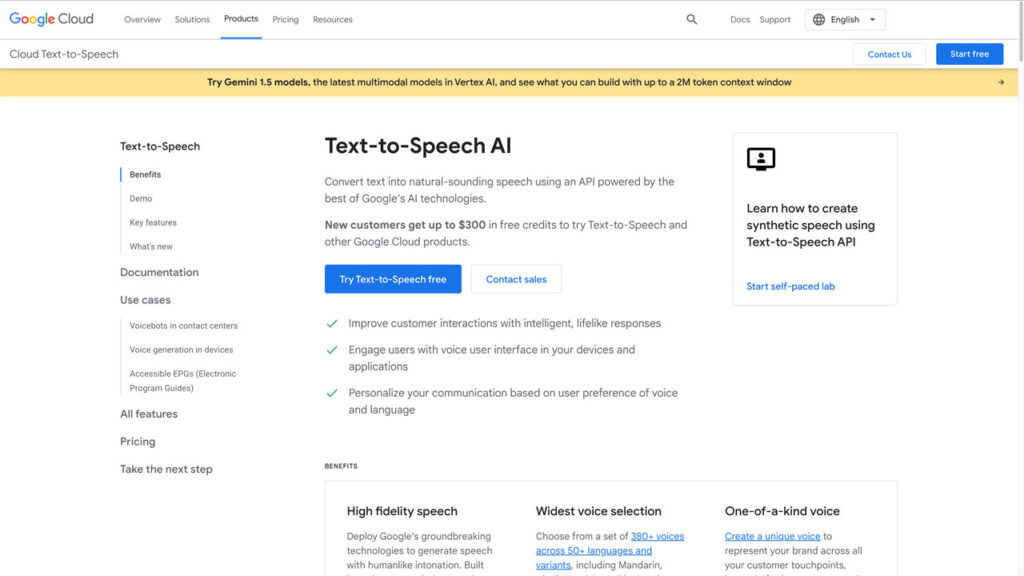
When businesses talk about implementing Google Text To Speech Software, they are usually referring to the Google Cloud Text-to-Speech API. This service offers access to over 380 voices across more than 50 languages and variants, providing unparalleled flexibility.
The key differentiator here is the quality tier. You get standard voices, but the real value is in the premium tiers: Neural2 voices (using newer WaveNet architecture) and, most notably, Custom Voice, where Google can train a unique voice model based on your own speaker recordings.
Using the API allows for advanced customizations, particularly through the Speech Synthesis Markup Language (SSML). SSML lets you control pauses, pronunciation, volume, and even speaking rate—crucial for professional narration or complex IVR menus.
Pricing Structure and Voice Availability
Google Cloud TTS operates on a pay-as-you-go model, typically charging per character processed. Understanding the pricing tiers is essential, as the cost can vary significantly based on the voice technology you choose.
| Feature | Standard Voices | WaveNet/Neural Voices |
|---|---|---|
| Underlying Technology | Parametric or Concatenative | DeepMind WaveNet/Neural Networks |
| Naturalness/Flow | Good (Occasional robotic artifacts) | Excellent (Human-like inflection) |
| Cost Per Character | Lower | Higher (Premium pricing) |
| Ideal Use Case | High-volume internal announcements | Public-facing media, customer experience |
Remember that the first few million characters processed are often free, making it accessible for startups and testing purposes. However, scaling up requires careful consideration of the cost difference between Standard and WaveNet/Neural voices.
[Baca Juga: Strategizing API Pricing for Scalable SaaS Products]
Practical Use Cases for the Enterprise
Why are so many businesses migrating to Google Cloud TTS? Beyond the quality, the integration possibilities are endless:
- Accessibility Features: Converting web content or documents into audio for users with visual impairments (a major E-A-T booster).
- E-Learning Modules: Creating consistent and professional voiceovers for thousands of learning units without hiring voice actors.
- Telephony & IVR Systems: Dynamic, real-time responses that sound far better than typical synthetic voices, improving customer satisfaction.
- Gaming and IoT: Providing localized voice prompts for interactive devices worldwide.
For detailed implementation guides and up-to-date documentation on the API, always refer to the official source: Google Cloud Text-to-Speech Documentation.
Free Alternatives: Using Google TTS on Mobile and Web
While the high-fidelity WaveNet voices are primarily locked behind the Cloud API, Google still provides excellent, free TTS features that consumers use daily.
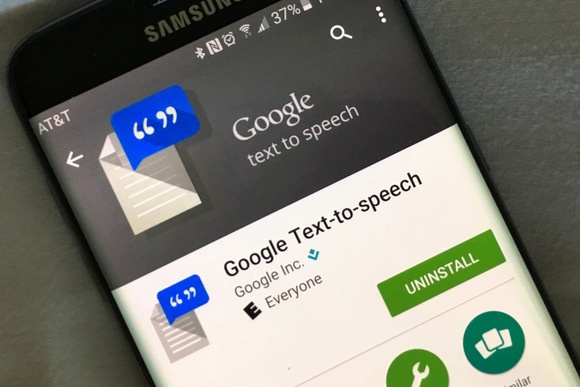
The most common free utilization is the "Read Aloud" feature found in Google Chrome and the default TTS engine on Android devices. This is great for casual consumption, screen reading, or quick translation readings.
It's important to set expectations: these free, embedded engines use the standard voice models, which are slightly less nuanced than the paid Neural voices, but are still leagues ahead of older TTS technologies.
Choosing the Right Voice: A Deep Dive into Naturalness and Localization
Selecting a voice is more than picking a gender; it's about choosing a persona. Google names its voices systematically (e.g., 'en-US-Wavenet-F'). The specific quality of a voice often relates to the local dialect and the underlying data set used for training.
For maximum impact, especially in customer-facing applications, prioritize the Neural voices. The difference in prosody—the rhythm and intonation of speech—is instantly noticeable and drastically improves listener retention and reduces cognitive load.
Language Support and Customization
Google shines when it comes to linguistic diversity. It supports nuanced dialects (like Australian English vs. British English, or various Latin American Spanish variants). This localization capability is vital for global businesses aiming for authentic communication.
Moreover, SSML allows you to embed phonetic hints directly into your text. If your brand name is unusual or difficult to pronounce, you can tell the engine exactly how to say it, maintaining brand consistency across all audio touchpoints. [Baca Juga: Overcoming Challenges in Speech Recognition for Unique Names]
Conclusion
The evolution of Google Text To Speech Software has transformed synthesized audio from a novelty into a powerful, indispensable professional tool. By embracing the power of WaveNet and leveraging the flexibility of the Google Cloud API, companies can deliver audio experiences that are virtually indistinguishable from human recordings.
Whether you opt for the free, standard engine for basic needs, or invest in the premium Neural voices for critical customer interactions, understanding the distinction between Google's different TTS offerings is the first step toward audio mastery.
Frequently Asked Questions (FAQ) about Google TTS
Is the Google Text To Speech API free to use?
Google offers a free tier, typically covering the first million characters processed per month for Standard voices, and a smaller quota for WaveNet/Neural voices. Beyond that, it switches to a pay-as-you-go model based on the number of characters.
What is the maximum length of audio I can synthesize?
The API generally supports up to 5,000 characters of text per single synthesis request. If you need longer audio files (like entire book chapters), you must segment the text and combine the resulting audio files later.
Can I use the synthesized audio commercially?
Yes, provided you are paying for the Google Cloud Text-to-Speech service. The terms of service explicitly permit commercial use of the audio generated via the paid API. Always check the current Google Cloud license agreements for specifics on distribution rights.
What is SSML and why is it important?
SSML (Speech Synthesis Markup Language) is an XML-based language used to fine-tune the resulting audio. It allows developers to control elements like pronunciation, pauses, volume, pitch, and emphasis, ensuring the synthesized speech meets specific conversational or narrative requirements.
Google Text To Speech Software
Google Text To Speech Software Wallpapers
Collection of google text to speech software wallpapers for your desktop and mobile devices.
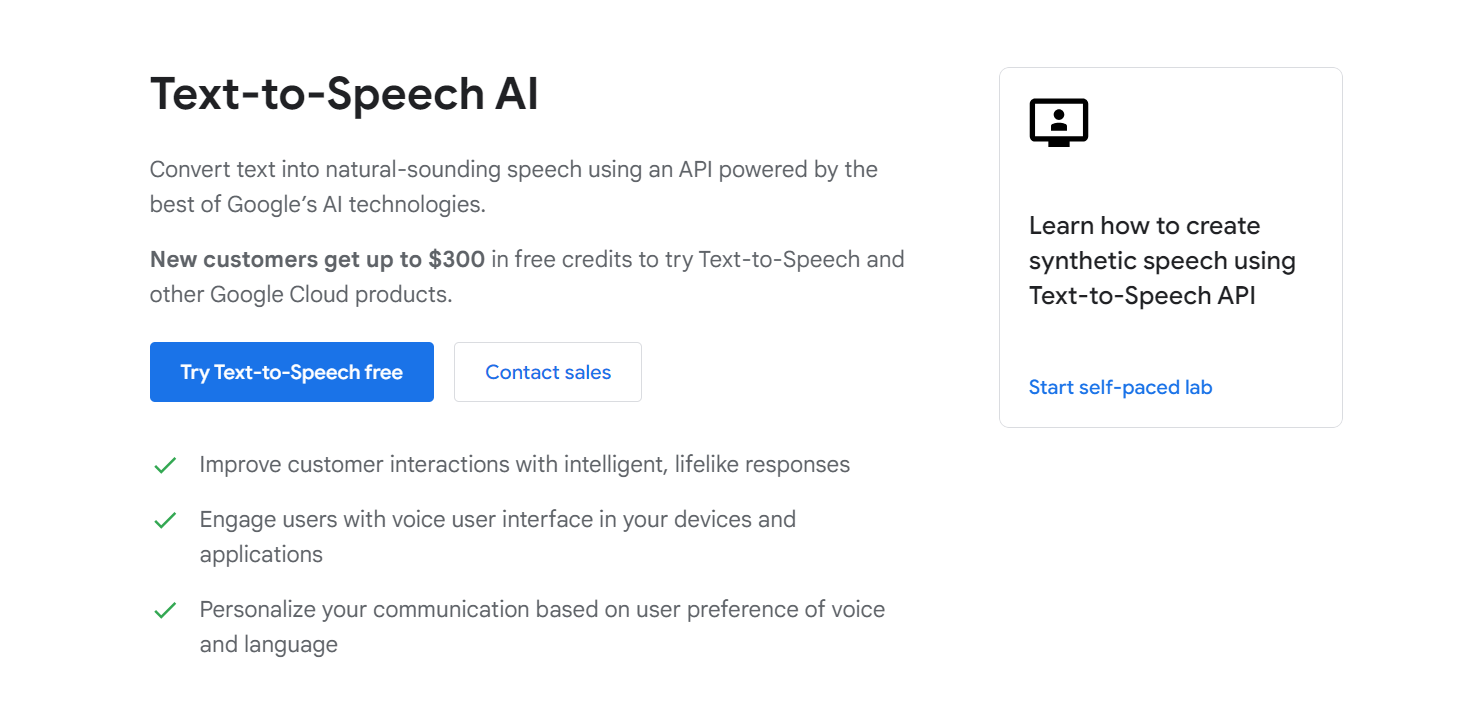
Vibrant Google Text To Speech Software Wallpaper Digital Art
Experience the crisp clarity of this stunning google text to speech software image, available in high resolution for all your screens.
Artistic Google Text To Speech Software Scene in HD
A captivating google text to speech software scene that brings tranquility and beauty to any device.
Crisp Google Text To Speech Software Artwork in HD
Find inspiration with this unique google text to speech software illustration, crafted to provide a fresh look for your background.
Vibrant Google Text To Speech Software Moment for Desktop
Transform your screen with this vivid google text to speech software artwork, a true masterpiece of digital design.
Exquisite Google Text To Speech Software Background in 4K
This gorgeous google text to speech software photo offers a breathtaking view, making it a perfect choice for your next wallpaper.
Gorgeous Google Text To Speech Software Scene Nature
A captivating google text to speech software scene that brings tranquility and beauty to any device.
Gorgeous Google Text To Speech Software Scene Photography
This gorgeous google text to speech software photo offers a breathtaking view, making it a perfect choice for your next wallpaper.
Lush Google Text To Speech Software Design Art
Find inspiration with this unique google text to speech software illustration, crafted to provide a fresh look for your background.
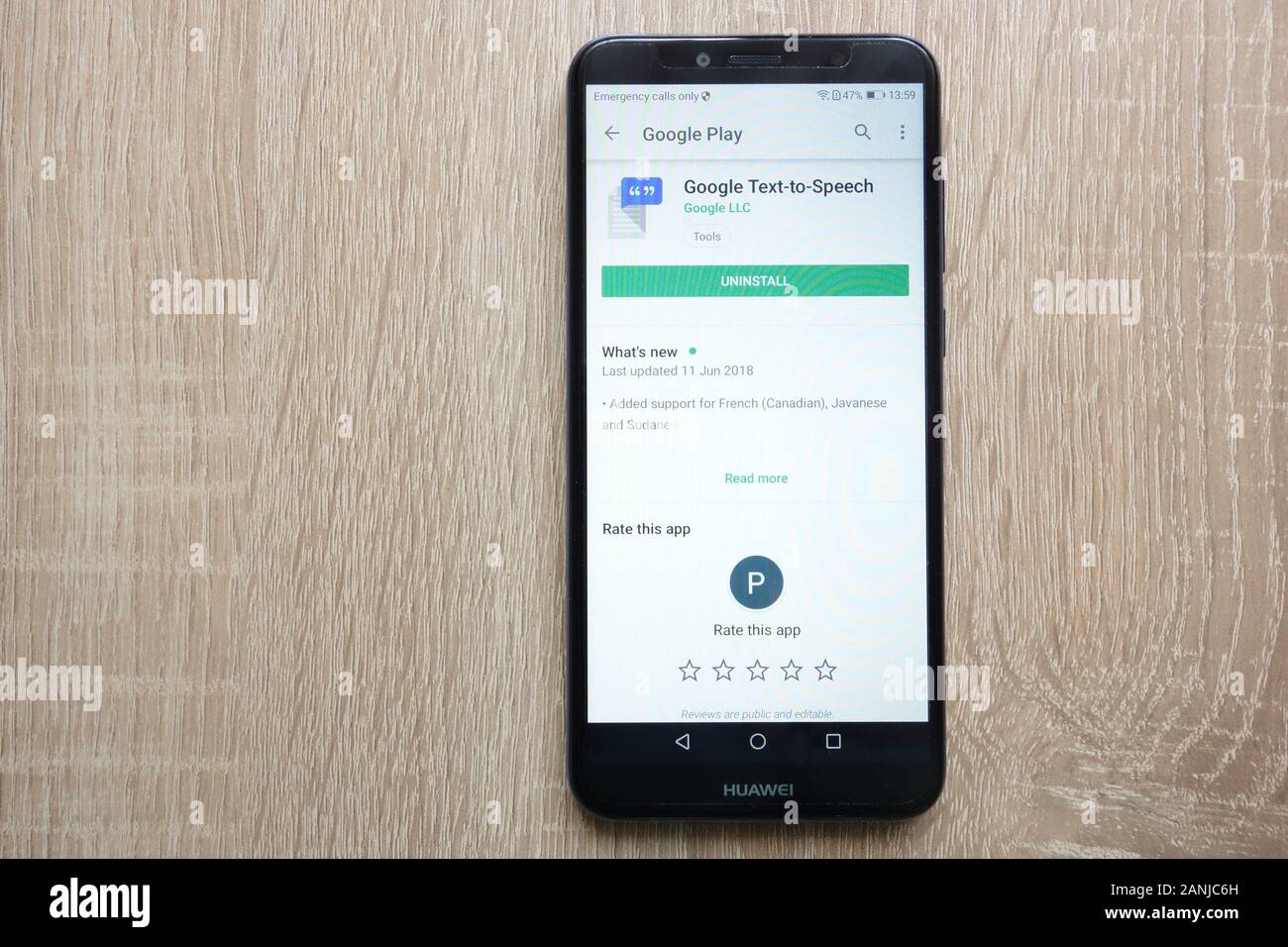
Breathtaking Google Text To Speech Software Artwork for Mobile
Explore this high-quality google text to speech software image, perfect for enhancing your desktop or mobile wallpaper.
Vivid Google Text To Speech Software Wallpaper Digital Art
Explore this high-quality google text to speech software image, perfect for enhancing your desktop or mobile wallpaper.

Detailed Google Text To Speech Software Landscape Digital Art
Transform your screen with this vivid google text to speech software artwork, a true masterpiece of digital design.
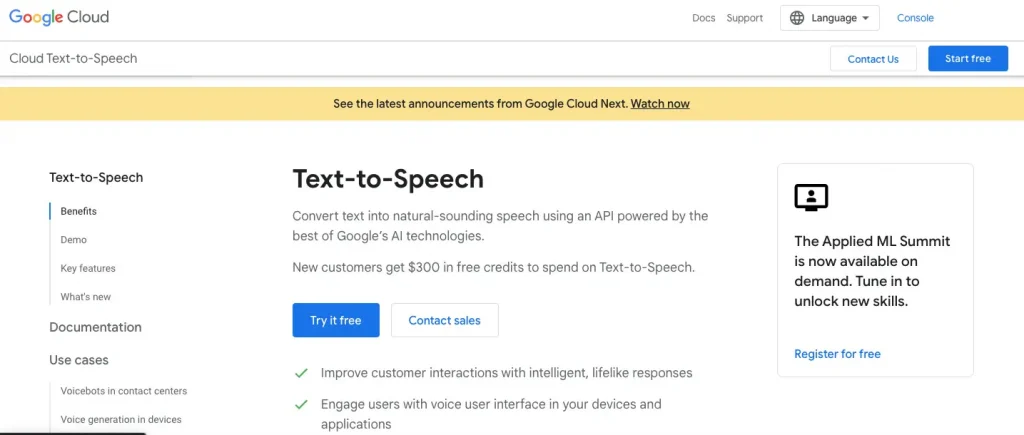
Crisp Google Text To Speech Software Landscape for Desktop
Immerse yourself in the stunning details of this beautiful google text to speech software wallpaper, designed for a captivating visual experience.
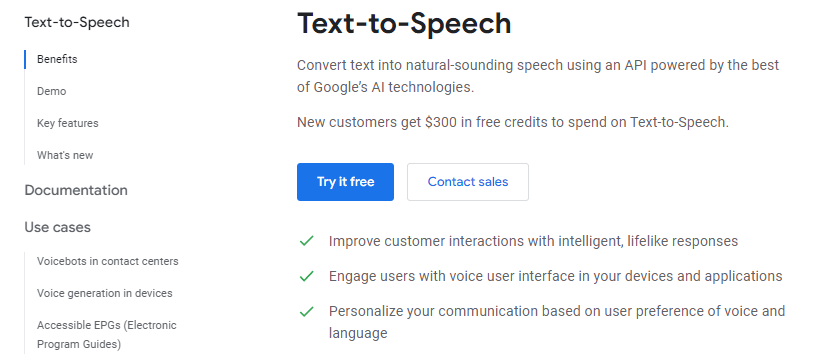
Serene Google Text To Speech Software Scene Concept
Discover an amazing google text to speech software background image, ideal for personalizing your devices with vibrant colors and intricate designs.

Gorgeous Google Text To Speech Software Scene Nature
Find inspiration with this unique google text to speech software illustration, crafted to provide a fresh look for your background.
Dynamic Google Text To Speech Software Photo in HD
A captivating google text to speech software scene that brings tranquility and beauty to any device.
Artistic Google Text To Speech Software Wallpaper for Your Screen
A captivating google text to speech software scene that brings tranquility and beauty to any device.
Amazing Google Text To Speech Software Design Digital Art
Experience the crisp clarity of this stunning google text to speech software image, available in high resolution for all your screens.
.png "Serene Google Text To Speech Software Background Collection")
Serene Google Text To Speech Software Background Collection
Experience the crisp clarity of this stunning google text to speech software image, available in high resolution for all your screens.
Dynamic Google Text To Speech Software Capture Concept
Find inspiration with this unique google text to speech software illustration, crafted to provide a fresh look for your background.
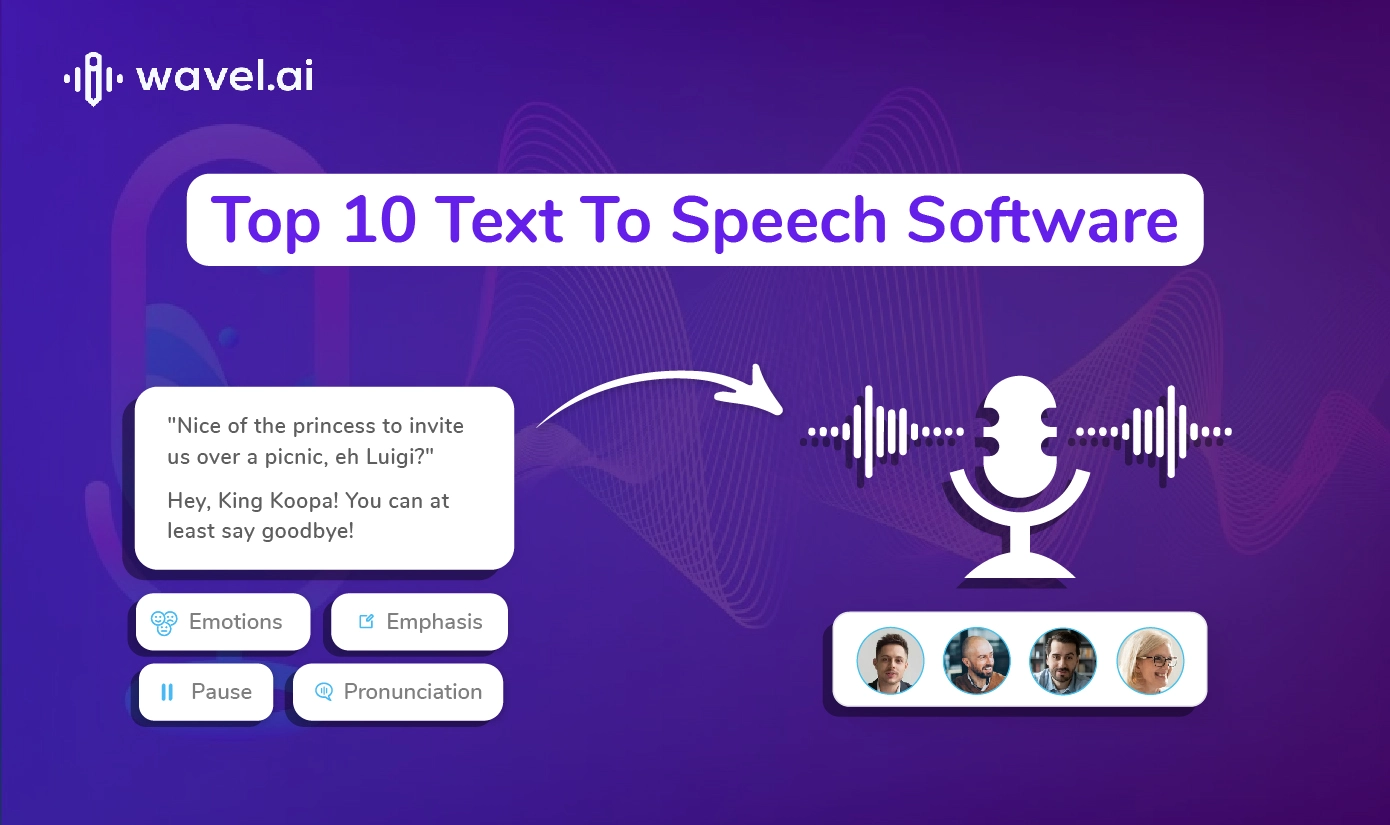
Amazing Google Text To Speech Software Design Concept
Discover an amazing google text to speech software background image, ideal for personalizing your devices with vibrant colors and intricate designs.
Download these google text to speech software wallpapers for free and use them on your desktop or mobile devices.