Hard Drive Copier Software
Stop Losing Data: Choosing the Right Hard Drive Copier Software for Flawless Migration
Upgrading your primary storage, moving to a blazing-fast SSD, or simply needing a complete, reliable backup of your entire operating system? These tasks sound complex, but they don't have to be. The secret weapon professional IT technicians and savvy home users rely on is specialized Hard Drive Copier Software.
But choosing the right tool is critical. A bad migration experience can lead to lost files, unbootable systems, and hours of frustrating troubleshooting. This comprehensive guide will cut through the noise, explaining exactly what these tools do, why they are essential, and the key features you must look for to ensure a perfect copy every time.
What Exactly is Hard Drive Copier Software?
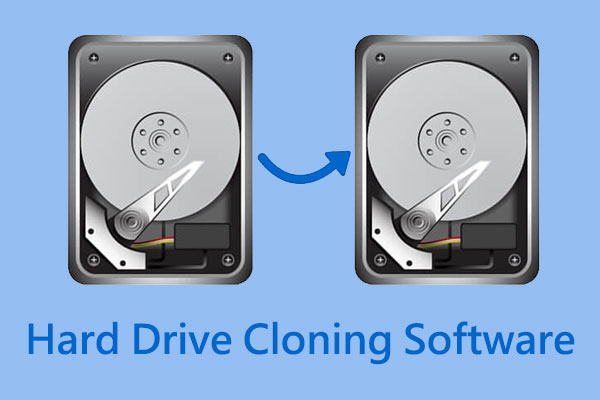
At its core, hard drive copier software, often called "disk cloning software," is a utility designed to create an exact, sector-by-sector duplicate of one storage device (the source) onto another (the target). This isn't just copying files; it's replicating the entire structure, including the Master Boot Record (MBR) or GUID Partition Table (GPT), hidden partitions, and the operating system (OS) itself.
Think of it less like photocopy and more like molecular replication. When you use standard drag-and-drop file copying, crucial system files and boot data are often left behind, making the new drive unusable as a primary boot drive.
The primary use cases for these tools generally fall into three categories:
- System Migration: Moving an OS and all associated applications from an old, slow HDD to a new, fast SSD without reinstalling Windows or macOS.
- Full Backup & Recovery: Creating a perfect, bootable image of your current setup for disaster recovery. If your main drive fails, you can simply swap in the clone.
- Data Duplication: Ideal for IT professionals needing to quickly deploy identical system images across multiple machines in an organization.
Why Cloning is Better Than Simple Copy-Pasting (The Crucial Difference)
This is where many beginners get confused. You might ask, "Why can't I just copy everything in File Explorer?" The answer lies in how operating systems boot and manage storage. When you simply copy files, you are missing critical, non-user accessible data.
Cloning software ensures the integrity of the following vital components:
1. The Master Boot Record (MBR) / GUID Partition Table (GPT)
These are tiny, often hidden sectors at the very beginning of the drive that tell the computer's BIOS or UEFI where to look to start the OS. Without a proper MBR/GPT copied (which normal file copying ignores), the new drive is nothing more than a collection of data, totally incapable of booting the system. Disk cloning software handles this delicate transfer automatically.
2. System Recovery Partitions
Modern OS installations usually create small, hidden partitions for recovery, diagnostics, or system updates. If you miss these during migration, you lose the ability to perform crucial factory resets or emergency repairs. The best Hard Drive Copier Software recognizes and transfers these partitions seamlessly, maintaining full system functionality.
Cloning ensures a forensic exact replica, maintaining not just file data, but also metadata and sector arrangement—a crucial step for data integrity. Read more about disk imaging and cloning on Wikipedia.
Essential Features to Look for in 2024
Not all hard drive copier software is created equal. Depending on your needs—whether you are a home user upgrading a laptop or a forensic specialist—you need specific features. Here are the non-negotiables:
1. Adaptive Partition Resizing (Small to Large or Vice Versa)
If you clone a 500GB drive onto a new 2TB drive, the software must intelligently manage the extra space. High-quality software automatically adjusts the partition size to utilize the entire target drive, preventing wasted space. Conversely, if you clone a large drive onto a smaller one (assuming the data fits), it must manage the shrinking process without corruption.
2. SSD Optimization (4K Alignment)
This is vital for performance. SSDs use 4KB blocks for data access. If the cloning software doesn't align the partitions properly (known as 4K alignment), the SSD will perform slower than it should, drastically reducing its speed and lifespan. Modern cloning tools handle this automatically for peak SSD performance. [Baca Juga: SSD 4K Alignment Explained]
3. Bootable Media Creation
Often, you cannot clone a disk while the OS is actively running on it. The best software allows you to create a bootable USB or CD environment. You boot into this secure environment, and the cloning process can run smoothly outside of the OS, maximizing data consistency and integrity.
4. Forensic (Sector-by-Sector) Copy Mode
For maximum data preservation, this mode copies every single sector, including empty sectors and potentially recoverable deleted data. While slower, it is the only way to ensure a 100% identical copy, often required for digital forensics or specific advanced backup scenarios. You must use tools that adhere to high standards of data integrity and chain of custody.
Comparison Table: Top Hard Drive Copier Software Picks
To help streamline your decision, here is a quick overview of some market-leading options based on common user needs:
| Software Name | Best For | Key Feature | Price Model | Ease of Use (1-5) |
|---|---|---|---|---|
| Acronis Cyber Protect Home Office | Comprehensive Backup & Security | Integrated Anti-Ransomware & Cloud Backup | Subscription | 4 |
| Macrium Reflect | Reliable Imaging & Boot Repair | Rapid Delta Restore (Fast Recovery) | Free/Paid Tier | 3 |
| Clonezilla | IT Professionals & Advanced Users | Open Source, Multi-Platform Support | Free | 2 |
| EaseUS Todo Backup | Beginner-Friendly Cloning | Simple UI and Scheduled Cloning | Free/Paid Tier | 5 |
Step-by-Step Guide: How to Clone Your Drive Successfully
Regardless of which specific Hard Drive Copier Software you choose, the process generally follows these crucial steps. Skipping any step can lead to failure:
- Preparation and Connection: Connect the target drive (the new, blank drive) to your computer. For desktops, this is usually an internal SATA connection; for laptops, you will need a USB-to-SATA adapter or enclosure. Ensure the target drive is healthy and properly initialized (though the software often handles formatting).
- Pre-Clone Cleanup (Highly Recommended): Delete unnecessary files, clear browser caches, and empty the Recycle Bin on the source drive. The less data you have to clone, the faster the process will be.
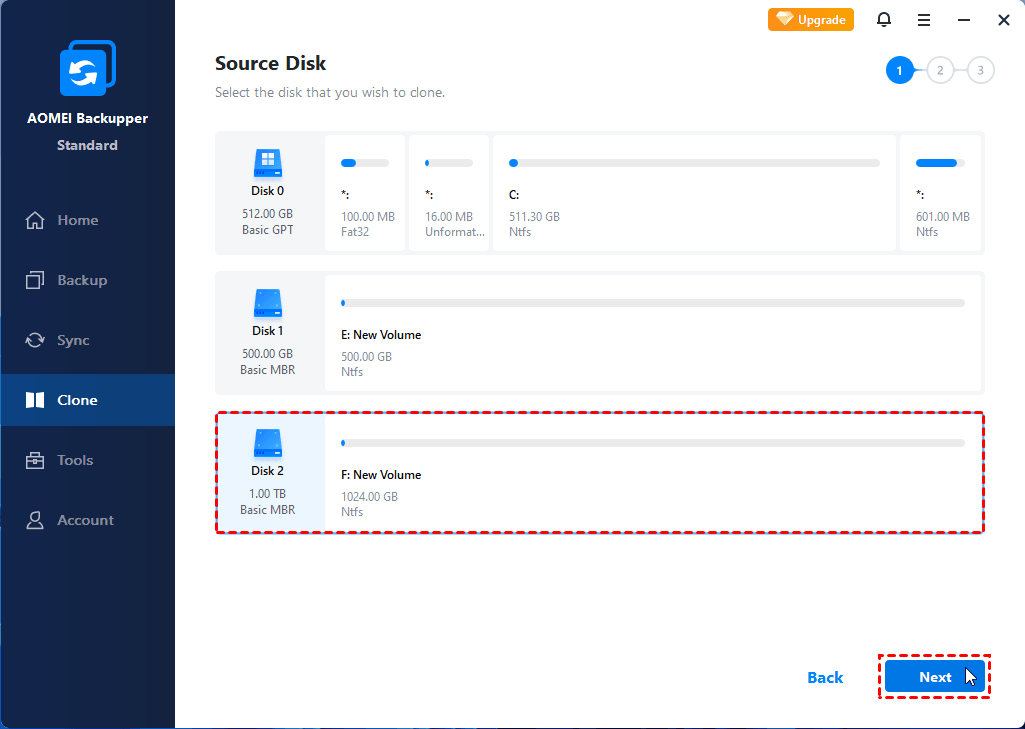
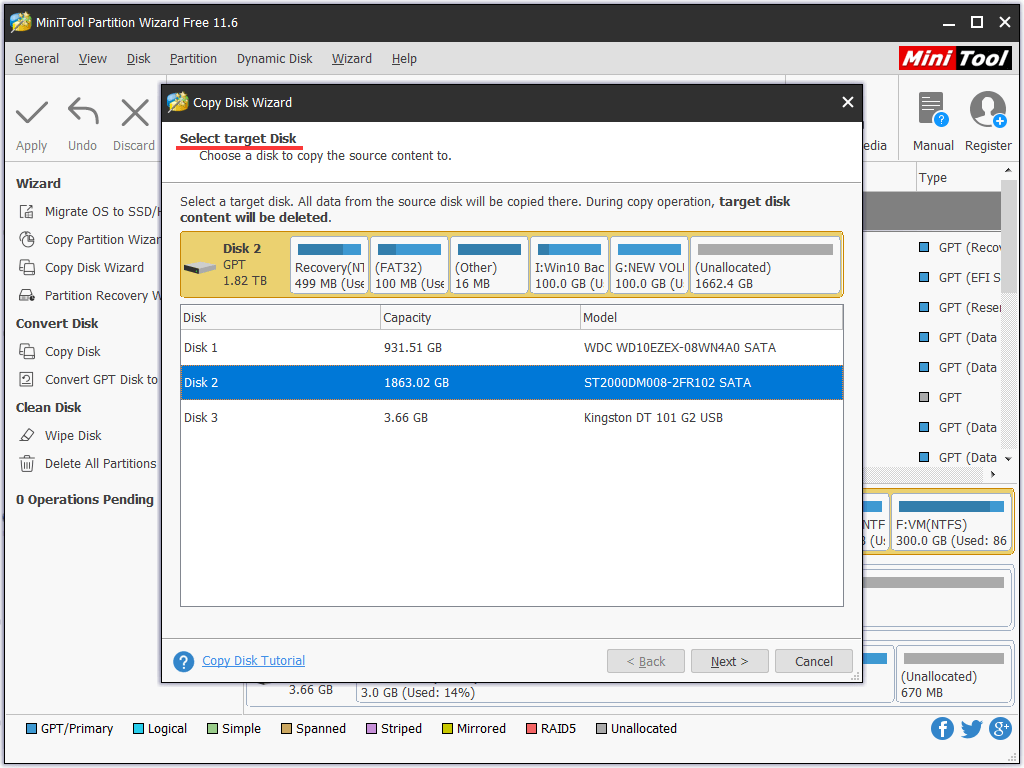
- Launch the Software and Select Source/Target: Open your chosen software. Look for the "Clone," "Disk Copy," or "Migration" option. Carefully select the original boot drive (the source) and the new drive (the target). **Double-check this step!** Selecting the wrong drive could wipe out your existing data.
- Configure Cloning Options: Set your parameters. If moving to a larger drive, ensure "Adaptive Resize" or "Fit to New Disk" is enabled. If moving to an SSD, confirm that "SSD Optimization" or "4K Alignment" is checked.
- Execute the Clone: Run the operation. Depending on the amount of data (e.g., 500GB) and connection speed (e.g., USB 3.0 vs. SATA), this can take anywhere from 30 minutes to several hours. Do not interrupt the process.
- Verification and Test Boot: Once complete, safely disconnect the old drive and attempt to boot the computer using only the new clone. If the system boots successfully and all applications work, the migration was a success!
The Final Word: Trust Your Tools
Choosing reliable Hard Drive Copier Software is perhaps the most important decision in any serious data migration project. While free tools like Clonezilla offer powerful features, paid options often provide superior user interfaces, better technical support, and critical advanced features like anti-ransomware protection and automatic SSD alignment.
Investing in a high-quality cloning tool is investing in peace of mind. It transforms a potentially disastrous, days-long OS reinstall into a simple, automated process, allowing you to get back to work (or play) faster.
Frequently Asked Questions (FAQ)
- Does cloning software work if the target drive is smaller than the source drive?
Yes, provided the *total amount of used data* on the source drive is less than the *capacity* of the target drive. The software will only copy the used sectors and adjust the partitions accordingly. If your 1TB drive only has 300GB of data, you can clone it onto a 500GB target drive.
- Can I clone a drive with bad sectors?
Technically, yes, but it is risky. Cloning software tries to copy everything, including corruption. If the bad sectors are critical to the boot process, the cloned drive will fail. It is better to use software that includes error checking or try to repair the source drive first.
- Do I need to reactivate Windows after cloning?
Usually, no. Since modern Windows licenses (Windows 10/11) are often tied to the motherboard's hardware ID, changing the hard drive does not typically trigger reactivation. However, if you move the cloned drive into a completely different computer system, Windows will likely require reactivation.
Hard Drive Copier Software
Hard Drive Copier Software Wallpapers
Collection of hard drive copier software wallpapers for your desktop and mobile devices.
Detailed Hard Drive Copier Software Picture Collection
Explore this high-quality hard drive copier software image, perfect for enhancing your desktop or mobile wallpaper.

Vibrant Hard Drive Copier Software Background Digital Art
Discover an amazing hard drive copier software background image, ideal for personalizing your devices with vibrant colors and intricate designs.
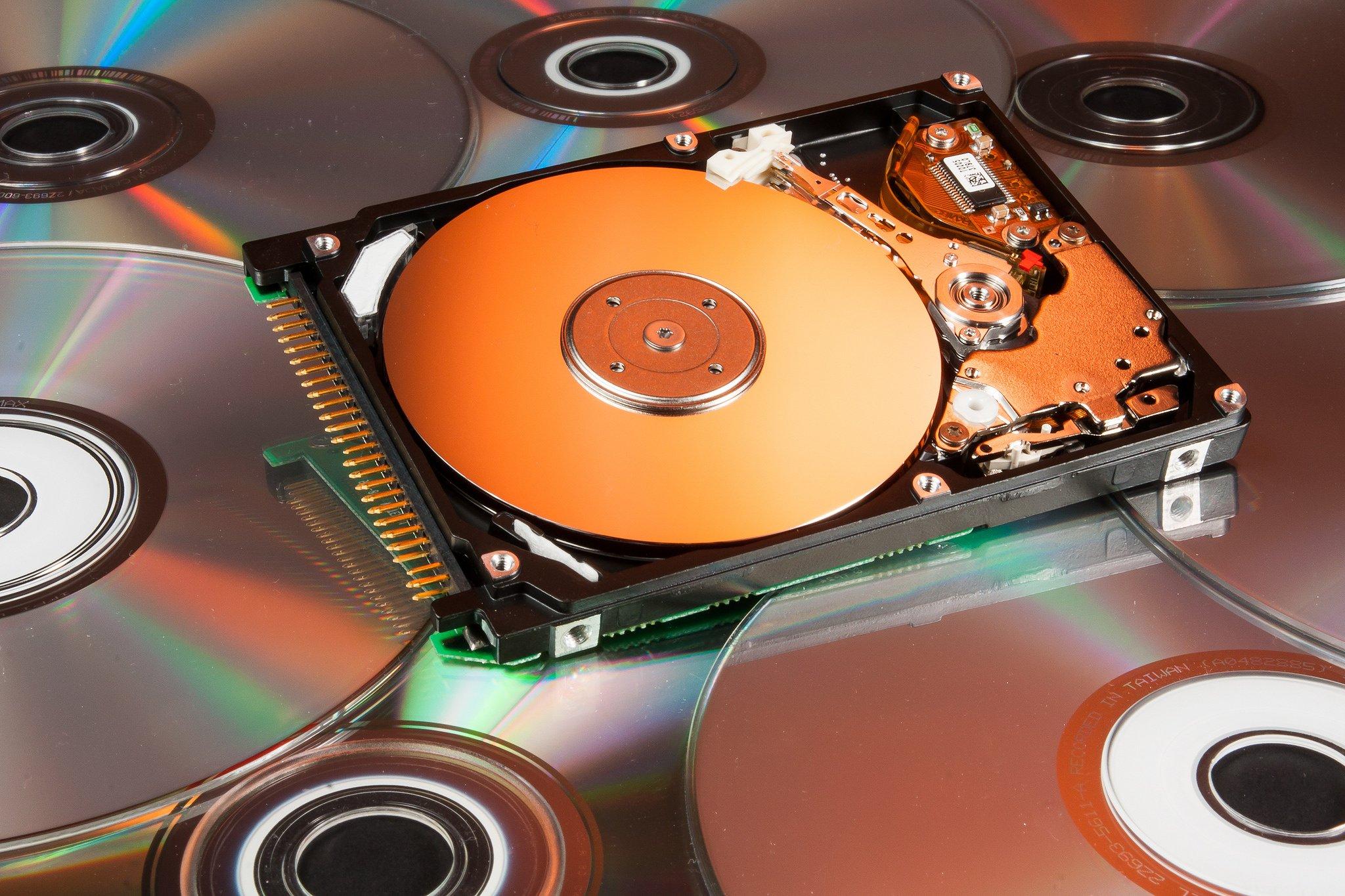
Beautiful Hard Drive Copier Software Picture for Desktop
Experience the crisp clarity of this stunning hard drive copier software image, available in high resolution for all your screens.
Vivid Hard Drive Copier Software Landscape in 4K
Explore this high-quality hard drive copier software image, perfect for enhancing your desktop or mobile wallpaper.

Mesmerizing Hard Drive Copier Software Scene Digital Art
Discover an amazing hard drive copier software background image, ideal for personalizing your devices with vibrant colors and intricate designs.
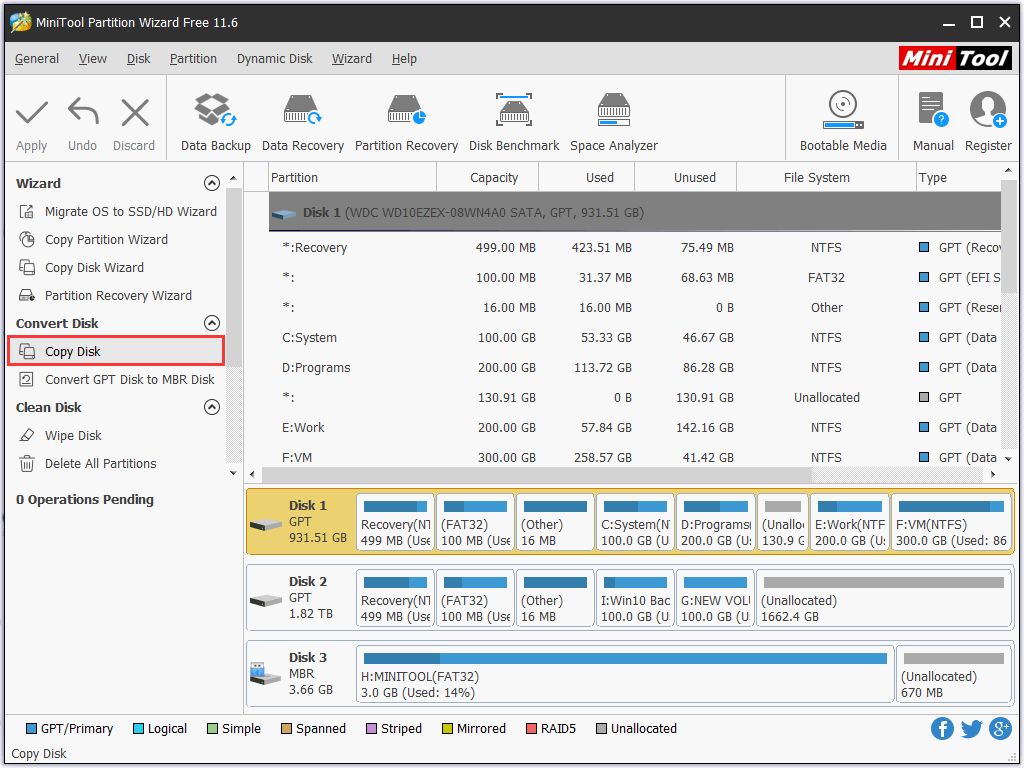
Spectacular Hard Drive Copier Software Artwork Illustration
Immerse yourself in the stunning details of this beautiful hard drive copier software wallpaper, designed for a captivating visual experience.
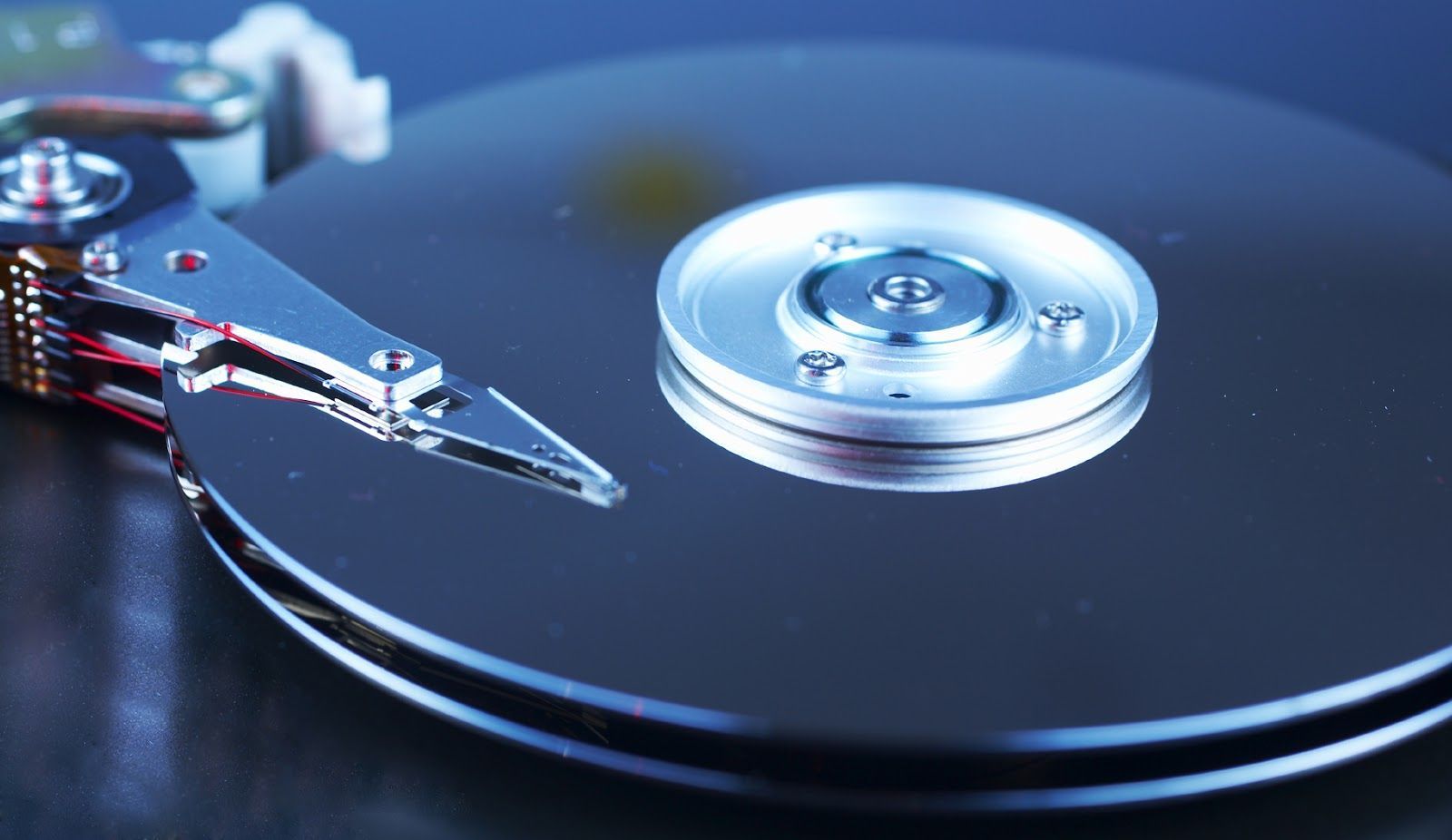
Dynamic Hard Drive Copier Software Picture Digital Art
A captivating hard drive copier software scene that brings tranquility and beauty to any device.
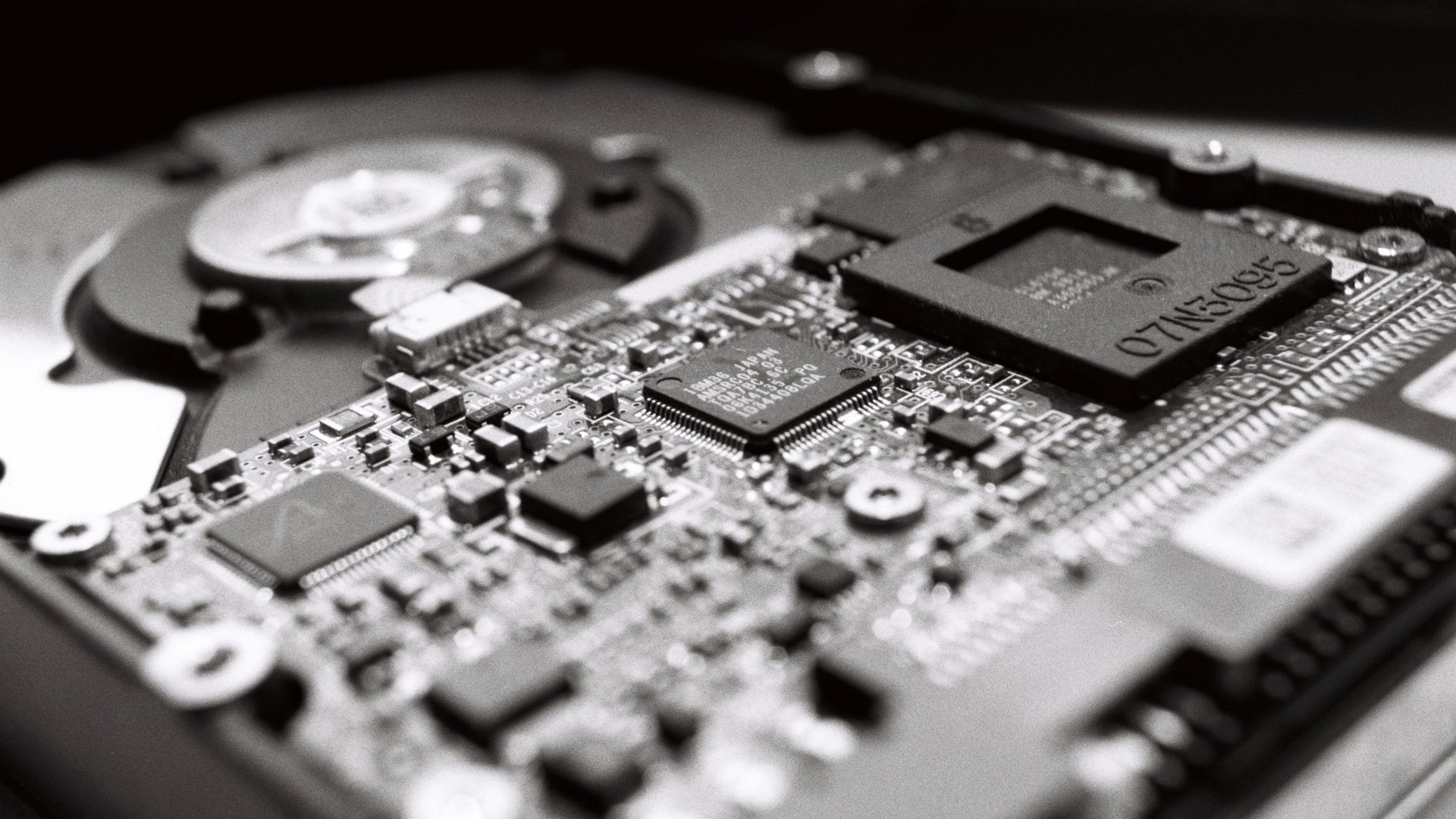
High-Quality Hard Drive Copier Software Image for Mobile
Explore this high-quality hard drive copier software image, perfect for enhancing your desktop or mobile wallpaper.
Spectacular Hard Drive Copier Software Scene Concept
This gorgeous hard drive copier software photo offers a breathtaking view, making it a perfect choice for your next wallpaper.
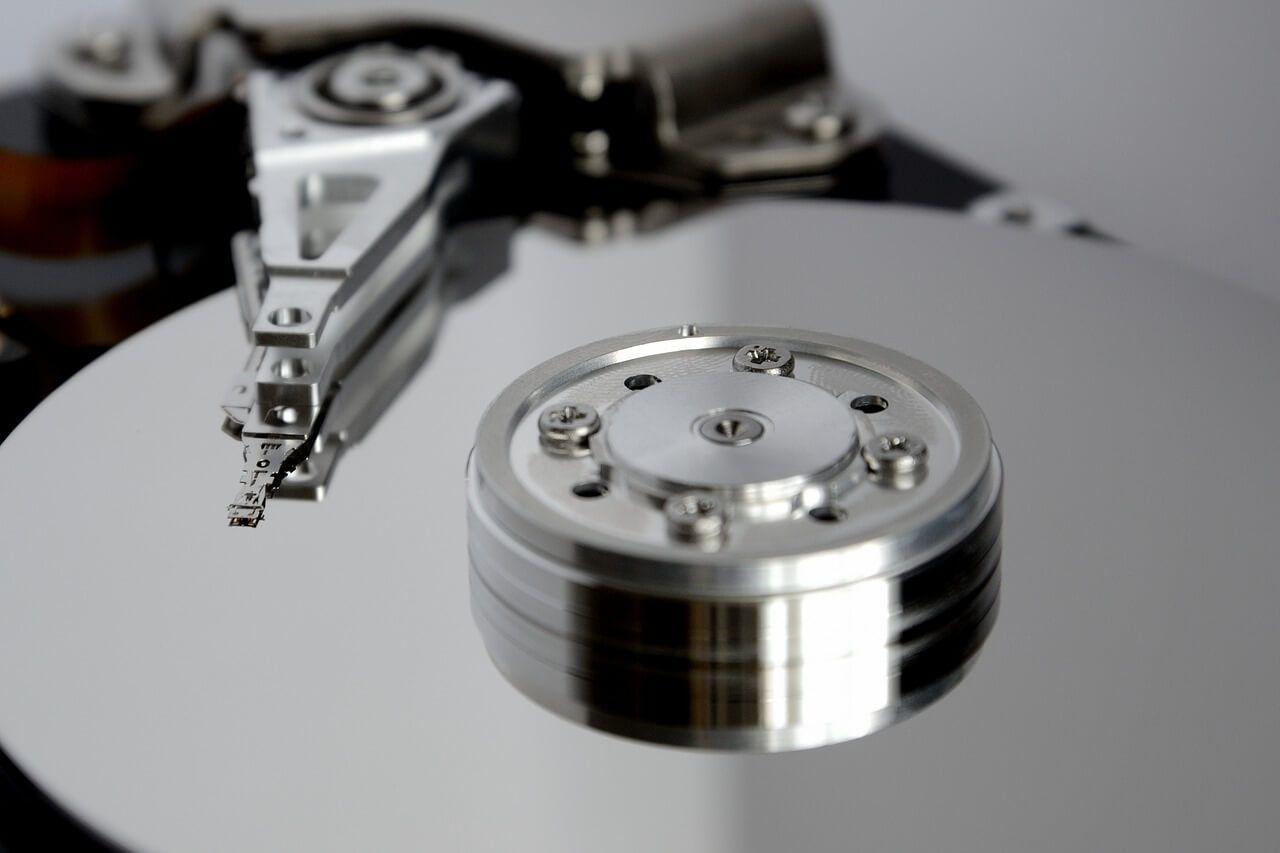
Crisp Hard Drive Copier Software Landscape Concept
Find inspiration with this unique hard drive copier software illustration, crafted to provide a fresh look for your background.
Vivid Hard Drive Copier Software Image in HD
Discover an amazing hard drive copier software background image, ideal for personalizing your devices with vibrant colors and intricate designs.
Beautiful Hard Drive Copier Software Artwork Illustration
Discover an amazing hard drive copier software background image, ideal for personalizing your devices with vibrant colors and intricate designs.
Beautiful Hard Drive Copier Software Photo for Mobile
Explore this high-quality hard drive copier software image, perfect for enhancing your desktop or mobile wallpaper.
Artistic Hard Drive Copier Software Moment Digital Art
This gorgeous hard drive copier software photo offers a breathtaking view, making it a perfect choice for your next wallpaper.
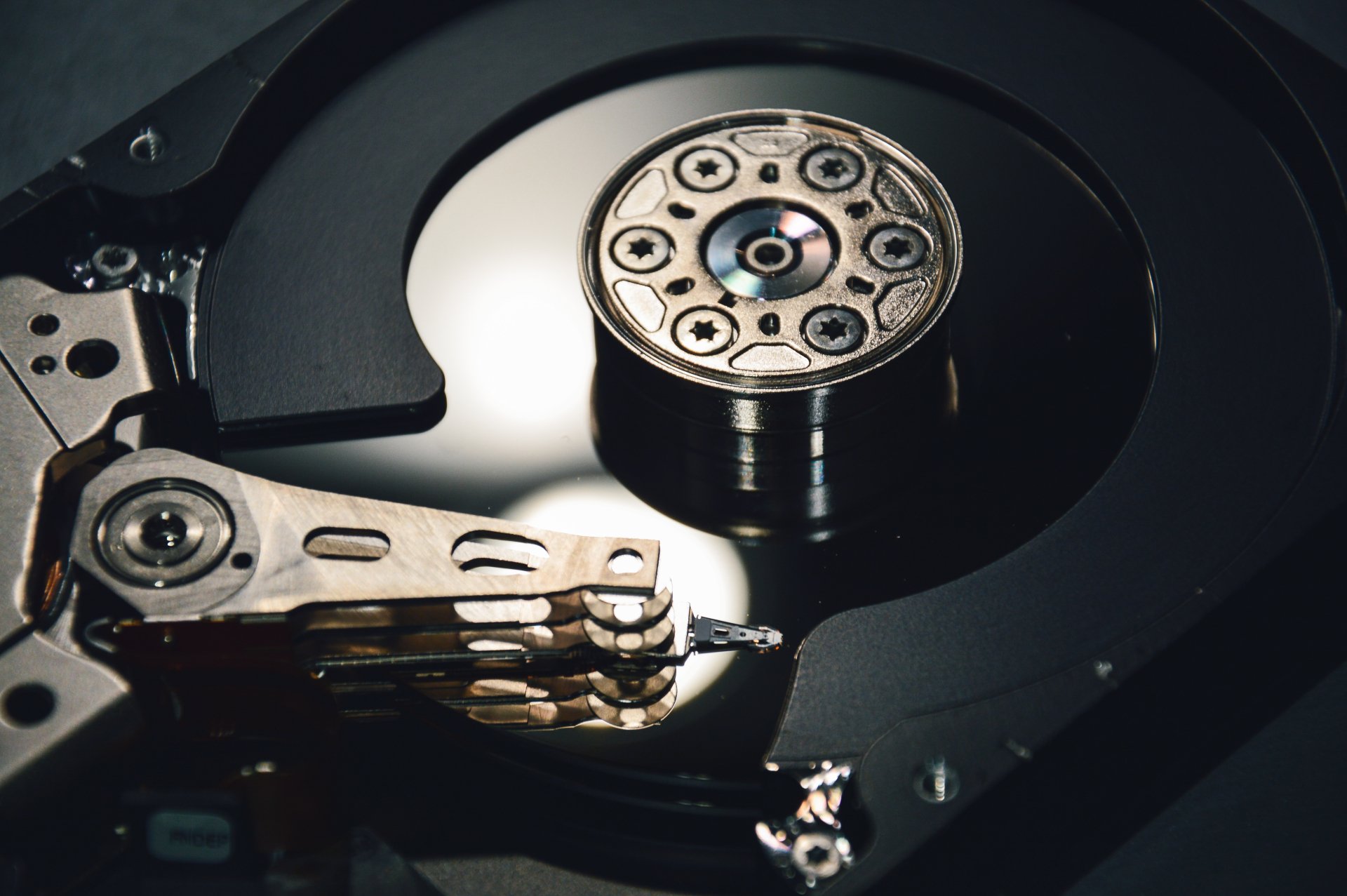
Gorgeous Hard Drive Copier Software Image Digital Art
Find inspiration with this unique hard drive copier software illustration, crafted to provide a fresh look for your background.
Captivating Hard Drive Copier Software Wallpaper Photography
A captivating hard drive copier software scene that brings tranquility and beauty to any device.
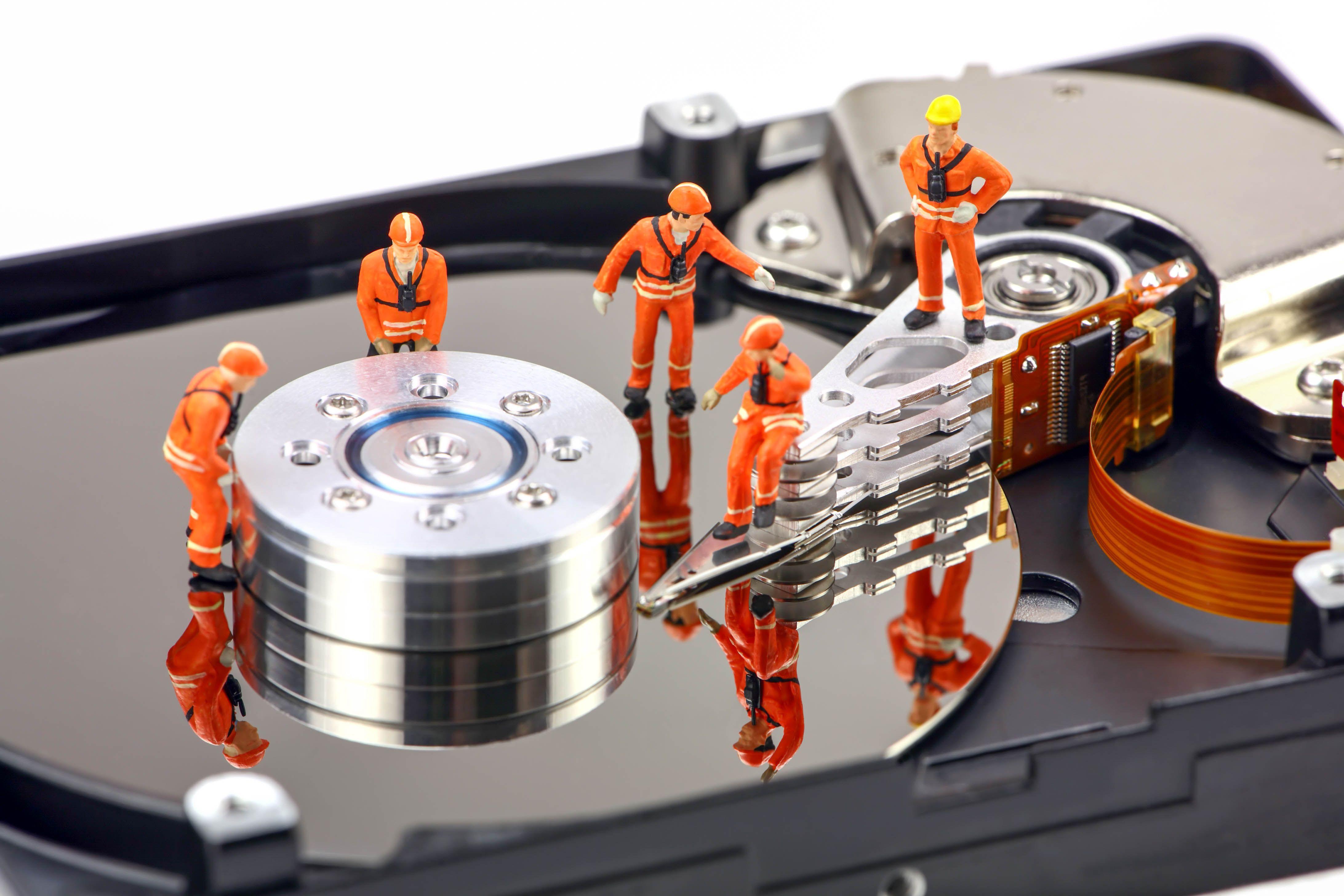
Beautiful Hard Drive Copier Software View Digital Art
Discover an amazing hard drive copier software background image, ideal for personalizing your devices with vibrant colors and intricate designs.

Stunning Hard Drive Copier Software Photo for Mobile
Immerse yourself in the stunning details of this beautiful hard drive copier software wallpaper, designed for a captivating visual experience.
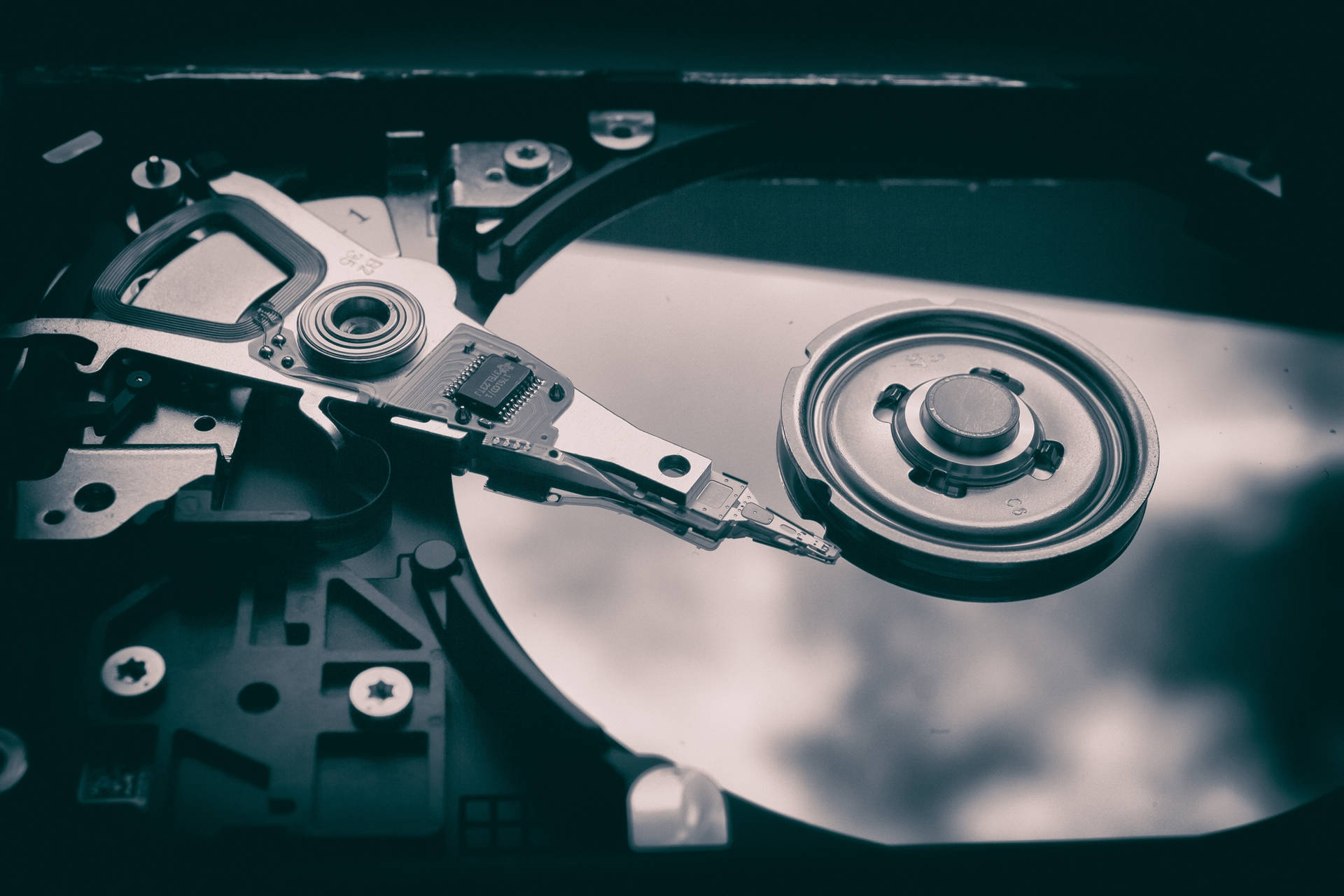
Vivid Hard Drive Copier Software Background Art
Discover an amazing hard drive copier software background image, ideal for personalizing your devices with vibrant colors and intricate designs.
Amazing Hard Drive Copier Software Scene for Mobile
Experience the crisp clarity of this stunning hard drive copier software image, available in high resolution for all your screens.
Download these hard drive copier software wallpapers for free and use them on your desktop or mobile devices.