How To Get Rid Of Hijacked Browser
How To Get Rid Of Hijacked Browser: Your Ultimate Guide
Hey there! If you're dealing with annoying pop-ups, random homepage changes, or search results that lead nowhere, chances are your browser has been hijacked. It's incredibly frustrating, but don't panic. Browser hijackers are common, and thankfully, you absolutely can reclaim your control.
This comprehensive guide will walk you through exactly How To Get Rid Of Hijacked Browser, step-by-step. We will cover identifying the problem, the cleaning process, and essential tips to prevent it from happening again. Let's get your digital life back in order!
What Exactly is a Browser Hijacker?
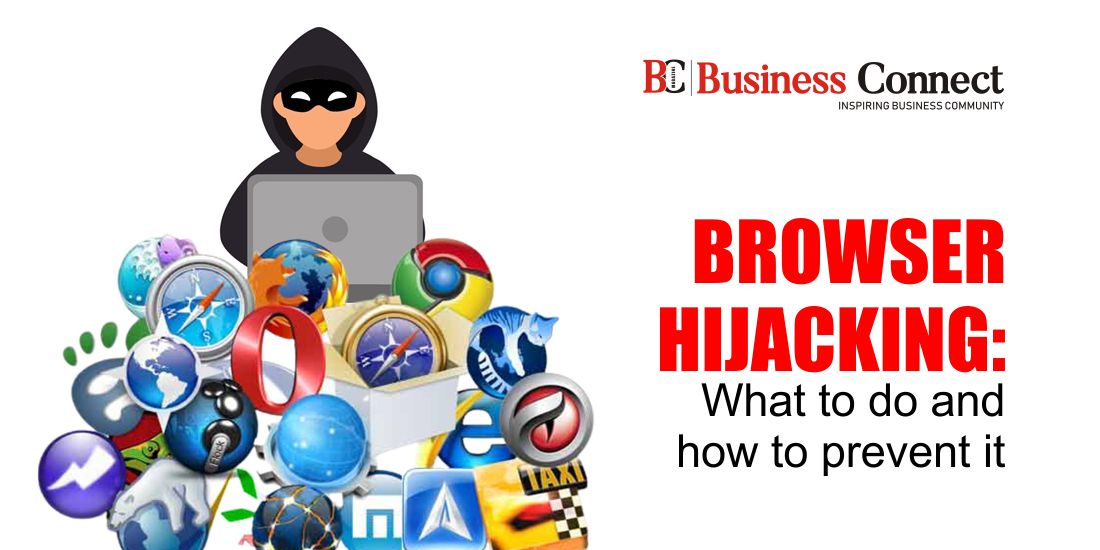
A browser hijacker is a type of unwanted software, often classified as malware or potentially unwanted programs (PUPs), that changes your browser settings without your permission. Think of it as a digital intruder that sets up shop in your Chrome, Firefox, Edge, or Safari.
Their main goal is usually to force you to view specific advertising pages or to gather data on your browsing habits. They make money by redirecting your traffic to certain sponsored or malicious sites, which is why those endless pop-ups appear.
Common Symptoms You Should Look For
Identifying the symptoms is the first crucial step in learning How To Get Rid Of Hijacked Browser. These signs are usually pretty obvious, but sometimes they can be subtle, hiding among your everyday web use.
If you notice any of the following, your browser is likely compromised:
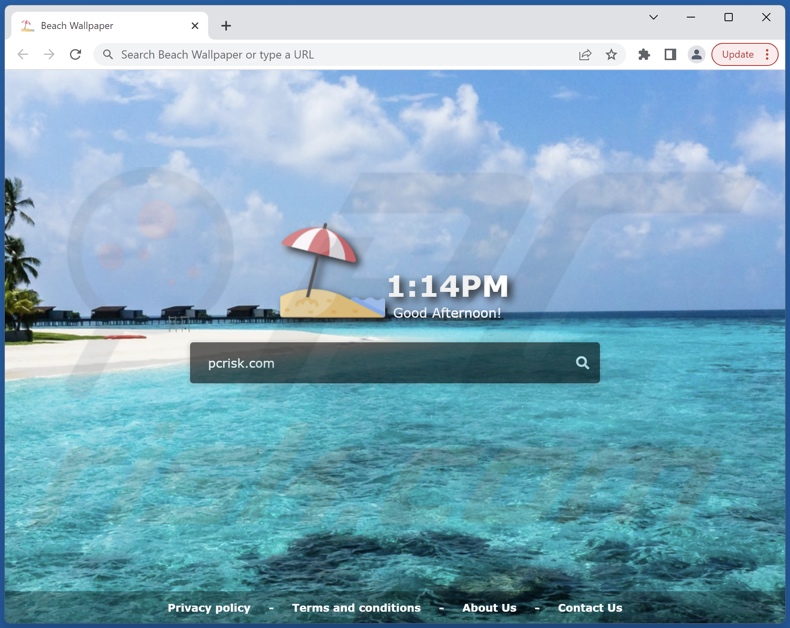
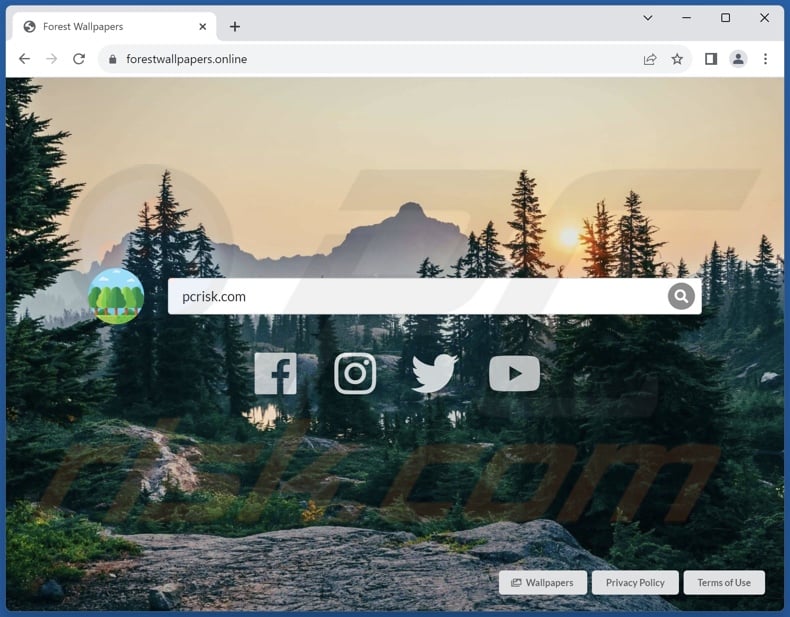
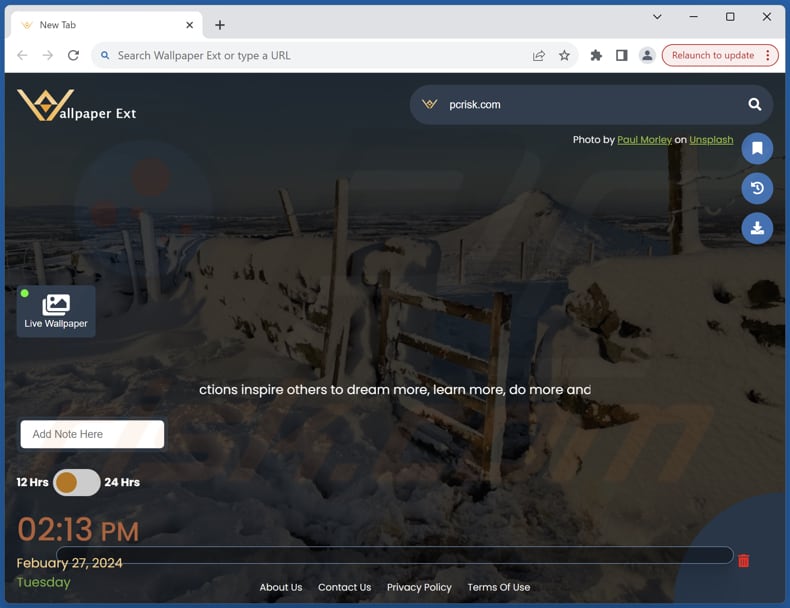
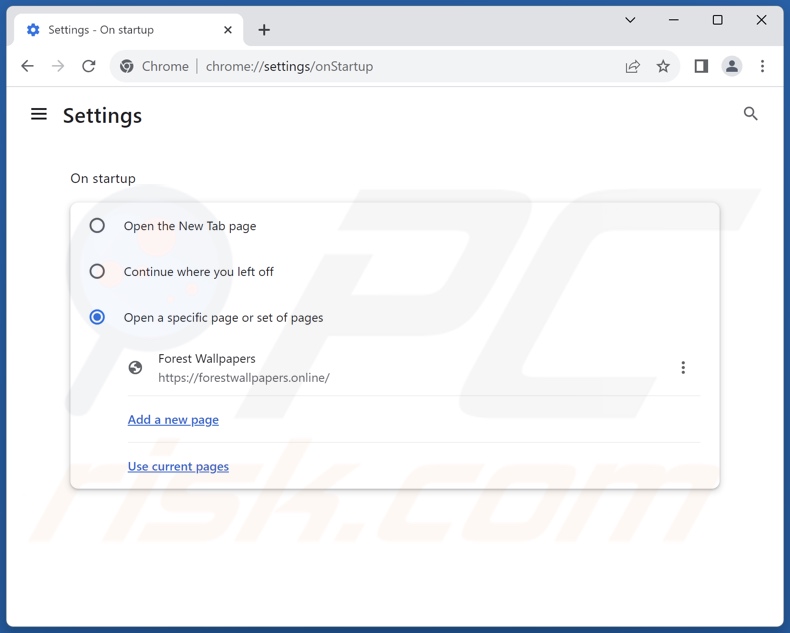
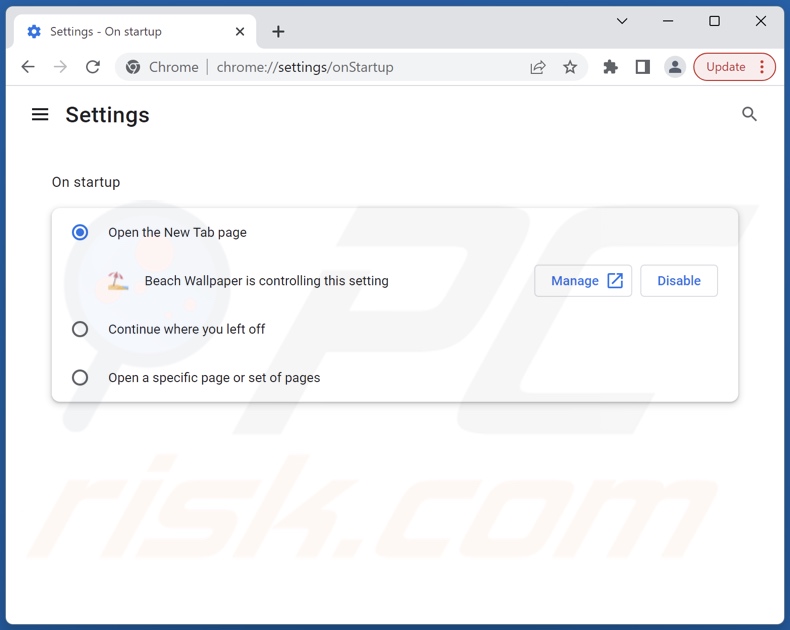
- Your homepage has changed to a search engine or specific website you never set.
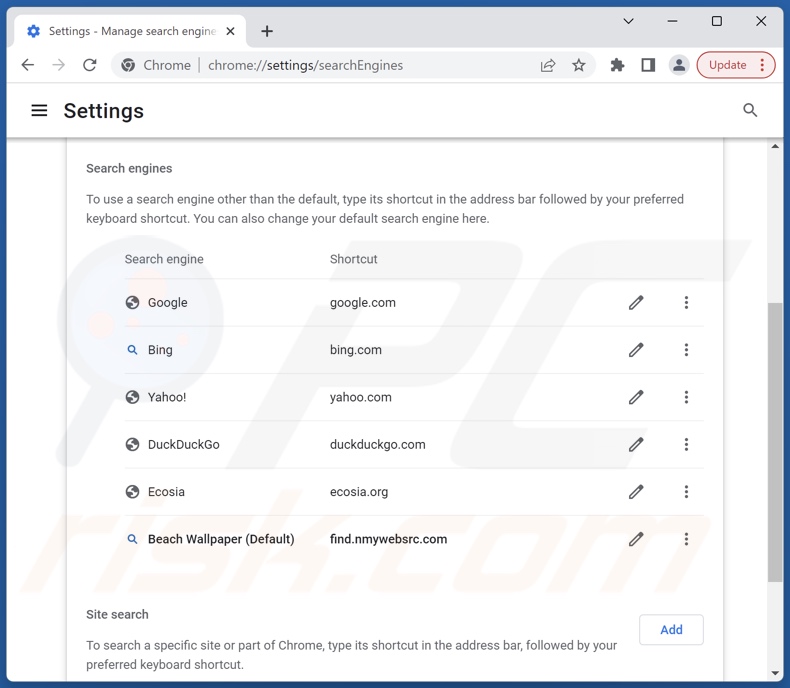
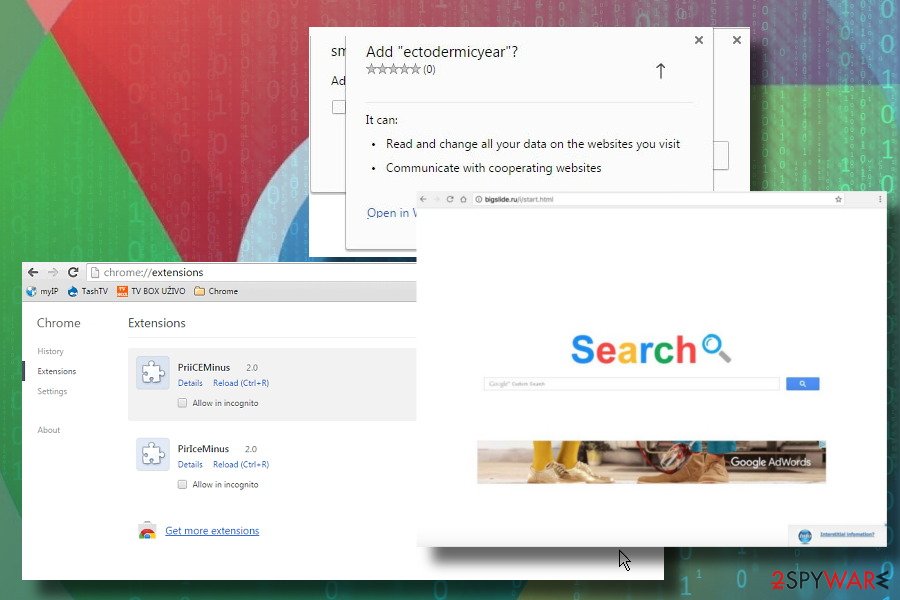
- Your default search engine now redirects searches through an unknown site (e.g., searches redirecting via Bing or Yahoo when you usually use Google).
- An overwhelming increase in pop-up ads, banners, or ads that overlap content.
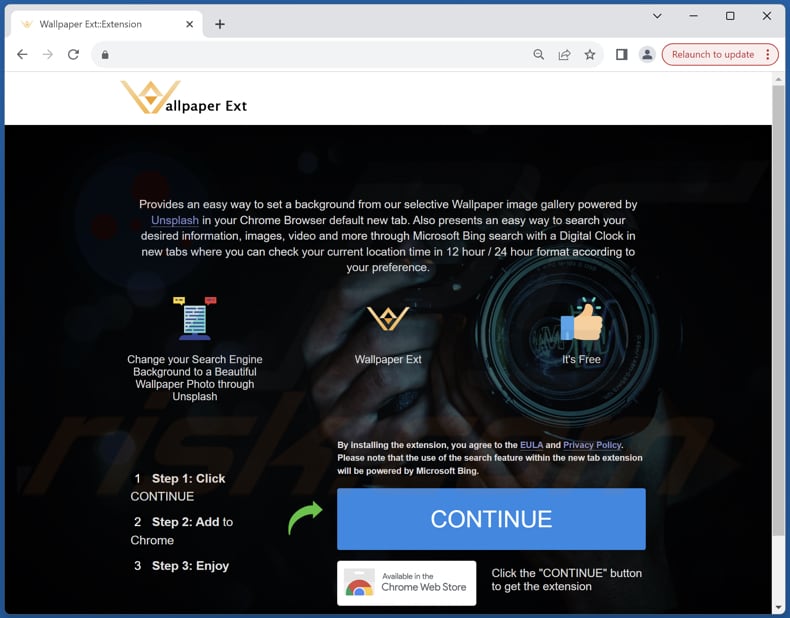
- New, unfamiliar toolbars or extensions have suddenly appeared in your browser.
- Slow browser performance and frequent crashing.
- You are receiving error messages or security alerts frequently.
Step-by-Step Guide: How To Get Rid Of Hijacked Browser (The Cleanup Process)
Now that you know what you're up against, it's time to take action. Follow these steps meticulously to purge the hijacker from your system and restore normalcy. This process works across Windows and macOS platforms, focusing heavily on browser-specific fixes.
Step 1: Disconnect and Backup (Pre-Cleaning Checklist)
Before you start the deep clean, it's wise to limit the hijacker's ability to communicate with its servers. Disconnecting from the internet can halt some malicious processes.
First, if you have any critical documents or files, perform a quick backup of those specific items to an external drive. Next, disconnect your device from Wi-Fi or unplug your Ethernet cable. This ensures the malware cannot send data or receive new instructions while you are working.
Step 2: Running the Big Guns (Anti-Malware Scan)
Often, a browser hijacker isn't just limited to the browser; it installs supporting programs on your operating system. Therefore, a full system scan is essential. You need a dedicated, reputable anti-malware tool.
If you haven't done so already, download and install a reliable anti-malware program (like Malwarebytes or your preferred security software). Run a full, deep scan of your entire system. Make sure the software removes or quarantines everything it flags as a threat.
After the scan is complete and the threats are removed, restart your computer immediately. This helps finalize the removal process.
Step 3: Removing Unwanted Extensions and Add-ons
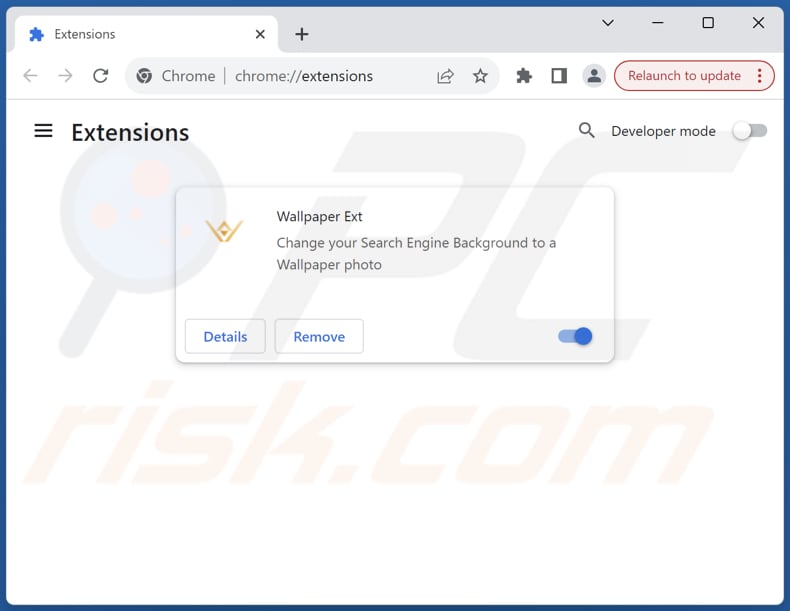
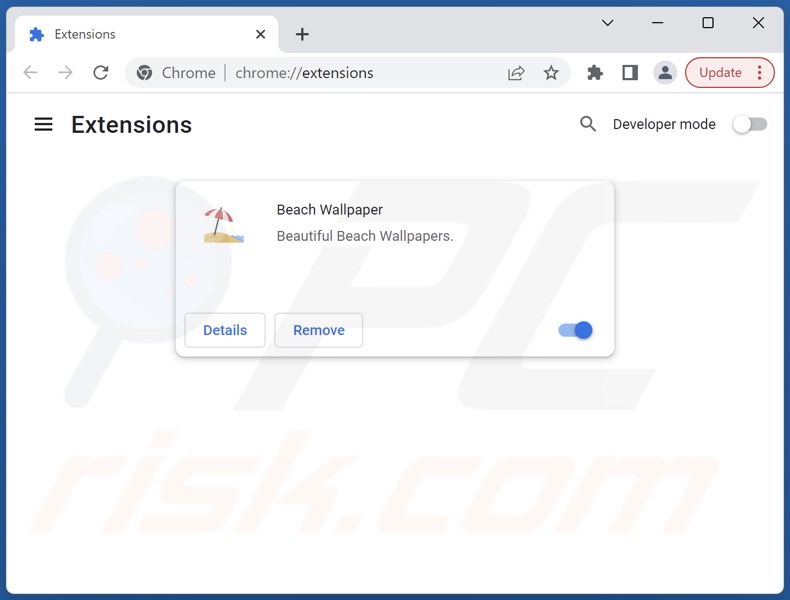
Extensions are the primary delivery method for most browser hijackers. Even if you think you removed the root program, the extension might still be active. This is a critical part of knowing How To Get Rid Of Hijacked Browser.
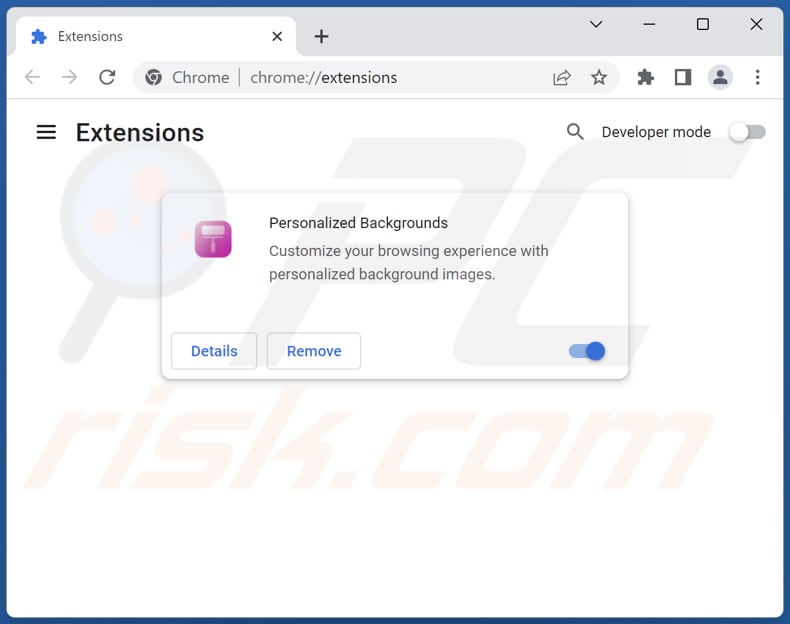
We need to meticulously check every installed extension and remove anything you don't recognize or trust. If you didn't install it personally, get rid of it.
Here's how to access the extension manager in most browsers:
- Open your browser (e.g., Chrome, Firefox).
- Navigate to the settings menu (usually represented by three dots or lines).
- Find the "Extensions," "Add-ons," or "More Tools" section.
- Carefully review the list. Click "Remove" or "Disable" on any suspicious items.
- For maximum safety, if you rarely use an extension, disable it for now.
Don't forget to check the desktop shortcuts for your browsers too! Sometimes the hijacker modifies the shortcut path to force the malicious page to load. Right-click the shortcut, go to Properties, and ensure the "Target" field ends cleanly (e.g., "chrome.exe" or "firefox.exe") without any appended URLs.
Step 4: Resetting Your Browser Settings (The Nuclear Option)
If the steps above don't fully resolve the issue, it's time for a full browser reset. This will revert all settings—including your homepage, search engine, and saved tabs—back to their default state, effectively wiping out any remaining residue left by the hijacker.
In your browser settings, look for the "Reset and clean up," "Reset settings," or "Restore defaults" option. Confirm the reset. While you will lose minor customizations, this is the most reliable method to ensure a clean slate.
Preventing Future Browser Hijacks (Protection is Key)
You've done the hard work of learning How To Get Rid Of Hijacked Browser, but how do you keep it away? Prevention is always easier than cure. Browser hijackers often succeed by tricking users into installing bundled software.
Always exercise caution when downloading new programs. When installing software—especially free programs—always choose the "Custom" or "Advanced" installation option, rather than "Express" or "Recommended." This allows you to manually uncheck any bundled toolbars or "optional extras" that could lead to hijacking.
How to Spot a Shady Download Link
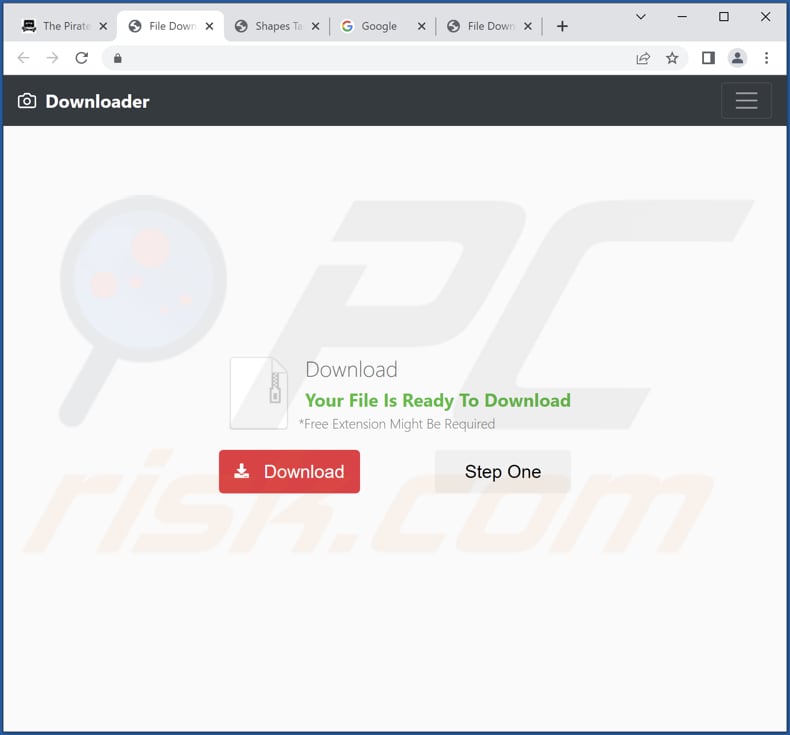
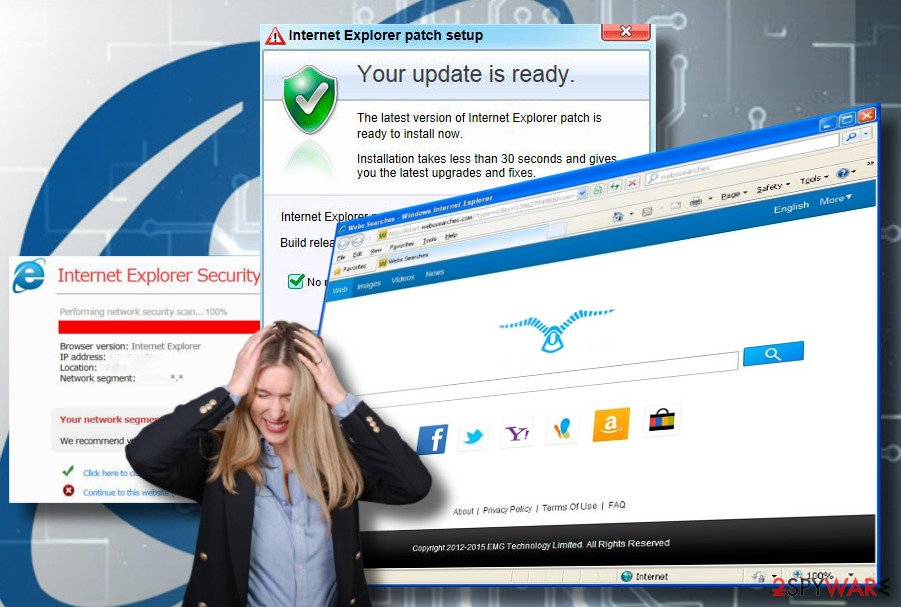
Be skeptical of pop-ups that claim your computer is infected or that you need an immediate update. Legitimate software companies do not usually notify you through aggressive, full-screen pop-ups.
- Download software only from official vendor websites or highly reputable app stores.
- Use a robust ad-blocker or script-blocker to prevent malicious ads from even loading.
- Keep your operating system and all browsers updated, as updates often include crucial security patches.
- Regularly check your list of installed extensions for anything you don't use or recognize.
Conclusion
Dealing with a browser hijacker is a pain, but by following this guide, you now know the systematic process for cleaning your system. Remember, the key to solving How To Get Rid Of Hijacked Browser lies in a multi-step approach: identifying the symptoms, running a full malware scan, eliminating rogue extensions, and finally, resetting your browser to factory settings.
Stay vigilant online, choose custom installations for new software, and keep your security tools running. If you remain cautious, you can enjoy a smooth, secure, and redirect-free browsing experience!
Frequently Asked Questions (FAQ)
- Can a browser hijacker steal passwords or sensitive information?
- Yes, absolutely. Since a browser hijacker can monitor and redirect your traffic, it may sometimes include spyware capabilities designed to record keystrokes or capture login credentials entered on unsecured sites. It's crucial to remove them immediately.
- Is a browser hijacker the same as a virus?
- Not exactly. A virus is designed to replicate and corrupt system files. A browser hijacker is generally classified as Potentially Unwanted Program (PUP) or adware. While less destructive than a traditional virus, it is still malicious software designed to compromise your privacy and control your browsing experience.
- Why does my homepage keep changing back after I fix it?
- This is almost always due to an underlying root program or a modified desktop shortcut that you missed. If the homepage keeps reverting, revisit Step 2 (Full System Scan) and Step 3 (Check Browser Shortcut Properties). The malicious program is likely still running in the background and enforcing the settings change.
- Does resetting my browser delete my bookmarks?
- Typically, no, a standard browser reset will not delete your saved bookmarks, history, or passwords, though it depends slightly on the browser. However, it will remove customized settings, installed extensions, and temporary data like cookies.
How To Get Rid Of Hijacked Browser
How To Get Rid Of Hijacked Browser Wallpapers
Collection of how to get rid of hijacked browser wallpapers for your desktop and mobile devices.
Lush How To Get Rid Of Hijacked Browser Artwork Photography
This gorgeous how to get rid of hijacked browser photo offers a breathtaking view, making it a perfect choice for your next wallpaper.
Detailed How To Get Rid Of Hijacked Browser Artwork Art
Discover an amazing how to get rid of hijacked browser background image, ideal for personalizing your devices with vibrant colors and intricate designs.
Breathtaking How To Get Rid Of Hijacked Browser Capture Nature
Explore this high-quality how to get rid of hijacked browser image, perfect for enhancing your desktop or mobile wallpaper.

Captivating How To Get Rid Of Hijacked Browser Artwork Digital Art
Find inspiration with this unique how to get rid of hijacked browser illustration, crafted to provide a fresh look for your background.
Dynamic How To Get Rid Of Hijacked Browser Moment Illustration
This gorgeous how to get rid of hijacked browser photo offers a breathtaking view, making it a perfect choice for your next wallpaper.
Breathtaking How To Get Rid Of Hijacked Browser View Art
Discover an amazing how to get rid of hijacked browser background image, ideal for personalizing your devices with vibrant colors and intricate designs.
Breathtaking How To Get Rid Of Hijacked Browser Design Collection
Explore this high-quality how to get rid of hijacked browser image, perfect for enhancing your desktop or mobile wallpaper.
High-Quality How To Get Rid Of Hijacked Browser Background Illustration
Transform your screen with this vivid how to get rid of hijacked browser artwork, a true masterpiece of digital design.
Artistic How To Get Rid Of Hijacked Browser View Collection
Immerse yourself in the stunning details of this beautiful how to get rid of hijacked browser wallpaper, designed for a captivating visual experience.
Lush How To Get Rid Of Hijacked Browser Picture Nature
Immerse yourself in the stunning details of this beautiful how to get rid of hijacked browser wallpaper, designed for a captivating visual experience.

Artistic How To Get Rid Of Hijacked Browser Photo for Your Screen
Find inspiration with this unique how to get rid of hijacked browser illustration, crafted to provide a fresh look for your background.
High-Quality How To Get Rid Of Hijacked Browser Landscape Concept
Transform your screen with this vivid how to get rid of hijacked browser artwork, a true masterpiece of digital design.
Dynamic How To Get Rid Of Hijacked Browser Wallpaper Photography
Find inspiration with this unique how to get rid of hijacked browser illustration, crafted to provide a fresh look for your background.

High-Quality How To Get Rid Of Hijacked Browser Scene in HD
Explore this high-quality how to get rid of hijacked browser image, perfect for enhancing your desktop or mobile wallpaper.
Vibrant How To Get Rid Of Hijacked Browser Artwork Art
Explore this high-quality how to get rid of hijacked browser image, perfect for enhancing your desktop or mobile wallpaper.
Stunning How To Get Rid Of Hijacked Browser Artwork Art
Immerse yourself in the stunning details of this beautiful how to get rid of hijacked browser wallpaper, designed for a captivating visual experience.
Gorgeous How To Get Rid Of Hijacked Browser Design for Desktop
This gorgeous how to get rid of hijacked browser photo offers a breathtaking view, making it a perfect choice for your next wallpaper.

Dynamic How To Get Rid Of Hijacked Browser Artwork Concept
Find inspiration with this unique how to get rid of hijacked browser illustration, crafted to provide a fresh look for your background.
Vibrant How To Get Rid Of Hijacked Browser Image Concept
Explore this high-quality how to get rid of hijacked browser image, perfect for enhancing your desktop or mobile wallpaper.

Mesmerizing How To Get Rid Of Hijacked Browser Moment for Your Screen
Explore this high-quality how to get rid of hijacked browser image, perfect for enhancing your desktop or mobile wallpaper.
Download these how to get rid of hijacked browser wallpapers for free and use them on your desktop or mobile devices.