Elgato Stream Deck Software
Tired of Tab Switching? Unleash Power with Elgato Stream Deck Software
If you're serious about content creation, productivity, or live streaming, you've likely encountered the magical little device known as the Stream Deck. But the true power isn't in the hardware; it resides in the central nervous system—the Elgato Stream Deck Software.
This isn't just a fancy keyboard mapper. It's a dynamic control center that turns complex, multi-step tasks into a single button press. Ready to ditch the clunky hotkeys and revolutionize your workflow? Let's dive deep into how this essential software operates and how you can maximize its potential.
What Exactly is the Elgato Stream Deck Software?
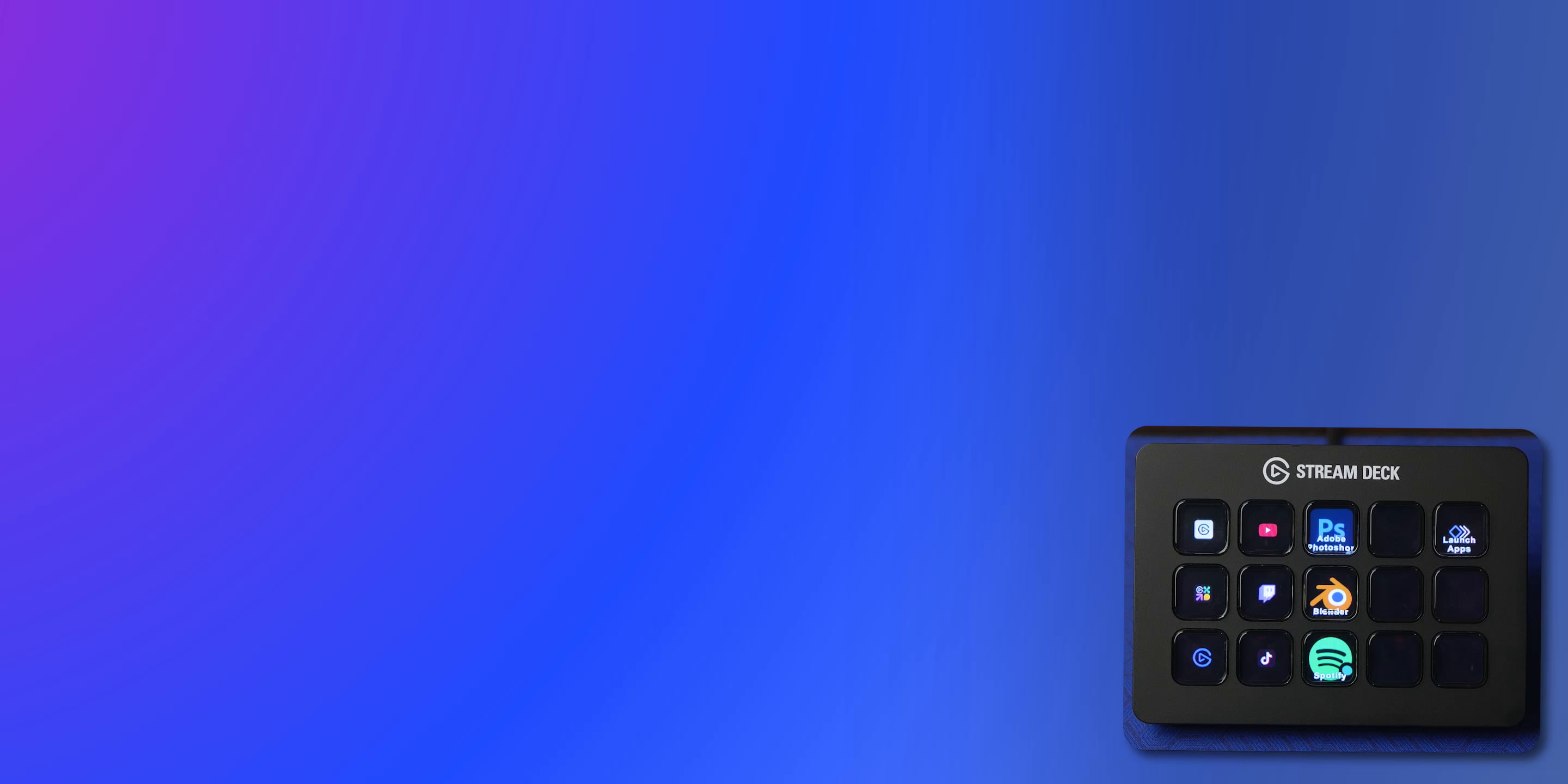
At its core, the software acts as the bridge between your Stream Deck hardware (whether it's the Mini, the classic 15-key, or the XL) and your computer's ecosystem. Think of it as a highly sophisticated configuration dashboard where you drag, drop, and program every single key.
The beauty of the software lies in its versatility. It doesn't just manage streaming functions like switching scenes in OBS or muting a microphone. It can control Spotify, launch applications, trigger keyboard shortcuts, and even manage smart home devices.
The Brain of the Operation: Understanding Actions
Every button press on the Stream Deck executes an "Action" configured within the software. These actions are categorized clearly:
- System Actions: Opening websites, hotkeys, text snippets, and running programs.
- Streaming Actions: Deep integrations with platforms like OBS Studio, Twitch, and YouTube.
- Sound Actions: Playing sound effects (Soundboard function).
- Stream Deck Actions: Managing profiles, folders, and multi-actions within the deck itself.
Supported Stream Deck Devices
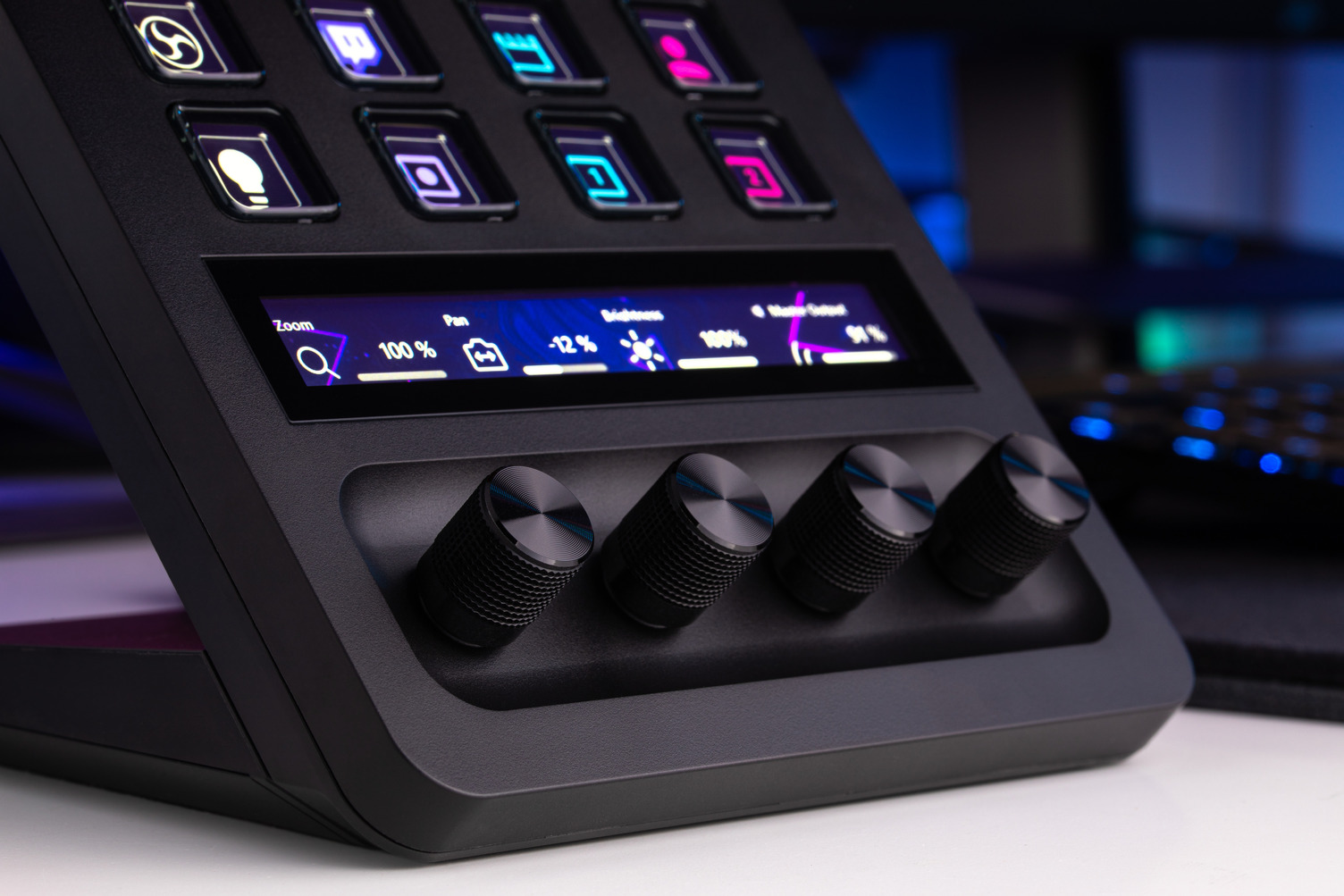
The Elgato Stream Deck Software maintains a unified experience across all hardware models, ensuring consistency whether you are using a legacy device or the new Stream Deck+. The software dynamically adjusts the grid size based on the connected device.
This means if you upgrade from a 6-key Mini to a 32-key XL, your existing actions and profiles transfer seamlessly, requiring minimal reconfiguration.
Installation and Initial Setup
Getting started is incredibly straightforward, which is a testament to Elgato's focus on user experience. You don't need a computer science degree to get the buttons working.
Downloading the Latest Version
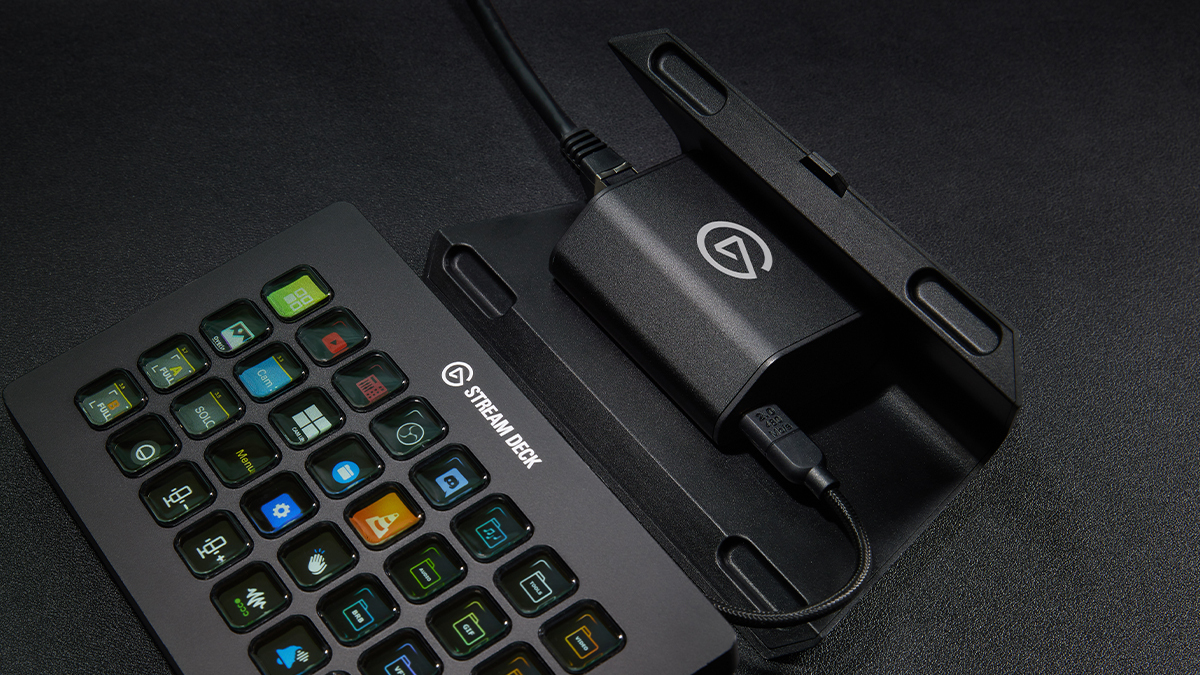
Always ensure you download the software directly from the official Elgato website. Using outdated or unofficial versions can lead to compatibility issues, especially when integrating with third-party applications like Discord or Twitch. After installation, the software runs quietly in your system tray, constantly monitoring your device connections.
The First Launch: Key Concepts
When you open the software for the first time, you will see a visual representation of your Stream Deck. The two most critical concepts you need to grasp immediately are "Profiles" and "Folders."
- Folders: Similar to folders on your desktop, these allow you to nest up to 15 actions under a single button, maximizing real estate.
- Profiles: This is the game-changer. Profiles automatically switch your entire Stream Deck layout based on the active application. Launch OBS, and it switches to your "Streaming Profile." Open Photoshop, and it swaps to your "Editing Profile."
This auto-switching feature dramatically improves efficiency and is the main reason the Elgato Stream Deck Software excels in workflow automation.
Key Features and Advanced Customization
While assigning a single action to a single button is simple, the true power of the software is unlocked when you start combining tools.
Multi-Action Magic
Multi-Actions are sequences of tasks that execute sequentially with a single press. Imagine this scenario: you are ending your stream.
Instead of manually clicking five things, a single "End Stream" button can:
- Send a "Thanks for watching!" message in your Twitch chat.
- Switch your OBS scene to the "Ending Soon" graphic.
- Mute your voice microphone.
- Stop the recording session.
- Run a final social media prompt.
This level of automation saves crucial seconds and prevents errors when your focus is divided. To learn more about advanced streaming tactics, consider reading up on optimizing your setup: [Baca Juga: OBS Studio Advanced Settings].
Creating Dynamic Profiles
A poorly configured profile is one that stays the same no matter what application is running. A highly effective user utilizes the profile management section to create unique interfaces for specific needs:
- Gaming Profile: Dedicated keys for Push-to-Talk, saving clips, and checking system metrics.
- Editing Profile (Adobe Premiere/DaVinci): Complex key combinations mapped to single buttons (e.g., cutting the clip and adding a transition).
- Work Profile: Launching Zoom, muting the mic, and opening frequently used CRM or documentation tools.
Deep Dive into Plugins and Integrations
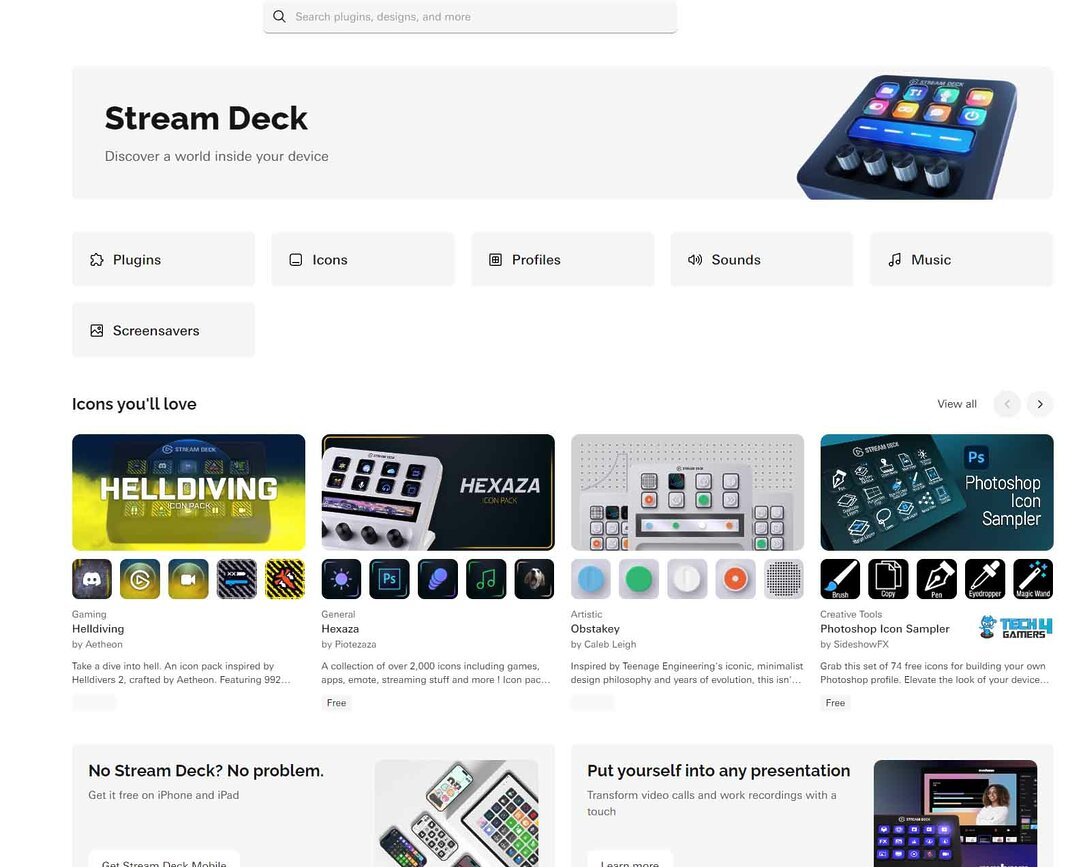
The Stream Deck Store, accessible directly through the Elgato Stream Deck Software interface, is where the ecosystem truly expands. Elgato has fostered a thriving community of developers, leading to hundreds of available integrations.
These plugins allow native communication with third-party software, significantly extending the Stream Deck's utility beyond streaming. For instance, the Philips Hue plugin lets you control your room lighting directly from a button, without ever minimizing your game or application.
Understanding the rise of control surfaces in technology highlights their growing importance in digital productivity. The concept of specialized control surfaces is well documented in design and computing history.
Some of the most popular and essential plugins include:
| Plugin Name | Category | Primary Function |
|---|---|---|
| OBS Studio | Streaming | Scene switching, source visibility toggle, recording/streaming start/stop. |
| Soundboard / VoiceMod | Audio Effects | Instantaneous sound effects playback, voice modification presets. |
| Spotify Premium | Media Control | Play/pause, skip track, volume control directly from the device. |
| Teams/Zoom/Discord | Communication | Mic mute/unmute, video toggle, screen sharing control. |
Official documentation for integrating these plugins is highly recommended for stable usage. Always refer to the publisher's guidelines when setting up complex API connections. You can find comprehensive guides on the official Elgato support page.
Troubleshooting Common Stream Deck Software Issues
Even the best software can encounter hiccups. Most issues related to the Elgato Stream Deck Software are connectivity or permission-based.
1. "Stream Deck Not Connecting": Often this is a simple USB connection issue. Try a different port, ideally a dedicated USB 3.0 port. If the problem persists, ensure the Stream Deck service is running in your task manager.
2. Actions Not Firing (Especially with OBS/Zoom): In modern operating systems (Windows and macOS), applications often require specific permissions to control other apps. Ensure the Stream Deck software has administrative privileges or accessibility permissions enabled.
3. Missing Plugin Functionality: If a specific plugin stops working, it usually means the third-party application (e.g., Spotify, Twitch) has updated its API. Check the Stream Deck Store for a plugin update first. If that fails, a fresh install of the specific plugin often resolves the conflict.
For more detailed technical troubleshooting, reputable tech forums and dedicated subreddits often provide excellent community-driven fixes. Consult advanced tech guides for in-depth solutions.
If you're interested in connecting your Stream Deck to other smart home devices or production tools, explore how other content creators maximize their setup efficiency: [Baca Juga: Top YouTube Streamers Setup 2024].
Conclusion
The Elgato Stream Deck Software is the indispensable engine driving one of the most powerful control interfaces available today. It's designed not just for streamers, but for anyone looking to reclaim time and reduce cognitive load caused by repetitive digital tasks. By mastering Profiles, Folders, and the crucial Multi-Action feature, you transform the Stream Deck from a novelty gadget into a core component of your productive setup. Invest time in its setup, and you will reap substantial rewards in efficiency and seamless content delivery.
Frequently Asked Questions (FAQ)
- Do I need the Stream Deck hardware to use the software?
Yes and No. You need the hardware (or the mobile app subscription) to execute the actions. However, you can download the configuration software and start building profiles before your device arrives, allowing you to prepare your layout in advance.
- Is the Elgato Stream Deck Software free?
The desktop software used to configure the Stream Deck hardware is 100% free. The only cost related to the software is if you opt to use the Stream Deck Mobile app, which requires a subscription fee.
- Can I backup my Stream Deck profiles and settings?
Absolutely, and you should! The software includes a robust backup and restore function. It's highly recommended to export your profiles regularly, especially after major updates or before migrating to a new PC.
- How much CPU does the Stream Deck software consume?
The software is very lightweight. Since it primarily runs in the background and only actively executes commands when a button is pressed, its CPU and memory usage are generally negligible, ensuring it doesn't impact gaming or rendering performance.
Article written by a Senior SEO Content Writer, optimized for user experience and E-E-A-T standards.
Elgato Stream Deck Software
Elgato Stream Deck Software Wallpapers
Collection of elgato stream deck software wallpapers for your desktop and mobile devices.

Amazing Elgato Stream Deck Software View Art
Transform your screen with this vivid elgato stream deck software artwork, a true masterpiece of digital design.
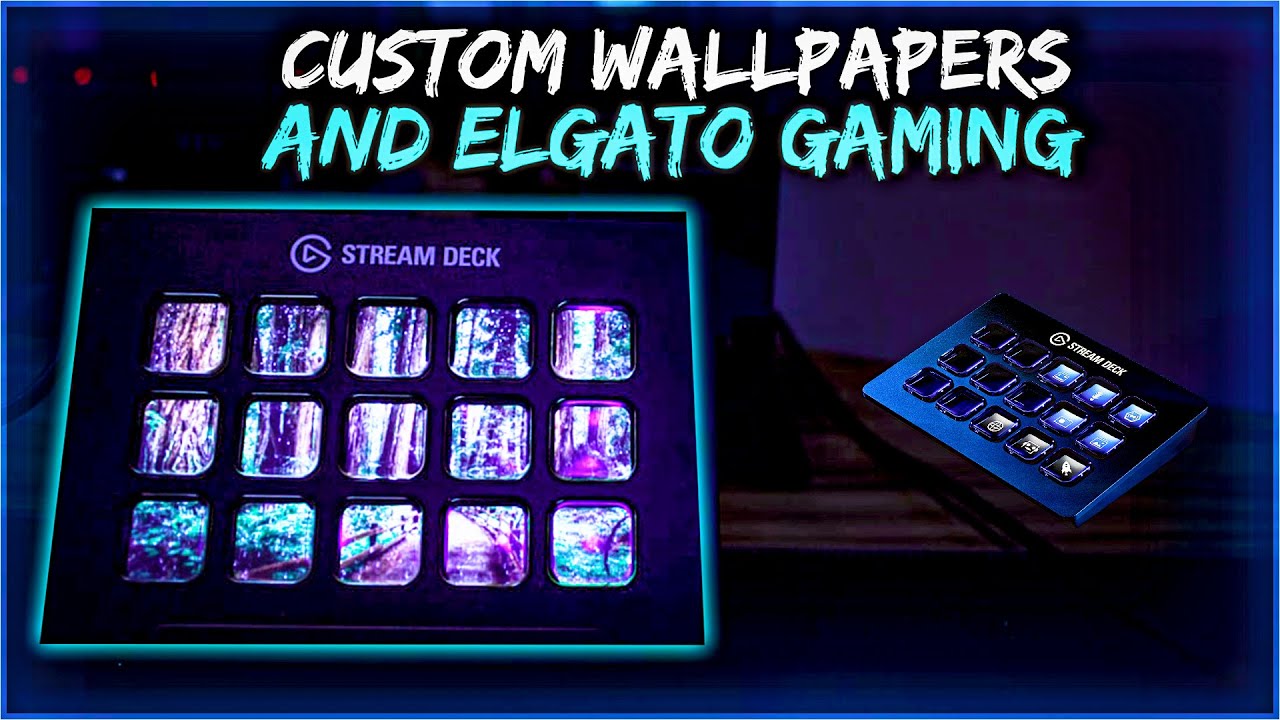
Gorgeous Elgato Stream Deck Software Artwork Concept
Find inspiration with this unique elgato stream deck software illustration, crafted to provide a fresh look for your background.

Captivating Elgato Stream Deck Software Photo for Mobile
A captivating elgato stream deck software scene that brings tranquility and beauty to any device.
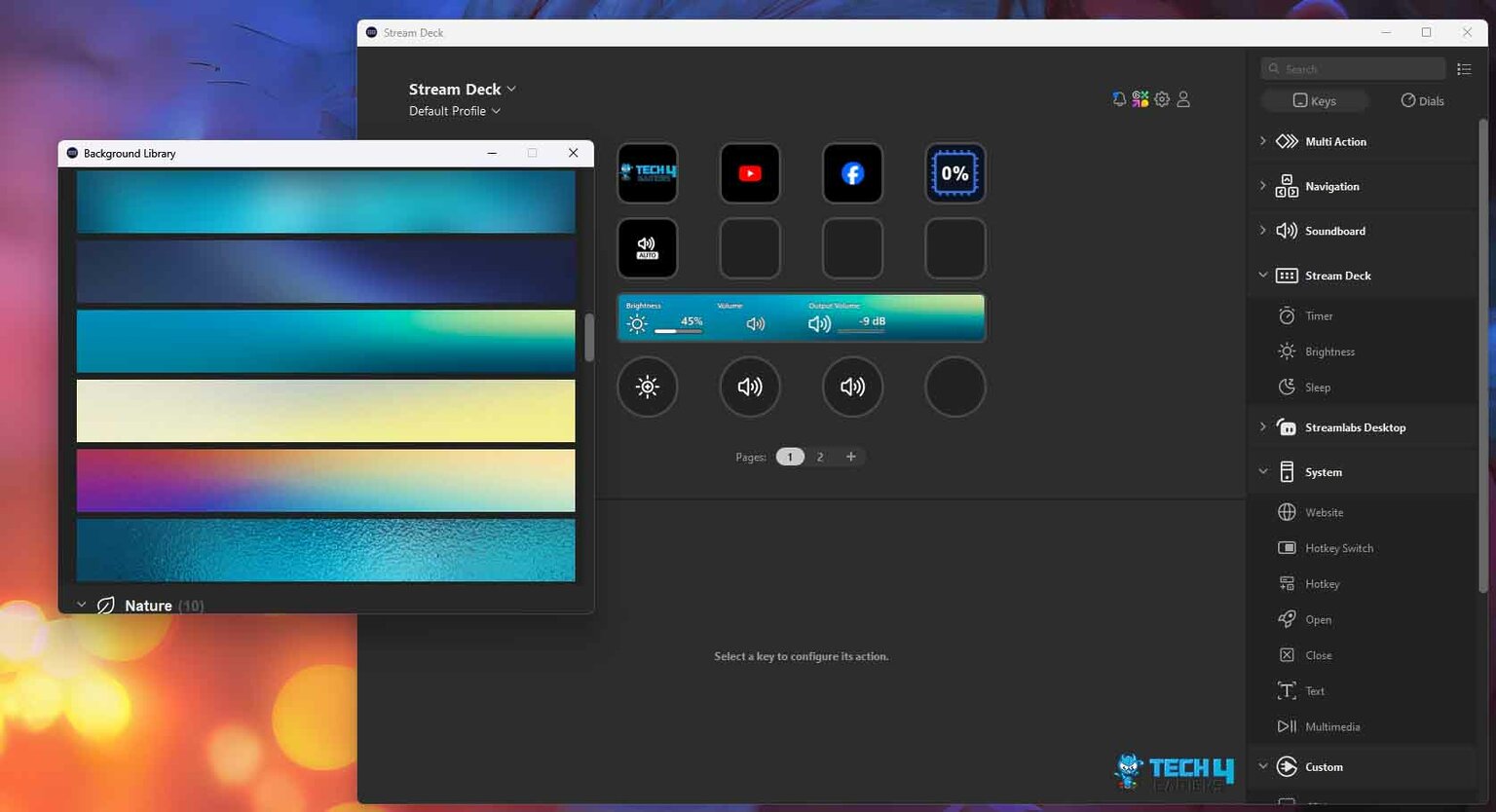
Captivating Elgato Stream Deck Software Design Nature
Immerse yourself in the stunning details of this beautiful elgato stream deck software wallpaper, designed for a captivating visual experience.

Breathtaking Elgato Stream Deck Software Image Concept
Experience the crisp clarity of this stunning elgato stream deck software image, available in high resolution for all your screens.
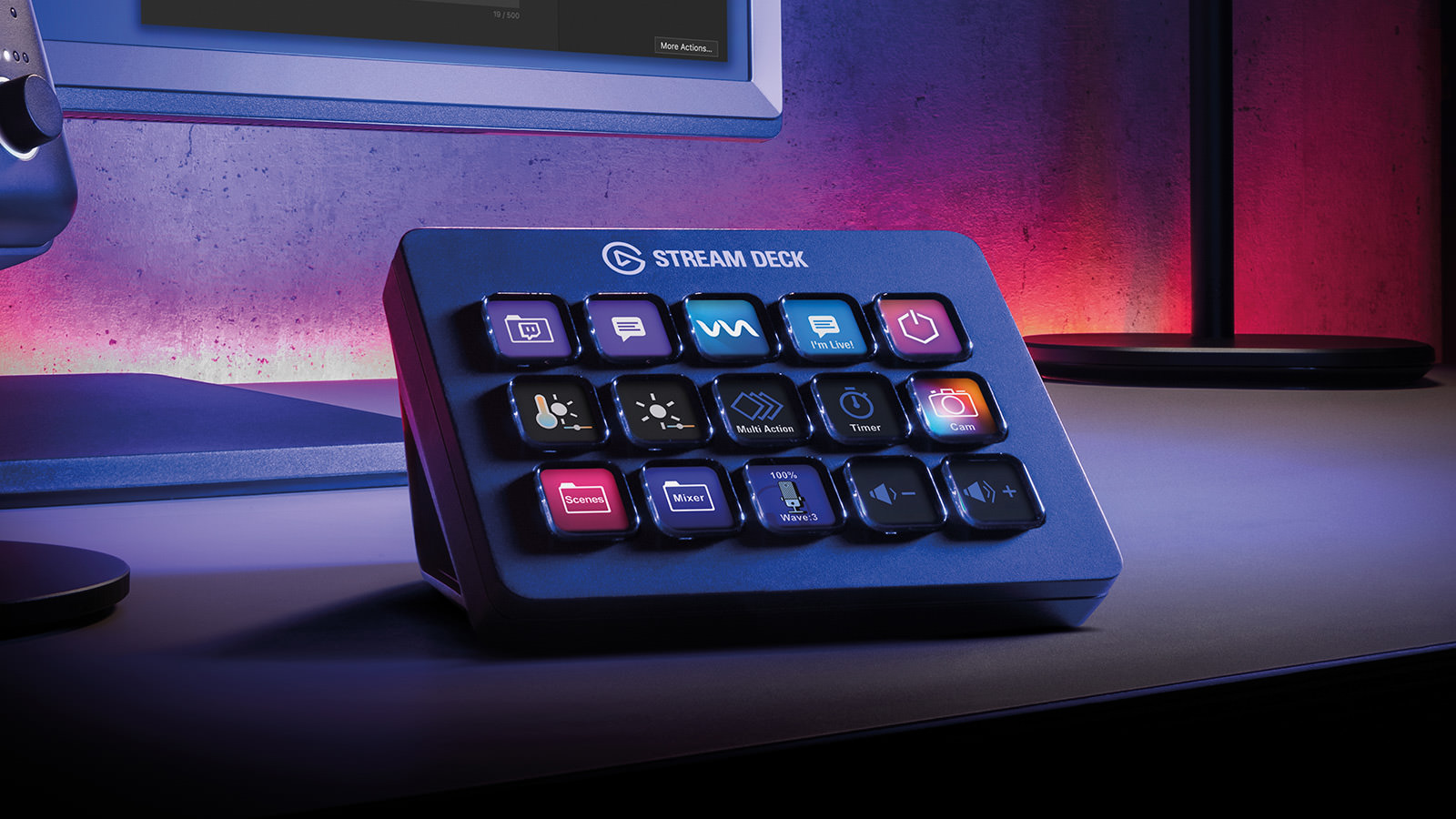
Dynamic Elgato Stream Deck Software Capture for Your Screen
Immerse yourself in the stunning details of this beautiful elgato stream deck software wallpaper, designed for a captivating visual experience.

Crisp Elgato Stream Deck Software Artwork for Your Screen
This gorgeous elgato stream deck software photo offers a breathtaking view, making it a perfect choice for your next wallpaper.
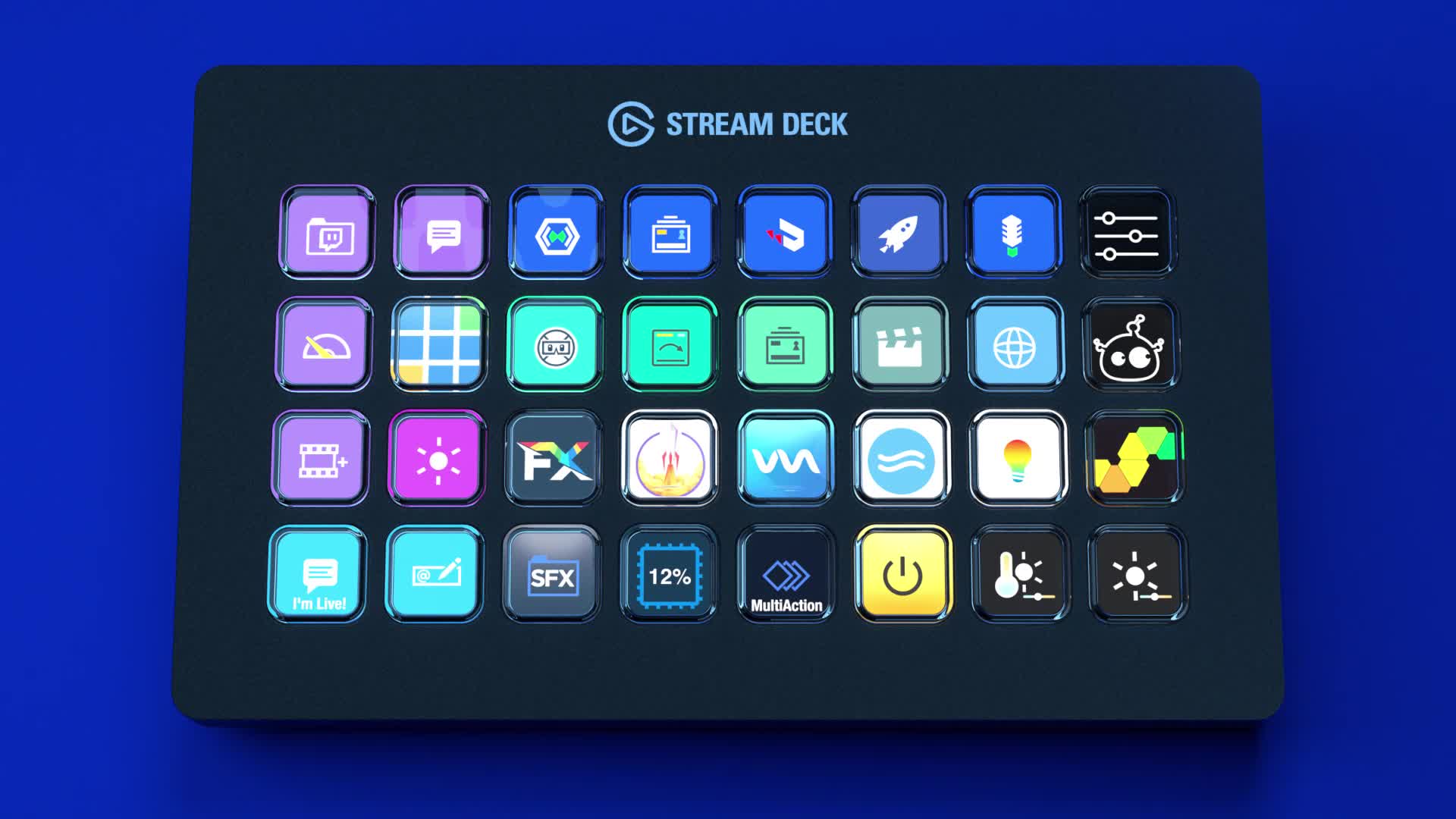
High-Quality Elgato Stream Deck Software Picture for Desktop
Explore this high-quality elgato stream deck software image, perfect for enhancing your desktop or mobile wallpaper.

Artistic Elgato Stream Deck Software Wallpaper in 4K
This gorgeous elgato stream deck software photo offers a breathtaking view, making it a perfect choice for your next wallpaper.

Detailed Elgato Stream Deck Software Picture Nature
Experience the crisp clarity of this stunning elgato stream deck software image, available in high resolution for all your screens.
Detailed Elgato Stream Deck Software Photo in 4K
Explore this high-quality elgato stream deck software image, perfect for enhancing your desktop or mobile wallpaper.

Breathtaking Elgato Stream Deck Software Image for Mobile
Transform your screen with this vivid elgato stream deck software artwork, a true masterpiece of digital design.

Crisp Elgato Stream Deck Software Abstract Photography
Immerse yourself in the stunning details of this beautiful elgato stream deck software wallpaper, designed for a captivating visual experience.
Stunning Elgato Stream Deck Software Background for Mobile
This gorgeous elgato stream deck software photo offers a breathtaking view, making it a perfect choice for your next wallpaper.

Artistic Elgato Stream Deck Software View Nature
This gorgeous elgato stream deck software photo offers a breathtaking view, making it a perfect choice for your next wallpaper.
Stunning Elgato Stream Deck Software Design for Desktop
Find inspiration with this unique elgato stream deck software illustration, crafted to provide a fresh look for your background.
Crisp Elgato Stream Deck Software Image Nature
This gorgeous elgato stream deck software photo offers a breathtaking view, making it a perfect choice for your next wallpaper.
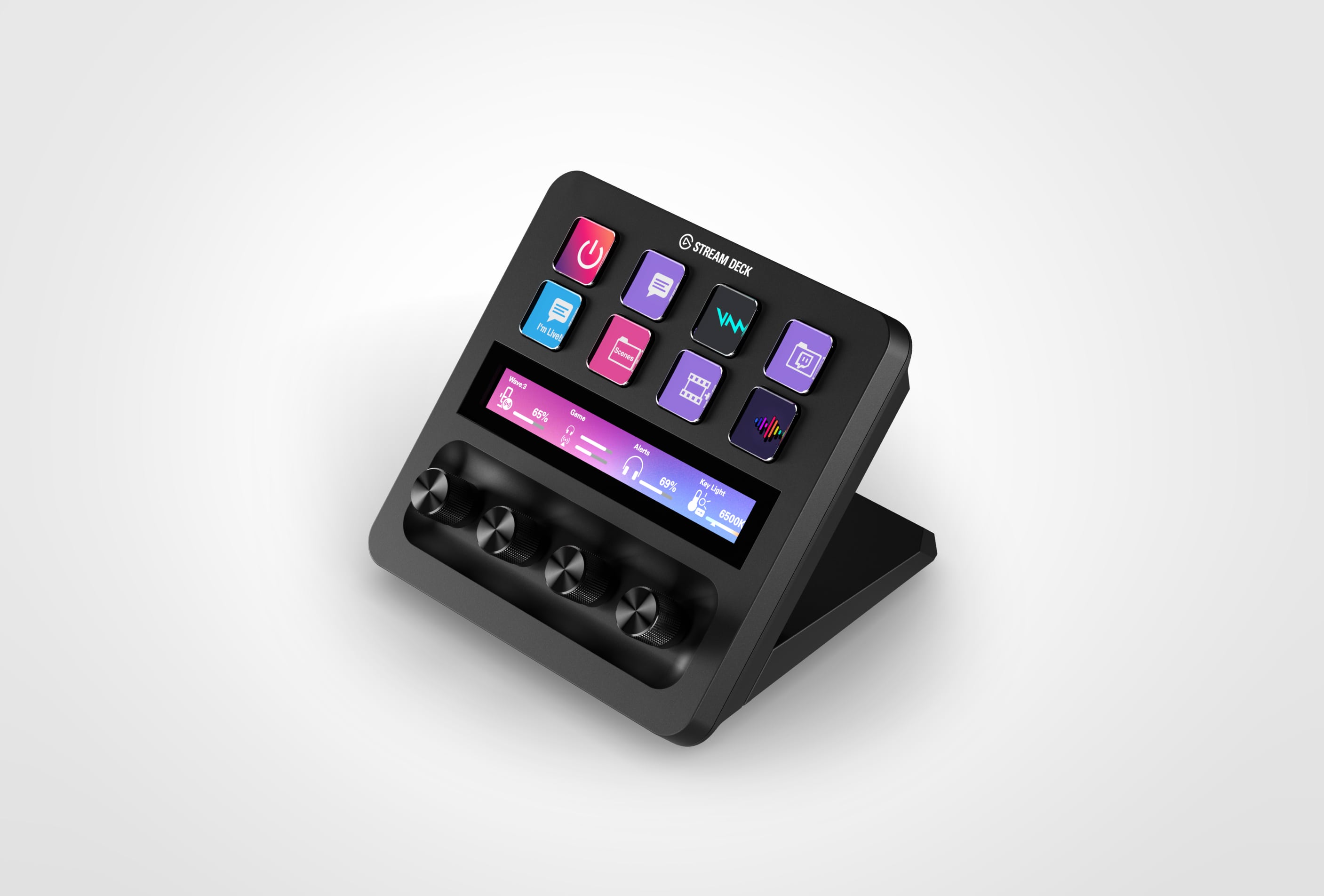
Captivating Elgato Stream Deck Software Wallpaper for Desktop
Find inspiration with this unique elgato stream deck software illustration, crafted to provide a fresh look for your background.
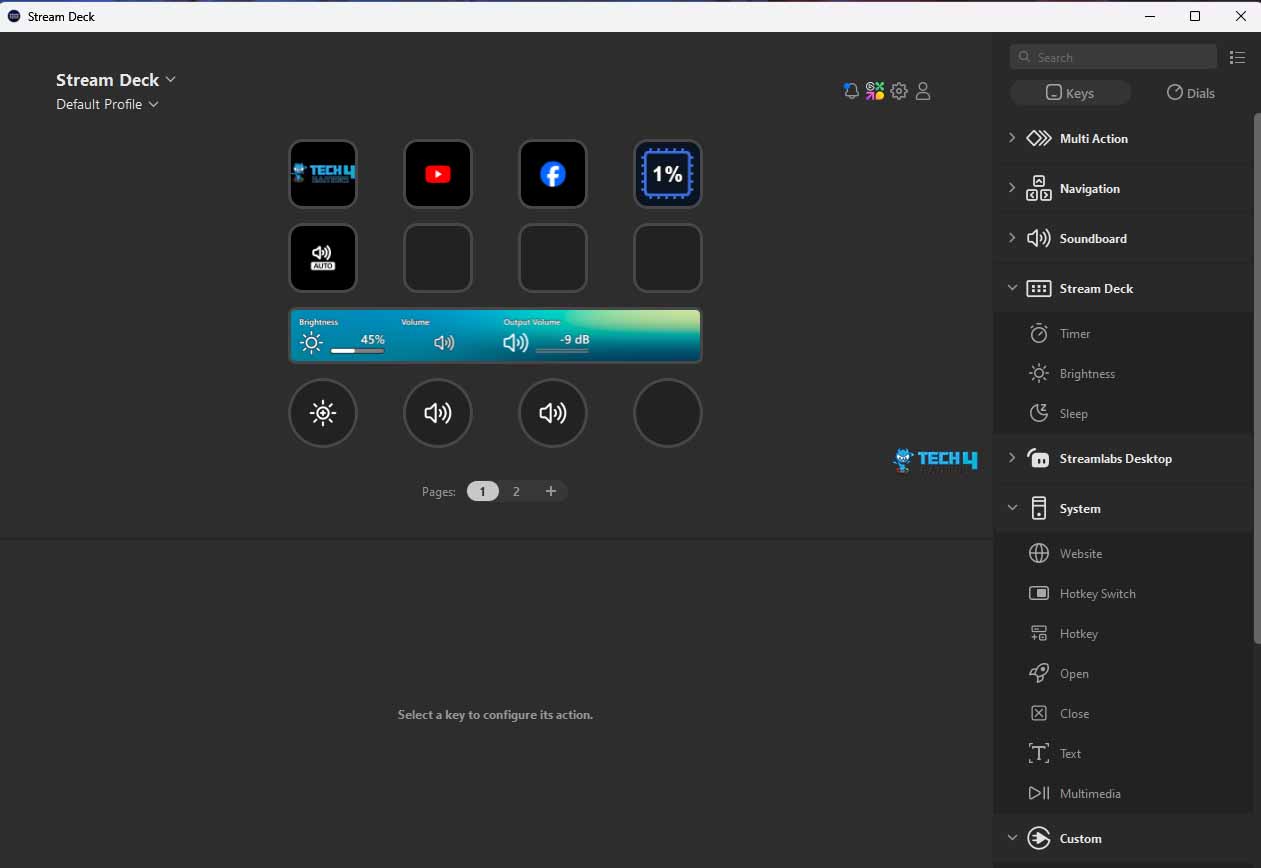
Crisp Elgato Stream Deck Software Wallpaper Nature
This gorgeous elgato stream deck software photo offers a breathtaking view, making it a perfect choice for your next wallpaper.
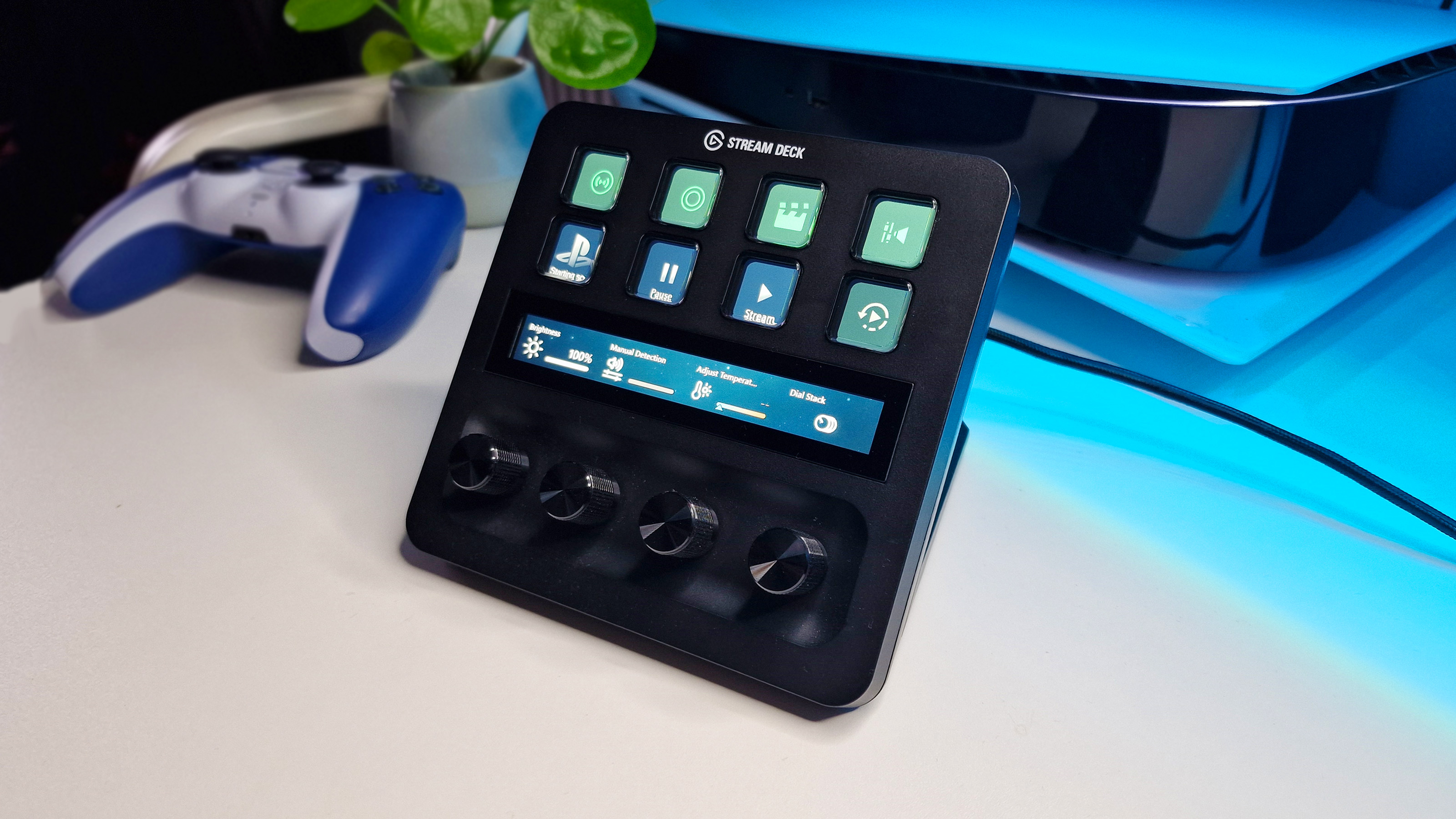
0 Response to "Elgato Stream Deck Software"
Post a Comment