Employee Self Service Software
Stop Drowning in Paperwork: The Power of Employee Self Service Software
If you work in HR, chances are you spend a significant portion of your week answering questions that employees could easily handle themselves: "How many PTO days do I have left?" "When is payday?" "Where do I find my last pay stub?"
This endless cycle of repetitive queries doesn't just annoy your HR team; it actively stifles business growth. The solution? Implementing robust Employee Self Service Software (ESS).
This isn't just about digitalizing forms; it's about fundamentally changing how employees interact with the organization, giving them control, and freeing up your HR professionals to focus on strategic initiatives—not administrative drudgery.
Let's dive deep into what ESS software is, why it's essential for modern workplaces, and what features you must look for before making a commitment.
What Exactly is Employee Self Service Software (And Why Now)?
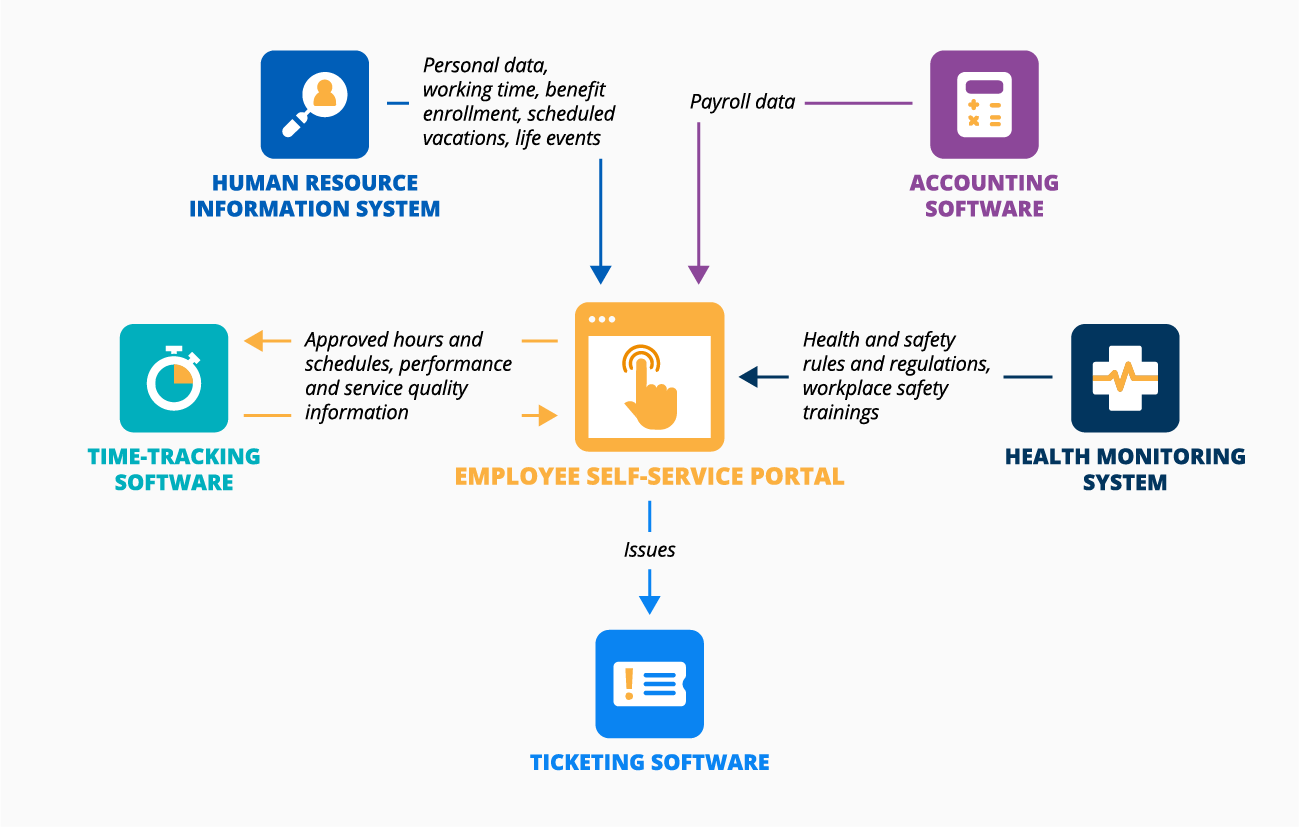
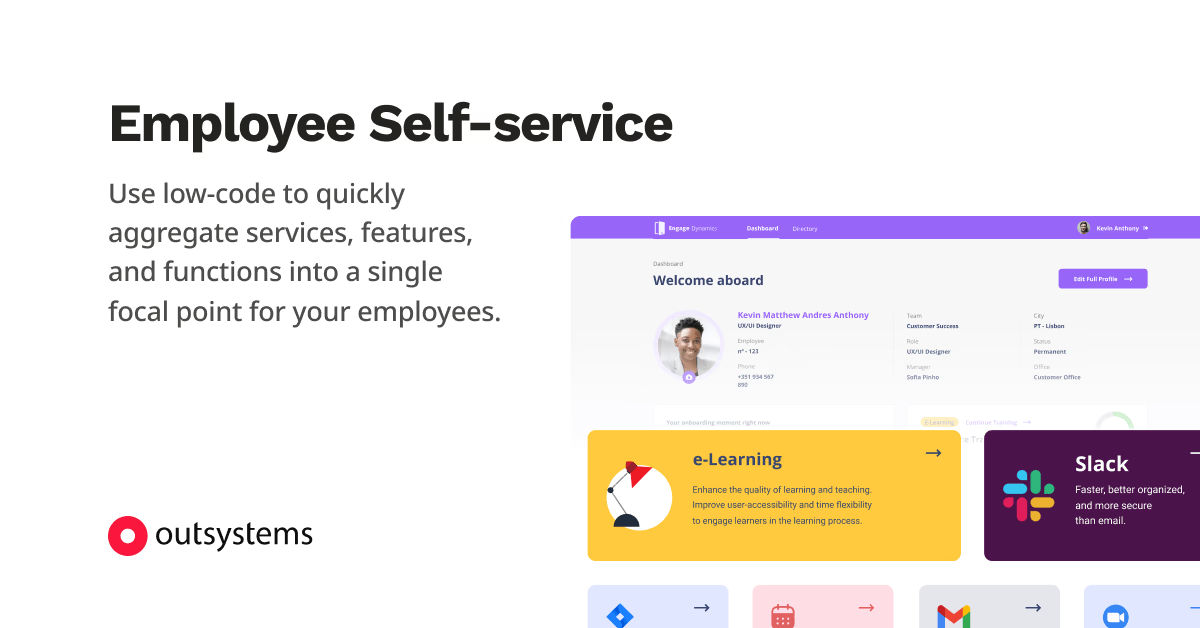
At its core, Employee Self Service (ESS) software is a digital portal that integrates with a company's broader Human Resource Information System (HRIS). It grants employees secure, instant access to view and manage their personal and employment-related data without needing HR intervention.
Think of it as the HR equivalent of online banking: you don't call the bank to check your balance; you log in and check it yourself.
The Shift to Autonomy and Transparency
In the past decade, the demand for workplace autonomy has skyrocketed. Modern employees, especially remote and hybrid workers, expect transparency and flexibility. ESS Software meets this need perfectly.
According to research into digital transformation, empowering employees to manage their own data significantly boosts job satisfaction and reduces frustration related to bureaucratic processes. This shift towards employee autonomy is crucial for retaining top talent in competitive markets.
For more insight into the broader technological landscape, read this resource on HRIS advancements: Wikipedia: Human Resource Management System.
The Core Modules: What Can Employees Really Do?
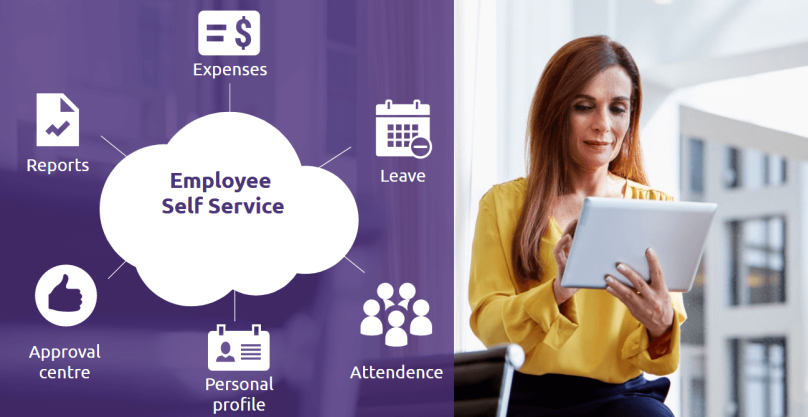
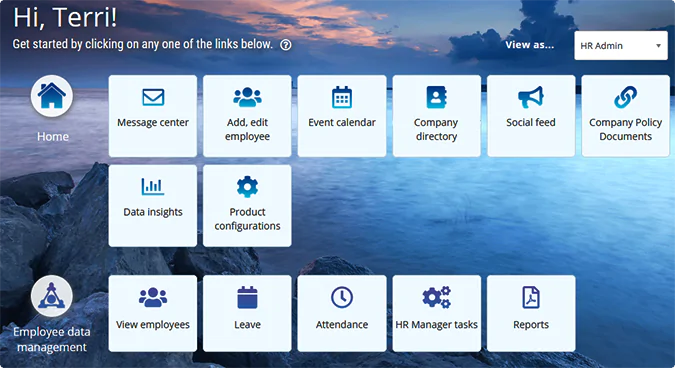
A good Employee Self Service Software platform moves far beyond simple address changes. The best systems offer a comprehensive suite of functionalities organized into distinct modules:
1. Payroll and Compensation Management
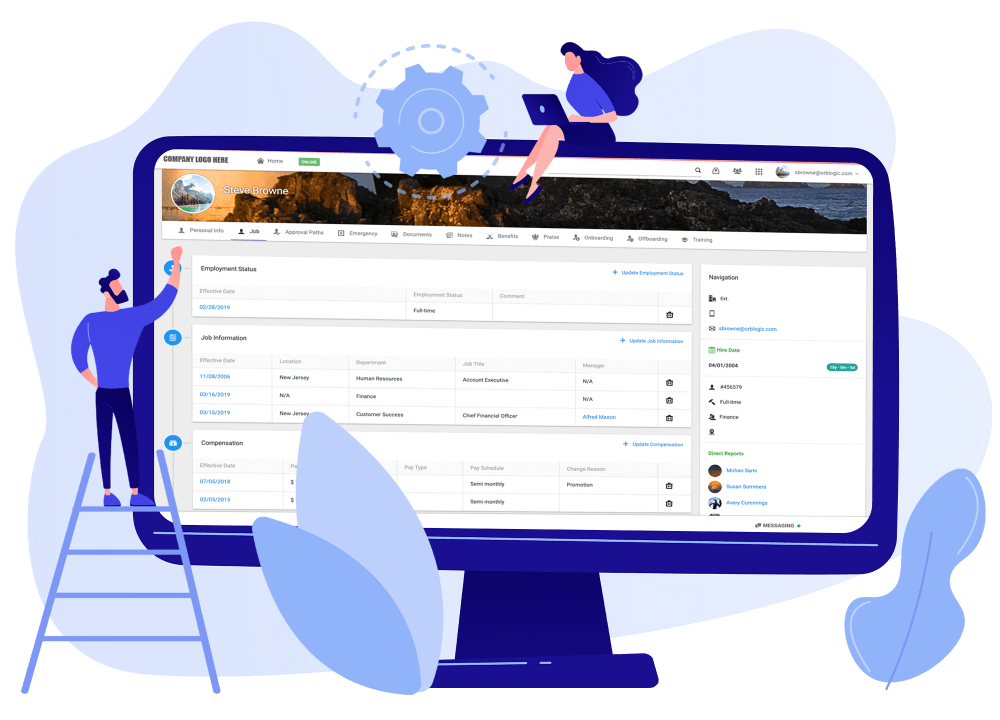
This is arguably the most-used module. Employees can view current and historical pay stubs, W-2/1099 forms, set up direct deposit details, and manage tax withholdings (W-4). Immediate access reduces the administrative burden of retrieving historical documents.
2. Time and Attendance (T&A)
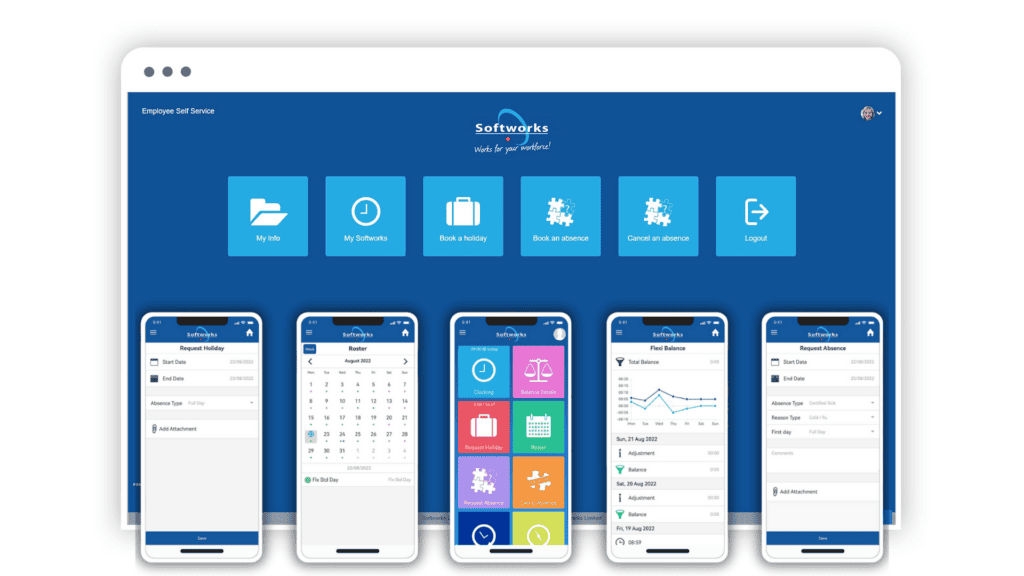
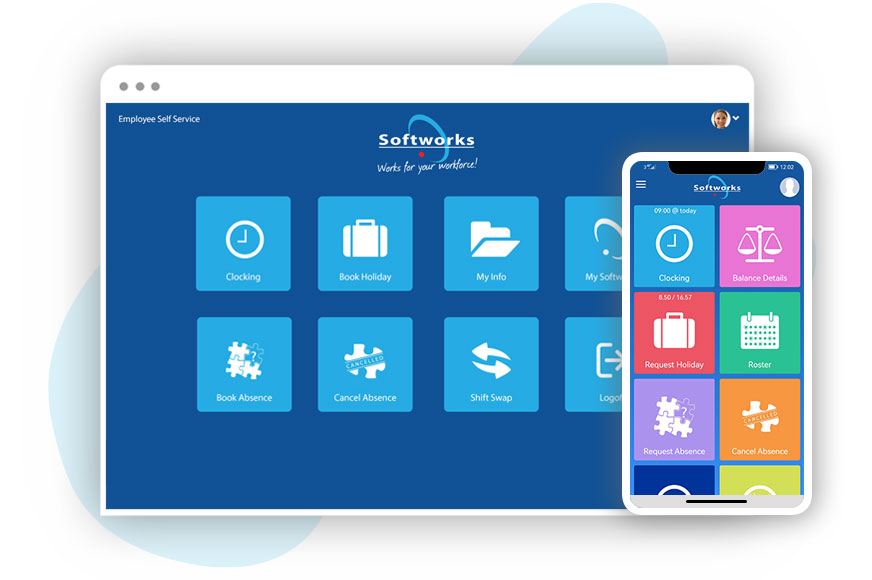
ESS transforms how time is tracked. Employees can clock in and out from web or mobile apps, submit timesheets, and manage break tracking. Managers, in turn, can approve timecards instantly, speeding up the payroll process significantly.
3. Leave and Absence Management (PTO)
No more sending emails to HR just to ask about available leave balance. Employees can view their real-time Paid Time Off (PTO) balance, submit leave requests, see approval status, and view the company calendar—all in one place.
4. Benefits Enrollment and Management
During open enrollment periods, ESS portals allow employees to compare different health plans, enroll in benefits, update beneficiary information, and retrieve policy documents. This ensures data accuracy and drastically reduces enrollment errors.
5. Training and Performance
Modern ESS often includes learning modules. Employees can register for training courses, track required certifications, view performance review documents, and even manage goal setting in alignment with organizational objectives.
[Baca Juga: Choosing the Best Digital Time and Attendance Solutions]
Beyond Convenience: The Real ROI of ESS Software
The return on investment (ROI) of implementing Employee Self Service Software is measurable and multi-faceted. It's not just a nice-to-have; it's a strategic investment that impacts the bottom line through reduced errors, improved productivity, and enhanced compliance.
Data Accuracy and Compliance
When employees input their own address, banking, or tax data, they are inherently incentivized to ensure accuracy. This shift from HR data entry to employee data validation dramatically reduces manual errors, preventing costly payroll mistakes and potential compliance fines.
Productivity Gains
Studies consistently show that HR teams spend disproportionate amounts of time on administrative tasks. By automating requests, ESS allows HR to shift 20-40% of their time to high-value activities like talent development, recruitment, and strategy.
Here is a breakdown illustrating the average potential savings:
| HR Activity | Manual Time (per request) | ESS Time (per request) | Efficiency Gain |
|---|---|---|---|
| Address Change | 10 minutes | 1 minute | 90% |
| PTO Request & Approval | 15 minutes | 2 minutes | 87% |
| Pay Stub Retrieval | 5 minutes | 5 seconds (Instant) | 98%+ |
Choosing the Right Platform: Critical Features to Look For
The market is flooded with HR software, but not all ESS portals are created equal. When evaluating vendors, prioritize these key functionalities to ensure long-term scalability and user adoption.
1. Mobile-First Responsiveness
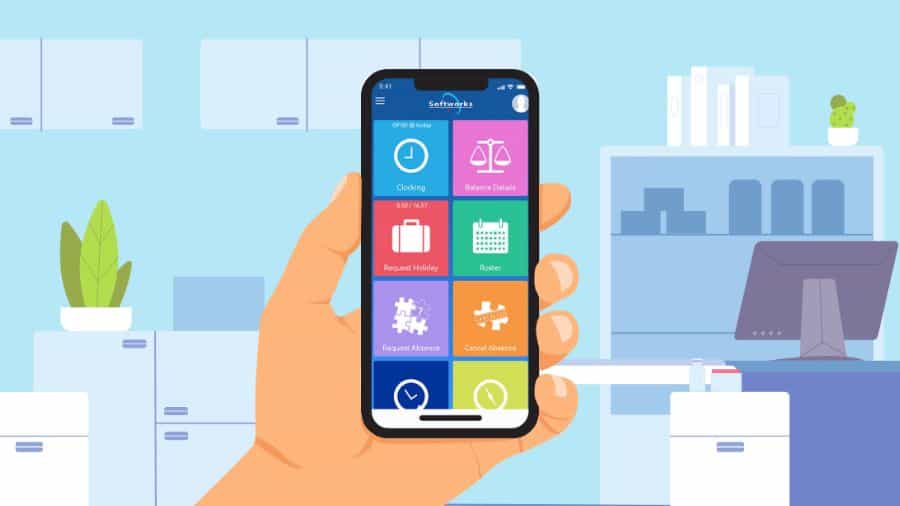
In today's environment, most employees will access their portals via smartphones, especially if they are non-desk workers. The system must be fully responsive, offering dedicated apps or a flawless mobile web experience.
2. Seamless Integration Capability
Your ESS system must integrate effortlessly with your existing payroll providers, accounting software (like QuickBooks or SAP), and other HR systems. Poor integration leads to data silos and defeats the purpose of automation.
3. Robust Security and Compliance
You are handling highly sensitive personal and financial data. Look for platforms that offer multi-factor authentication (MFA), advanced encryption, and proof of adherence to regional data privacy laws (like GDPR or CCPA).
4. Customization and Configuration
Can the system handle your unique time-off policies, reporting hierarchies, and approval workflows? A good ESS software should allow you to configure roles, permissions, and dashboards without requiring constant custom coding.
For best practices in system selection and vendor negotiation, consult authoritative business resources like this guide on procurement strategies: Harvard Business Review: Why HR Needs a Digital Transformation Strategy.
Conclusion: The Future is Self-Service
The implementation of high-quality Employee Self Service Software is no longer an optional perk—it is a mandatory step toward digital maturity and efficiency. It empowers employees by putting information directly into their hands, drastically reduces the administrative load on HR and management, and ensures higher data accuracy across the board.
By investing in the right platform, you are investing in a more productive, compliant, and ultimately happier workforce. The shift from paper to portal is profound, and the time to make that leap is now.
Frequently Asked Questions (FAQ) about ESS Software
What is the difference between ESS and MSS (Manager Self Service)?
ESS (Employee Self Service) focuses on tasks that the individual employee handles (viewing pay, requesting time off). MSS (Manager Self Service) includes tools specific to supervisors, such as approving time sheets, conducting performance reviews, and managing team scheduling and expense reports.
Is Employee Self Service Software secure?
Reputable ESS software systems are highly secure. They typically employ SSL encryption, robust firewalls, and multi-factor authentication (MFA). Since the data is centralized and digitized, it is often more secure than physical paperwork or spreadsheets stored locally.
How long does it take to implement ESS Software?
Implementation time varies greatly based on company size and the complexity of integration. Small to medium businesses (SMBs) with simpler requirements might see deployment in 4-8 weeks, while large enterprises requiring complex integration with legacy systems could take 3 to 6 months.
Can ESS Software be accessed on mobile devices?
Yes. Any modern ESS solution must offer either a fully responsive web interface or a dedicated mobile application (iOS and Android) to ensure accessibility for all employees, especially those without consistent desktop access.
Employee Self Service Software
Employee Self Service Software Wallpapers
Collection of employee self service software wallpapers for your desktop and mobile devices.

Vivid Employee Self Service Software Image Photography
Explore this high-quality employee self service software image, perfect for enhancing your desktop or mobile wallpaper.

Spectacular Employee Self Service Software Wallpaper Art
A captivating employee self service software scene that brings tranquility and beauty to any device.
Beautiful Employee Self Service Software Photo Nature
Experience the crisp clarity of this stunning employee self service software image, available in high resolution for all your screens.
Spectacular Employee Self Service Software Landscape Nature
Immerse yourself in the stunning details of this beautiful employee self service software wallpaper, designed for a captivating visual experience.
Amazing Employee Self Service Software Scene Nature
Experience the crisp clarity of this stunning employee self service software image, available in high resolution for all your screens.

Dynamic Employee Self Service Software Wallpaper for Mobile
This gorgeous employee self service software photo offers a breathtaking view, making it a perfect choice for your next wallpaper.
Exquisite Employee Self Service Software Capture for Your Screen
A captivating employee self service software scene that brings tranquility and beauty to any device.
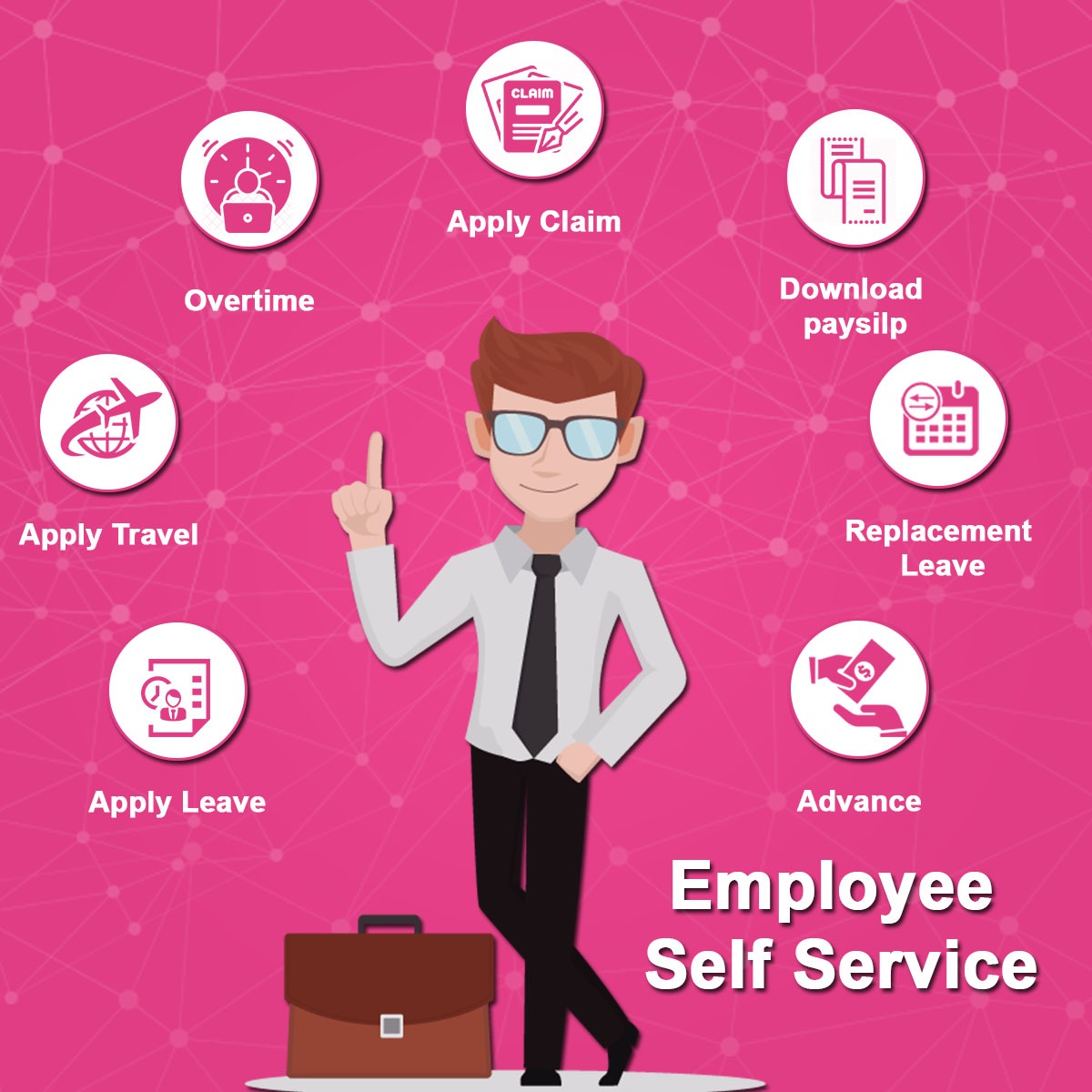
Dynamic Employee Self Service Software Picture for Your Screen
Find inspiration with this unique employee self service software illustration, crafted to provide a fresh look for your background.
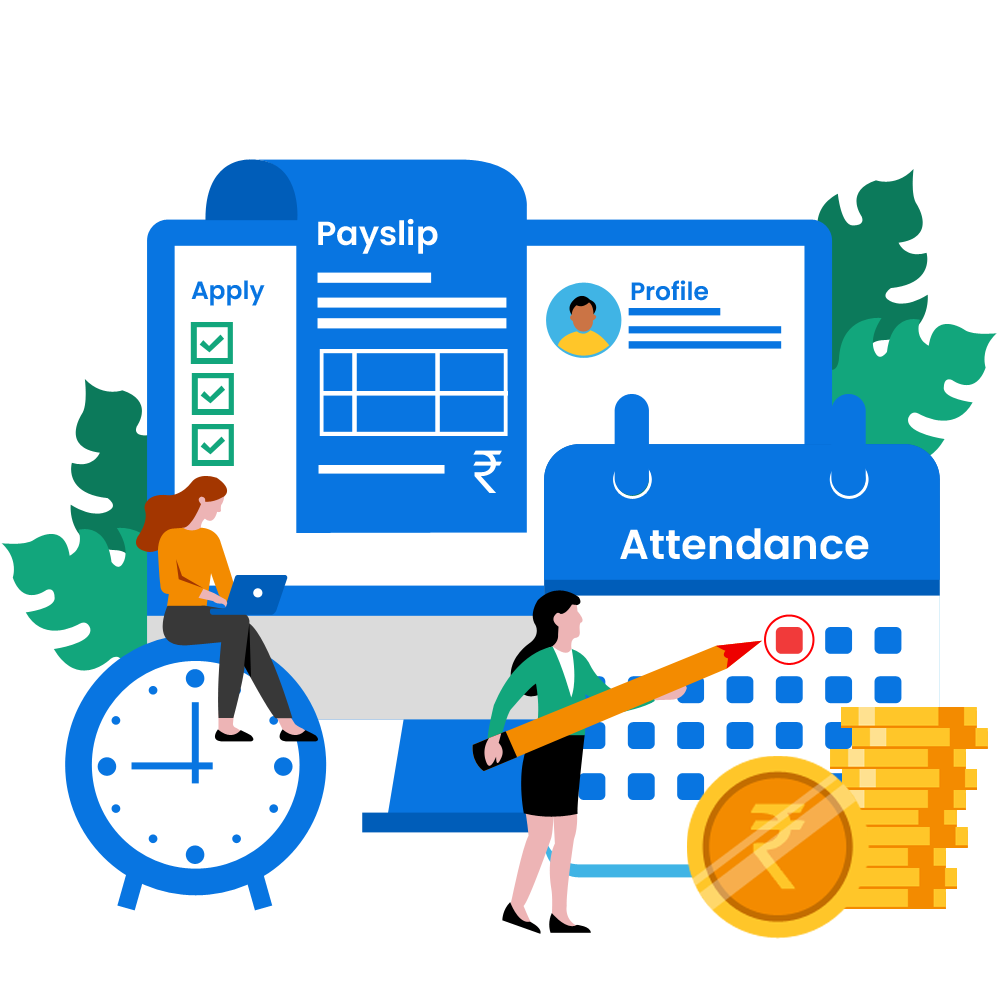
Gorgeous Employee Self Service Software Picture for Mobile
A captivating employee self service software scene that brings tranquility and beauty to any device.
Artistic Employee Self Service Software Scene Nature
Find inspiration with this unique employee self service software illustration, crafted to provide a fresh look for your background.

Serene Employee Self Service Software Moment Art
Transform your screen with this vivid employee self service software artwork, a true masterpiece of digital design.
Gorgeous Employee Self Service Software Capture Concept
Find inspiration with this unique employee self service software illustration, crafted to provide a fresh look for your background.
Beautiful Employee Self Service Software Moment in HD
Transform your screen with this vivid employee self service software artwork, a true masterpiece of digital design.

Captivating Employee Self Service Software View for Your Screen
This gorgeous employee self service software photo offers a breathtaking view, making it a perfect choice for your next wallpaper.
Crisp Employee Self Service Software Image for Desktop
Immerse yourself in the stunning details of this beautiful employee self service software wallpaper, designed for a captivating visual experience.
Stunning Employee Self Service Software Picture for Your Screen
Find inspiration with this unique employee self service software illustration, crafted to provide a fresh look for your background.
Spectacular Employee Self Service Software Artwork Collection
This gorgeous employee self service software photo offers a breathtaking view, making it a perfect choice for your next wallpaper.
Lush Employee Self Service Software Photo for Your Screen
A captivating employee self service software scene that brings tranquility and beauty to any device.

Captivating Employee Self Service Software View Photography
This gorgeous employee self service software photo offers a breathtaking view, making it a perfect choice for your next wallpaper.
Vibrant Employee Self Service Software Design Art
Transform your screen with this vivid employee self service software artwork, a true masterpiece of digital design.
Download these employee self service software wallpapers for free and use them on your desktop or mobile devices.
0 Response to "Employee Self Service Software"
Post a Comment