Employee Software Training
Tired of Low ROI? Mastering Effective Employee Software Training is Your Fix
Let's be honest: Implementing new software in the workplace often feels like hitting a brick wall. You spend a fortune on a shiny new CRM or HRIS system, announce mandatory training, and then... crickets. Low user adoption, frustrated employees, and minimal return on investment (ROI) are the predictable outcomes.
Why does this happen? Usually, the failure isn't the software itself; it's the outdated approach to Employee Software Training. If you want your team to actually use the tools you provide—and use them well—you need a modern, engaging strategy. This guide breaks down the essential steps, from initial planning to proving the financial success of your efforts.
The Hidden Cost of Bad Software Training
Most organizations view software training as a one-time compliance hurdle. "Sit through this 8-hour seminar, get your certificate, and start working." This approach is fundamentally flawed and incredibly expensive in the long run.
The costs associated with poor training aren't always visible on a P&L statement. They include:
- Productivity Drag: Employees spend valuable time figuring things out through trial-and-error, instead of focusing on their core tasks.
- Data Inaccuracy: Lack of proper procedural training leads to incorrect data entry, undermining the value of the new system.
- Software Shelfware: The most painful cost. Paying expensive annual licenses for software that only 30% of your team actively uses.
The Adoption Crisis: Why People Hate New Tools
The root of the problem often lies in psychological resistance. Employees aren't resisting the technology; they are resisting the *change* and the perceived disruption to their workflow. Effective training needs to address "What's in it for me?" (WIIFM).
A poorly implemented system, even with great features, can destroy morale. Training must transition from merely showing "how to click" to demonstrating "how this makes your job easier and faster."
Expert Tip: According to research compiled by Wikipedia on Corporate Training, adult learners need immediate relevancy. If they can't use the skill immediately, they often forget it.
Before You Start: The Blueprint for Success
High-impact Employee Software Training doesn't happen by accident; it requires rigorous planning that goes beyond the vendor's quick-start guide.
Needs Assessment: Training the Right People, the Right Way
Do not use a one-size-fits-all training module. Different roles require different levels of depth and focus:
- The Power Users/Administrators: Need deep, technical knowledge of configuration, integrations, and troubleshooting.
- The Daily Operators: Need focused training on their specific workflow tasks only (e.g., how to log a ticket, not how to build a report).
- The Consumers/Leadership: Need high-level training on how to access data, interpret dashboards, and understand the system's strategic value.
Identifying these groups ensures you tailor content to optimize engagement and minimize information overload.
Choosing the Right Training Modality: Microlearning vs. Deep Dive
The attention economy demands flexibility. Gone are the days when a single three-day boot camp was sufficient. Modern training strategies utilize blended learning:
H4: When to Use Microlearning
Microlearning (short, 2–7 minute videos, quizzes, or step-by-step guides) is perfect for just-in-time support, reinforcing key concepts, and addressing simple procedures. It's highly effective for software where functionality changes frequently.
H4: When to Use Deep Dive/Instructor-Led Training (ILT)
ILT is best reserved for complex decision-making processes, compliance procedures, or major system overhauls that require hands-on practice, discussion, and immediate feedback.
Execution: Modern Techniques for Engaged Learning
Once the blueprint is ready, focus on delivery. Make learning sticky, engaging, and accessible.
The Power of Microlearning and Gamification
Gamification uses game mechanics (points, badges, leaderboards) to motivate learners. When applied to software training, this drastically increases participation rates. For example, awarding a "Data Master" badge for completing all required data entry modules encourages friendly competition and deep engagement.
Similarly, focus on accessible knowledge repositories. Instead of searching through a 200-page manual, your employees should be able to access the exact steps for "Processing an Invoice" in a 90-second video on demand.
To deepen your understanding of effective adult learning principles, you might want to review insights from the Harvard Business Review on learning design.
Integrating Training into the Workflow
The biggest disruption in modern Employee Software Training is the move away from the classroom and directly into the application. Tools like Digital Adoption Platforms (DAPs) provide contextual help directly inside the software interface.
Imagine the system literally walking a user through a complicated form field by field. This eliminates the need to remember steps learned weeks ago. Training becomes a continuous process of support, not a finite event.
[Baca Juga: Strategi Implementasi Digital Adoption Platform]
Measuring Success: Proving the ROI of Your Training
If you can't measure it, you can't manage it. To prove that your investment in quality Employee Software Training is paying off, you need to track both learning metrics and business metrics.
| Metric Category | Key Metric | How It Proves Value |
|---|---|---|
| Learning Effectiveness | Assessment Scores & Completion Rates | Indicates knowledge transfer and compliance with training material. |
| Software Adoption | Daily Active Users (DAU) & Feature Usage Rate | Shows if employees are actively using the system post-training. (The true measure of success). |
| Business Impact (ROI) | Reduction in Support Tickets or Time-to-Complete Task | Quantifies the efficiency gain and cost savings achieved through skilled usage. |
Tracking feature usage is paramount. If training focused heavily on a specific automation feature, but adoption data shows nobody is using it, the training (or the feature itself) needs immediate refinement.
This focus on measurable outcomes aligns with strategies used by leading global consulting firms, often citing that clear measurement drastically increases the perceived value of internal programs. (See analysis on digital adoption success rates by Deloitte).
The Future of Employee Software Training
The evolution of AI and machine learning will continue to personalize the training experience. Future systems won't just track who completed a module; they will analyze individual user errors and dynamically serve up a specific micro-lesson precisely when and where the user needs it.
The goal is to move from "training" to "enablement"—creating an ecosystem where every employee is continuously supported, allowing them to maximize the value of the technology immediately.
[Baca Juga: Bagaimana AI Mengubah Pelatihan Korporat]
Conclusion
Effective Employee Software Training is not an expense; it is a critical investment in maximizing the ROI of your technology stack and boosting employee productivity. By shifting from a static, event-based model to a dynamic, continuous enablement strategy that utilizes microlearning and contextual support, you can overcome the adoption crisis and ensure your team is fluent and efficient with every tool you provide.
Frequently Asked Questions (FAQ)
- How often should we conduct software training?
Software training should be continuous, not periodic. Major initial training is necessary, but ongoing support should be provided through microlearning modules and in-app guidance whenever new features are deployed or complex tasks are performed. A good cadence includes quarterly refreshers focusing on underutilized features.
- What is the biggest mistake companies make in software training?
The biggest mistake is training everyone the same way (one-size-fits-all) and focusing too much on the software's features rather than the business outcomes and workflow improvements it delivers. Training must be task-specific and role-relevant.
- Is Instructor-Led Training (ILT) still relevant for software education?
Absolutely. ILT is crucial for complex concepts, role-playing critical scenarios, policy discussions, and team building around the new software. However, ILT should be shorter and focused, with procedural memorization moved to self-paced, digital learning resources.
Employee Software Training
Employee Software Training Wallpapers
Collection of employee software training wallpapers for your desktop and mobile devices.
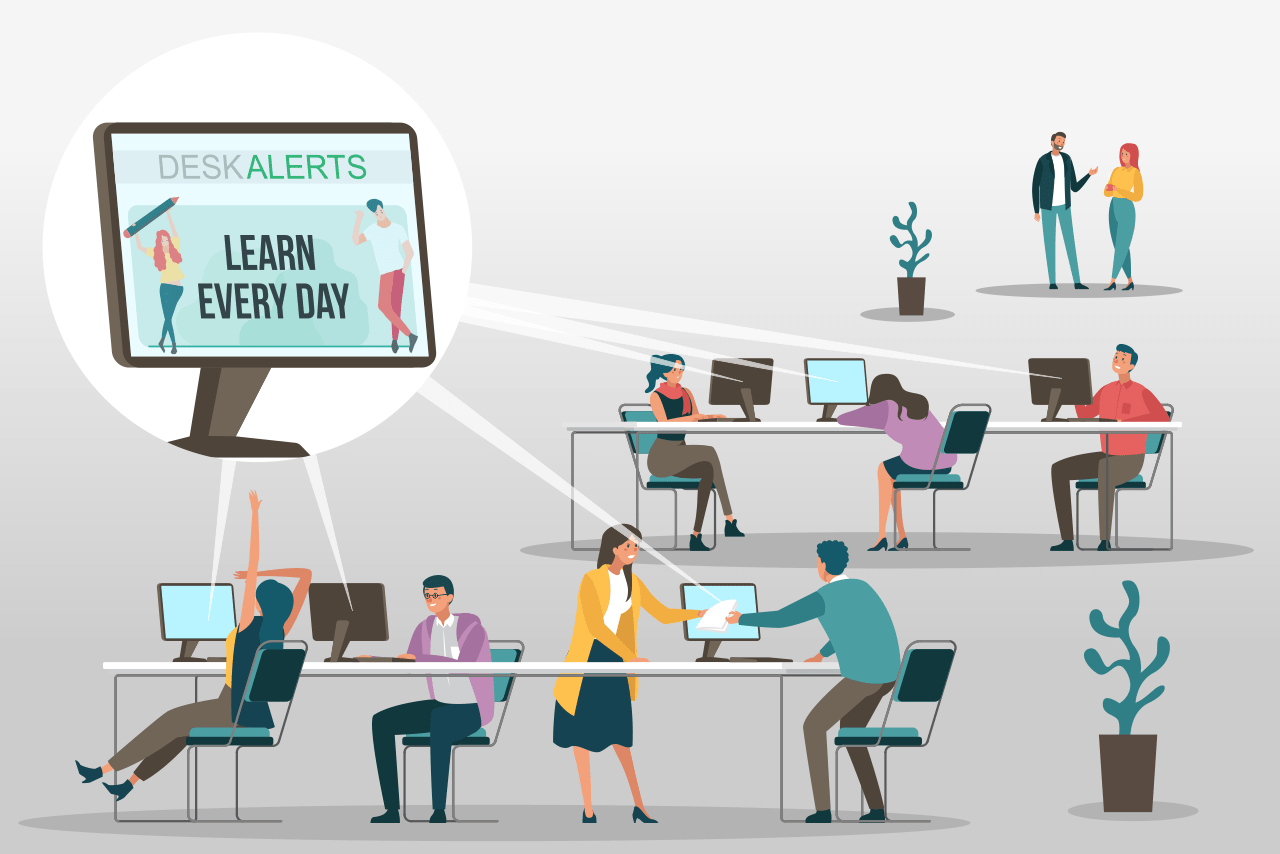
Beautiful Employee Software Training Landscape Illustration
Transform your screen with this vivid employee software training artwork, a true masterpiece of digital design.

Beautiful Employee Software Training Background Collection
Experience the crisp clarity of this stunning employee software training image, available in high resolution for all your screens.

Mesmerizing Employee Software Training Wallpaper Collection
Discover an amazing employee software training background image, ideal for personalizing your devices with vibrant colors and intricate designs.

Detailed Employee Software Training Background in HD
Discover an amazing employee software training background image, ideal for personalizing your devices with vibrant colors and intricate designs.

Spectacular Employee Software Training Wallpaper Collection
This gorgeous employee software training photo offers a breathtaking view, making it a perfect choice for your next wallpaper.

Vivid Employee Software Training View in HD
Experience the crisp clarity of this stunning employee software training image, available in high resolution for all your screens.

Mesmerizing Employee Software Training Wallpaper for Mobile
Experience the crisp clarity of this stunning employee software training image, available in high resolution for all your screens.

Spectacular Employee Software Training Wallpaper for Mobile
A captivating employee software training scene that brings tranquility and beauty to any device.
Gorgeous Employee Software Training Background Collection
Find inspiration with this unique employee software training illustration, crafted to provide a fresh look for your background.

High-Quality Employee Software Training Image in HD
Transform your screen with this vivid employee software training artwork, a true masterpiece of digital design.

Mesmerizing Employee Software Training Background Photography
Explore this high-quality employee software training image, perfect for enhancing your desktop or mobile wallpaper.

Gorgeous Employee Software Training Image Photography
A captivating employee software training scene that brings tranquility and beauty to any device.

Vivid Employee Software Training Scene Photography
Transform your screen with this vivid employee software training artwork, a true masterpiece of digital design.

Vibrant Employee Software Training Background Art
Experience the crisp clarity of this stunning employee software training image, available in high resolution for all your screens.
Vivid Employee Software Training Moment for Mobile
Explore this high-quality employee software training image, perfect for enhancing your desktop or mobile wallpaper.

Lush Employee Software Training Moment Photography
A captivating employee software training scene that brings tranquility and beauty to any device.

High-Quality Employee Software Training Background for Mobile
Discover an amazing employee software training background image, ideal for personalizing your devices with vibrant colors and intricate designs.

Vivid Employee Software Training Artwork for Desktop
Discover an amazing employee software training background image, ideal for personalizing your devices with vibrant colors and intricate designs.

High-Quality Employee Software Training Artwork Photography
Explore this high-quality employee software training image, perfect for enhancing your desktop or mobile wallpaper.

Captivating Employee Software Training Landscape for Mobile
A captivating employee software training scene that brings tranquility and beauty to any device.
Download these employee software training wallpapers for free and use them on your desktop or mobile devices.
0 Response to "Employee Software Training"
Post a Comment