Epson Scanner Printer Software
Mastering Your Epson Scanner Printer Software: The Ultimate Guide to Setup, Scan, and Productivity
If you own an Epson All-in-One (AIO) printer or a dedicated scanner, you know that the hardware is only half the battle. The real magic—and sometimes the real headache—lies in the software. Navigating driver updates, utility packages, and choosing the right scanning application can feel like trying to solve a complex puzzle.
This comprehensive guide acts as your friendly co-pilot. We'll demystify the essential components of the Epson Scanner Printer Software ecosystem, ensuring you move beyond basic printing and unlock your device's full potential for high-quality, efficient digital capture. Let's dive in and transform that scanning frustration into pure productivity.
Decoding the Essentials: What is Epson Scanner Printer Software?
When you install a new Epson device, you aren't just downloading a single file. You are installing a suite of integrated software components that communicate between the hardware and your operating system (OS). Understanding these components is the first step to effective troubleshooting and usage.
The Core Driver Package: TWAIN and WIA
At the foundation of all scanning activity are the drivers. Epson primarily relies on industry standards to manage image acquisition:
- TWAIN (Technology Without An Interesting Name): This is the classic standard used by most professional scanning applications. It provides fine-grain control over exposure, resolution, color depth, and advanced settings. If you want maximum control over your image quality, TWAIN is key.
- WIA (Windows Image Acquisition): A Microsoft-specific driver standard that is often simpler and faster for basic tasks. While WIA is generally sufficient for quick scans and document capture, it lacks the advanced customization features of TWAIN.
Most Epson Scanner Printer Software installers bundle these drivers automatically. To learn more about the technical standards, you can read the Wikipedia page on TWAIN and WIA standards.
Epson Scan vs. Epson Scan 2: Knowing the Difference
Epson has evolved its primary scanning interface over the years. Depending on your model, you will likely encounter one of two primary applications:
Epson Scan: The older, highly reliable software interface. While still powerful, its interface can sometimes feel dated and it may not be fully optimized for the latest operating systems.
Epson Scan 2: This is the modern replacement, offering a cleaner interface, better compatibility with current operating systems (Windows 10/11 and macOS), and often faster performance. It maintains the critical features (Document Mode, Home Mode, Professional Mode) that users rely on.
When searching for drivers, always prioritize the package that includes Epson Scan 2, as it provides the most current and robust user experience.
Step-by-Step Installation: Getting Your Epson Setup Right
The biggest mistake users make is letting their OS install a generic driver. While convenient, this often results in reduced functionality (e.g., you can print, but you can't access the advanced scanner features).
Using the Official Epson Support Site
Forget the CD that came with your printer—it's almost certainly outdated. The definitive source for the most reliable Epson Scanner Printer Software is always the official website.
Here's the streamlined process:
- Navigate to the official Epson support page.
- Enter your exact printer or scanner model number (e.g., EcoTank ET-4760, Perfection V600).
- Select your operating system (Windows, Mac, Linux) and the specific version (e.g., macOS Sonoma, Windows 11 64-bit).
- Download the "Combo Package Installer" or "Drivers and Utilities Combo." This single file usually contains all the drivers, Epson Scan 2, and necessary utility tools.
For direct access to the latest downloads and official guides, visit the Epson Official Support Portal.
Troubleshooting Common Installation Errors
If the installation fails, nine times out of ten the issue is a previous driver conflict or antivirus interference. Before attempting a re-install, always:
- Temporarily disable your third-party firewall or antivirus software.
- Ensure the Epson device is disconnected (USB cable unplugged) until the software installer specifically prompts you to connect it.
- Use the Epson "Driver Removal Utility" (if available for your model) to completely scrub old files before running the new installer.
Beyond the Basics: Essential Epson Utility Tools
While Epson Scan 2 handles the image acquisition, several other utility programs drastically improve the functionality, especially in office environments.
Document Capture Pro (DCP)
For users who deal with high volumes of documents, Document Capture Pro is a game-changer. This is advanced Epson Scanner Printer Software designed for batch processing.
DCP allows you to:
- Create predefined job profiles (e.g., "Scan Receipt to Dropbox," "Scan Invoice to PDF/A").
- Perform highly accurate OCR (Optical Character Recognition) to create searchable PDFs.
- Automatically separate documents using blank pages or barcodes.
Epson Event Manager
This simple, often overlooked tool is crucial for maximizing the physical buttons on your printer/scanner. Event Manager lets you customize what happens when you press the "Scan" button directly on the hardware. For instance, you can program the scan button to automatically scan a document and email it, or save it directly to a network folder.
Here is a quick comparison of the three core software tools included in the typical Epson package:
| Software Name | Primary Function | Best Use Case |
|---|---|---|
| Epson Scan 2 | Image acquisition interface and core control. | General photo scanning, basic document scanning. |
| Document Capture Pro | Batch scanning, OCR, automated filing. | High-volume office environments, legal/financial document processing. |
| Epson Event Manager | Assigning tasks to physical buttons on the device. | One-touch automation shortcuts. |
Maximizing Scan Quality and Efficiency
The secret to great scanning isn't just the hardware; it's knowing how to configure the Epson Scanner Printer Software settings for the task at hand. Using the wrong settings wastes massive amounts of storage space and time.
Key Settings to Master in Epson Scan 2
1. Resolution (DPI)
DPI (Dots Per Inch) directly impacts file size and detail. A general rule of thumb:
- Documents (Text/Invoices): 200–300 DPI (Sufficient for high-quality OCR).
- Photos: 300–600 DPI (A good balance for printing and digital archiving).
- Archival Quality Photos/35mm Film: 1200 DPI or higher (Use only when necessary, as file sizes balloon).
2. Color Depth
If you are scanning documents, use "Black & White" or "Grayscale." Scanning a basic text document in full 48-bit color is overkill and drastically increases file size without adding quality.
For more detailed step-by-step guides on advanced settings, check out our guide on [Baca Juga: Epson Scan 2 Advanced Features and Photo Restoration].
Handling Network and Wireless Scanning
If your Epson device is connected via Wi-Fi, the software relies on communication protocols like Bonjour (for Mac) or WSD (Web Services for Devices, for Windows). If your scanner suddenly disappears from the list, nine times out of ten the issue is a firewall blocking these communication ports, not a failed driver.
Always ensure that the EpsonNet Setup utility, which is often included in the software bundle, is configured correctly to maintain a stable wireless connection.
Conclusion: The Software is Your Power Tool
The journey to mastering your Epson device ultimately revolves around its software. By installing the correct, up-to-date drivers (preferably the Combo Package), leveraging the power of Epson Scan 2 for quality control, and utilizing utilities like Document Capture Pro for efficiency, you elevate your hardware from a simple output device to a powerful digital workflow tool.
Remember: always go directly to the Epson website for drivers, understand the difference between TWAIN control and WIA simplicity, and configure your DPI logically. With this foundation, your Epson scanner printer software will work for you, not against you.
Frequently Asked Questions (FAQ)
- Why is my Epson scanner not recognized after a Windows 10/11 update?
This is extremely common. Windows updates sometimes overwrite specific vendor drivers with generic ones. Solution: Uninstall the current Epson driver (using the Add/Remove Programs feature) and re-download and install the latest version of the Epson Scanner Printer Software from the official website.
- Do I need both the printer driver and the scanner driver?
Yes. Although AIO devices are integrated, the printer and scanner functions often rely on separate components (and separate drivers). Using the "Combo Package" installer ensures both are installed correctly and communicate via the required USB or network ports.
- What is the best format to save documents for archival purposes?
For text documents, the industry standard is Searchable PDF (achievable using OCR in Document Capture Pro). For photos and high-quality graphics, use TIFF, as it is a lossless format, although JPEG is acceptable for non-critical, smaller files.
- Can I use third-party scanning software instead of Epson Scan 2?
Yes, but the third-party software (like VueScan or Adobe Photoshop) still relies heavily on the core TWAIN driver provided by Epson. If the underlying Epson driver is not installed, the third-party application will not be able to communicate with the scanner hardware.
Epson Scanner Printer Software
Epson Scanner Printer Software Wallpapers
Collection of epson scanner printer software wallpapers for your desktop and mobile devices.

Exquisite Epson Scanner Printer Software Artwork in 4K
Immerse yourself in the stunning details of this beautiful epson scanner printer software wallpaper, designed for a captivating visual experience.
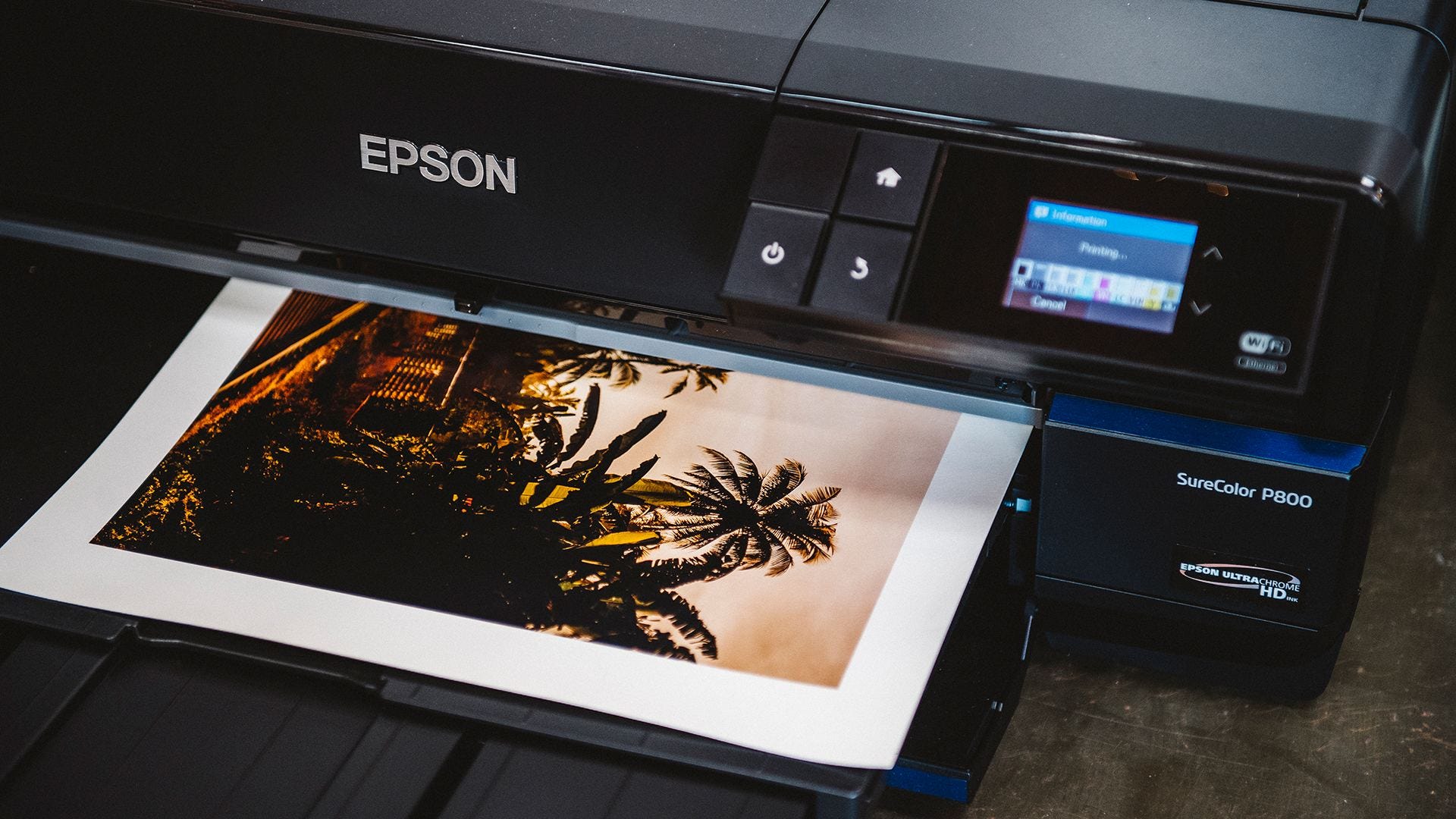
Beautiful Epson Scanner Printer Software Capture Photography
Explore this high-quality epson scanner printer software image, perfect for enhancing your desktop or mobile wallpaper.
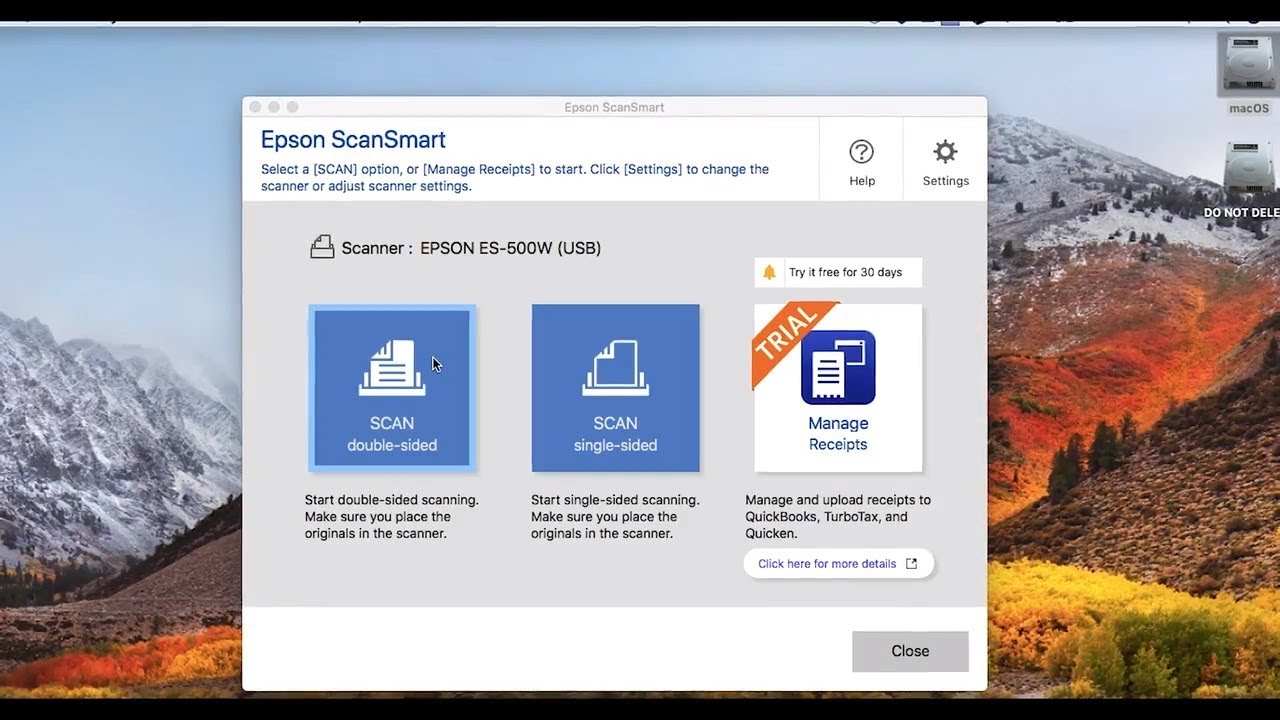
Lush Epson Scanner Printer Software Picture Art
This gorgeous epson scanner printer software photo offers a breathtaking view, making it a perfect choice for your next wallpaper.

Dynamic Epson Scanner Printer Software Artwork Photography
This gorgeous epson scanner printer software photo offers a breathtaking view, making it a perfect choice for your next wallpaper.

High-Quality Epson Scanner Printer Software Scene Digital Art
Experience the crisp clarity of this stunning epson scanner printer software image, available in high resolution for all your screens.

Spectacular Epson Scanner Printer Software View Digital Art
Immerse yourself in the stunning details of this beautiful epson scanner printer software wallpaper, designed for a captivating visual experience.
Beautiful Epson Scanner Printer Software Scene Concept
Explore this high-quality epson scanner printer software image, perfect for enhancing your desktop or mobile wallpaper.
Beautiful Epson Scanner Printer Software Moment in HD
Transform your screen with this vivid epson scanner printer software artwork, a true masterpiece of digital design.
Mesmerizing Epson Scanner Printer Software View Digital Art
Explore this high-quality epson scanner printer software image, perfect for enhancing your desktop or mobile wallpaper.
Captivating Epson Scanner Printer Software Image Concept
This gorgeous epson scanner printer software photo offers a breathtaking view, making it a perfect choice for your next wallpaper.
High-Quality Epson Scanner Printer Software Photo Digital Art
Discover an amazing epson scanner printer software background image, ideal for personalizing your devices with vibrant colors and intricate designs.
Detailed Epson Scanner Printer Software Image Concept
Discover an amazing epson scanner printer software background image, ideal for personalizing your devices with vibrant colors and intricate designs.

Amazing Epson Scanner Printer Software Scene Digital Art
Transform your screen with this vivid epson scanner printer software artwork, a true masterpiece of digital design.
Exquisite Epson Scanner Printer Software Moment Nature
This gorgeous epson scanner printer software photo offers a breathtaking view, making it a perfect choice for your next wallpaper.
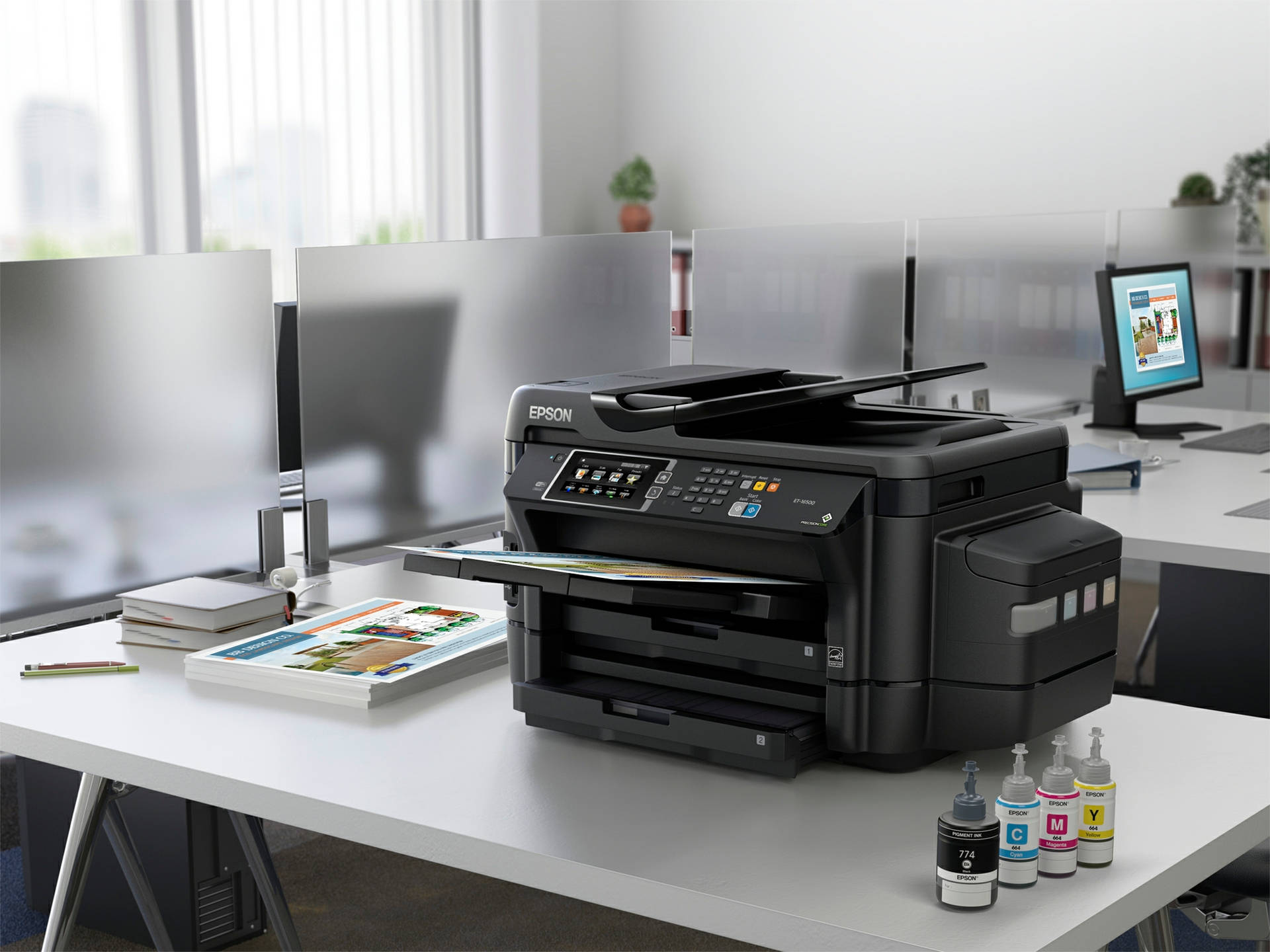
Amazing Epson Scanner Printer Software Capture in 4K
Transform your screen with this vivid epson scanner printer software artwork, a true masterpiece of digital design.

Amazing Epson Scanner Printer Software Moment in HD
Discover an amazing epson scanner printer software background image, ideal for personalizing your devices with vibrant colors and intricate designs.

Mesmerizing Epson Scanner Printer Software Photo Illustration
Transform your screen with this vivid epson scanner printer software artwork, a true masterpiece of digital design.

Vibrant Epson Scanner Printer Software Photo Art
Explore this high-quality epson scanner printer software image, perfect for enhancing your desktop or mobile wallpaper.

Amazing Epson Scanner Printer Software Wallpaper Art
Transform your screen with this vivid epson scanner printer software artwork, a true masterpiece of digital design.

Gorgeous Epson Scanner Printer Software Background for Desktop
Immerse yourself in the stunning details of this beautiful epson scanner printer software wallpaper, designed for a captivating visual experience.
Download these epson scanner printer software wallpapers for free and use them on your desktop or mobile devices.
0 Response to "Epson Scanner Printer Software"
Post a Comment