How Do I Get Excel
How Do I Get Excel? Your Complete Guide to Installation and Access
If you've found yourself needing to crunch numbers, organize data, or build powerful charts, you've definitely come across Microsoft Excel. It's the undisputed champion of spreadsheets, used by millions worldwide. But maybe you're sitting there wondering: How do I get Excel? The process might seem complicated because Microsoft offers several options, but don't worry—we've broken down everything you need to know in this easy-to-follow guide.
Whether you need the full desktop suite for professional use or just a free, quick online solution, we'll walk you through the various ways you can access this essential software today. Let's dive into the best paths for securing your copy of Excel.
Understanding Your Options: Ways to Get Excel
When you ask, "How do I get Excel?", the answer usually depends on how intensely you plan to use it and whether you prefer a subscription model or a one-time payment. Microsoft provides three main pathways to access the program.
The most popular way to obtain Excel today is through a Microsoft 365 subscription, which ensures you always have the latest features and cloud synchronization. However, there are alternative options that might suit specific budgets or needs.
Option 1: Microsoft 365 Subscription (The Full Experience)
For most users, especially students, professionals, and families, subscribing to Microsoft 365 (formerly Office 365) is the best route. This subscription gives you access to the full desktop version of Excel, plus other core programs like Word, PowerPoint, and Outlook.
A major benefit of Microsoft 365 is that it is constantly updated with new features and security patches, ensuring you have the most powerful tools available. Additionally, you get generous OneDrive cloud storage included in the price.
Choosing the Right Microsoft 365 Plan
Microsoft offers several tiers depending on who will be using the software and how many devices you need to cover. Consider the following common options when deciding how do I get Excel via subscription:
- Microsoft 365 Personal: Ideal for one user. You can install the apps on multiple devices (PC/Mac, tablets, and phones) but only use them simultaneously on five devices.
- Microsoft 365 Family: Best for households. This covers up to six users, and each user gets 1TB of cloud storage. This is usually the most cost-effective option for families.
- Microsoft 365 Business Plans: Designed for companies requiring advanced security, large-scale deployment, and collaborative tools. These plans offer extra features beyond the standard suite.
- Education Plans: Many students and teachers are eligible for free or heavily discounted access to Microsoft 365. Check with your school's IT department.
Once you've selected your plan, getting Excel is simple. Follow these steps:
- Visit the official Microsoft 365 website.
- Select the subscription plan that fits your needs (Personal, Family, or Business).
- Complete the purchase or sign up for the free trial (usually one month).
- After subscribing, log into your Microsoft account dashboard.
- Click the "Install Office" button and follow the on-screen prompts to download the installer file.
- Run the installer, and Excel, along with the rest of the Office suite, will be ready to use!
Option 2: Excel as a Standalone Purchase (One-Time Cost)
Maybe you strongly dislike subscriptions and prefer to pay for software only once. In this scenario, you can purchase Excel as a one-time, perpetual license. This option is sometimes called "Office Home & Student" or "Office Professional," which includes Excel.
The main drawback here is that your version of Excel will not receive feature updates—only security updates—and you will not receive the cloud storage benefits of Microsoft 365. If a new version is released (e.g., Excel 2024), you would have to buy the software again to upgrade.
If you choose this route, you'll typically buy a license key directly from Microsoft or a certified retailer. You then download the installation file, input your key, and you're good to go.
Option 3: Using Excel for Free (Web & Mobile Versions)
Many users don't realize that they can access a functional version of Excel without paying anything! If your needs are basic and you mostly work with standard formulas and formatting, the free Excel web app might be the perfect solution for you.
Similarly, the Excel mobile apps (available for iOS and Android) are free to download and use on devices smaller than 10.1 inches. These mobile apps are excellent for quick edits and viewing files on the go.
Accessing Excel Online
To access the free Excel web application, all you need is a free Microsoft Account (like an Outlook or Hotmail email address). This version runs entirely in your web browser and stores your files in OneDrive.
Here's how to access it:
- Go to Office.com.
- Log in using your personal Microsoft account.
- On the left sidebar, click the Excel icon.
- You can immediately start a new workbook or open an existing file stored in your OneDrive.
While the web version lacks some advanced features like Power Pivot or intricate macros, it handles 90% of typical spreadsheet tasks perfectly well. It's a fantastic answer to the question, "How do I get Excel for simple tasks?"
Installation Requirements and Troubleshooting
Before installing the full desktop version of Excel, ensure your computer meets the minimum system requirements. Generally, modern PCs and Macs manufactured within the last few years should handle it fine. You usually need the latest three major versions of macOS or a recent version of Windows (Windows 10 or 11).
If you encounter issues during installation, here are a few quick troubleshooting tips:
- Check Your Subscription Status: Make sure your Microsoft 365 payment is up to date and your subscription is active.
- Restart Your Computer: Sometimes residual files can interfere with the installer. A quick restart often fixes this.
- Ensure Sufficient Disk Space: The full Office suite can take up several gigabytes of space. Clear out unnecessary files if storage is low.
- Use the Microsoft Support and Recovery Assistant (SaRA): This free tool from Microsoft can automatically diagnose and fix activation or installation issues related to Office products.
Remember, if you are using the Microsoft 365 subscription model, you must connect to the internet periodically (at least once every 30 days) to verify your license. If you go offline for too long, Excel might transition into reduced functionality mode until you reconnect.
Conclusion: Deciding How Do I Get Excel
The question, "How do I get Excel?" has multiple excellent answers, depending entirely on your budget and usage habits. If you need the full power, continual updates, and cloud storage, the Microsoft 365 subscription is the clear winner.
However, if you only need basic functionality for quick data entry or simple home budgeting, the free Excel web application provides a surprisingly robust alternative. Take a moment to assess your needs—do you need pivot tables and VLOOKUP, or just basic sums and charts? Once you decide, simply follow the outlined steps to download and start using the world's most powerful spreadsheet software today!
Frequently Asked Questions (FAQ) About Accessing Excel
- Can I buy Excel separately without buying the entire Microsoft Office suite?
- Yes, you can often purchase Excel as a standalone application license. However, this is usually nearly as expensive as purchasing the basic Office Home & Student bundle, which includes Word and PowerPoint as well.
- Is there a free trial available for the full desktop version?
- Yes. Microsoft typically offers a one-month free trial of Microsoft 365 Family or Personal. This allows you to fully explore the capabilities of the desktop version of Excel before committing to a payment.
- Do I need an internet connection to use the desktop version of Excel?
- After installation and initial activation, you do not need a constant internet connection to use the desktop version of Excel for daily tasks. However, if you are using Microsoft 365, you must connect to the internet at least once a month to verify your subscription status.
- If I use Excel Online, where are my files stored?
- All files created or edited in Excel Online are automatically saved and stored in your associated OneDrive account. This ensures your work is backed up and accessible from any device.
How Do I Get Excel
How Do I Get Excel Wallpapers
Collection of how do i get excel wallpapers for your desktop and mobile devices.

Serene How Do I Get Excel Landscape Concept
Discover an amazing how do i get excel background image, ideal for personalizing your devices with vibrant colors and intricate designs.
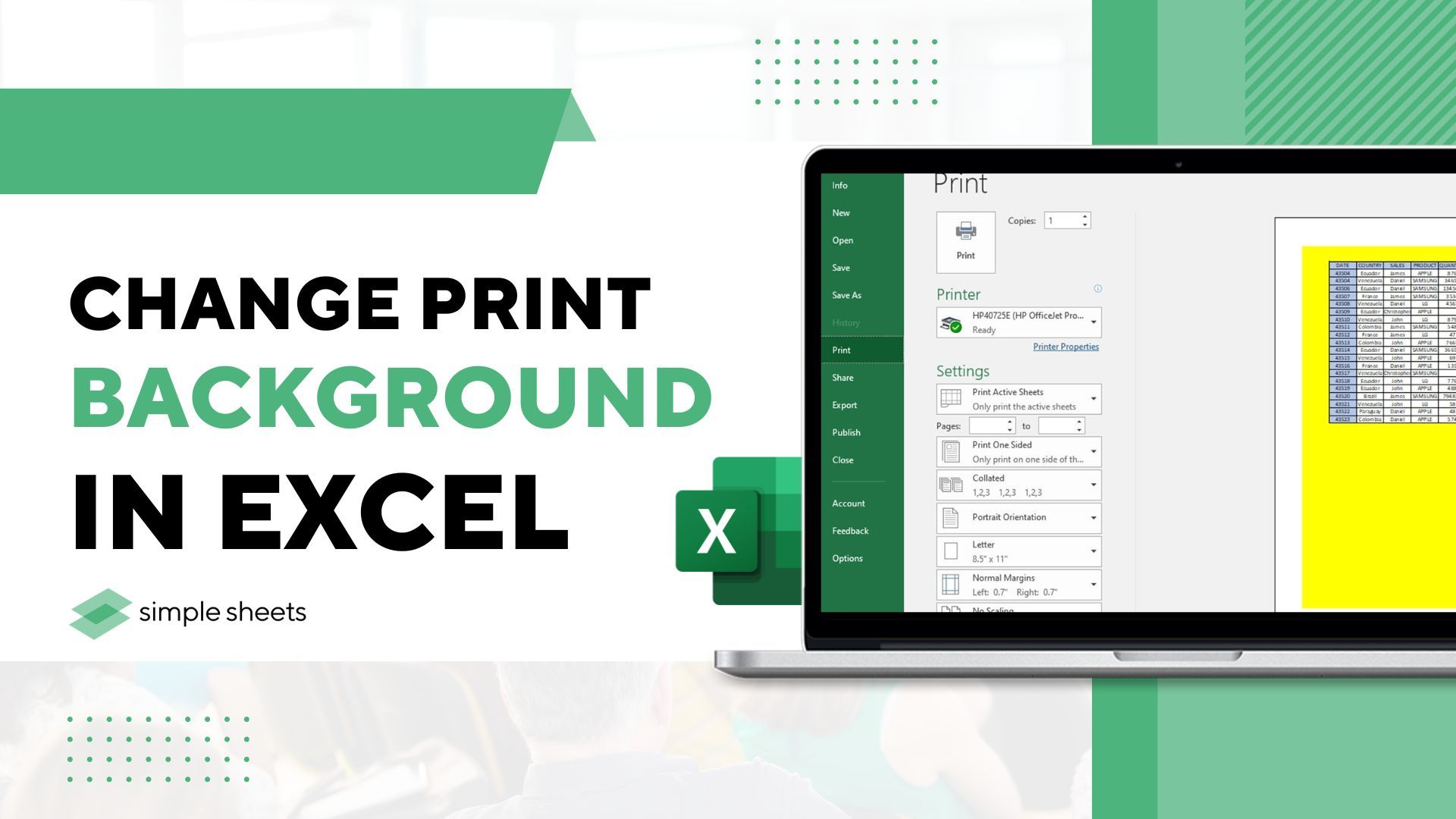
Artistic How Do I Get Excel Moment in 4K
Immerse yourself in the stunning details of this beautiful how do i get excel wallpaper, designed for a captivating visual experience.

Beautiful How Do I Get Excel Abstract Concept
Explore this high-quality how do i get excel image, perfect for enhancing your desktop or mobile wallpaper.
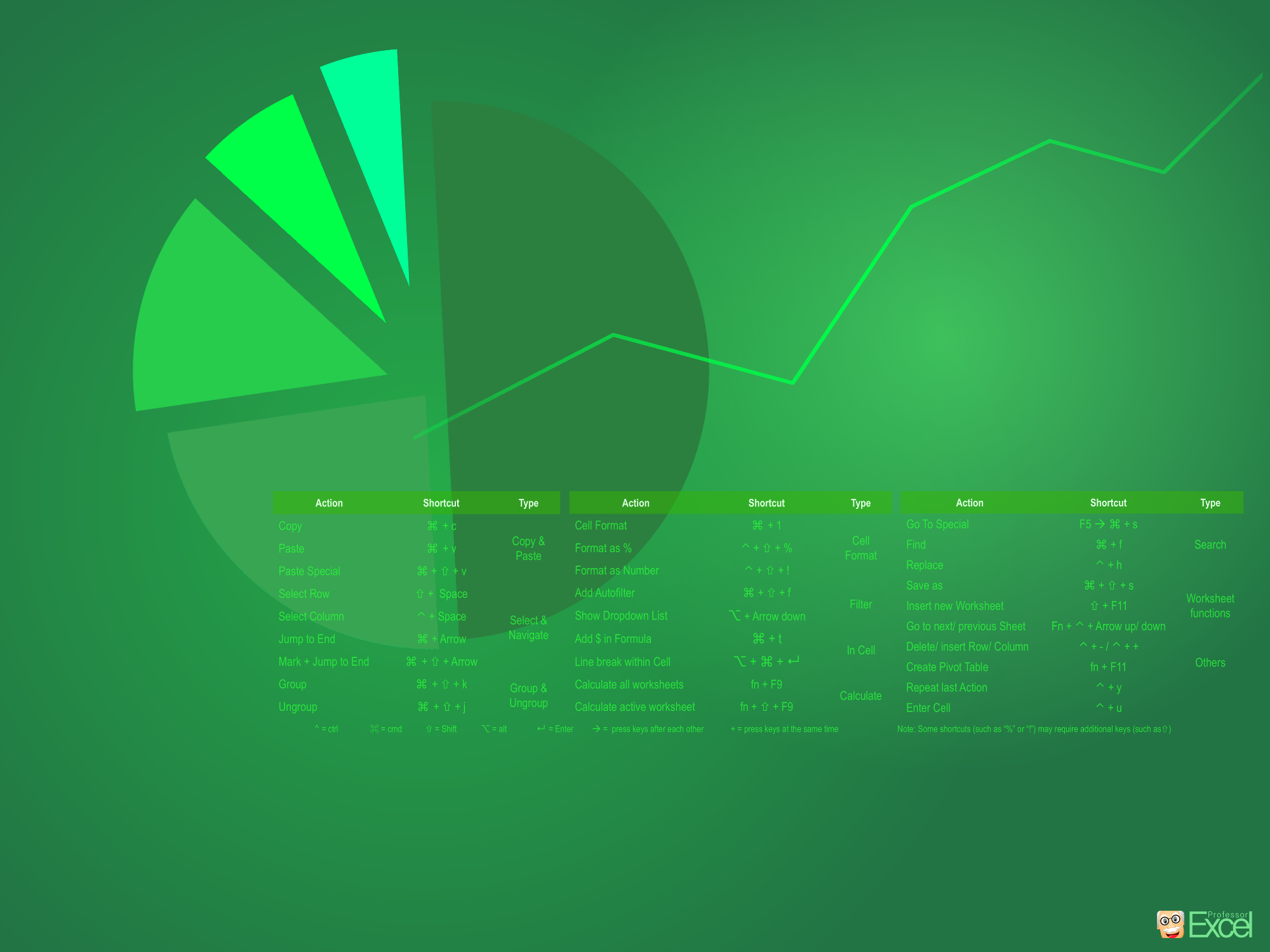
Stunning How Do I Get Excel Image Concept
Find inspiration with this unique how do i get excel illustration, crafted to provide a fresh look for your background.
Captivating How Do I Get Excel Abstract for Desktop
Find inspiration with this unique how do i get excel illustration, crafted to provide a fresh look for your background.
High-Quality How Do I Get Excel Scene for Your Screen
Discover an amazing how do i get excel background image, ideal for personalizing your devices with vibrant colors and intricate designs.

Crisp How Do I Get Excel Image for Your Screen
Find inspiration with this unique how do i get excel illustration, crafted to provide a fresh look for your background.
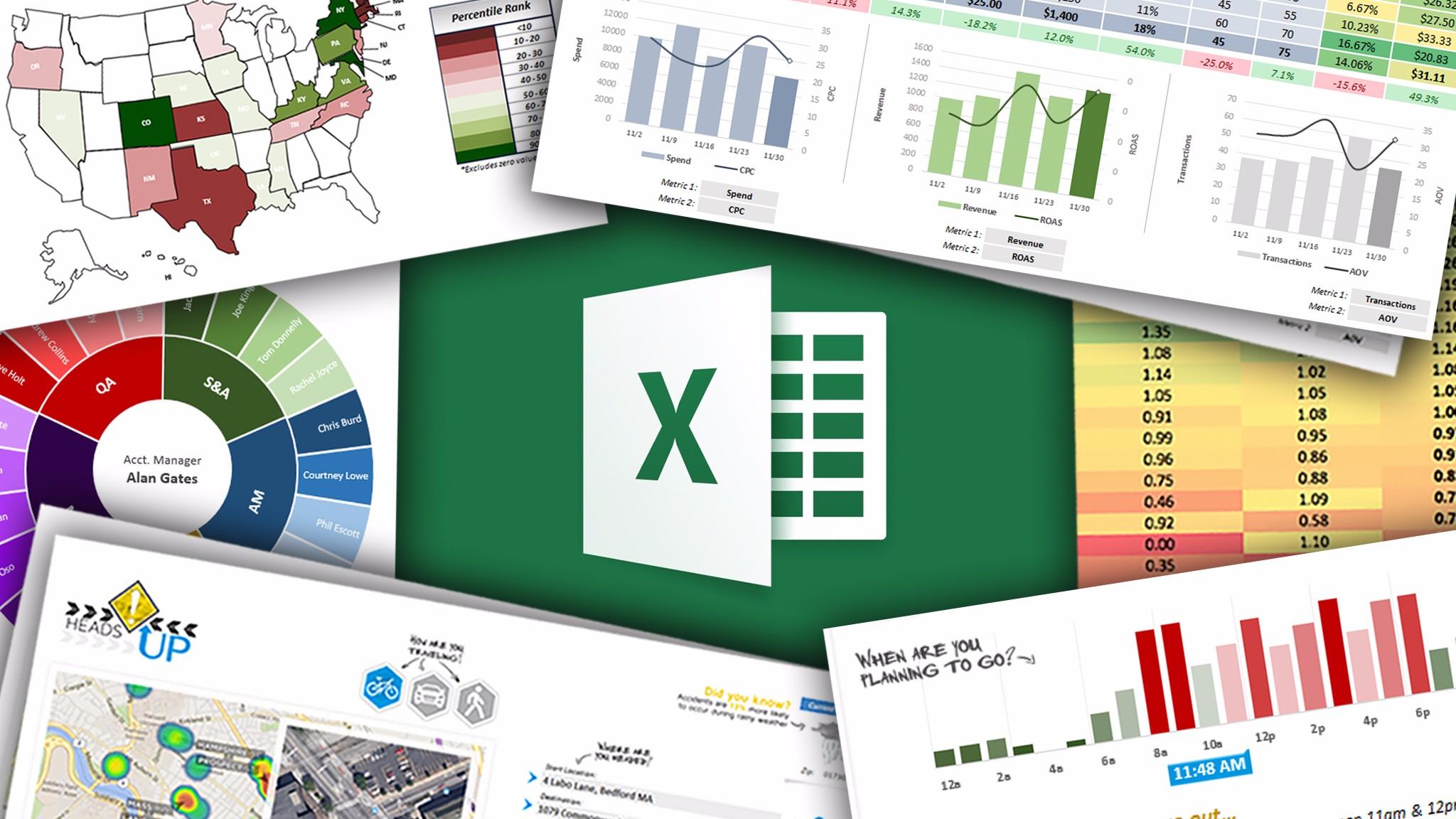
High-Quality How Do I Get Excel Wallpaper for Mobile
Discover an amazing how do i get excel background image, ideal for personalizing your devices with vibrant colors and intricate designs.

Lush How Do I Get Excel Landscape Art
Immerse yourself in the stunning details of this beautiful how do i get excel wallpaper, designed for a captivating visual experience.
Dynamic How Do I Get Excel Image Nature
A captivating how do i get excel scene that brings tranquility and beauty to any device.
Breathtaking How Do I Get Excel Abstract Concept
Discover an amazing how do i get excel background image, ideal for personalizing your devices with vibrant colors and intricate designs.

Stunning How Do I Get Excel Design in HD
Immerse yourself in the stunning details of this beautiful how do i get excel wallpaper, designed for a captivating visual experience.

Captivating How Do I Get Excel Background Art
Immerse yourself in the stunning details of this beautiful how do i get excel wallpaper, designed for a captivating visual experience.

Exquisite How Do I Get Excel Wallpaper Art
A captivating how do i get excel scene that brings tranquility and beauty to any device.
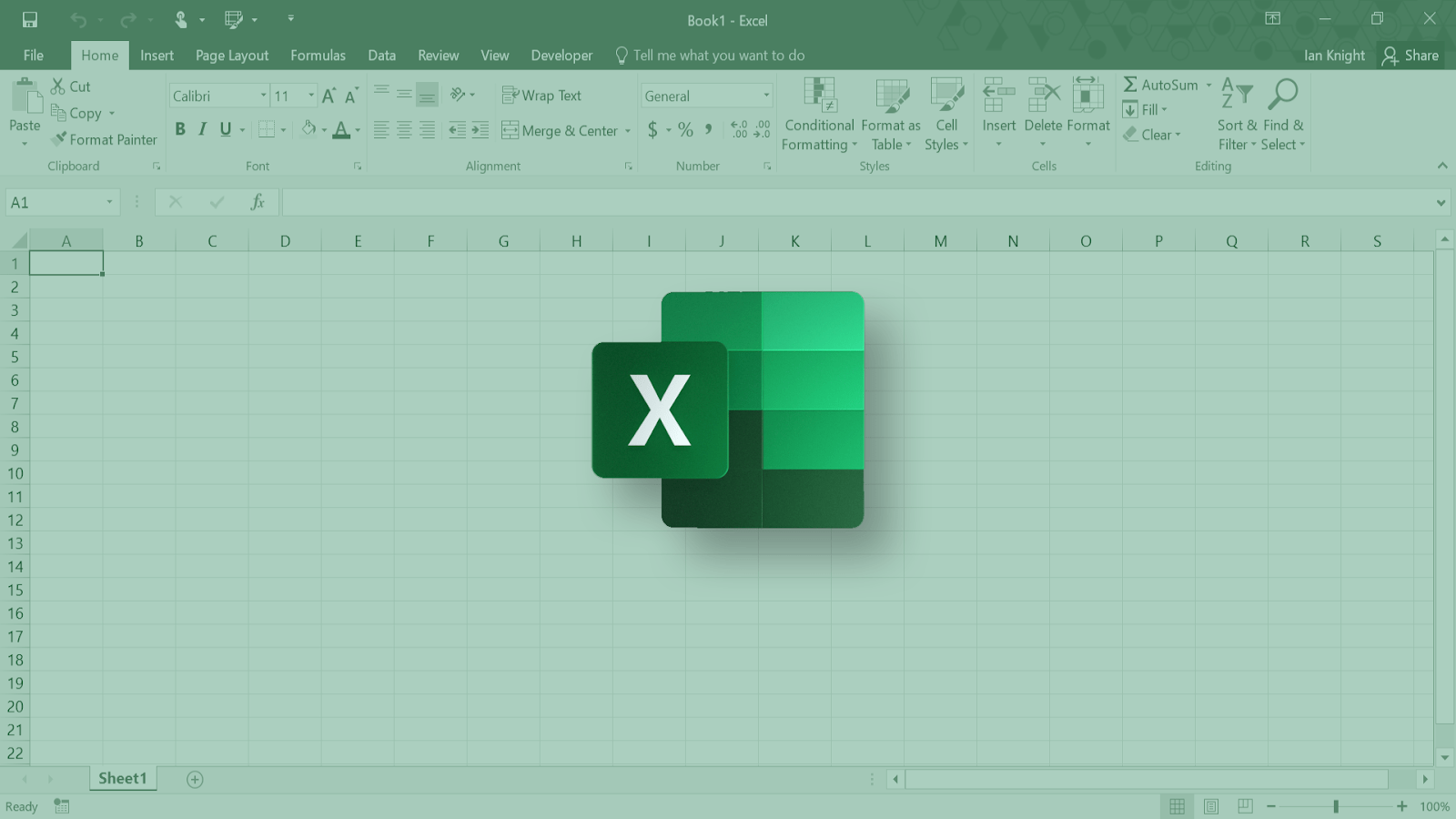
Mesmerizing How Do I Get Excel Moment in 4K
Transform your screen with this vivid how do i get excel artwork, a true masterpiece of digital design.
Dynamic How Do I Get Excel Background Concept
A captivating how do i get excel scene that brings tranquility and beauty to any device.
Vivid How Do I Get Excel Artwork in 4K
Transform your screen with this vivid how do i get excel artwork, a true masterpiece of digital design.

Detailed How Do I Get Excel Design in HD
Discover an amazing how do i get excel background image, ideal for personalizing your devices with vibrant colors and intricate designs.
Vibrant How Do I Get Excel Design in HD
Explore this high-quality how do i get excel image, perfect for enhancing your desktop or mobile wallpaper.
Dynamic How Do I Get Excel Capture in 4K
This gorgeous how do i get excel photo offers a breathtaking view, making it a perfect choice for your next wallpaper.
Download these how do i get excel wallpapers for free and use them on your desktop or mobile devices.