Final Draft Script Writing Software
Why Final Draft Script Writing Software Still Dominates Hollywood's Writers' Rooms
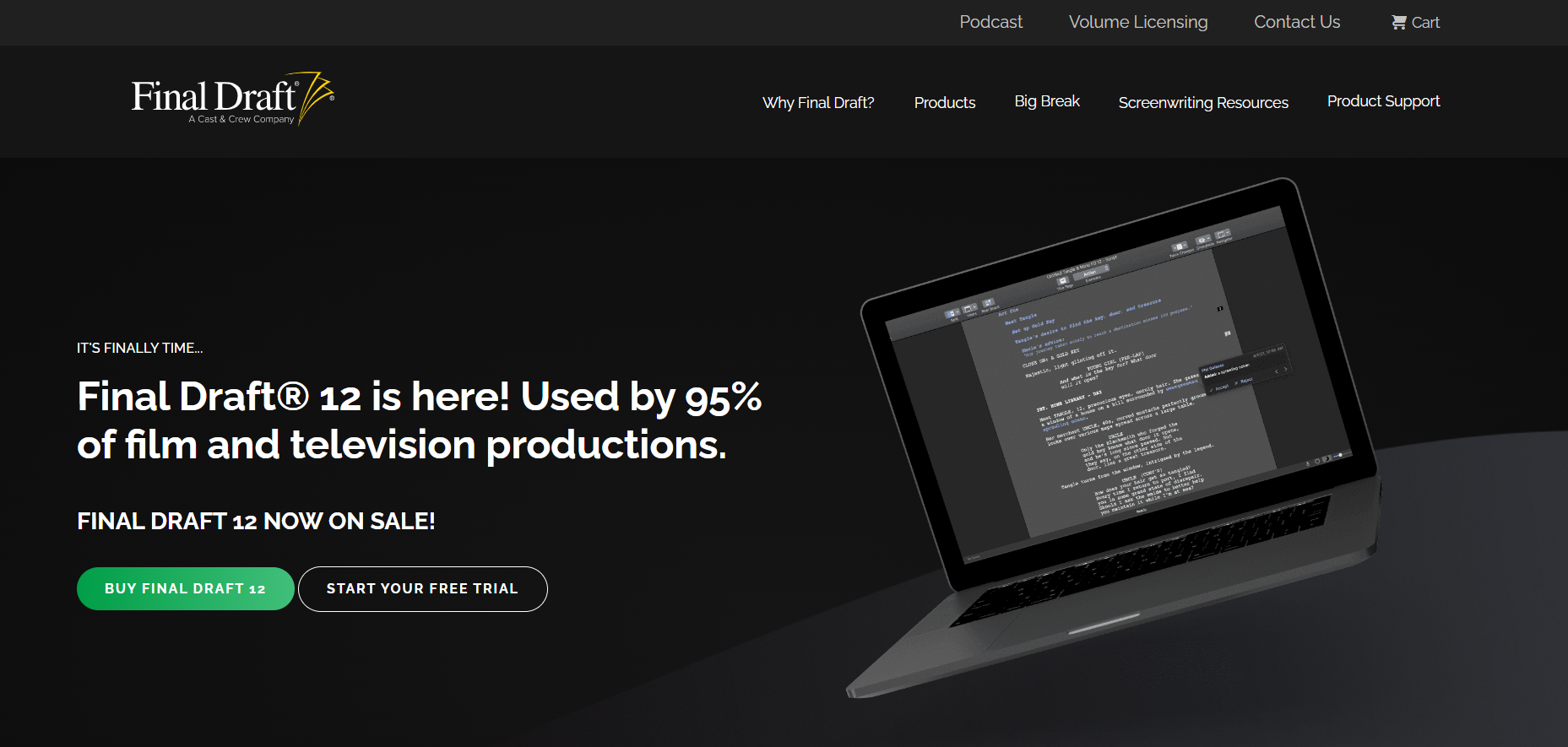
If you've ever dreamt of seeing your name on the big screen, you've certainly encountered the debate: which software should you use to write your masterpiece? For decades, the undisputed king has been Final Draft Script Writing Software. It's more than just a word processor; it is the industry-standard tool used by 95% of film and television productions.
But does that legacy automatically make it the best choice for you, the modern writer? Given the rise of powerful, often cheaper, competitors like Celtx and Fade In, the question of whether Final Draft justifies its premium price tag is more relevant than ever. Let's dive deep into why this software holds its ground and whether it provides the necessary E-E-A-T (Expertise, Experience, Authoritativeness, and Trustworthiness) your screenwriting career needs.
Why Final Draft Script Writing Software is the Industry Benchmark
The primary reason Final Draft reigns supreme isn't solely due to its features, but its ubiquity and standardization. In Hollywood, the script is a legal document and a blueprint for production. Consistency is critical.
When you submit a script to an agent, studio executive, or network, they expect it to be formatted perfectly according to industry standards—a standard often dictated by Final Draft's formatting engine. This consistency simplifies the pipeline for budgeting, scheduling, and breaking down the script for the crew.
This widespread adoption means that production teams, script readers, and studios rely on the file format (.fdx). Using anything else often means risking frustrating formatting conversion issues when the script moves from the writer's desk to the production office.
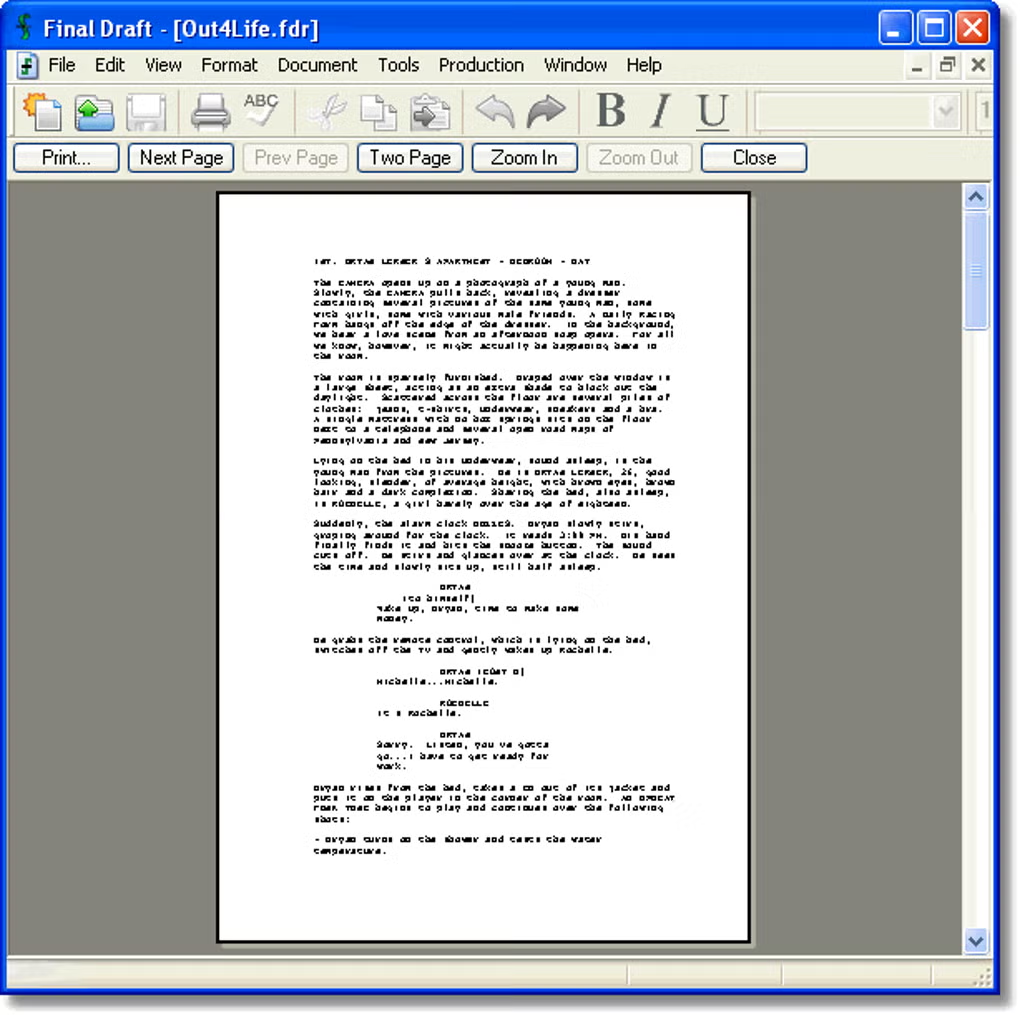
Final Draft ensures professional presentation, which signals immediate competence. It adheres strictly to the fundamental rules of screenwriting formatting, including character element spacing, scene numbering, and pagination, often referred to as the "watermark" of professionalism. To understand the historical need for strict standardization, read more about the evolution of screenwriting software on Wikipedia.
Must-Have Features That Justify the Price Tag
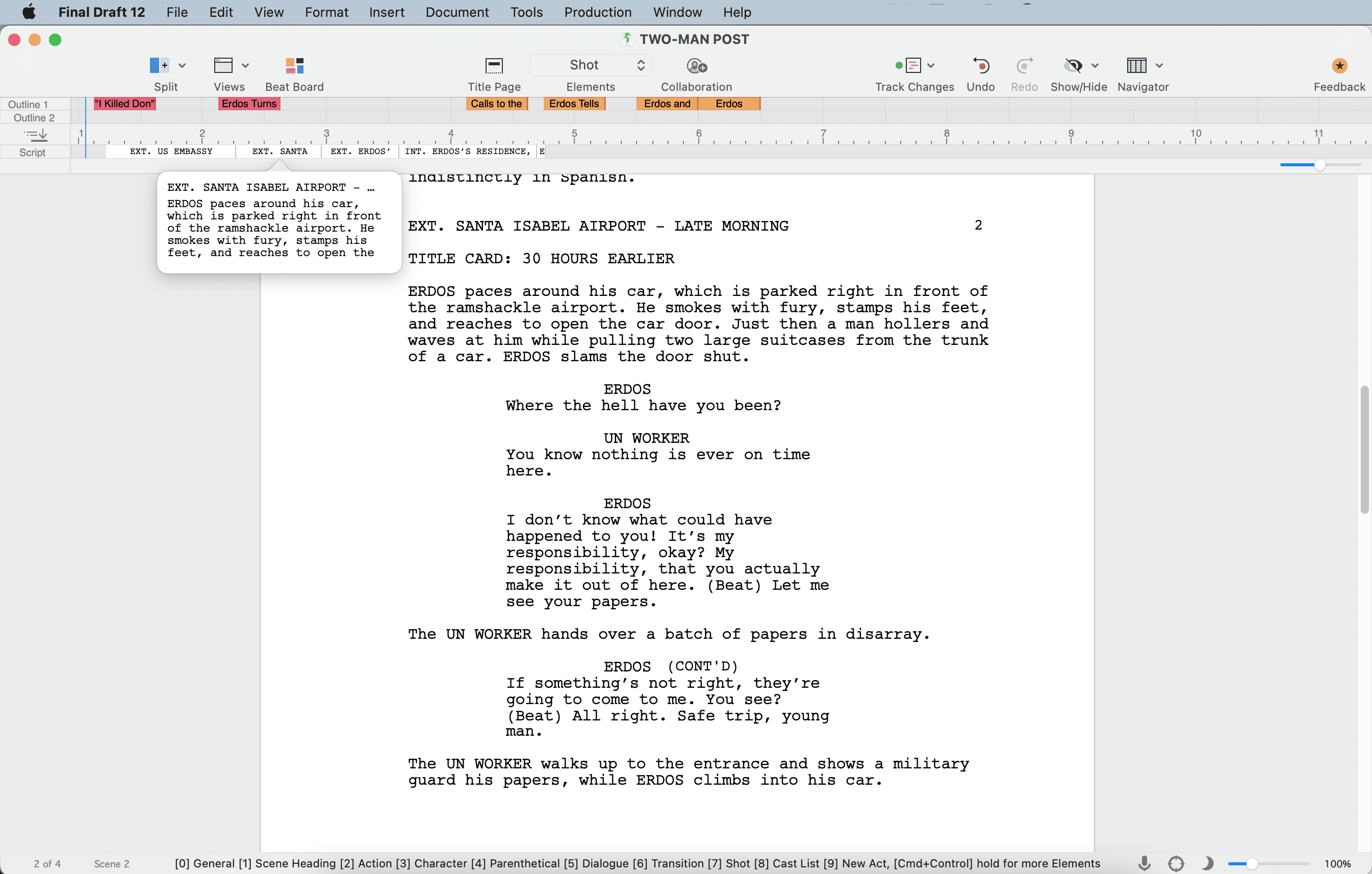
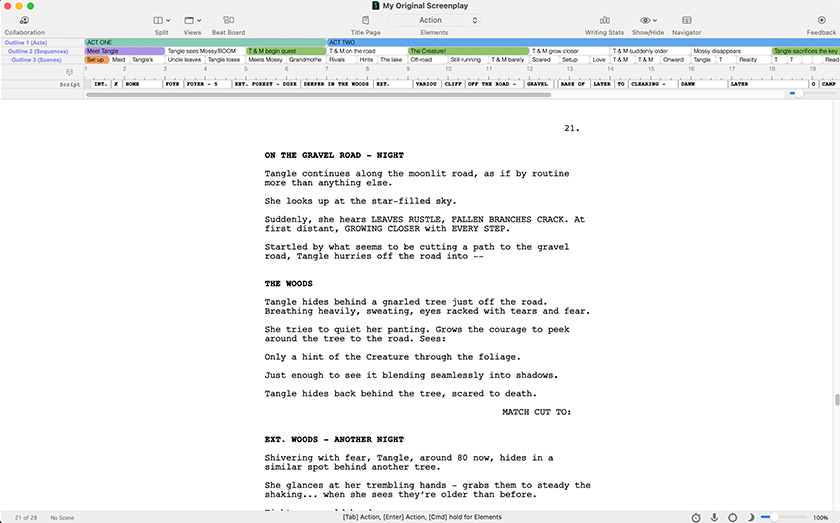
Beyond formatting, Final Draft 12 (the current major version) packs tools designed not just for typing, but for serious story development and collaboration. These features streamline the pre-production process significantly:
1. The Beat Board and Outline Tools
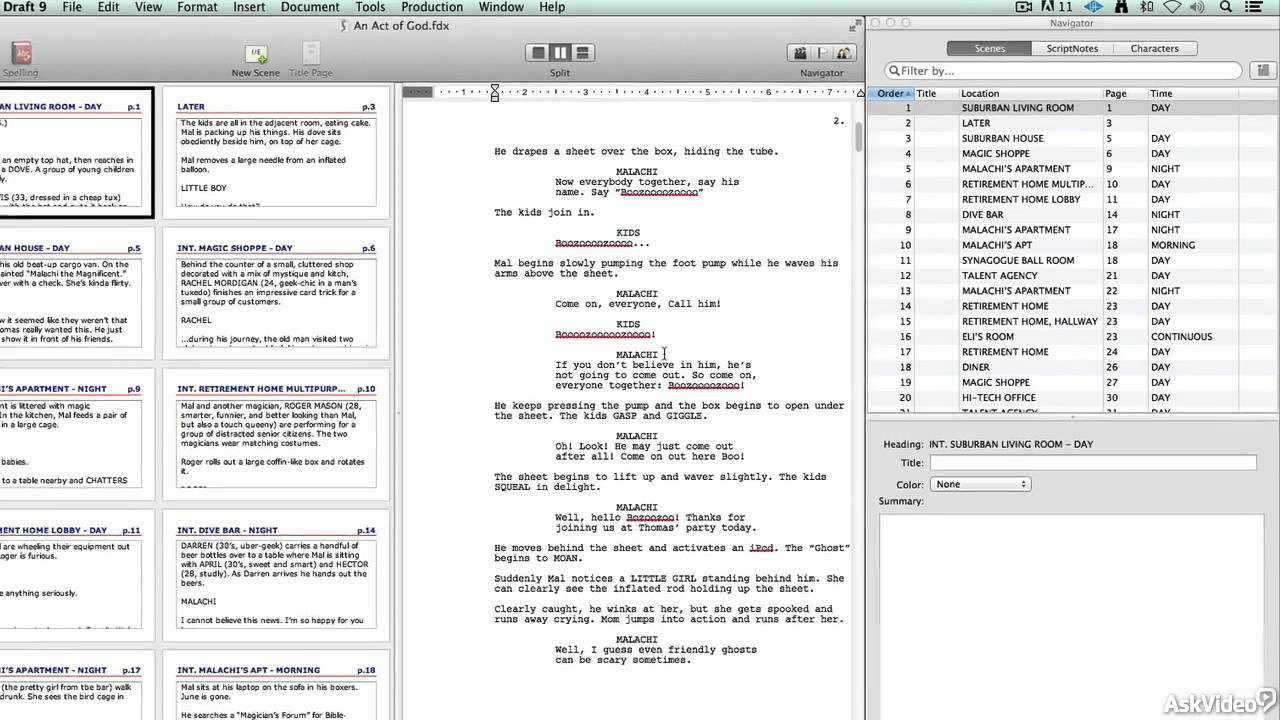
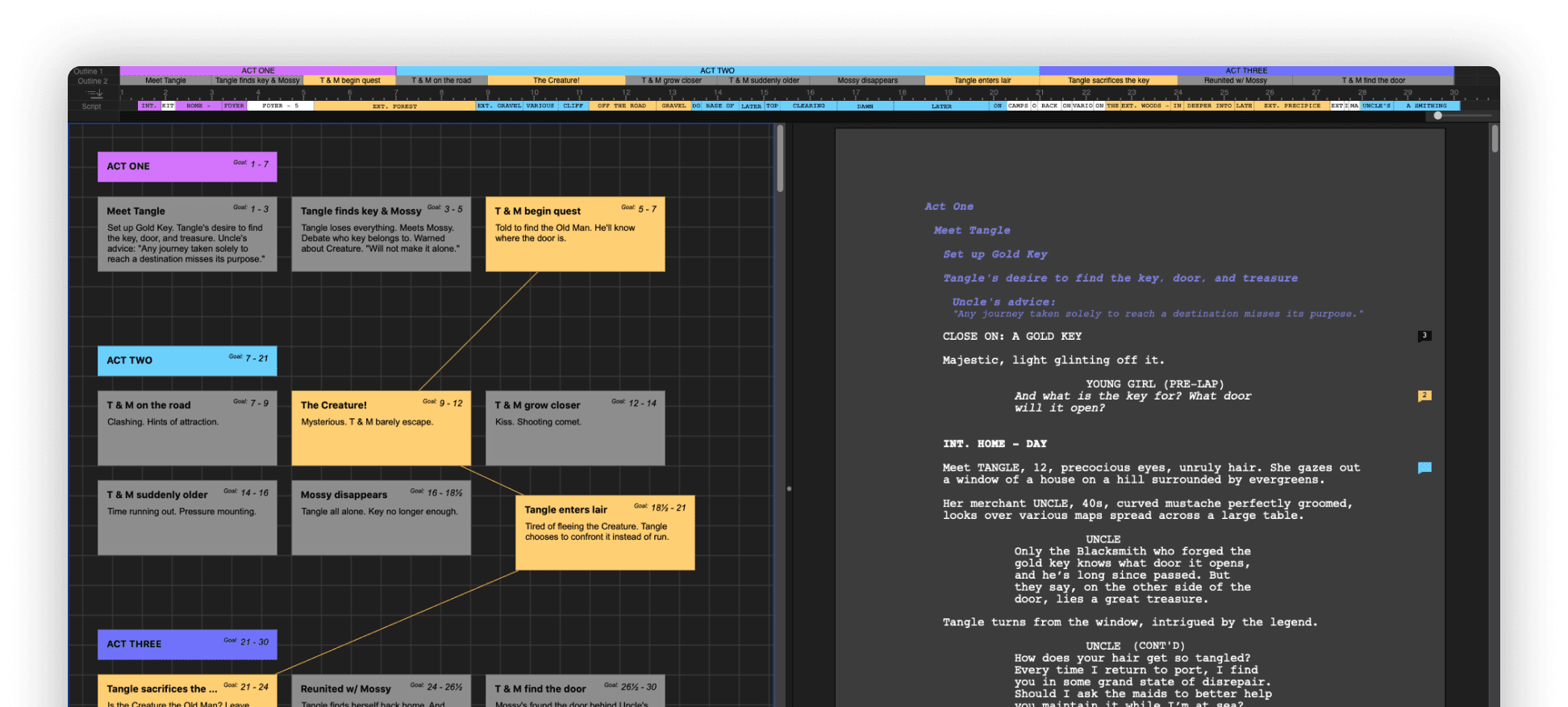
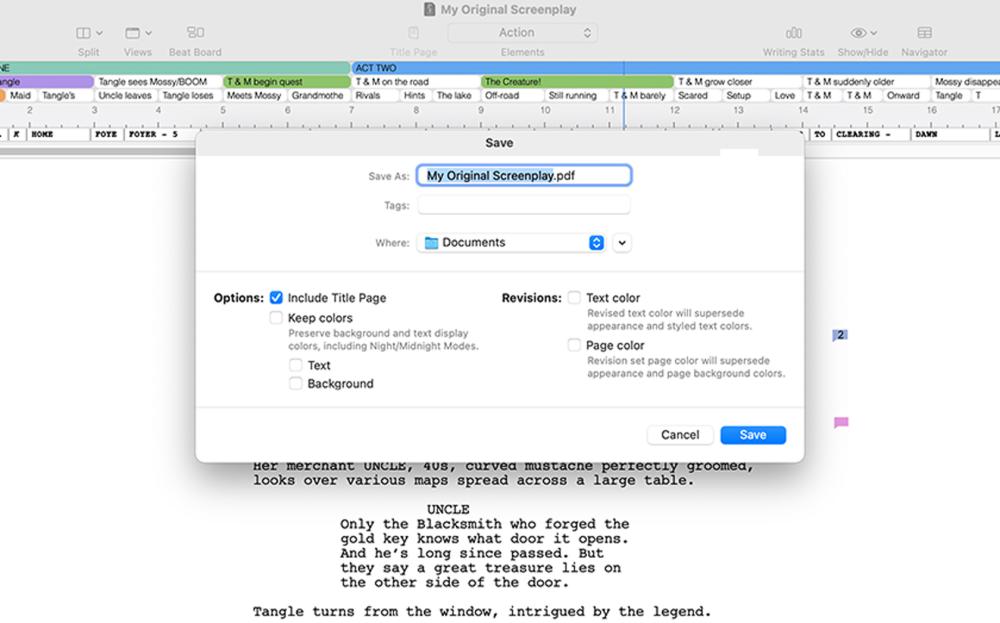
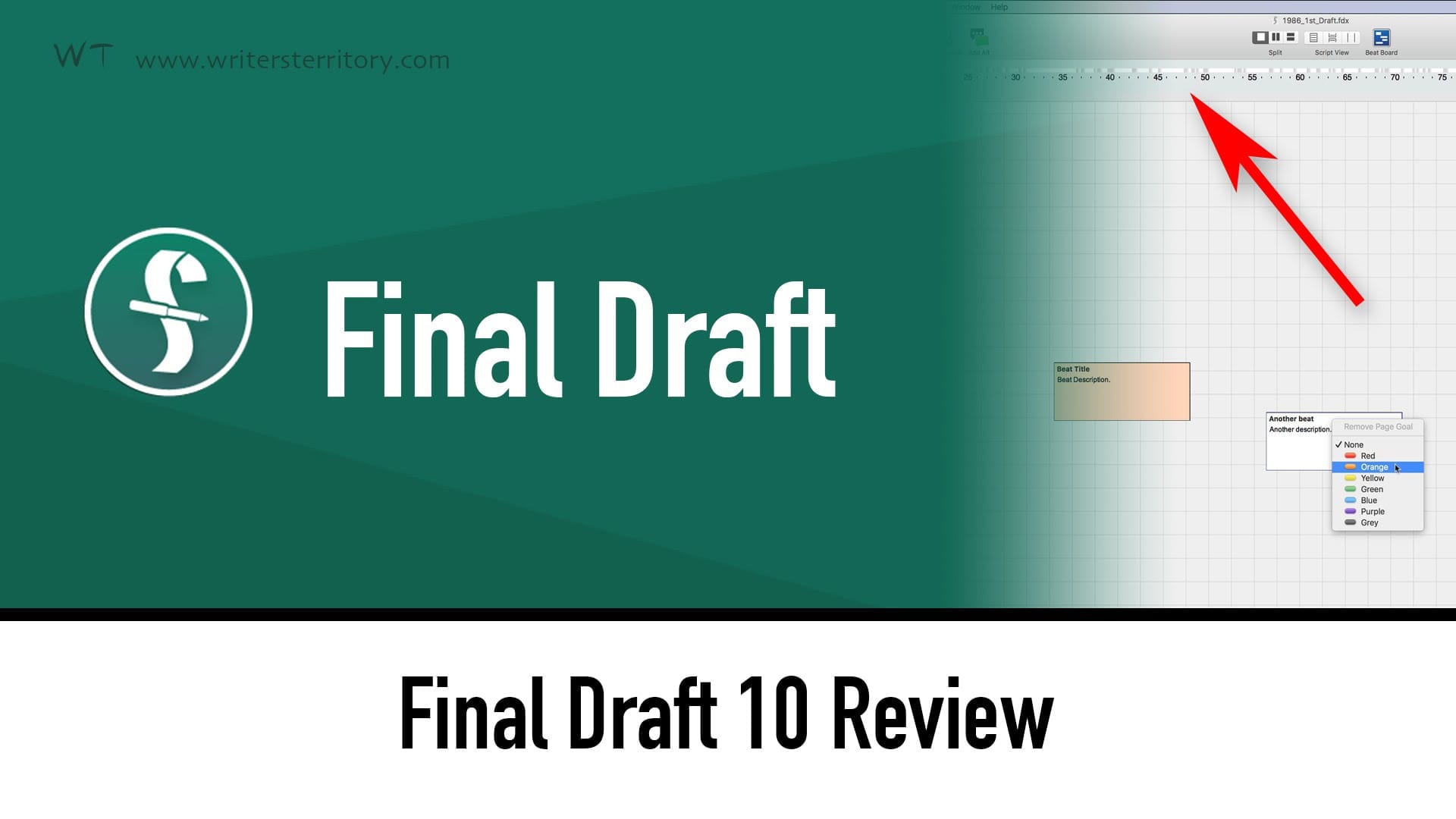
The Beat Board is perhaps one of the most significant UX improvements in recent versions. It functions as a digital corkboard where you can brainstorm, outline, and rearrange plot points (Beats) using index cards before committing them to the script. This visual approach is invaluable for structuring complex narratives, ensuring your pacing is tight before the first draft.
2. SmartType and Tab/Enter Functionality
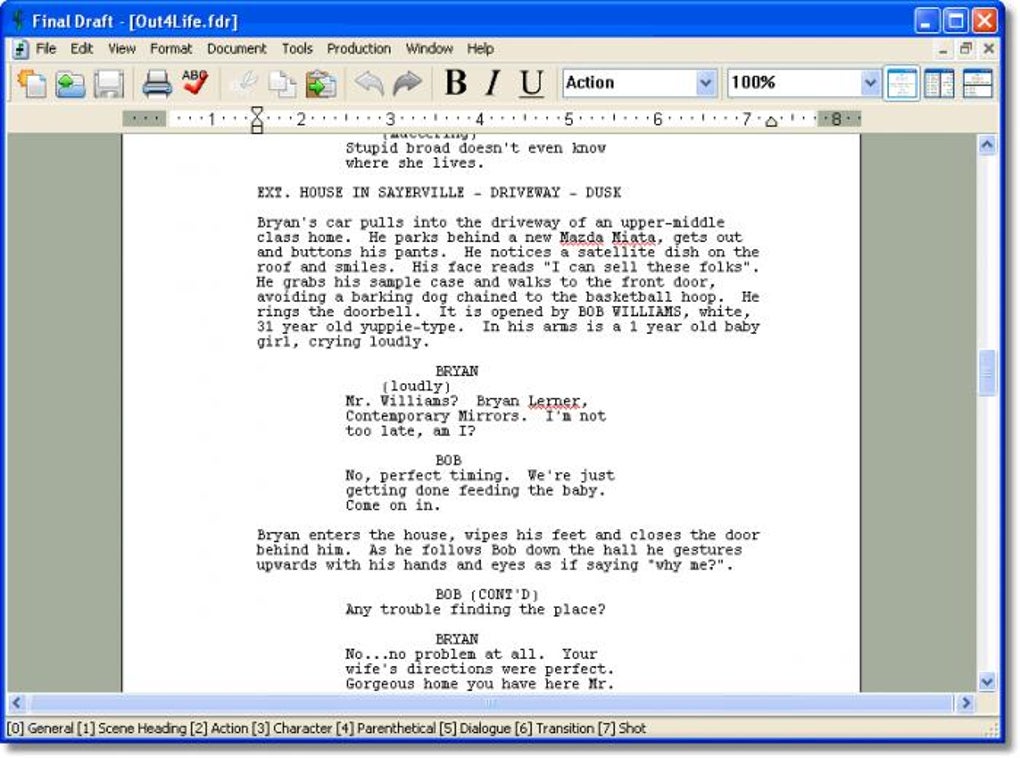
The core writing experience is incredibly fast. SmartType automatically suggests character names, locations (SLUGLINES), and transitions as you type. Furthermore, the intelligent use of the Tab and Enter keys automatically switches between script elements (Action, Character, Dialogue, Parenthetical), meaning you rarely need to touch the mouse, keeping you immersed in the writing process.
3. Collaboration and Real-Time Editing
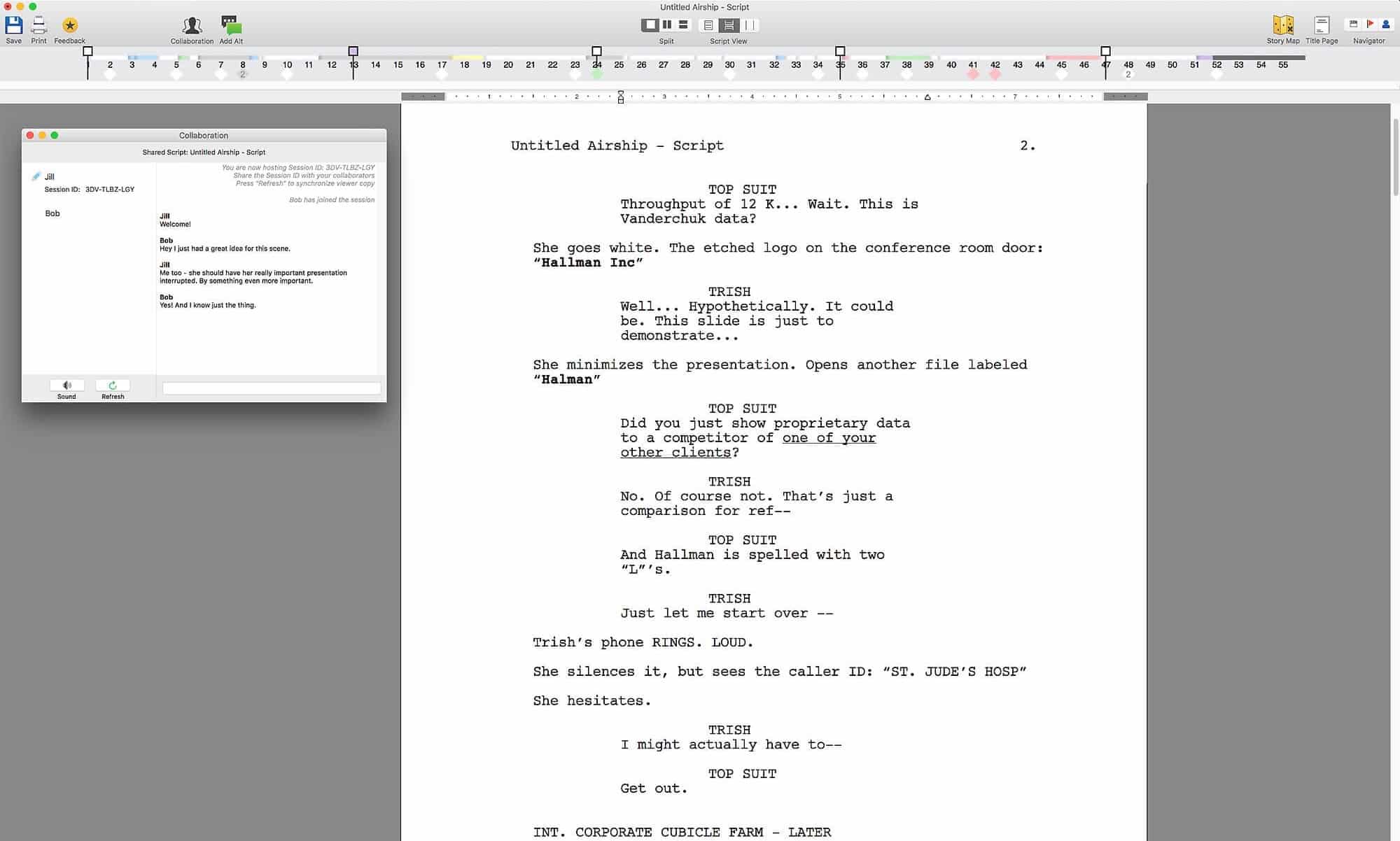
In the modern world of virtual writers' rooms, collaboration is key. Final Draft allows multiple writers to work on the same script simultaneously in real-time. This feature is crucial for TV shows, where efficiency and immediate feedback are non-negotiable. It truly transforms the application from a solo tool into an ensemble production instrument.
[Baca Juga: Advanced Screenwriting Formatting Tips for Production]
Final Draft vs. The Competition: A Quick Comparison
The landscape of script writing software has evolved dramatically. While Final Draft (FD) demands a high one-time fee, cloud-based solutions like Celtx operate on a subscription model, and others like Fade In offer a perpetual license at a lower cost.
The deciding factor often boils down to two things: workflow integration and budget. If you are an aspiring writer primarily focused on formatting, there are excellent free or cheap alternatives. However, if your goal is to work professionally within the studio system, the native compatibility of FD saves significant time and headache.
Here is a quick breakdown focusing on where Final Draft truly differentiates itself:
| Feature | Final Draft | Competitor (e.g., Fade In) |
|---|---|---|
| Industry Adoption | Standard (FDX file is mandatory) | High, but not universally mandated |
| Real-Time Collaboration | Native and robust | Often subscription-based or limited |
| Revision Mode/Production Tools | Extensive (colored pages, locked pages) | Basic or requires add-ons |
| Cost Model | High one-time fee | Lower perpetual license or subscription |
Maximizing Your Workflow: Tips for Power Users
If you've decided to invest in the Final Draft Script Writing Software ecosystem, leveraging its advanced features can dramatically speed up your process and improve script quality.
1. Master the Reports
Final Draft can generate incredibly useful reports, such as a Character Report (listing every time a character speaks), a Scene Report (listing all scenes by interior/exterior, day/night), or a Location Report. These are indispensable tools during the editing and production budgeting phases. Use these reports to spot repetition or inconsistencies in your scene breakdown.
2. Use the Panels Function
Final Draft allows you to split your screen into two panels. You can view your script in one panel while keeping your Beat Board or Outline visible in the second panel. This eliminates the need to constantly switch tabs, keeping your focus where it belongs: on the story.
3. Understand Revision Tracking
Once a script moves into production, changes become critical to track. Final Draft's Revision Mode allows you to automatically color-code changes (often referred to as 'Blue Draft,' 'Pink Draft,' etc.) based on industry protocol. This level of technical control is essential for managing professional drafts. The complexity of screenwriting contracts often relies on precise revision tracking, as outlined by the WGA.
[Baca Juga: 15 Essential Final Draft Keyboard Shortcuts for Speed]
Conclusion: Is Final Draft the Right Investment?
The answer to whether Final Draft Script Writing Software is worth the investment depends entirely on your ambition. If you are a hobbyist or writing your first script for fun, excellent free options exist. However, if you are serious about pursuing screenwriting professionally, working in a writers' room, or submitting to major production companies, Final Draft remains the essential standard.
The software's authority, seamless integration into the production pipeline, and collaboration features provide an E-E-A-T advantage that few competitors can match. It's an investment in professionalism that pays dividends in credibility and workflow efficiency.
Frequently Asked Questions (FAQ)
- Q: Is the Final Draft mobile app (iOS) as powerful as the desktop version?
A: The iOS app is excellent for reading, light editing, and quick notes, but it lacks some of the heavy-duty features like the full Beat Board functionality and detailed revision tracking found in the desktop version. It's best used as a companion tool.
- Q: Can I import scripts written in Google Docs or Microsoft Word into Final Draft?
A: Yes. Final Draft has excellent import functions. You can paste plain text, and the program will attempt to "Tidy Up" and correctly format the script elements automatically, though some manual cleanup is usually necessary.
- Q: How often does Final Draft release major paid updates?
A: Major paid updates (e.g., FD 11 to FD 12) typically occur every two to three years. Minor updates (patches and bug fixes) are free for the life of that specific version number.
- Q: Does Final Draft support formatting for other mediums besides feature films?
A: Absolutely. Final Draft includes built-in templates for theatrical stage plays, graphic novels, musicals, and BBC radio plays, ensuring you meet the specific formatting demands of each medium. You can view the full list of templates available here.
Final Draft Script Writing Software
Final Draft Script Writing Software Wallpapers
Collection of final draft script writing software wallpapers for your desktop and mobile devices.

Exquisite Final Draft Script Writing Software Design Nature
Find inspiration with this unique final draft script writing software illustration, crafted to provide a fresh look for your background.

Dynamic Final Draft Script Writing Software Photo in HD
A captivating final draft script writing software scene that brings tranquility and beauty to any device.
Exquisite Final Draft Script Writing Software Artwork Digital Art
This gorgeous final draft script writing software photo offers a breathtaking view, making it a perfect choice for your next wallpaper.

Gorgeous Final Draft Script Writing Software Design in 4K
A captivating final draft script writing software scene that brings tranquility and beauty to any device.
Vibrant Final Draft Script Writing Software Abstract Photography
Transform your screen with this vivid final draft script writing software artwork, a true masterpiece of digital design.
Amazing Final Draft Script Writing Software Abstract Concept
Explore this high-quality final draft script writing software image, perfect for enhancing your desktop or mobile wallpaper.
Captivating Final Draft Script Writing Software Wallpaper in 4K
Immerse yourself in the stunning details of this beautiful final draft script writing software wallpaper, designed for a captivating visual experience.
Spectacular Final Draft Script Writing Software Artwork Photography
Find inspiration with this unique final draft script writing software illustration, crafted to provide a fresh look for your background.
Beautiful Final Draft Script Writing Software Abstract Art
Explore this high-quality final draft script writing software image, perfect for enhancing your desktop or mobile wallpaper.
Breathtaking Final Draft Script Writing Software Moment Collection
Explore this high-quality final draft script writing software image, perfect for enhancing your desktop or mobile wallpaper.
Captivating Final Draft Script Writing Software Moment in HD
This gorgeous final draft script writing software photo offers a breathtaking view, making it a perfect choice for your next wallpaper.

Lush Final Draft Script Writing Software Wallpaper Collection
A captivating final draft script writing software scene that brings tranquility and beauty to any device.

Mesmerizing Final Draft Script Writing Software View Illustration
Experience the crisp clarity of this stunning final draft script writing software image, available in high resolution for all your screens.
Lush Final Draft Script Writing Software Moment Art
This gorgeous final draft script writing software photo offers a breathtaking view, making it a perfect choice for your next wallpaper.
Vivid Final Draft Script Writing Software Design for Mobile
Explore this high-quality final draft script writing software image, perfect for enhancing your desktop or mobile wallpaper.

Amazing Final Draft Script Writing Software Background for Desktop
Transform your screen with this vivid final draft script writing software artwork, a true masterpiece of digital design.
Captivating Final Draft Script Writing Software Landscape in 4K
Immerse yourself in the stunning details of this beautiful final draft script writing software wallpaper, designed for a captivating visual experience.
Exquisite Final Draft Script Writing Software Scene Illustration
A captivating final draft script writing software scene that brings tranquility and beauty to any device.

Lush Final Draft Script Writing Software Background for Desktop
Find inspiration with this unique final draft script writing software illustration, crafted to provide a fresh look for your background.

Lush Final Draft Script Writing Software Scene Collection
Find inspiration with this unique final draft script writing software illustration, crafted to provide a fresh look for your background.
Download these final draft script writing software wallpapers for free and use them on your desktop or mobile devices.